Mobile menu toggle

Search results for: Apple One

This App Hopes To Help You Make ‘Smart Decisions’

By

Smart Decisions

Smart Decisions — Productivity — Free

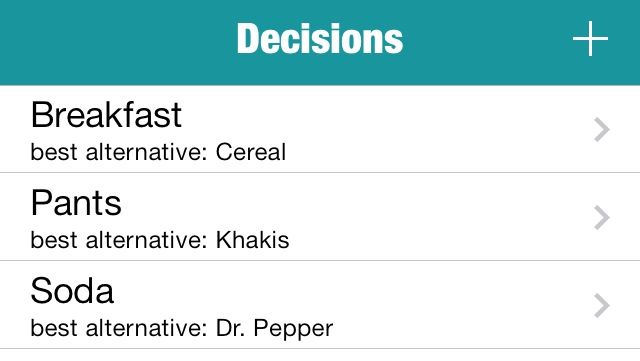
I clearly have a lot on my mind — I can’t even decide which pants to wear. Luckily, Smart Decisions exists. It’s an app that breaks up your major (or minor) quandaries into their component parts and helps you reach conclusions simply and methodically. First you identify the problem, and then you list out the alternatives. After that, you figure out the most important factors to consider and rank them in order of importance. The app then has you compare two options at a time based on the factors you listed. After you’ve exhausted all combinations, it tells you what your best choice is.

Apparently, I want cereal more than pancakes. That was a surprise.

Smart Decisions

Sonic The Hedgehog 2 Remastered Available Now On Android & iOS

By

post-257802-image-051d92a237e9497548e2e2148db0a3b0-jpg

Sonic The Hedgehog 2 was undoubtedly a reason to buy a Sega Genesis back in 1992, but if you thought it was decent then, you should check it out the new remastered version for Android and iOS.

The title has been completely rebuilt for mobile devices, and it boasts exclusive new content including access to the mysterious Hidden Palace Zone and an all-new “Boss Attack mode,” plus improved graphics and audio.

How To Use The Three Power Button States In Mavericks [OS X Tips]

By

power button

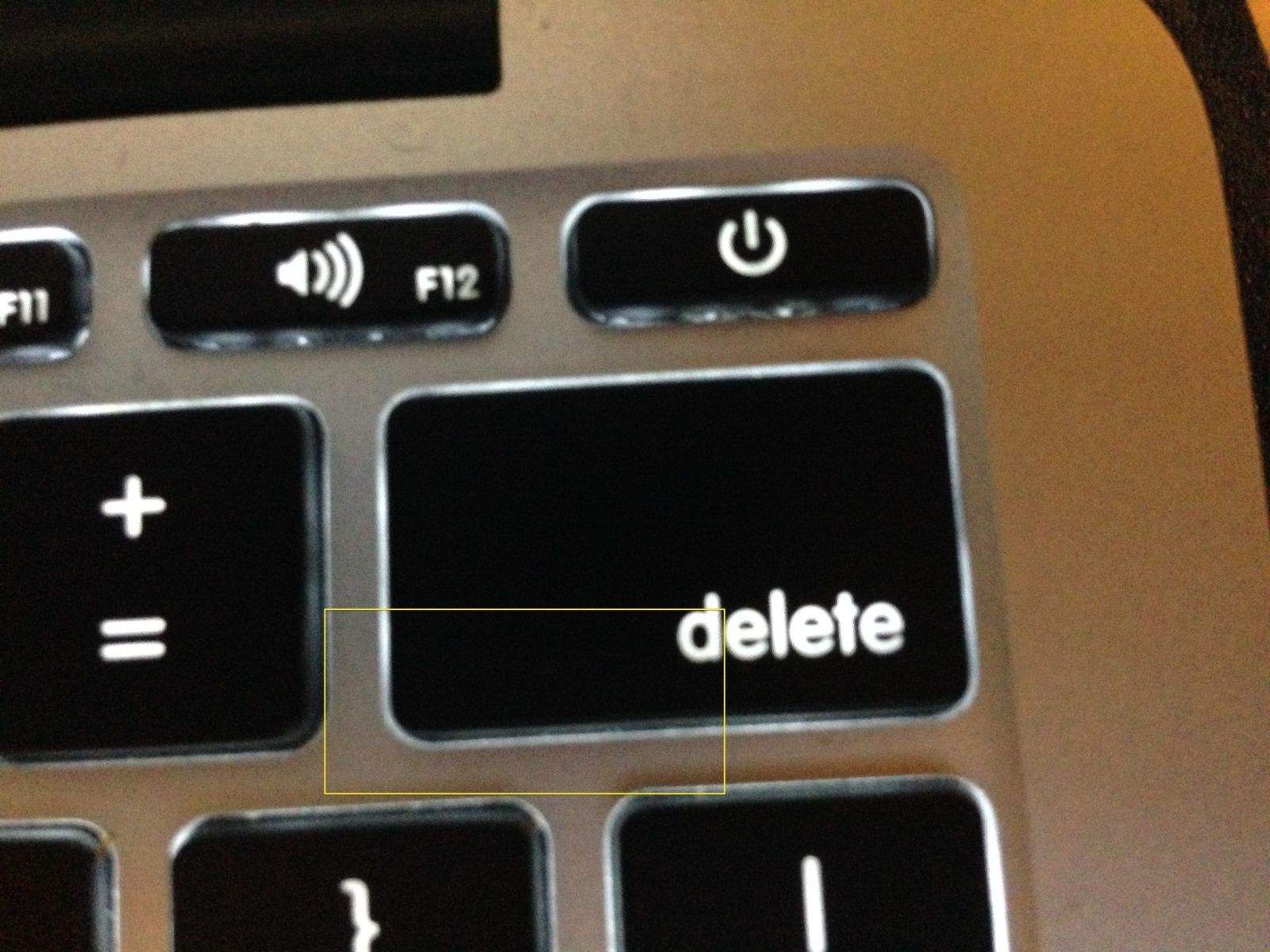
You probably know that you can press the power button on your Mac to get it to sleep or even turn off.

As has been true for a while, now, you can use the power button on your Mac to manage your Mac in three different ways. The specifics of what each type of button press has changed recently in Mavericks, as Apple states on its knowledge base article about the new power button features.

Steve Ballmer Admits Microsoft’s Successes Are In The Past

By

ballmercrazed

Part of Steve Jobs’ genius was his ability to find just the right words to explain why whatever Apple product he was unveiling was so “insanely great” you had to rush out and buy it at that very moment.

Outgoing Microsoft CEO Steve Ballmer never had that gift, but his final interview before stepping down contains a few really telling quotes about why things turned out the way they did — with Apple being the innovative market leader, and Microsoft being… well, Microsoft.

Top iOS Apps Of The Week

By

100 Pushups

Browsing the App Store can be a bit overwhelming. Which apps are new? Which ones are good? Are the paid ones worth paying for, or do they have a free, lite version that will work well enough?

Well, if you stop interrogating me for a second, hypothetical App Store shopper, I can tell you about this thing we do here.

Every week, we highlight some of the most interesting new apps and collect them here for your consideration. This time, our picks include a way out, the coolest app name ever, and some intimidating cakes.

Here you go:

Official 100 Pushups — Health & Fitness — Free

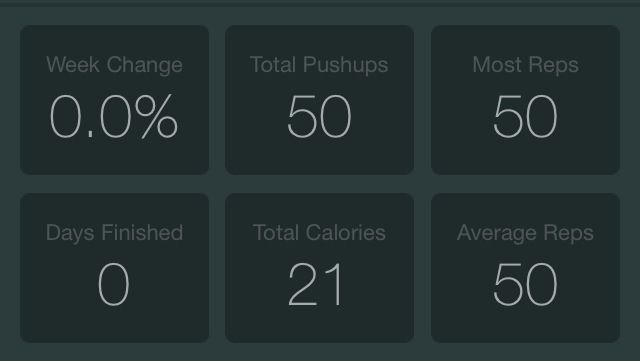
Recently, I realized that I didn’t even want to look at myself without a shirt on. So I downloaded the new official 100 Pushups app, and it claims it can do something about this whole … situation I have going on here. It’s a six-week program with three sessions per week, and it will send you reminders so you don’t “forget” to exercise. First you show it how many pushups you can do, and then it assigns you to a Beginner, Intermediate, or Advanced program. Somehow, I’m not so out of shape that I didn’t qualify for the Advanced tier.

…ladies.

Official 100 Pushups

Cake Ideas

Cake Ideas — Food & Drink — Free

Sometimes the name of an app is a woeful understatement.

Cake Ideas doesn’t contain “ideas” so much as the most complicated baking projects I’ve ever seen. Some of the recipes contained within include lists of things you must pick up at a hardware store because the cakes in question are so badass that they have freaking skeletons. It won’t show you how to make all of them — instructions for the one shaped like a wedding gown would probably melt your phone — but if you’re planning a wedding or just like looking at fancy cakes, prepare to be impressed.

Cake Ideas

Emergency Exit

Emergency Exit — Utilities — $0.99

If you’re like me, you never go into a new building without knowing how to leave as quickly and safely as possible. I usually apply this skill at parties, which is why I don’t get invited to very many of them. But Emergency Exit wants to use that same thinking to get people out of airports, casinos and other public buildings in case the worst happens. It uses Indoor Google Maps and your own location to show you all the ways you can get out, including those on other floors. The app already includes 100+ sites in 12 countries and the developer plans to keep adding more.

Emergency Exit

Verticon

Verticon — Productivity — $0.99

If you need to know how how many inches are in a meter or talk to your non-American friends about the weather, Verticon can help you out. It’s a quick conversion tool that you can use to easily calculate equivalent values for weight, speed, length, time, temperature, and pressure, and it all happens inside a super clean and uncluttered interface. You just pick your units and enter a number for the starting figure, and it spits out the converted number at the bottom. You can also switch between the two with a single tap.

Plus, its name sounds like a Bond villain’s evil supercomputer or a new kind of Transformer, and that’s just straight awesome.

Verticon
Shops

Shops! — Utilities — Free ($1.99 for full unlock)

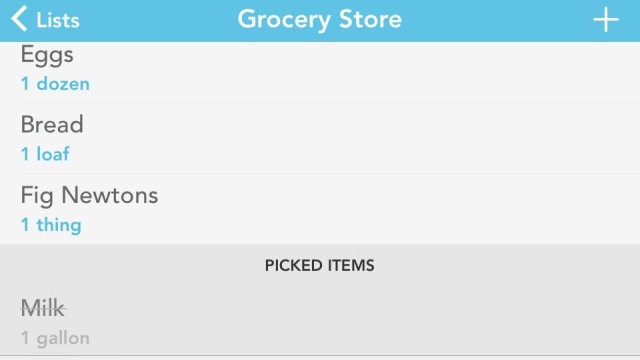
I have reason to believe that some of the people reading this have some shopping to do. And if you’re looking for a way to organize what you need to buy, Shops! is here to help. It’ll let you set up individual lists for different stores, and then you can check them off as you pick them up. And if you’re feeling especially tech-crazy, you could even use it alongside BestRoute Free to make every part of the trip as efficient as it can be.

Other than that part where you have to park and be around all those people. We don’t have an app to make that suck less, yet.

Shops!
Did The Father Of The iPod Buy Jony Ive’s Red Mac Pro And Solid Gold Earpods?

By

BbNlk9_CcAAJzlx.jpg-large

For a recent Sotheby’s auction to benefit Bono’s Product (RED) charity, Apple’s Jony Ive and Marc Newson designed a handful of unique products, including a red Mac Pro that sold for 977K and rose gold Earpods that sold for 461k.

The winners of the auctioned items haven’t been publicly disclosed, but it appears that Tony Fadell, the creator of the original iPod and Nest thermostat, may have been the highest bidder for both the Mac Pro and Earpods.

Hey Kids! Awesome Parties Have Consequences In House Cleaning [Review]

By

screen568x568

If you wreck a house during a party,someone has to clean it up. House Cleaning has a kind of warped, hoarder-ish perspective on tidying up that will have your kids shoving all their misplaced mess into boxes. But it might encourage children to try to clean up after themselves if all other forms of parenting fail.

House Cleaning by Roger Dublin
Category: iOS Games
Works With: iPhone, iPad
Price: Free

After a totally awesome bash, the cutie cleaners in House Cleaning realize they can’t just leave books and CDs scattered throughout the garden of their friend’s home. So, you must dutifully help them sort out the garbage from the decent items before they can move onto another section of the post-party warzone. Plus, they’ll even do a bit of magical yard work when you’re done.