Twitterrific 5, a popular third-party Twitter app for iOS from The Iconfactory, was updated today with a few new features.
Twitterrific 5 Gets Live Streaming, Photos Over DM, And Price Tag Drop To $0.99


Twitterrific 5, a popular third-party Twitter app for iOS from The Iconfactory, was updated today with a few new features.

Beats Music launched yesterday as a Spotify/Rdio alternative, and the new music service is already having scaling issues.
Due to an “extremely high volume of interest,” Beats Music has stopped adding new users until it can support the unexpected demand. The app is currently sitting in the number one position in the free chart of the App Store’s Music category.
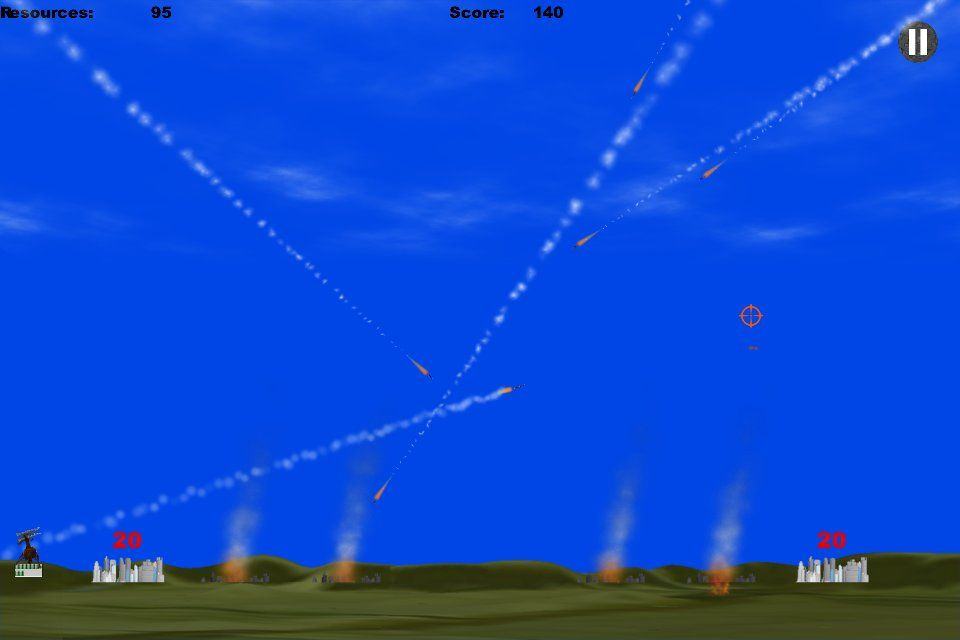
I’ll be honest: Missile Command was never my favorite classic game from the glory days of Atari. Originally released as a coin-op in 1980, designed by Dave Theurer (the man who also created Tempest and the world’s first commercial game to feature 3-D polygonal graphics, I, Robot), Missile Command came straight out of an era in which the scariest thing imaginable was a nuclear attack.
The game puts you in control of three anti-air missile batteries, as you defend cities from being destroyed by an endless hail of ballistic missiles. Like every game of its era, Missile Command didn’t have fancy graphics to carry it: it had to make do with limited processing power and graphical/audio capabilities by crafting a playing experience simple and fun enough to keep you pumping quarters into the arcade.
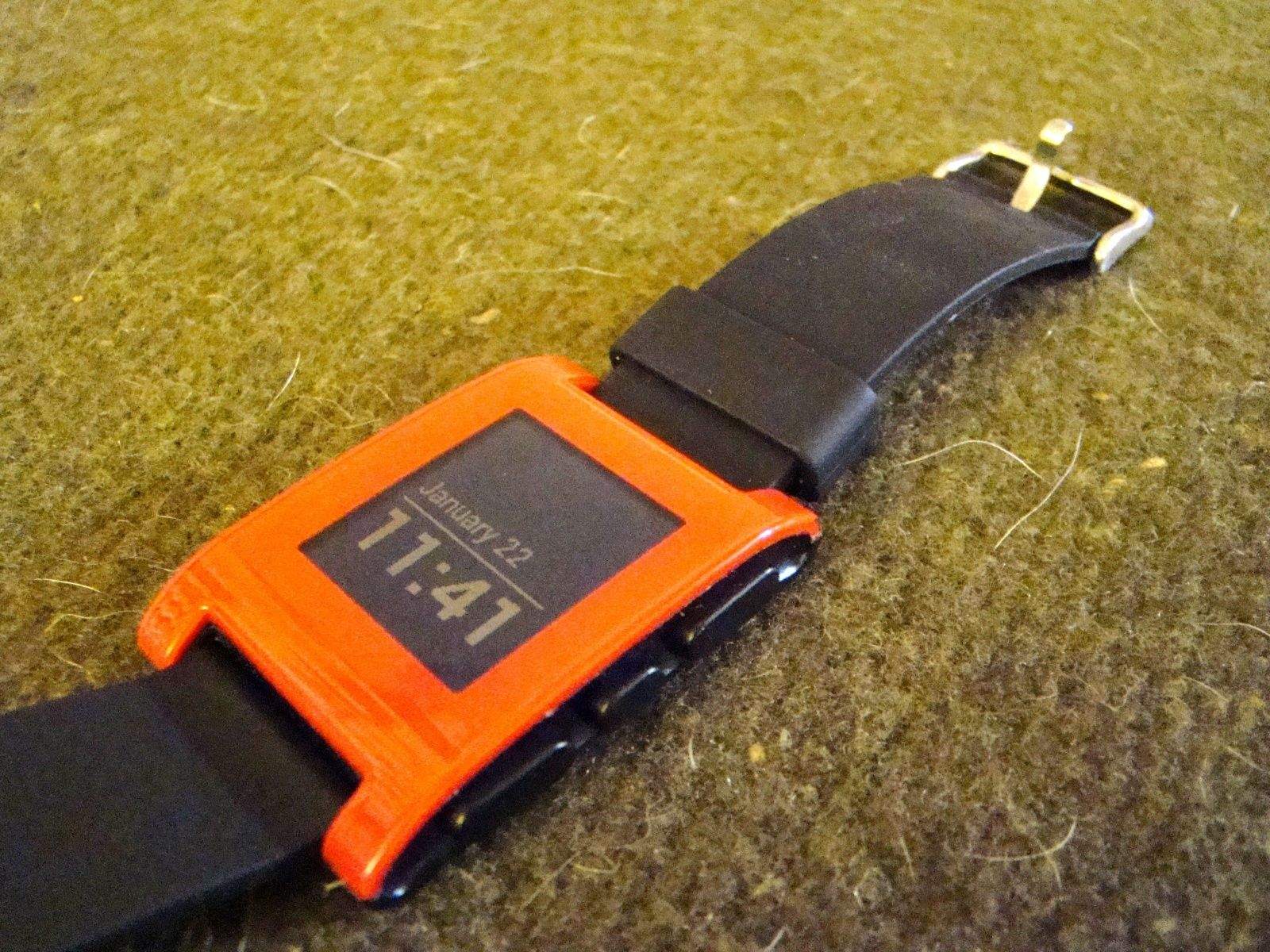
So, I finally broke down and bought a Pebble Smart Watch the other day. Just rolled into Best Buy and looked at both the FitBit Force fitness tracker and the Pebble. At just $20 more than the Force, I figured I’d get a fun geeky gadget that would do more than tell the time and count my steps.
What I got for my $150 was a geeky gadget that tells me the time and passes notifications–usually–from my iPhone. And that’s about it, really.
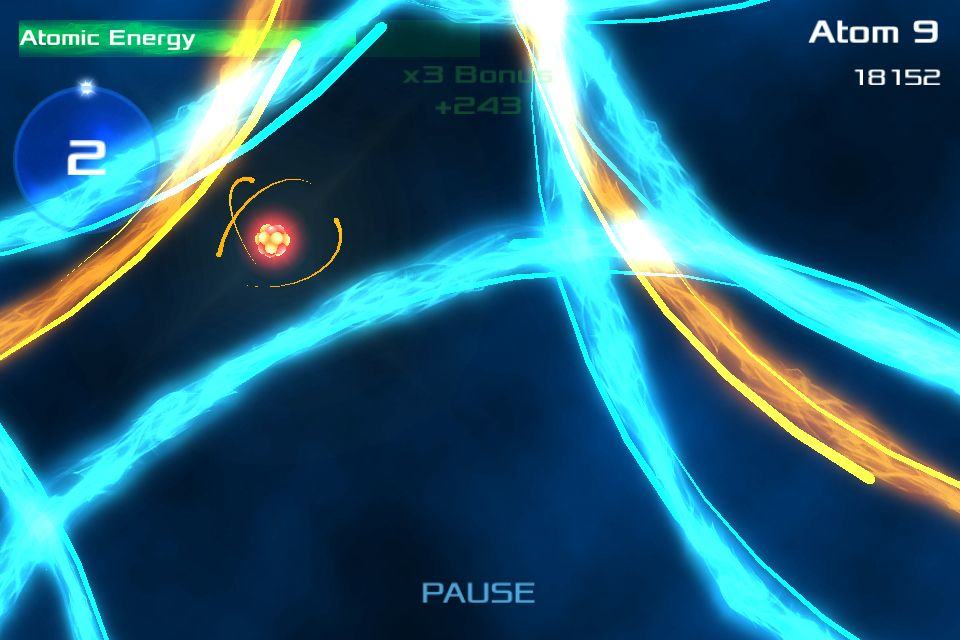
Science is cool, and Atomic Fusion: Particle Collider wants you to know that.
It’s a tough game to describe. It’s kind of like a shooter, but you don’t shoot anything. It reminds me a bit of Tilt to Live except that nothing is really trying to kill you. You’re basically just flying around collecting stuff. So maybe it’s also a little like Katamari Damacy but not nearly so goofy.
Whatever it is, though, it’s fun.
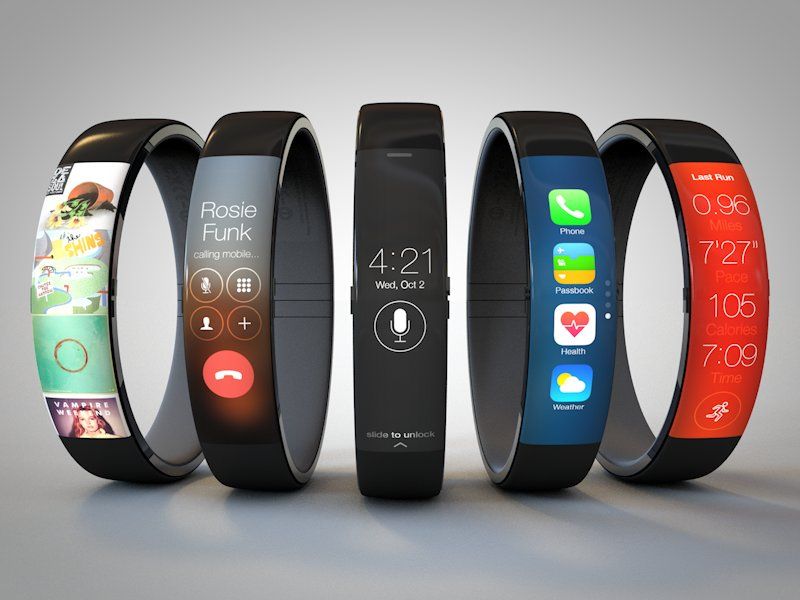
Despite the lack of concrete news available on the subject, we’re hardly short of concept designs for Apple’s eventual iWatch.
This one, by San Francisco UI designer Todd Hamilton, is among the best yet — a sleek design that resembles a cross between the Nike Fuelband and an iPhone.
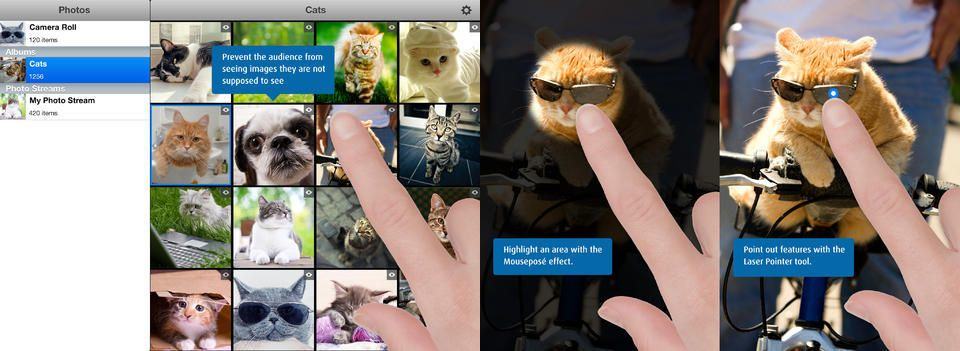
Quick: You have taken a bunch of great photos of your recent birthday weekend in [EXOTIC LOCATION], and your parents want to take a look at your vacation pictures on the big screen. But you also spent some “quality time” with your girlfriend/boyfriend/spousal unit in the hotel room, and you sure as hell don’t want your folks to see those photos. What do you do?
You use Boinx’s PhotoPresenter, an app that’s designed for impromptu slideshows.
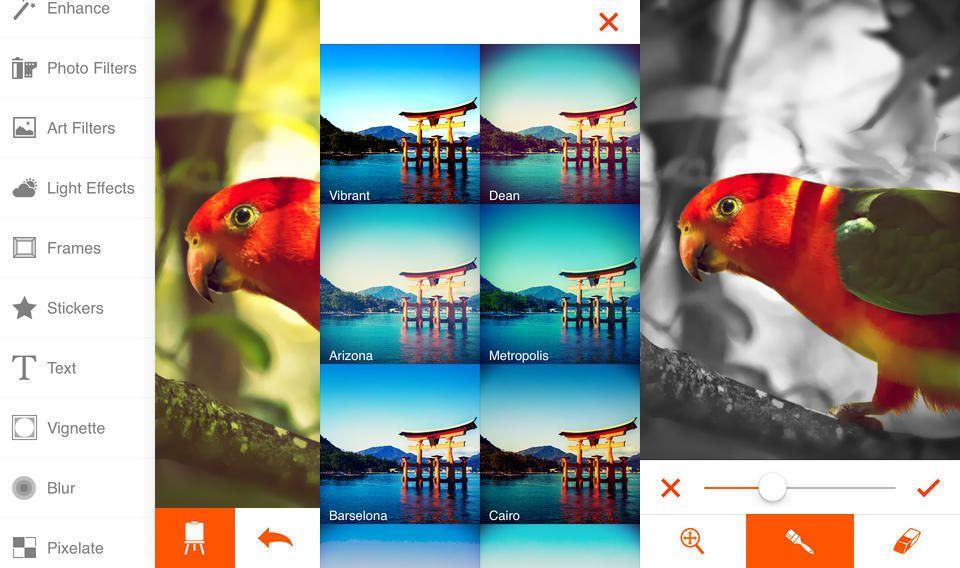
You’re going to love Phoenix Photo Editor from the second you launch it. After a neat but not-too-long launch animation, you get straight into your photo library, with oversized thumbnails that let you actually see what the photos contains before choosing to load it. Confused about another “import” button down at the bottom of the screen? Tap it. It’s for grabbing pictures from your i{hone albums, Instagram, Facebook or Flickr.
And it gets better from there.
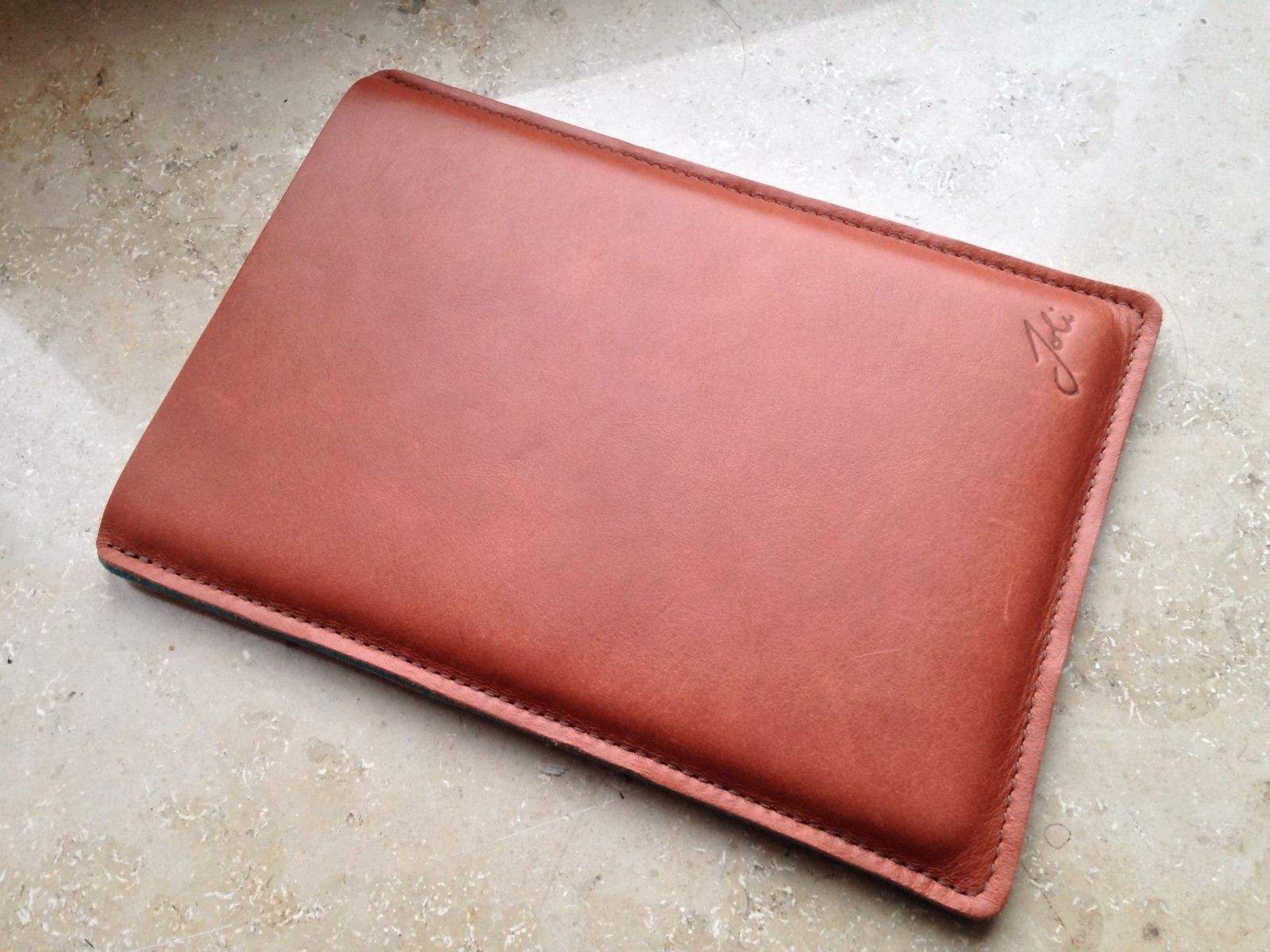
The biggest surprise about the Joli Originals iPad sleeve is how much I like it. I use my iPad just about as much as I use my iPhone, (which is a lot). Maybe more. And for this reason I prefer a case which I can flip open and get to the screen as soon as possible. In short, I have no time for iPad sleeves. And yet the Joli sleeve won me over.
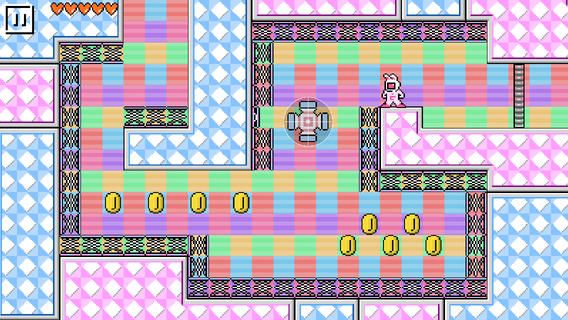
Touchscreens and platformers just don’t mix most of the time. Lots of developers try to make platformers for mobile devices, of course, and will continue to as long as our collective nostalgia for Mega Man and Super Mario Bros. remains. UsagiMan is a creative spin on Mega Man-like platforming that compensates for less-responsive touch controls by sprinkling in a little web-slinging.
UsagiMan is a rabbit-shaped hero bounding through levels overflowing with high ledges and murderbots. Rather than ducking down to avoid enemy fire and carefully maneuvering over precarious platforms, UsagiMan flings himself across the screen via a Spider-Man-like grappling hook. Players can also attack enemies by furiously tapping them, which sends the hook out in rapid bursts.