Mobile menu toggle

Search results for: Apple One

iOS 8 makes time-lapse video easy, plus our iPads need some Nintendo on The CultCast

By

cultcast-iPad-Mini-new-logo.jpg

OMG y’all, it’s CultCast time. This week we bring to thee some more cool iOS 8 features you didn’t hear about at WWDC, plus we’ll tell you all about the new time-lapse video feature we’ve been playing with. Then, with rumors swirling that fall will bring us an iWatch, we have to wonder what features and price point would make us want one adorning our wrists. All that plus Apple’s marketing arm gets major renovations, and in honor of this week’s E3, we say why Nintendo absolutely needs to bring Mario to iOS to survive!

Cheerfully guffaw your way through each week’s best Apple stories! Stream or download new and past episodes of The CultCast now on your Mac or iDevice by subscribing on iTunes, or hit play below and let the uproarious good time commence.

Our thanks to Slingbox for supporting this episode! Slingbox, the best way to watch your TV anywhere, and brings your cable set-top box, satellite receiver or DVR, right to your favorite mobile device, wherever you are in the world. With no monthly fees. Check it out at Slingbox.com/cult, and get $50 off plus free shipping on a new Slingbox.



Group photo app adds new twist to Snapchat’s disappearing act

By

screen568x568(5)

Pikichat could be the next Snapchat. The idea behind the new photo app is ingeniously straightforward: Simply take a picture and then share it among a group of family members or friends. Like Snapchat, the picture will only stay up for a limited amount of time, but unlike Snapchat it will remain there until it is replaced by a new image.

Every time a person sends a new photo, it replaces the existing one. Group conversations take the form of the most recent photo added, with everyone possessing the ability to draw on the photo or add comments.

Use these apps to get iOS 8’s great new photo features now

By

iOS 8 packs in a bunch of great new photo features, in both the Camera app and the Photos app. You now get a lot more control over your photography at the front end, with manual exposure and even a time-lapse mode, and you can edit and find your photos with a little more precision than before.

iOS 8 is still a few months out, but you don’t have to wait: Use these currently available apps to add all these new functions to your iPhone (or iPad) today.

Beats deal netted LeBron James the biggest equity cash payout in sports history

By

LeBron

Photo: Apple

NBA superstar (and Samsung shill) LeBron James reportedly made some serious bank as a result of Apple’s $3bn Beats acquisition in May — ranking as the largest equity cash payout for a professional athlete in history.

Citing sources close to the issue, ESPN claims that James struck a deal to promote Beats headphones back in 2008, in exchange for a minority interest in the then-new company. Although it’s not known exactly how many shares he owned (Beats has always framed it as a “business relationship” without giving further details), it was enough to earn him a whopping $30 million in both cash and stock when the Beats deal was finally done.

Gesture-based keyboards land on iOS 8 with TouchPal demo

By

touchkeyboardiOS8

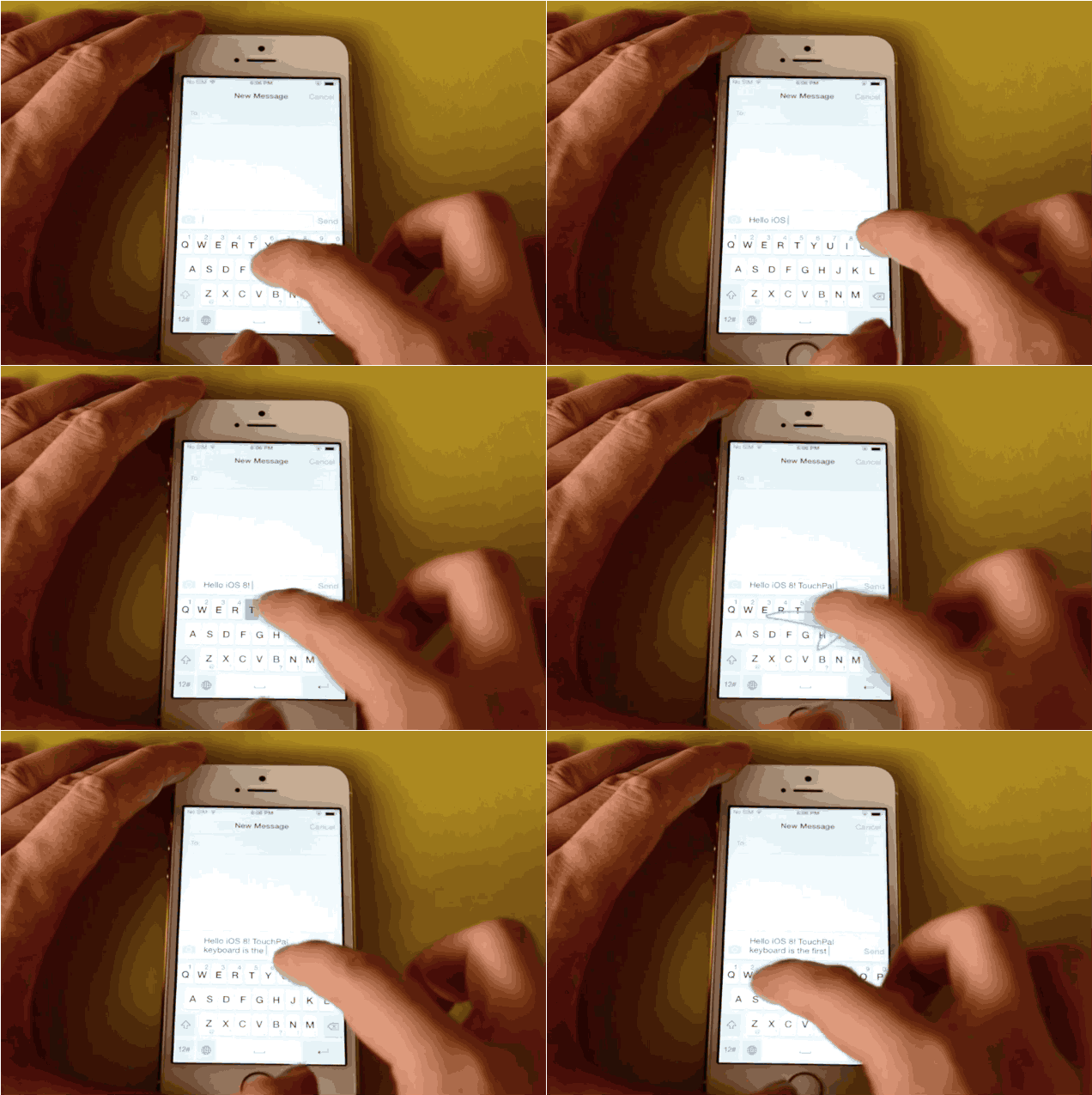
Swipeable keyboards are finally coming to iOS thanks to Apple’s addition of third-party keyboards in iOS 8. We’ve already seen teasers of Fleksy’s wicked fast keyboard in development, but now TouchPal is giving us a taste of what gesture-based keyboards will be like with it’s working demo of the TouchPal Keyboard.

TouchPal’s captures texts as you slide your finger over the letters to form a word. Sliding up for numbers, or down for a symbol. It’s super fast and convenient, especially if you’re a sloppy texter like me.

Checkout the full demo:

Mac Pro is finally available for shipping within 24 hours

By

macpro

Almost exactly one year to the day after being announced, it’s now possible to order a Mac Pro and have it ship to you within 24 hours.

Costing between $3,000 and $4,000, Apple’s gorgeous stealth powerhouse of a machine went on sale December 19, but right from the start began suffering shipping delays due to a limited production cycle. One possible explanation for this was the Mac Pro’s “Made in the USA” status, in contrast to virtually all other Apple products, which are designed in California but assembled overseas — often in China.

Finally, a leather Pad & Quill case that’s light enough for an iPad Air

By

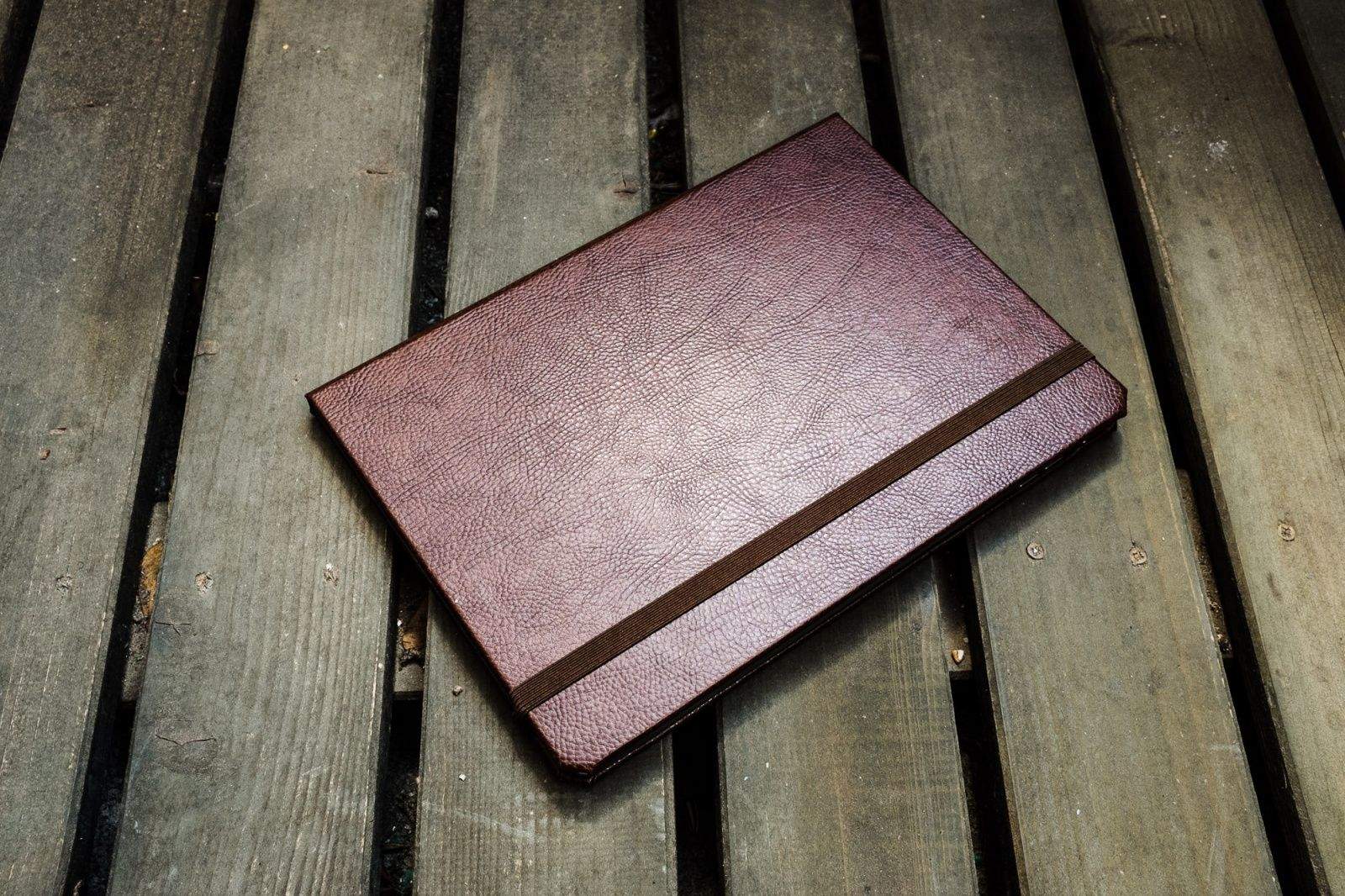
Plain and simple. Charlie Sorrel/Cult of Mac
Pad & Quill's beautiful Walden case keeps things plain and simple. Photos: Charlie Sorrel/Cult of Mac

The Walden is the first of Pad & Quill’s top-notch cases that I would actually use. That’s because it ditches the wooden frame of the company’s usual bookbindery cases, instead offering a minimal slipcover that uses adhesive strips to hold an iPad Air in place.

The result is a case as beautiful and classic as other P & Q cases, but slim and light enough to match the slender Apple tablet it protects.

When your Mac runs slow, give it a tuneup

By

Mac Tune Up
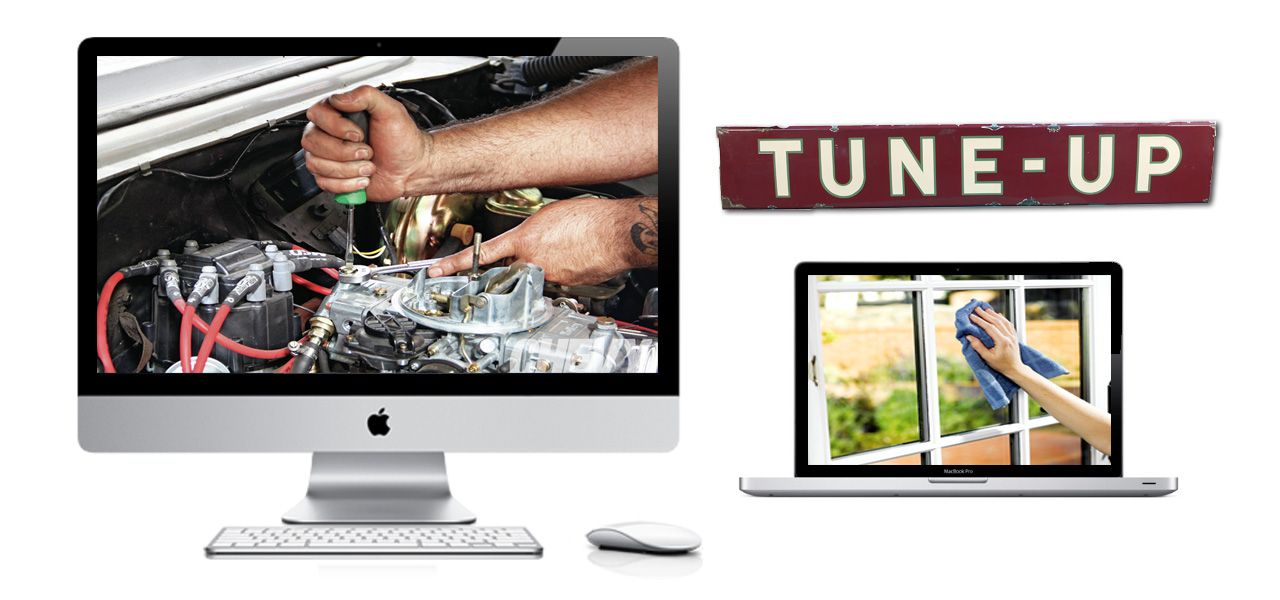
Tune up your Macintosh and clean out the cruft.

Macs are solid machines, but just like their owners they have a tendency to get lethargic as they age. Launching and switching programs takes longer, simple tasks become arduous, and the dreaded beach ball of doom appears more often than it did when your machine was new. The operating system just starts to feel crufty, and can get worse over time. I see these issues in my IT consulting business regularly.

You may be asking, why does this happen? There are many reasons, but some are more common than others. Sometimes your hard disk (or solid-state drive) gets too full and interferes with normal computer operations. Crashes or misbehaving programs can corrupt the disk directory or application cache files. Remnants from old software may still be running behind the scenes, or you don’t have enough RAM to deal with your OS and workflow.

Is there some sort of tune-up you can do to sort it out? Your tech always tells you to just reboot the computer, but there’s got to be more than that. The good news: Yes, there are some things you can do. And, perhaps, adopt some more-efficient computing practices for yourself along the way.