Plunk the Zagg Pocket Keyboard in your backpack for typing on the go. Photo: Milo Kahney/Cult of Mac
Best List: Zagg Pocket Keyboard
The Zagg Pocket Keyboard is for anyone desperate to carry the bare minimum. Well, the bare minimum would be to skip the keyboard altogether, but if you are looking for the convenience of an external keyboard without the hassle of carrying one, look no further.
Just weeks after iOS 9’s launch, Chinese jailbreak team Pangu has released the world’s first untethered jailbreak for Apple’s new mobile operating system.
The jailbreak, which covers iOS 9 through iOS 9.0.2 for all compatible Apple devices, is available for free, although OS X users will have to wait since there’s only a Windows installer available.
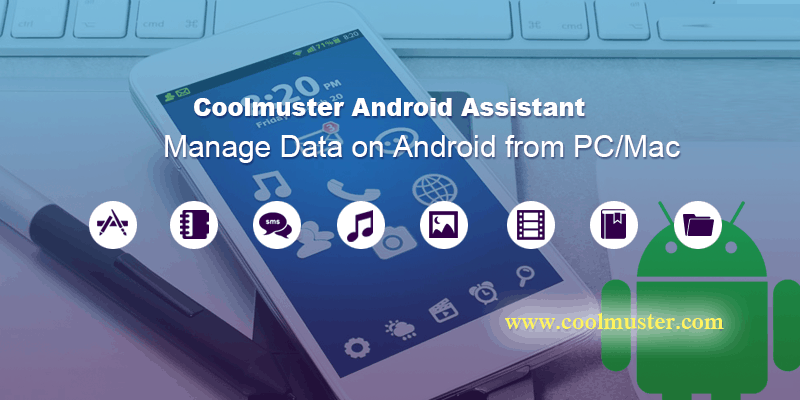
There’s no sense pretending some of us iOS and Mac enthusiasts don’t dabble in the world of Android. Whether using phones, tablets or other mobile devices, we’ve come to rely on all our gadgets communicating reliably with one another, but when using both Apple and Android gear that isn’t always guaranteed.
Luckily, there’s a fix: Coolmuster Android Assistant, which will keep your Android devices working in harmony with your PC or Mac.
This feature might bother you - might as well disable it. Photo: Apple
When I lose track of my mouse cursor, I’ve always just wiggled it a bit to find it on the screen. It’s a natural gesture, and Apple’s capitalized on it with its new “shake to find” feature in El Capitan.
If you’re constantly shaking your mouse or swiping quickly on your mousepad, maybe while gaming or editing, the new feature might bug you.
Here’s how to turn it off (and turn it back on again if you want to).
The Helixee is a hard drive that, with an app, can give you cloud-like functions for storage and access from any device. Photo: novathings
One click and your digital life gets stored in the Cloud. Where or what that is exactly is a mystery to most of us. Two startup companies are producing products aimed at the segment of the computing population that doesn’t want to save pictures, videos and documents to large cloud-based servers.
These products let you create your own cloud to store the personal stuff.
There are greats apps for groups to complete tasks and great apps for group communication. In Pingpad, the group has a single app that allows for both.
Pingpad is a stew of many different first generation apps for notes, lists, calendars and instant messaging. In one space, a group can work across platforms on documents, chat back and forth and post pertinent links all in real time. Think Google Docs meets Whatsapp.
Facebook has just updated its official iOS app, adding some new iPhone 6s-friendly features designed to work with the new handsets’ 3D Touch capabilities.
What exactly does that mean? Essentially that you can now use 3D Touch’s “Quick Actions” from the Facebook app icon. Give your iPhone 6s a firm press on the Home screen and you get the option of writing a post, uploading a photo or video, or taking a photo or video.
Somehow it’s already half-way through the weekend, but there’s still time to check out the hottest apps to have arrived in the App Store as of late!
This week, we’ve selected a broad range of topics — from emergency alerts everyone should have installed on their iOS devices, to a fun photo app, and some truly immersive puzzle games. Check out our picks below.
Sure, the lights are all pretty now. But at what cost, Philips? Photo: Philips
You should be excited to get Siri up and running with your new Philips Hue bridge and control your lights with the power of your voice, but one annoying error might stop you. It definitely had me scouring the Internet for answers when I was setting up my smartbulb system this afternoon, and I’d love to save you that time.
Because if you’ve spent $200 on fancy lightbulbs, you probably want to start using them right away, damn it.
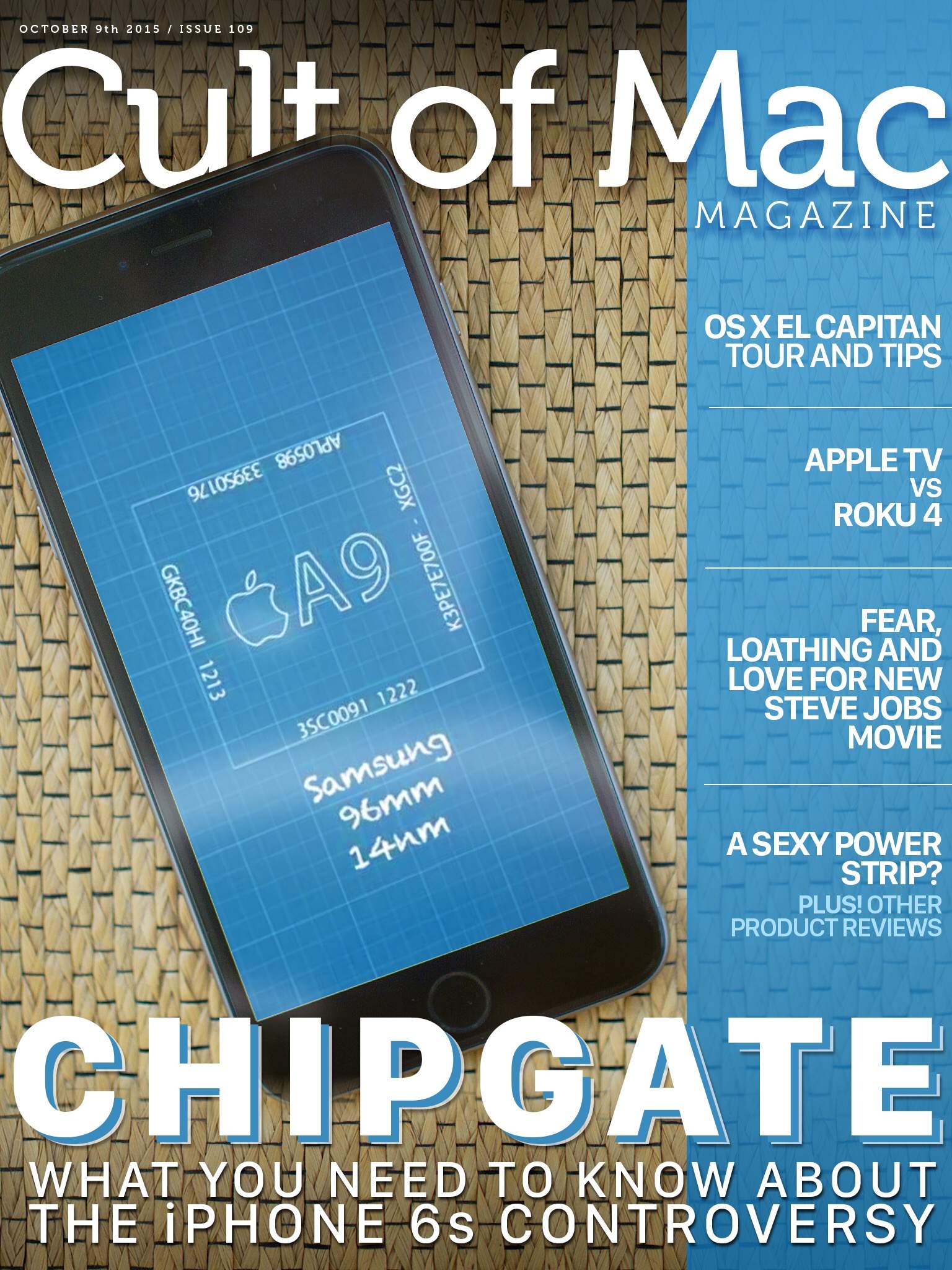
Another year, another -gate. Cover Design: Stephen Smith
Another week, another fantastic Cult of Mac Magazine ripe for your perusal! We’ve got a ton of stuff on the latest iPhone 6s controversy, unfortunately dubbed “Chipgate,” as well as a deep dive into OS X El Capitan with a tour and some great tips, a head-to-head comparison of Apple TV versus its next big rival, Roku 4, some fear and loathing over the upcoming Steve Jobs biopic, and a sexy (?) power strip and some other fantastic product reviews.
Check it all out in this week’s Cult of Mac Magazine, available for download at the incredibly low price of free!