Mobile menu toggle

Search results for: Apple One

Forget productivity, councillors caught using iPad to watch soccer

By

Get one of these bad boys, and then some free gift card money to boot!
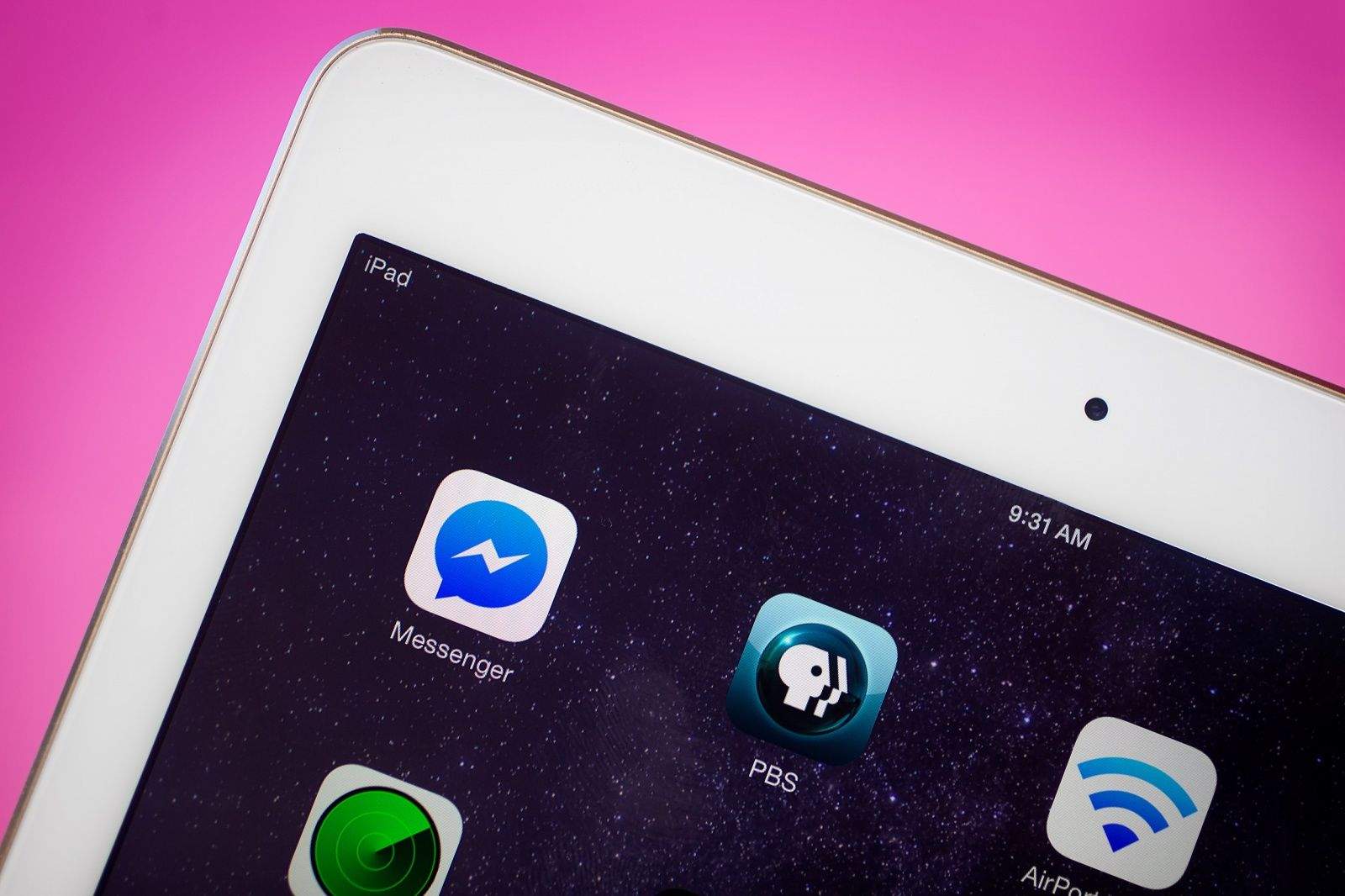
Despite the advances of iOS 9, these iPad users were no multitaskers.
Photo: Jim Merithew/Cult of Mac

U.K. councillors in Croydon have been named and shamed for using an iPad during a council meeting to keep track of the score in a soccer game.

And — wouldn’t you know it — as with every other time something like this happens, senior Labour councillors John Wentworth and Pat Ryan claim that they were just “momentarily” taking a break from the important meeting they were in.

Weed app gets you a legal prescription in minutes

By

EazeMD makes medical marijuana just a chat away.
Screenshots: DAM Appz

It’s about time, really. We already can order pizzas, send images of our rashes to medical doctors, and get groceries delivered via the magic of our iPhones. Now, with a new app called EazeMD, you can get your legal medical marijuana this way, too.

Eaze MD promises California smartphone users the ability to connect with a doctor for a prescription for medical marijuana, and then follow that up with a delivery within 20 minutes or less.

How’s that for the new app economy?

Custom Lego figures pay tribute to Steve Jobs

By

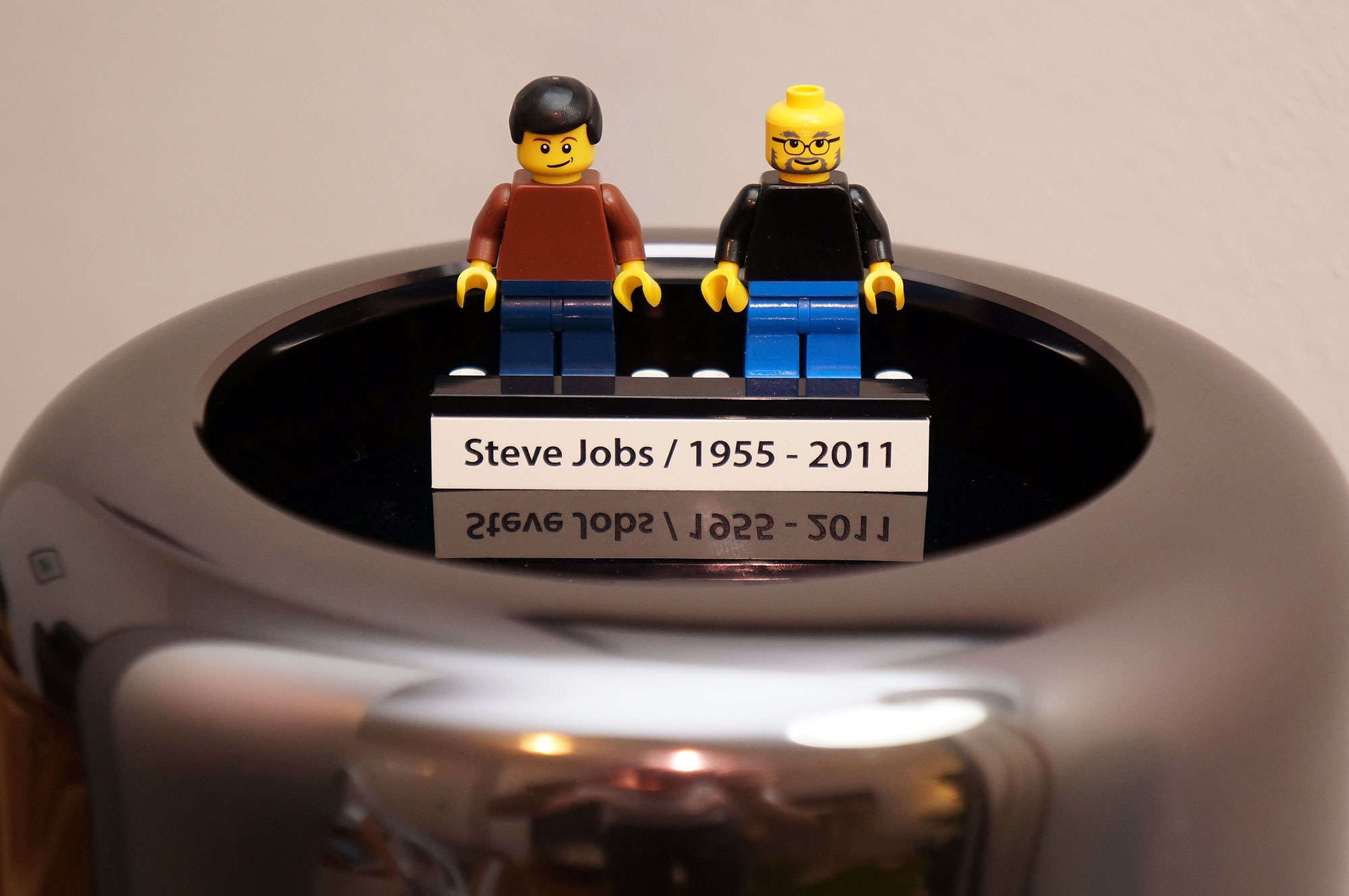
Steve Jobs custom Lego figures
We aren't sure the world could handle two Steve Jobses.
Photo: FamousBrick

A two-pack of custom Lego figures has made late Apple co-founder Steve Jobs into Elvis Presley.

Not appearance-wise, we mean. That would be super weird. But the new set, which comes courtesy of custom-Lego company FamousBrick, pays tribute to Jobs by showcasing both young and old versions of the tech legend.

Pro Tip: Turn your finger into an eraser on iPad

By

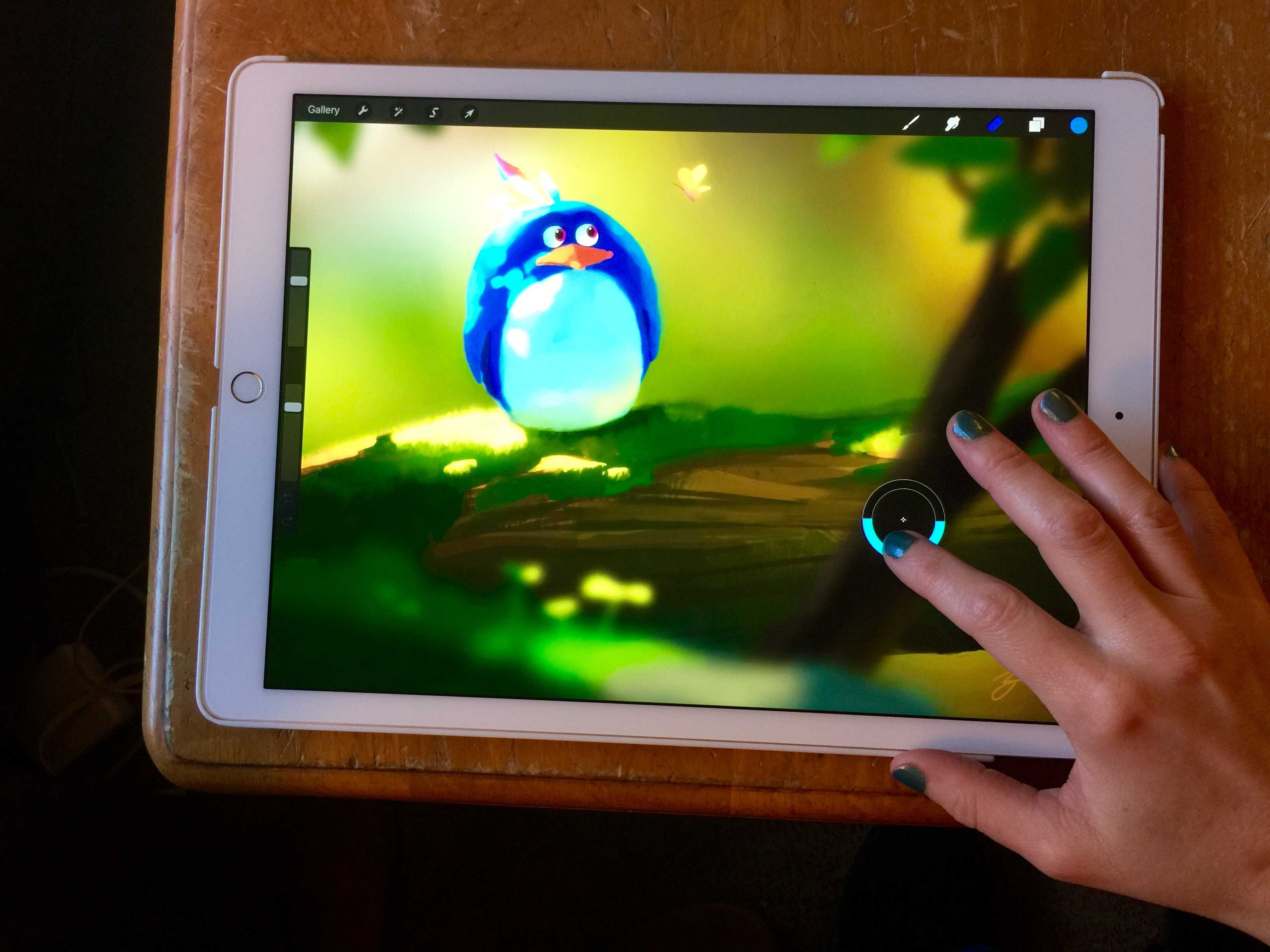
Erase with the touch of your finger.
Photo: Rob LeFebvre/Cult of Mac

Pro_Tip_Cult_of_Mac The iPad Pro has become a huge favorite of illustrators and artists all over the place, and as these talented individuals get their Apple Pencils, they’re starting to see the joy of drawing directly on Apple’s massive and powerful tablet.

Thing is, the Apple Pencil doesn’t have an eraser on the end of it, unlike competitor artistic styluses (including 53’s own Pencil stylus, which features a big, soft eraser on the end opposite the drawing part).

Luckily, if you’re using an app like Savage Interactive’s Procreate, you can tweak things to make your finger do the magic eraser job.

Create royalty-free soundtracks with the click of your mouse

By

Make any kind of music you like, at any tempo and to any length.
Photo: Jukedeck

I just made three custom, royalty-free soundtracks using nothing more than a website and my Mac. I’ll be able to use these in any video project I like. This is some super-simple music making; if you make videos that need music, you’ll want to check this out.

Jukedeck Make is an amazing online tool for making basic soundtracks using artificial intelligence. A team of experts in machine learning, music composition and audio production came together around this system, initially conceived of and built by a couple of classmates from Cambridge University.

3 touchy tech topics to avoid at holiday dinners

By

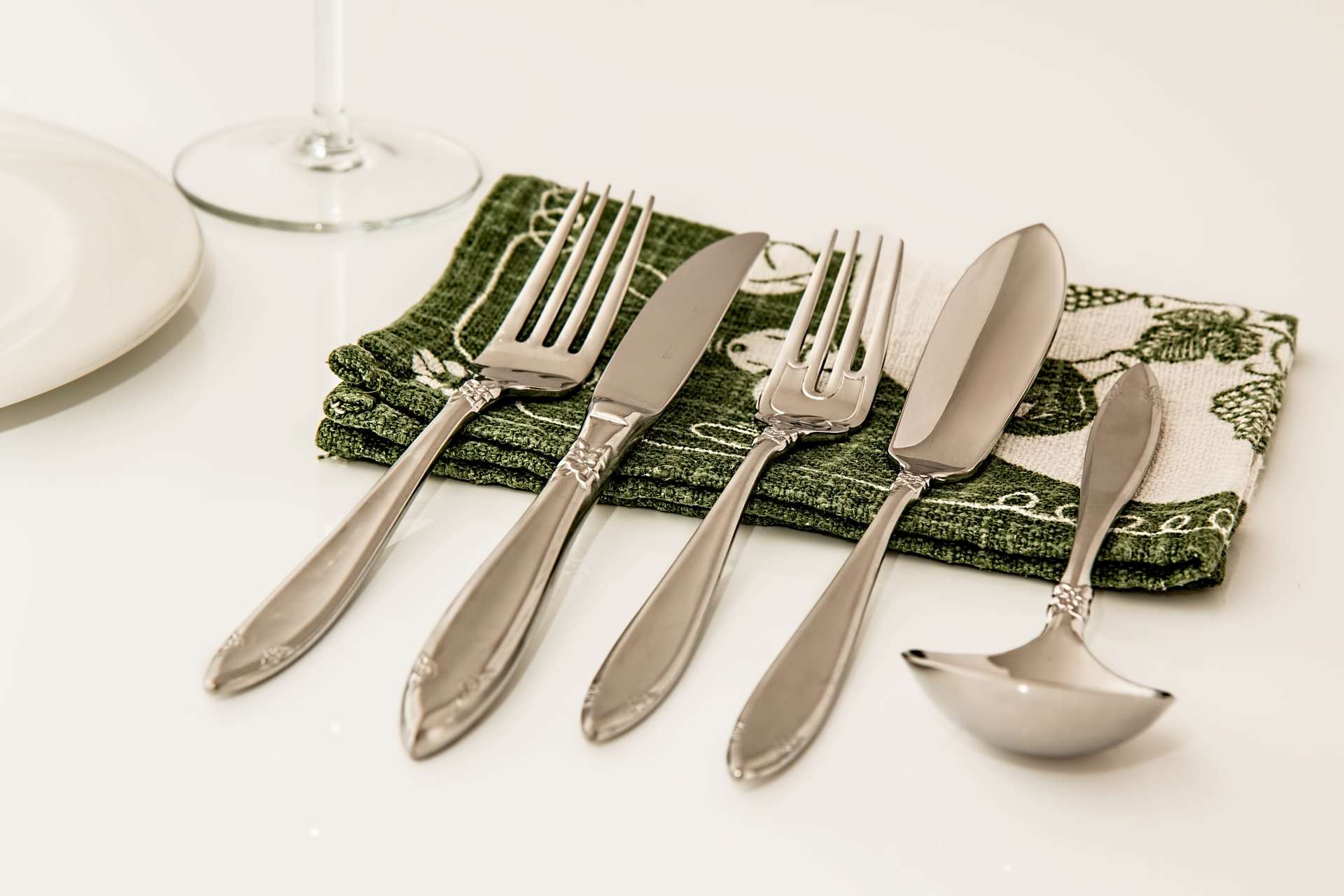
Place Setting Pixabay
Which fork does one use for seppuku, again? Someone get Miss Manners on this.
Photo: Steve Buissinne/Pixabay

The ever-expanding holiday season is upon us once again, and Cult of Mac wants to help make your obligatory family dinners the least awkward they can be.

We know that a certain amount of discomfort is unavoidable. Kids might have tantrums, Grinches might get a bit too much “holiday spirit,” or some cousin with a beef might have been waiting for everyone to be in the same room before they announce how they really feel about Grandma.

Family drama aside, we have a few tips for conversation tech topics to avoid during dinner to keep everyone as happy and un-yelled-at as possible. It was a big year for tech, but some topics are best left in Internet forums and the comments of your favorite Apple blog.

New use of 3D Touch lets you zoom through online maps

By

poison-maps-3d-touch - 1
Poison Maps exposes more potential in 3D Touch.
Photo: Poison Maps

The developers of the Poison Maps app figured out a new way to implement 3D Touch that goes above and beyond what we’re used to seeing. They use two patent-pending gestures called “context zooming” and “context panning.” The first lets you quickly see the surrounding area of a particular location you’re zoomed in on without leaving that location, while the latter lets you move around in the surroundings and effortlessly focus in on somewhere new.

These gestures work using long presses. Since 3D Touch can sense varying amounts of force, Poison Apps cleverly uses the technology to adjust the zoom based on how hard you press.

Speed test puts every iPad ever made under the gun

By

Ready, set, unlock!
Ready, set, unlock!
Photo: EverythingApplePro/YouTube

The iPad lineup has seen a ton of changes since Apple introduced its first tablet in 2010. Not only have the form factors evolved ever so slightly, but the internal components have pushed the product line from a cool reading/gaming device into a powerhouse machine that can replace your laptop.

To see just how much iPad has progressed, EverythingApplePro created a speed test using every iPad ever made. It’s no surprise that the iPad Pro comes out on top, but the original iPad off a shocker by beating some of its successors.

Check it out:

Slash might be iOS’s most powerful keyboard, and it’s free

By

Slash Keyboard makes it easy to add GIFs, emojis and just about anything else to your messages.
Photo: Slash Keyboard

I’m not usually a big fan of third-party iOS keyboards because they’re often clumsy and perform worse than iOS’s default keyboard. But I like Slash Keyboard. It’s fast, it’s accurate, and it allows you to search for and insert nearly anything on the web – GIFs, stickers, YouTube videos, Foursquare locations, you name it — into an email or text message, without once changing screens.