Mobile menu toggle

Search results for: Apple One

Clever translation, a great tennis game, and other apps of the week

By

appsoftheweek_1024
'Appy weekend everyone!
Photo: Ste Smith/Cult of Mac

The weekend is halfway over and — if the weather in your area is anything as dismal as it is in mine — thoughts naturally turn to amusing ourselves with the latest apps.

But which ones to sample? Whether you’re looking for a clever translation app, one of the best games of the year so far, or a nifty tool for blasting music from any Bluetooth speaker in your house, we’ve got something for you.

Check out our picks below.

LG unveils modular G5 with awesome add-ons, insane features

By

lg-unveils-modular-g5-with-awesome-add-ons-insane-features-image-cultofandroidcomwp-contentuploads201602lg-g5-2-png
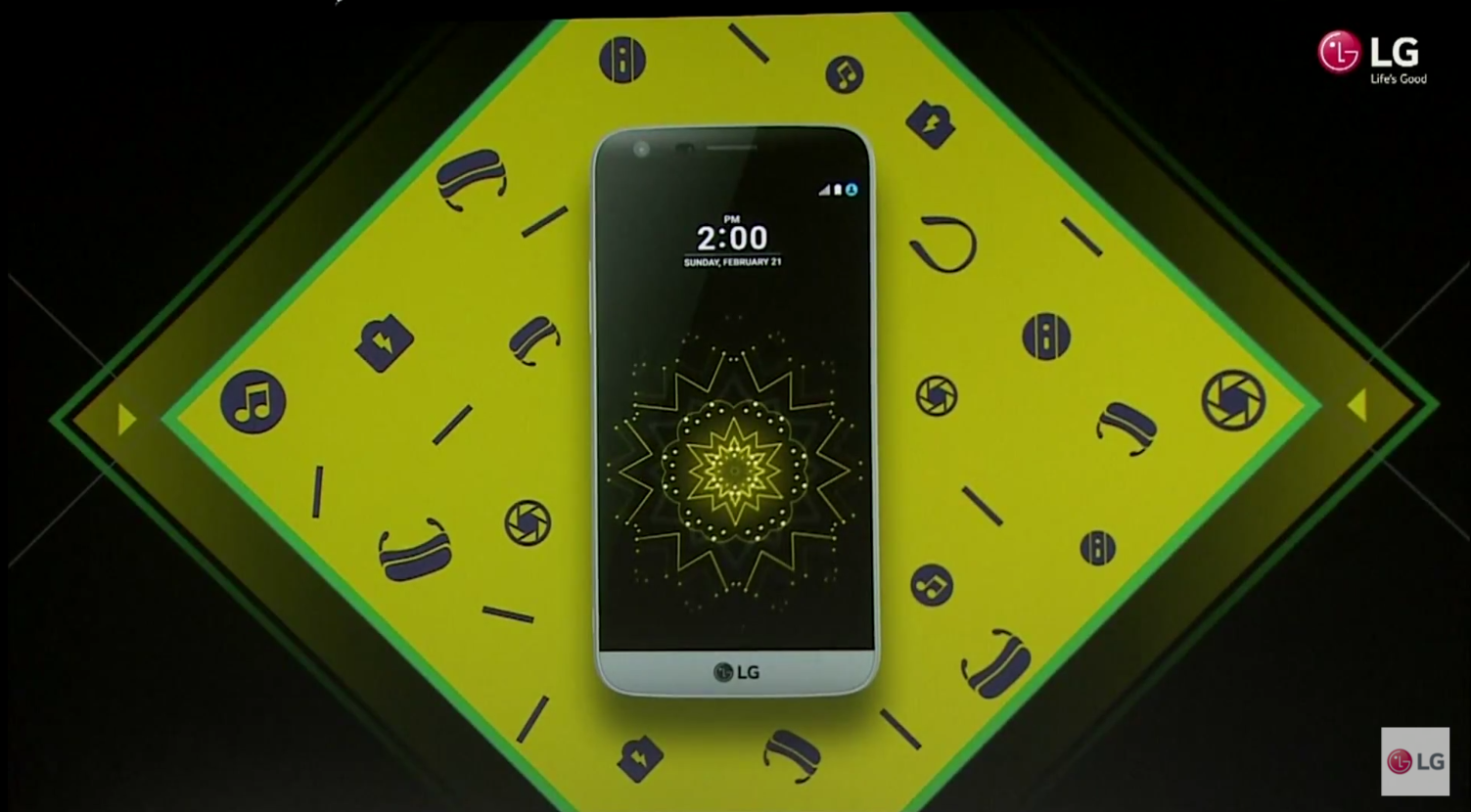
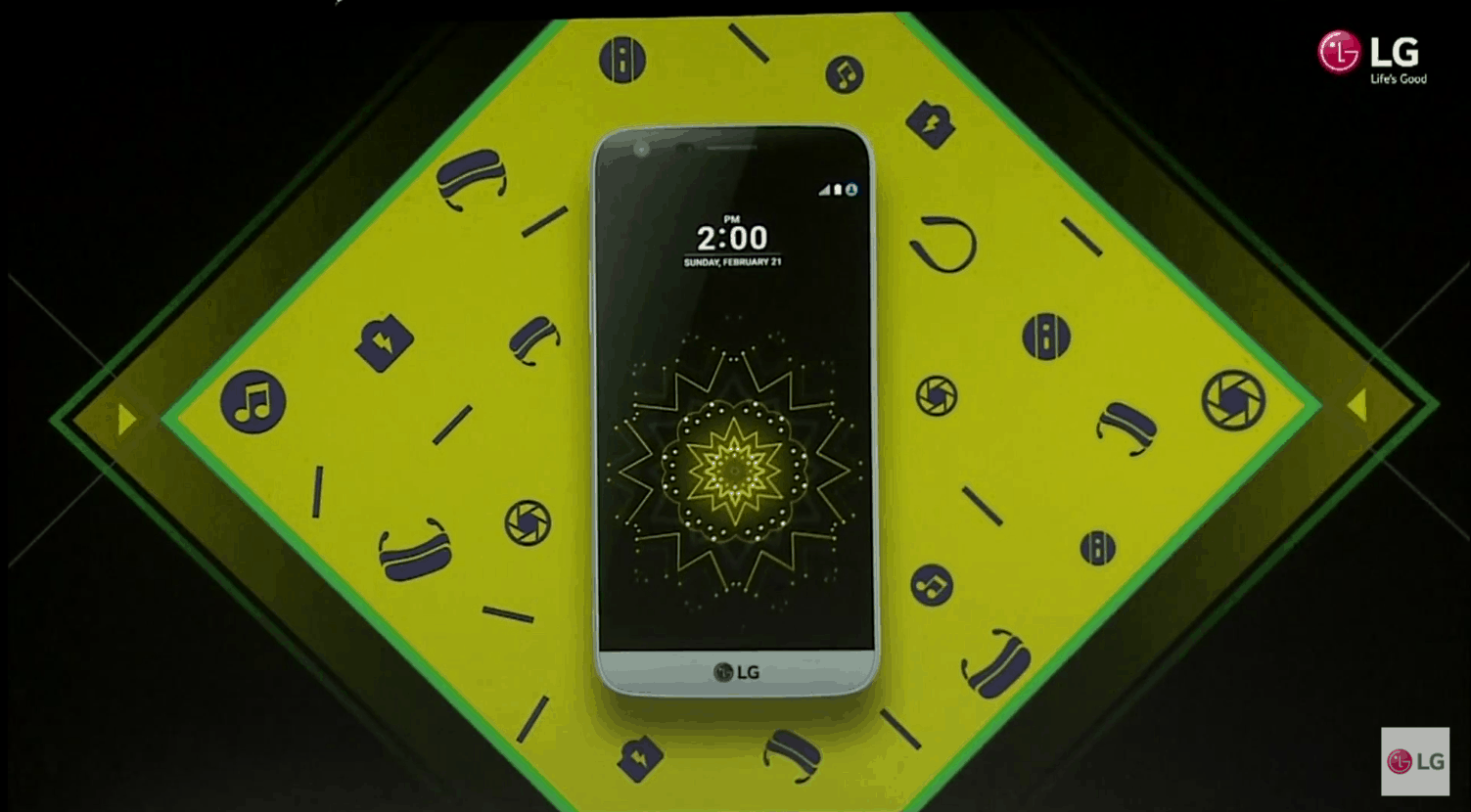
LG G5 is more than it looks at first glance.
Photo: LG
LG G5 is more than it looks at first glance. Photo: LG

LG is kicking off Mobile World Congress early this year with the anticipated unveiling of its new G5.

MWC-CoA-2016The device sports impressive specifications and an all-new modular design made out of metal, which lets users slot accessories into its bottom edge. LG calls these add-ons “Friends,” and you’ll be amazed at what they can do.

Steve Jobs’s smelly old sandals just sold at auction

By

These stinky old Birkenstocks from Steve Jobs's NeXT years sold for a pretty price at auction today.
Photo: Mark Scheff

An odd assortment of purported artefacts from Steve Jobs’s wilderness years – including a pair of his rated running sandals – were sold at auction today. And while it’s not entirely clear who bought them, all of the disparate items, dating back to Steve Jobs’s NeXT years, still ended up earning a pretty penny.

Awesome 360-degree space battle game puts you right in the action [Reviews]

By

Stellar Wanderer is a space sim with both action and style.
Photo: Rob LeFebvre/Cult of Mac

Stellar Wanderer gets right into the action with space battles from the very first mission, which takes place in the full 360 degrees of your spaceship viewport.

You’ll take to the vastness of interstellar space, populated by huge space stations, rugged traders, and (obviously) hordes of space pirates to complete missions given to you by mysterious individuals and then taking the reward money to upgrade your craft and piloting skills.

There’s a lot of space in space, and you’ll feel every kilometer of it when you drop into Stellar Wanderer on your iPhone or iPad.

Check out the gorgeous launch trailer below.

Redesigned MacBooks in June? We’ll tell you why the timing is right, on The CultCast

By

New Apple hardware in March on The CultCast
MacBook Pros received their last big update in 2012. It's time for change.
Image: Erfon Elijah/Cult of Mac

This week on The CultCast: Major MacBook Pro and Air redesigns may be coming in June; the magic of the MagSafe adapter; the best Mac for college; Apple versus the FBI; Apple explains “Error 53” and offers up a fix; and stay tuned for our favorite shows and apps in an all-new What We’re Into!

Our thanks to Squarespace for supporting this episode. It’s simple to build a website that looks beautiful on any device that visits at Squarespace.com. Enter offer code CultCast at checkout to get 10 percent off.

Best text editor apps for Mac OS X [Reviews]

By

Text editor apps are an important part of any writer's workflow. These are currently the top candidates for Mac owners.
Photo: Alejandro Escamilla/Unsplash

app-factor-logo-thumbnailOne thing I do on my Mac more than anything else is write. On average I write about 10,000 words a week, and some weeks, I double that. And that isn’t even counting email and other kinds of communication. That’s why a great text editor app is imperative to my every day workflow. Without it, I couldn’t do my job.

New browser brings picture-in-picture to Mac [Reviews]

By

fluid-header - 2
Fluid Browser comes in handy for graphic design. And workplace distraction.
Photo: George Tinari/Cult of Mac

With iOS 9, Apple introduced a whole slew of multitasking features including picture-in-picture, so I can watch a video while using another app. Even though this was technically already possible on the Mac, there hasn’t been an easy way to get a video to overlay another window so I can focus on both at the same time. Well the new Fluid Browser solves that problem, quite magnificently I might add.

Fluid is its own web browser, but it’s not meant to replace Safari or Chrome for my main usage. Instead, I open up Fluid and go to a website where I want to play video, like YouTube or Netflix. The video itself will enlarge to fit the width of the browser window. Then magically, if I click somewhere else on my desktop, Fluid will float above the other windows and even has adjustable opacity so I can make the video as prominent on screen as I want.

Carrier’s cunning scheme will block all ‘irrelevant’ mobile ads

By

carriers-cunning-scheme-will-block-all-irrelevant-mobile-ads-image-cultofandroidcomwp-contentuploads201602iPhone-Three-jpg
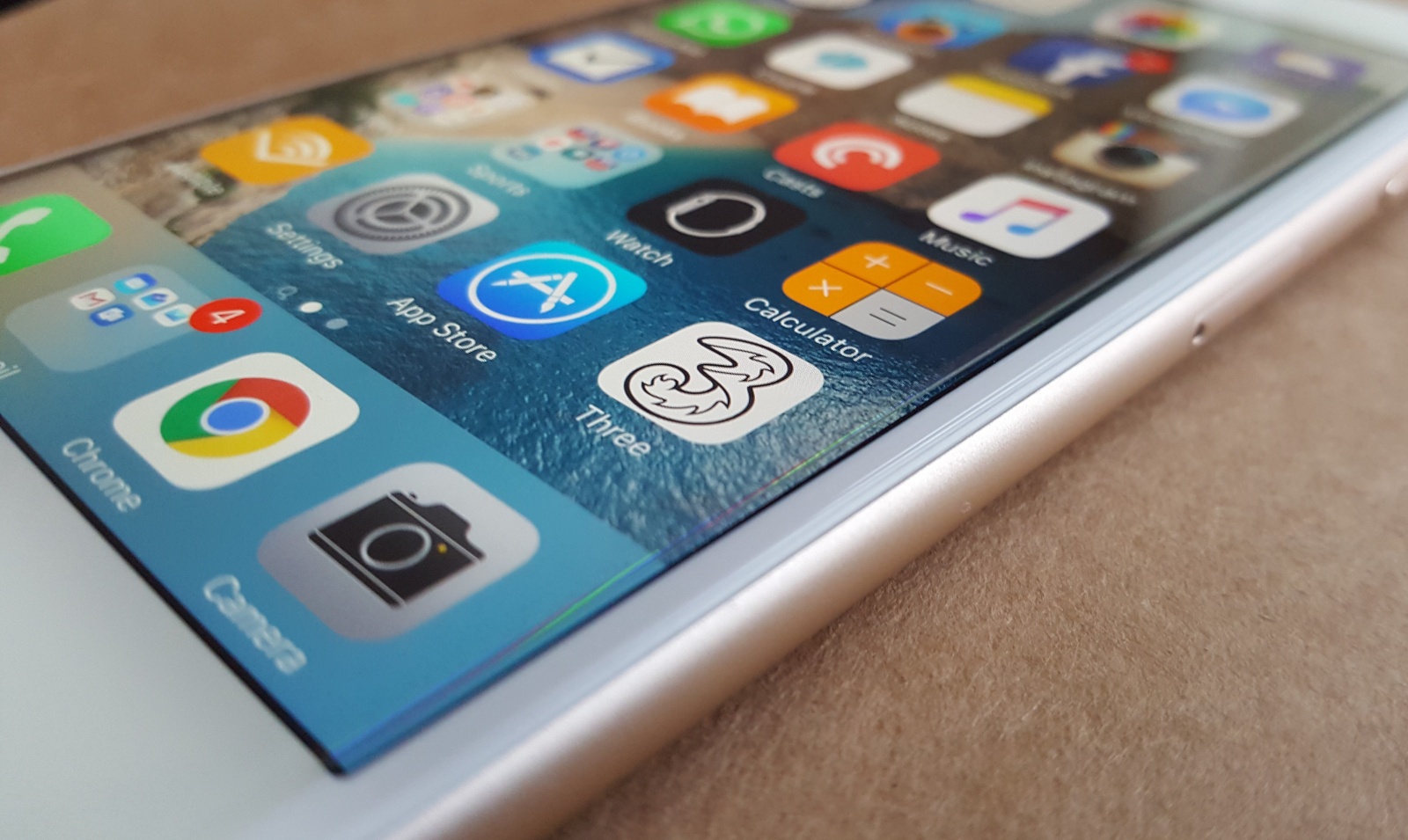
Three wants to banish bad ads.
Photo: Killian Bell/Cult of Mac
Three wants to banish bad ads. Photo: Killian Bell/Cult of Android

Who needs ad-blockers when your carrier has your back?

Three has unveiled plans to begin blocking “excessive and irrelevant” mobile ads at the carrier level so users on its network don’t have to endure them when browsing the web on their smartphones and tablets.

AirFoil 5 lets you stream from your Mac to literally any speaker in your house

By

Rogue Amoeba's AirFoil just got a lot more powerful.
Photo: Rogue Amoeba

Rogue Amoeba’s AirFoil has long been one of the Mac apps we can’t live without. The app allows Mac users to pump audio on an app-by-app basis to any AirPlay speaker within range.

Now, AirFoil 5 is here. And it’s a huge update. Not only does it introduce functionality that allows AirFoil to send audio to Bluetooth speakers and headphones (not just AirPlay devices, like the Apple TV), it can also send audio to multiple speaker groups at once.