Mobile menu toggle

Search results for: Apple One

Do-it-all video editing app goes free, just in time for the Oscars

By

screen322x572
If you start work now, you'll be in line for "Best Picture" at next year's Academy Awards.
Photo: Appsolute Inc.

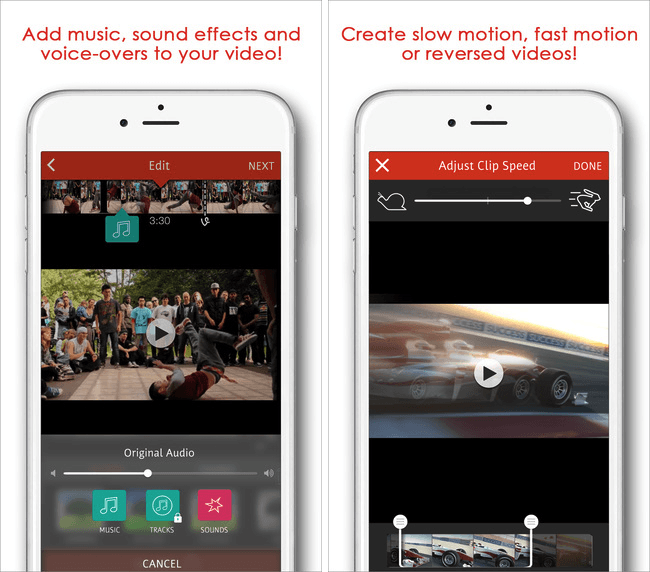
More and more videos are being shot on iPhones and iPads, and if you’re looking for a great video editing app to help you make the most out of your footage, you’ll find it with Videoshop — the ultra-popular movie editing app which currently carries a 4.5-star rating in the App Store, following more than 2,100 reviews.

The best news? Right now, it’s available for free, down from its usual price of $1.99.

Remembering Jef Raskin, the Mac’s other inventor

By

Macintosh
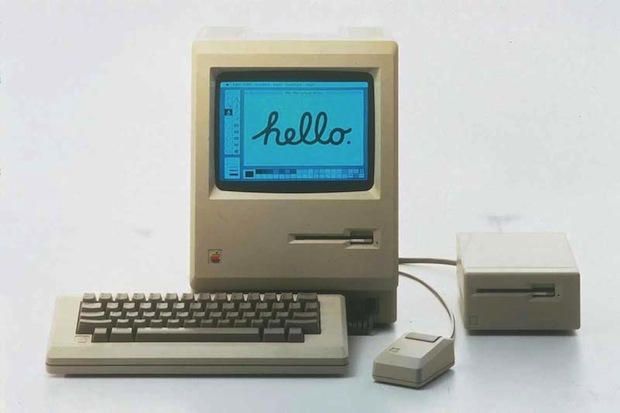
Jef Raskin's original concept for the Mac was very different.
Photo: Apple

Everyone associates the Mac’s creation with Steve Jobs (with very good reason), but there is another person without whom we wouldn’t have Apple’s iconic home computers: user interface guru Jef Raskin, who passed away on February 26, 2005 — exactly 11 years ago today.

Raskin not only named the Macintosh — after his favorite type of apple, the McIntosh (even though that spelling was already being used by an audio company) — he also gave the lovable computer some of its lasting personality traits.

Reignite the iPad email experience with Spark [Reviews]

By

spark-ipad-mail-4
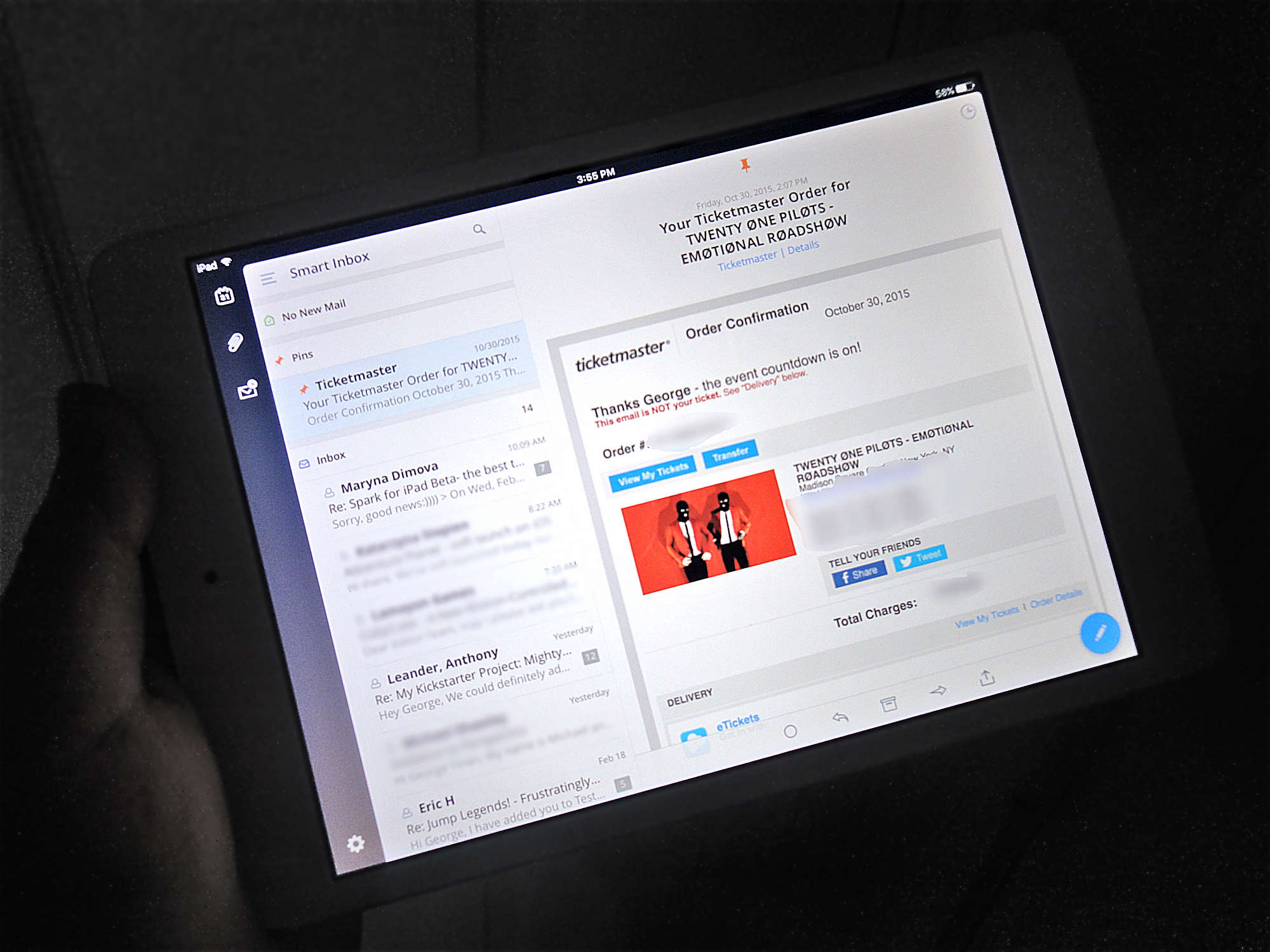
The iPad app is even better than the already amazing iPhone app.
Photo: George Tinari/Cult of Mac

One of the best email clients for the iPhone just got even better. Spark, which promises that “you are going to like your email again,” is now available for the iPad as well. And this isn’t an all-too-common instance of developers just stretching out the iPhone version of their app and calling it a day. Spark is fully optimized for the iPad’s larger display.

Take a virtual tour of (half of) Tim Cook’s office

By

Tim Cook office ABC News
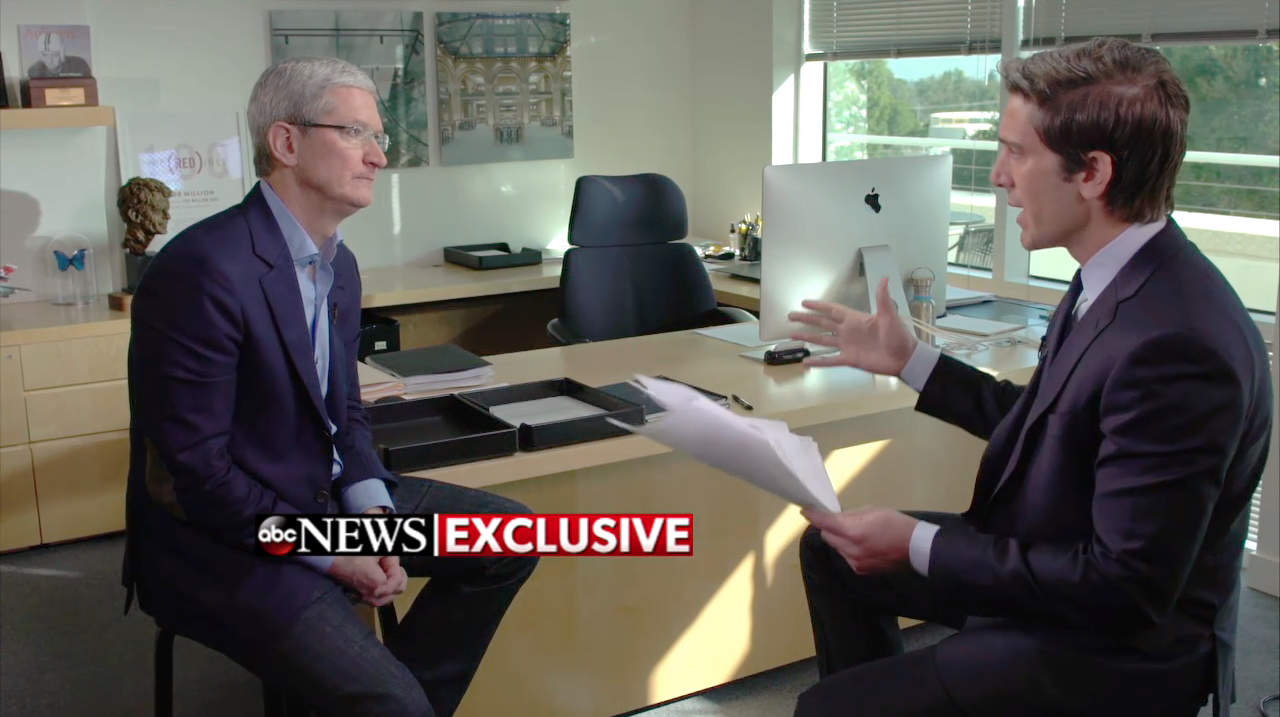
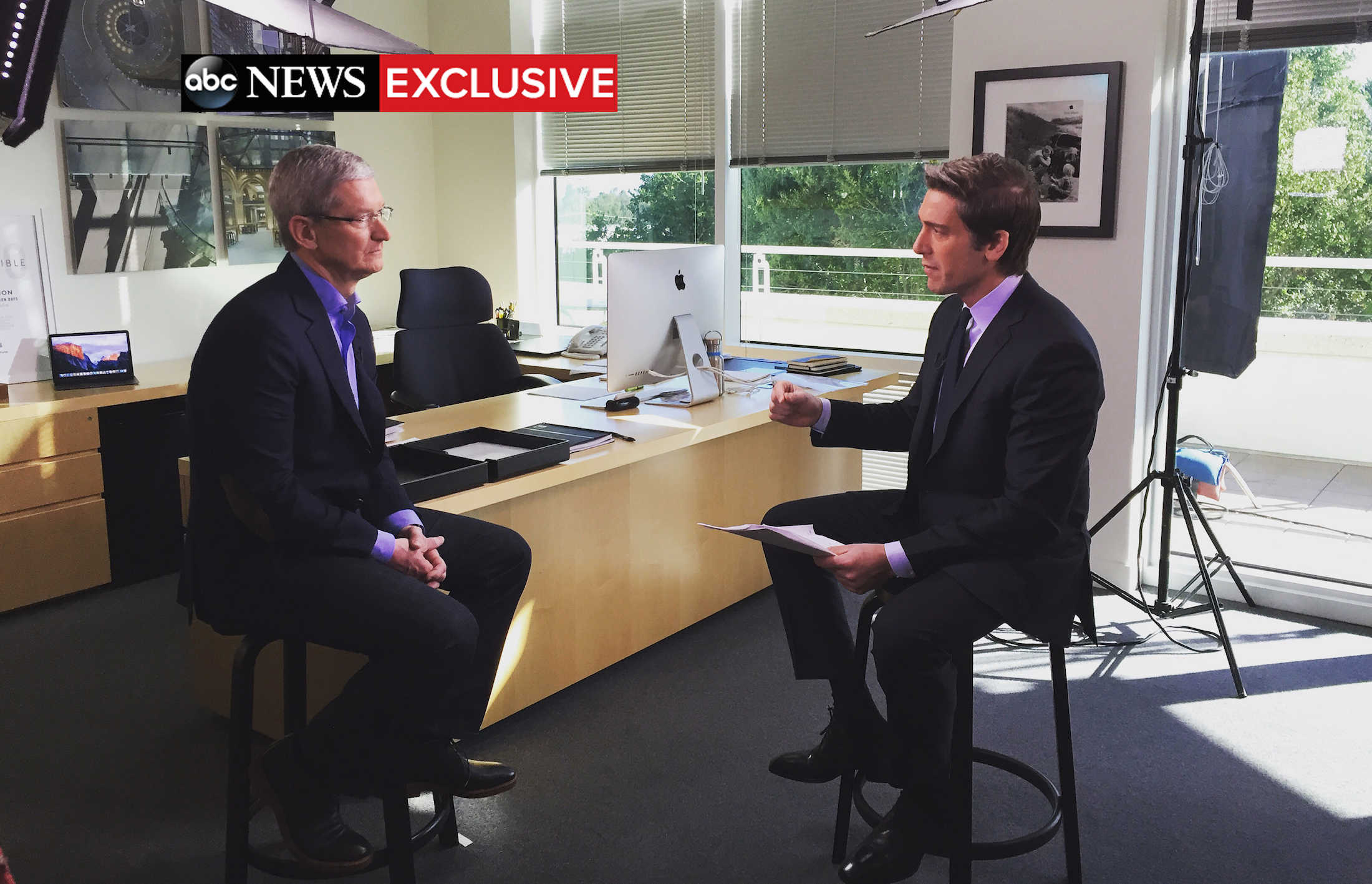
Tim Cook's office has more Easter eggs than a Marvel movie.
Photo: ABC News/"World News Tonight with David Muir"

We don’t know if Apple head Tim Cook’s office got a good going-over before ABC News stopped by last night, but we like to think that it’s always that tidy.

The CEO appeared on World News Tonight to discuss privacy and the company’s ongoing conflict with the FBI, but it was significant for another reason. And both Cook and anchor David Muir couldn’t help but point it out.

“Thanks for having us in your office,” Muir said. “I don’t think we’ve ever done an interview in your office before.”

“I’m not sure I’ve ever done an interview in the office,” Cook replied.

So what does the head of Apple keep handy when he’s hard at work? A lot of cool stuff, actually.

Arizona county attorney picks politics over privacy

By

iPhone mobile encryption touch id
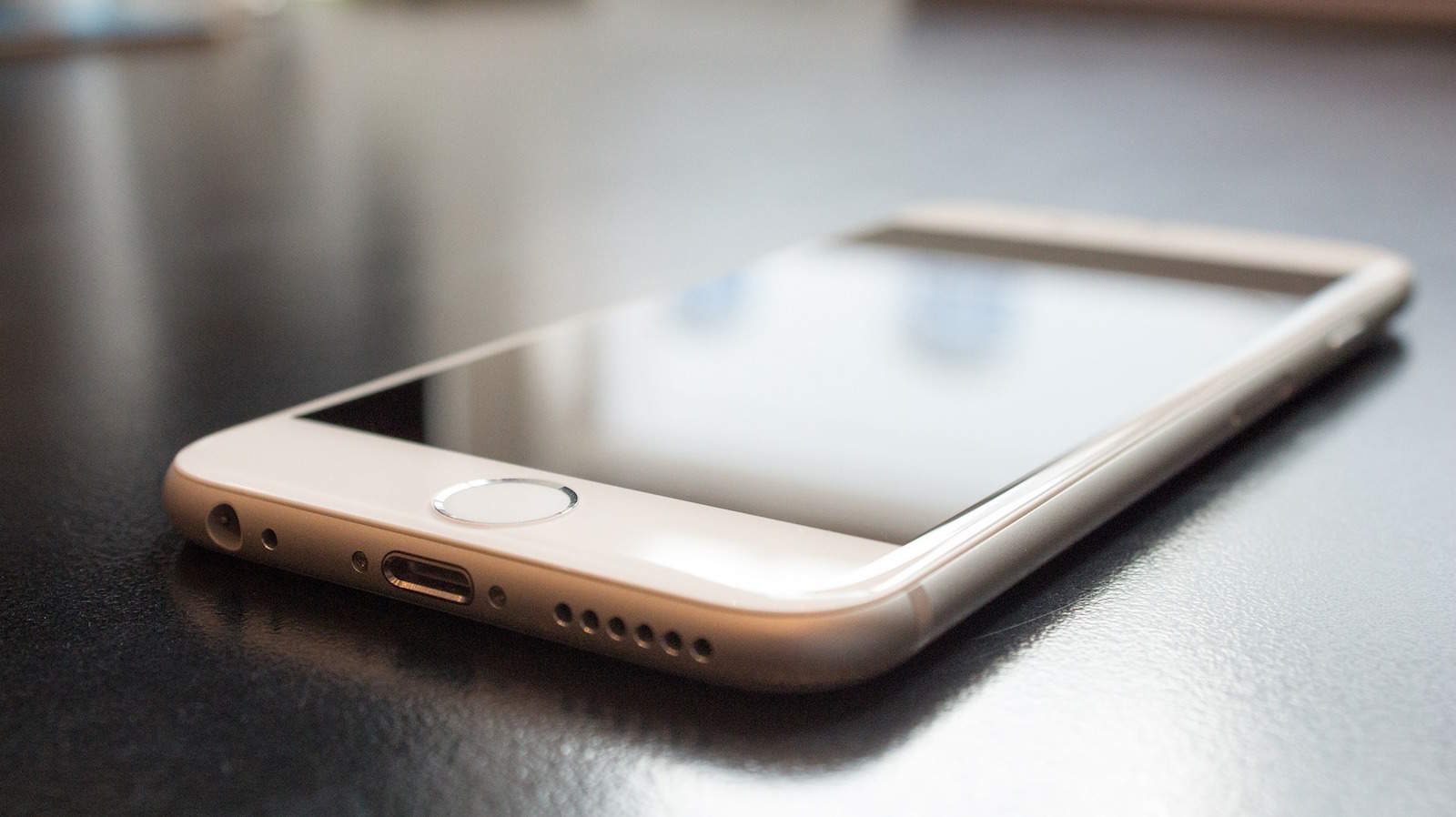
Sorry, Maricopa County Attorney's office. No more iPhones for you.
Photo: Olly Browning/Pixabay

Saying that Apple’s refusal to help an FBI investigation puts the company “on the side of terrorists,” Maricopa County, Arizona’s county attorney’s office will no longer issue iPhones for official use.

Prosecutor Bill Montgomery issued the public statement today after privately communicating the new policy to “applicable staff” on Sunday.

Tim Cook: FBI demands are both hard and wrong

By

Tim Cook's office David Muir interview ABC News
Tim Cook will make the company's case for encryption to ABC News this evening.
Photo: ABC News/"World News Tonight with David Muir"

If you can’t wait to see Apple CEO Tim Cook’s talk with ABC News anchor David Muir in a few hours, the network has released a couple of interesting previews ahead of the airing.

In them, Cook addresses both the difficulty of the company’s refusal to the FBI’s demands to unlock a terrorist’s phone and his less-than-satisfactory dealings with the Obama administration and the Justice Department.

Check out the clips below.

How I finally got serious about my photography [Reviews]

By

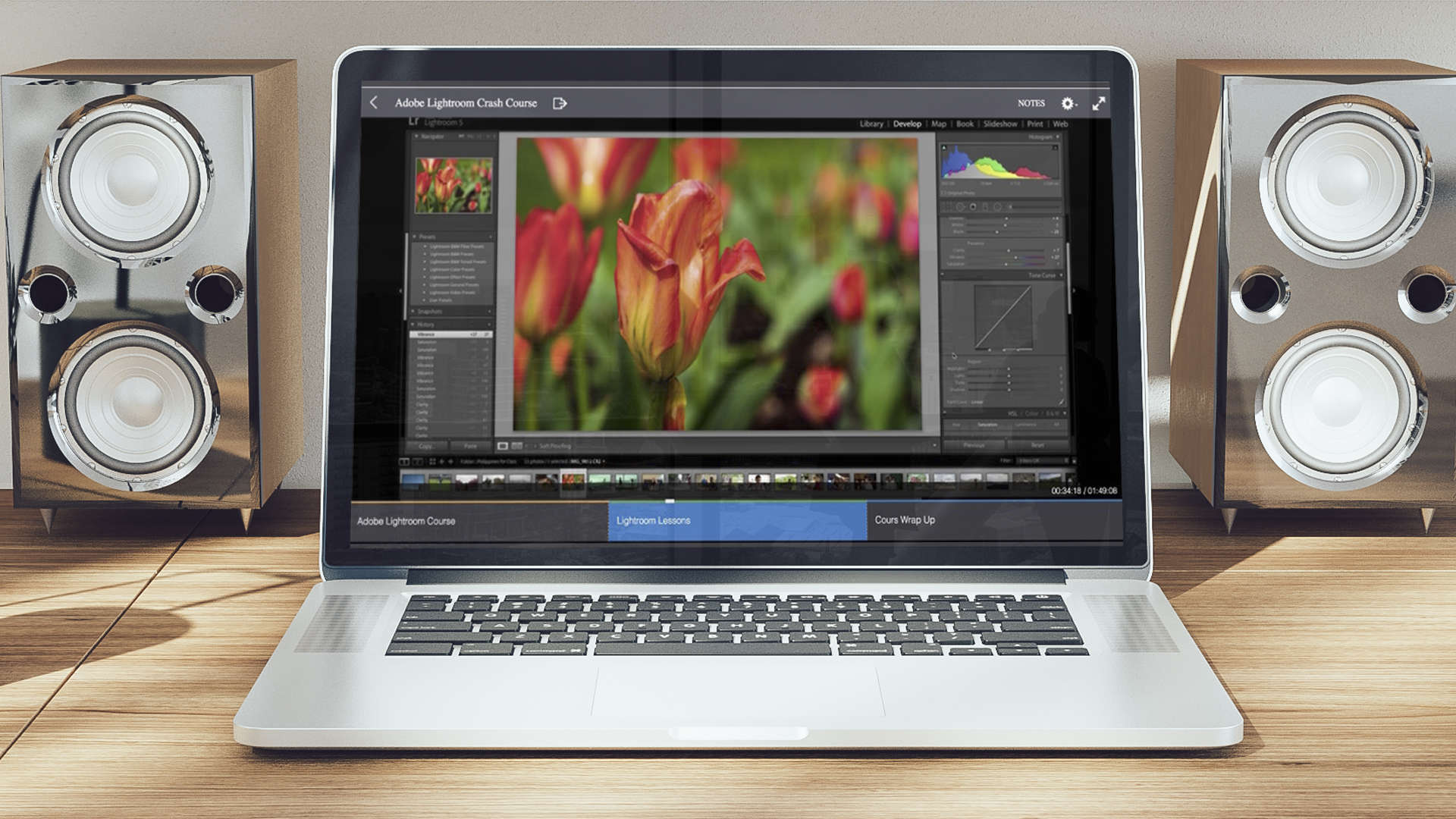
Get serious with a Lightroom crash course that won't take too much of your time.
Photo: Ste Smith/Cult of Mac

Even if the “teacher” is a college kid with bad diction, the one-hour Lightroom Basics course that I just took is pretty darn fantastic.

I have to take a lot of photos here at Cult of Mac, especially for reviews. Every gadget and gewgaw I review gets a big, bold photo at the top to best show off its features.

Because of this, I’ve been hoping to get serious about my photography for a while now. The first step was to sign up for one of these amazing, useful courses.

6 apps to streamline and protect your Mac [Deals]

By

The Ultimate Mac Shield Bundle
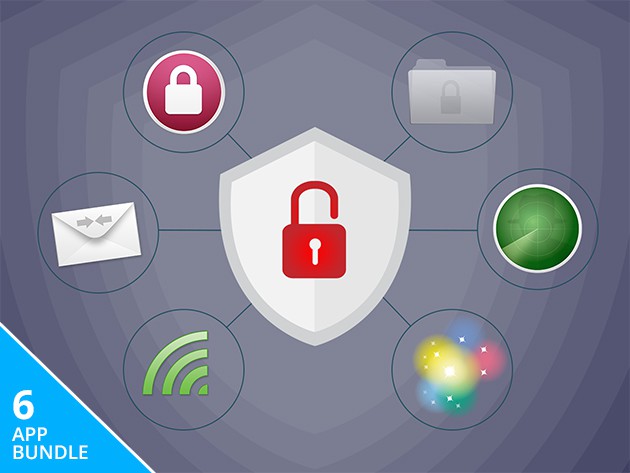
The Ultimate Mac Shield Bundle will protect your precious computer.
Photo: Cult of Mac Deals

These six apps will protect your Mac and improve your productivity while using it. From cleaning out cookies and anonymizing your computer’s identification number, to hiding private files and gathering email addresses from any text document, there’s something in here to improve anybody’s workflow and sense of security. Right now the whole bundle is just $29.99.

Here’s a look at what’s included: