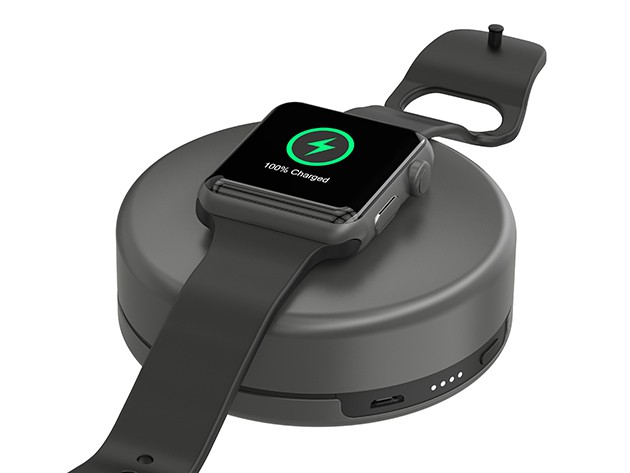
For something as personal and prominent in everyday life as our smartwatch, tossing it onto a tabletop or shoving it in a drawer to charge seems a bit…crude. Nomad has a couple alternatives, two ways to give your Apple Watch a place of privilege that’s fitting in style and function.
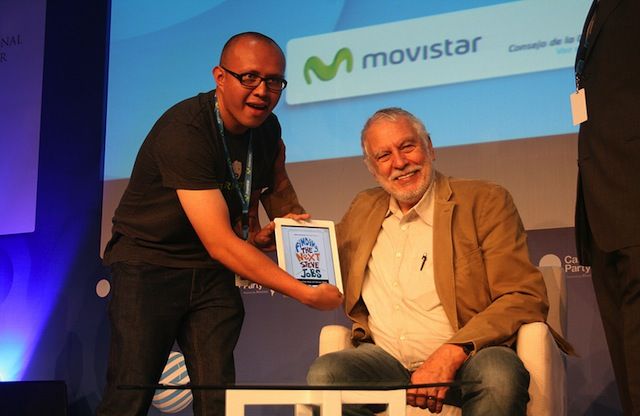
Atari founder and Steve Jobs’ first employer Nolan Bushnell has announced that he is teaming up with Amsterdam developers Spil Games to create a series of original mobile games.
As part of the deal, Bushnell will develop three new games, with the first set for release in 2017. During his time at Atari, the entrepreneur oversaw the development of such classic games as Pong, Adventure and Breakout — the latter of which also happened to be the first collaboration between Jobs and fellow Apple founder Steve Wozniak.
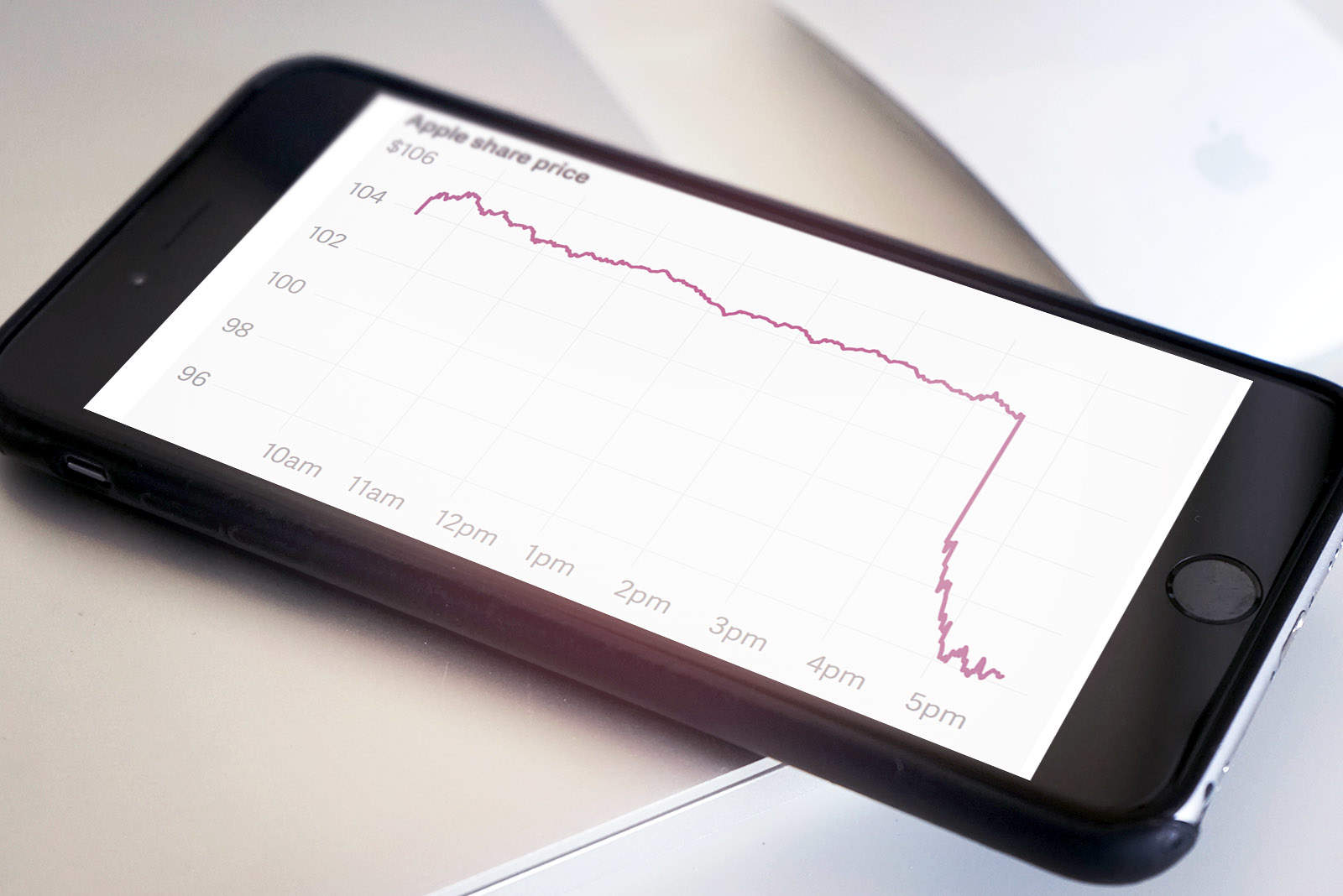
Apple’s biggest cheerleader on Wall Street, Carl Icahn, is getting rid of all of his AAPL shares after the iPhone-maker reported its first year-over-year decline in revenues for the first time in 13 years.
The iconic investors has insisted for years that Apple shares are grossly undervalued and has made over $3.4 billion investing in Apple. Now Carl is throwing in the towel even though he still thinks the stock is ridiculously cheap.
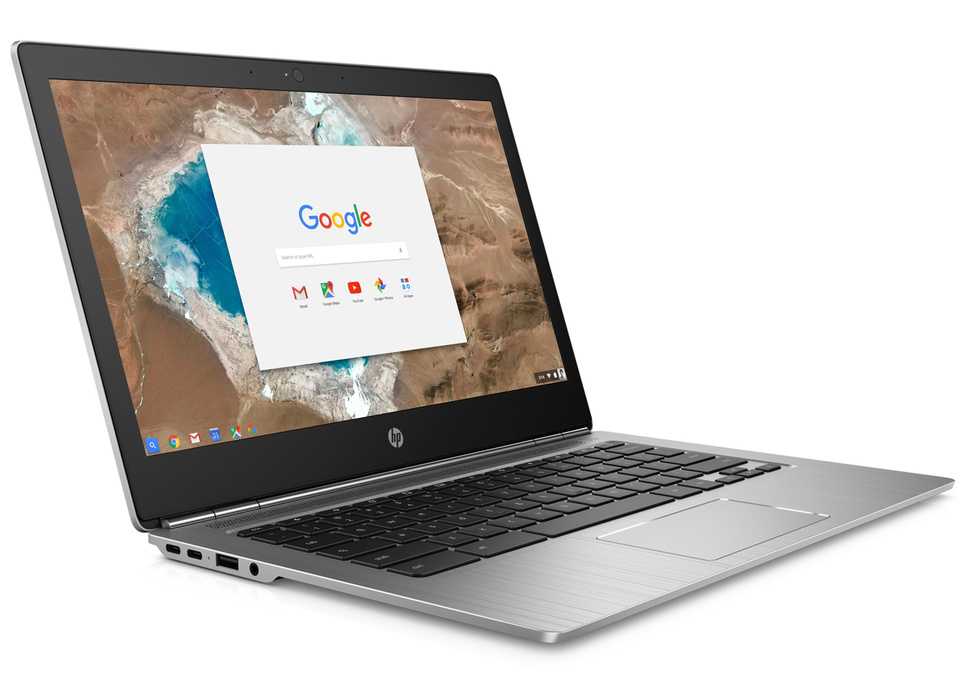
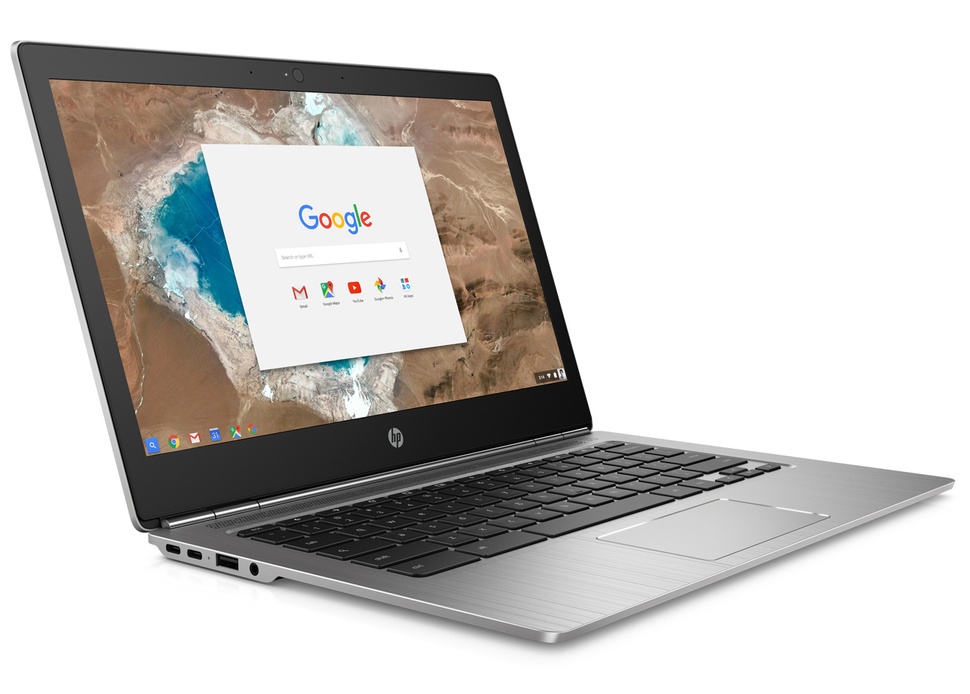
It's even made of aluminum. Photo: HPIt’s even made of aluminum. Photo: HP
HP has another answer to the super sleek Apple MacBook, and despite similar specifications, it costs less than half the price.
The new all-aluminum Chromebook 13 boasts an Intel Core M processor, up to 16GB of RAM, and a battery that lasts up to 11.5 hours in between charges — and it starts at just $599!
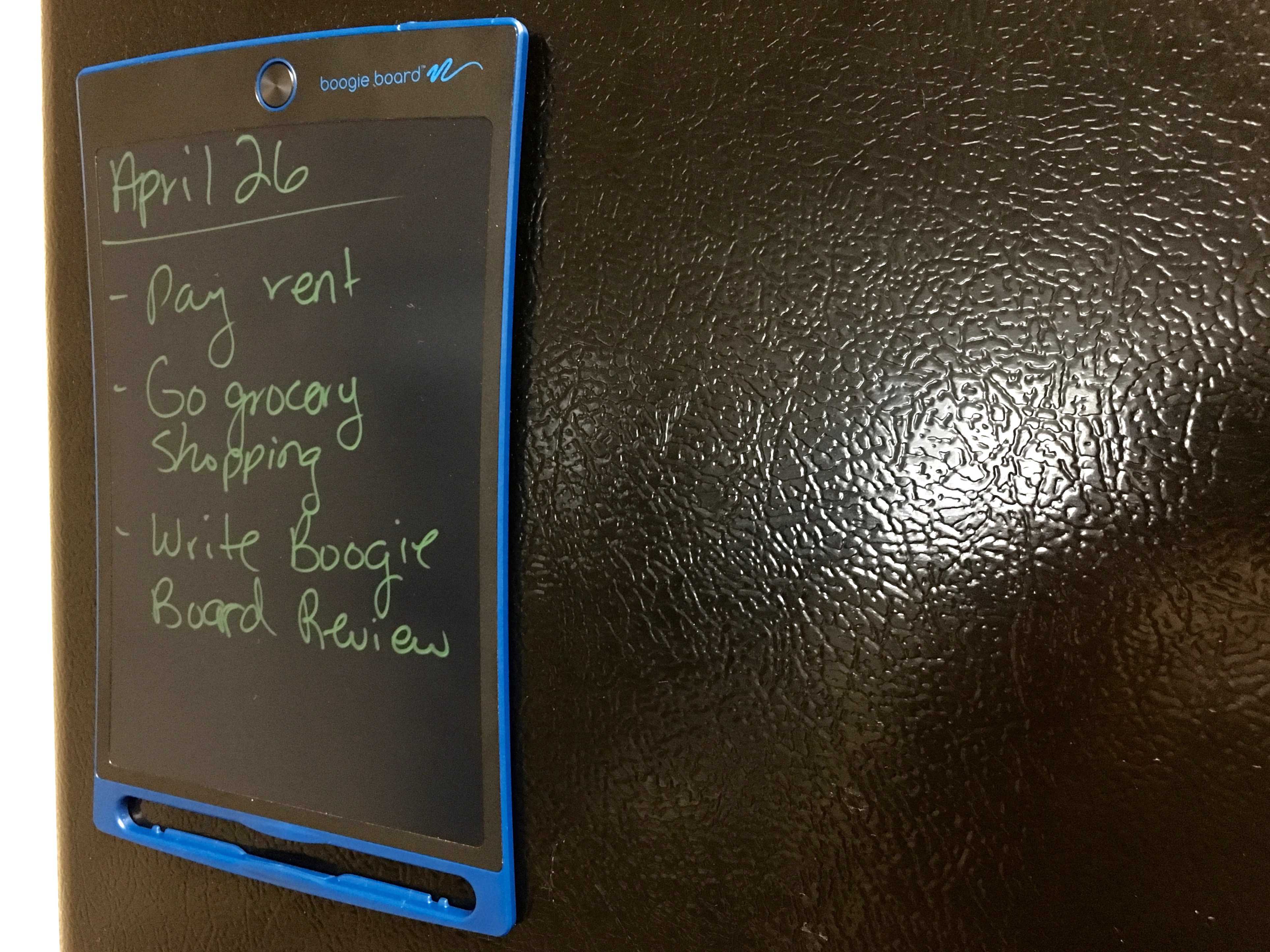
Still better than a "smart" refrigerator. Photo: George Tinari/Cult of Mac
Nowadays it seems like we’re ready to replace just about every standalone device with a smartphone app or add a Wi-Fi connection to it, when the reality is that plenty of these devices work perfectly fine already. (I’m looking at you, Wi-Fi-enabled refrigerators.) So it was refreshing to be able to review a product that’s confident in what it is and what it isn’t: the Boogie Board Jot 8.5 eWriter.
The Jot 8.5 is an ultra-thin display that lets you write or draw whatever you want on it, then instantly erase all the contents at the push of a button. Think of it as a practical Etch-A-Sketch that doesn’t suck.
Keep your notes secure in OS X. Photo: Ste Smith/Cult of Mac
Lots of us were excited to keep our Notes private when iOS 9.3 added the feature to Apple’s mobile devices. We all store private details in our notes such as bank details, pin numbers and more within the notes app for convince. Knowing this information is now more secure than ever is one less thing to worry about.
But did you know that you can do the same on your Mac?
In this week’s Quick Tips video, I’m going to help you with your peace of mind and show you how to secure your notes in OS X.
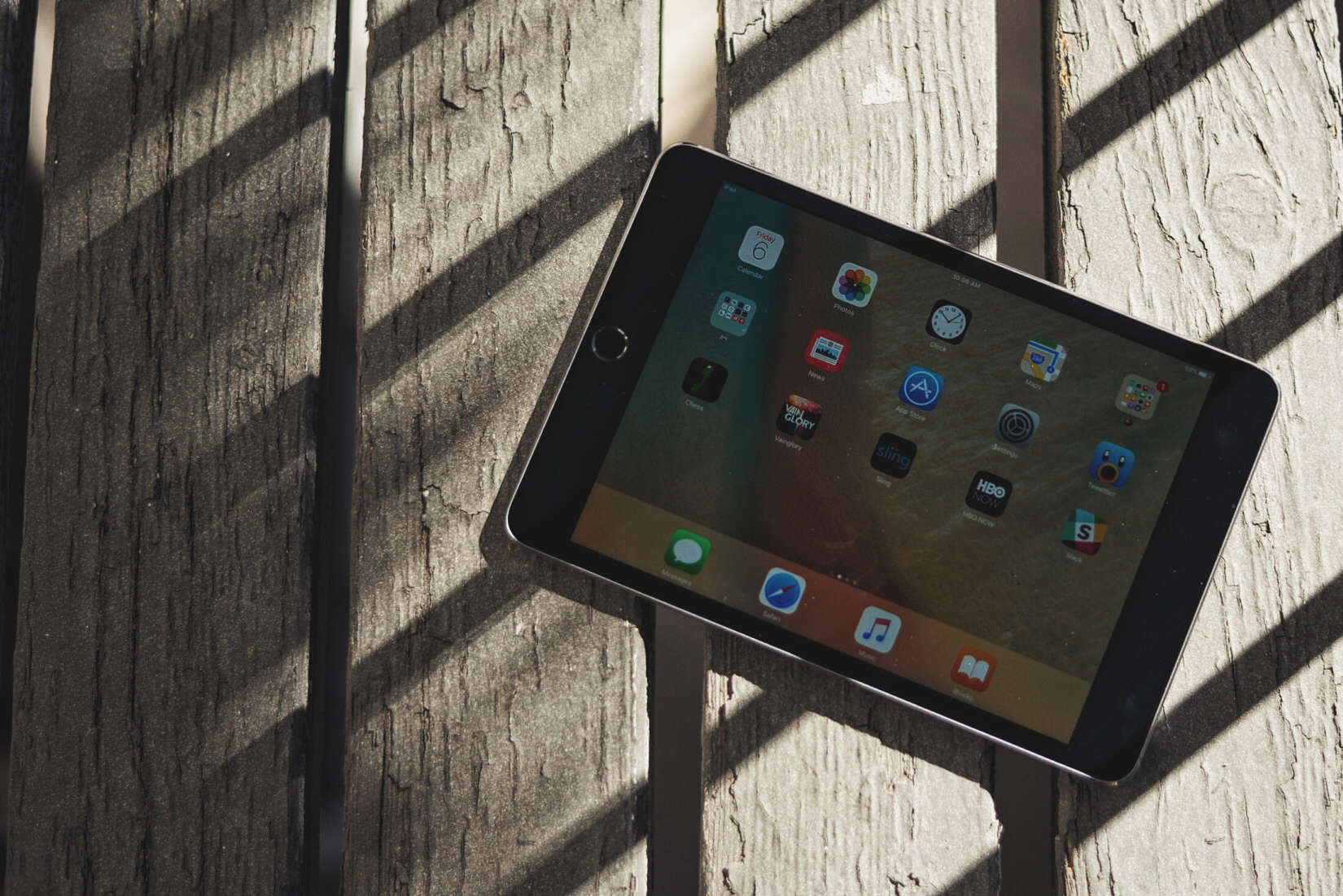
It turns out the iPad can be a pretty great piano player. Photo: Buster Hein/Cult of Mac
It’s pretty darn cool watching talented human musicians bust out music using an iPad, but one thing we’re all limited by is the ability to react perfectly to 120 frames of motion each second.
Which is why it’s awesome to see the work of YouTube user DenverFinn, who recently built a D.I.Y. robot with the express aim of breaking the record for iPad piano game Piano Tiles. With the aid of an iPhone and a homemade machine able to hammer a specific tile on the screen when asked to, DenverFinn’s robot shows prodigy levels of piano-playing excellence.
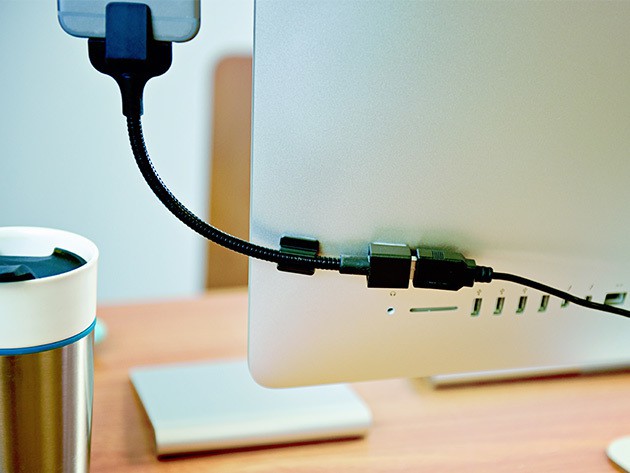
Bobine's flexible mount easily keeps your phone where you need it and at the ideal viewing angle. Photo: Cult of Mac Deals
Whether it’s in the car, at the office, or anywhere else, sometimes it’s best to just have the phone, tablet or watch where they can be seen while our hands are busy doing other things.
Bobine makes a series of charging grips for iPhone and Apple Watch that are designed to keep your devices where you need them. They’re tough, stylish and perfect for any conceivable use. And they’re on sale now at Cult of Mac Deals. Take a look:
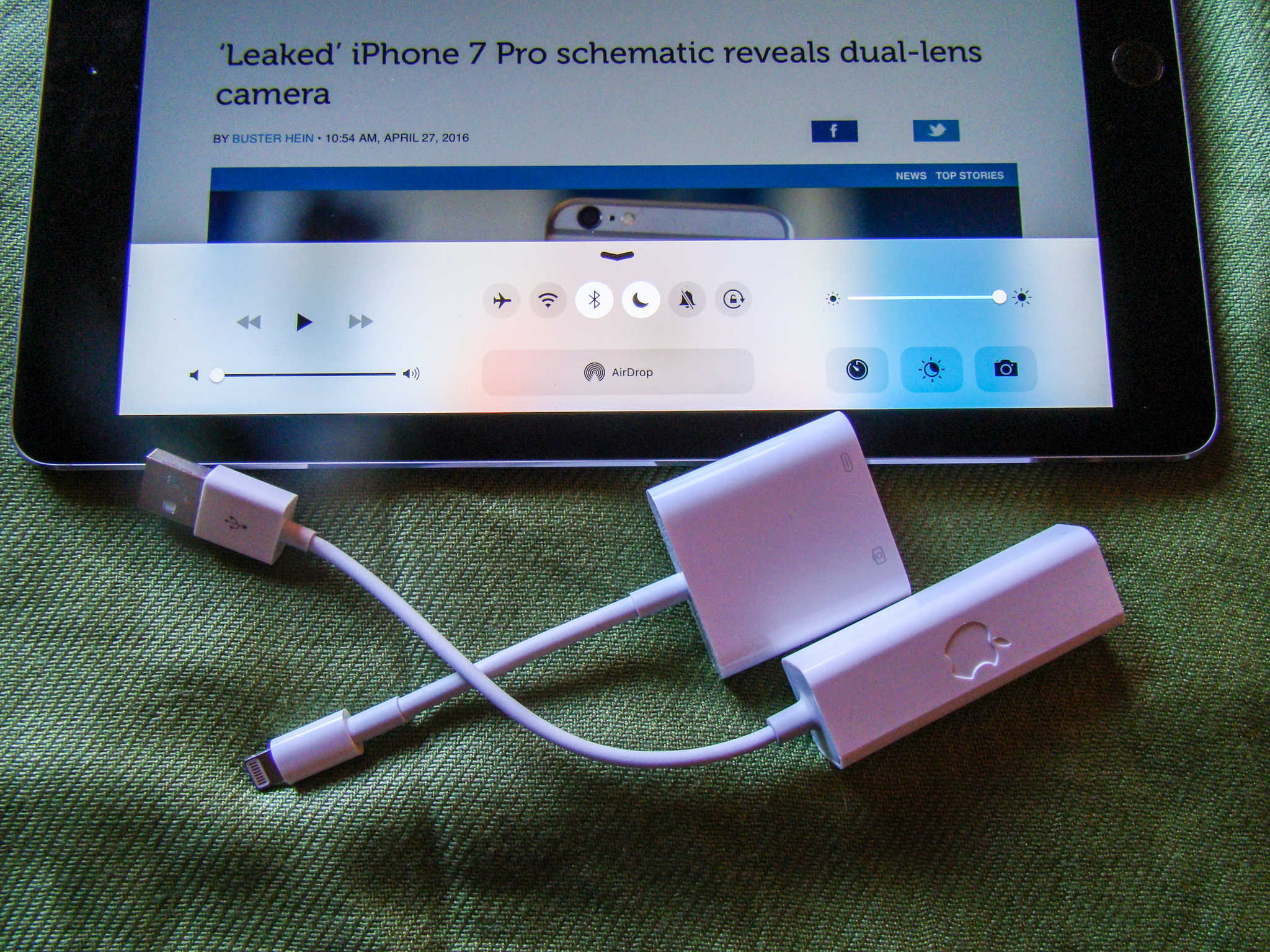
Oh, yeah. It's possible. Photo: Evan Killham/Cult of Mac
We’ve been using Night Shift on our iPhones and iPads since it launched with iOS 9.3. We aren’t sure if it actually promotes good sleep, but we figure that lowering the amount of blue light that hits us after the sun goes down can’t be a bad idea. The only problem we’ve had with it is pretty simple, though: You can’t use it while Low Power Mode is on.
Low Power Mode is another cool feature; it turns off high-consumption stuff like Siri’s hands-free mode, mail fetch, and automatic downloads to stretch your battery life out until you can get your ailing iPhone to a charger. We assume that the reason you can’t run both simultaneously is that Night Shift is a juice-chugger, but we still miss it when our battery hits a critical low at night. But it is possible to have them both on at once. You just have to trick Siri a little.