With Alexa baked in, UE's new Blast speaker will be right at home in the kitchen. Photo: Ultimate Ears
SAN FRANCISCO — Ultimate Ears’ punchy portable speakers just got smart. The new Blast and Megablast speakers bring built-in support for Alexa, Amazon’s voice-operated smart assistant.
Bringing the always-listening, voice-operated helper to a battery-powered speaker proved “nontrivial,” said Benjamin Falk, principal software product manager at UE, during a demo of the new speakers.
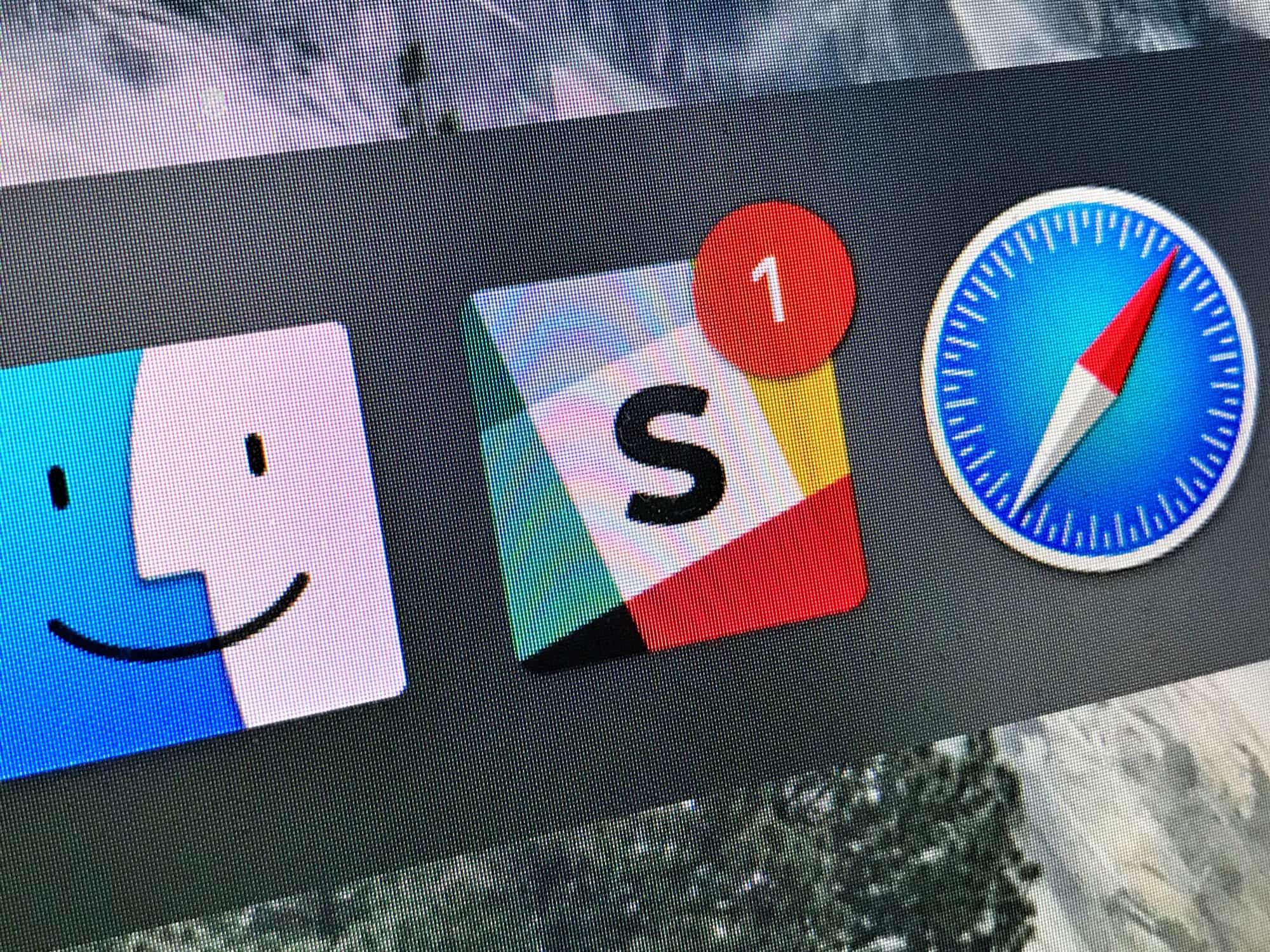
Undisturbed turns off those annoying red badges. Photo: Cult of Mac
Do you know how to turn on your Mac’s Do Not Disturb mode? That’s right, you open up the Notification sidebar, pull down, and toggle the switch. It works great. Right up until you look at the Dock, or the app switcher, and see a bunch of big red badges hassling you to read your email or check your boss’ Slack messages.
That’s where Undisturbed comes in. It’s an app that improves Do Not Disturb, so you really don’t get disturbed.
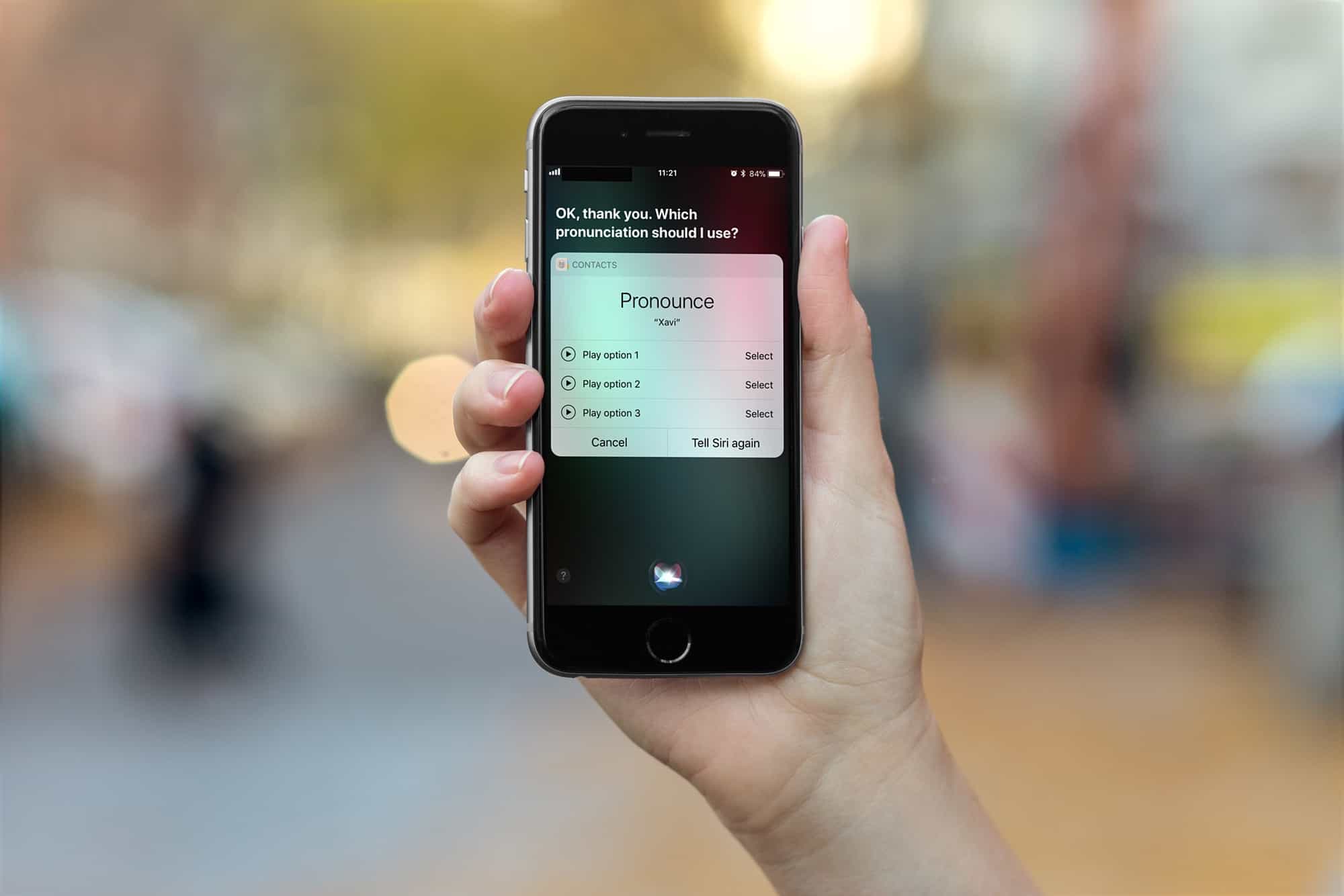
Siri will teach you how to teach her. Photo: Cult of Mac
Siri is great for setting reminders and timers, but in recent times Apple’s AI assistant has gotten a lot better at other things, too. For instance, sending iMessages to folks via your EarPods or AirPods, with your iPhone still in your pocket, works well enough that you can use it reliably all the time.
However, if Siri can’t pronounce the names of your contacts, then it’ll drive you crazy. Luckily, you can teach Siri to say these names correctly.
Cardhop was created by the stellar team behind Fantastical. Photo: Flexibits
Remember how Flexibits made managing your calendar incredibly easy with Fantastical? Now it is doing the same for your contacts with a brand new app called Cardhop.
Cardhop makes keeping your address book up to date and staying in touch with friends and colleagues quick and easy. It uses the same great natural language recognition found in Fantastical, and it’s available today on macOS.
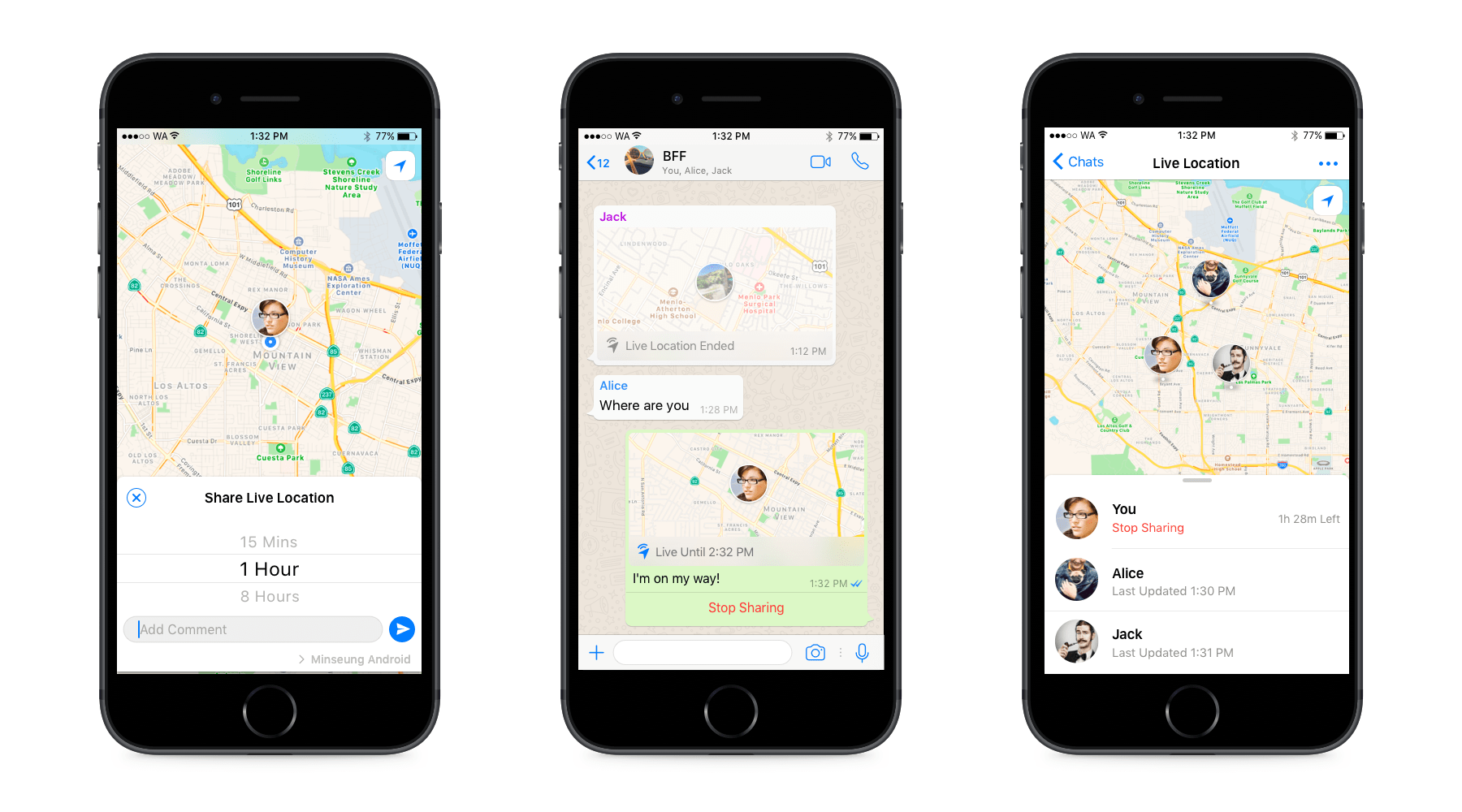
Now your friends will know exactly where you are. Photo: WhatsApp
It’s now easier than ever to let your friends know exactly where you are. WhatsApp has added live location sharing to its mobile apps, and promises to keep it secure with end-to-end encryption.
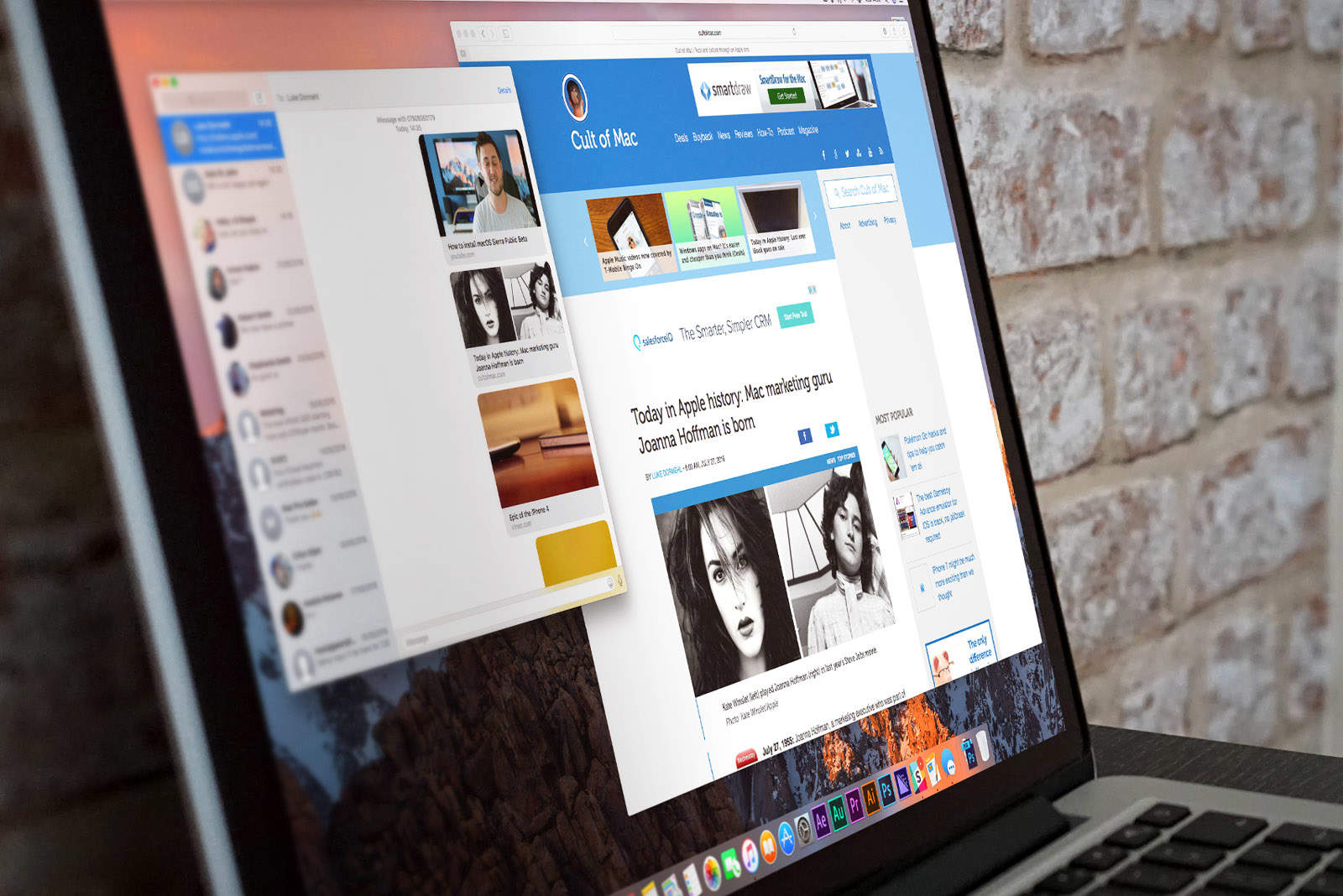
The macOS High Sierra upgrade is causing iMessage issues. Photo: Ste Smith/Cult of Mac
A frustrating bug in macOS High Sierra is causing significant iMessage delivery delays for some users. It is also causing notification issues on iPhone and Apple Watch, and as things stand, there is no real fix.
Smart speakers could be fastest consumer device ever to hit 50 percent adoption. Photo: Apple
Smart speakers like the Amazon Echo, Google Home, and forthcoming Apple HomePod could become the fastest consumer device in history to hit 50 percent adoption levels, claims Activate CEO Michael J. Wolf.
For those keeping track at home, that’s faster than smartphones, television, cars, the internet, and personal computers.
Two great new shelf apps for iPads running iOS 11 have launched recently, and both are worth a look. One is Yoink, which has a long history as a shelf app on the Mac. The other is Gladys, with distinguishes itself by being both super-simple to use, and full of geeky extras.
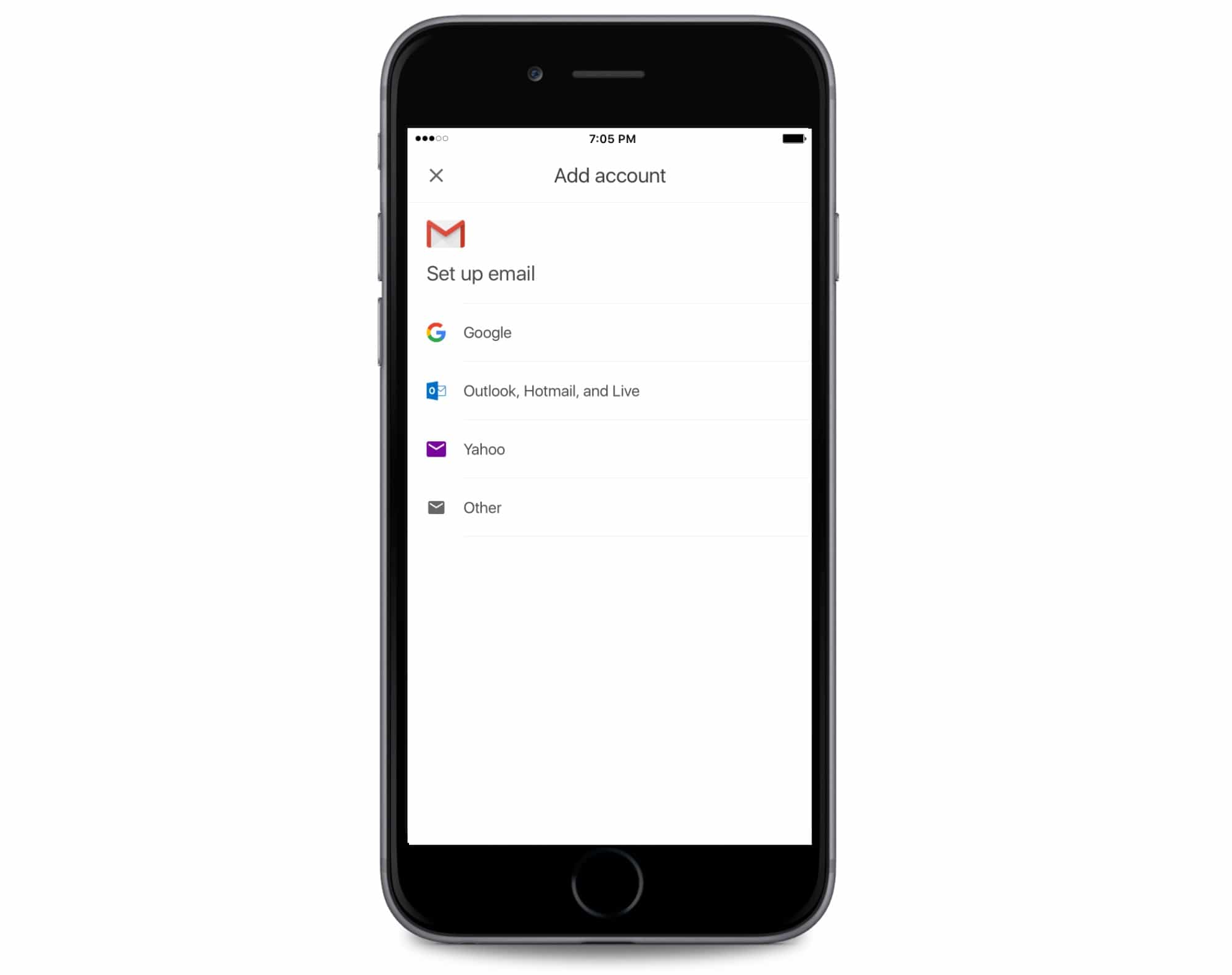
iPhone users that love using Gmail will soon be able to make it the only email app on your iPhone. Google revealed today that it has begun testing a new feature that allows users to connect third-party email services to the Gmail app.
Editing your video clips will make them way less boring. Photo: Charlie Sorrel/Cult of Mac
The secret of a good movie is in the editing. Well, the script, the lightning, the directing, the photography and the acting are all important, but for home movies, you have little control over those.
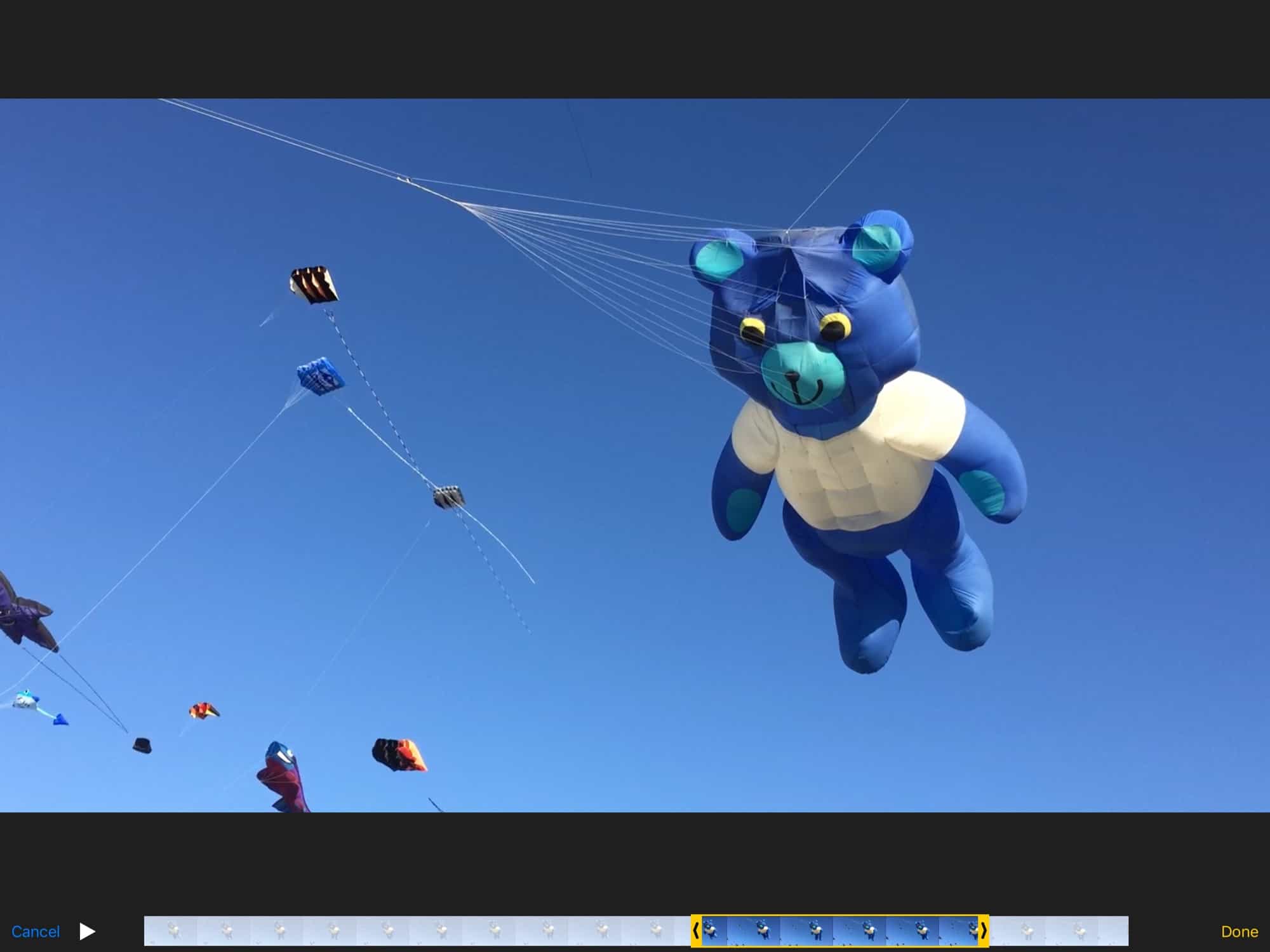
So it’s down to the edit. And the most basic of edits is to lop the ends off a clip, to trim video and make it shorter. Watching excessively long clips is the equivalent of a conversation with someone who can’t ever get to the point. “Let me tell you about that time I fell out of the plane. It was a Tuesday. No, I think it was Wednesday. Wait, it must have been a Tuesday because …”
It’s painful. So, do yourself a favor and trim your video clips. Even if you’re not planning on combining your edits into a short movie, you should at least remove the cruft from anything you’re going to show. The good news is that it’s dead easy to trim video on Mac and iOS.