Mobile menu toggle

Search results for: Apple One

App Store redesign gives (some) downloads a big boost

By

bookmark wish list
The App Store looks all-new in iOS 11.
Photo: Ste Smith/Cult of Mac

The redesigned App Store has been a boon for developers, based on new third-party data that shows getting a little promotion goes a long way when it comes to downloads.

With the launch of iOS 11, Apple made some big changes to how iPhone and iPad users browse apps in the App Store. App Store shoppers are now greeted by big promotions for the App of the Day and Game of the Day which has become worth a lot of money to developers if you’re lucky enough to be selected.

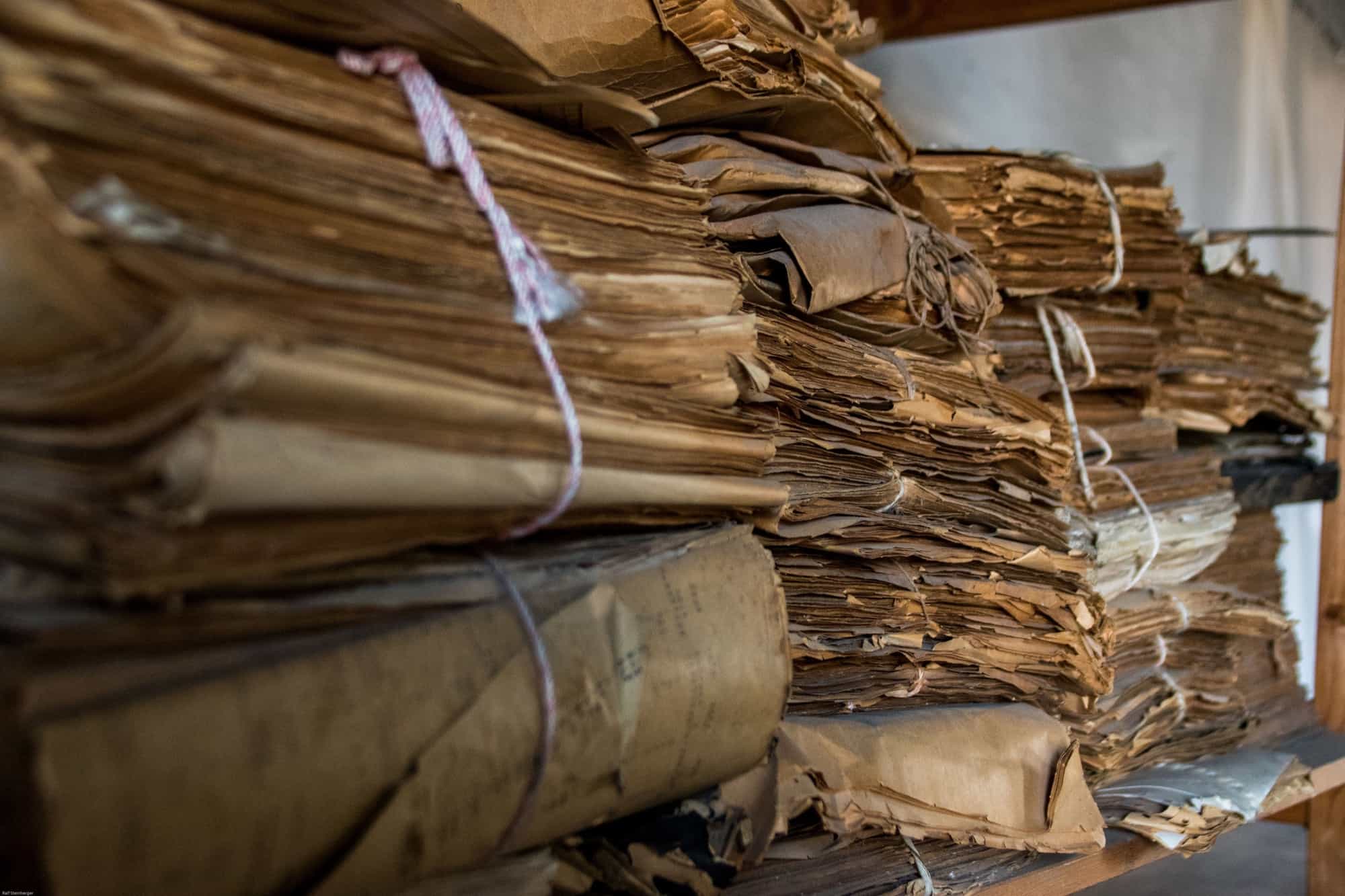
Paperlogix reads paper documents and files them for you

By

stack of Paperlogix
Scan and file your paper automatically with Paperlogix.
Photo: Ralf Steinberger/Flickr CC

Paperlogix is a yet another document scanner app for iPhone and iPad, but it has one big feature that really makes it stand out. Like all the other decent scanner apps, it uses the iPhone’s camera to capture scans, and then processes them, removing the background, squaring off your wonky framing, and rendering text in crisp black and white.

But Paperlogix goes one better. It can read your scans, and then file those scans based on what it finds. So, for instance, you could have it automatically file all your grocery receipts in one folder, or send all invoices to your accountant, all without doing any of the work yourself. It’s pretty neat stuff.

Tim Cook discusses his CEO replacement in new interview

By

Tim Cook still hid a few surprises up his sleeve for the iPhone X event.
Who will replace Tim Cook?
Photo: Apple

Apple CEO Tim Cook says he wants people to see Apple’s retail locations as more than just a place where you buy things.

To celebrate the opening of the new flagship Apple store in Chicago, Cook and Apple retail boss Angela Ahrendts sat down for a wide-ranging interview. The duo discussed everything from why physical Apple stores are still vital in the digital age to whether Apple’s political stances will cause pushback from customers.

How to shorten text with the Mac’s built-in TL;DR tool

By

summarize service tl:dr
The Mac's venerable summarize service is more relevant than ever.
Photo: Cult of Mac

The Mac has a great built-in tool named Summarize, which does just that. If you have a chunk of text that is too long, then you can shorten it using the Mac’s very own TL;DR generator, a system service which will take any text and shrink it, keeping only the important bits.

Perhaps you want to skim-read a too-long text? Maybe you want to reduce a full article to a 140-character Twitter post? Or maybe you want to email this article to a friend of yours who is too lazy to read it, but could totally use the advice.

Letters show just how tight Steve Jobs and Bill Clinton were

By

Steve Jobs and wife Laurene Powell Jobs in the Oval Office.
Photo: Clinton Presidential Library

A batch of newly released files is shedding some light on the relationship between Apple co-founder Steve Jobs and former U.S. President Bill Clinton.

Jobs and Clinton were known to be buddies for years, but details of their relationship have been scarce. Now a set of documents from the Clinton Presidential Library has revealed some of the letters the two exchanged. In one note, Steve Jobs even goes so far as to make some cabinet post recommendations to Clinton. the two.

Google investigates potentially disastrous Pixel 2 display fault

By

Pixel 2
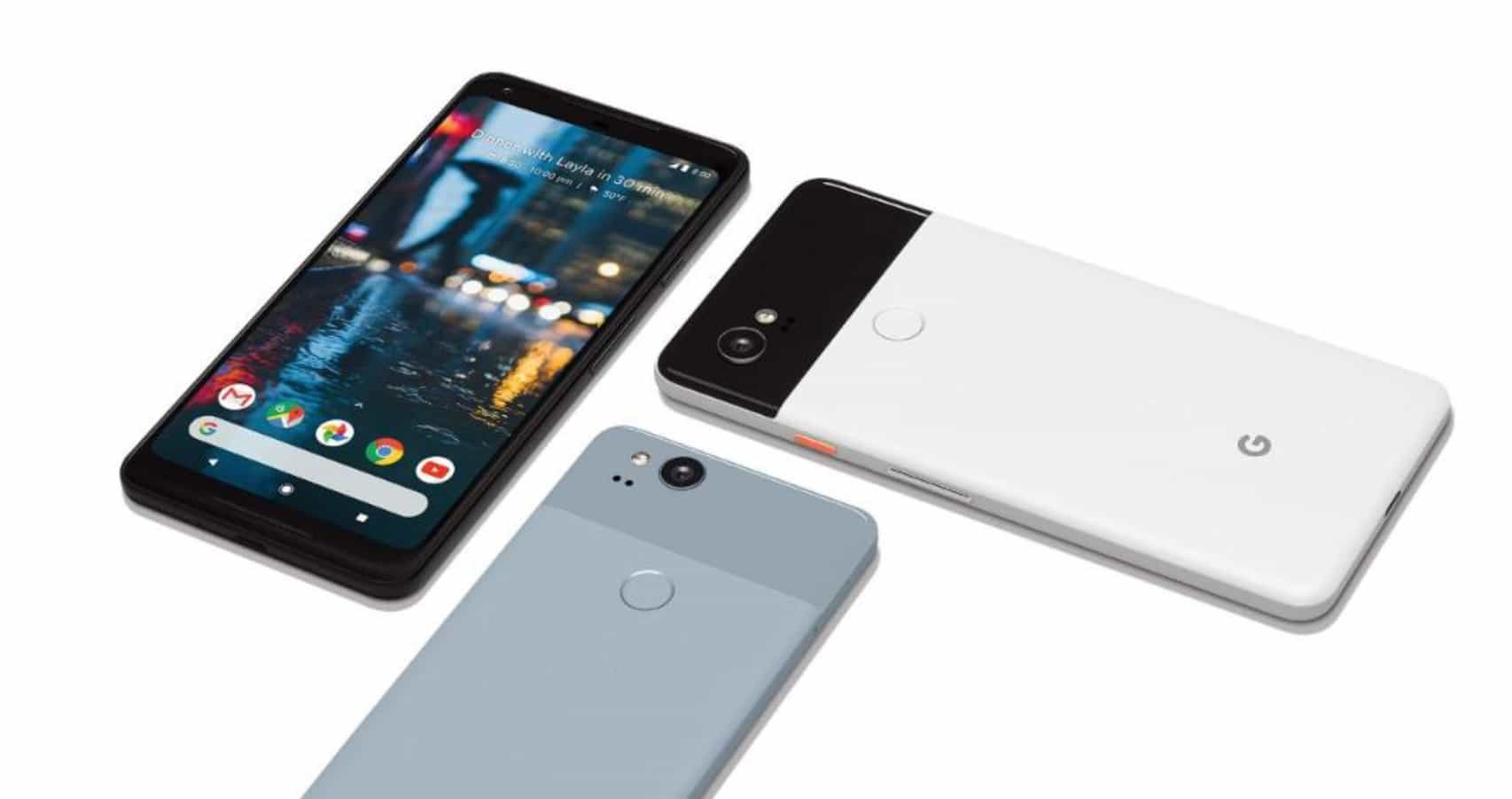
OLED display is causing issues for Google.
Photo: Google

Apple’s not the only company that’s had issues with OLED displays this year. According to early reviewers, Google’s Pixel 2 XL suffers from screen burn-in, which leaves faint outlines of the phone’s navigation buttons on the display.

Needless to say, that’s a bit of an issue if it turns out to be widespread. Google says that it is “actively investigating” the potential problem.

ARZombi, Placer and other awesome apps of the week

By

Awesome Apps
'Appy weekend!
Photo: Ste Smith/Cult of Mac

An app that uses AI to ensure any pictures you want to keep hidden stay that way is just of one of the picks for this week’s “Awesome Apps of the Week.”

In addition, we’ve got a great app that saves you waiting in line (like for an iPhone X, for instance), a fun zombie-themed augmented reality survival game, and three new characters in one of the year’s best iOS fighting games. Check out our picks below.

Cult of Mac Magazine: How to collaborate in GarageBand using iCloud, and more!

By

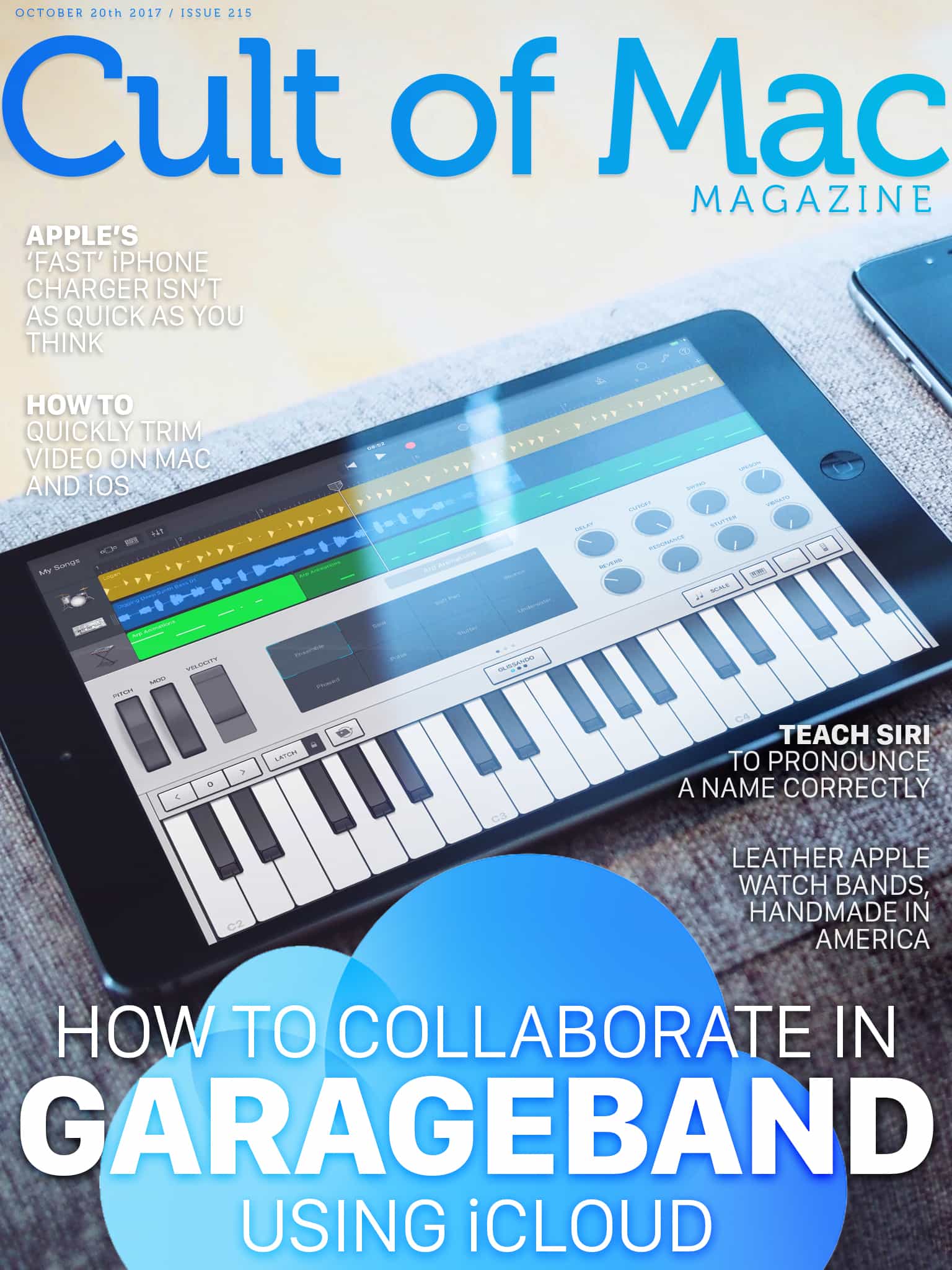
Cover
With iOS 11, you don't need to go to a recording studio to collaborate on a song.
Photo: Ste Smith/Cult of Mac

One of the great new features in iOS 11 and macOS High Sierra is shared documents. You can create almost any kind of file, and collaborate on it with other people. We’ll show you how to share and collaborate using GarageBand in iOS 11.

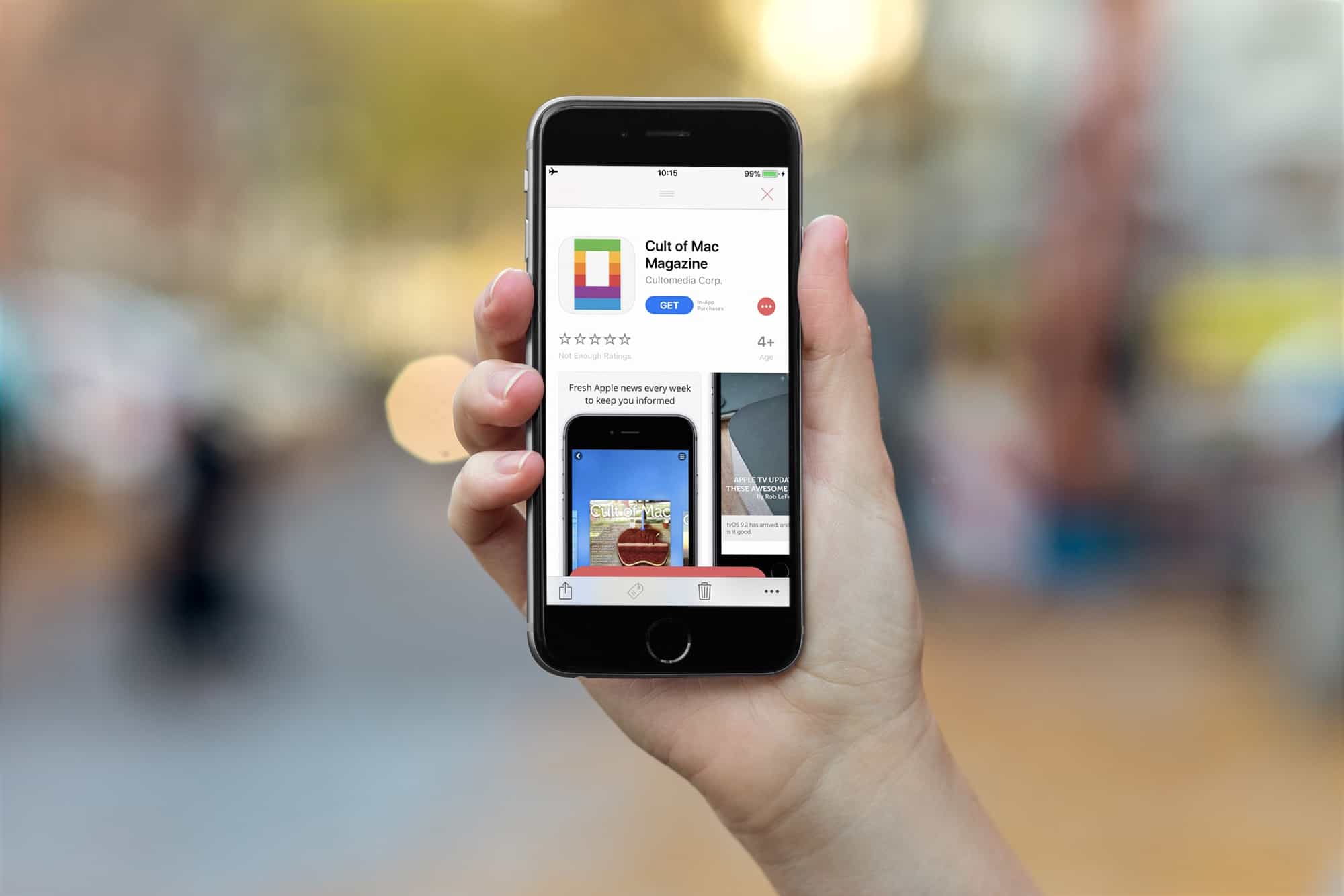
In this week’s issue, you’ll find that story and more. Find out why Apple’s ‘fast’ iPhone 8 charger isn’t as quick as you think. Teach Siri to pronounce a name correctly, and check out some great leather Apple Watch bands in wood and leather. Don’t miss your last chance to win an a free iPhone 8, and more. Get yourfree subscription toCult of Mac Magazine from iTunes.Or read on for this week’s top stories.

How to share and collaborate in GarageBand using iCloud

By

recording studio
With iOS 11, you don't need to go to a recording studio to collaborate on a song.
Photo: Iñaki de Bilbao/Flickr CC

One of the great new features in iOS 11 and macOS High Sierra is shared documents. You can create almost any kind of file, and collaborate on it with other people. This can be a simple Pages document, or a complex song in GarageBand. In theory, the file will be updated with everybody’s changes, so you can work on the same project without emailing a zillion copies back and forth.

Currently, this feature ranges from a little shaky, to rock solid, depending on what apps you are using. Here’s how to share and collaborate using GarageBand in iOS 11.