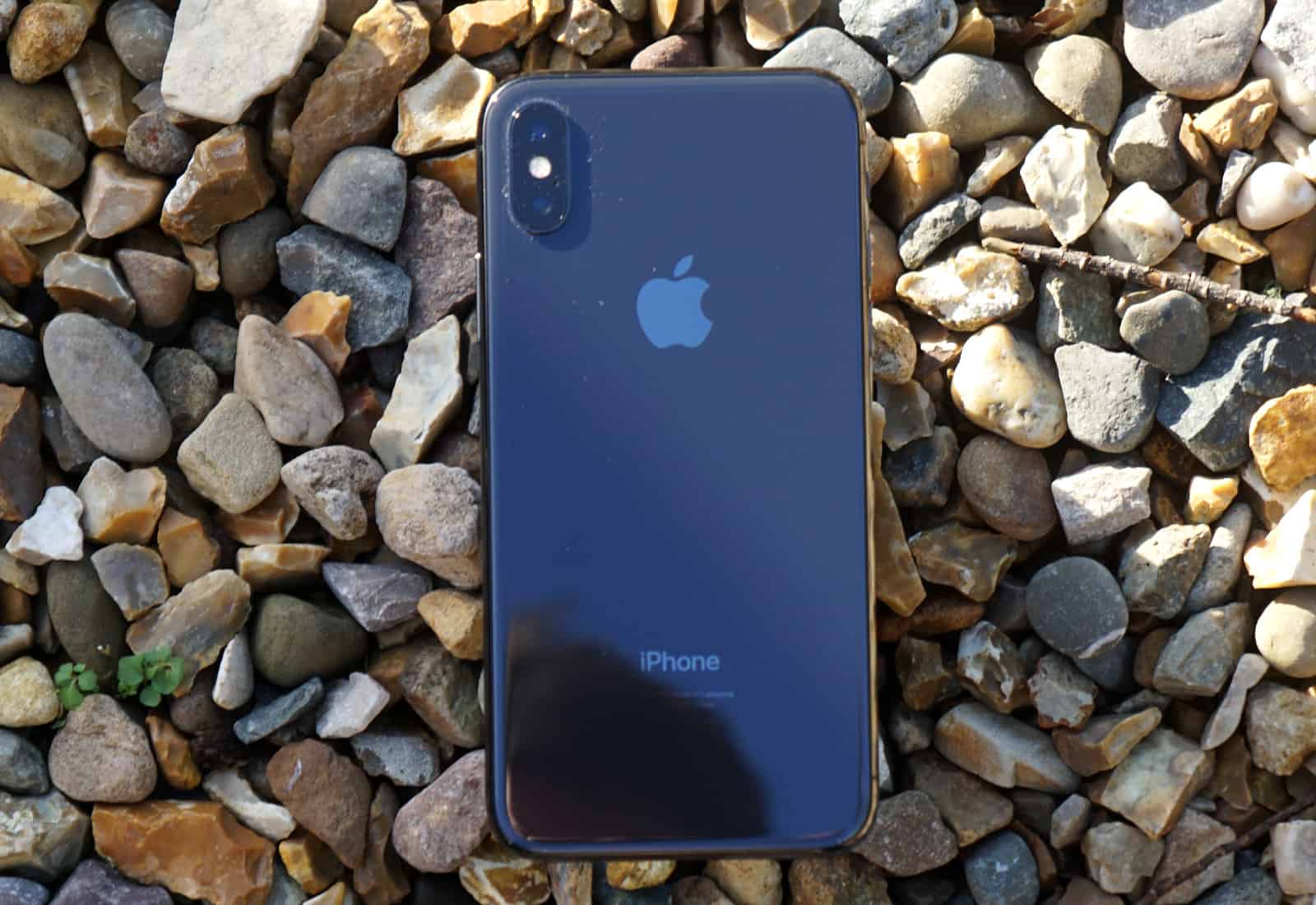
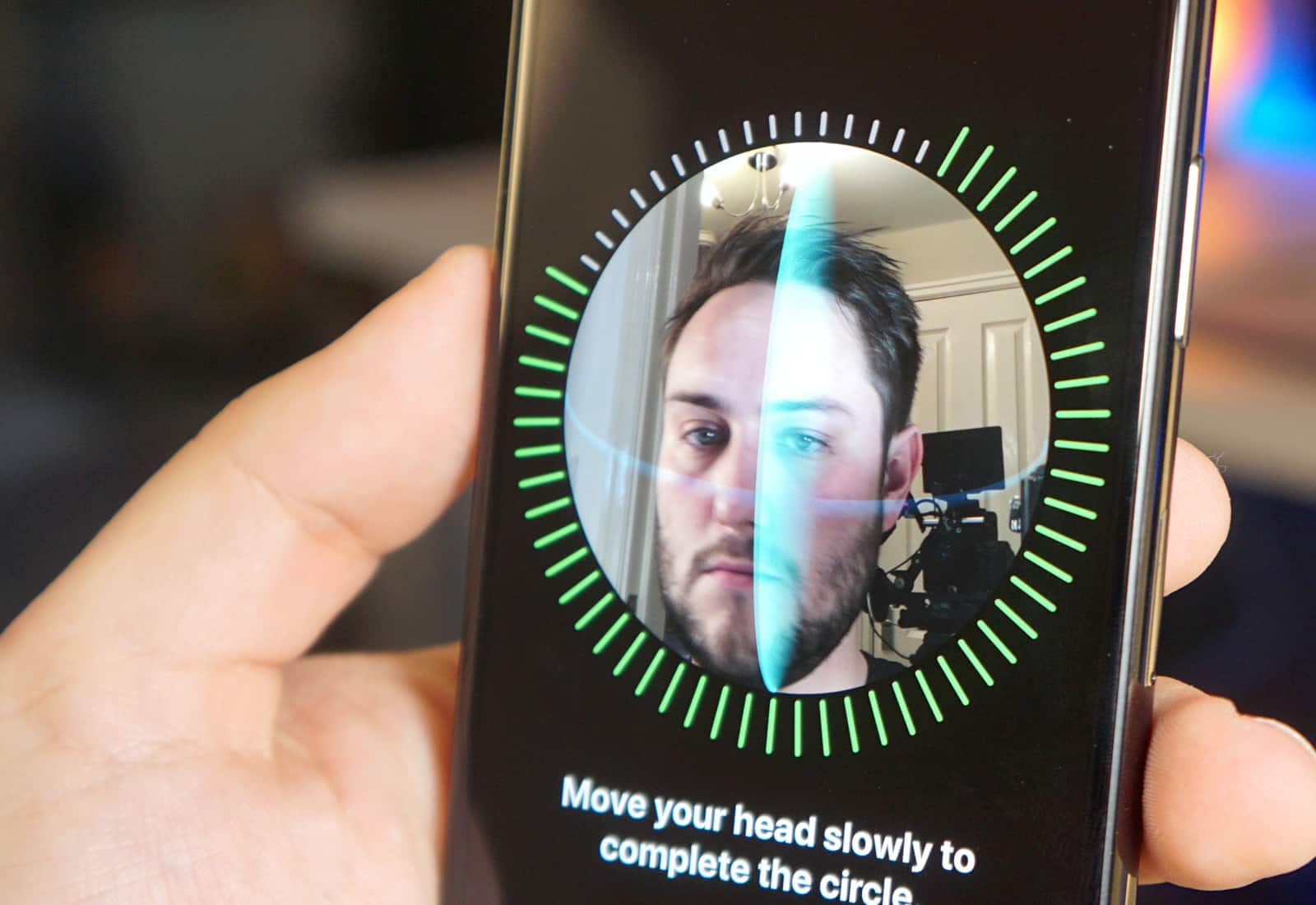
iOS 11 is currently installed on 59 percent of compatible devices. Photo: Ste Smith/Cult of Mac
iOS 11 is currently running on 59 percent of compatible devices, gaining 7 percent from the last time Apple reported the figures in early November.
By comparison, 33 percent of devices are running last year’s iOS 10, while the remaining 8 percent are still using a previous version of Apple’s mobile operating system.
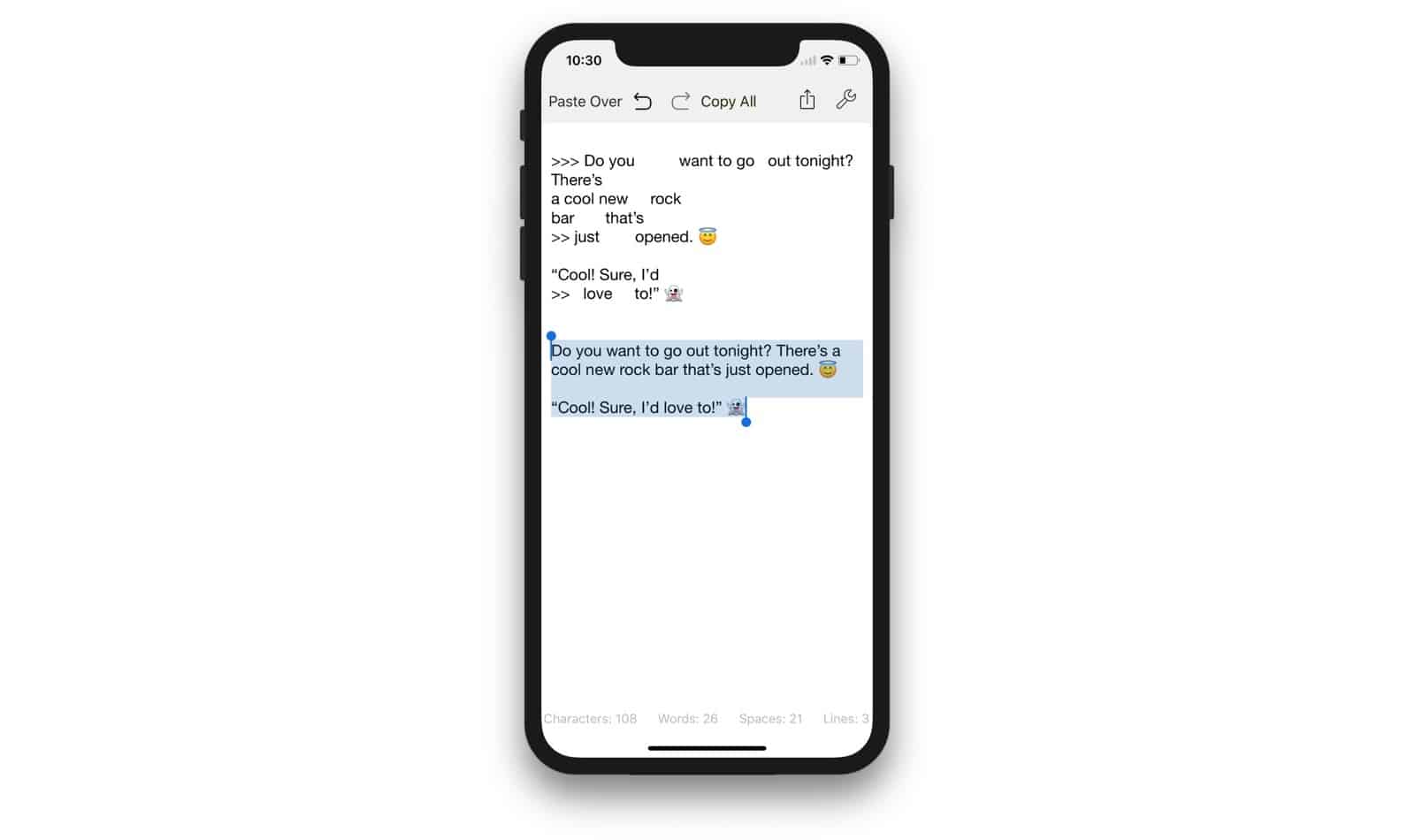
Clean Text does what it say on the... name. Photo: Apimac
Don’t you just hate messy text? Text with extra spaces between words. Text with carriage returns inserted in the middles of lines. Text with lots of %-encodes and %nbsp mixed in. Text with > symbols at the beginning of every line. Filthy, dirty, unclean text? What you need is Clean Text, the smiter of hinky formatting, and quasher of non-smart punctuation.
Keyboard snippets make your life way easier. Photo: Ste Smith/Cult of Mac
Text snippets are one of the most useful “unknown” features on Mac and iOS. They let you type a few letters, and have them expand into a whole word, sentence or paragraph. You can use them to type, say, aadd and have it turn into your office address, for example. Or you might set up a shortcut to generate a symbol usually hidden on the iOS keyboard: xx to type a #, for example.
Until now, though, Apple’s Text Replacement function proved a royal pain to use. It never synced properly between devices, and it didn’t support multiple-line snippets. But in an update last week, Apple fixed both those problems.
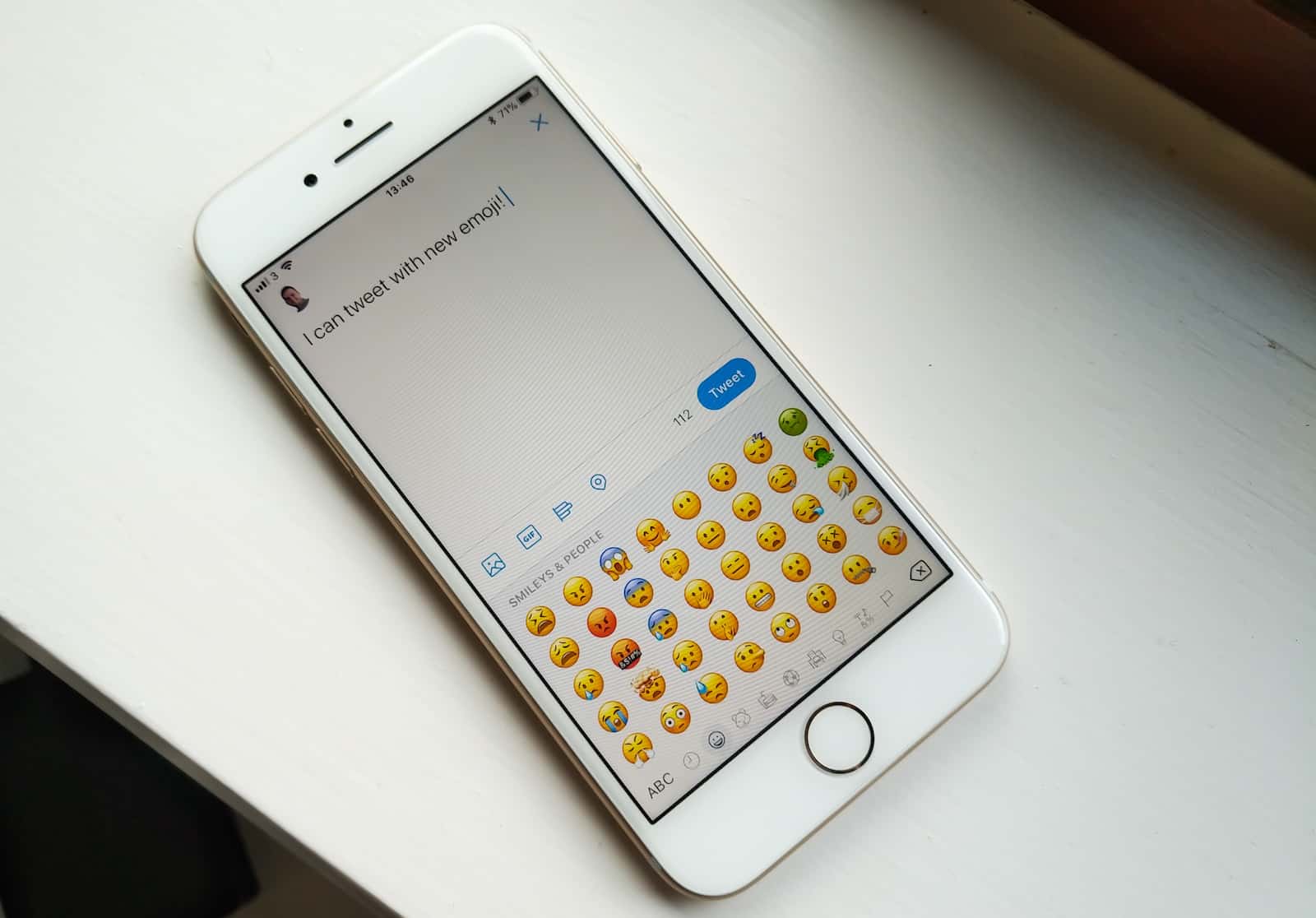
Who doesn't love a good emoji? Photo: Killian Bell/Cult of Mac
Have you found yourself unable to continue a conversation without the use of a drunk emoji, a female supervillain or a strand of DNA?
If so, you may be pleased to hear that the Unicode Consortium has released its Emoji 11.0 beta to developers, offering a glimpse at the 130 Draft Candidate emojis we may be able to enjoy sometime next year.
One of Xiaomi's soundalike "Mi Pad" tablets. Photo: Xiaomi
Xiaomi, the Chinese company which once specialized in brazen iPhone ripoffs, has gained its own identity in the past few years — but that doesn’t mean that it no longer rips off Apple’s intellectual property.
Fortunately, Apple just gained some struck back, persuading an EU court not to grant Xiaomi a trademark for its “Mi Pad” tablet name.
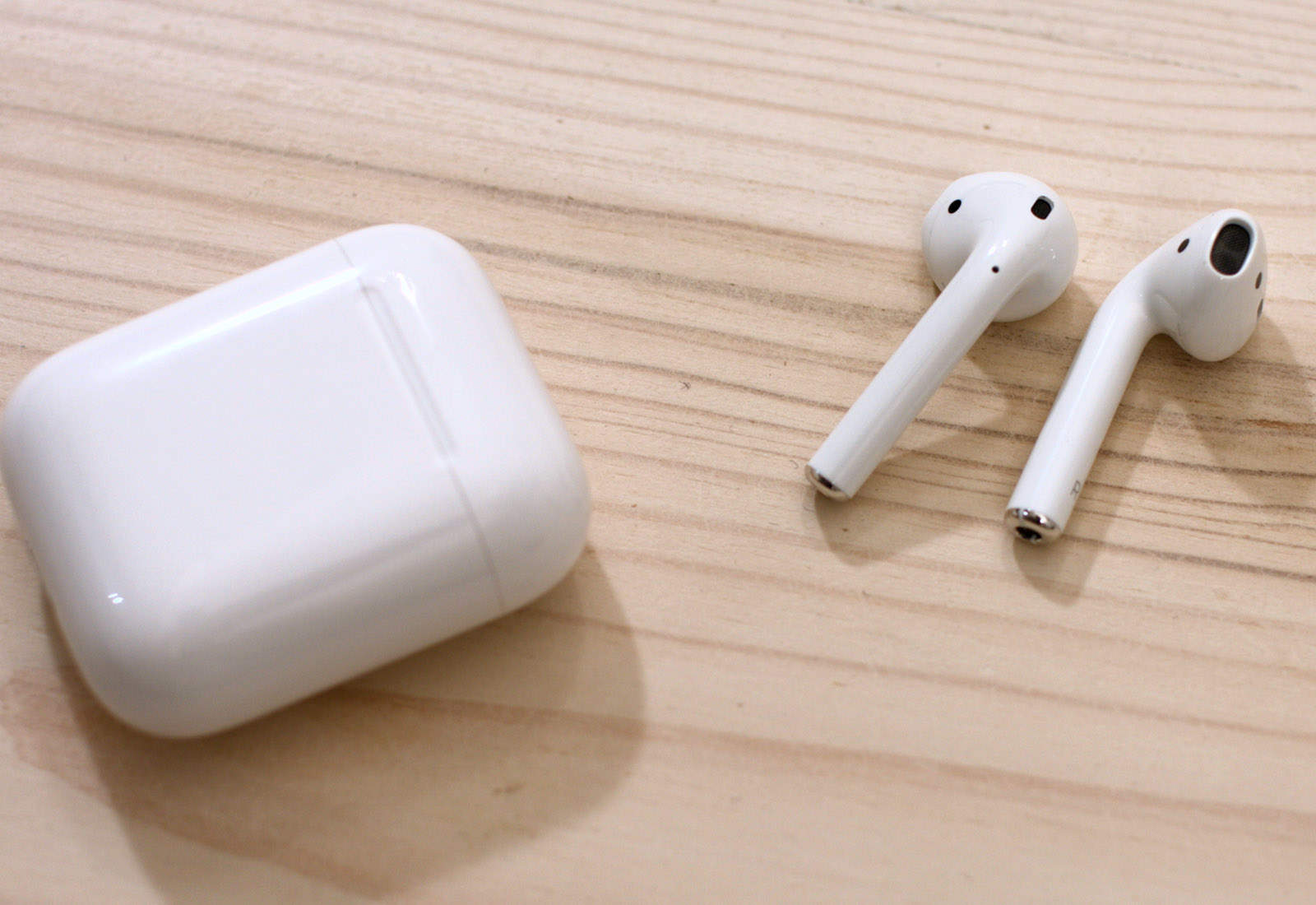
But wireless charging could come sooner. Photo: Ste Smith/Cult of Mac
AirPods shipments are expected to double next year as demand for one of Apple’s best accessories remains incredibly strong. Shipping times have already been reduced to just 1-3 days thanks to an improved assembly process.
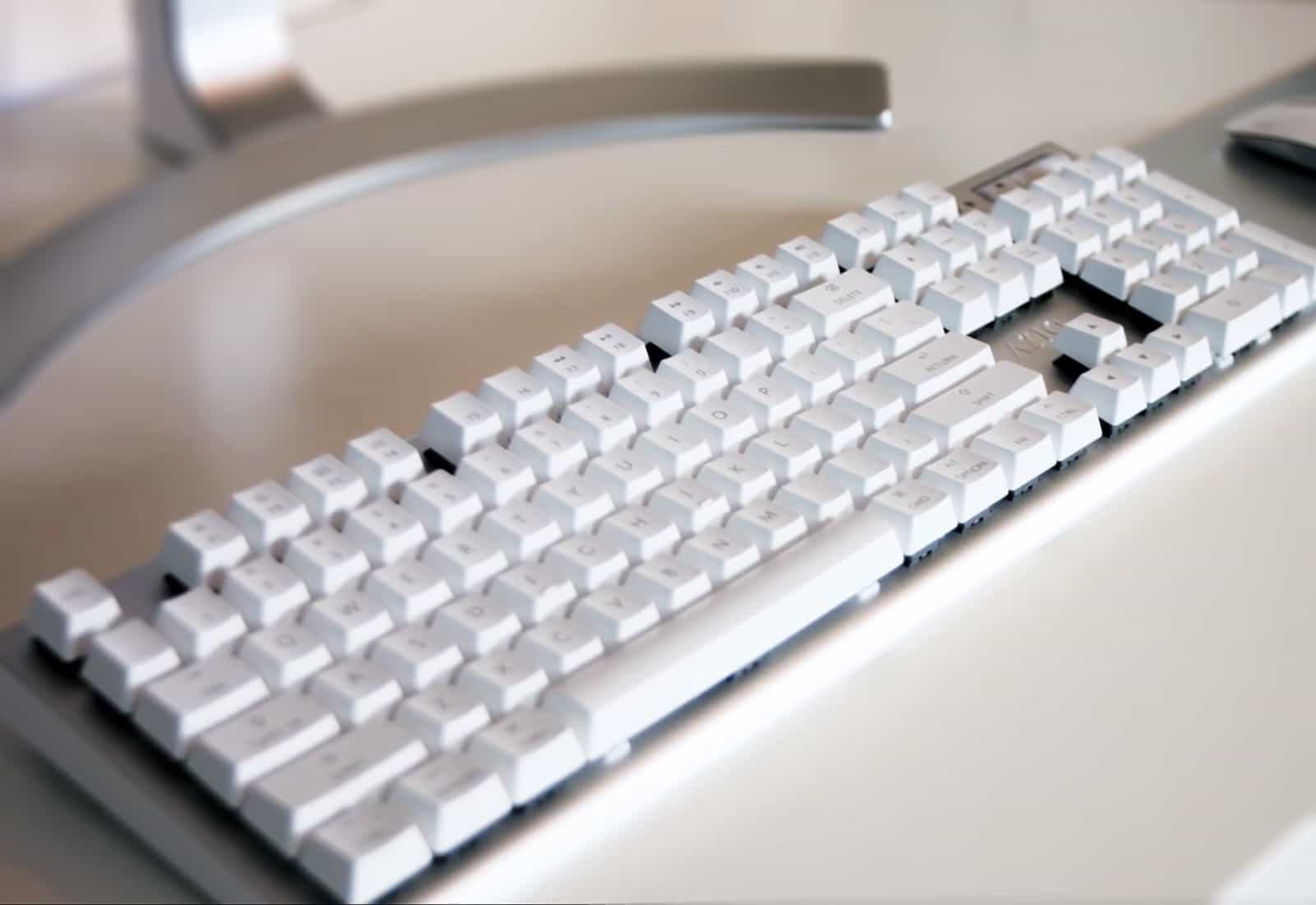
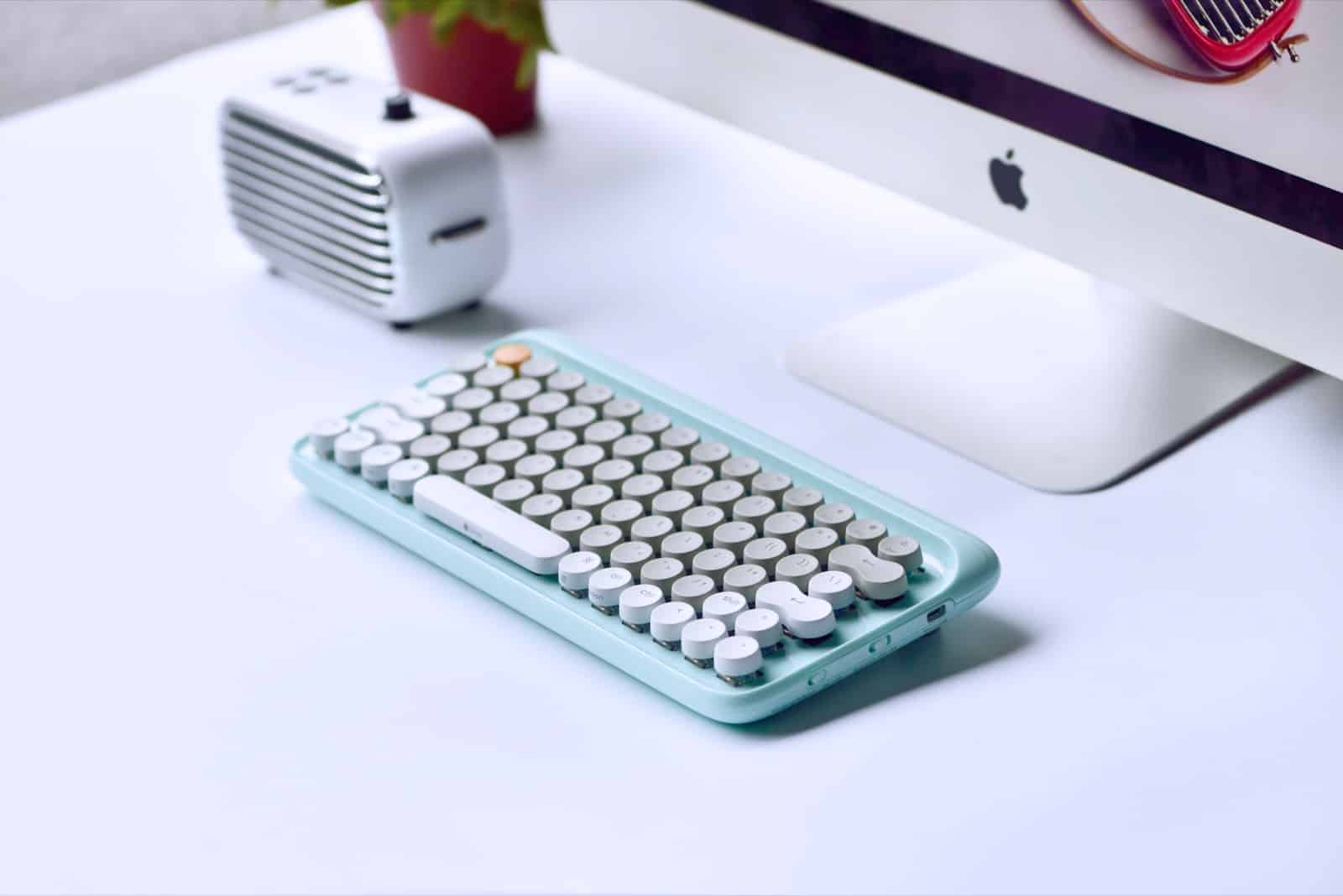
Who wouldn't want this beauty under their Mac? Photo: Lofree
If you like mechanical keyboards, you love mechanical keyboards. Their clickety-clack action is way more positive than the soft, short travel of any MacBook or Magic Keyboard, and once you get used to them everything else seems squishy. It’s like driving a big American boat-like sedan after spending a week driving a hard-riding European sports car. The problem is, unlike a vintage Porsche or a Ferrari, the average mechanical keyboard has the looks of a corporate pool car. The Lofree keyboard, on the other hand, looks fantastic.
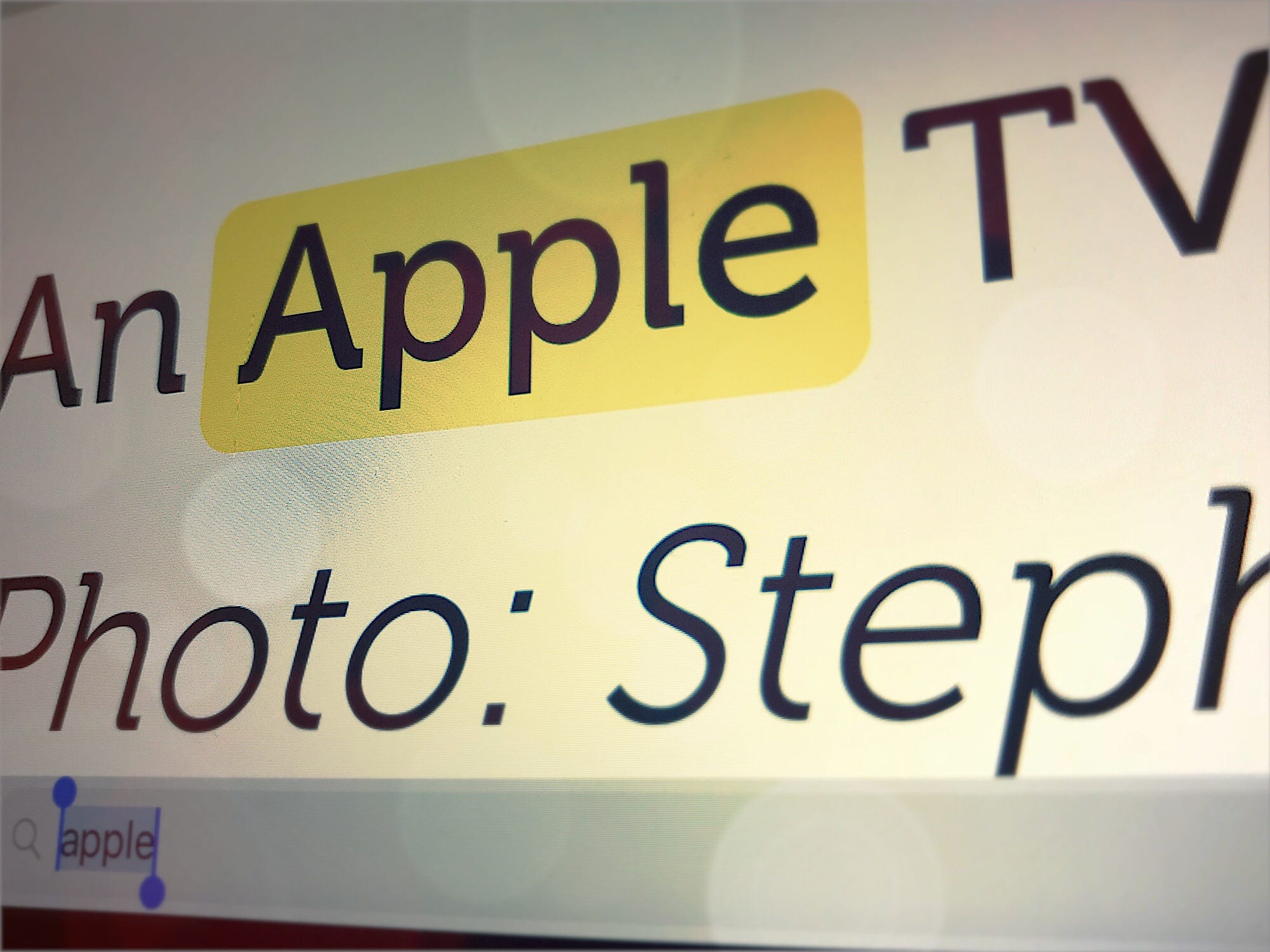
Mobile Safari's search is good, but hard to use. Photo: Cult of Mac
Ever since iOS 9, iOS has had a dedicated share extension to search the current web page in Safari. You just hit the sharing arrow, then choose Find in Page on the bottom row of options, and then you can type in your query. It works, and it works well, but it’s a very clunky method for doing something that requires a single keystroke (Command-F) on the Mac.
Today we’ll look at some alternatives for finding text in a web page on iOS, along with a bonus tip for site-wide searches.
MacX Pro might be the fastest 4K video converter. Photo: Digiarty
This post is presented by Digiarty, maker of MacX Video Converter.
Thanks to iPhone 8 and iPhone X, 4K video is now the norm. 4K video looks incredible, but it also means a lot of super-high-definition content to manage. Having a powerful converter app is essential to making sure that video looks as good as possible — and works on all your devices.