Mobile menu toggle

Search results for: Apple One

Guitar Gravitas is the only guitar scale and chord app you’ll ever need
By

Guitar Gravitas
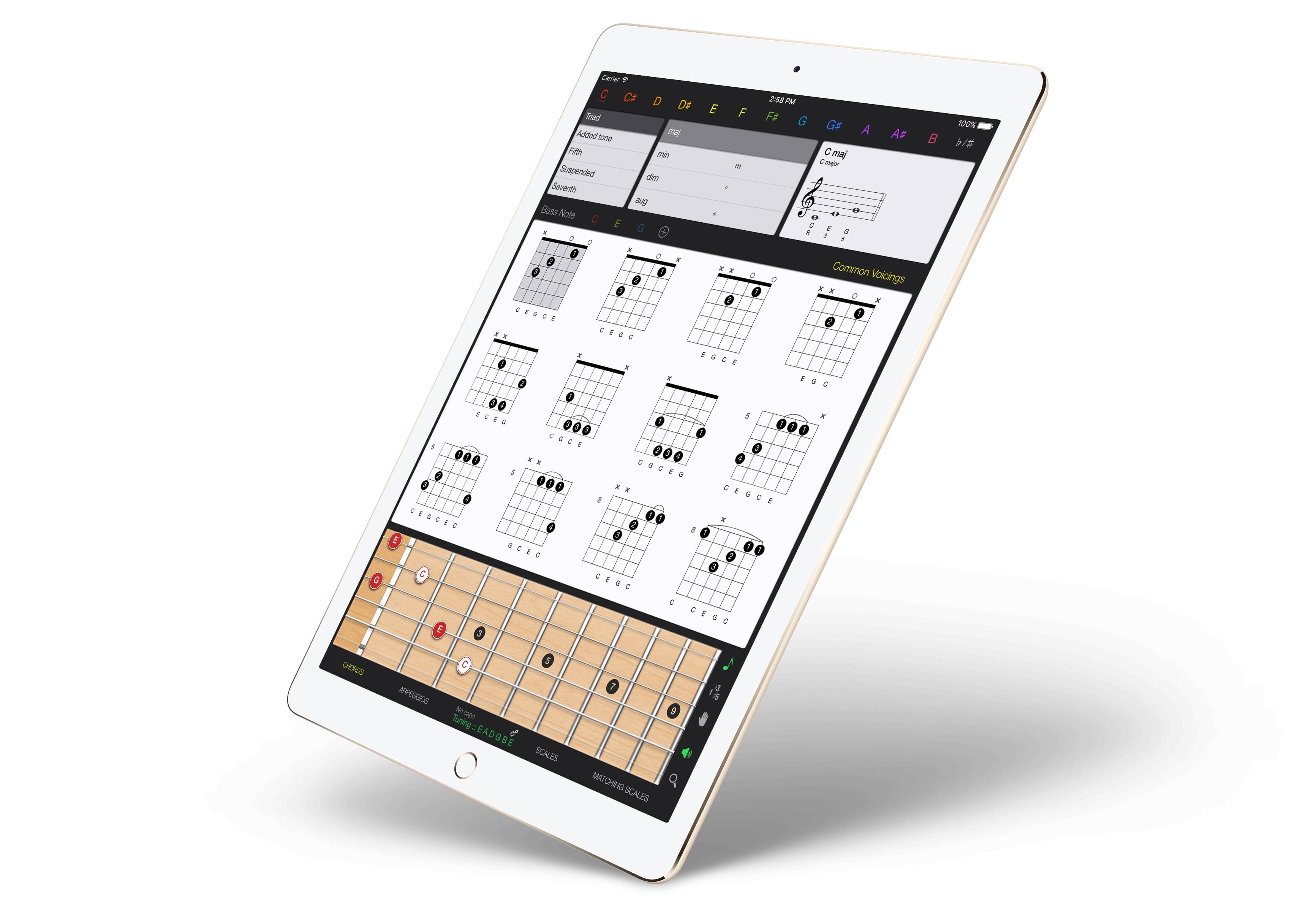
Guitar Gravitas has everything you need, all on one screen.
Photo: Mad Harmony

Guitar Gravitas is yet another iOS chords-and-scales app for guitar players, but this one’s worth a look because the layout is so damned useful. Unlike many other scale and chord apps, Guitar Gravitas presents exactly the information you need when you have the guitar in your hands and are ready to practice. It puts as much info as possible onto a single screen, without getting cluttered or confusing.

HomePod shipping estimates finally start slipping

By

Apple Music HomePod
Is HomePod finally sold out in the U.K.?
Photo: Apple

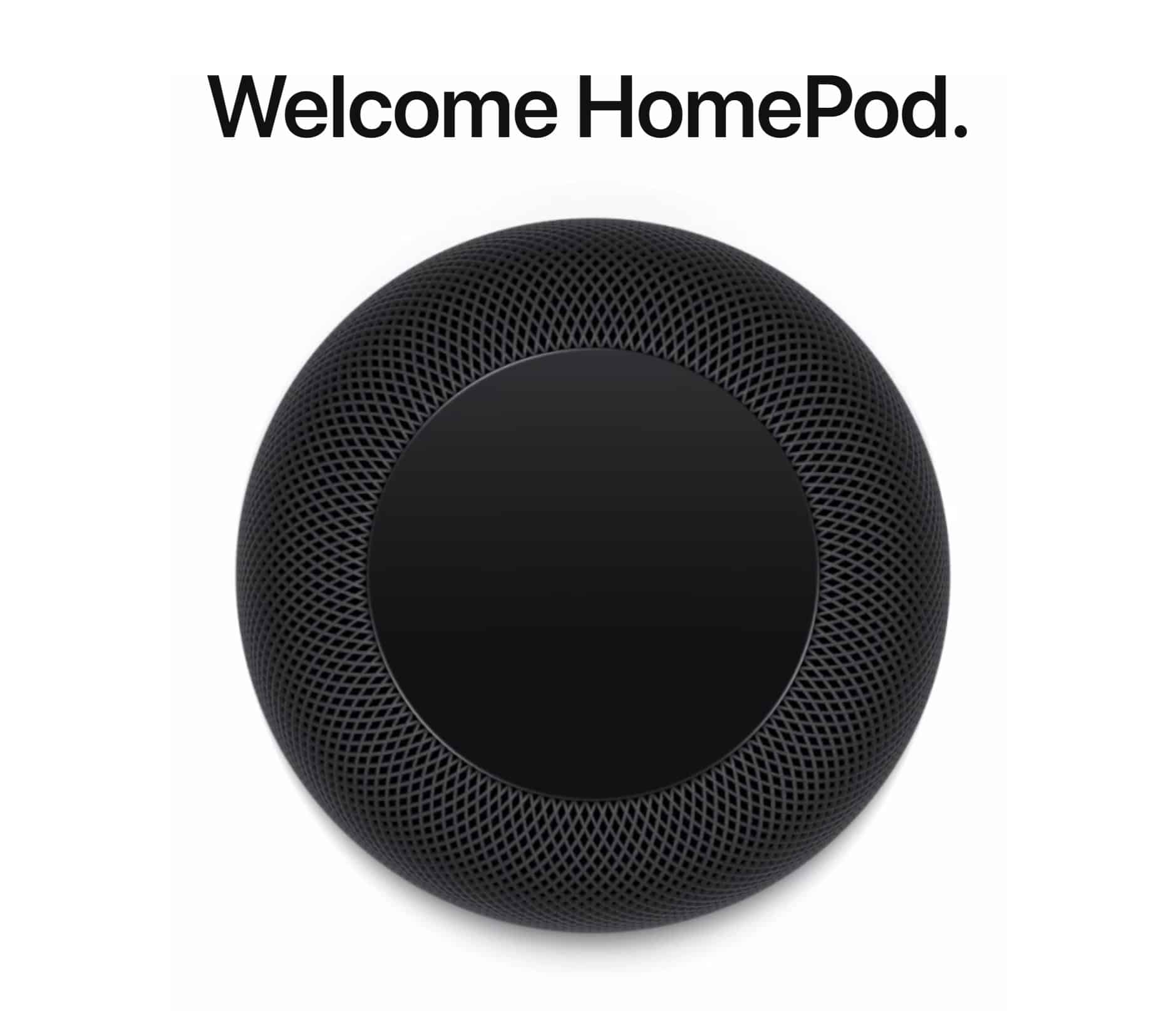
HomePod shipping estimates have finally started slipping just days before the speaker makes its big debut. New customers in the U.K. will now have to wait until February 13 for delivery, but Apple retail stores will be selling HomePod this Friday.

Best iPad cases for every type of user

By

pad and quill
The right case is not only protective, but functional, and even classy.
Photo: Pad&Quill

You have in your hands a brand new iPad. Now what? Sure, you can just go ahead and use it au natural. But consider: While iPads may look like hulking slabs of aluminum and glass, they are deceptively delicate. They cry out for protection.

Gauging which is the best case to safely secure your tablet is not for the faint of heart, given the myriad options out there. That’s where our iPad case roundup comes in. We’ve scoured the best reviews, including our own, and looked at buyers’ favorite cases on shopping sites like Amazon.

Then we gathered our picks into several categories, depending on how much you want to pay, what type of protection you need, and any extra functionality offered (like keyboard cases). And we’ve also put together a list of runners-up — cases that are pretty good, or even great, but just didn’t make our cut.

How to spot a fake Lightning cable

By

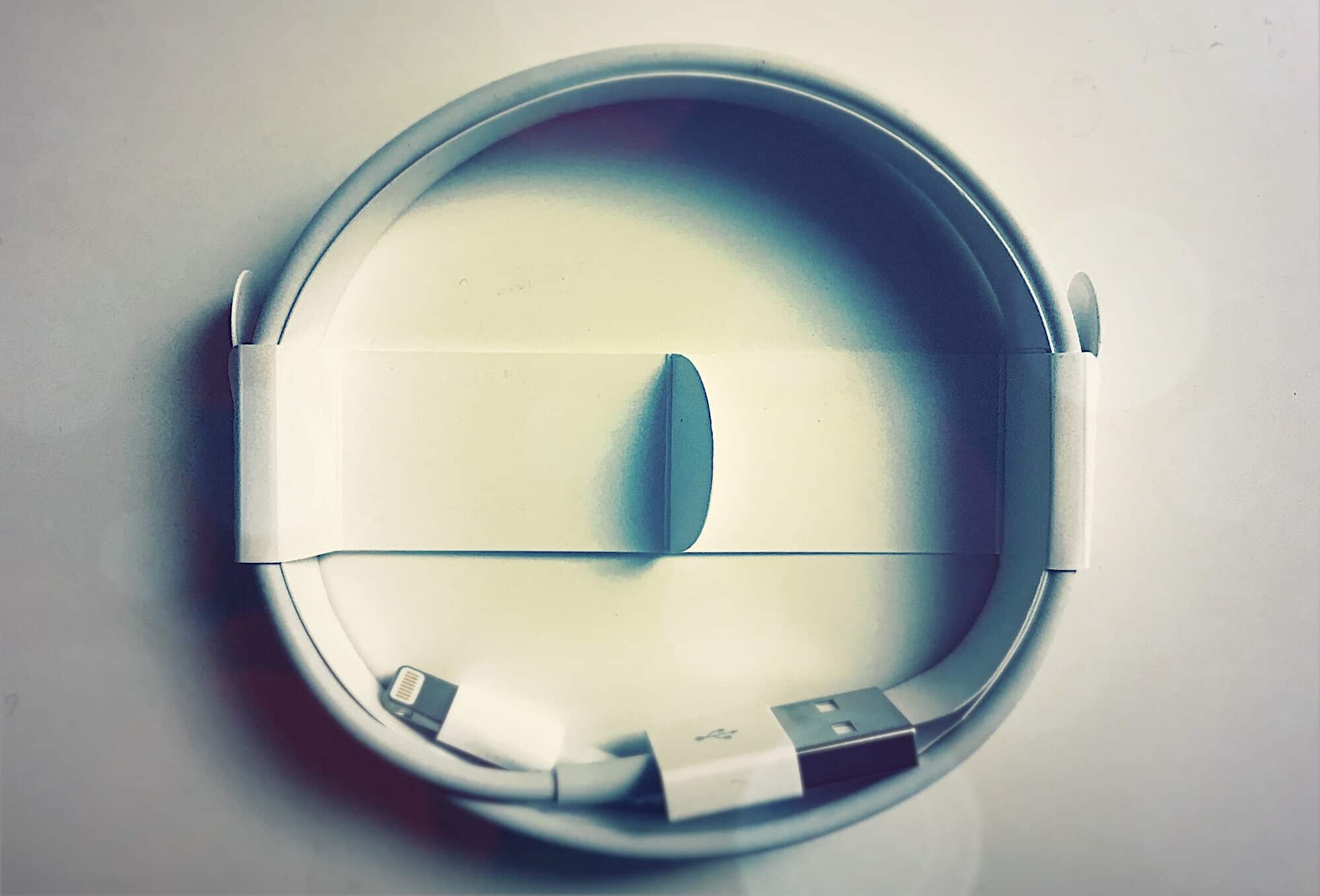
Use the cable that came with your iPhone as a reference to spot fake Lightning cables.
Use the cable that came with your iPhone as a reference to spot fakes.
Photo: Charlie Sorrel/Cult of Mac

Who cares if that cheap charging cable you buy is a fake? It’s just a cable, right? Maybe, maybe not. A fake Lightning cable could contain malware, for instance. Or it could be miswired, damaging your iPhone the way a miswired USB power cable can destroy a laptop computer.

The best case is that your device may not sync or charge. The worst case is that your iPhone could get damaged, or the cable could overheat and set fire to your home while you sleep. Here’s how to make sure a Lightning cable is legit.

A Hollow Doorway and other awesome apps of the week

By

Awesome Apps
'Appy weekend everyone!
Photo: Ste Smith/Cult of Mac
Awesome Apps

A fun retro game that’s packed to the gunwales with zombie blasting action is just one of our selections for this week’s “Awesome Apps of the Week.”

In addition, we’ve got a neat update to GarageBand, a trippily brilliant door-tilting puzzle game, and YouTube’s premium skinny TV bundle finally come to Apple TV. Check out our picks below.

How to stream music to anybody’s HomePod

By

homepod x-ray
The HomePod is happy to be unfaithful to its original owner.
Photo: Charlie Sorrel/Cult of Mac

The HomePod is like the creature the emerges from an egg in old-fashioned cartoons. The baby creature — dinosaur, bird, birdosaur — imprints on the first person it sees, then follows it around calling it mama or papa. Hilarity (of the 1970s kind) ensues, as the creature grows into a fully operational birdosaur and causes mayhem. Likewise, the HomePod latches onto the first iPhone it finds, automatically, and remains faithful forever (or until you unpair it, an option not open to 1970s cartoon characters).

But you can still let your friends have a go on your HomePod if you like. Here’s how.

Laurene Powell Jobs considers Buzzfeed investment

By

Laurene Powell Jobs (center) at the Female Founders Conference 2016 in San Francisco.
Photo: Y Combinator/Flickr CC

Laurene Powell Jobs, the widow of Apple co-founder Steve Jobs, is set to make another big investment in media.

The Emerson Collective, founded by Laurene Powell Jobs in 2004, is reportedly considering making an investment in the Buzzfeed media’s news division.

How to stop Time Machine backing up every freaking hour

By

flux-capacitor
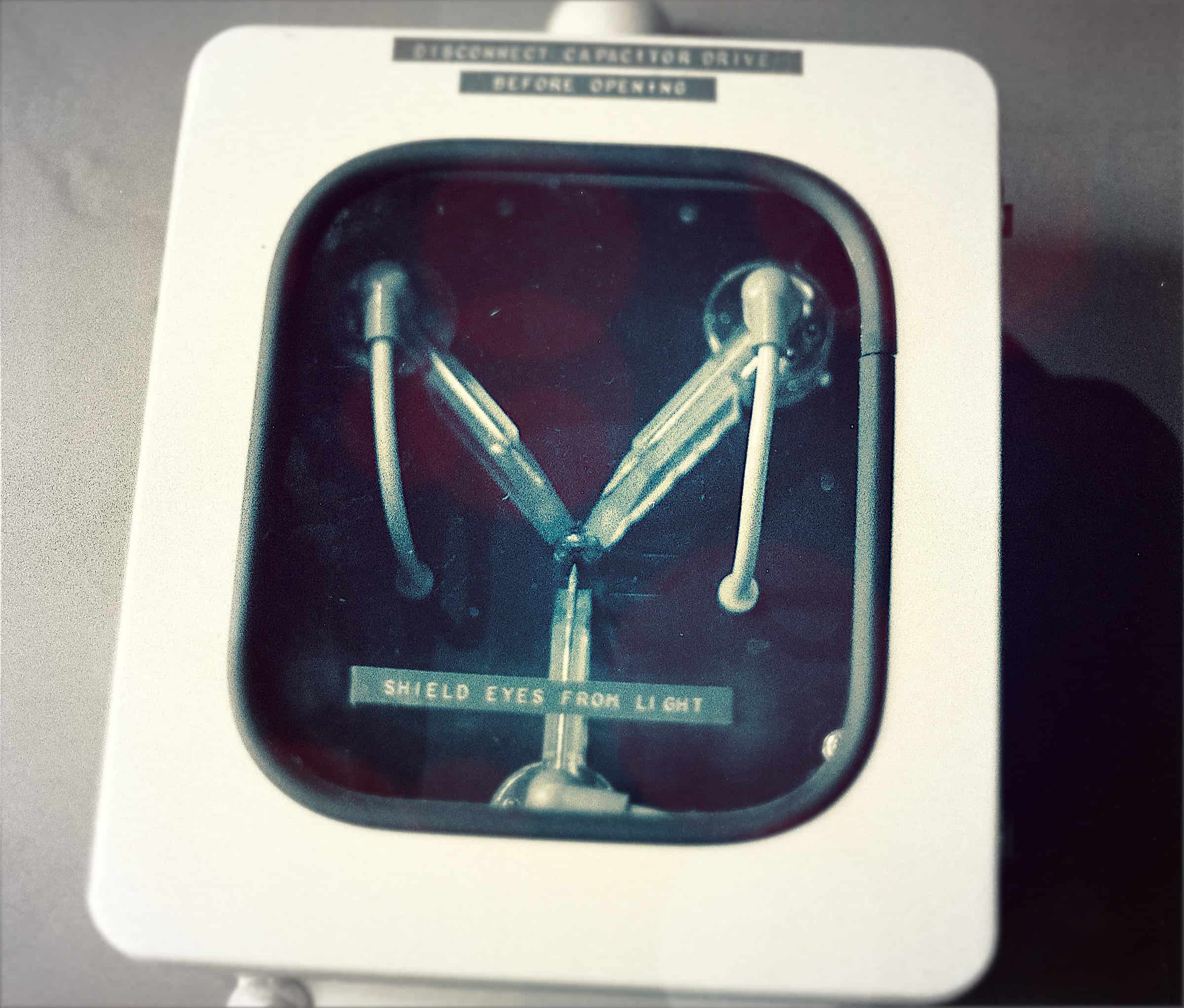
This is what makes Time Machine backups possible.
Photo: Morgan Sherwood/Flickr CC

I do wonder who might need their Time Machine backups to run every single hour. With the versioning tools built into Dropbox, or into text editors like Ulysses, and the reliability of SSD drives, hourly backups may be overkill. Or they may just be annoying. Or, if you have an older Mac, they may slow things down while you’re trying to work. Whatever your reason for complaining about hourly Time Machine backups, then, TimeMachineEditor has you covered. It’s a free utility that takes control of Time Machine scheduling.