Mobile menu toggle

Search results for: Apple One

Foxconn starts Silicon Valley invasion with new AI company

By

Terry Gou
Foxconn founder Terry Gou (right) says he's making the U.S. a bigger focus in 2020.
Photo: Voice of America/Wikimedia Commons

Foxconn Technologies is starting a new company in California’s Silicon Valley to concentrate on artificial intelligence for factory floor automation.

The plan comes as Foxconn looks for ways to deal with the slowdown of smartphone sales globally, demands for higher wages and a changing workforce that is sidestepping manufacturing. Foxconn assembles thousands of iPhones and iPads and is among Apple’s biggest contractors.


macOS High Sierra 10.13.6 brings AirPlay 2 to iTunes

By

wwdc 2017
MacOS High Sierra is still being updated. In fact, there's a new version out now.
Photo: Apple

Apple isn’t quite done with macOS High Sierra, even though most people’s attention is on the replacement, macOS Mojave. What’s likely the final update to the old version, macOS 10.13.6, is now available for download.

The main purpose of this release seems to be bug fixes, but the release notes do mention one new feature.

Pro Tip: Reject Robocalls at the squeeze of a hardware button

By

Reject robocalls on with a double-tap of the power button.
Reject robocalls on with a double-tap on the power button.
Photo: Charlie Sorrel/Cult of Mac

Pro Tip Cult of Mac bug Did you know that, if you have your iPhone set to share incoming calls with your Mac, your iPad, and/or Apple Watch, then the iPhone won’t let you reject incoming calls? The red telephone icon isn’t there. You have to either answer the call, or scramble to another device in order to bump the call without picking up first.

But there’s a great hidden trick that lets you reject any call from your iPhone, without even touching the screen.

Artist re-creates Childish Gambino’s ‘This Is America’ video on vintage Mac

By

This Is America recreation
Donald Glover looks even cooler in pixel form.
Photo: Wahyu Ichwandardi

Donald Glover’s video for “This Is America” is one of most talked-about music videos of the year, but one brilliant animator is adding an extra dose of old-school cool by painstakingly re-creating it on a vintage Mac and software from the ’80s.

New York City illustrator Wahyu Ichwandardi (aka @pinot) is animating the entire “This Is America” video pixel by pixel. There’s still a lot of work to be done, but he’s currently 375 frames deep — and it looks incredible.

Watch the first minute of the video:

Understand your sleep patterns with Pillow [50 Essential iOS Apps #35]

By

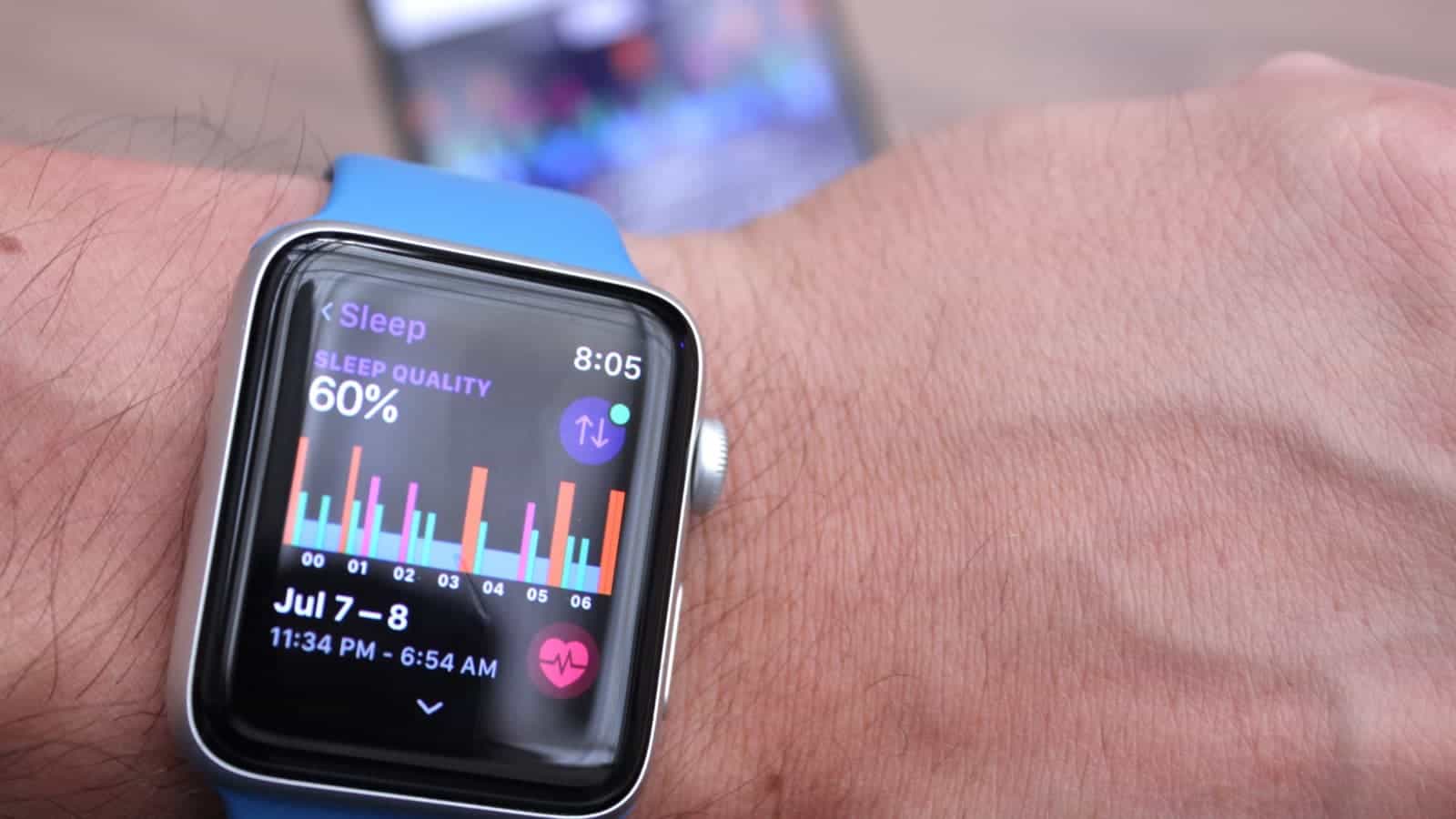
Pillow on Apple Watch report
Pillow users your Apple Watch or iPhone for sleep tracking and reporting your sleep quality.
Photo: Ian Fuchs/Cult of Mac

50 Essential iOS Apps: pillow sleep tracker appDo you ever wake up feeling exhausted, even though you are sure you slept well the night before? Or do you find yourself getting that 2:30 feeling a few hours early without any clear explanation? With the Pillow sleep app for iPhone and Apple Watch, you can get detailed analysis of your nightly slumber. Even better, you can gain insight into your body’s ideal sleep and wake times.

Stylish new ads showcase how iPad can simplify your life

By

iPad
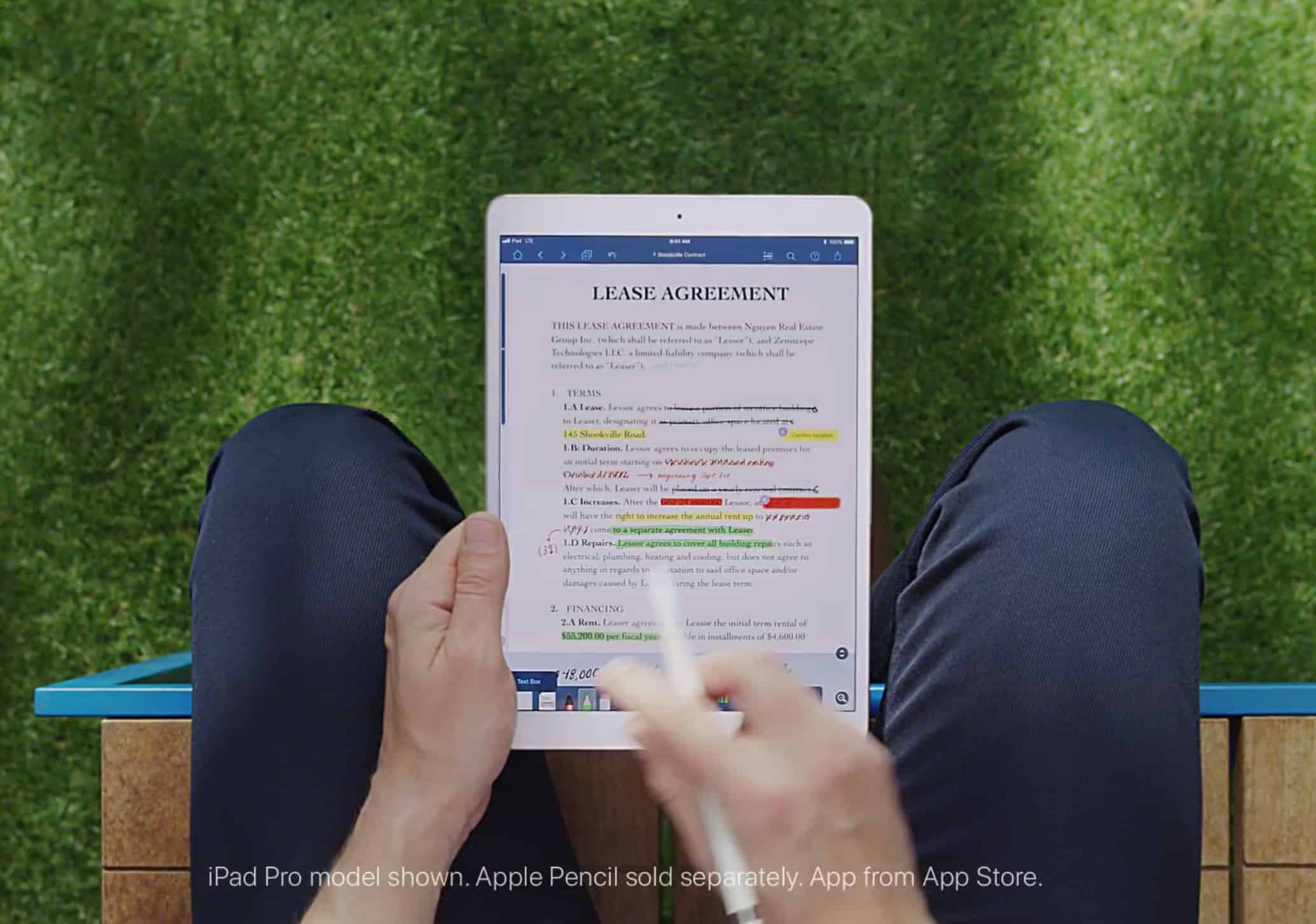
The iPad and Apple Pencil is a winning combo.
Photo: Apple

The iPad is an extraordinarily versatile productivity tool, and Apple is keen to showcase that fact in a series of stylish new ads. The 15-second spots demonstrate the way that Apple’s tablet — alongside the Apple Pencil — can be used to make it easier to deal with your paperwork or computing on the move.

Check them out below.

How to use a blank home screen on iPad, and why you’ll love it

By

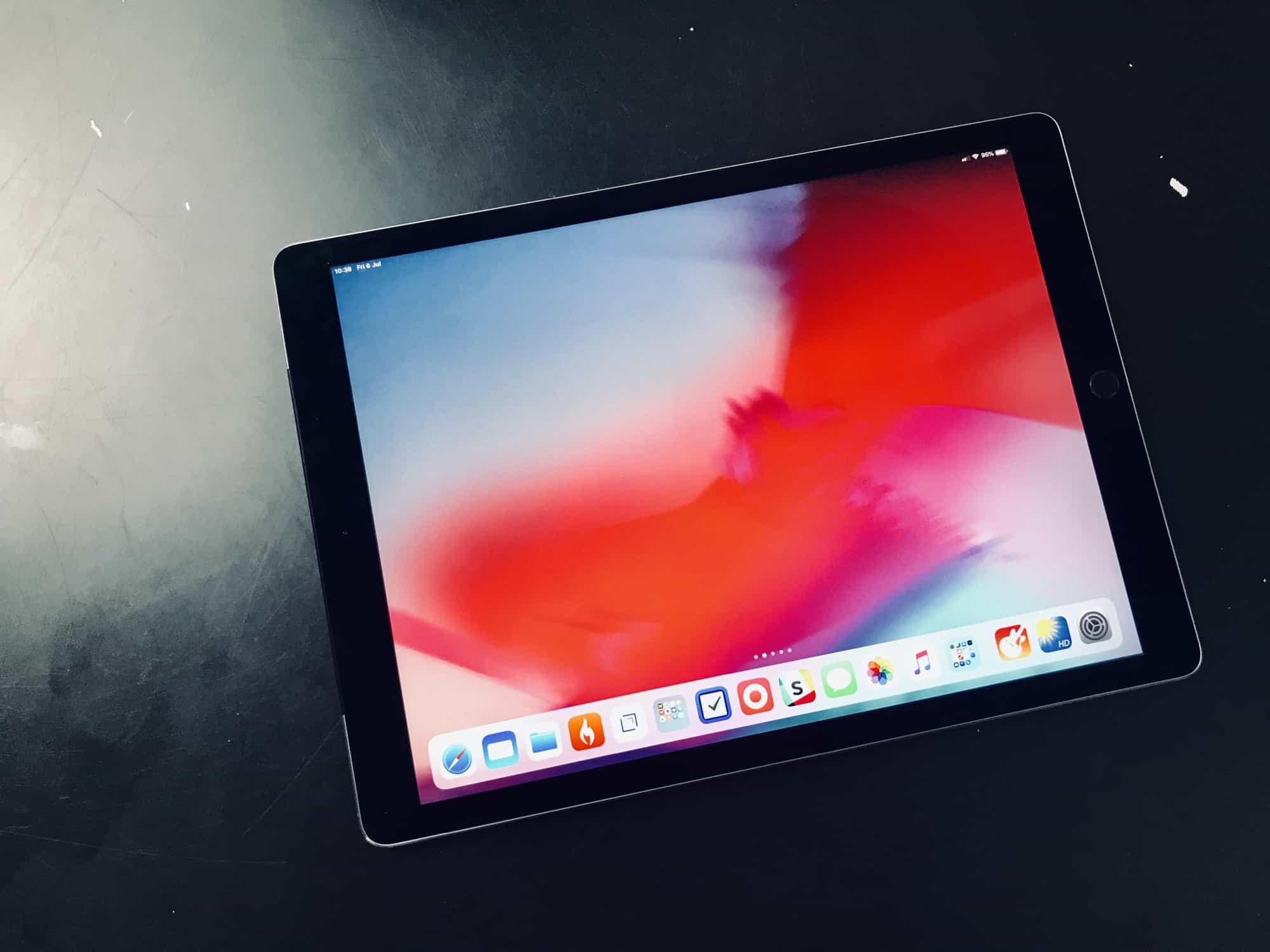
Look at this blank home screen. Just look at it.
Photo: Charlie Sorrel/Cult of Mac

What’s on your main iPad home screen? Is it organized so that you can find your most-used apps quickly? Or have you decided to arrange the icons by color? Or divided up the grid by adding a row of blank spaces? Those are pretty neat ideas, but today I’m going to suggest you do something even more radical. How about keeping your home screen entirely blank? No icons, no folders, nothing. Just the Dock, Spotlight search, and an easier-to-use iPad.

Microsoft Andromeda folding iPad competitor possibly killed off

By

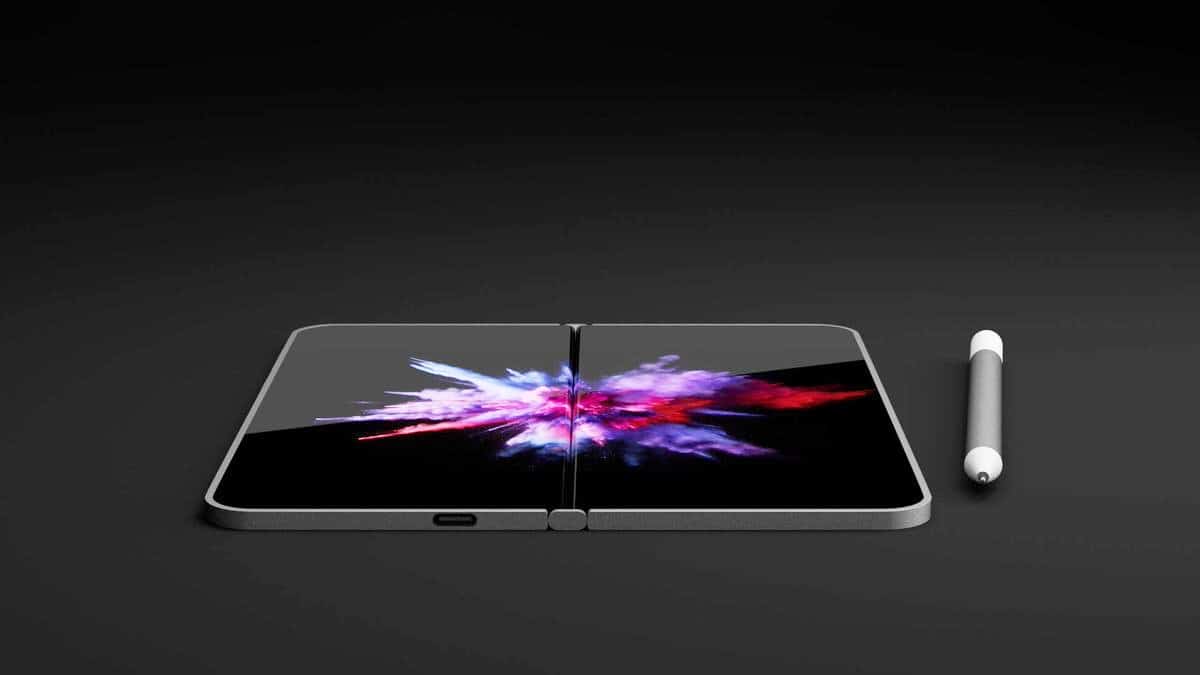
Microsoft Andromeda is a rumored dual-screen folding computer.
This render shows the Microsoft Andromeda, a rumored dual-screen folding Windows computer.
Photo: David Breyer

Don’t expect to see the rumored folding Windows computer any time soon. In fact, Microsoft might have cancelled the device code named Andromeda.

This would have been small enough to be pocketable, but then unfold to become a tablet about the size of an iPad mini.

Cash App makes splitting the check easy [50 Essential iOS Apps #34]

By

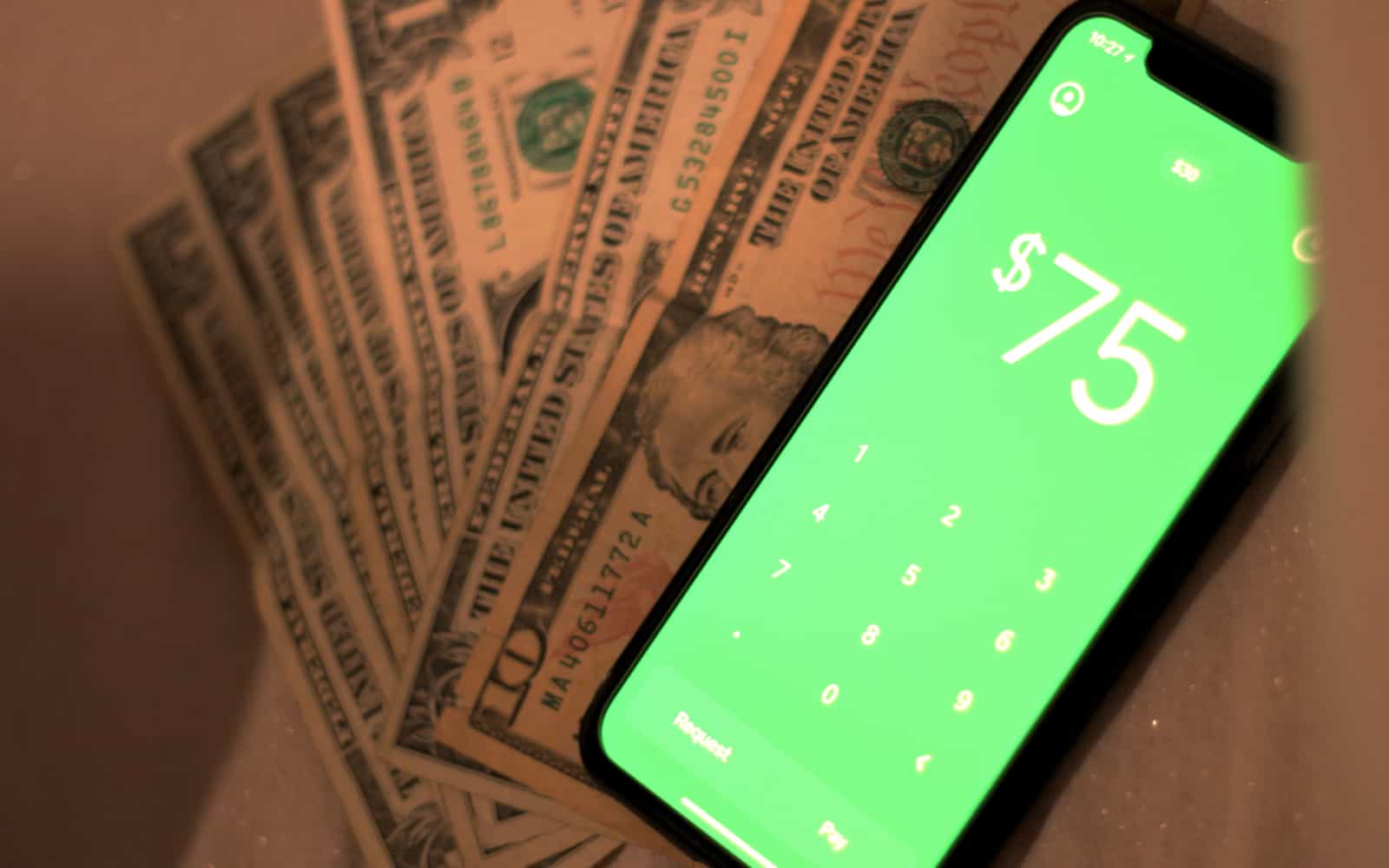
Cash app with cash money
Cash app makes paying back your friend as easy as using cash.
Photo: Ian Fuchs/Cult of Mac

50 Essential iOS Apps: Cash App There are tons of ways to give money to a friend or family member. You could mail a check, hand them a stack of cash, or send it digitally. With the Cash App, sending money to someone is as easy as entering an amount, dropping in their $cashtag, and hitting send. While this is very similar to Apple Pay Cash, the Cash App packs a few extra perks that make it awesome.