Unless your resolution is to give up your iPhone, these apps are perfect for starting the new year right! Photo: Tru Katsadne. Graphic: Ian Fuchs/Cult of Mac
Every year, people make a pledge to themselves to improve in some way. New Year’s resolutions typically come in the form of personal wellness and fitness, productivity or kicking a bad habit. Sometimes they can be more general.
Whatever your goal is for the new year, there’s probably an app to help. These are some of the best apps to help you on your journey to a better you in 2019.
Don’t keep your App Store wishlist on paper. Photo: Charlie Sorrel/Cult of Mac
You know what the New Year means? New devices, and the need for new apps to fill them. Only you’re all spent out, and instead of buying you an iTunes voucher, Auntie and Uncle got you yet another country-themed doll like you used to collect when you were a kid1.
The answer is an App Store Wish List. And in order to save you money that you don;t have, were going to make our own with the Shortcuts app.
Today we’ll make two shortcuts. One will add any app to a list in Reminders. The second will take that list, and show you a beautiful list of links and prices, right there in the Today view. Just tap on an app to see it in the App Store, and maybe even buy it.
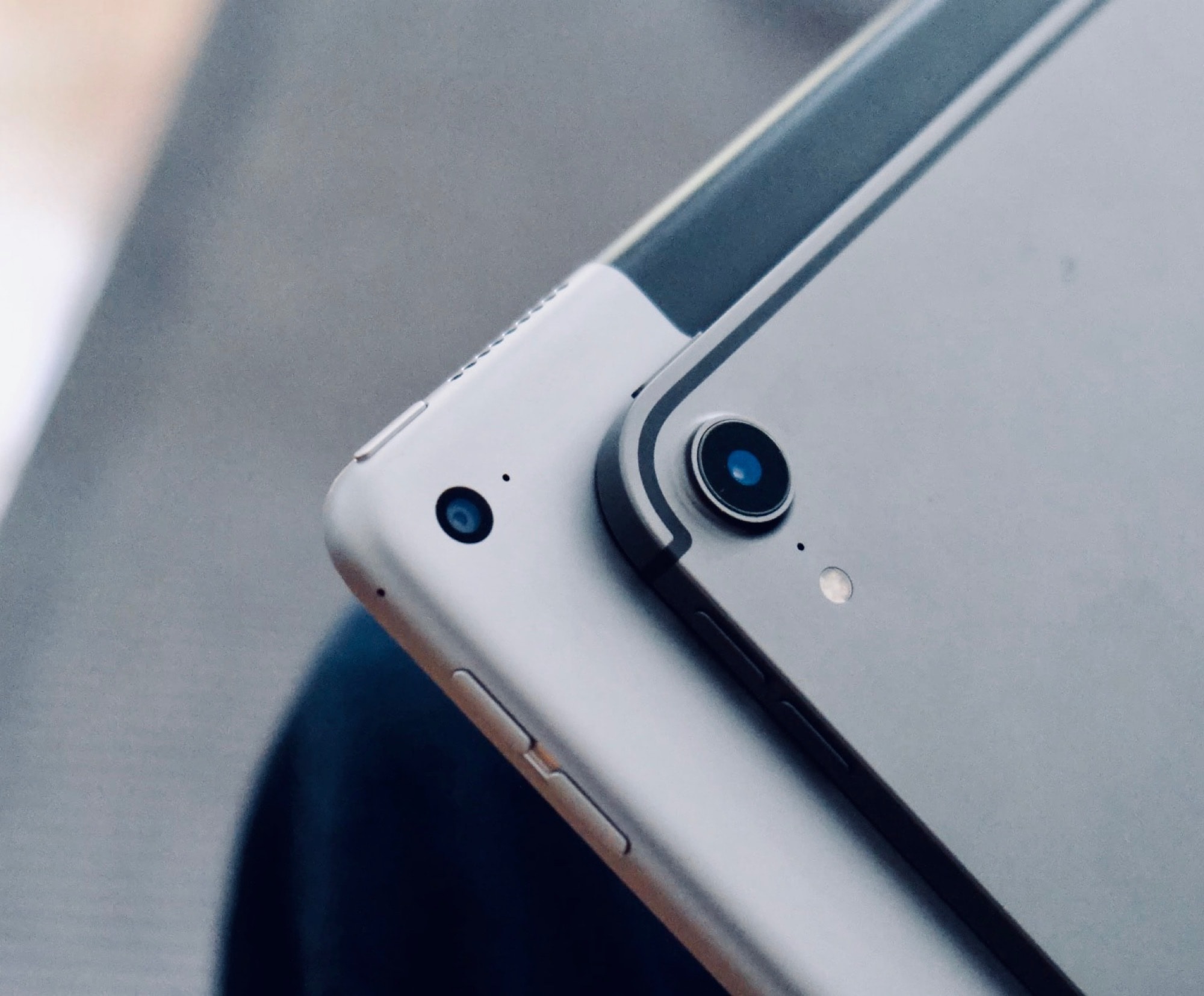
The new iPad Pro is Apple’s best ever portable computer. Photo: Andrea Nepori
I love the new iPad Pro, but if you’re planning on buying one, you may be misinformed. There’s a lot of nonsense about Apple’s best portable computer ever all over the internet, and today we’ll set some of it straight. Here are five iPad Pro myths that just aren’t true.
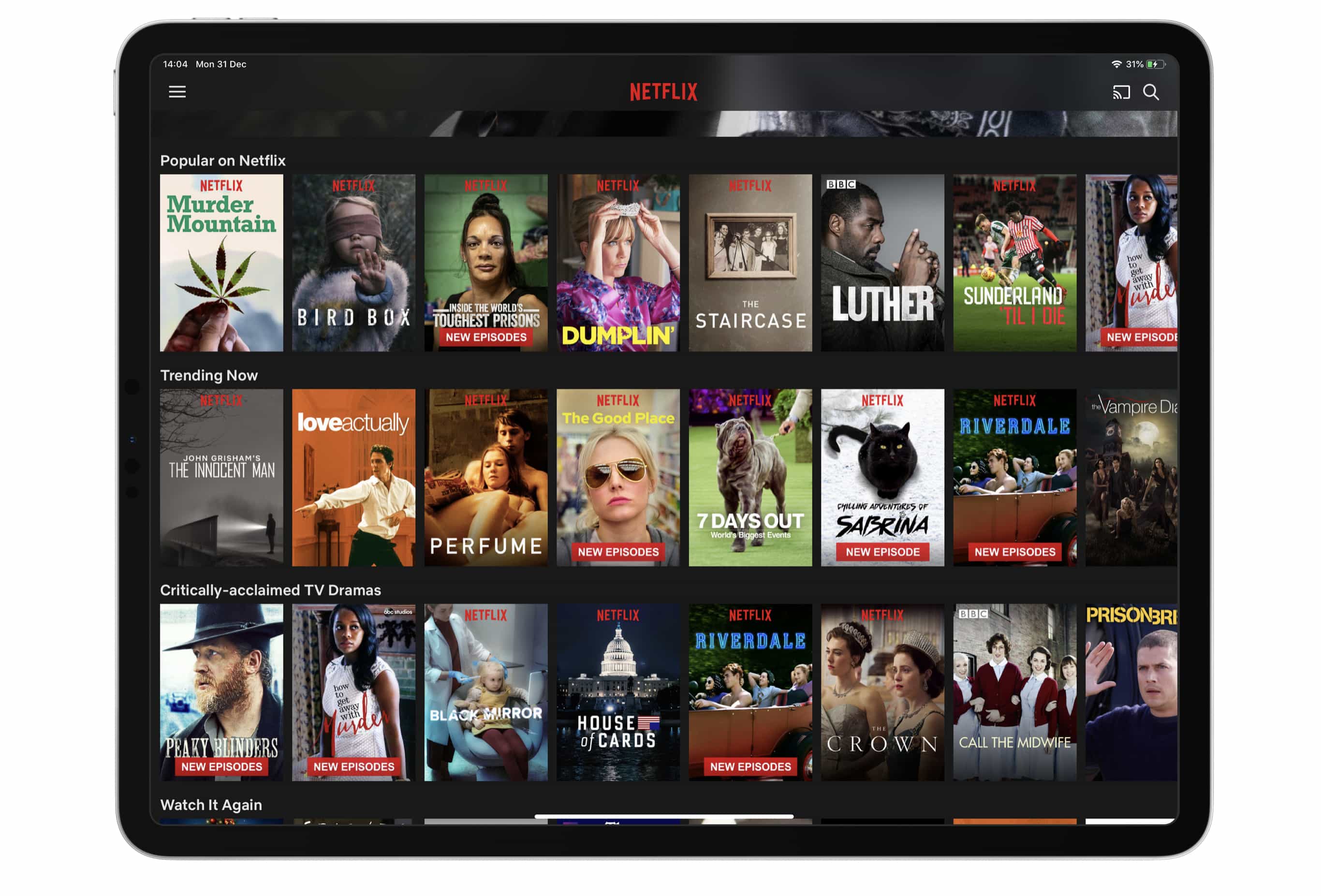
Prepare to pay more for Netflix. Photo: Killian Bell/Cult of Mac
New Netflix users can no longer pay for their subscription through iTunes.
You will need to sign up for the service using a browser like Safari instead — but nothing needs to change if you’re paying for Netflix through iTunes already.
Look at this amazing selection of apps. Photo: Cult of Mac
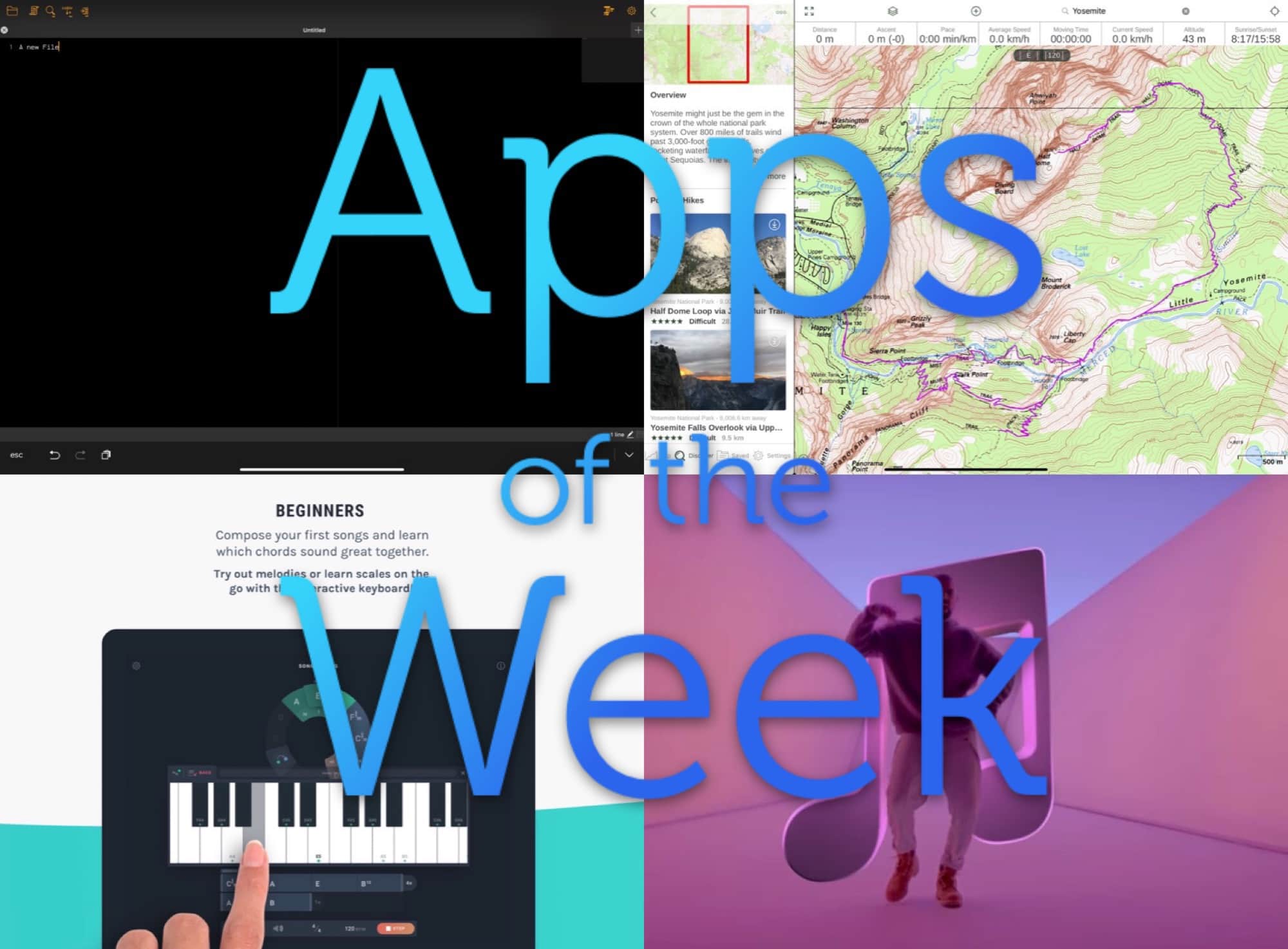
This week we find out what music we’ve loved in 2018 with Music Year in Review, make some music with Ultimate Circle of Fifths, take a walk with the brand new hike search in Gaia GPS, and more.
Jump at these massive deals on some of the very best Mac apps of 2018. Photo: Cult of Mac Deals
Apple fans, ring in the new year with the best of last year’s apps and software for Mac. We’ve rounded up some incredible deals on powerhouse applications, from a powerful PDF editor to an efficiency-enhancing macro manager, a professional disk recovery tool and lots more. Even better, these apps are discounted by an average of 75 percent, so read on for more details.
No, not that kind of file. Photo: Charlie Sorrel/Cult of Mac
After trying out the millionth notes/scrapbooking app for the iPad, I realized that I should ditch apps altogether and just use the built-in Files app. It might be severely limited as an actual file browser, but Files has some big advantages over scrapbooking apps. It makes everything available to Spotlight searches, for one, and it doesn’t create duplicates of your files, because you’re always working with the originals.
Another huge advantage is that marking up PDFs with the Apple Pencil is instant. With all other PDF editors I’ve tried, you have to tap to enter a markup mode. In Files, you just start writing on the PDF. And that’s just the beginning.
It seems that Fortnite is quite the money spinner. Photo: Epic Games
Fortnite may be free-to-play, but that hasn’t stopped it from becoming a well-oiled money-printing machine. According to a new report, developer Epic Games raked in an incredible $3 billion in profit this year, largely on the back of the 2018 smash hit game.
It’s easy to make you home screen more useful. Photo: Charlie Sorrel/Cult of Mac
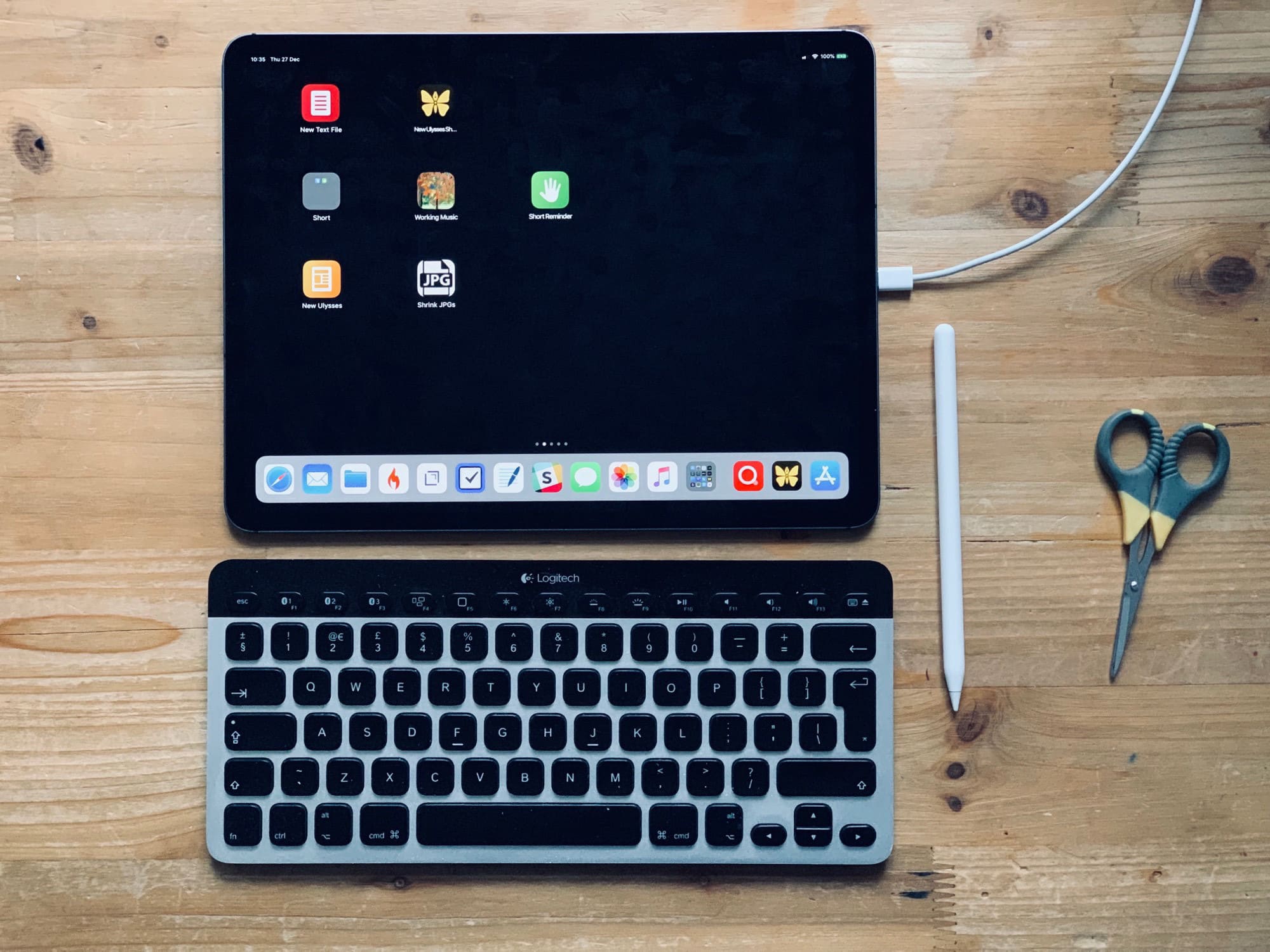
The iPad’s home screen is a waste of space. The 4X5 grid of icons looks absurd on the 13-inch iPad Pro. In fact, the fact that you’re limited to a grid of app icons is itself absurd. Where are the live readouts from your weather app or stock ticker? Where are the actions to send a message direct to your spouse/boss without opening an app first?
Worse, because the iPad doesn’t have 3D Touch, you can’t do anything useful with those icons other than launch the app1.
Today we’ll fix that. Using a combination of shortcuts, you can add actions to your home screen, instead of apps. For instance, you can create a grid of custom icons which can email a contact, create a new blank file in your text app of choice, create a quick reminder, and so on. Check it out.
It used to be a lot harder to cancel subscriptions. Photo: Charlie Sorrel/Cult of Mac
Did you get a new iPhone or iPad for Christmas? Maybe you got all excited and signed up for a few subscriptions? And now, perhaps, you’re worried that when the free trial periods end, you’ll be stuck paying for them, and that they’ll be as impossible to cancel as an unused gym membership. No problem! Canceling subscriptions on iOS is almost as easy as signing up to them.