Mobile menu toggle

Search results for: Apple One

How does iOS 13 measure up to previous iOS betas?

By

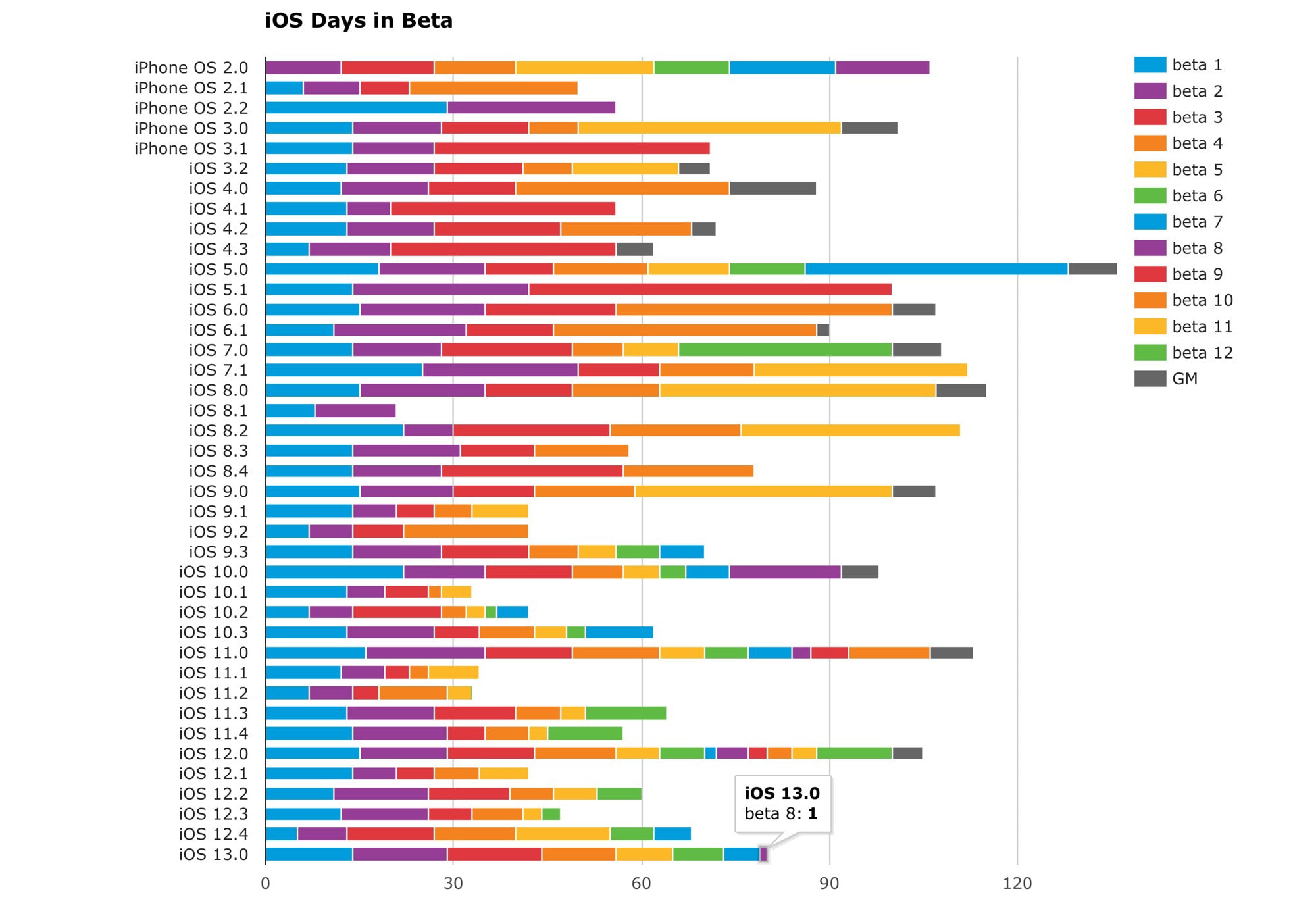
iOS Days in Beta chart: Will Hains' excellent chart breaks down the iOS betas.
Will Hains' excellent chart breaks down the betas.
Photo: Will Hains

We’re up to the eighth beta of iOS 13, but that’s not nearly the record for iOS betas. That honor goes to iOS 11. It might seem like we’ve had a lot of betas this time around, but two years ago, Apple seeded 13 betas before hitting the Gold Master stage.

With just a few weeks left until the expected iPhone 11 launch, it seems unlikely that record will fall. In terms of sheer number of betas, iOS 13 is not even close. But what about total time spent in beta? Or the fewest betas? Let’s look at the chart.

OtterSpot’s new stacking batteries take wireless charging to fresh heights

By

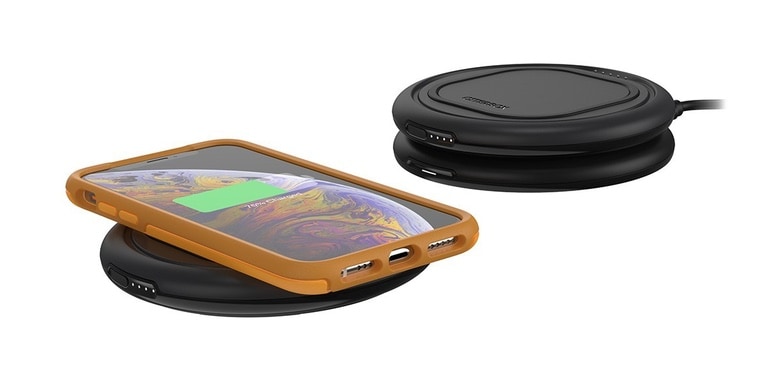
OtterBox OtterSpot
The OtterSpot Charging Base can power multiple OtterBox Wireless Charging Batteries and a device at the same time.
Photo: OtterBox

The OtterSpot is a new twist on mobile wireless charging. It starts with a base station sending current to a portable battery that has built-in Qi inductive charging. This battery powers up an iPhone or Android, either at home or one the go. Multiple batteries can be stacked and charged at once.

The company behind this new system is OtterBox, well known for its rugged phone and tablet cases.

Cheaper HomePod, improved AirPods could arrive in 2020

By

airpods
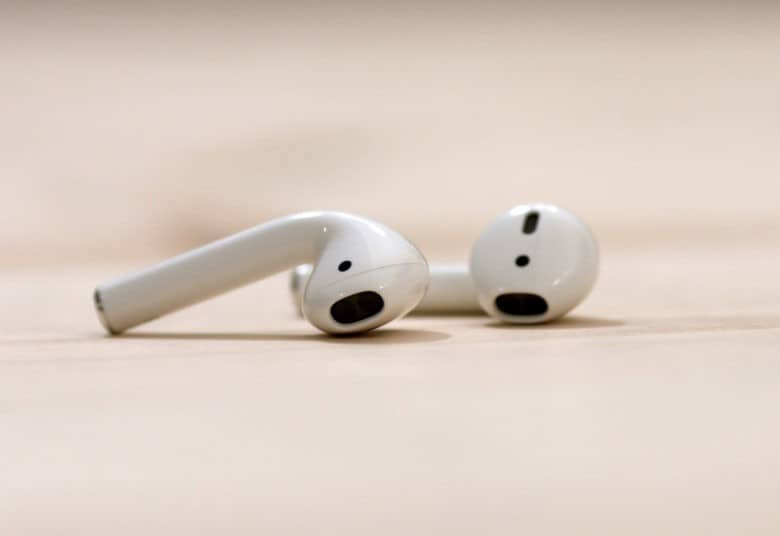
Apple could finally bring noise cancellation to AirPods.
Photo: Ste Smith/ Cult of Mac

A more affordable version of the struggling HomePod smart speaker will debut next year, according to a generally reliable source. Apple is also reportedly going to introduce AirPods with noise cancellation in 2020.

Both are products that consumers have been asking for.

You can now pre-order Powerbeats Pro in new colors

By

Powerbeats Pro Moss 1
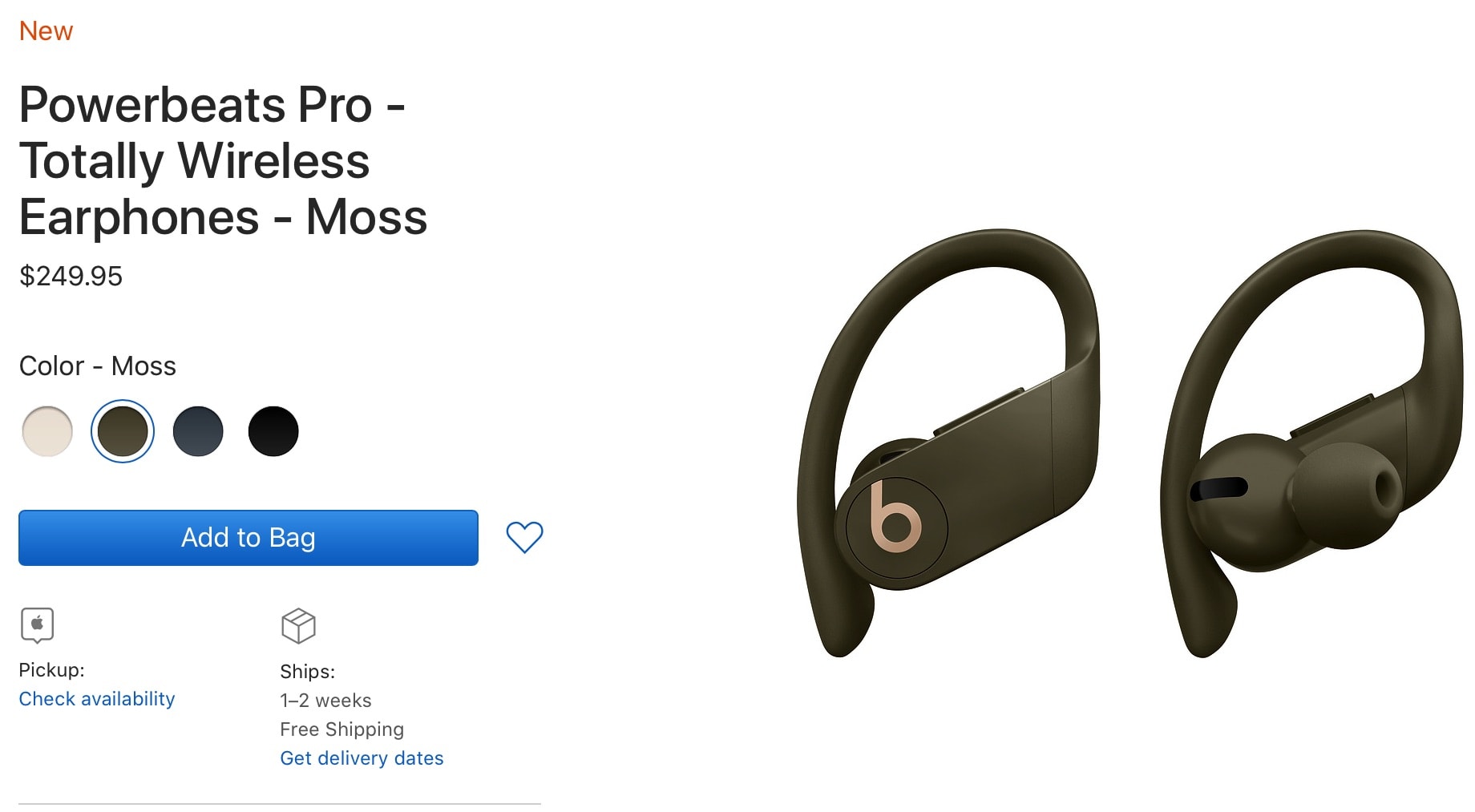
Headphones will ship August 30.
Photo: Apple

Apple’s acclaimed Powerbeats Pro wireless headphones are now available to pre-order in ivory, moss, and navy color options. Previously, they were only available in black.

The wireless headphones retail for $249.95. They will start shipping August 30, and will arrive in Apple Stores on that same day as well.

Tim Cook has Trump on speed dial

By

President Trump: Apple encryption could protect ‘criminal minds’
Tim Cook has no problem picking up the iPhone to call President Trump.
Photo: Gage Skidmore/Flickr CC

President Donald Trump and Tim Apple, err, Tim Cook are BFFs. Well, according to Trump at least.

Describing Cook as a “great executive,” Trump says the Apple CEO isn’t afraid to pick up the phone and call whenever there’s something on his mind. “He calls me, and others don’t,” Trump said, comparing Cook to other execs.

How to remove the background from your Portrait photos

By

Geese with transparent background
Honk honk! Goodbye pesky background.
Photo: Charlie Sorrel/Cult of Mac

The iPhone’s incredible Portrait mode does a great job of blurring the backgrounds of photos, making the subject stand out from busy backdrops. (Apple also uses this depth information for its truly awful Portrait Lighting effects — has anyone ever gotten a good result from the Stage Light filter? — but that’s another story.)

What if you could use the depth information inside Portrait photos to get rid of the background entirely? Wouldn’t that be something? Well, yes it would. And if you have the right app, it’s really easy to remove photo backgrounds.

Waze embraces YouTube Music for a happier commute

By

YouTube Music and Waze
YouTube Music and Waze are now friends.
Photo: Google

The latest move by the Waze navigation app to make driving a little more fun involves built-in controls for YouTube Music. This allows drivers to make changes to the music streaming through their iPhone or Android without leaving the Waze app.

Samsung DeX brings Android apps to your Mac and PC

By

Samsung-DeX
But you probably can't use it yet.
Photo: Samsung

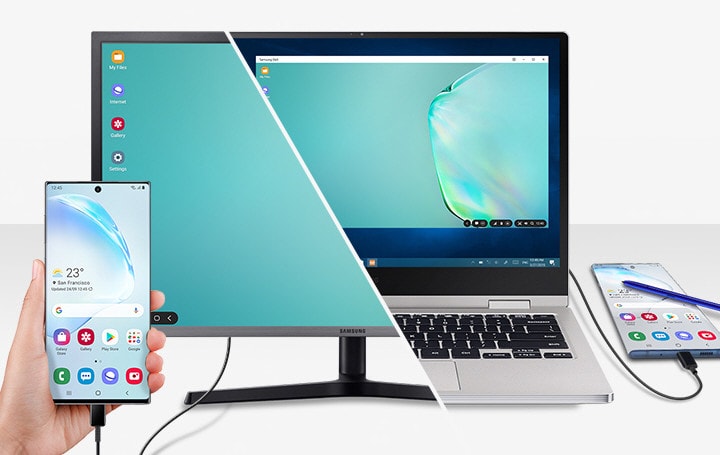
You can now run a desktop version of Android on your Mac or PC using the brand new Samsung DeX app.

It’s free to use and plays nicely with your computer’s existing keyboard and mouse. But there is a big catch.

Check out these secret (and super-useful) settings for your Mac

By

JPG screenshot location
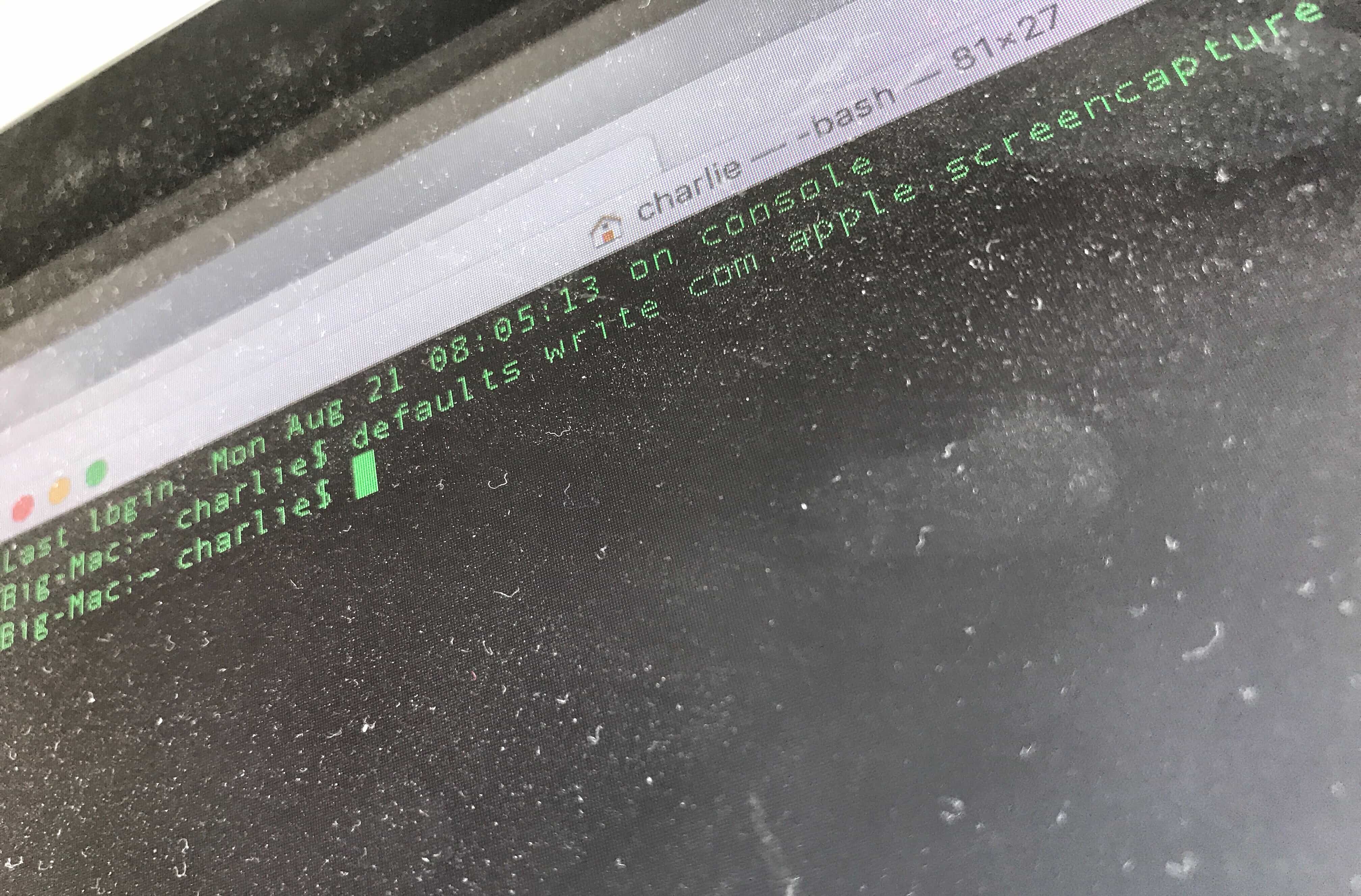
Dust off your Terminal to use these great hacks.
Photo: Charlie Sorrel/Cult of Mac

By using commands in your Mac’s built-in Terminal app, you can quickly change settings you probably didn’t even know existed.

Some of these Mac settings are just shortcuts — you can enable them in the usual way, using the mouse. But Terminal makes things simple. Instead of opening the System Preferences app, then finding (or remembering) a setting you want to change, and then searching further until you actually find the right checkbox, you can just type (or paste) a command, then  hit return.

Most of these are secret settings, though. They are impossible to change without Terminal. Let’s check them out.