Mobile menu toggle

Search results for: Apple One

Illuminate your life with LED smart bulbs [Deals]
By

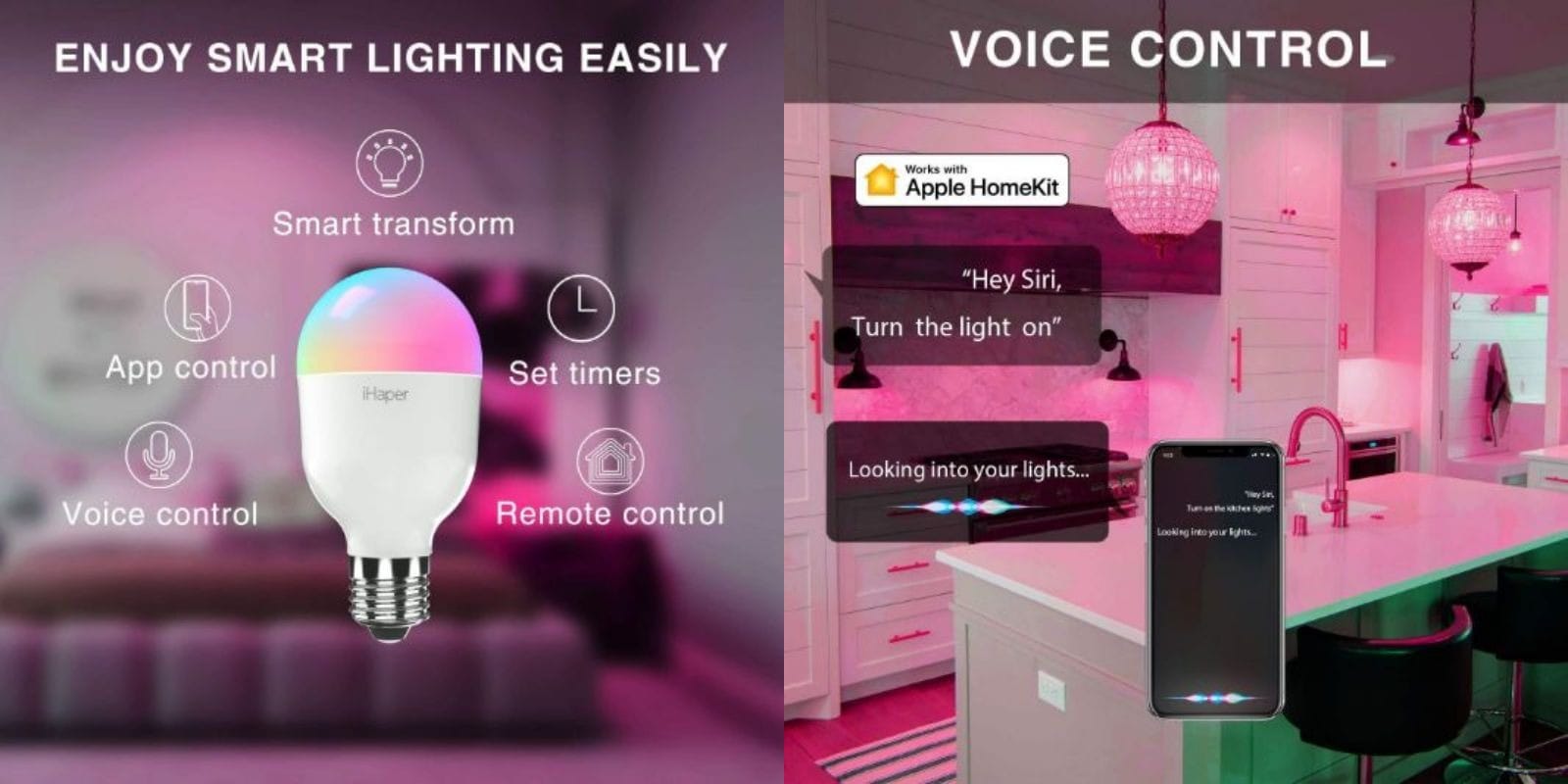
iHaper Smart Bulbs
Upgrade your home or office with customizable smart bulbs.
Photo: Cult of Mac Deals

Lightbulbs are the symbol of invention and good ideas, but it’s not until the last few years that they’ve changed in a fundamental way. The LED bulbs are energy efficient, and full of possibility for customization. So if you’re looking to make your house or office smarter, these bulbs from iHaper are a great way to go.

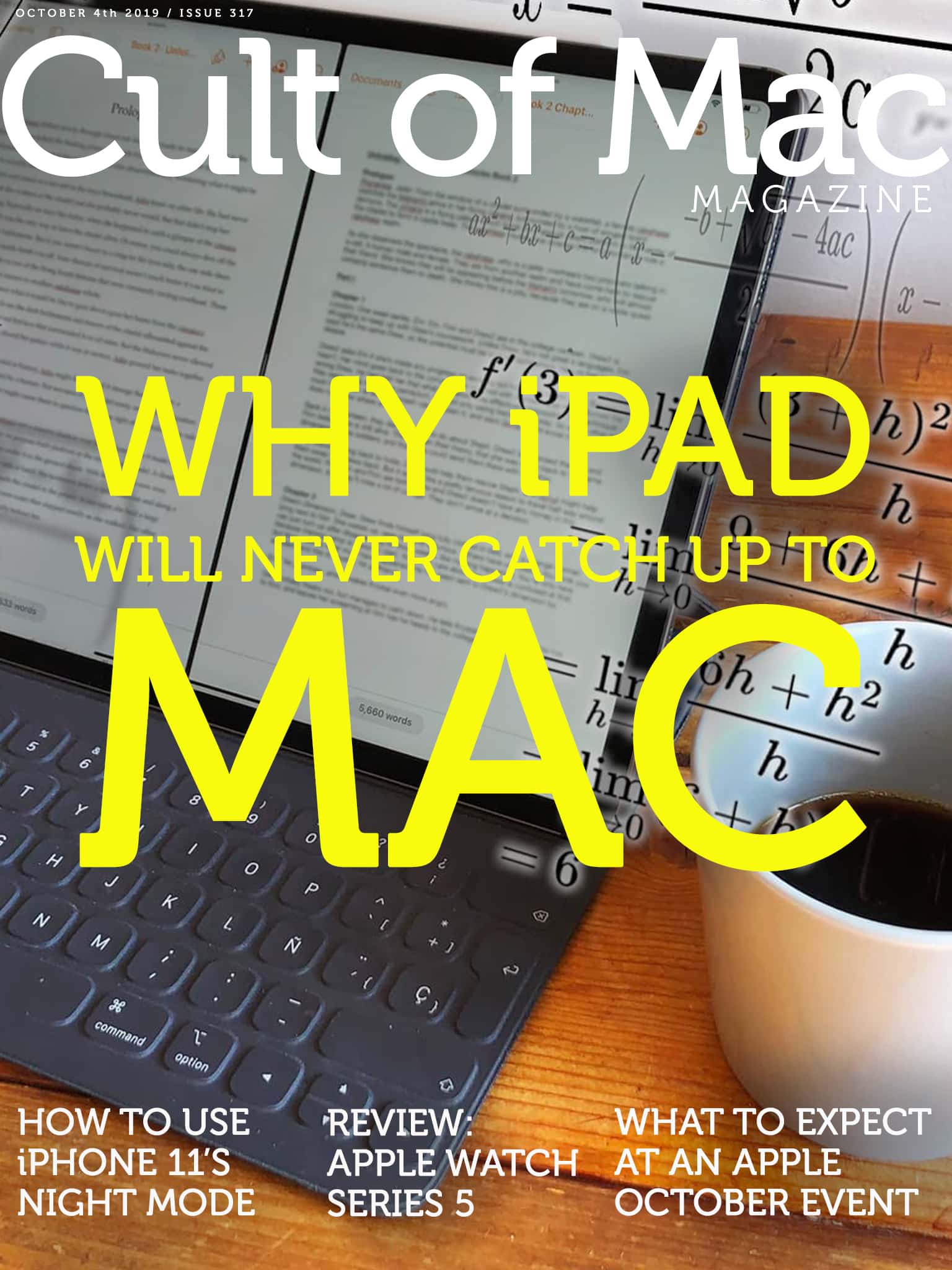
Why iPad will never catch up to Mac [Cult of Mac Magazine 317]

By

The iPad is perfect for simple tasks. For more advanced things? Not so much.
Cover: Leander Kahney/Cult of Mac

Even with all the new productivity features in iPadOS, the iPad still can’t touch the Mac when it comes to ease of use. The reason? It’s complicated.

Find out why Cult of Mac’s Graham Bower thinks the iPad user interface can never really compete with the Mac in this week’s issue of Cult of Mac Magazine. As usual, we crammed it full of Apple news and opinions. You also will find plenty of Apple how-tos and reviews. (Don’t miss our Apple Watch Series 5 review.)

Grab your free issue of Cult of Mac Magazine now from the iOS App Store. Or hit the links below to read in your browser.

Amazon Prime Video mysteriously disappears from App Store [Update: It’s back]

By

Missing from App Store
For a while today, this was all you got if you tried to download the Amazon Prime Video app.
Photo: Ed Hardy/Cult of Mac

Update: The Amazon Prime Video app is back in the iOS App Store after mysteriously disappearing for much of the day. Why this high-profile app went missing for so much of the day remains unknown.

Whether its disappearance resulted from a simple glitch or some sort of quickly resolved dispute between Apple and Amazon isn’t yet clear.

M. Night Shyamalan spills plot details for Servant TV show

By

servant
No knows anything about Rupert Grint's character Julian Pierce.
Photo: Apple

Details about M. Night Shyamalan’s mysterious series for Apple TV+ are finally starting to emerge ahead of its premiere later this year.

Speaking at a New York Comic Con panel, M. Night Shyamalan finally spilled some plot details about Servant, saying it all takes place in one room as a couple turn to a therapy doll to cope with the loss of their child.

Apple put out the first official teaser trailer for it too and it’s pretty short but also pretty creepy:

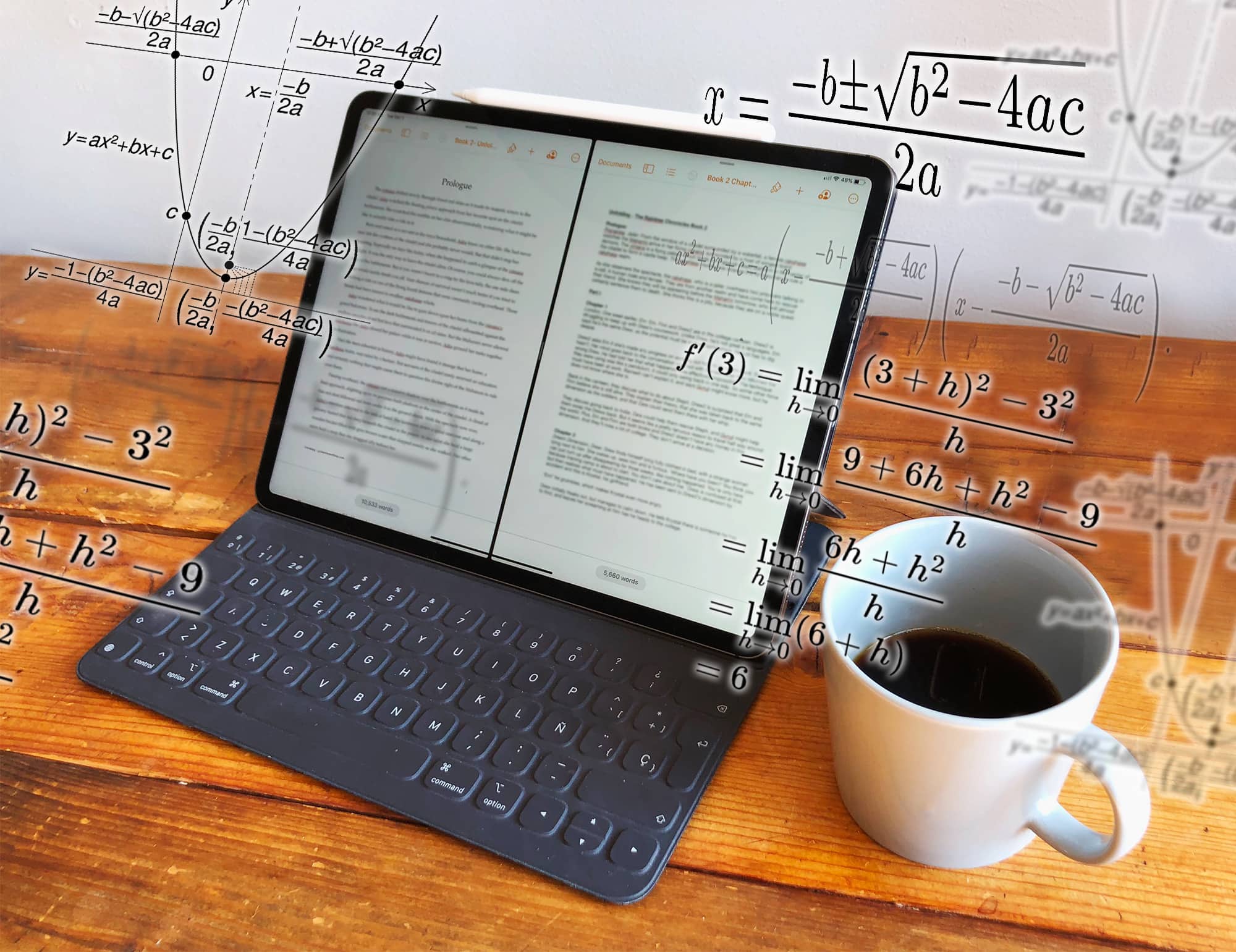
iPad is catching up with Mac, but it will never be as easy to use [Opinion]

By

It’s not rocket science... oh wait, it is: Opening two files on an iPad.
Opening two files in the same app on an iPad requires rocket science.
Photo: Graham Bower/Cult of Mac

Thanks to the recently launched iPadOS, I can finally do simple things on my iPad that I’ve always been able to do on my Mac. Like opening multiple documents in the same app, or installing fonts.

Trouble is, while these things are easy to do on a Mac, they’re fiendishly difficult with an iPad.

In the early days, everyone celebrated the iPad for being easier and more intuitive to use than a Mac. But as Apple crams in more features, that is no longer true. iPad is still easier to use for simple things, but it is much harder and more cumbersome for performing advanced tasks.

All the ways to take a screenshot in iPadOS

By

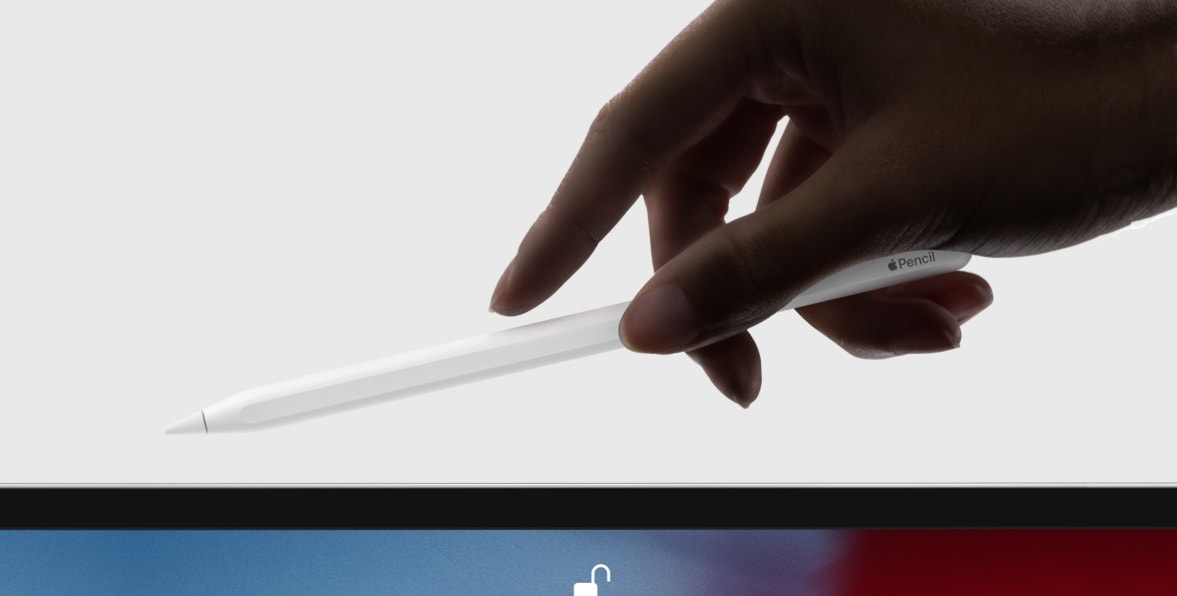
An iPad Pro case can prevent your Apple Pencil from charging.
The Apple Pencil can now take screenshots!
Photo: Apple

Like skinning a cat, there’s more than one way to take a screenshot on the iPhone and iPad. And with the launch of iPadOS 13, there’s now one more way to snap a picture of your screen on the iPad.

Let’s check out all the ways to take a screenshot on an iPad running iOS 13.

Here’s how to turn Live Photos into a video

By

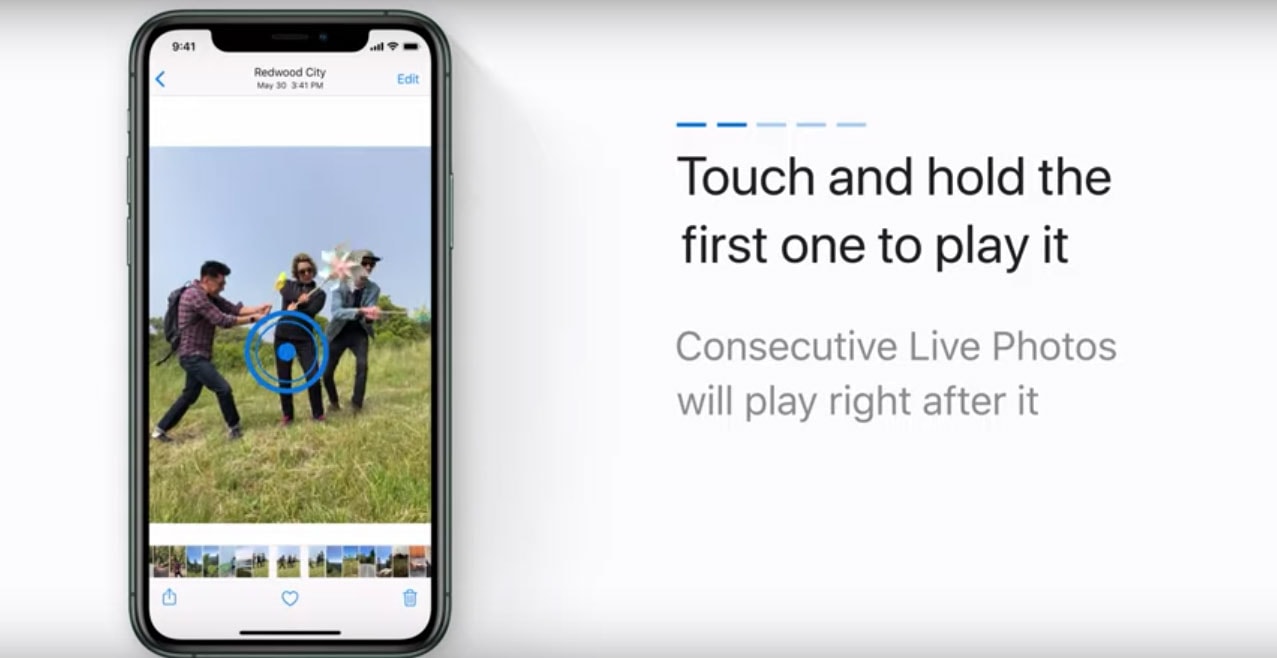
how-to for Live Photos video in iOS 13
iOS 13 lets you add more motion to your Live Photos by putting them in a video loop.
Screenshot: Apple Support/YouTube

Fans of Live Photos will be able to save one or more into a single video thanks to a new feature in iOS 13.

Apple Support rolled out a quick tutorial on its YouTube channel Wednesday that shows the easy steps to stitching a string of Live Photos into a fun little video loop.

CalDigit’s USB-C Pro Dock powers dual 4K monitors

By

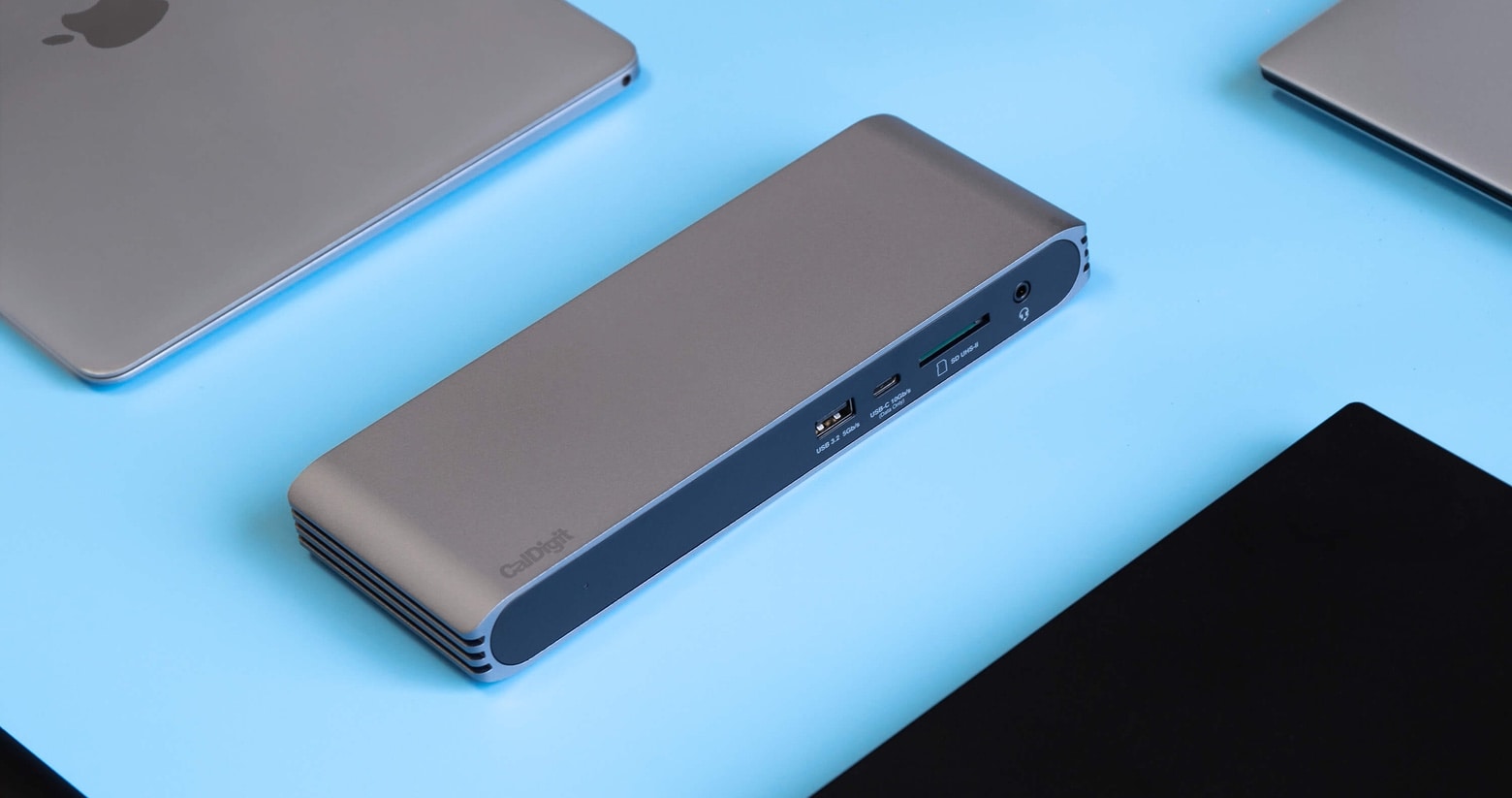
CalDigit Pro Dock with MacBooks
The CalDigit Pro Dock has two DisplayPort ports, and plenty of others too.
Photo: CalDigit

CalDigit now offers the Pro Dock, a multiport USB-C hub that can drive a pair of 4K displays at a full 60Hz. There are plenty of hubs that let a MacBook connect to a single monitor, but this dual-screen option is more rare.

The Pro Dock also has a trio of USB-A ports, Ethernet, and other ports.

Mario Kart Tour races ahead on first-week downloads

By

Mario Kart Tour has the second best debut month ever on mobile
The question is: will it last?
Photo: Nintendo

Mario Kart Tour may be a disappointment on a critical level, but it seems to be off to a good start in terms of downloads.

According to new data from Sensor Tower, Mario Kart Tour racked up 90 million downloads in its first week. That makes it Nintendo’s fastest mobile game launch in history. Kind of appropriate for a racing game, really!

Get free power anywhere with myCharge’s solar battery [Review]

By

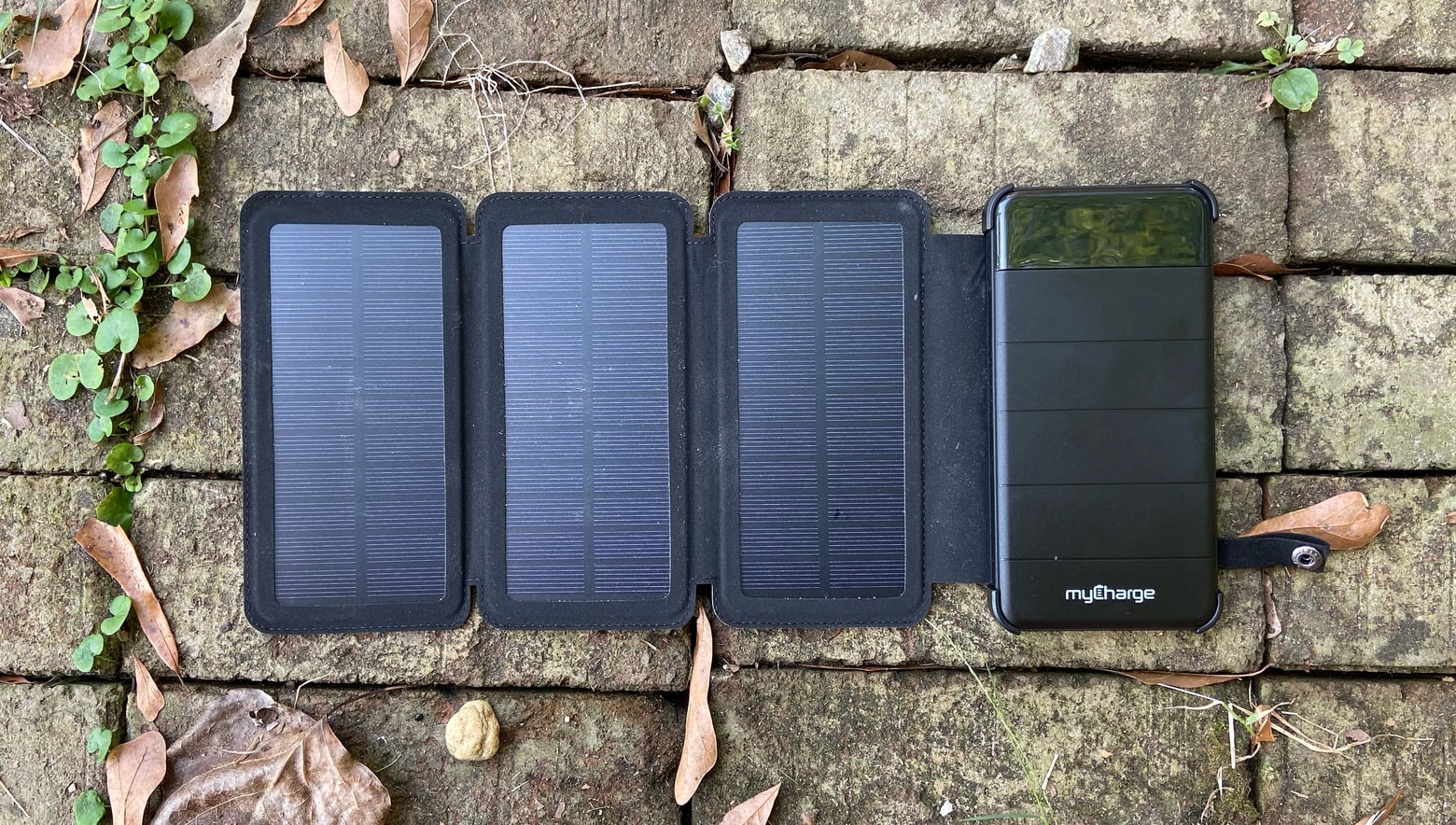
myCharge Solar PowerFold review
Put the Solar PowerFold in the Sun for a few hours to bring a useful charge to your iPhone.
Photo: Ed Hardy/Cult of Mac

A solar-powered battery should be part of any disaster-preparedness kit, and the myCharge Solar PowerFold can keep an iPhone up and running just by sitting in the sun for a few hours.

We tested the ability of this very portable device to capture the thermonuclear power of our nearest star. Here’s how it went.