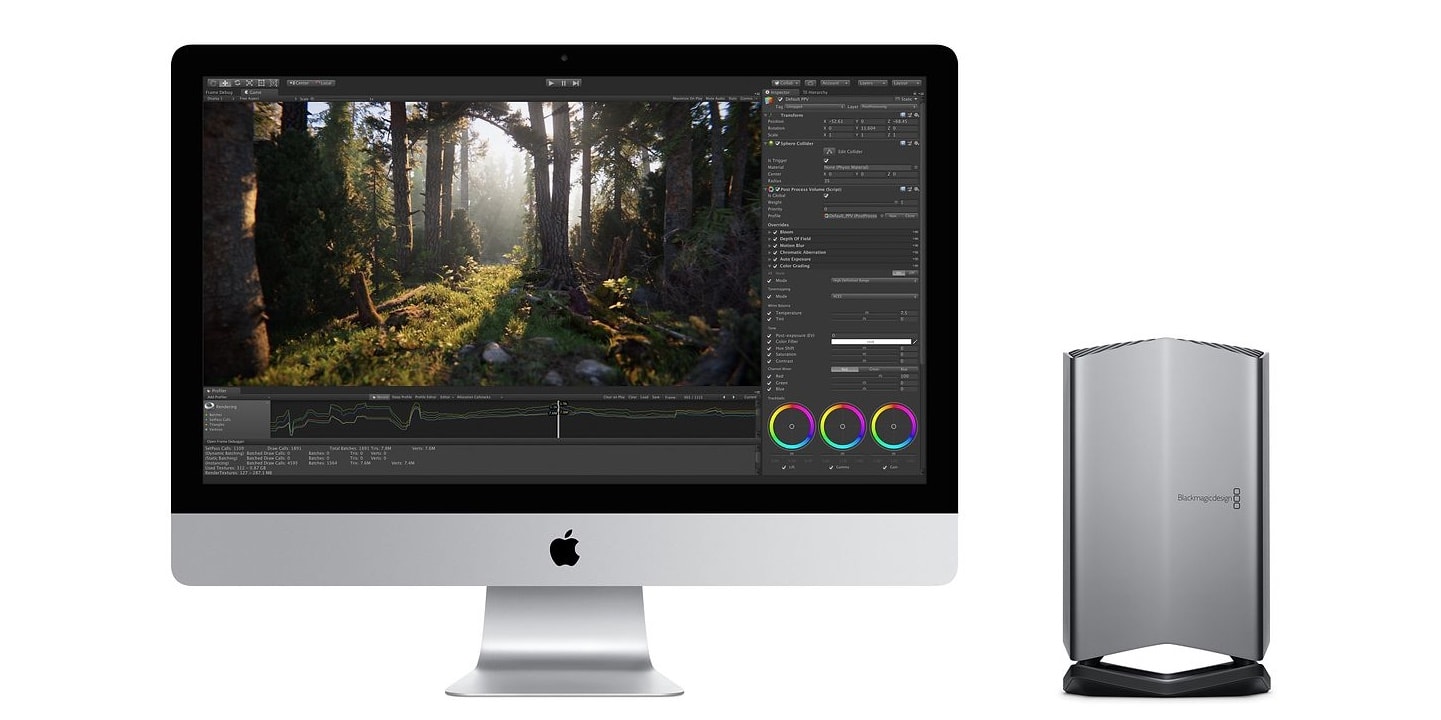
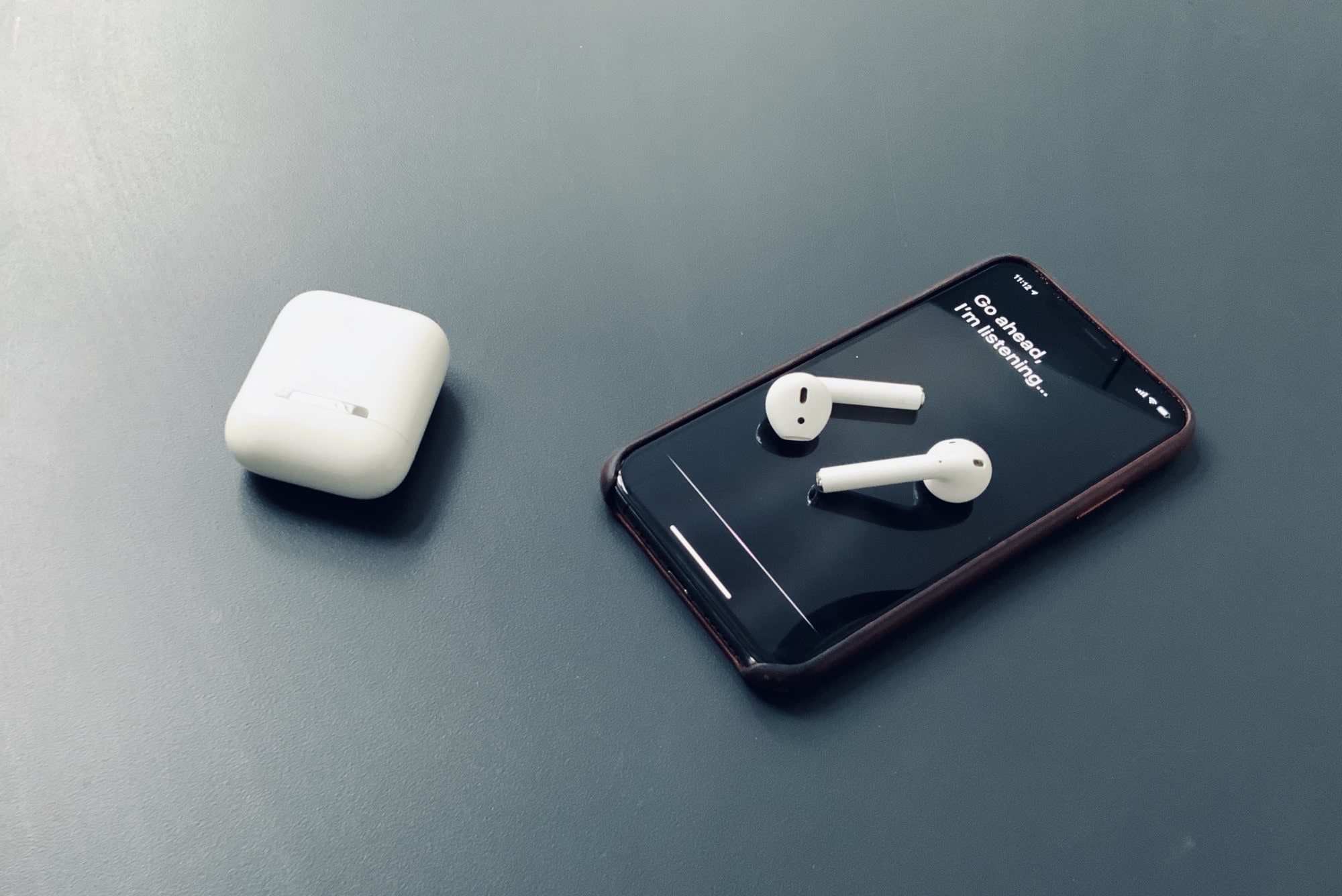
Is your eGPU working under macOS Catalina? Photo: Apple
Apple’s newest macOS Catalina upgrade has been causing all kinds of havoc for some Mac users. One issue seems to be killing certain eGPU setups — especially for those with a Mac mini.
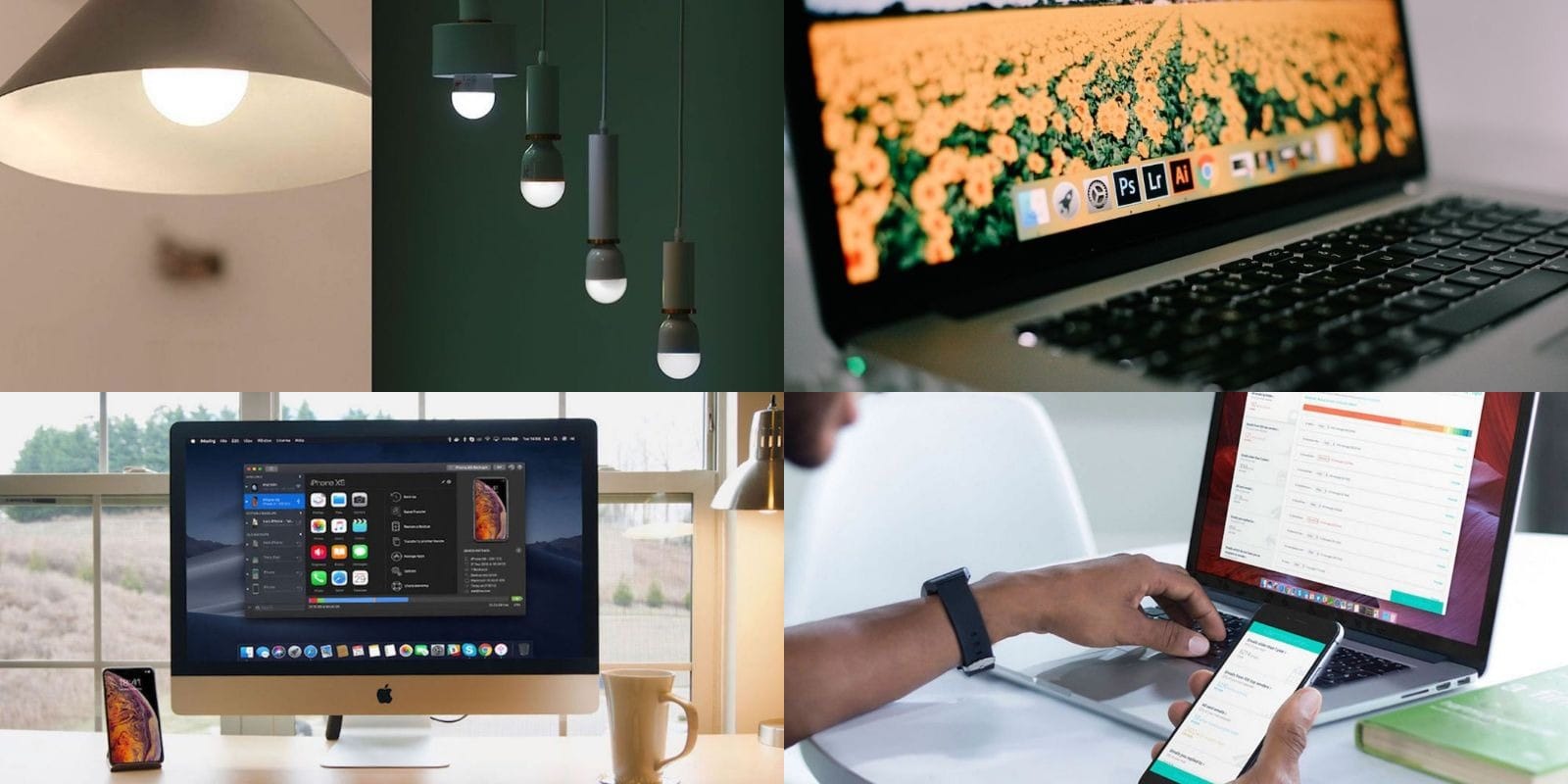
This week's best deals includes smart bulbs, Adobe CC lessons, and lots more. Photo: Cult of Mac Deals
This week, the best deals in the Cult of Mac Store run the gamut. For starters, we’ve got an awesome iTunes alternative for iOS management, and an energy saving smart bulb with Home App integration. Additionally there’s a powerful email manager, and a comprehensive training bundle for Adobe Creative Cloud. Some are discounted by over 95%, so read on for more details:
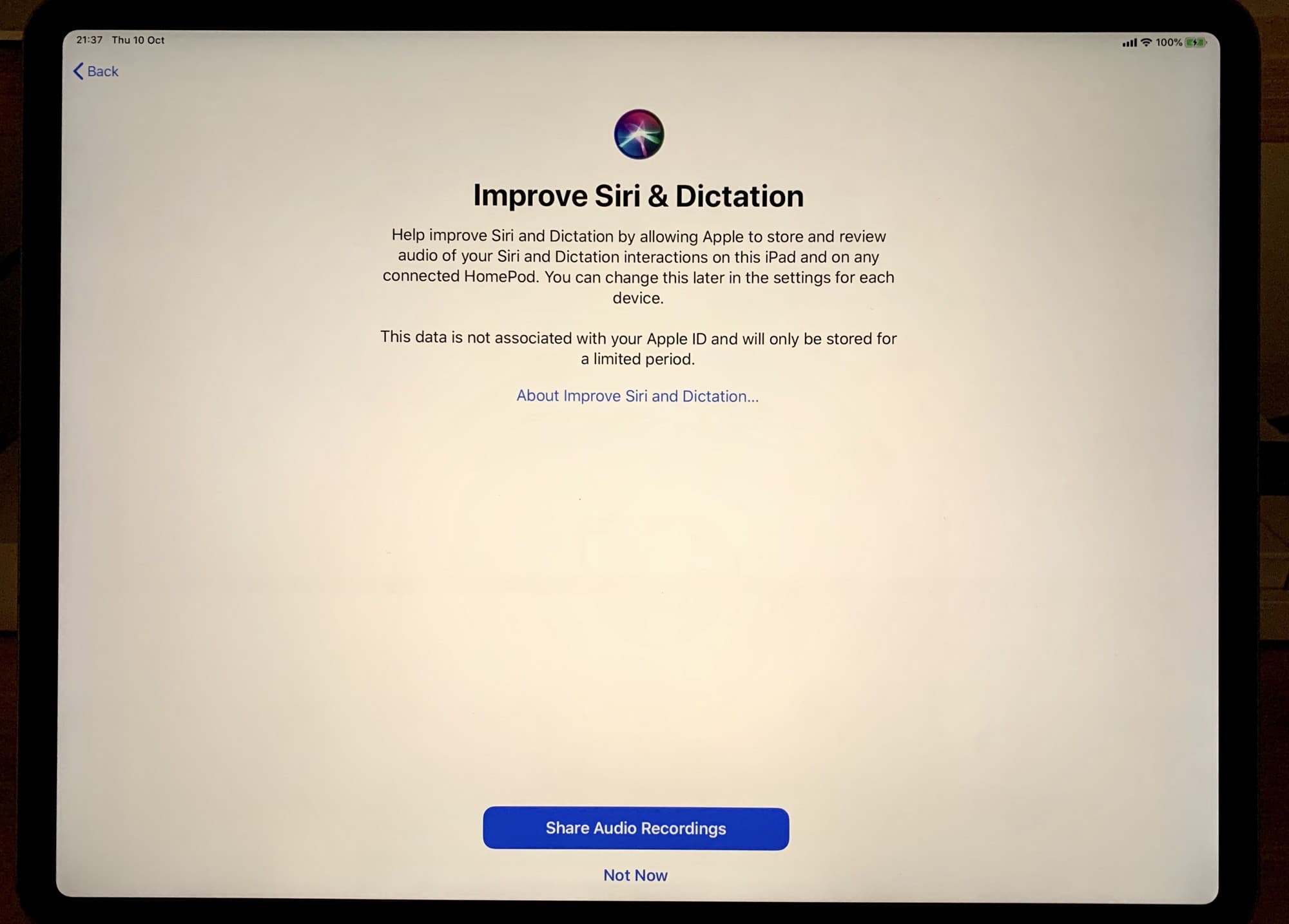
LOL look how small Apple made the "Not Now" button. Photo: Cult of Mac
iOS 13.2 adds controls for Apple’s unpopular Siri data collection program. Now, users can opt in to “Siri and Dictation Analytics,” which translates to letting your iPhone or iPad upload all your Siri interactions so Cupertino can improve the virtual assistant’s accuracy.
Siri can now read out your incoming messages, automatically. Photo: Charlie Sorrel/Cult of Mac
In iOS 13.2, Siri can announce your incoming messages and read them to you. This is the kind of feature that is so useful, and obvious, that it seems like it should have always been there. It’s called Announce Messages with Siri, and it does just that.
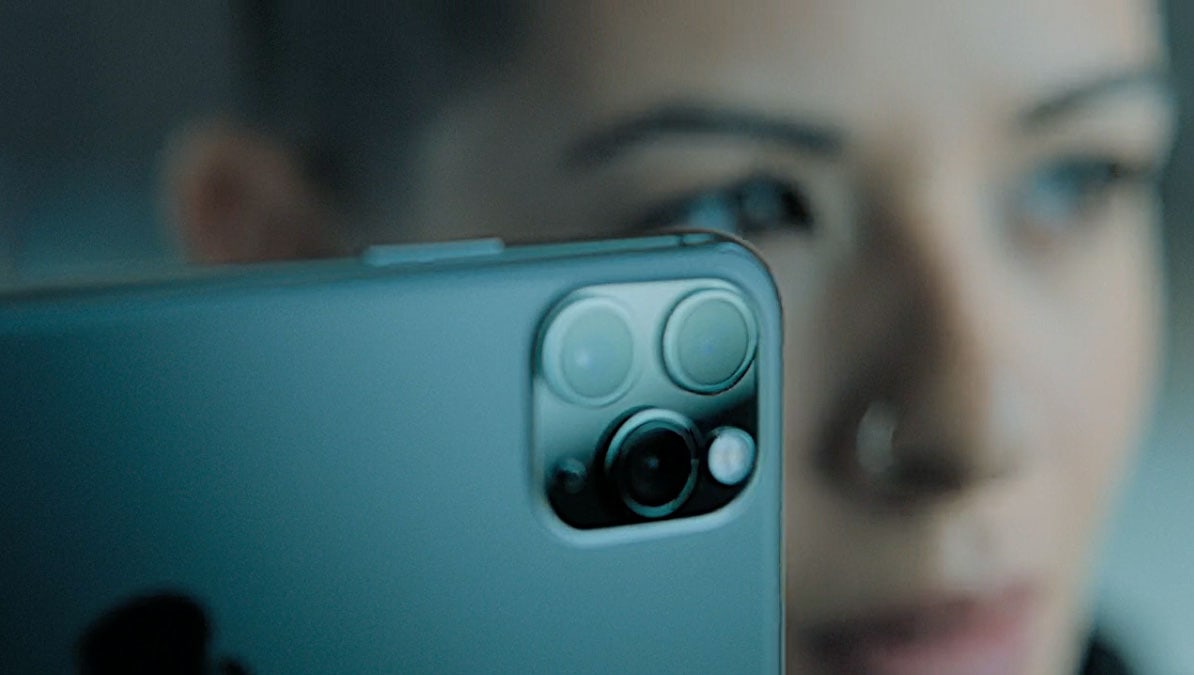
iOS 13.2 will make switching frame rates and resolution for your video shooting much easier. Photo: Apple
The iPhone 11 line hasn’t even been out a month, but Apple continues to improve its camera through iOS updates.
An iOS developer exploring iOS 13.2 beta 2 said the Camera app will allow video shooters to adjust frame rates and resolution without going into the Settings app.
We're all waiting for brand-new models. Photo: Apple
Mac shipments fell during the third quarter of 2019 as PC sales continued to grow, according to new estimates from Gartner.
Apple’s market share declined as a result, but the company maintains its fourth spot for now. And shipments will almost certainly be boosted soon by the launch of the all-new Mac Pro and 16-inch MacBook Pro.
In iOS 13 and iPadOS, you can easily collect a bunch of Live Photos, and combine them into a single video. It’s great for sharing, or just making a cool remix of your clips. And this isn’t another one of those (awesome) posts where we use Shortcuts to do the dirty work. Making Live Photos videos is a new feature built into the Photos app.
This week, email service Fastmail added snooze to its web and iOS apps. You can now click on a button inside any email in your inbox, and make it disappear until you’re ready to deal with it.
Got a late-Friday-afternoon work email from your boss, and don’t want to see it every time you check your mail over the weekend? Worried that you’ll get so used to ignoring those great tips for your vacation that you will forget about them when you actually go away? Do you already use your email inbox as a de-facto to-do list, and would love more control?
Then Fastmail’s snooze is for you. Let’s see how it works.
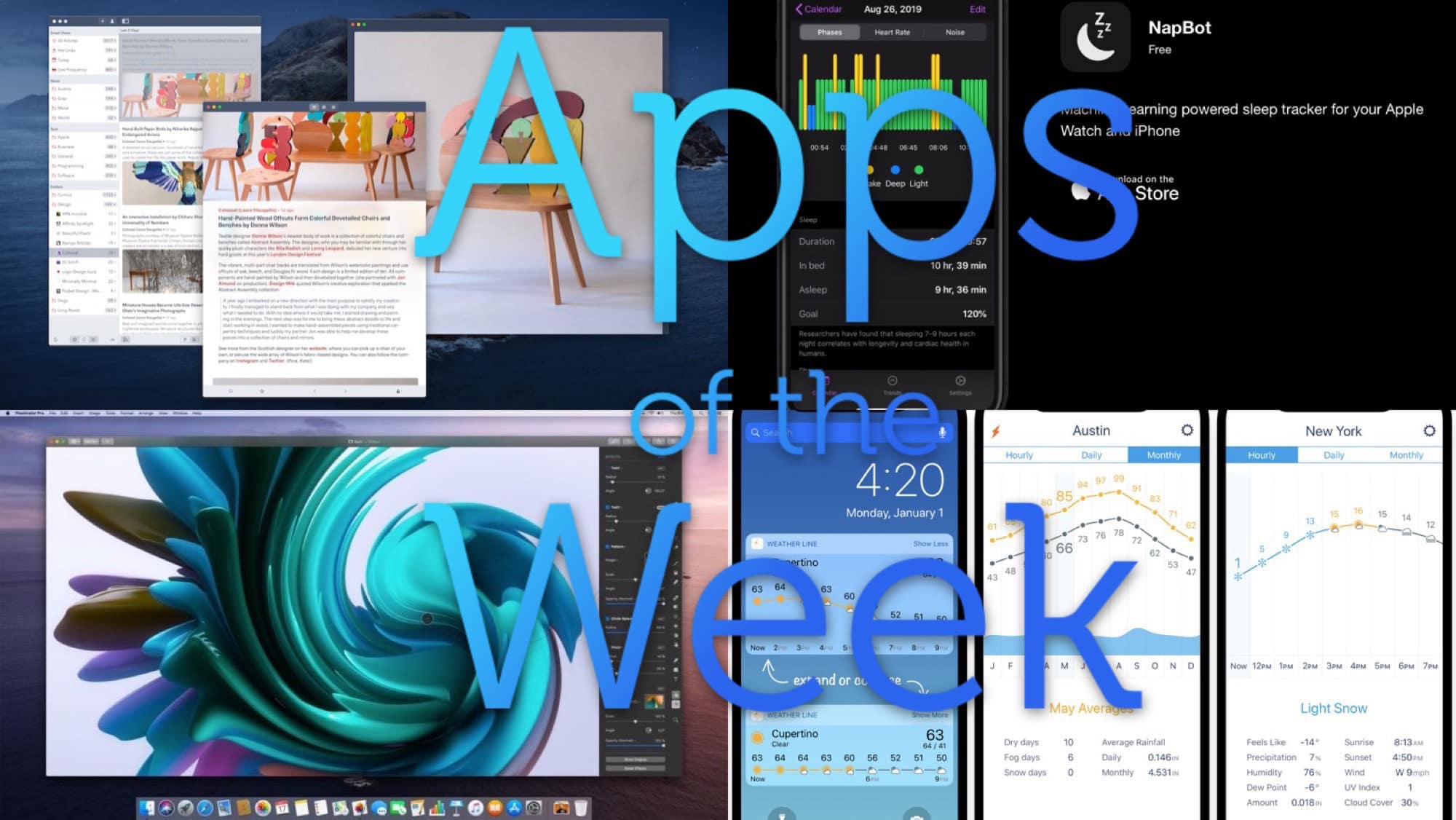
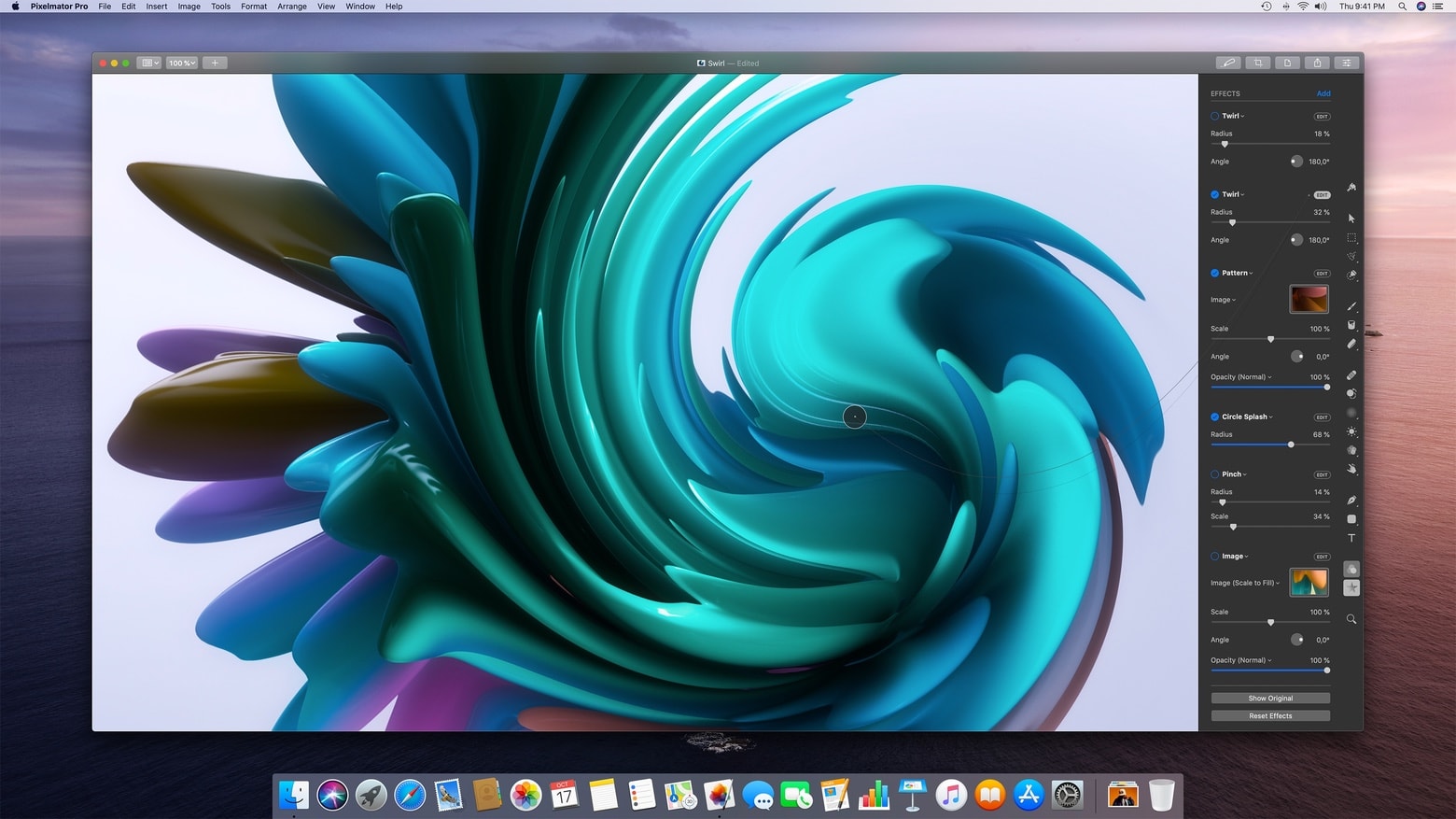
Pixelmator Pro 1.5 Avalon is ready for everything Apple is introducing this fall. Photo: Pixelmator
Pixelmator Pro, one of Photoshop’s strongest competitors, is now fully compatible with macOS Catalina, including the ability to use an iPad as a second screen.
And the high-end graphics app is also ready for the next Mac Pro, the super-powerful desktop Apple has on its docket for this fall.