Mobile menu toggle

Search results for: Apple One

Tim Cook meets with China’s chief regulator after map app flap

By

Activist shareholders push Apple on why it booted Hong Kong protest app
Photo: Fredrik Rubensson/Flickr CC

Apple CEO Tim Cook met with China’s chief market regulator Thursday, a trip likely to attract the tech giant more criticism as tensions fester between the mainland and Hong Kong’s pro-democracy movement.

Cook’s meeting in Beijing comes one week after it removed a live map app from the App Store that was being used by protestors. Cook said the app, HKmap.live, was pulled after Hong Kong officials presented “credible information” the app was used to target individuals and property with violence where no police were present.

‘AirPods Pro’ with noise cancellation could debut this month

By

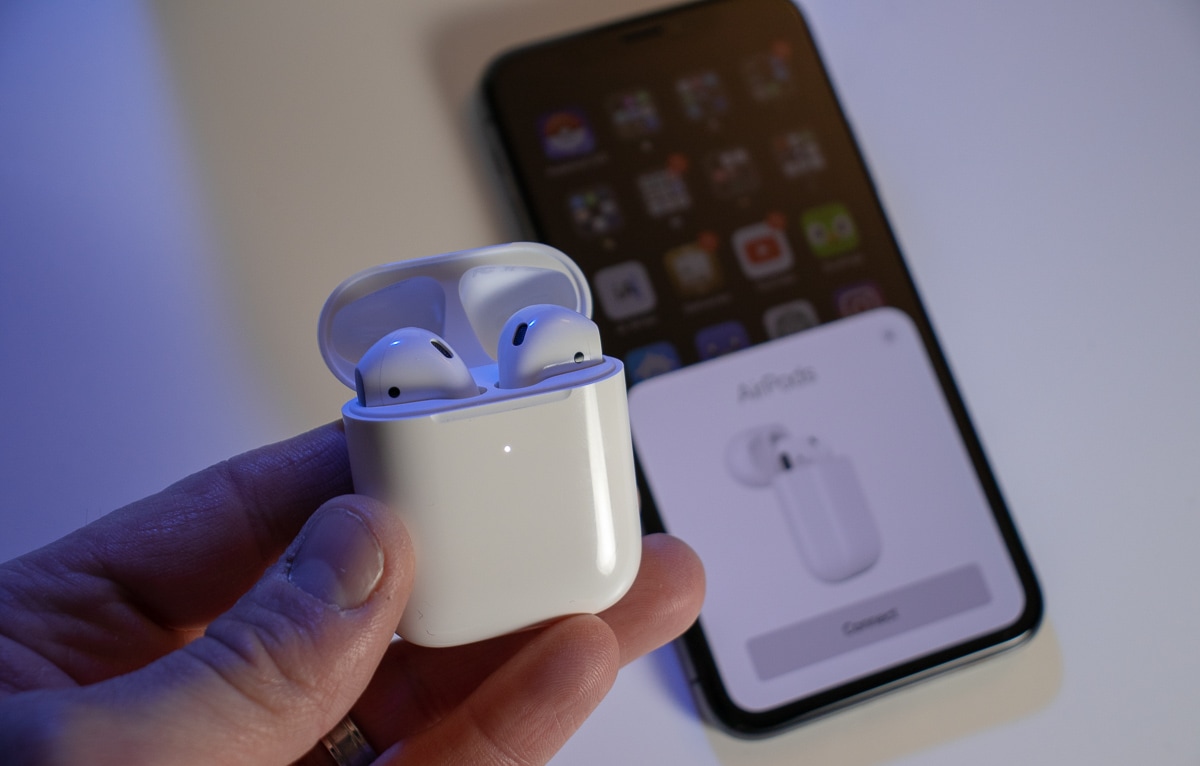
AirPods 2 pairing with iPhone
I've spent MANY hours with these in my ears.
Photo: Ian Fuchs/Cult of Mac

Apple is expected to deliver pricier “AirPods Pro” with noise cancellation later this month, according to a new report.

Images of the buds were leaked by Apple in an iOS 13.2 beta earlier this month. They are expected to offer multiple listening modes and could cost around $100 more than the regular models.

Share the misery by reporting traffic problems to Google Maps

By

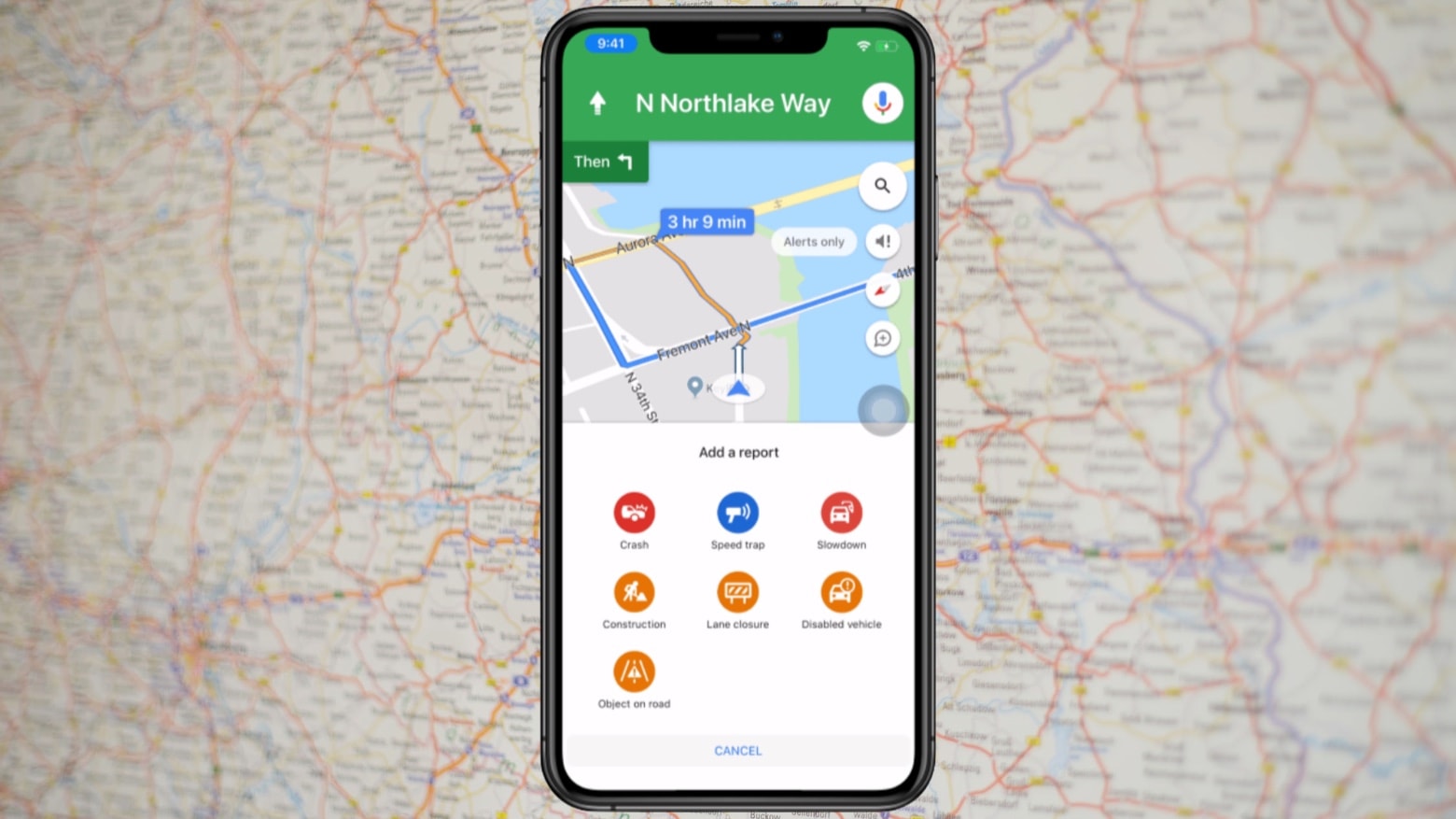
Report traffic problems with Google Maps
Warn your fellow Google Maps users of crashes, speed traps and other traffic slowdowns.
Photo: Google/Cult of Mac

Google Maps already alerts drivers about crashes and other traffic slowdowns, but the app is just now allowing users to report these incidents on their iPhone.

This has long been a feature of Waze, Google’s other iOS navigation app.

macOS 10.15.1 beta 2 brings fresh bug fixes to Mac

By

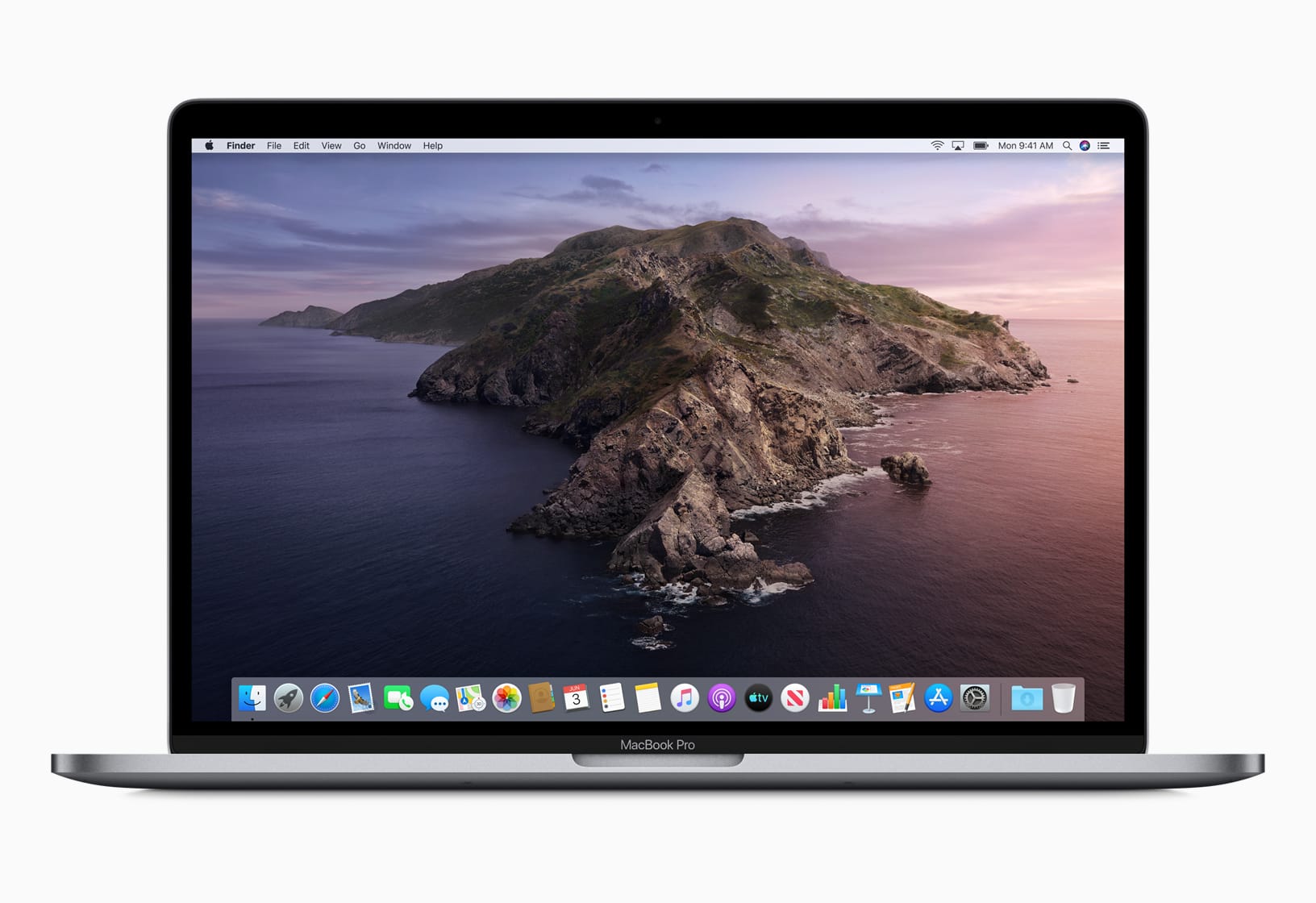
macOS Catalina is here. But proceed from Mojave with caution.
A few new features, a few bug fixes ...
Photo: Apple

Apple is making quick progress on the development of macOS 10.15.1, publishing its second beta build this morning.

macOS 10.15.1 beta 2 arrived for developers today, less than a week after the first beta dropped. The latest dev seed brings a host of bug fixes as Apple tries to patch up some of the holes in macOS Catalina, which launched earlier this month.

Photoshop for iPad will ship without some key features

By

Photoshop-iPad
As the great D:Ream once sang, things can only get better.
Photo: Apple

Adobe is finally close to bringing real Photoshop to iPad. But before you get too excited, you should know that the first version of the app will ship without some key features.

Early testers have described the current state of Photoshop as “rudimentary,” according to a new report. It seems it won’t be replacing its desktop counterpart anytime soon.

How to fix a stuck iOS software update

By

iPhone ios stuck update
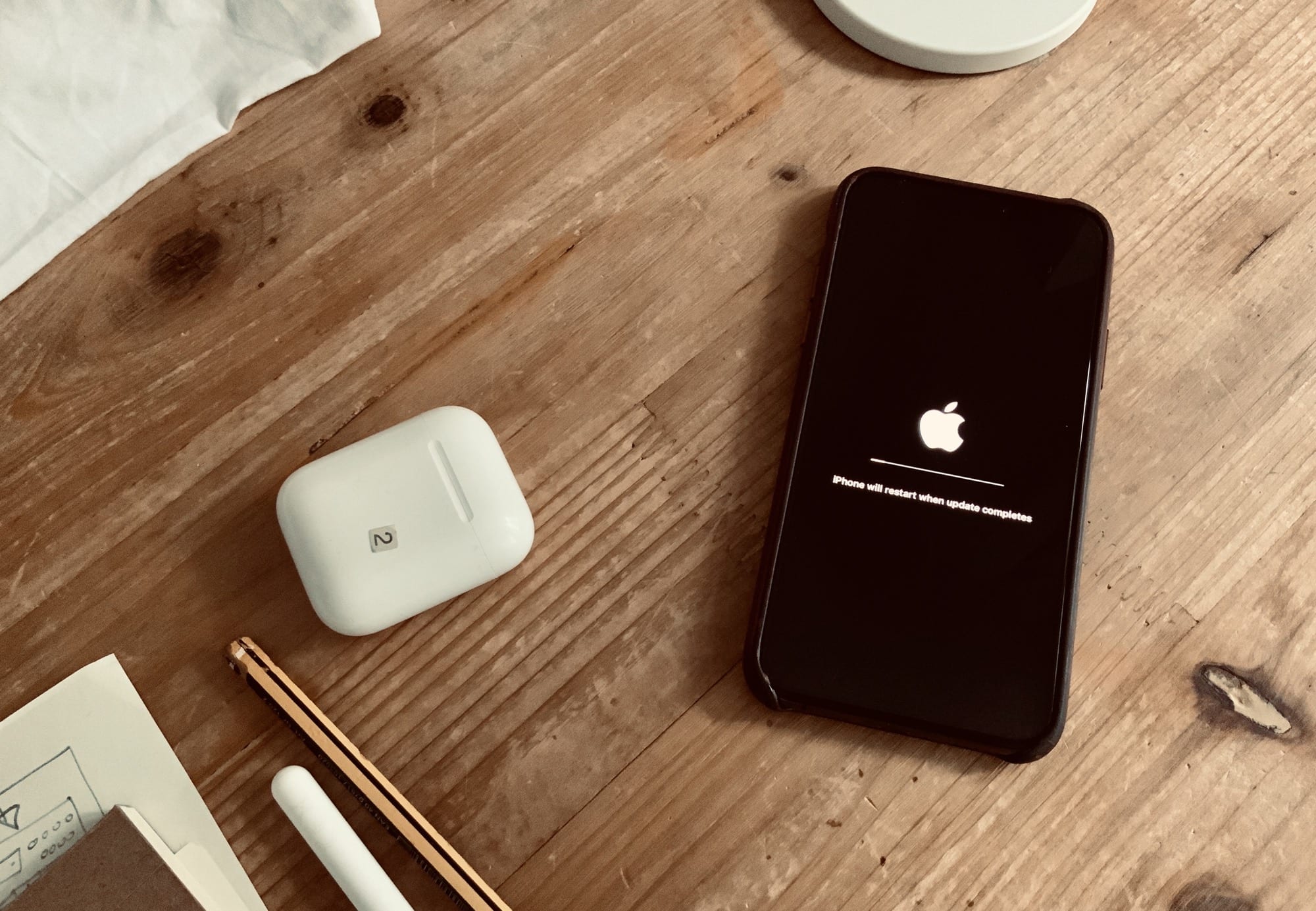
Press a button while updating to see this message.
Photo: Charlie Sorrel/Cult of Mac

iOS updates usually prove pretty reliable. Even during the buggy beta phase of a new iOS version, the updates themselves usually run without a hitch. But sometimes they do get stuck. Or they seem like they got stuck.

Here’s how to tell the difference between those two scenarios. And, if your iOS update really did hang, what to do about it.

Microsoft brings dark mode to Office apps on iOS

By

Office-dark-mode-iOS
Download the updates today.
Photo: Killian Bell/Cult of Mac

Microsoft today rolled out a bunch of updates that bring a long-awaited dark mode to its Office suite on iOS.

Word, Excel, PowerPoint, and OneNote are all a little easier on the eyes (if you want them to be). Dark mode will also help them be kinder on battery life on iPhone models with OLED displays.

Latest iOS 13 update fixes problems in Mail, Health, iCloud and more

By

iOS 13
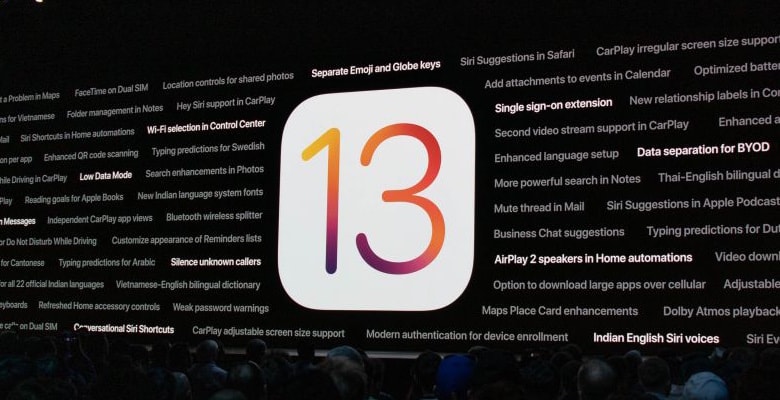
iOS 13 and iPadOS 13.1 brought a truckload of new features, but also plenty of bugs Apple has been busily evicting.
Screen capture: Apple

Apple continues the lengthy bug hunt in its iPhone and iPad operating systems. iOS 13.1.3 fixes ten problems that made it through the three previous versions introduced in less than a month.

iPadOS 13.1.3, also debuting today, takes care of some of these for tablet users.

Why can’t you turn off Personal Hotspot in iOS 13?

By

Personal hotspot
No, not that kind of hot spot.
Photo: Charlie Sorrel/Cult of Mac

iOS 13 isn’t just about exciting new bugs. Apple did a lot of cleaning up and moving things around in its latest mobile operating system. One big, behind-the-scenes feature change comes in the iPhone’s Personal Hotspot. You can no longer turn it off. Or rather, you haven’t been able to turn it off for a while now. It’s just that iOS 13 finally makes it explicit.

However, this doesn’t mean your iPhone will constantly broadcast its hotspot status, or that it will run down your battery. In fact, this feature is now easier to understand, and more sensibly described, than ever. Here’s what the Personal Hotspot changes in iOS 13 mean.

VueScan rescues scanners made obsolete by macOS Catalina

By

Make less electronic waste with VueScan
Don’t toss your scanner on the rubbish heap.
Photo: Francesco Paggiaro/ Pexels CC

Anyone with an older scanner incompatible with macOS Catalina can try VueScan, third-party software that works with over 6000 scanners from 42 manufacturers.

It can save still-functional scanners from ending up on the e-waste pile.