Influencer Andrew Levitt and friends spent a summer week recreating Apple’s famous wallpaper landscapes for the Mac operating systems.
Not long after, Apple released macOS Catalina. What was finished business now had a loose end.
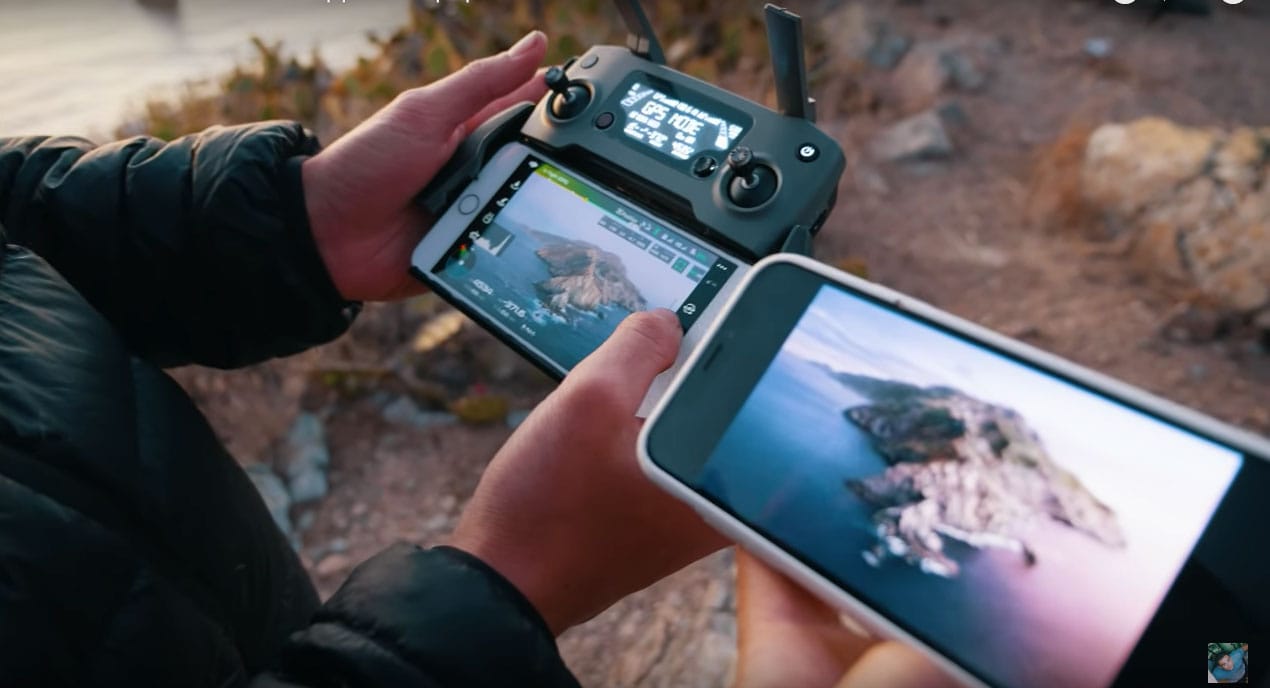
Influencer Andrew Levitt and friends spent a summer week recreating Apple’s famous wallpaper landscapes for the Mac operating systems.
Not long after, Apple released macOS Catalina. What was finished business now had a loose end.


The Escape key is pretty essential to the Mac. You can use it to, well, escape from the current window/view/text field. You can use it to dismiss some dialog boxes. It can even be used to force-quit an unresponsive app. And that’s before we get to the Vim text editor, which is as dependent on the Escape key as Jony Ive is on new kinds of aluminum. So why did Apple remove the physical MacBook Pro Escape key when it introduced the Touch Bar?
Apple made that move, much to the despair of some users, back in 2016. Now, in the new 16-inch MacBook Pro, the Escape key is back. But what if you have a perfectly good previous-gen MacBook Pro? Are you really going to spend close to $3,000 just to get your Escape key back? No, you are not. Instead, you are going to repurpose the Caps Lock key, and turn it into an Escape key.
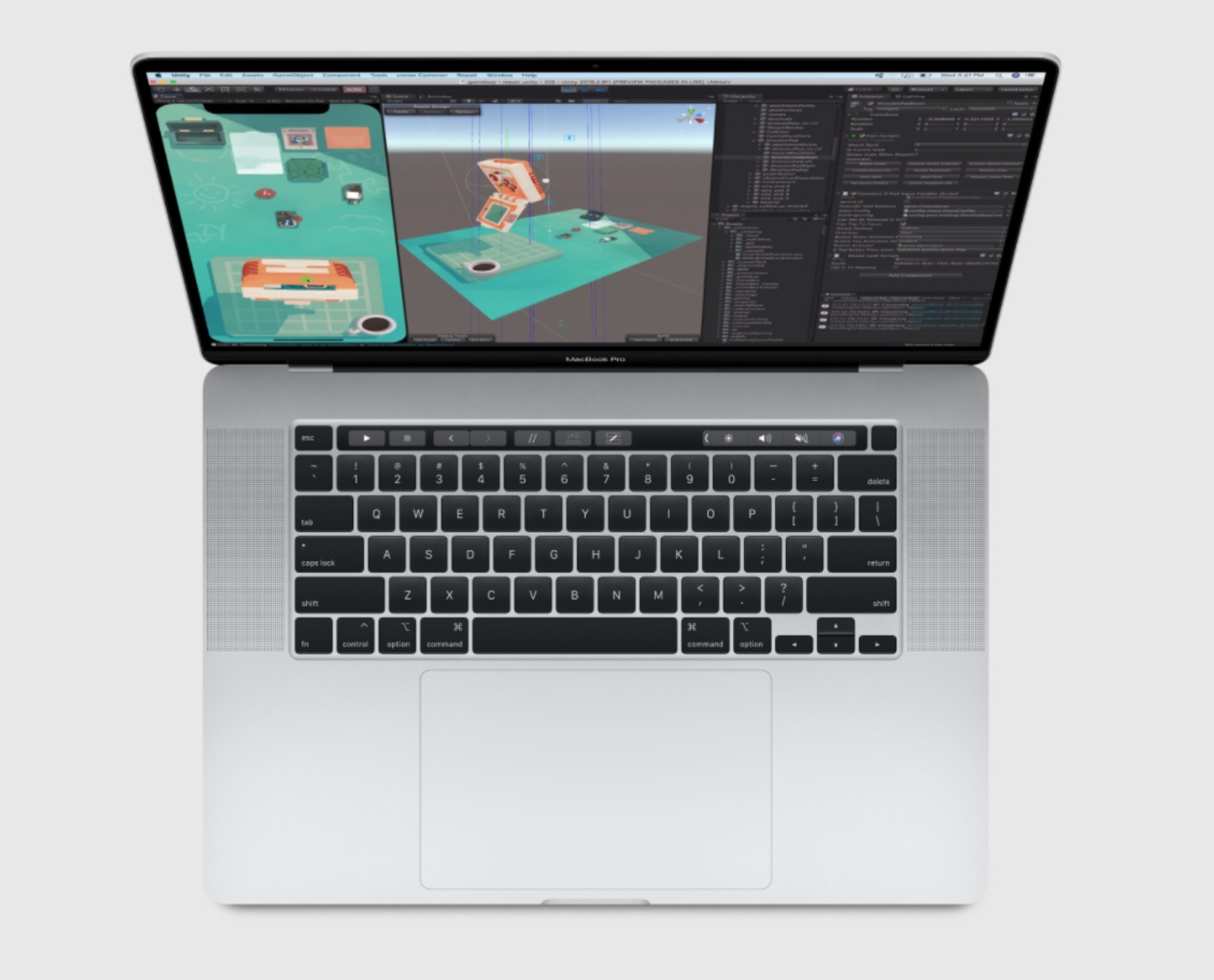
The new 16-inch MacBook Pro launched yesterday, and by all accounts, it’s fantastic. But it arrives at a time when the MacBook (Pro or otherwise) is no longer the default choice for a portable Apple computer. Regular readers will know that several Cult of Mac writers use an iPad Pro as their main machine. Killian, Ed, Ian and I all ditched the Mac awhile ago in favor of iOS.
And I haven’t bought a Mac since 2013. It was a MacBook Air that has since moved on. The only Mac I still own is a 2010 iMac. And yet I have already ordered the new MacBook Pro. Why? What changed?
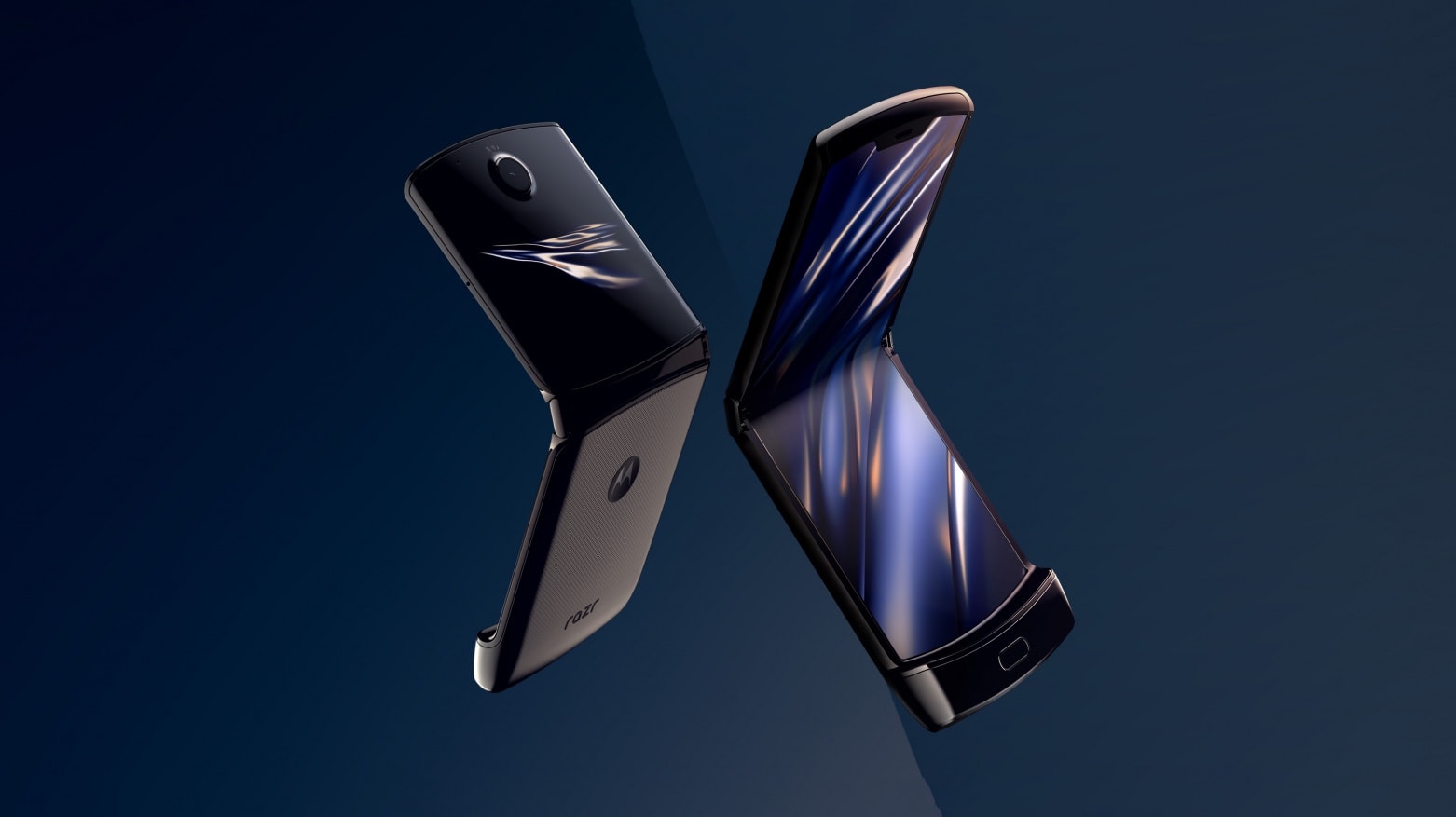
The flip phone is back, baby! A vastly updated — and very expensive — 2019 Motorola Razr uses a flexible display to make an Android-based smartphone with the same basic design as the iconic handset of 2004.
It’s another option in the growing selection of foldable phones — a formfactor Apple is also considering.
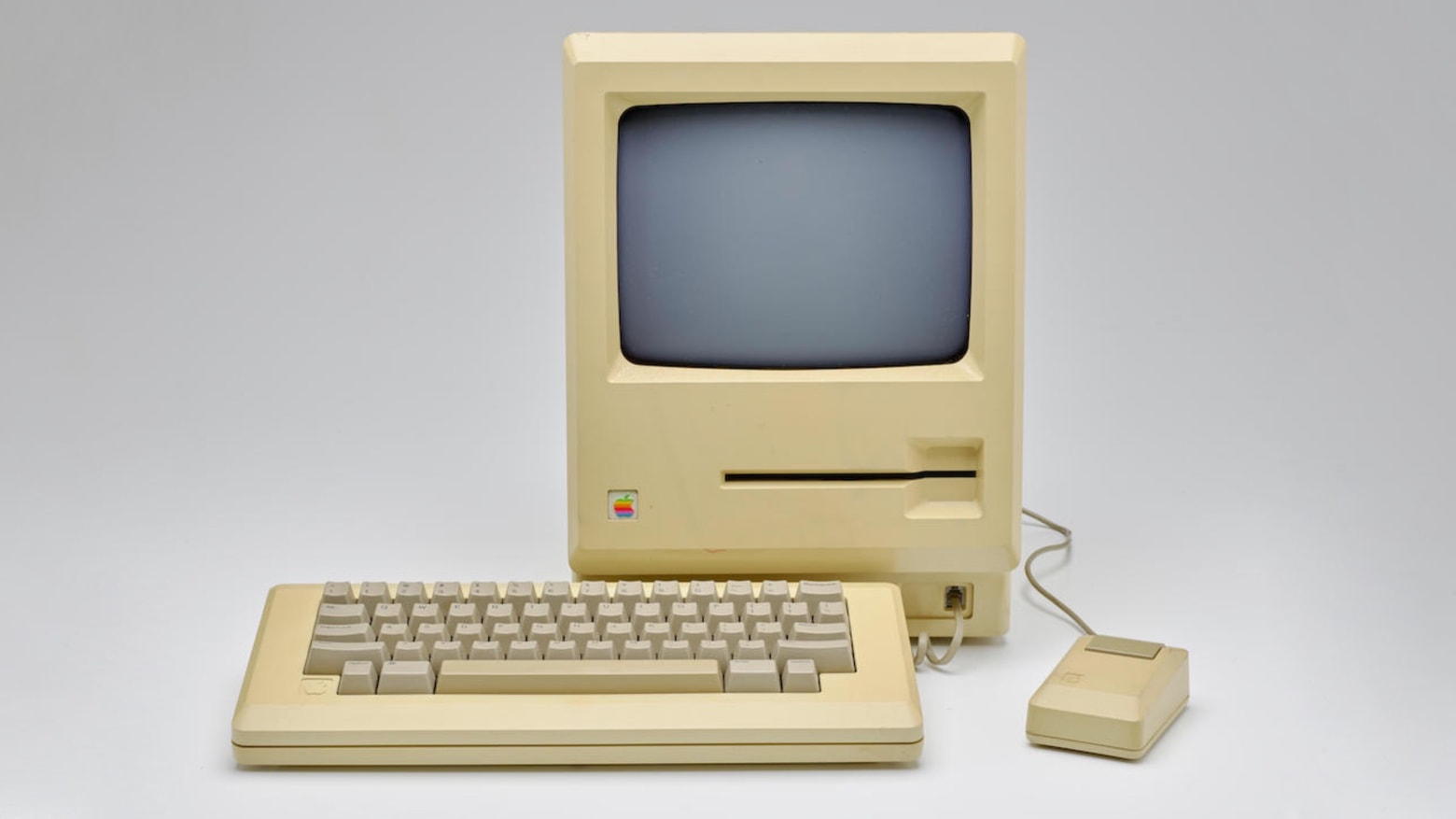
A prototype Apple Macintosh used in the development of MacWrite can be yours, if you can scratch up about $180,000. It’s almost unique because of a disk drive different from the one used when this revolutionary computer shipped.
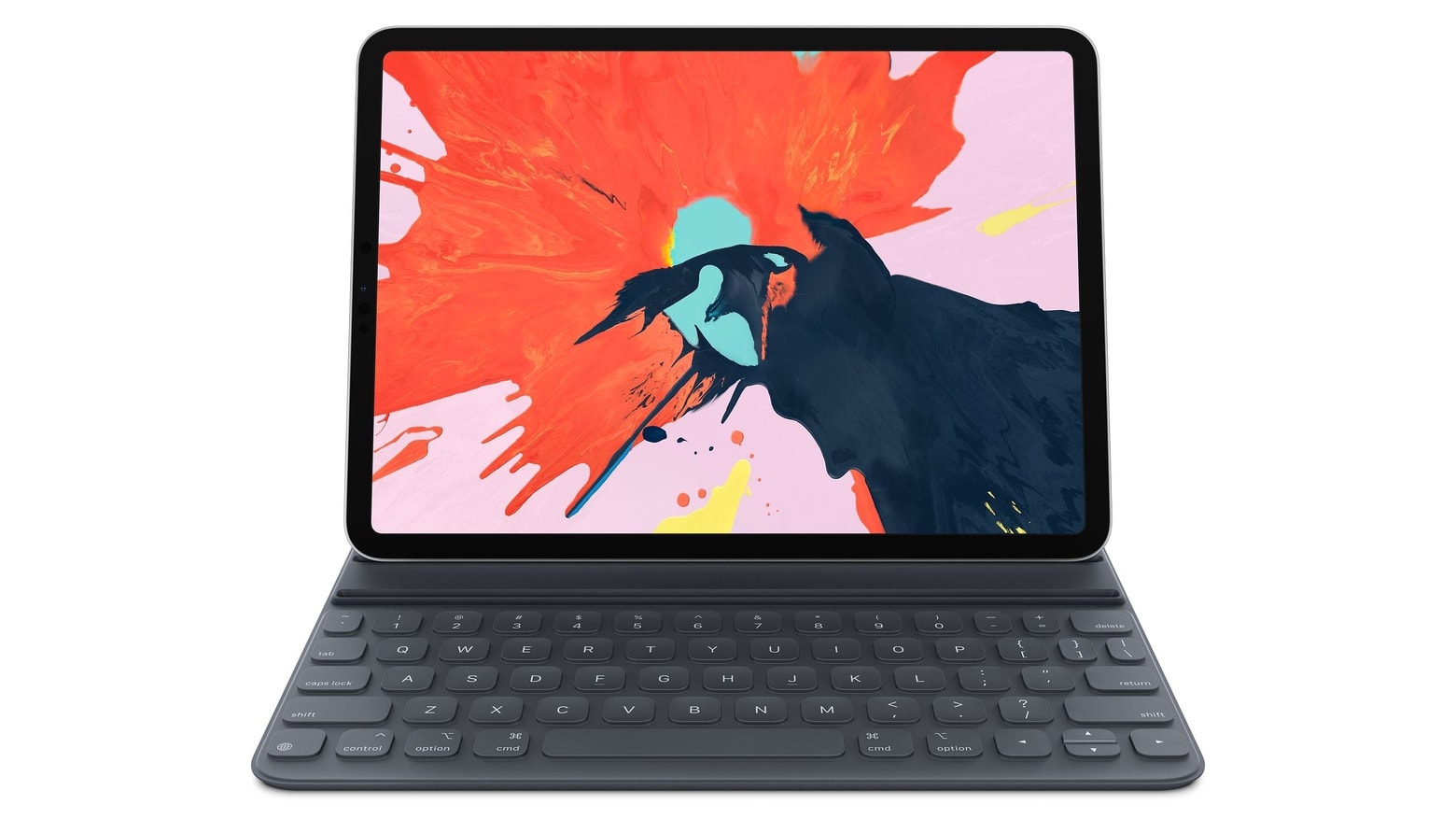
iPad Pro fans hoping for new models before the end of 2019 are likely out of luck.
Today’s launch of the new 16-inch MacBook Pro (and slight delay of the Mac Pro launch) are likely to be the last major Apple hardware announcements this year, according to TF International Securities analyst Ming-Chi Kuo. The often-reliable Apple analyst told investors today that new iPad Pros won’t come out until the first half of 2020 — but new features might make the wait worth it.

WaterField Designs, maker of bespoke bags for all your tech needs, was ready to pounce with a new hand-crafted briefcase when Apple unveiled the new 16-inch MacBook Pro today.
The Executive Leather Laptop Briefcase, available in black bison leather or chocolate brown cowhide, pairs a throwback look with contemporary internals.
Apple’s Shortcuts app is already a very powerful tool for automating stuff on your iPhone and iPad, and for creating your own push-button mini-apps. But what if it also could use the deep tools that Apple builds into iOS for app developers? What if Shortcuts could use Face ID, or analyze your photos using iOS’ crazy-powerful machine learning? Or if you could use the OCR to pull text out of photos, all inside Shortcuts?
Thats what Toolbox Pro does. It opens up many of Apple’s amazing under-the-hood technologies, and lets you use them just by dragging a new step into your Shortcuts workflows. Let’s see what it can do.
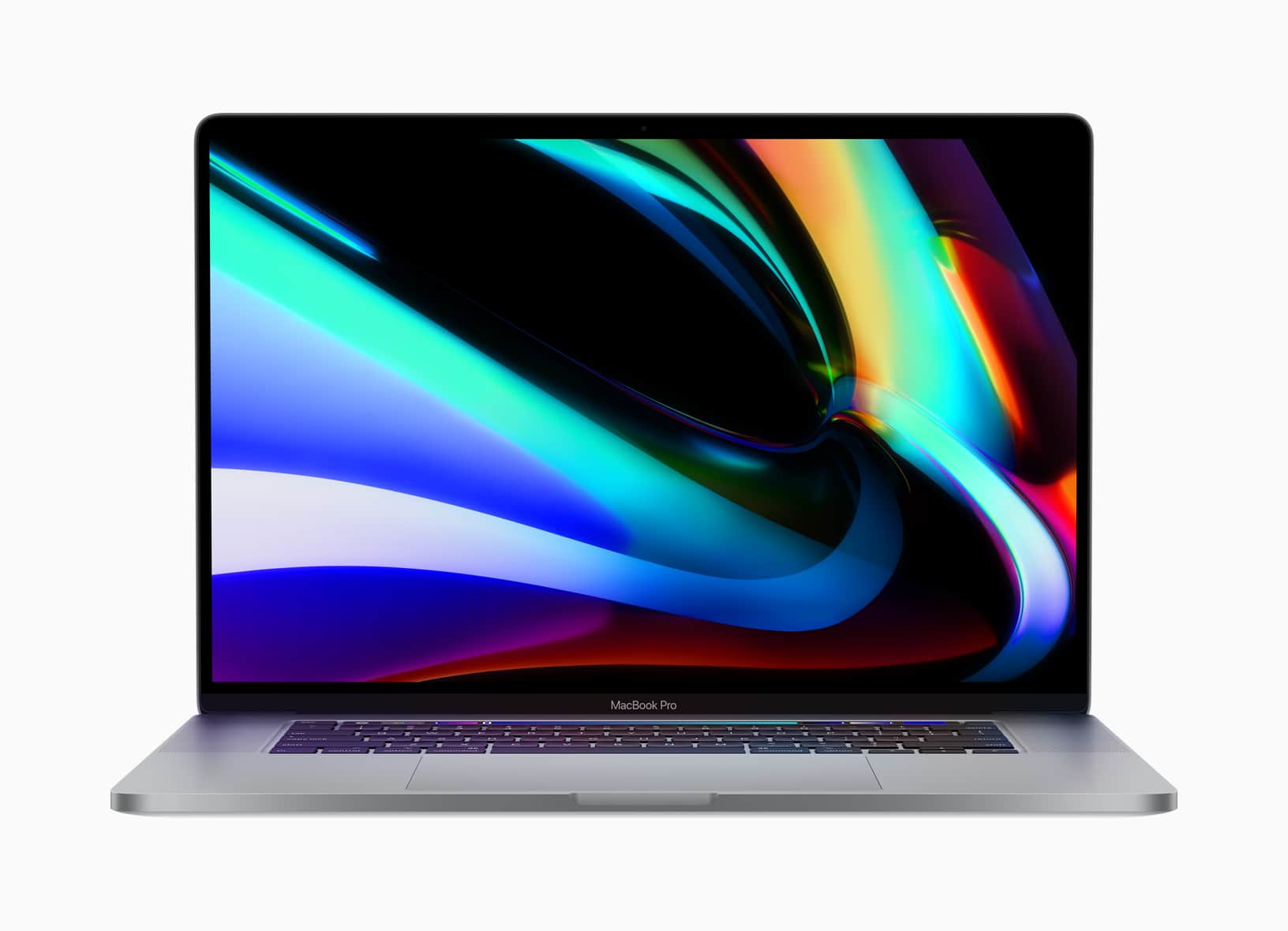
Apple finally unleashed its long-rumored 16-inch MacBook Pro on the world this morning, and according to some lucky people who got to play with it early, it was well worth the wait.
The new 16-inch MacBook Pro pulled out plenty of surprises beyond its bigger display. Early hands-on reviews rave about the scissor keyboard, the new audio system, upgraded thermal management and of course, its beastly processing power.
Here’s what reviewers are saying about the new machine.

I stopped reading white text on a black background the moment I left school, and I’ve never liked it since. Especially on a screen, where the black expanse becomes a dark mirror that reflects everything in its sight. But even I prefer Dark Mode late at night, when I want to read without disturbing other people.
The trouble is, many websites don’t support Dark Mode. Everything else in Safari is rendered in tasteful black, but the page itself is still rendered in glaring white. Happily, on the Mac at least, there’s a way to fix it. Here’s how to force any website to support Safari Dark Mode on Mac.