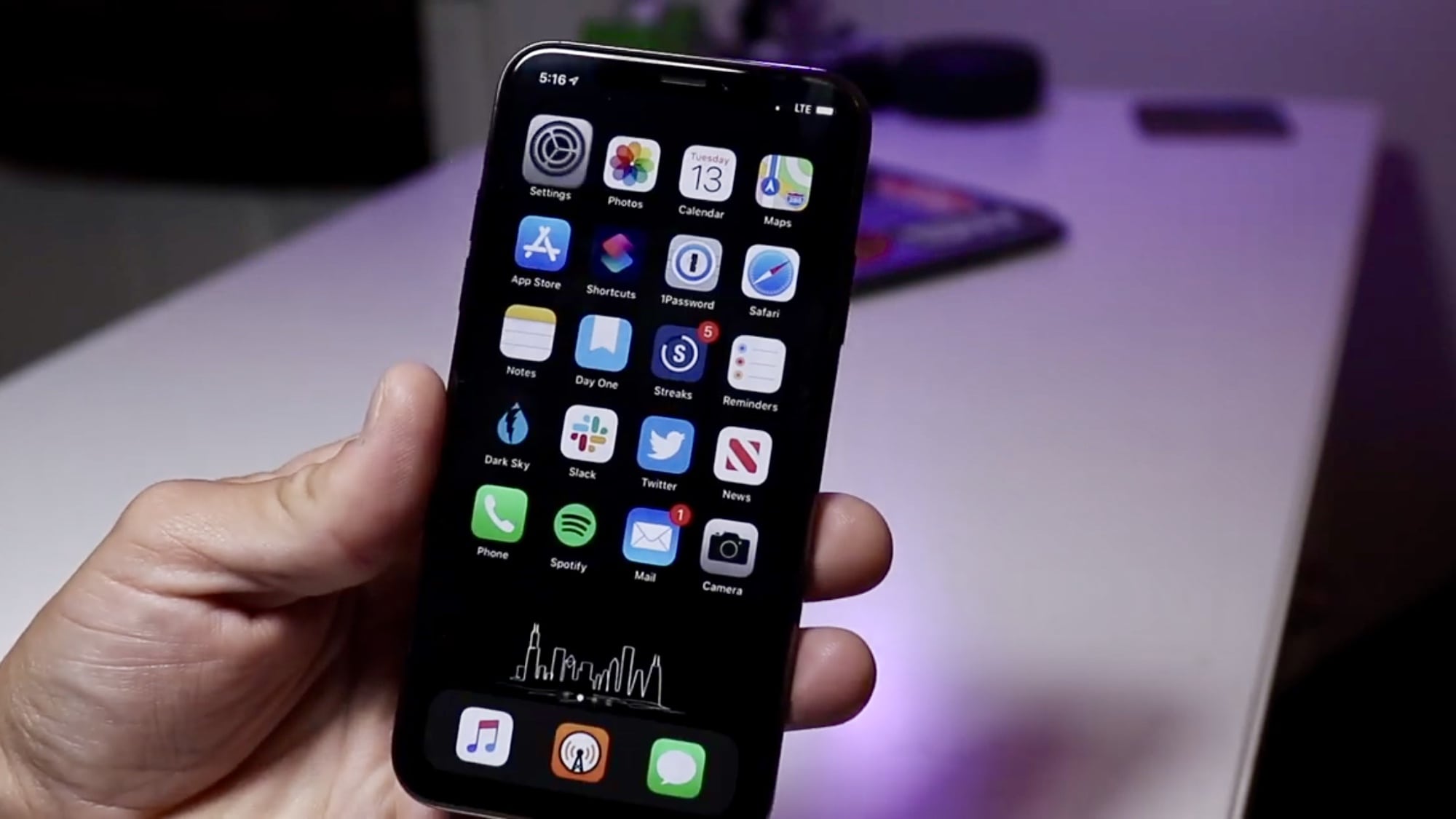
Have you upgraded yet? Photo: Ian Fuchs/Cult of Mac
Apple today made its first iOS 13.3.1 and macOS 10.15.3 betas available to developers.
The minor updates don’t have patch notes yet. But they likely fix a serious flaw in Communication Limits, which can allow messages to be received from unauthorized contacts, among other bugs.
New betas are also available for HomePod, iPad, and Apple TV.
The iPad's natural home, apparently. Photo: Charlie Sorrel/Cult of Mac
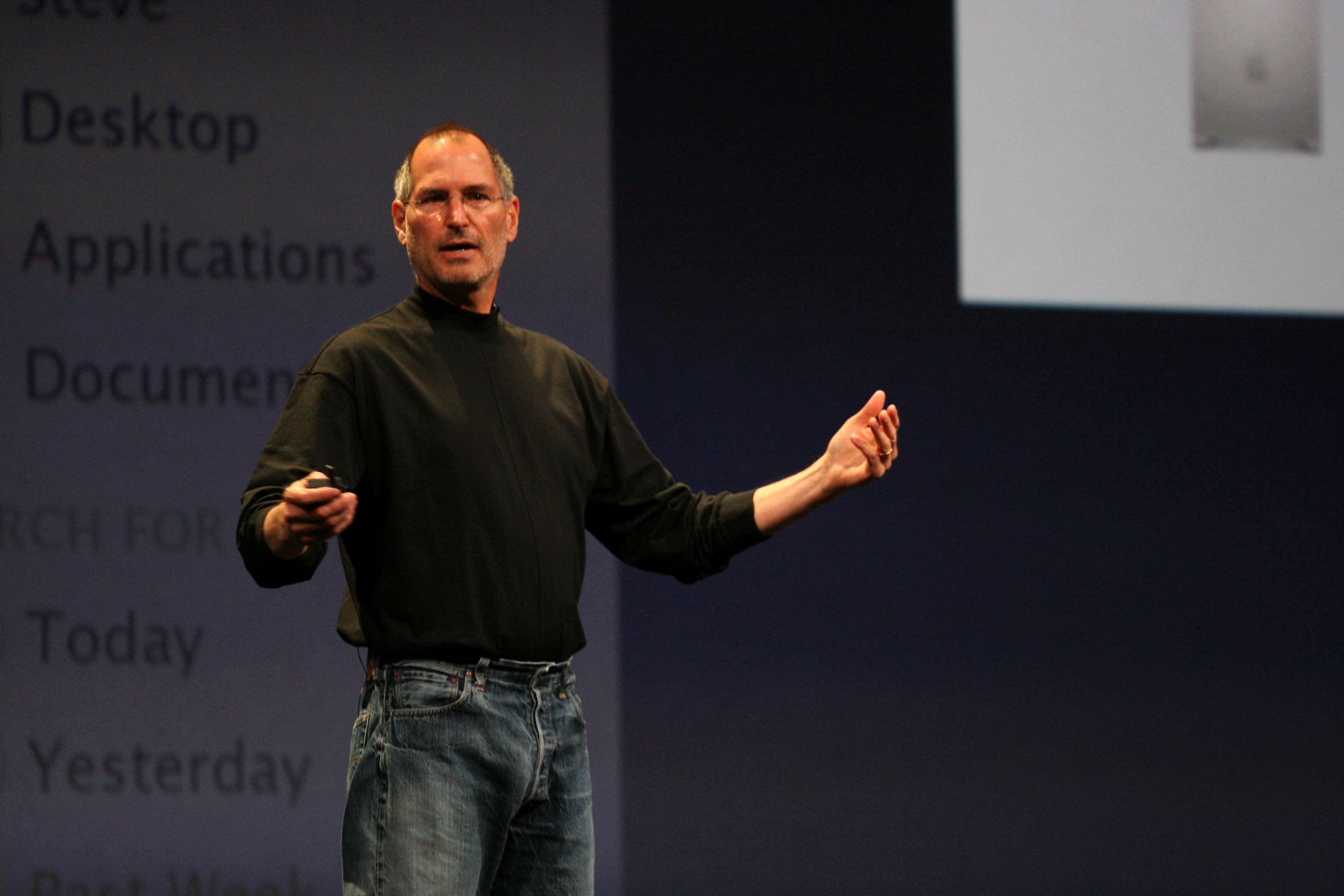
Steve Jobs’ on-stage iPad pitch to customers saw him relaxing in a luxury chair. His brief to Apple engineers actually building the iPad? “I want a single piece of glass I can use to read email on the toilet.”
That’s according to Imran Chaudhri, a 21-year Apple veteran, now chairman and president of Humane. Chaudhri was responding to a recent article about the iPad’s origins which appeared in the New York Times.
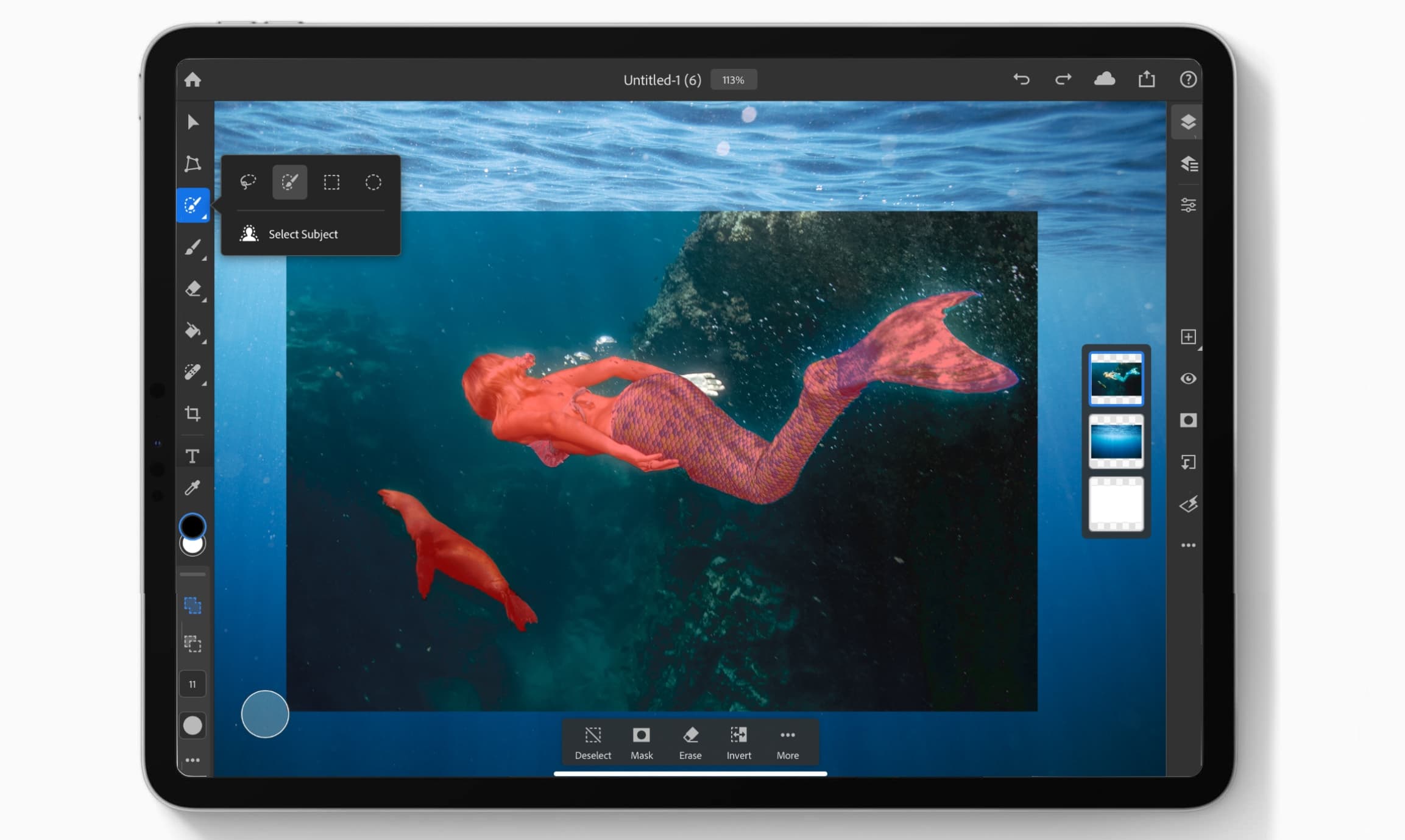
Photoshop for iPad now has Select Subject powered by Artificial intelligence. Photo: Adobe/Cult of Mac
A promised update to Photoshop on iPad debuted today. A notable new feature employs artificial intelligence to enable users to easily select the subjects of images. The latest version also makes accessing cloud storage much faster.
This is the first in a planned series of improvements for the iPad version of this professional image-editing software
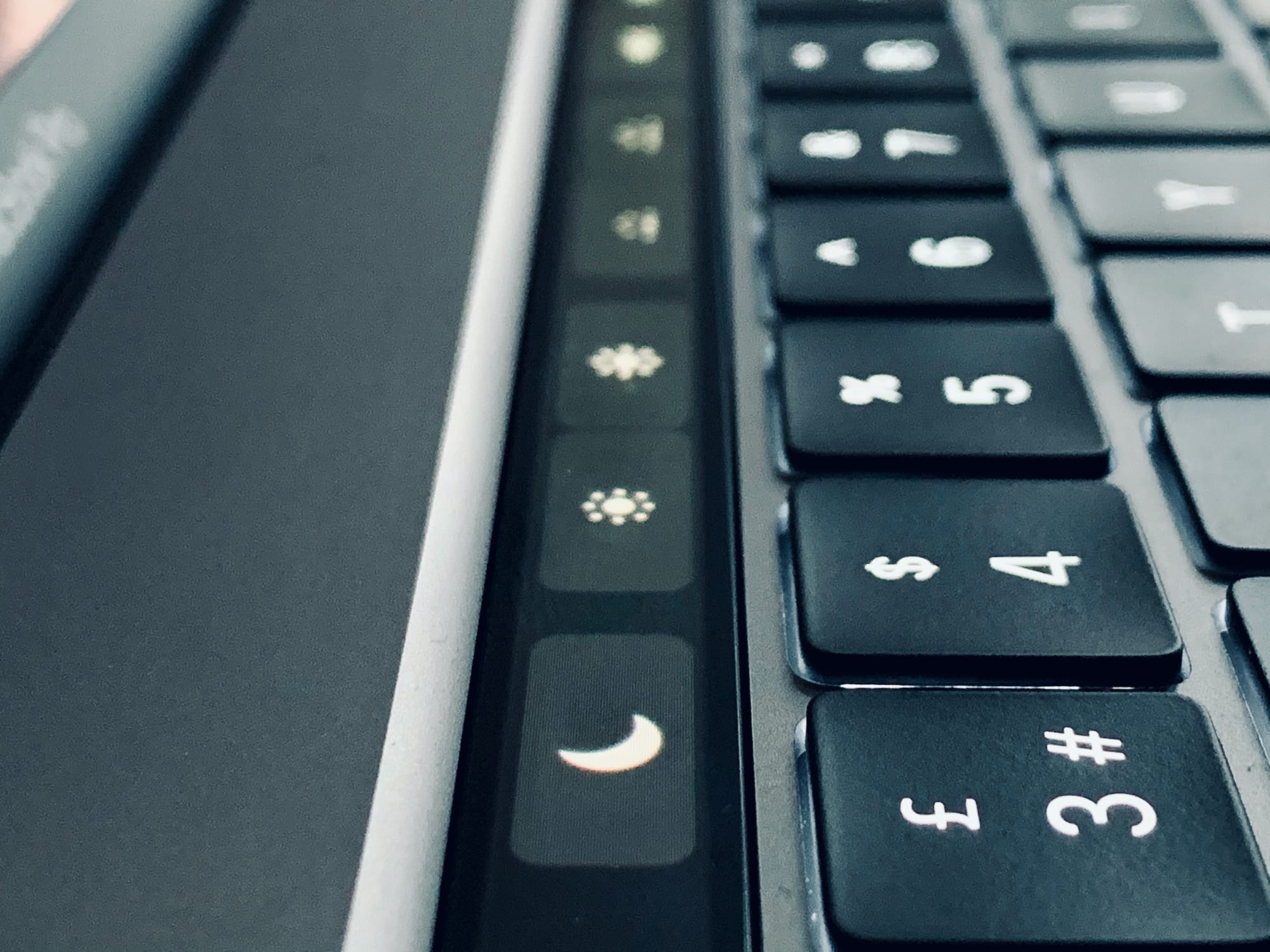
Option-tap these icons to open Preferences. Photo: Charlie Sorrel/Cult of Mac
If you have a Mac with a Touch Bar, do this right now. Hold down the Option key (⌥), and tap the volume icon in the Touch Bar. For non-Touch Bar-using readers, this is what happened: The Mac’s Sound Preferences launched instantly.
This is such a typical Mac feature that it should be obvious. But when I shared this tip with fellow Touch Bar aficionado and Cult of Mac writer Graham Bower, he was all like, “Oh!” and, “That’s pretty neat!”
So, what other tricks can be done with the Option key and the Touch Bar?
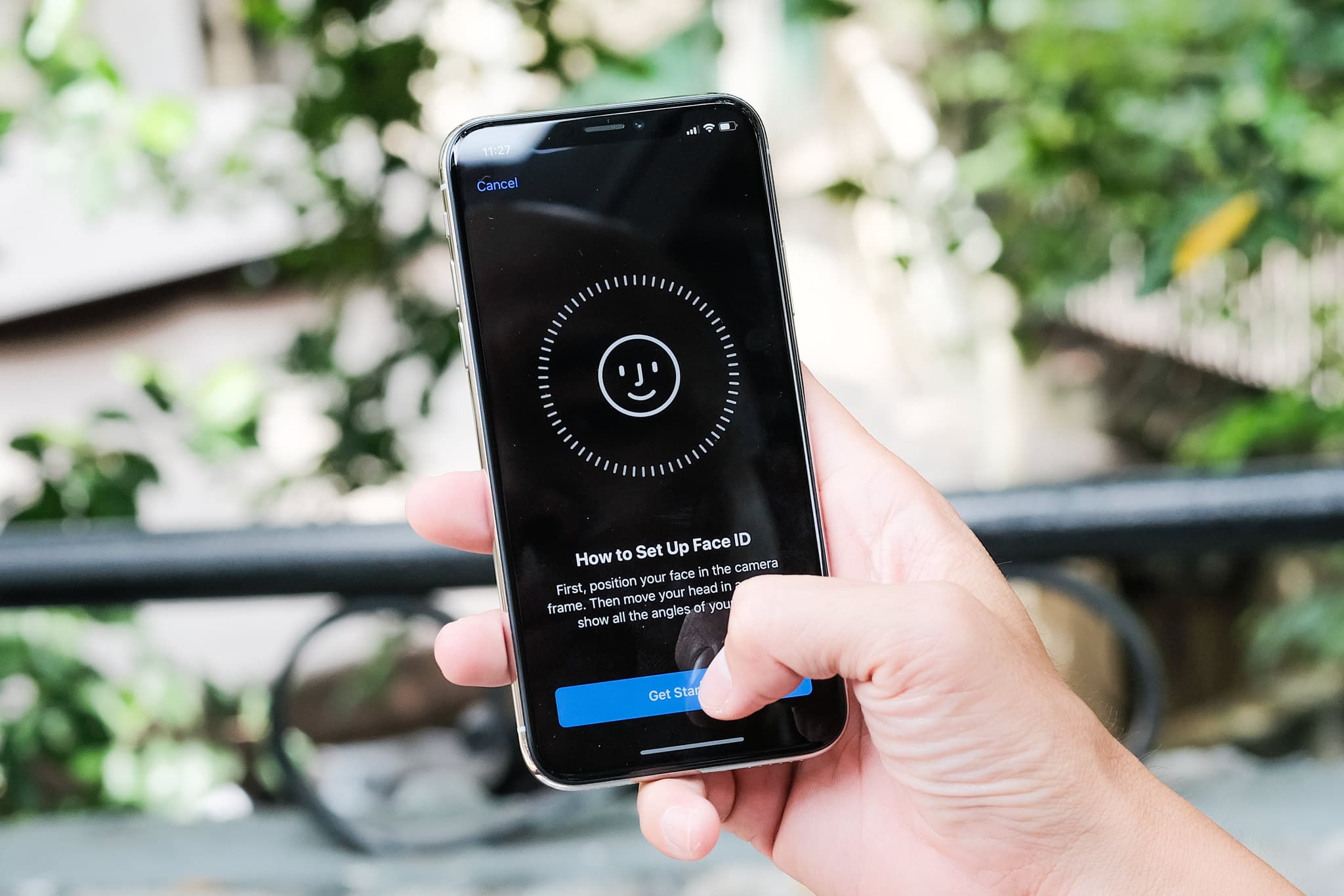
Biometric authentification like FaceID may not spell the end of passwords anytime soon. Photo: Public domain
This iPhone security post is presented by Dashlane.
Will Apple’s Face ID kill the password? One might assume that if the biometric advance of Touch ID didn’t do it via fingerprint, the more-advanced facial recognition of Face ID incorporated in recent iPhones just might. However, experts tend to agree passwords aren’t going away anytime soon. We’ll get into the reasons why below, which will help explain why password-management security apps like Dashlane remain crucial to your online security.
Apple’s CEO took Pres. Trump on a tour of the US Mac Pro assembly plant. Screenshot: White House
The 2019 Mac Pro is famously assembled in the United States. Apple CEO Tim Cook took President Trump on a tour of the plant in Texas where these powerful computers are put together.
But the situation is reportedly quite different if you place an order in Europe.
Catalina makes opening non-approved apps scary. Photo: Charlie Sorrel/Cult of Mac
macOS 10.15 Catalina is ruthless about launching unknown apps. Unless your app comes direct from the App Store, or the app’s developer got the app notarized by Apple, it won’t launch. Double click on it, and you’ll see a warning — and nothing else. There’s no option to say you trust the app and launch it despite Catalina’s warnings.
But you can still launch those apps. It’s just that Apple hides the controls in the hope that you’ll give up. It’s petty, and it shows a lack of respect for you, the user. However, it’s also dead easy to fix this problem. Let’s see how to launch any app on macOS Catalina.
It only took 20 years, but Steve Jobs’ estate finally owns the rights to SteveJobs.com. It won its claim after claiming the previous owner was “cybersquatting” by holding onto the trademark, but doing nothing (good) with it.
The previous owner of the website was a South Korean man. He claimed that he has been going by the name of Steve Jobs Kim since 1999.