Monument Valley was such a huge hit that any follow up offerings from Ustwo Games alway draw attention. On Monday, the company unveiled Alba: a Wildlife Adventure via a teaser video trailer.
Watch it now:

Monument Valley was such a huge hit that any follow up offerings from Ustwo Games alway draw attention. On Monday, the company unveiled Alba: a Wildlife Adventure via a teaser video trailer.
Watch it now:

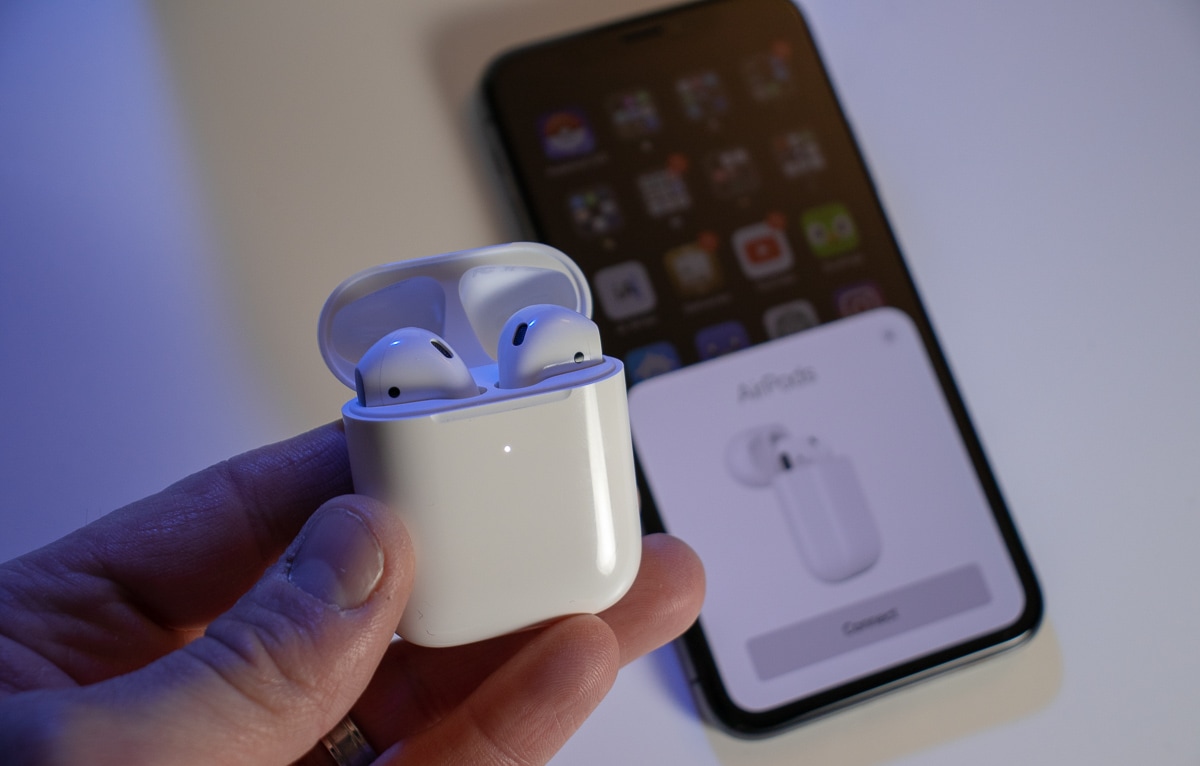
It’s a great time to treat yourself to Apple’s newest AirPods, with Amazon now offering brand-new units for just $129.98. That’s $29.02 off the usual price and one of Amazon’s biggest discounts to date.
You can also save $19.05 on AirPods Pro.

Mario Kart Tour is addressing two big player complaints in its new update — adding landscape mode orientation, alongside portrait mode, as well as alternate game controls.
The update launches tomorrow, July 21. If you’ve not played Mario Kart on iOS for a while, it may be worth checking out this update to see how much these transform the overall gaming experience. Check out the trailer for the update below.
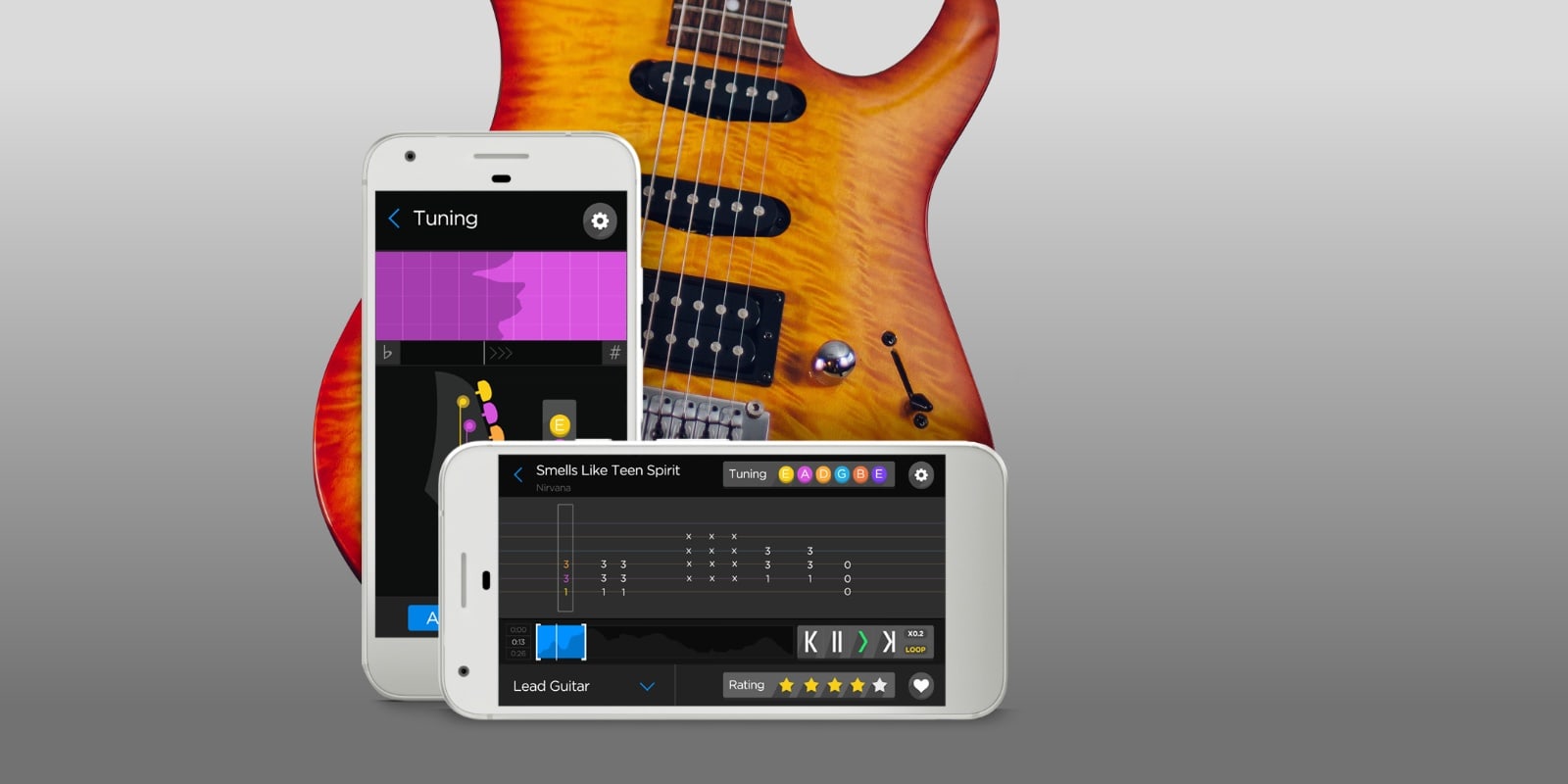
The internet has revolutionized music, and so have mobile devices. That’s as true of learning music as it is for listening to it, as these three deals demonstrate. With them, you can gain command of the ukelele, master Apple’s powerful Logic Pro X music-production program, and learn thousands of tunes straight from digital sheet music.

Connell McCarthy is a senior designer for Shopify by day and moonlights as a musician. His setup was built to handle both of these activities.
He works at a Strucktube table, by Tokyo Desk, which gives him a ton of space to work with. His monitor is the LG 32-inch FreeStyle IPS Monitor which gives him good screen quality without breaking the bank. The nerve center of his rig is a MacBook Pro.

Does the voice data harvested by voice assistants like Siri give tech giants an unfair marketplace advantage? Lawmakers in Europe are currently pondering that exact question.
A European Commission investigation into the matter will look at whether this data is being used to stifle competition and maintain the position of companies like Apple and Amazon in the marketplace. This most notably relates to the rapidly expanding constellation of smart, connected devices.

Worldwide app downloads have boomed over the past three months, hitting an all-time high of 37.8 billion downloads, a new report by app analytics platform Sensor Tower claims.
Of that number, 9.1 billion were from the App Store. The remaining 28.7 billion was from the Google Play store for Android users. Both saw considerable growth versus last year. That’s despite the effects of coronavirus and the subsequent economic downturn.

Wissam Abirached is a senior engineering manager at Github, so he needs a desk to match his position. His MacBook Pro-powered rig orbits around an LG 34-inch UltraWide monitor. Aside from Apple’s Pro Display XDR, the LG’s UltraWide is the monitor to use when working with Apple products.
He uses an Apple Magic Keyboard and Mouse — can’t go wrong there. His MacBook sits on top of a Griffin GC16034 Elevated Laptop Stand. This puts his laptop at a comfortable height and gives him a place to store his Xbox controller.
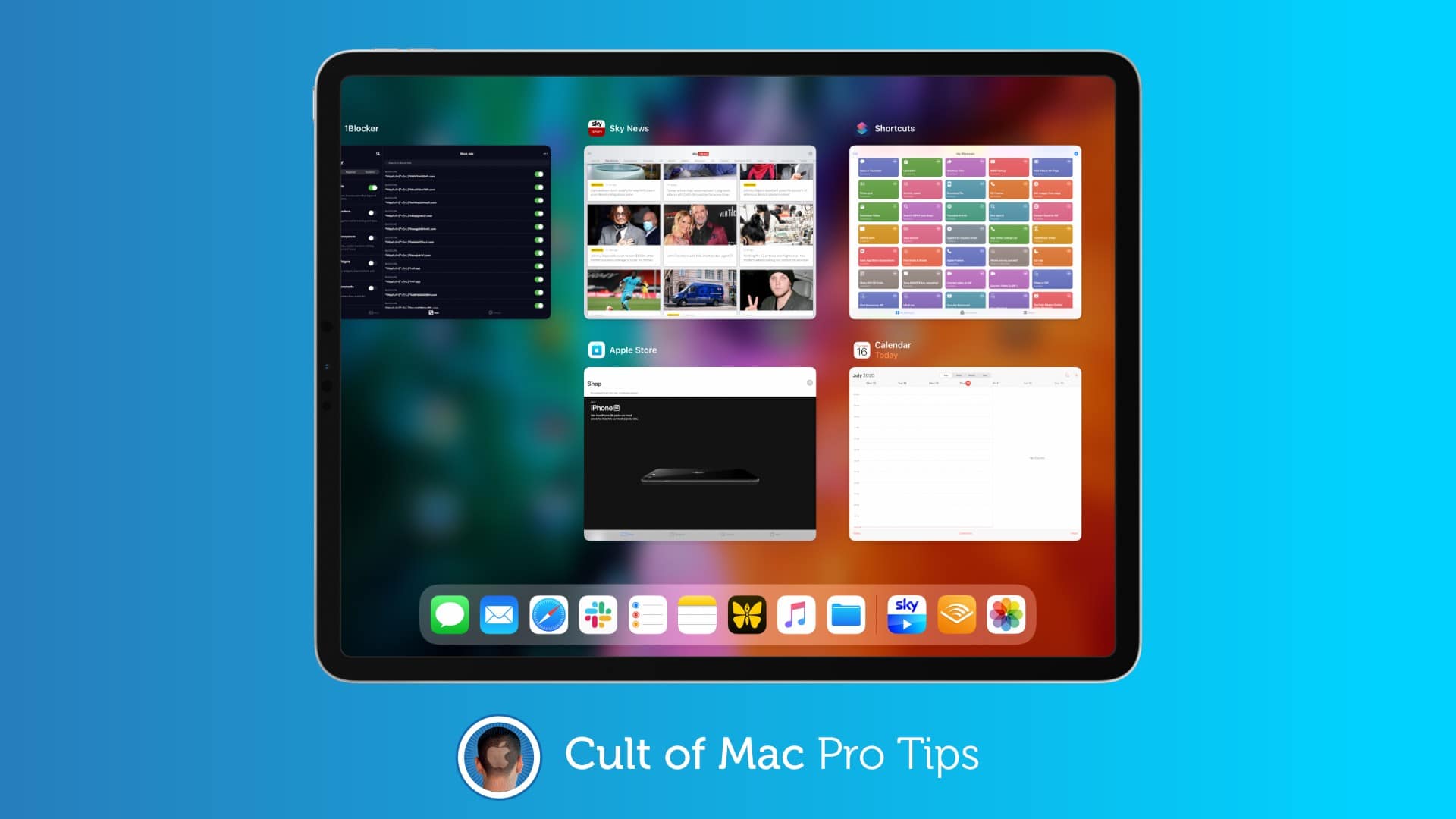
 If you’ve ever spent any amount of time in macOS, you will have likely tried to use its familiar Command+Q keyboard shortcut to quit apps on iPad — only to find it does nothing. But you’re not using it properly.
There is a trick that allows you to use this shortcut to quickly close iPadOS apps, and in this pro tip, we’ll show you how.
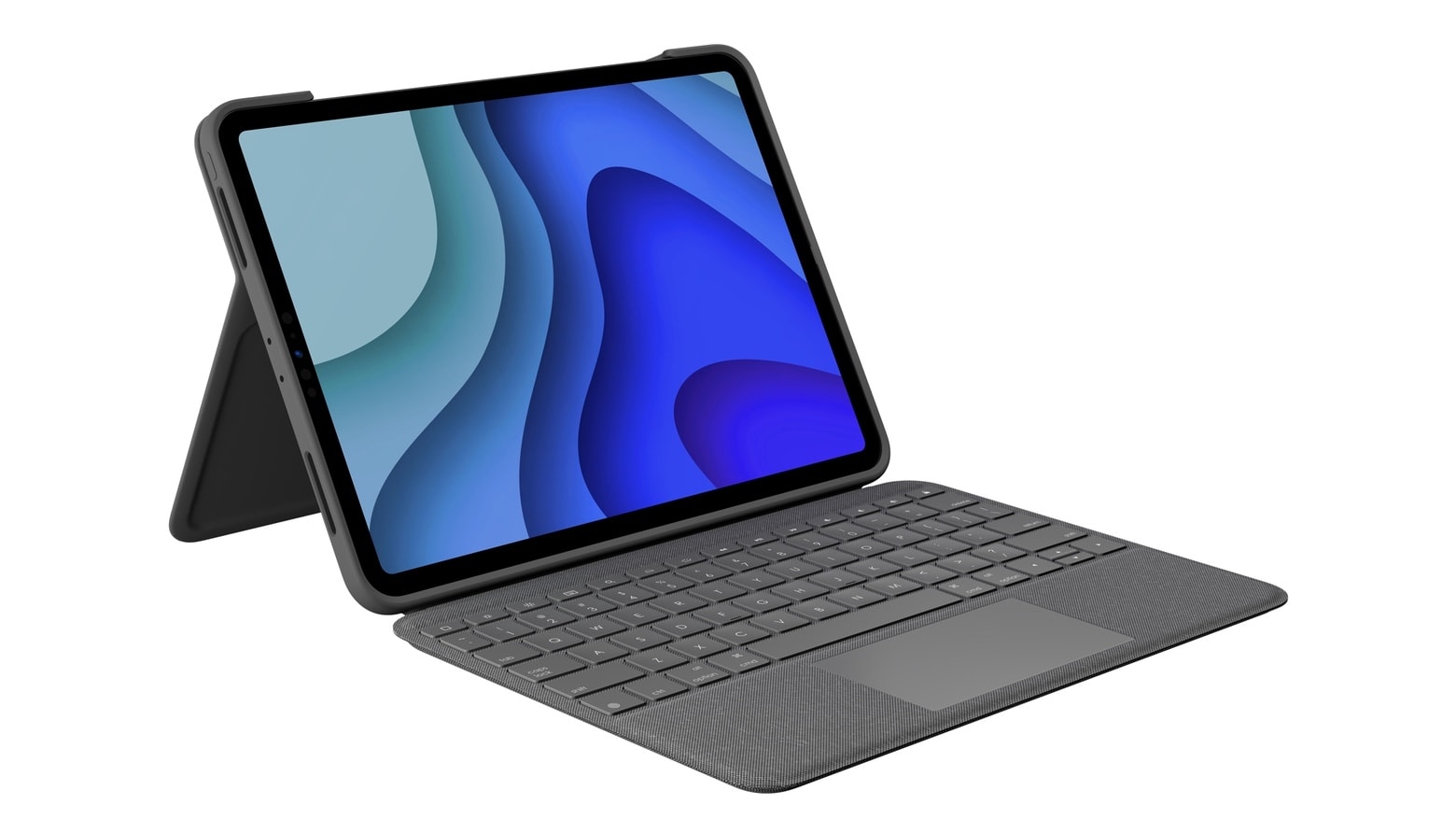
The Logitech Folio Touch takes full advantage of the trackpad support added to iPadOS. And its keyboard and kickstand help convert the 11-inch iPad Pro into a MacBook alternative.
It offers premium features, like backlit keys, multi-touch trackpad gestures, and support for the Smart Connector.