Tensions will ramp up between the United States and the Soviet Union in the second season of For All Mankind, a trailer for the Apple Original’s second season suggests.
Check it out below.

Tensions will ramp up between the United States and the Soviet Union in the second season of For All Mankind, a trailer for the Apple Original’s second season suggests.
Check it out below.

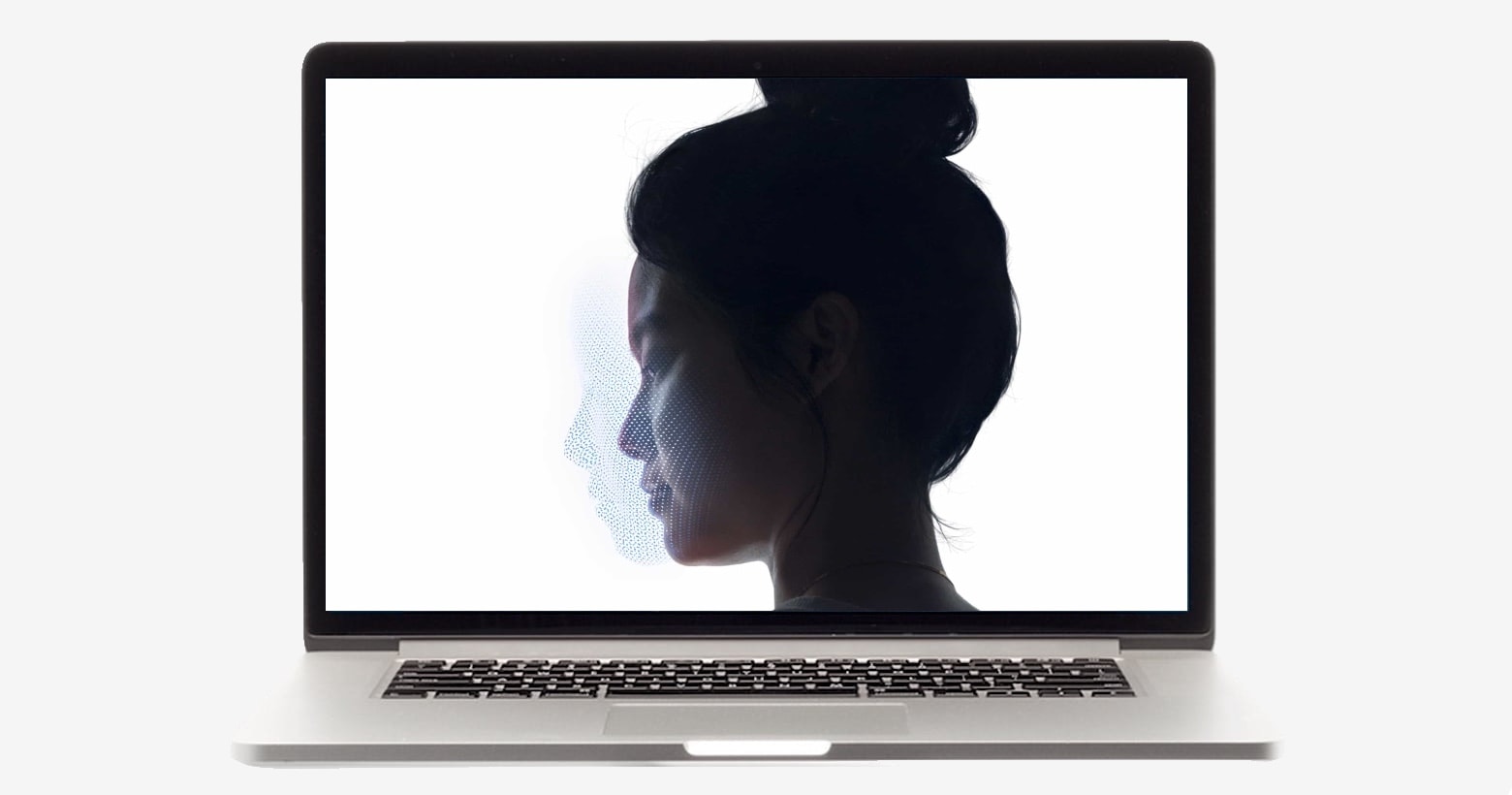
New evidence indicates that Apple will bring its Face ID biometric security system to Macs. The latest beta of macOS Big Sur reportedly contains code related to facial recognition.
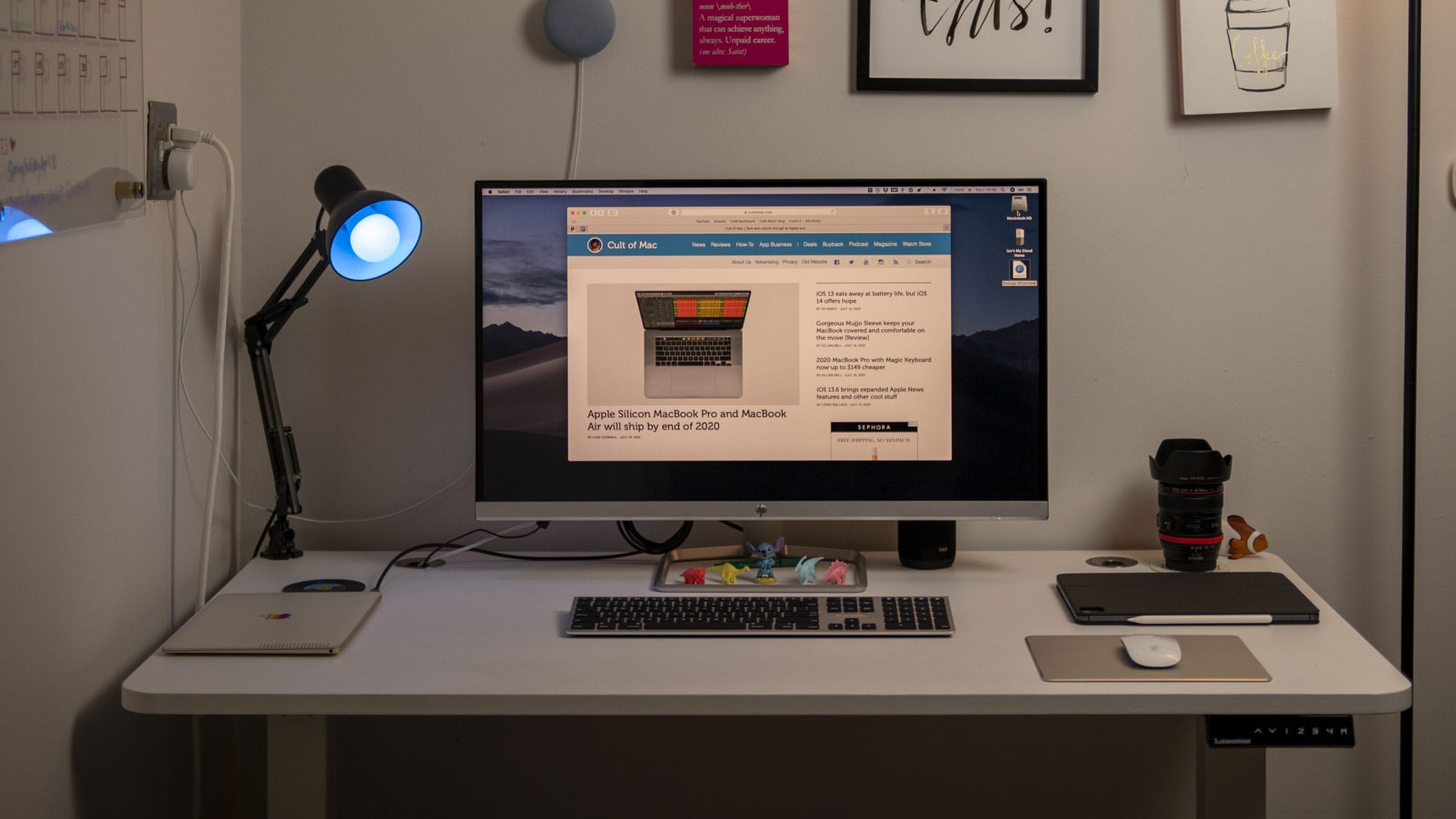
Until very recently, I never spent a lot of mental energy thinking about the desk I worked at. As long as there was enough space for whatever I was doing, and it wasn’t getting in the way, I was pretty flexible.
As I’ve started spending more time working and taking meetings from home, I have started to notice when certain “desks” don’t work as well. Sitting on the couch, standing at the bar in our kitchen, or working from the dining table are all OK from time to time, but none are particularly comfortable long-term. Some of this comes down to having a desk at the proper height, and some of it is the lack of flexibility I get in those situations.
That why, when the folks at Autonomous asked if I wanted to check out their SmartDesk 2 adjustable standing desk, I saw it as an opportunity to see if the hype about standing desks is all it’s cracked up to be.
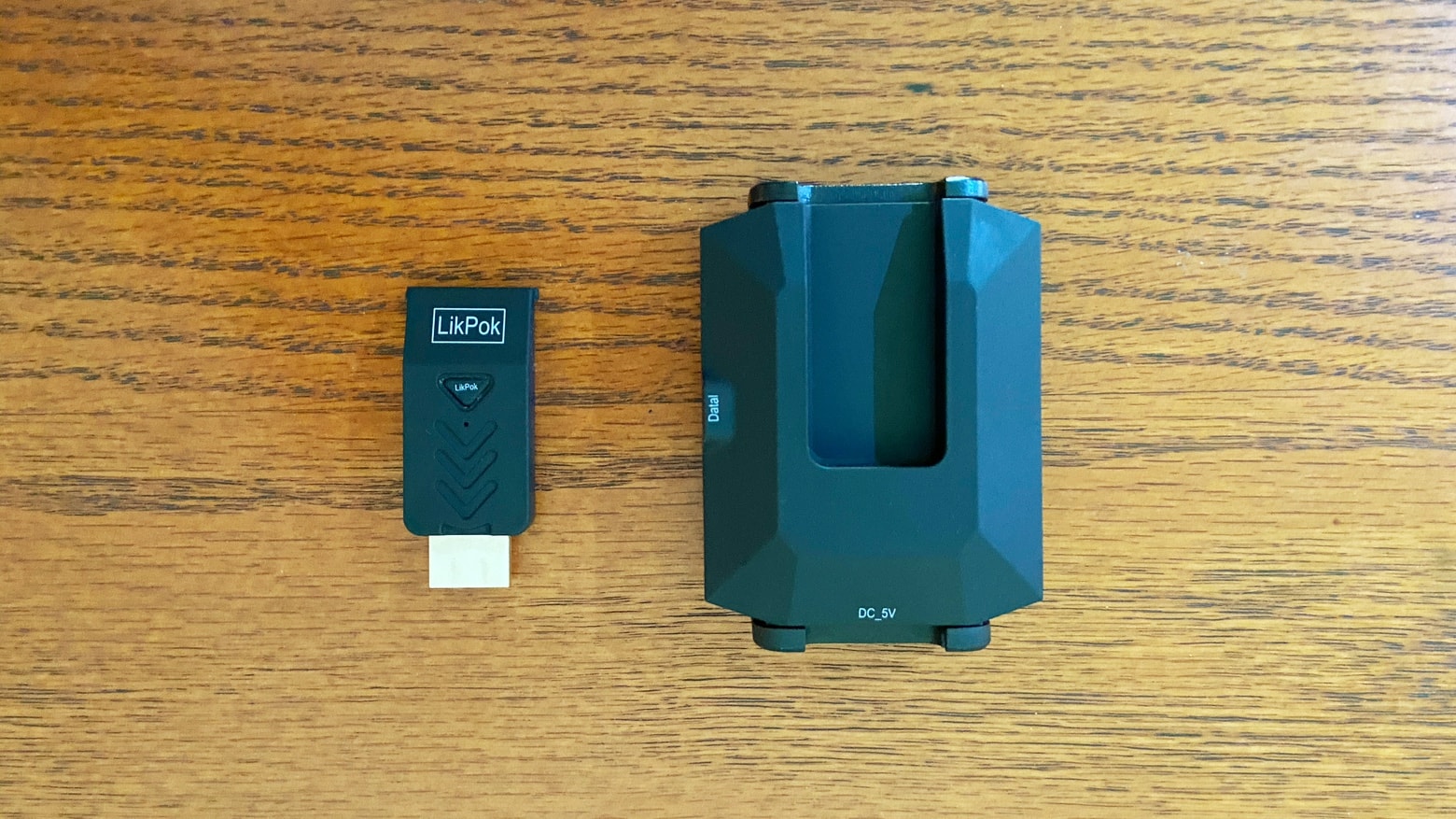
The LikPok Hyper Mirror saves you the hassle of stringing wires between your computer and TV. It makes a wireless connection instead, using the extremely fast mmWave technology normally found in 5G networks rather than Wi-Fi.
Read on for the results of my tests with this replacement for HDMI cables.
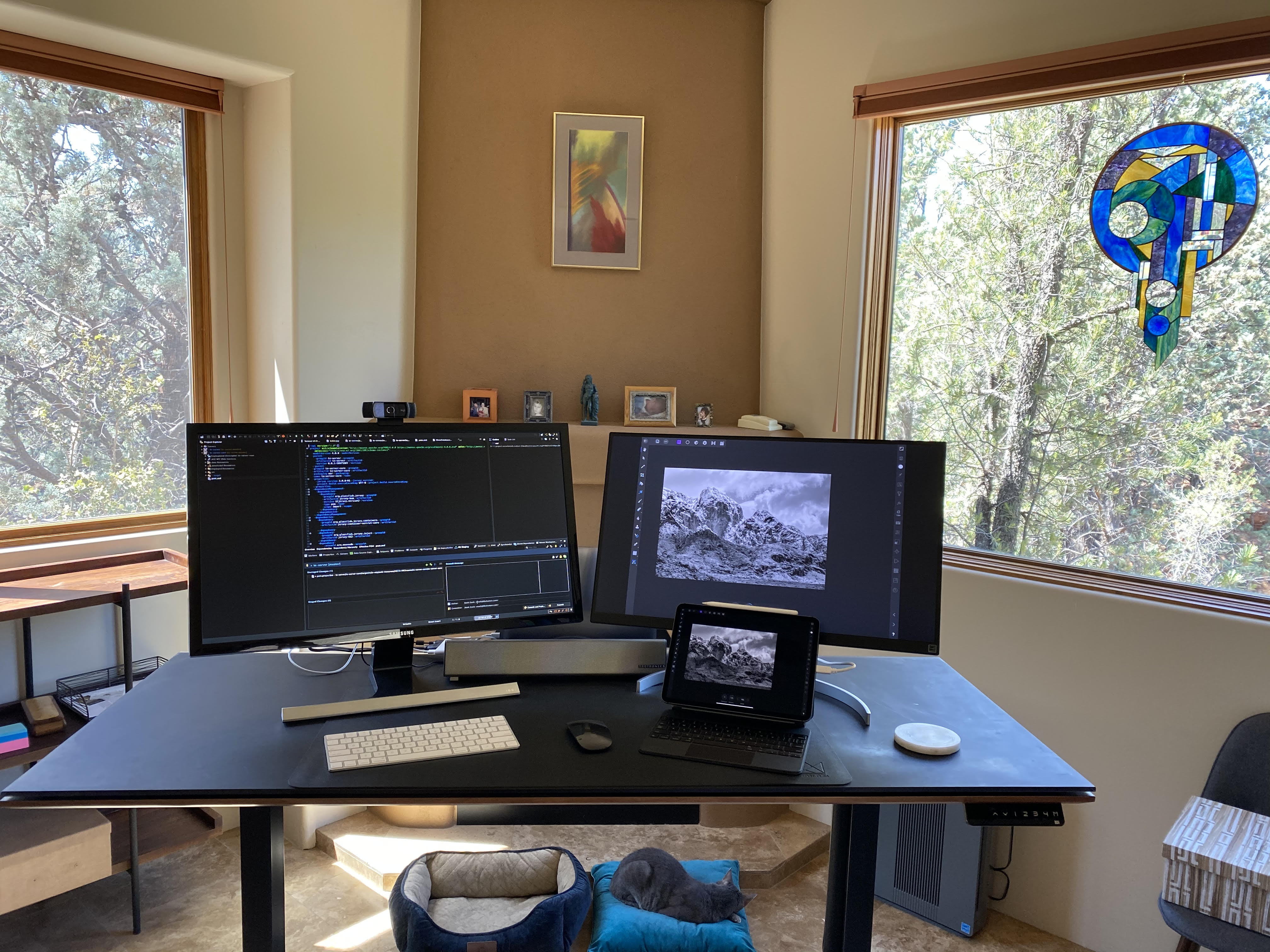
Mark Davis is somewhat of a Renaissance man. He is an author of four novels, an entrepreneur, an engineer and a scientist. He is between startups right now but recently sold a data analytics platform to Dell. In order to perform all of his duties, he needs a setup that can match his tempo. Naturally, he has a dual-monitor setup.
His main monitor is a Samsung U28E590D 28-inch 4k UHD which has a one-millisecond response time that obliterates latency. He pairs it up with a LG 27-inch IPS Monitor which he mainly runs off of his 2018 iPad Pro. A 13-inch MacBook Pro is the backbone of the setup. It is covertly hidden on a Twelve South BookArc behind the monitors. His MacBook is specced out with 16GB of RAM storage, which is important to him “so I can run multiple virtual machines in parallel when needed,” he said.
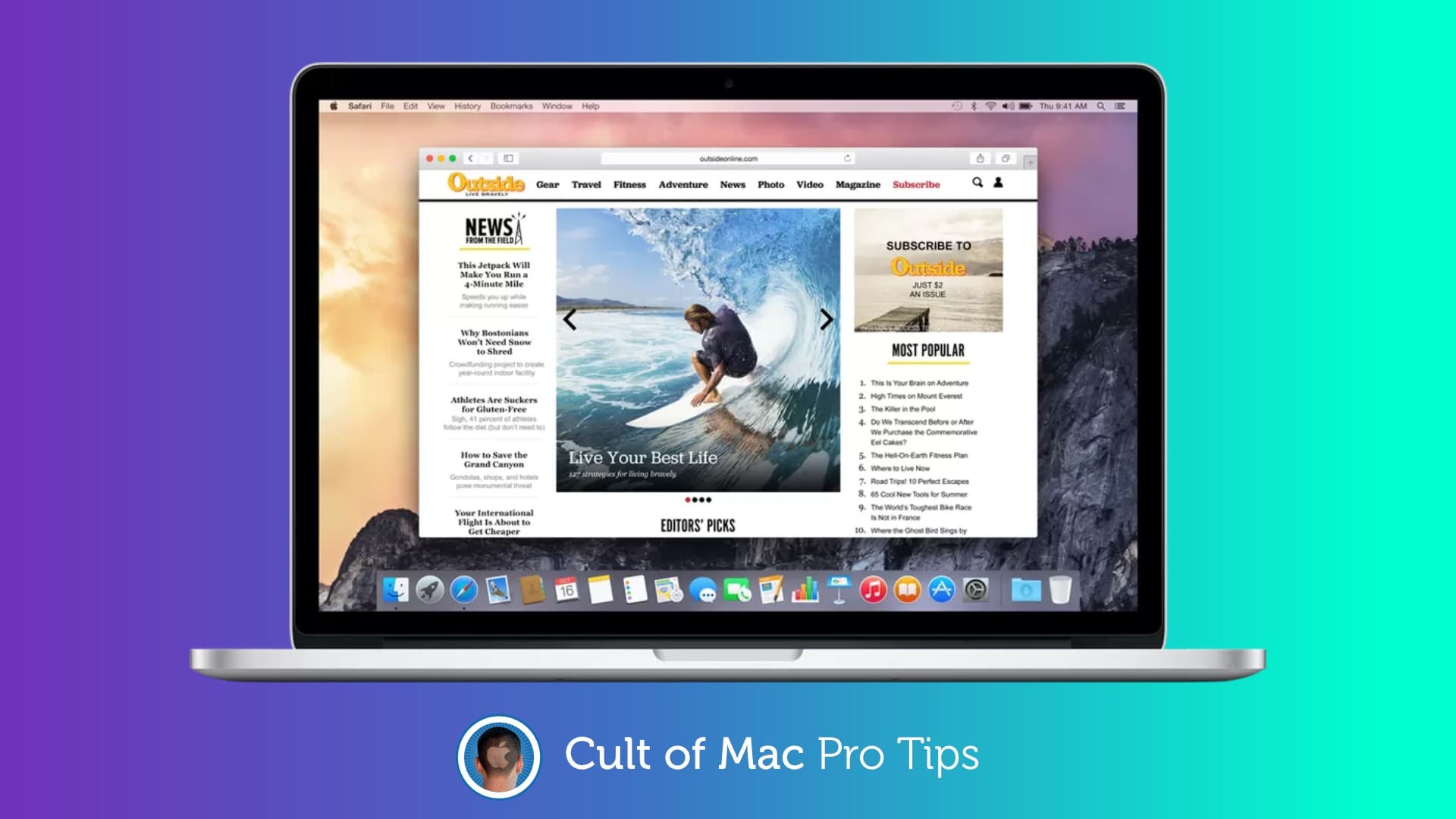

Got an old Mac that’s crawling to a halt every time you browse the web? It might not be your hardware that’s in need of a change. Before splashing out on new components, try switching browsers instead—or consider what to do with old MacBook to give it a new lease on life.

Apple co-founder Steve Wozniak is suing YouTube for allegedly failing to remove a video in which his likeness was used by thieves to scam people out of money.
Woz was among a group of individuals who were fraudulently featured in videos posted to YouTube, supposedly offering a live giveaway of bitcoins. The video suggested that anyone who sent him bitcoins would receive double the number back. Of course, when people did transfer the funds, they inevitably got nothing in return.
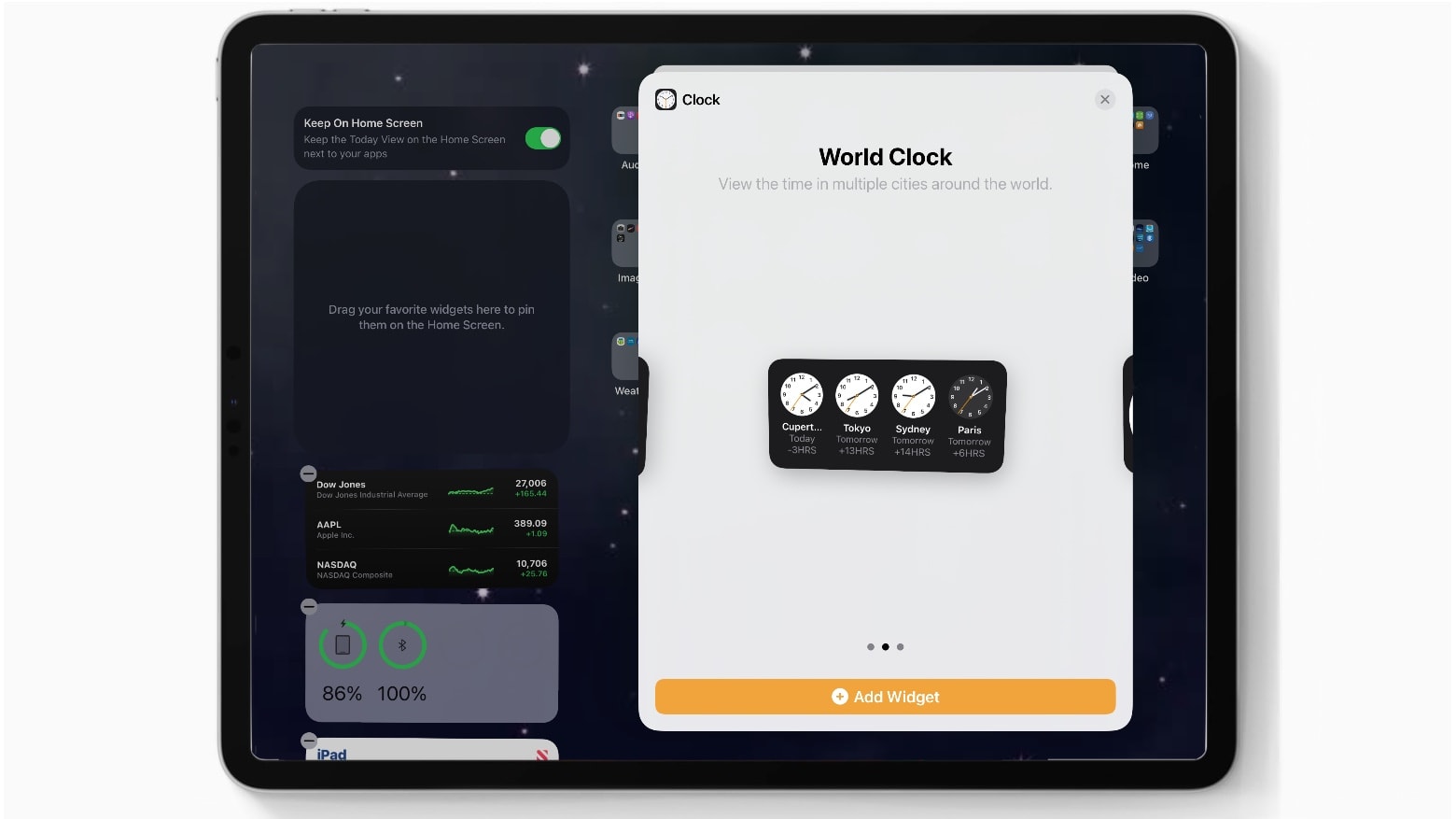
Apple continues to add new features to iOS 14 and the iPad equivalent in the third beta, which the company seeded to developers Wednesday. However, the latest betas brought no major changes.
There’s a new World Clock widget. And the Apple Music app returned to the same icon design it had years ago. Other than that, Apple seems to be concentrating on bug fixes.
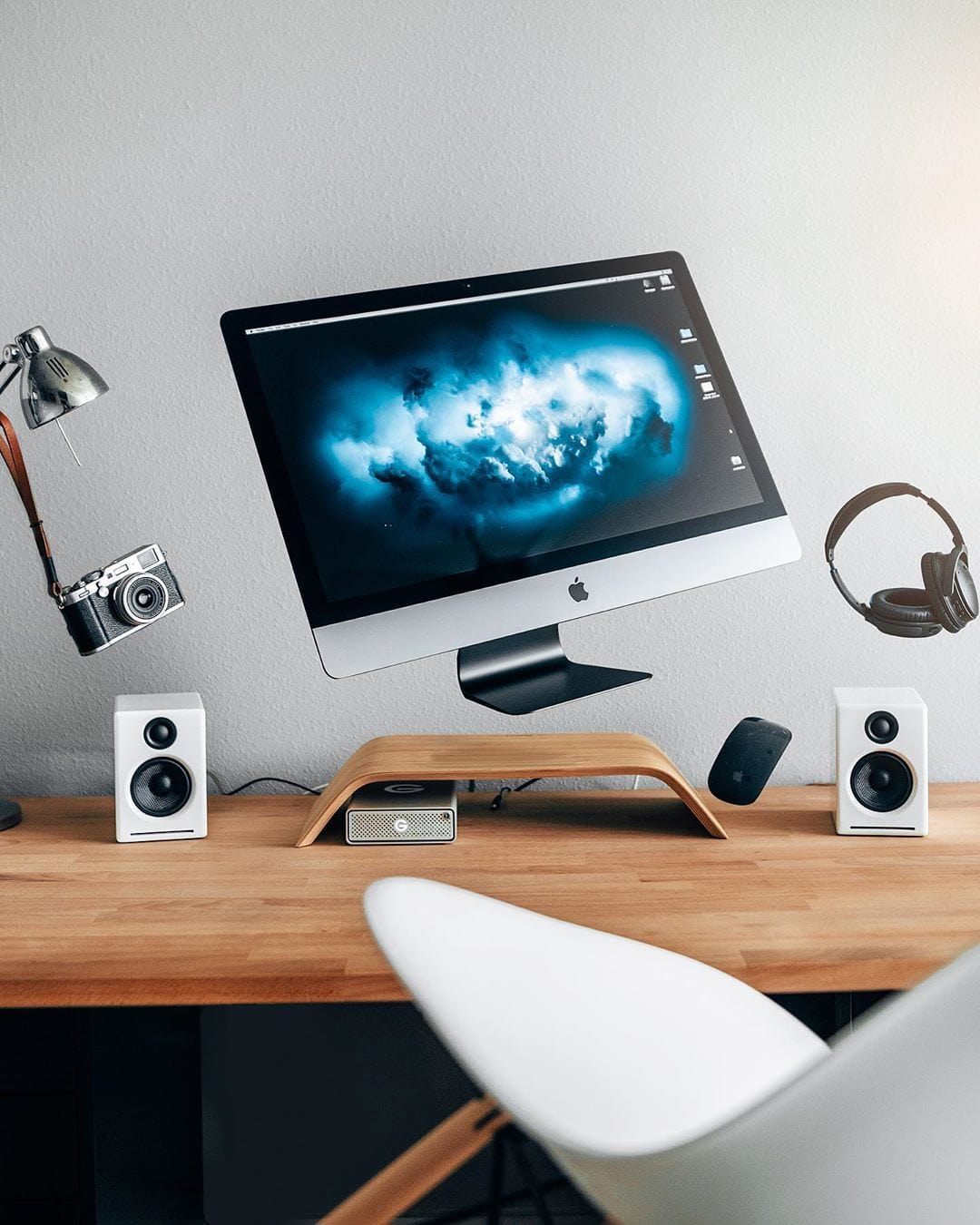
Ryan Sebastyan is a video editor who until recently was on tour shooting Def Leppard gigs, back when we still had concerts. The tour seems to be on hold now, but he has a nice selection of shots on his Instagram page.
Back at home, he built himself a killer setup. The headliner of this tech festival is the impeccable 27-inch iMac Pro, a beast of a machine. The Grovemade Walnut Monitor Stand makes the iMac its own computer upon a hill. Naturally, he pairs the iMac with the Apple Magic Mouse and Keyboard (with Numeric Trackpad!). The matte black color stands out nicely against the walnut desk and stand.
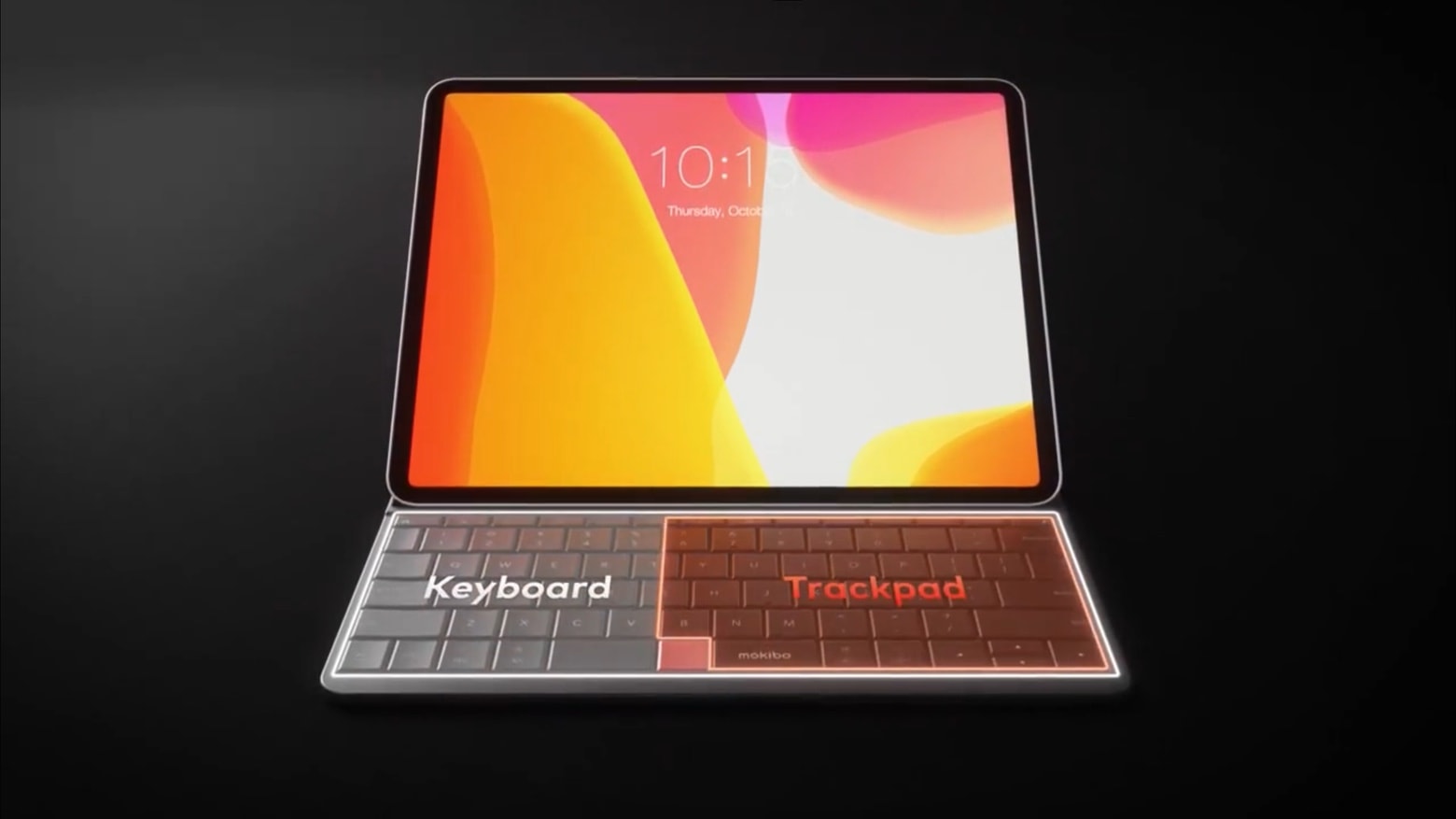
Mokibo is an unusual twist on the iPad Pro keyboard case. Some of its keys also function as a trackpad, rather than keeping these two separate. It therefore offers a much larger trackpad to work with.
The accessory weighs in at under a pound, and includes a built-in multi-angle stand.