Mobile menu toggle

Search results for: Apple One

Protect your brand-new AirTags with these cases, now on sale for $15

By

AirTags cases
This case protects your AirTag from any and all damage.
Photo: Cult of Mac Deals

The beauty of Apple AirTags is that the tracking tags attach to your valuables and allow you to find them with your iPhone, from anywhere. But that also means your AirTags are constantly on the move — and vulnerable to damage.

That’s why anyone who invested in an AirTag needs a solid case to keep it protected. One of the best is this Apple AirTag Protector Case, which is on sale right now for just $14.95. That’s a 50% discount off the regular price of $29.

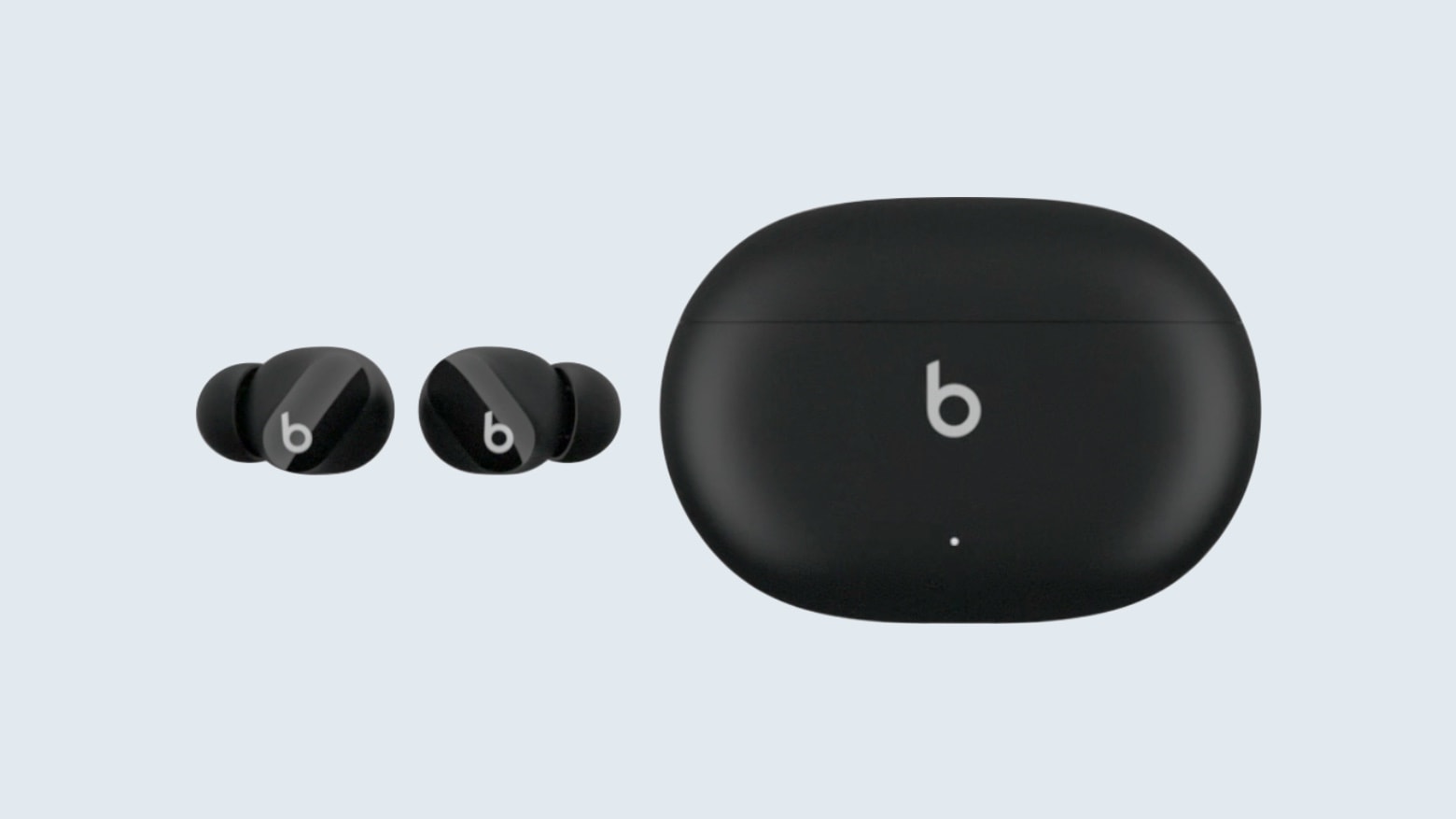
Tiny Beats Studio Buds will hit ears near you on July 21 [Updated]

By

Apple preps Beats Studio Buds to compete against AirPods
Apple’s rival to its own AirPods are apparently just a month or so away.
Photo: 9to5Mac

It seems Apple can’t keep a lid on Beats Studio Buds. Celebrities keep getting photographed wearing the not-yet-announced in-ear wireless headphones, and now the launch date has leaked out.

They are still MIA for regular folks to buy. But since they showed up in yet another social media post by a famous athlete, Apple is seemingly playing a calculated long game when it comes to ramping up anticipation.

Let there be lighted Zoom calls [Setups]

By

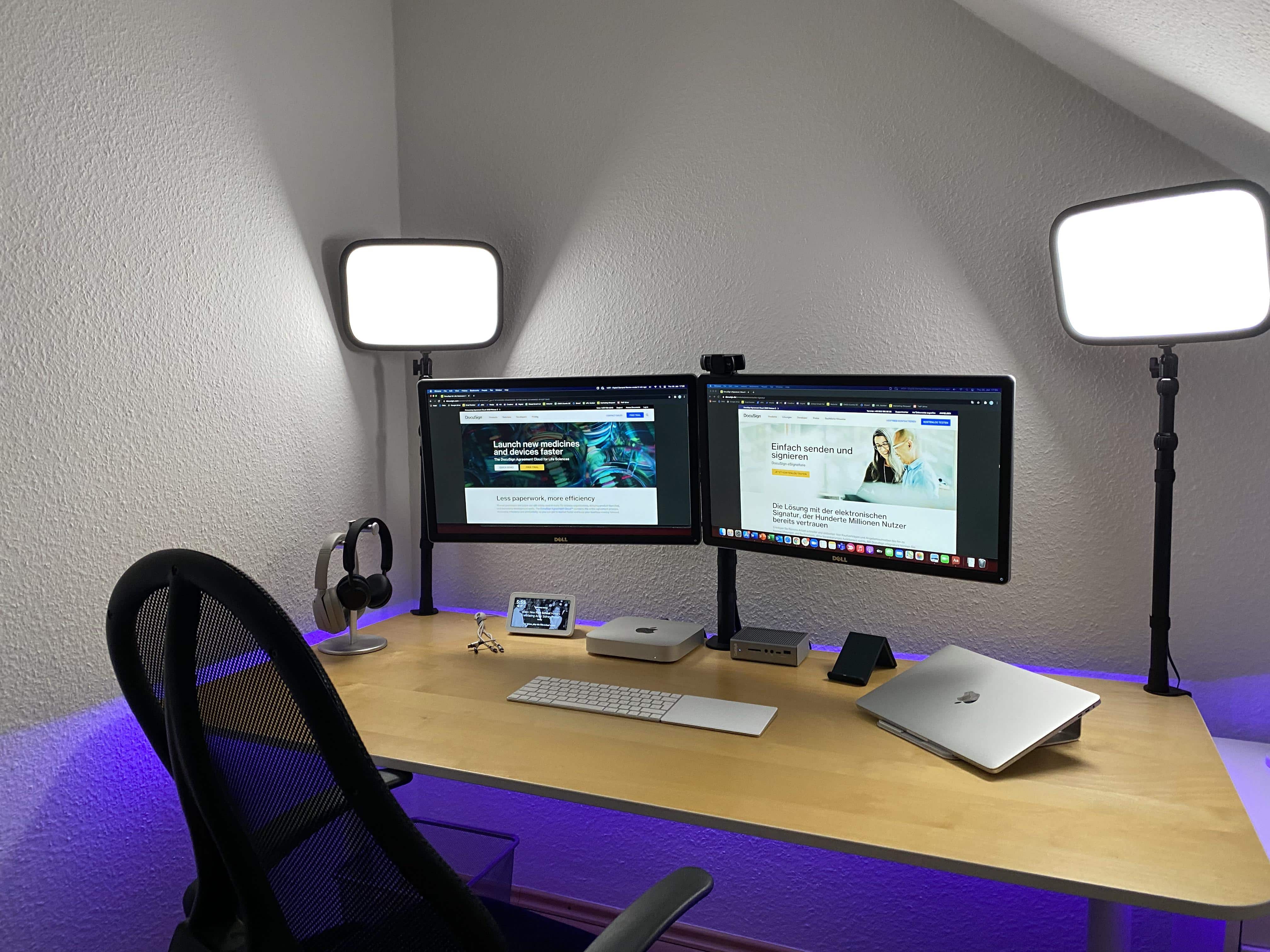
You, too, can have a clean, well-lighted place for Zoom calls.
Photo: UGenya806@Reddit

Redditor UGenya806, who works in marketing for San Francisco-based DocuSign in Germany, takes appearances on Zoom calls seriously. After all, their job has always been remote and will remain so, even when others return to offices following the COVID-19 pandemic.

UGenya806’s setup centers on an M1 Mac mini tethered to dual Dell 24-inch 4K monitors and a CalDigit TS3 Thunderbolt 3 Dock. The mini is connected wirelessly to a Magic Keyboard and a Magic Trackpad.

A stand-mounted MacBook Air rounds out the mix, but is usually used separately as a standalone machine, not with the peripherals.

iOS and iPadOS 15 let devs hide sensitive info in lock screen widgets

By

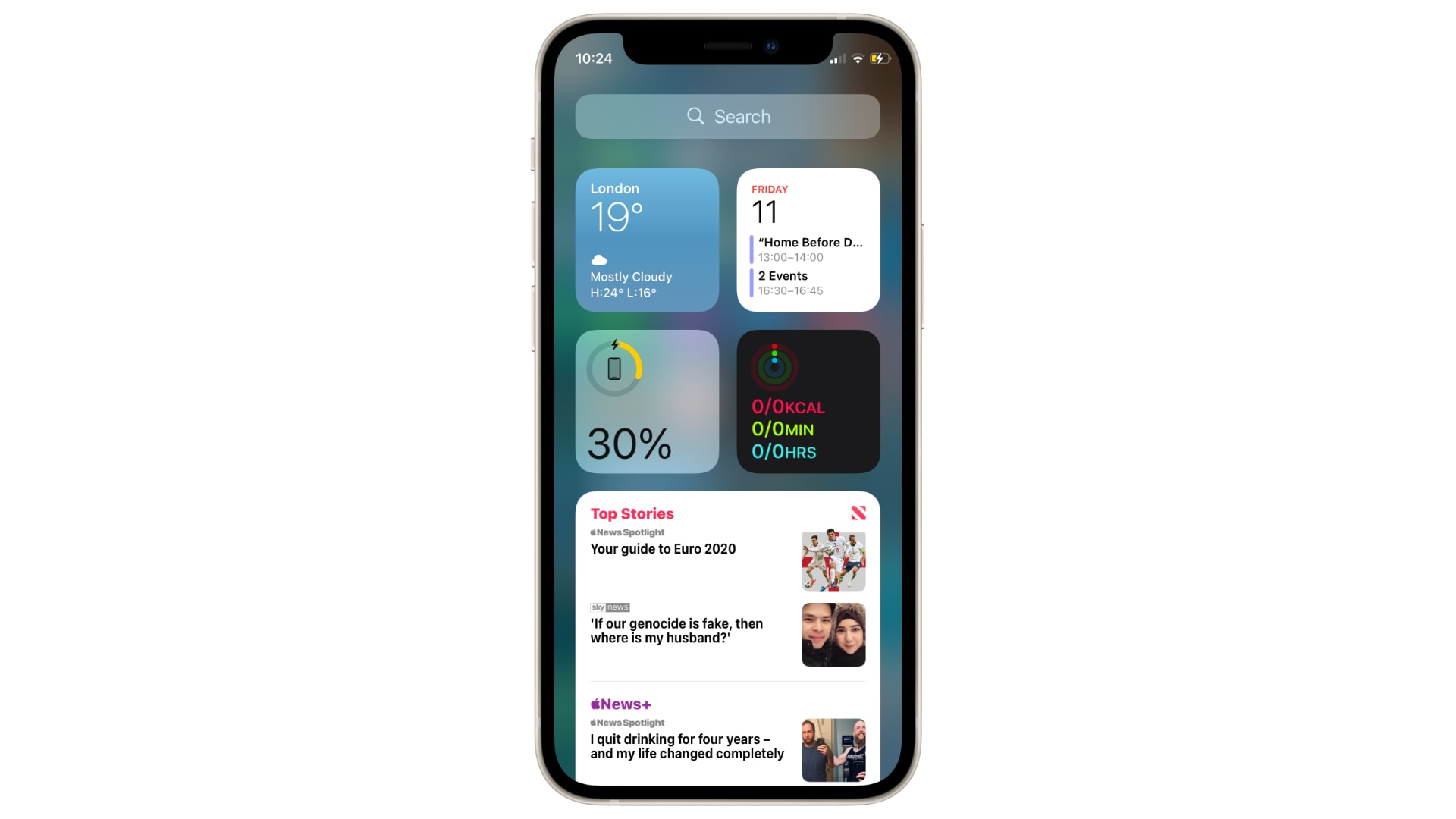
iOS 15 lets devs hide lock screen widgets
Keeping your data safe.
Image: Killian Bell/Cult of Mac

iOS and iPadOS 15 give app developers the ability to hide sensitive information in lock screen widgets until a device has been unlocked.

The change is part of an upgrade to the WidgetKit framework, first introduced in iOS and iPadOS 14 last year, and will be particularly useful for things like banking and budgeting apps.

Linedock 16” adds everything to MacBook but the kitchen sink [Review]

By

Linedock 16” review: 10-port USB hub, 2TB storage and 100Wh battery
Linedock 16” gives you a MacBook Pro+ with loads of additional ports, terabytes of storage and a huge battery.
Photo: Ed Hardy/Cult of Mac

Linedock 16” is for anyone who’s ever thought, “I wish my MacBook had more ports and a longer battery life. And more storage!” The docking station fits under your notebook and adds ten ports, a 99.9Wh battery and up to 2TB of storage.

I tested the version of Linedock for 16-inch MacBooks. It totally blew my socks off.

Get an early taste of iOS 15 and macOS Monterey with new wallpapers

By

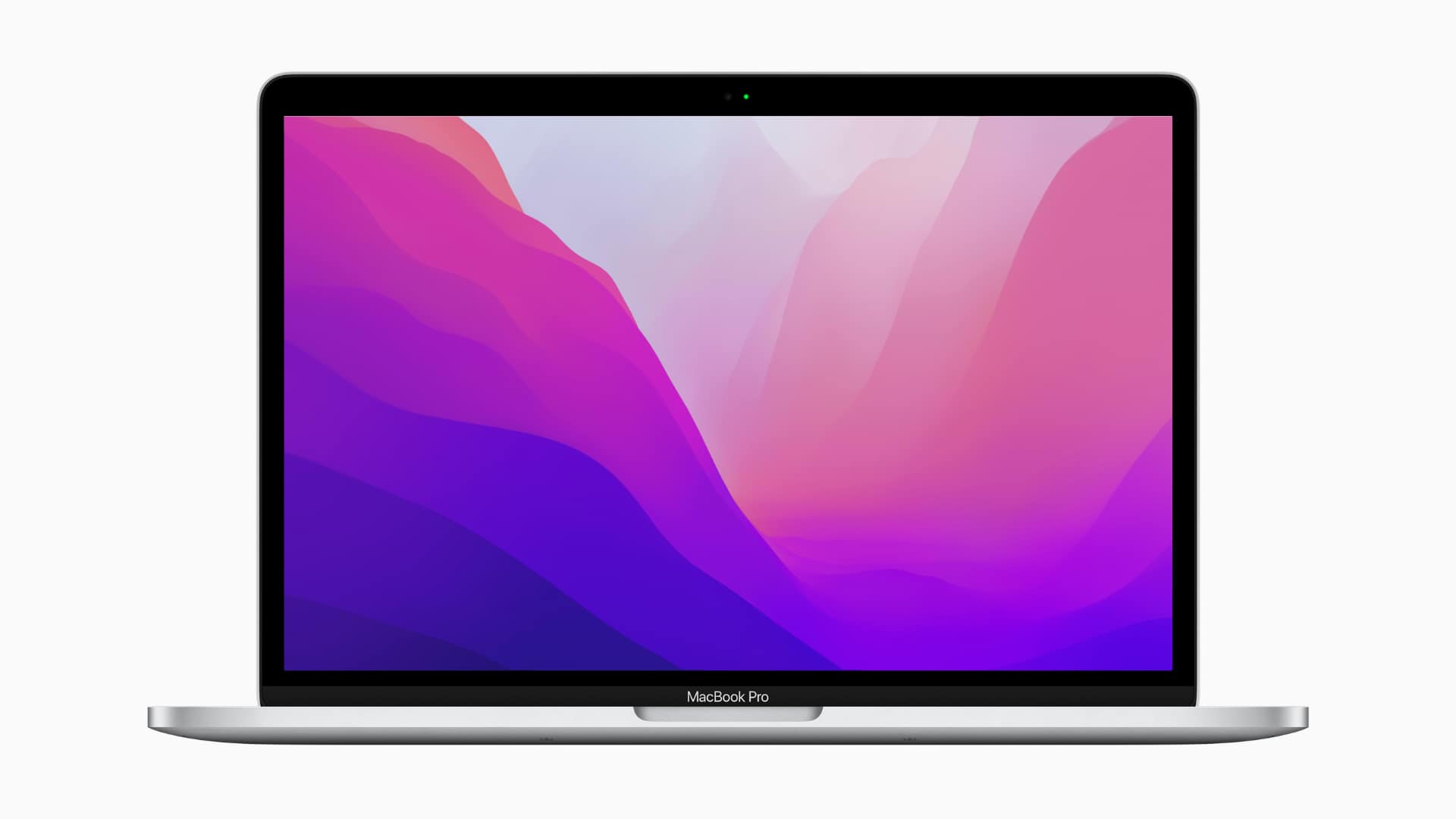
macOS Monterey new wallpaper
There's only one for macOS, but it's a stunner.
Photo: Apple

We’re all itching to get our hands on Apple’s newest software updates. But due to many, many bugs, it’s a bad idea to install the developer betas right now. There is another way to freshen up your devices today.

The new wallpapers from iOS and iPadOS 15 and macOS Monterey are available to download today, so you can already start using them on your iPhone, iPad and Mac in glorious high-resolution.

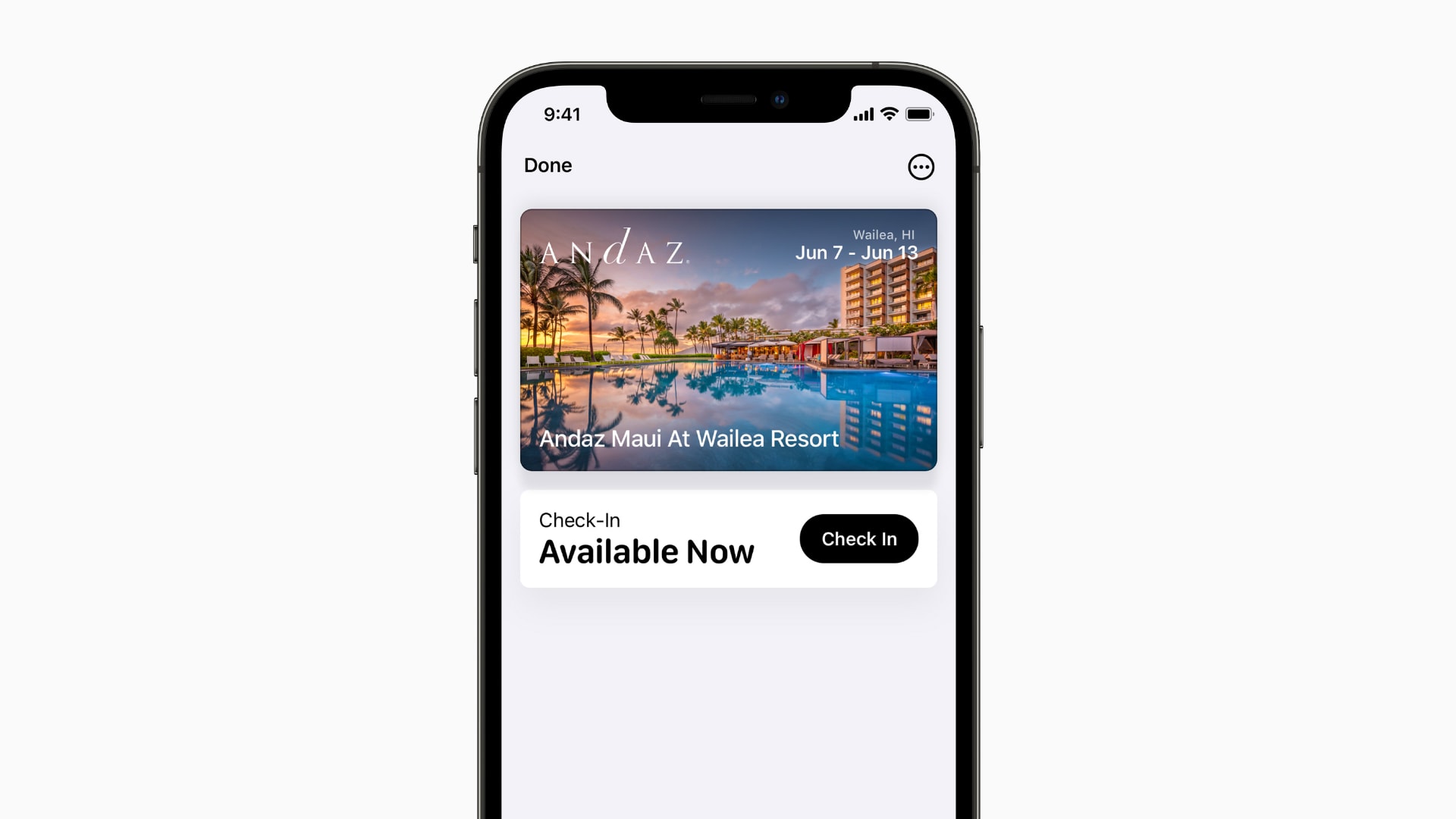
Wallet app automatically archives expired tickets and passes in iOS 15

By

Wallet app in iOS 15
Keeping your Wallet clean and tidy.
Photo: Apple

iPhone’s Wallet app keeps itself tidy by automatically archiving expired event tickets and boarding passes in iOS 15.

They won’t be removed from the app altogether, so you’ll still be able to access them. But expired items will be bundled into a separate list so that you don’t have to trawl through them to find a pass you need.

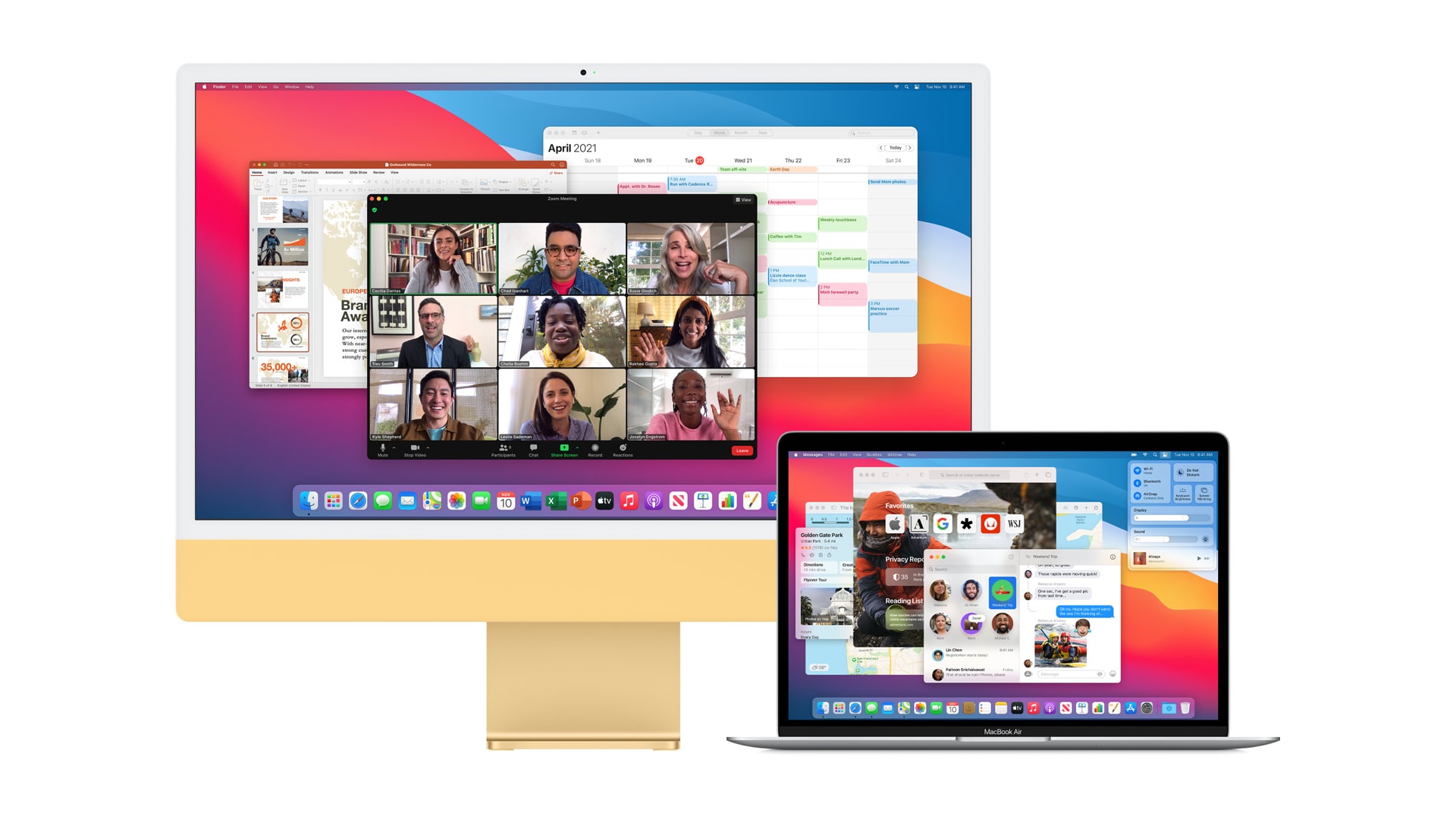
macOS Monterey lets you use a second Mac as an external display

By

macOS Monterey turns a second Mac into an external display
And you can USB for reduced latency.
Photo: Apple

macOS Monterey gives newer Apple computers the ability to send content to a second Mac over AirPlay. You can also use the feature for screen mirroring, turning a spare machine into an external display.

What’s more, unlike on your TV, AirPlay in Monterey lets you connect two macOS devices with a USB cable, greatly reducing latency and removing the requirement for a wireless network.