Mobile menu toggle

Search results for: Apple One

Graphic designer runs racy dual-monitor MacBook Pro rig [Setups]

By

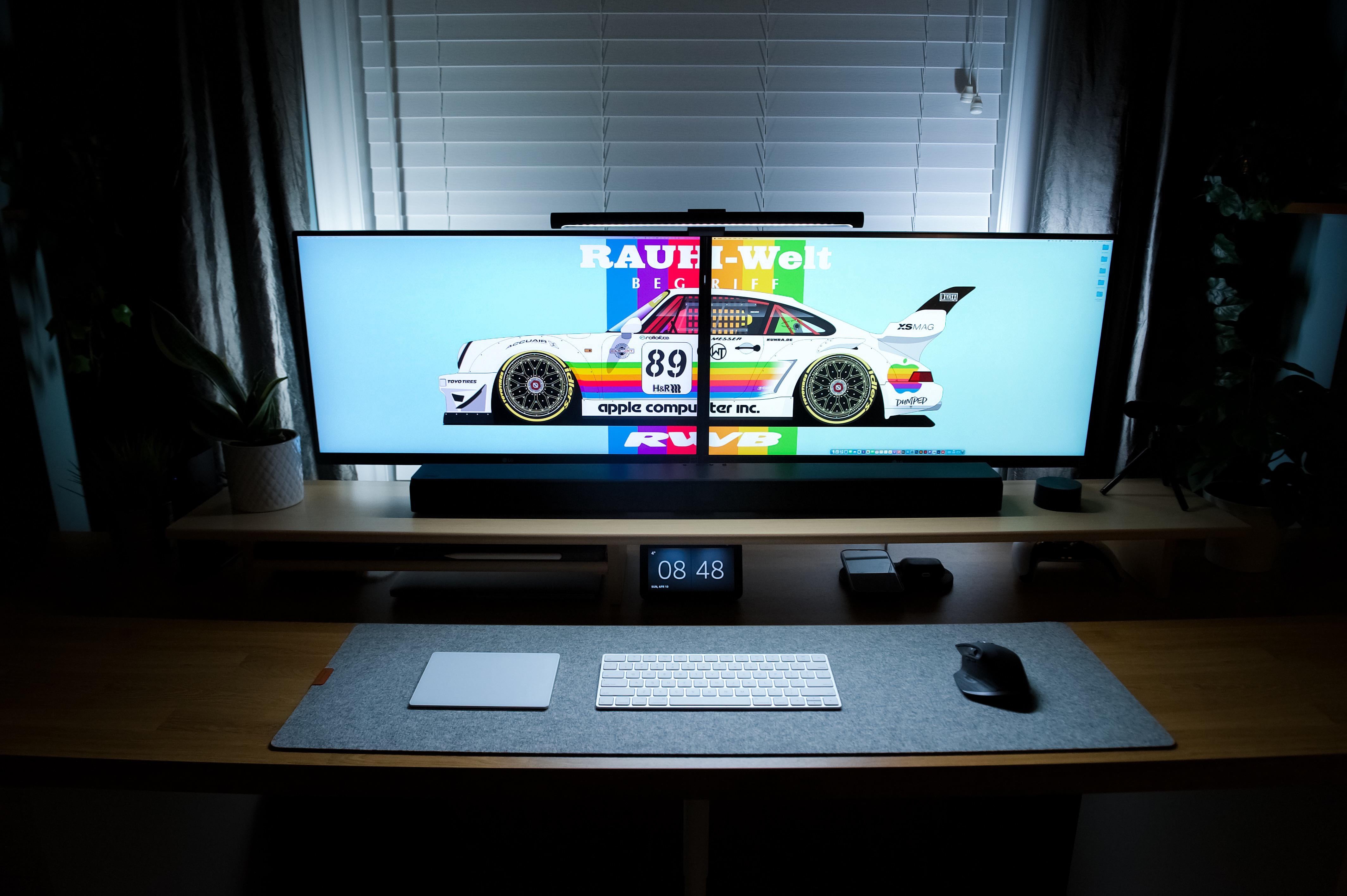
Look at that wallpaper! Oh, and there's also a computer setup.
Photo: [email protected]

Ever show off your painstakingly constructed computer setup only to have everybody race past the gear just to ogle what’s showing on the screen(s)? The desktop wallpaper.

It’s kind of like that with today’s featured setup, the brainchild of a graphic designer.

He put together the dual-monitor setup around a 13-inch M1 MacBook Pro with a lineup of nice touches. And he also made the neato race-car wallpaper that got most of the attention.

How a Washington lawyer helps vets with Mac-based Daylite CRM

By

Lawyer Michael Eisenberg
Washington DC Lawyer Michael D.J. Eisenberg uses the Daylite CRM to track complex cases.
Photo: Michael D.J. Eisenberg

Daylite case studyMichael D.J. Eisenberg is a Washington, D.C., lawyer who frequently deals with the dreaded federal bureaucracy, which has never been quick or easy to deal with.

Sometimes cases can take a decade or more, and he wouldn’t be able to manage it without the help of Daylite, a comprehensive, Mac-based customer relationship management app.

“Specifically, because it’s a Mac-native program, it integrates incredibly well with Apple Mail,” said Eisenberg. “The Daylite Mail Assistant is fantastic. I don’t have to be worried about having access to my email as long as I have access to my Daylite database whether it’s on my iPhone, iPad, iMac or the MacBook Pro I use when I travel. I can very easily look up a case history or see what Tasks I have in relation to it as well as all past communications.”

Now you can grab Beats Studio Buds in 3 new colors

By

Get Beats Studio Buds in three sassy new colors.
Photo: Apple

As promised last week, Apple rolled out three new colors of its Beats Studio Buds wireless earbuds, saying you can buy them starting Wednesday (though you can find them Tuesday at the links below).

The new colors are Ocean Blue, Sunset Pink and Moon Gray. They’ll cost $149.99, just like the original colors available since the product’s launch in 2021 (black, red and white).

But with the new hues, you can only get certain colors from certain retailers.

Magically enhance many photos at once with the new Batched app

By

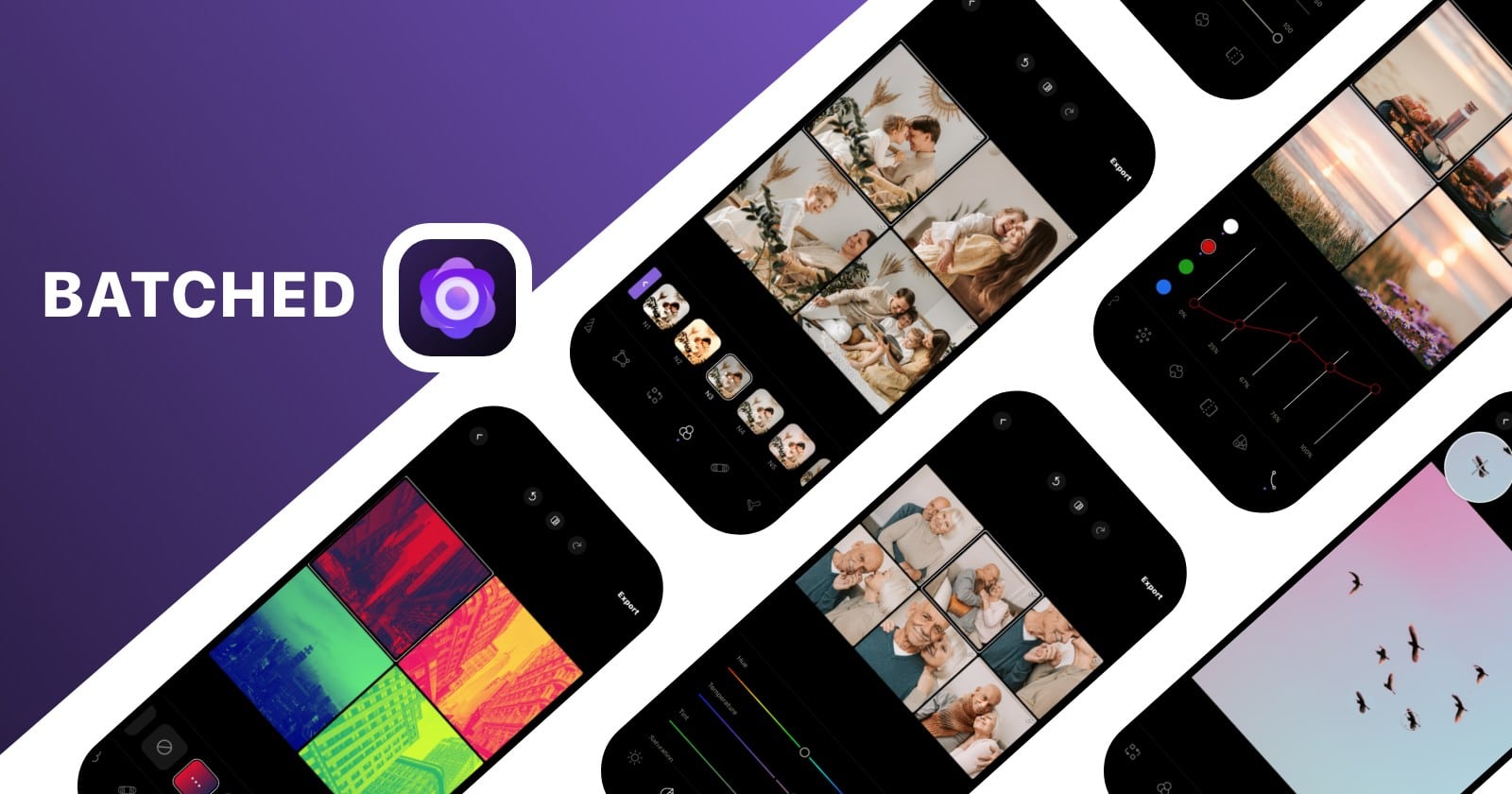
Batched lets you edit many photos as once.
Photo: Adva Soft

This post is brought to you by Adva Soft.

Sometimes you want to make changes to just one of your treasured digital photos. Other times you wish you could modify a whole bunch of them at once, quickly and easily. With the new multi-photo-editing app Batched, you can do it either way.

Available for iOS and iPadOS, the tool makes it much easier to enhance scads of your cool pics to a variety of interesting degrees, including color-transfer functionality and numerous filters and effects.

And did we mention that most of the tools in the Batched app are free? They are, although some premium features can be unlocked with a subscription. Let’s take a look at what Batched can do for you.

iMovie 3.0’s new features make short work of social videos

By

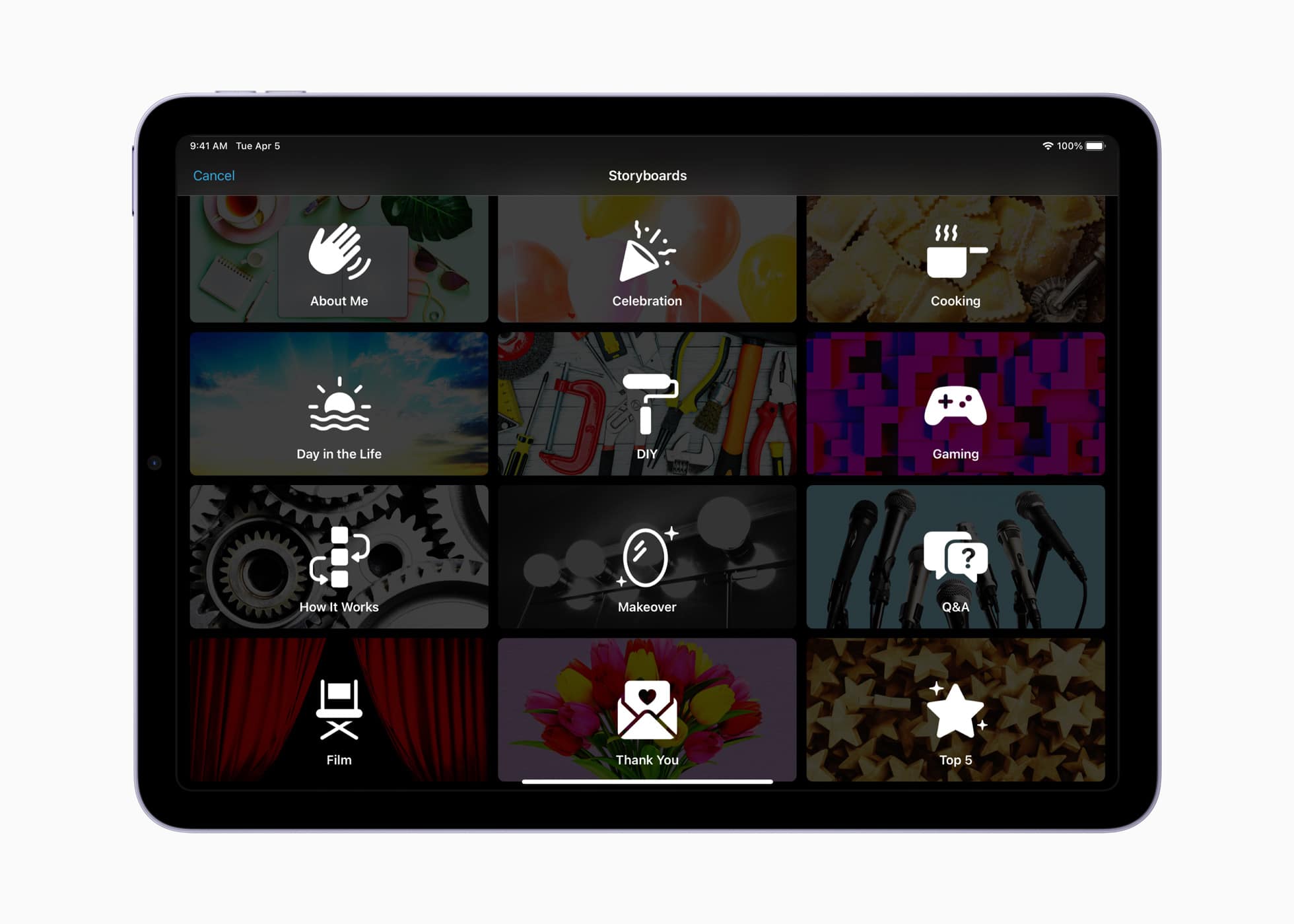
iMovie 3 Storyboard feature
Storyboards provide a shot-by-shot guide to the most common social videos.
Photo: Apple

iMovie has long been Apple’s default tool for creating quick, gorgeous videos on your iPhone or iPad. With Tuesday’s update to iMovie 3.0, Apple added a pair of new creative tools designed to help “aspiring content creators and moviemakers learn to edit and improve their video storytelling skills.”

The ultimate goal? To make creating compelling videos easier than ever.

Tim Cook’s privacy summit keynote condemns app sideloading

By

Tim Cook delivered a keynote address at the International Association of Privacy Professionals Global Privacy Summit on Tuesday.
Photo: IAPP

Apple CEO Tim Cook called privacy a key battle of our time during a speech Tuesday. He extolled Apple’s commitment to protecting its users’ data and condemned regulations that would force Cupertino to accept app sideloading on iPhones.

“We are deeply concerned about regulations that would undermine privacy and security in service of some other aim,” he said, referring to legislation that would force Apple to allow apps for its devices to bypass the App Store.

Cook made the comments during a wide-ranging keynote address at the International Association of Privacy Professionals Global Privacy Summit in Washington, D.C.

Read more about what he said and watch video of his speech below.

DuckDuckGo gives Mac users a privacy-focused browser

By

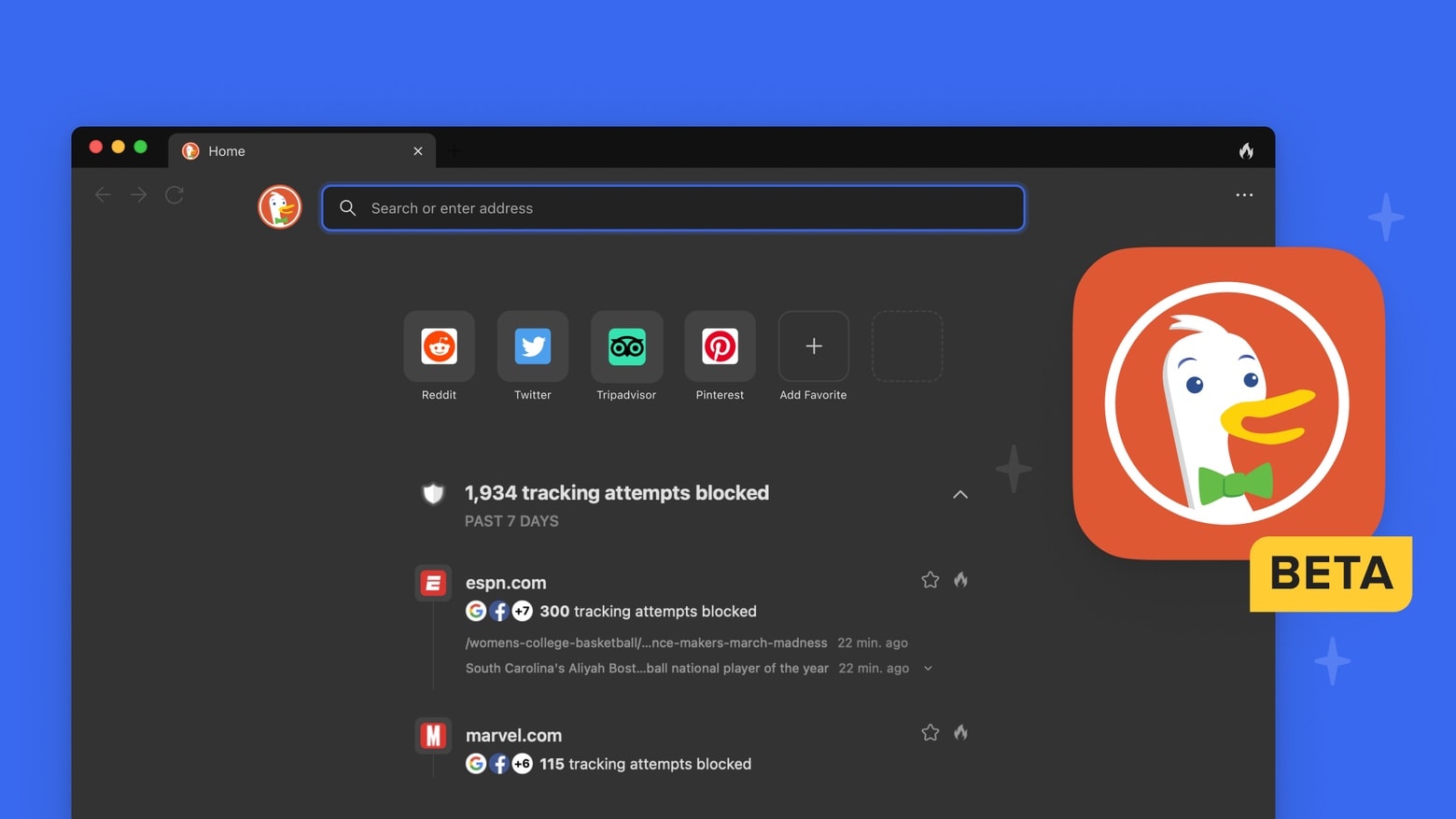
DuckDuckGo privacy-focused browser is now for Mac too
DuckDuckGo is not just for iPhone and iPad any more.
Photo: DuckDuckGo

DuckDuckGo for Mac launched as a public beta on Tuesday. The free web browser makes privacy settings the default, and offers private search, tracker blocking and website encryption.

The Mac version joins the one for iPhone and iPad that’s been out since 2018.

Why you should turn off Activation Lock when selling your AirPods

By

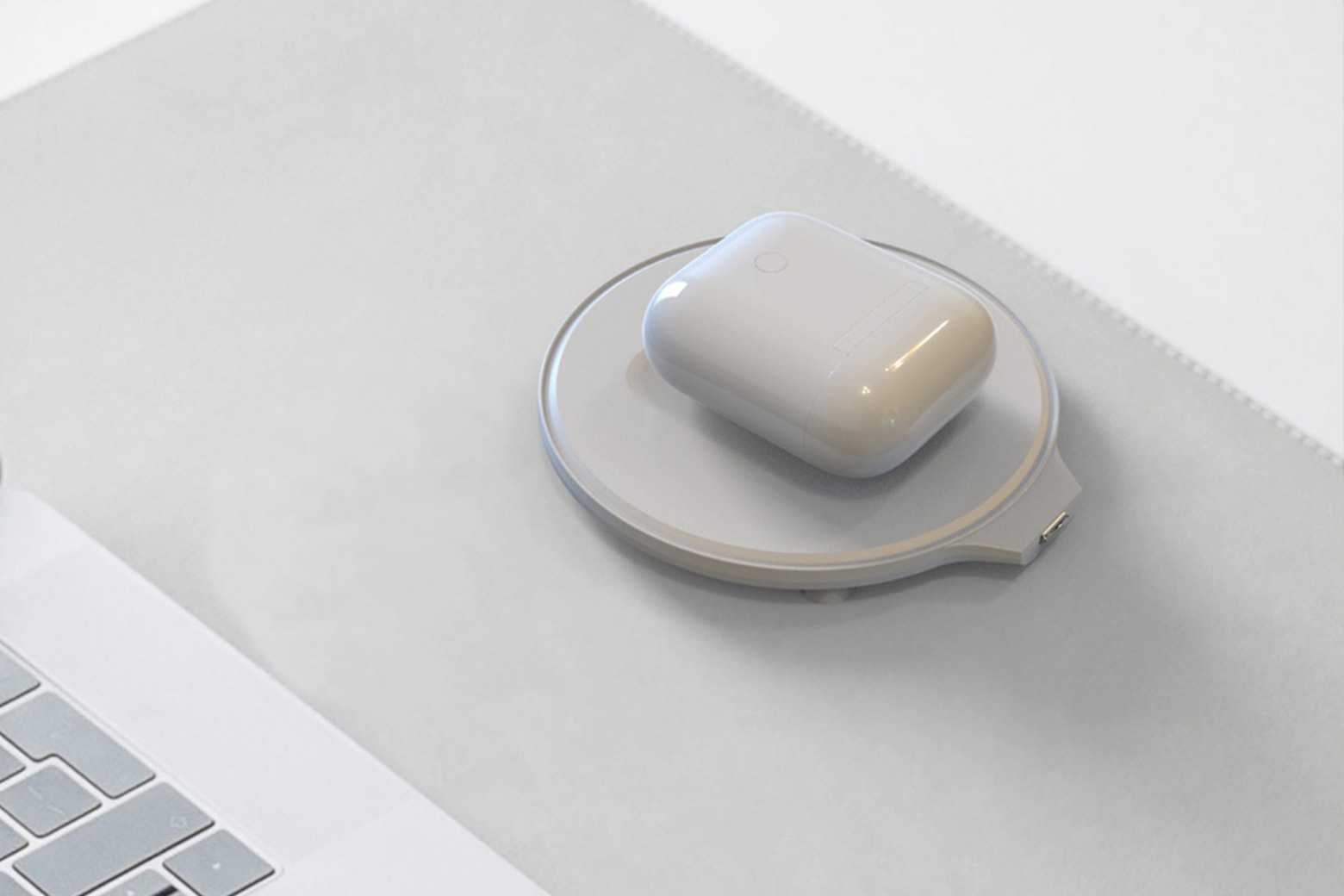
How to turn off Activation Lock when selling your AirPods. And Why.
You must turn off Activation Lock when you sell your AirPods. Here’s why, and how.
Photo: Cult of Mac

Apple added Find My to AirPods in 2021, and it’s causing problems for resellers of these wireless headphones. Many people are unaware that their AirPods now support Activation Lock, which means they are locked to their user’s Apple ID. This must be deactivated when selling or giving the devices away or no one else can use them.

Here’s how to turn off Activation Lock on your AirPods.

Hey, maybe you can afford a ‘Mini Pro Display XDR’ with your Mac Studio [Setups]

By

It may be small, but it's a Liquid Retina XDR Display.
Photo: Tom@bytereview@Twitter

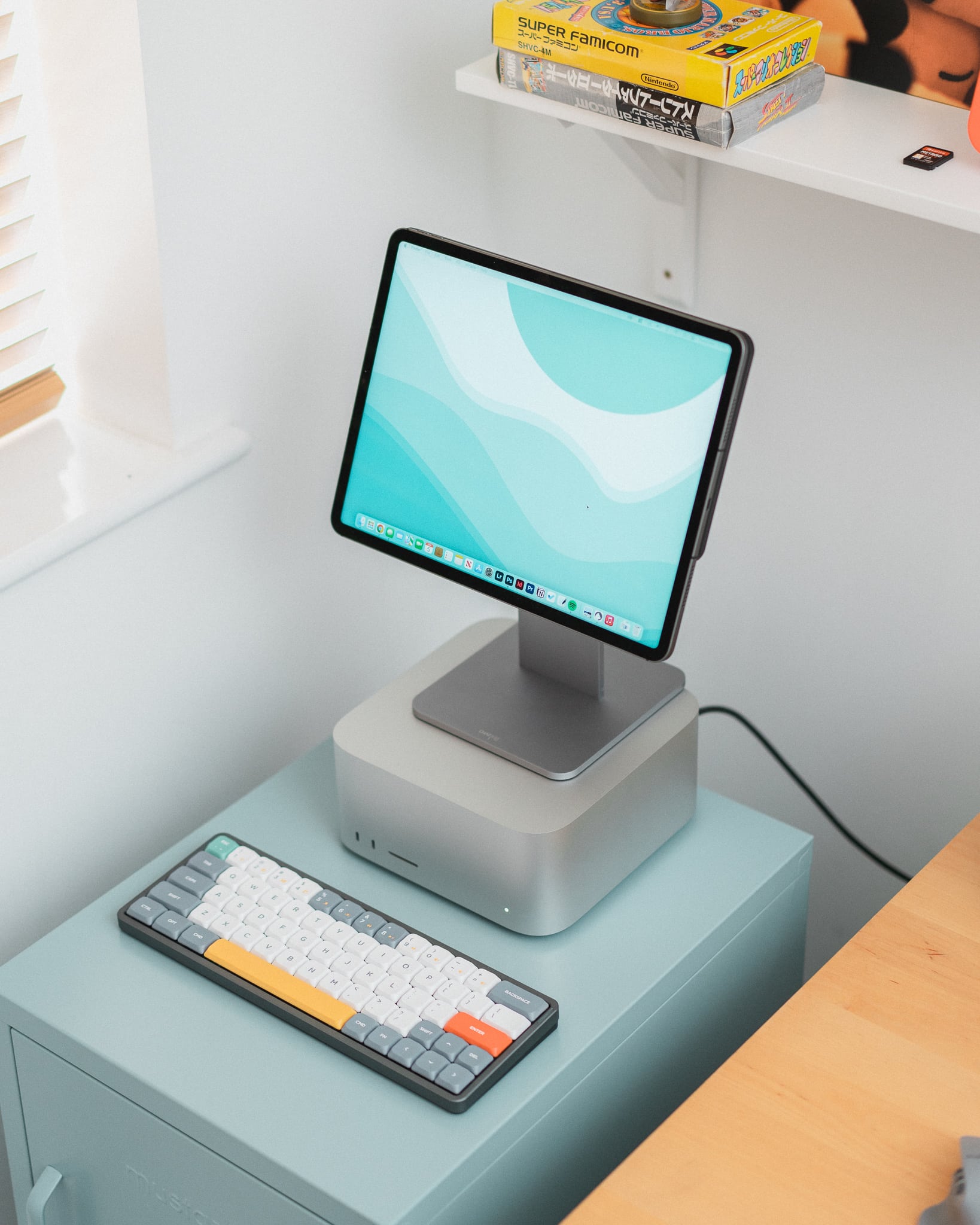
Anyone who buys a desktop Mac or wants a desktop feel using their MacBook is going to need a decent-sized external display. And wouldn’t it be grand if we all had $5,000 to spend on an Apple Pro Display XDR? Well, we don’t. In fact, scratching together enough cash to buy a new, more-affordable Studio Display can feel like a stretch for many folks.

The owner of today’s featured computer setup figured out a clever way to run a brilliant Liquid Retina XDR Display at much less cost with their new Mac Studio. What’s the catch? Well, it’s only a 12.9-inch display. Because it’s an iPad.