Mobile menu toggle

Search results for: 6s

PDFelement for Mac makes it easy and fast to edit PDFs

By

Wondershare PDFelement PDF editor for Mac
PDFelement works wonders with PDFs.
Photo: StockSnap/Pixabay CC

This post is presented by Wondershare, maker of PDFelement.

What happens when you’re about to send an important PDF, only to spot a typo? If it was a Word document, you could just open it up, zap the offending letters, save and send. But with a PDF, it’s not so easy — if you don’t have the right software.

That’s why an app like PDFelement for Mac is a potentially invaluable part of anyone’s digital document toolkit. With it, you can edit, add and delete text in a PDF as easily as you would a Word document. Here’s how it works.


Shadows Remain, Duolingo, and other awesome apps of the week

By

Awesome Apps
'Appy weekend!
Photo: Ste Smith/Cult of Mac

A brilliantly spooky, story-driven augmented reality game in which you search for your missing child in a new house is just one of our picks for this week’s “Awesome Apps of the Week.”

In addition, we’ve got a great app for teaching you Mandarin, another ARKit title that lets you get a closer look at some of the world’s top supercars, and a brilliant photo app for getting the most out of your iPhone or iPad.

Check our selections below. You won’t regret it!

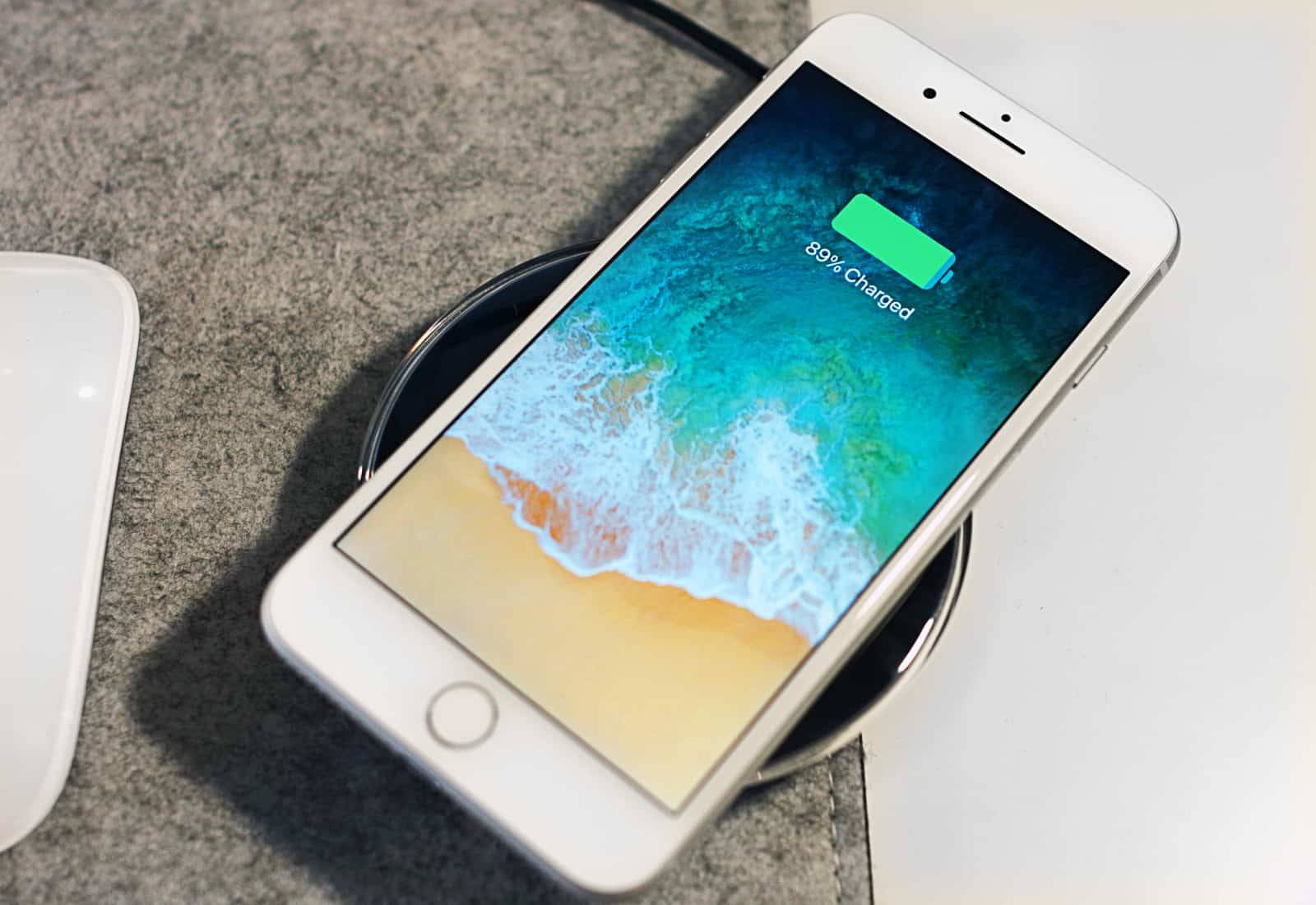
Here’s why older models beat iPhone 8 last quarter

By

iPhone 8 Wireless Charging
The iPhone 8 wasn't Apple's top-shipping smartphone last quarter.
Photo: Ste Smith/Cult of Mac

The iPhone ranked as the world’s top shipping smart phone in the third quarter of 2017 — but the iPhone 8 didn’t even crack the top five.

Instead, older (and cheaper) iPhones dominated the list. That doesn’t mean iPhone 8 tanked, though. A variety of factors account for its relatively low numbers.

iPhone 4 as iPhone X? Some people will believe anything.

By

Passersby get excited about the
Passersby get excited about the "iPhone X" in their hands.
Photo: Jimmy Kimmel/YouTube

Late-night talk show host Jimmy Kimmel featured the iPhone X on Tuesday night’s edition of Lie Witness News, asking people on the streets of Hollywood to hold the handset and give their impressions of Apple’s $1,000 smartphone.

Few realized they in fact held an iPhone 4 from 2010.

This mouth-watering short film was shot entirely on iPhone X

By

iPhone X
Yes, this was shot on the iPhone X.
Photo: AmnesiArt

The iPhone X hasn’t even been out for a week but it’s already been used to film an incredible short film.

Made in Paris, a short film about Elise Lepinteur, the protégée of world-famous pastry chef Christophe Adam, debuted on YouTube today. Although the film doesn’t mention the iPhone X, it showcases the phones capabilities with gorgeous close-ups of deserts and other pastries being prepared.

Check it out:

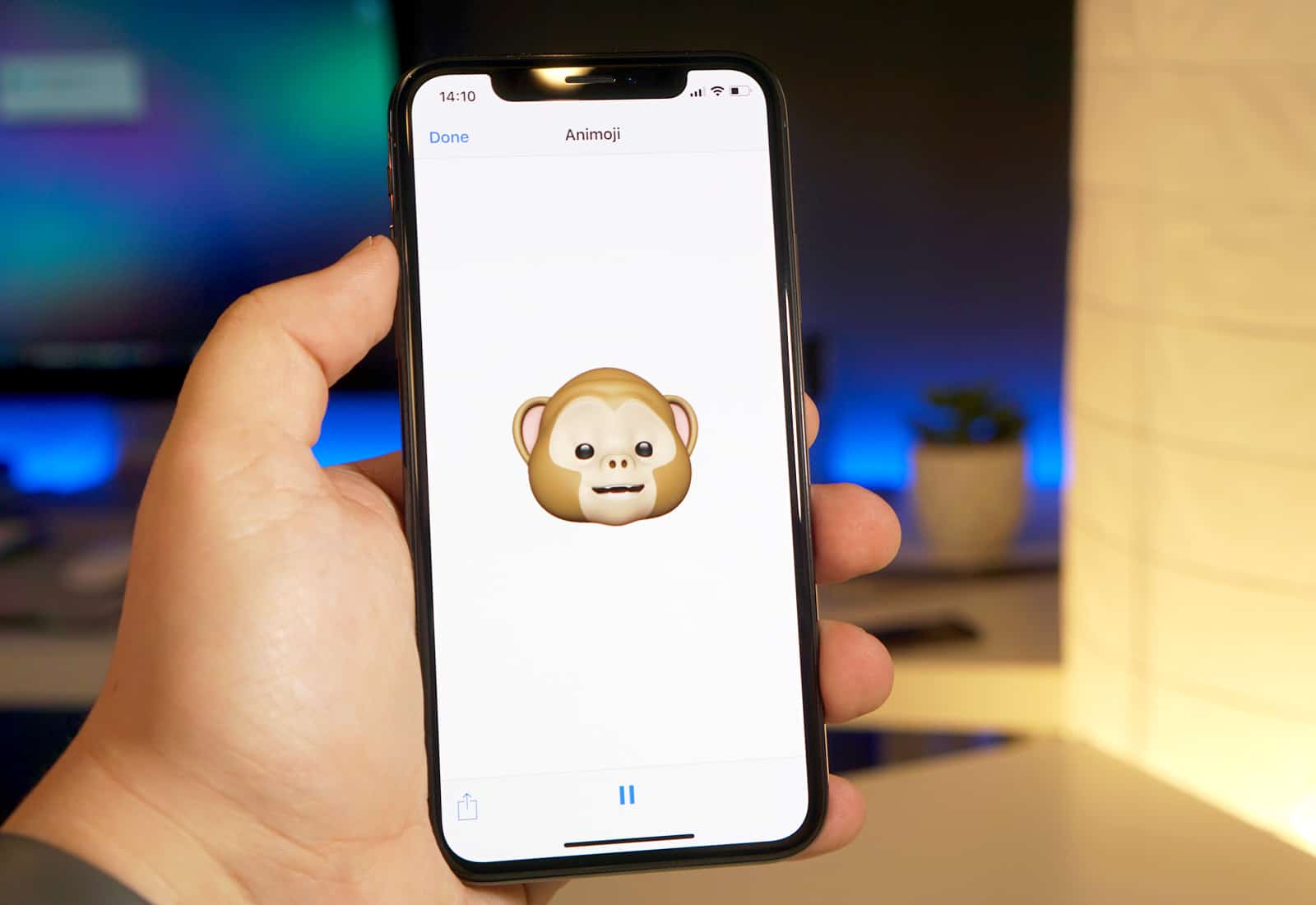
How to use Animojis on iPhone X

By

iPhone X Animoji
No battery case required.
Photo: Ste Smith/Cult of Mac

Forget Face ID, the edge-to-edge OLED screen, and the amazing portrait lighting. The real killer feature in the iPhone X is Animoji, a gimmick that uses the most advanced camera ever seen on a consumer device to map cute animal faces over your real expressions. Here’s how to use it.

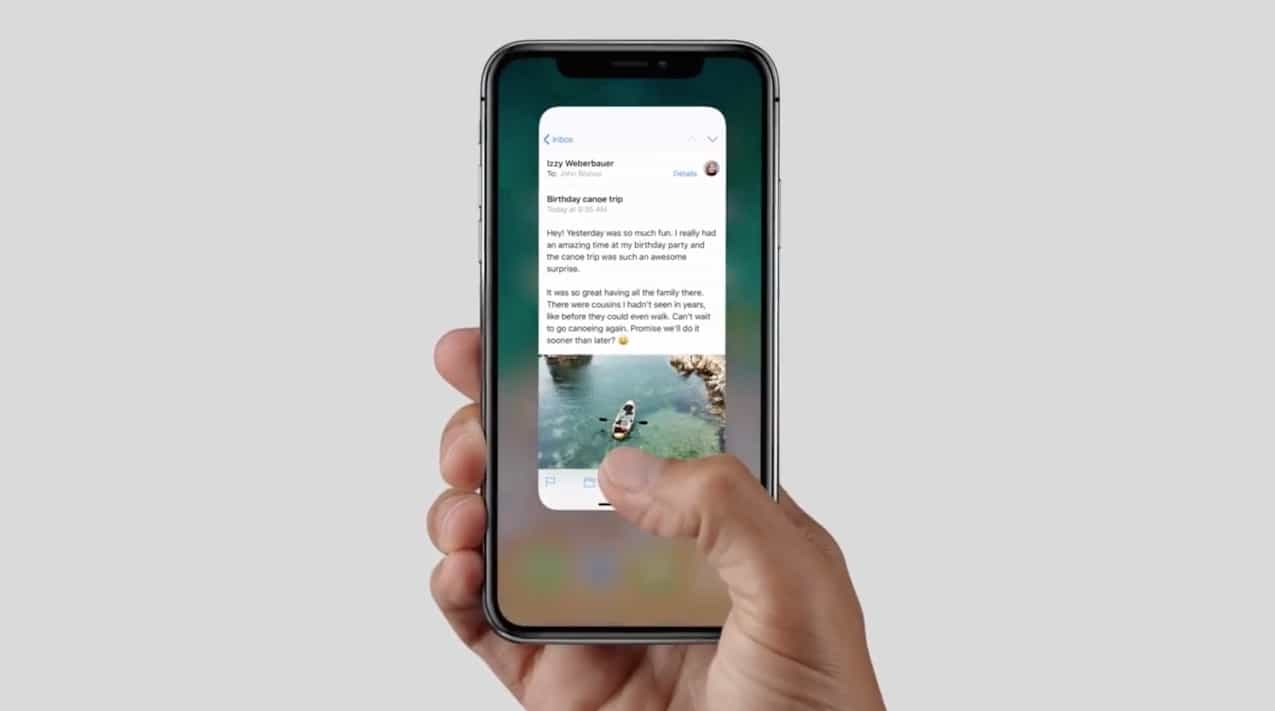
Learn all the new gestures for iPhone X

By

gestures iPhone x
Your thumb will get a workout now that the home button is no longer around to do all the work.
Photo: Apple

The iPhone X has no home button. We already know that, but what does it mean when you’re actually using the phone? The home button is the most important button on the iPhone. It wakes it up, gets you to the home screen, activates Apple Pay, invokes Siri, takes a screenshot, and helps you force the phone to reset if everything goes wrong. And that’s just the beginning. The iPhone X replaces the home button with a combination of gestures, and by using other buttons. Some of them you may already use. Others take existing gestures and move them. Let’s take a look at all the new gestures on the iPhone X.

1 95 96 97 98 99 209