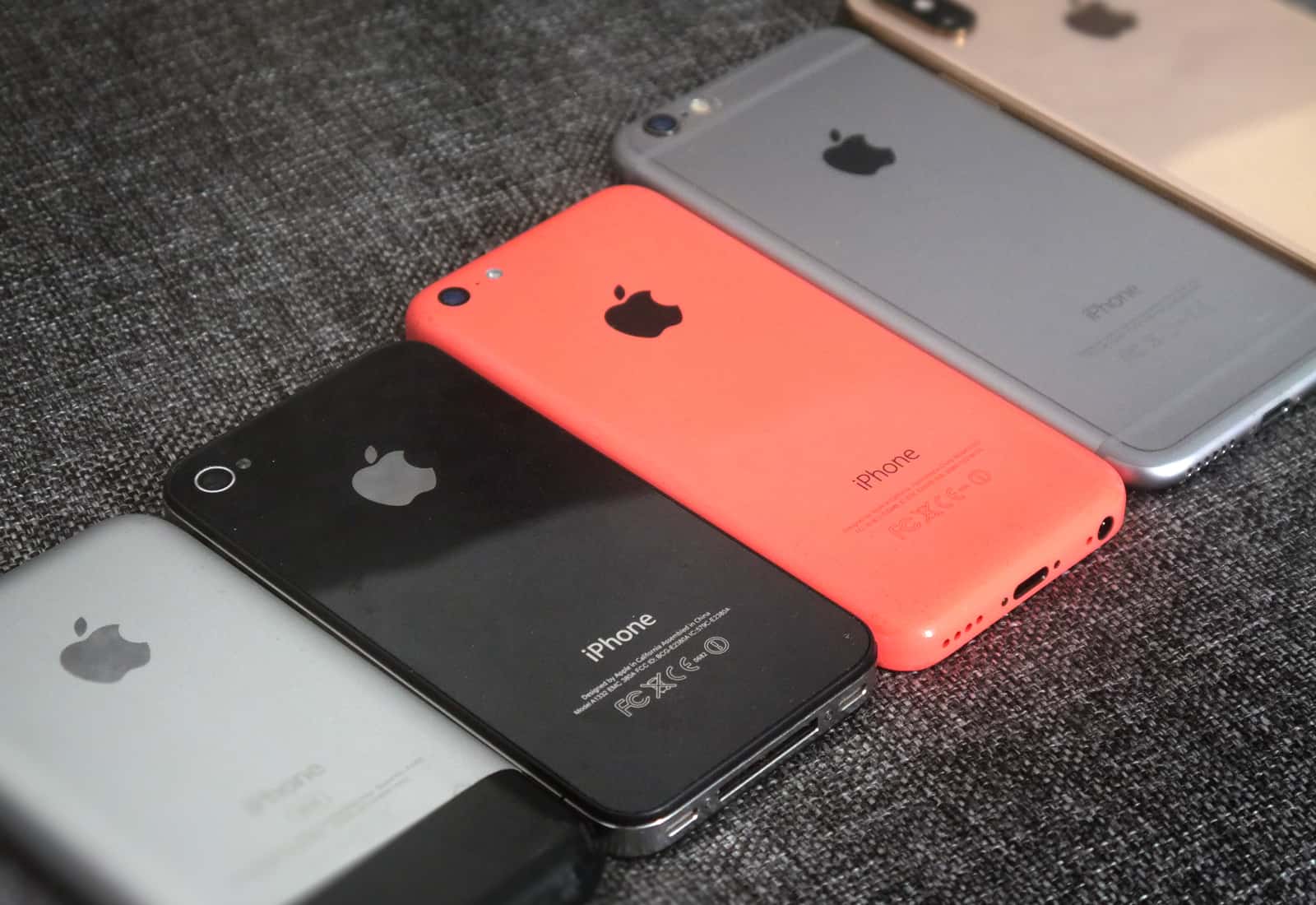
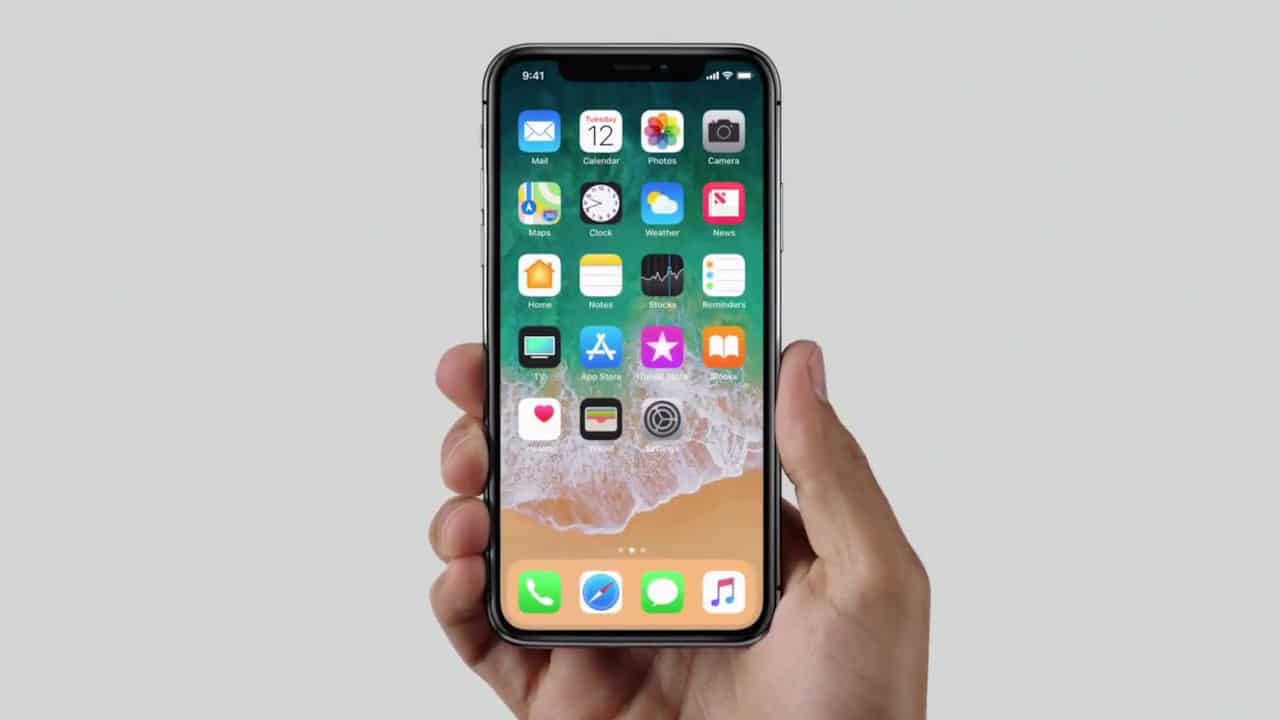
What was your favorite iPhone? Photo: Ste Smith/Cult of Mac
The new iPhone XS and XS Max are generating rave reviews. Having marked the iPhone’s 10th anniversary with last year’s awe-inducing iPhone X, Apple has now set the stage for a second decade of smartphone innovation.
But what about all the awesome iPhones that led us to this point? Which models are the classics that will occupy museum shelves long after they’ve stopped working? I decided to dive in at the deep end and rank every phone Apple ever made. Wish me luck!
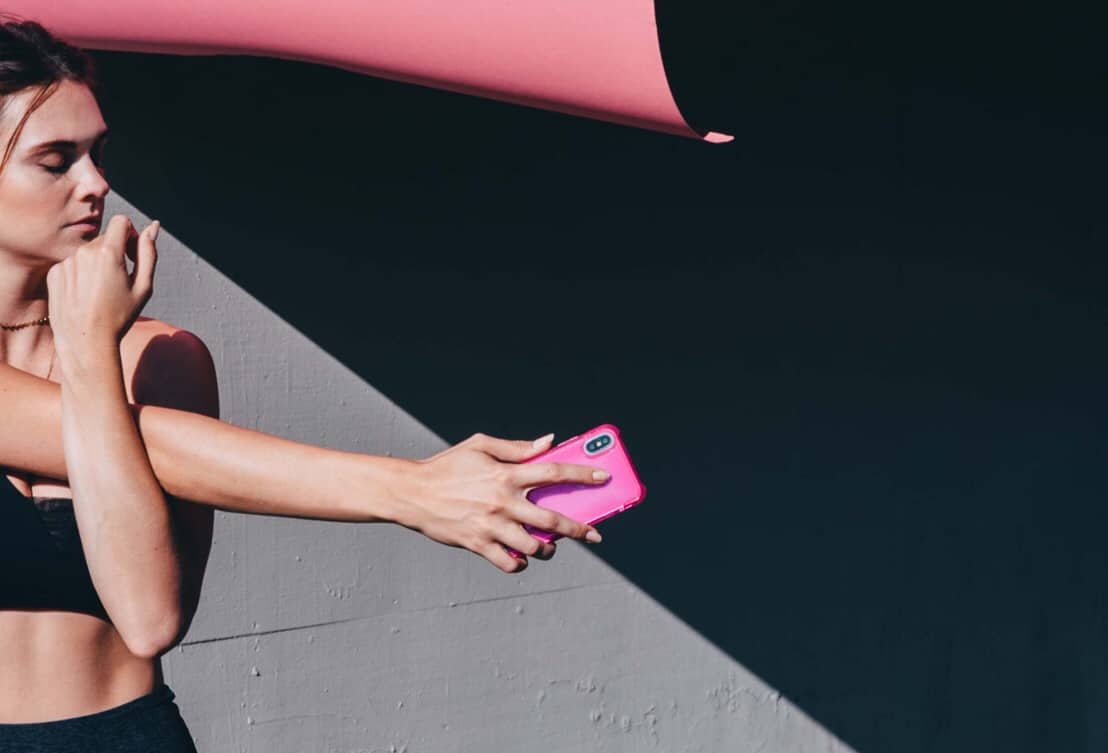
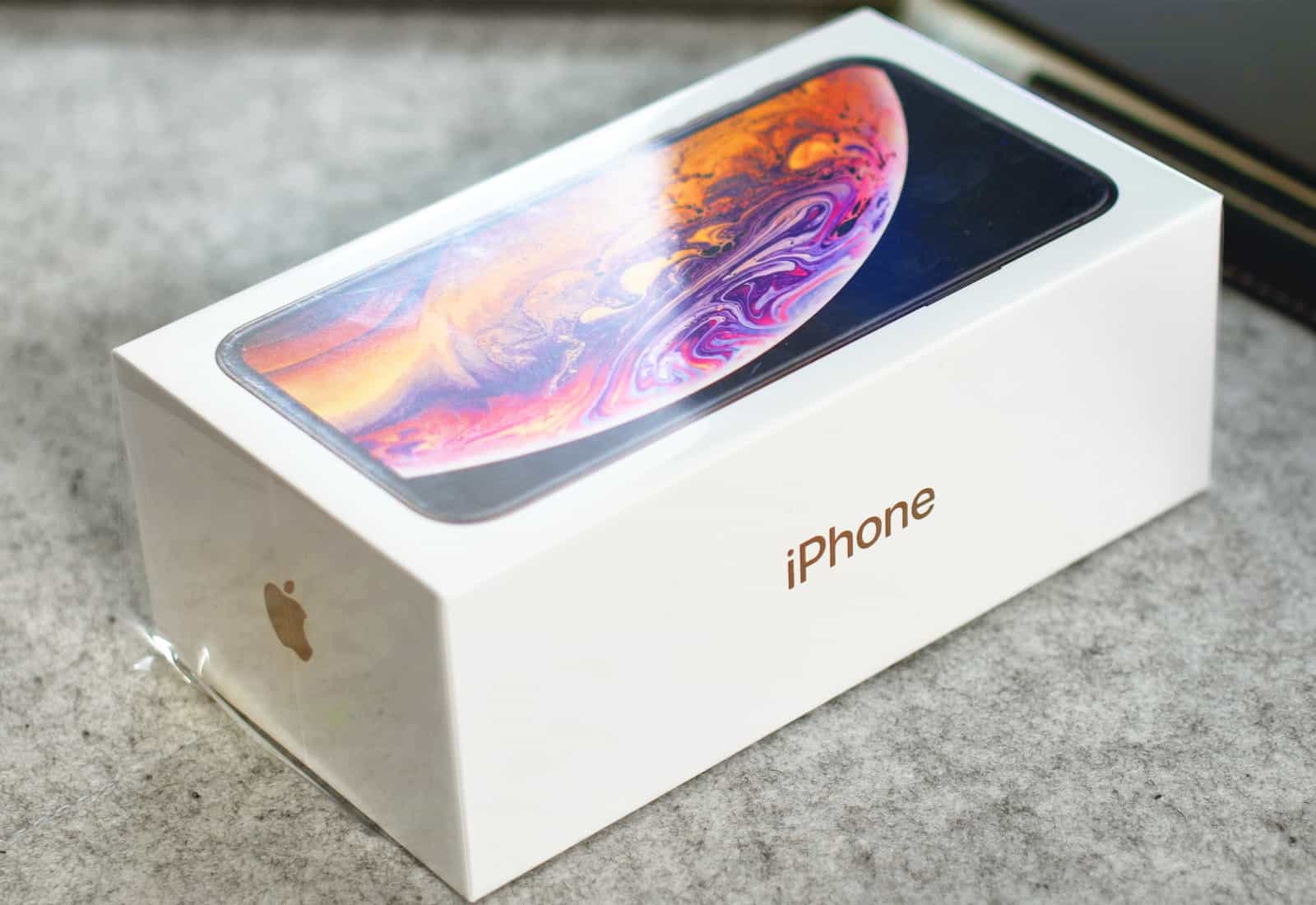
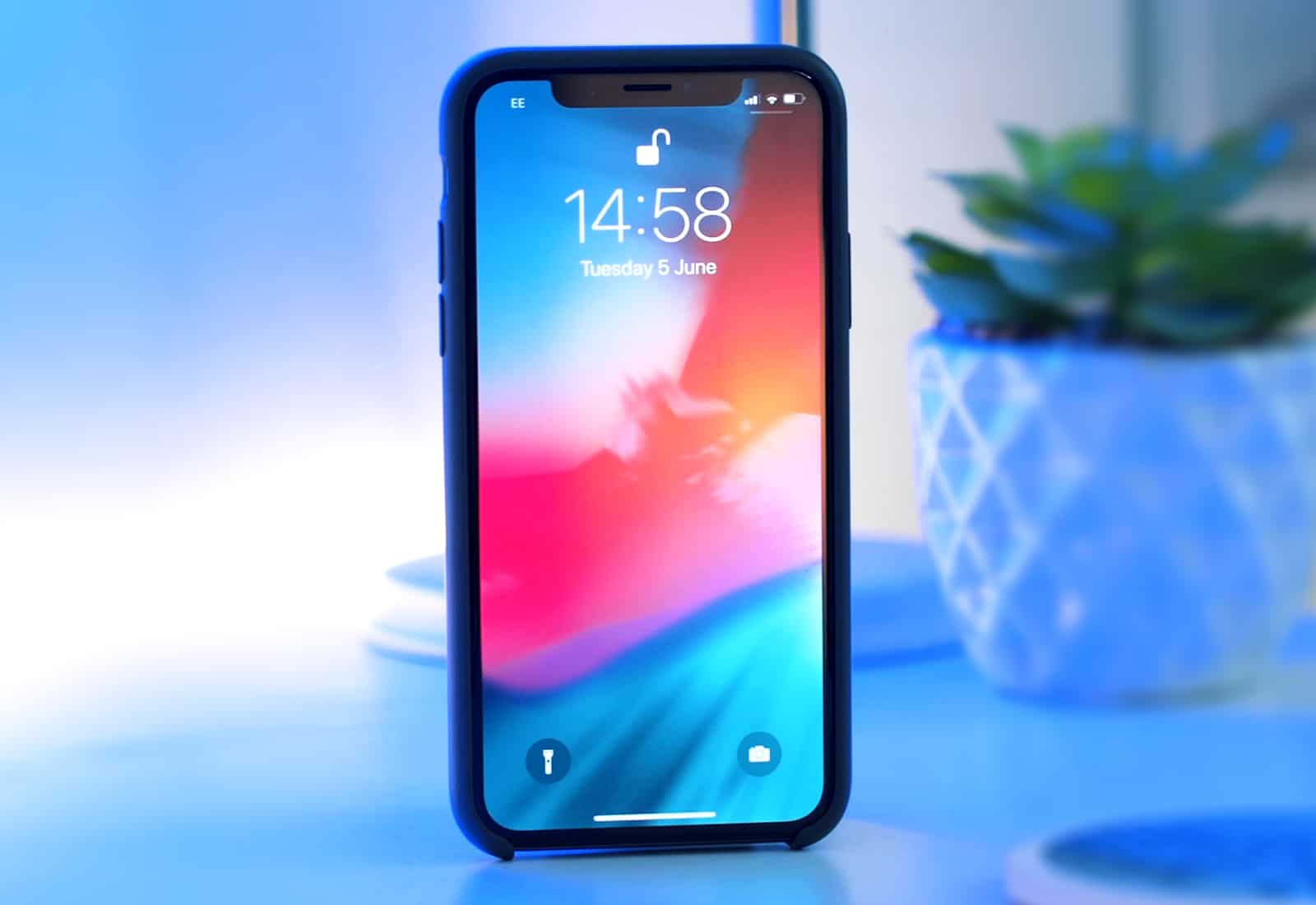
Just like the iPhone X, folks are predicting gloom for the iPhone XS -- based on its price tag. Photo: Ste Smith/Cult of Mac
Déjà vu much? A new report claims that the high price of Apple’s new iPhone XS series is likely to result in a slow down in demand later in 2018, after the initial fanfare for the new devices fades. This is said to be particularly true for the iPhone XS Max, which costs up to $1,449 for the 512 GB version.
While that’s certainly a possibility, however, remember that many people predicted the same fate would befall the iPhone X last year — and they wound up being spectacularly wrong.
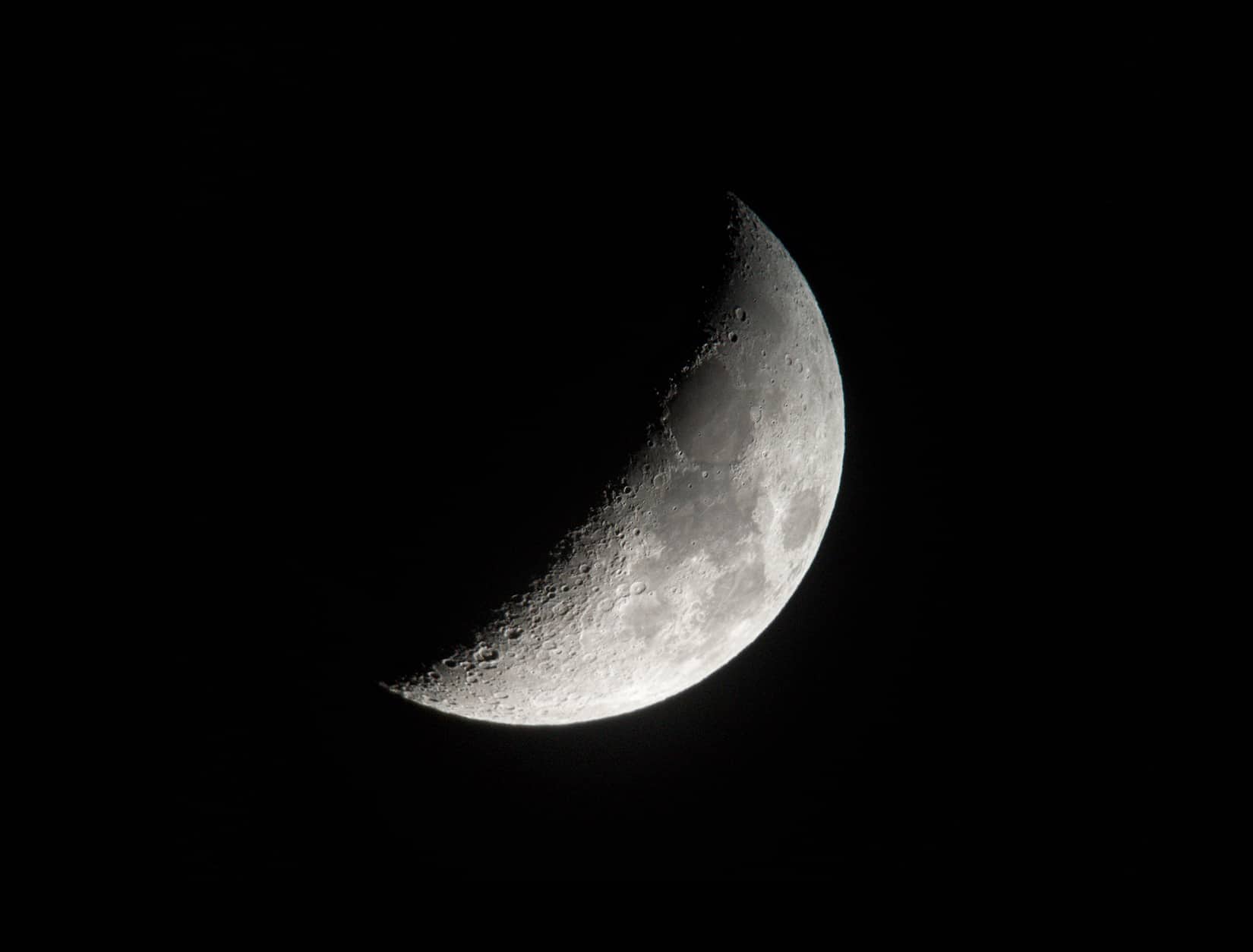
Here's what you get when you mount an iPhone to a telescope. Photo: Tom White
An iPhone 7 is not the first camera you’d think about when figuring out how to get good shots of the moon. It certainly wasn’t Tom White’s first choice.
But after trying to get his DSLR mounted to a telescope just so, White wondered if his iPhone could do the job. The end result feels like the view astronauts would have from an Apollo command module in the moon’s orbit.
Depth Control gets confused by glass. Photo: Charlie Sorrel/Cult of Mac
Most iPhone camera reviewers are upgrading from last year’s model, the incredible iPhone X. Most iPhone buyers are upgrading from an earlier iPhone, probably the iPhone 6s or 7. This review is for the buyers. In it, I compare the new iPhone XS camera to the iPhone 7 camera, and talk about just how massive an upgrade this is.
iPhone X owners shouldn’t feel left out, though. Camera-wise, the iPhone XS and XS Max might be the biggest iPhone upgrade since the iPhone 3GS added autofocus. One note: The iPhone XS Max has the exact same camera as the XS, so this review goes for both.
Deliveroo, a popular online food delivery company which operates in 84 cities around the world, has come up with an ingenious idea to appeal to folks with money to spend: Deliver food to people as they queue up waiting for the next iPhone.
The service is letting people order food from relevant eateries by Deliveroo, and then have it delivered to their precise spot in the line. It’s available in a total of 12 countries. Sadly, the U.S. is not one of them!
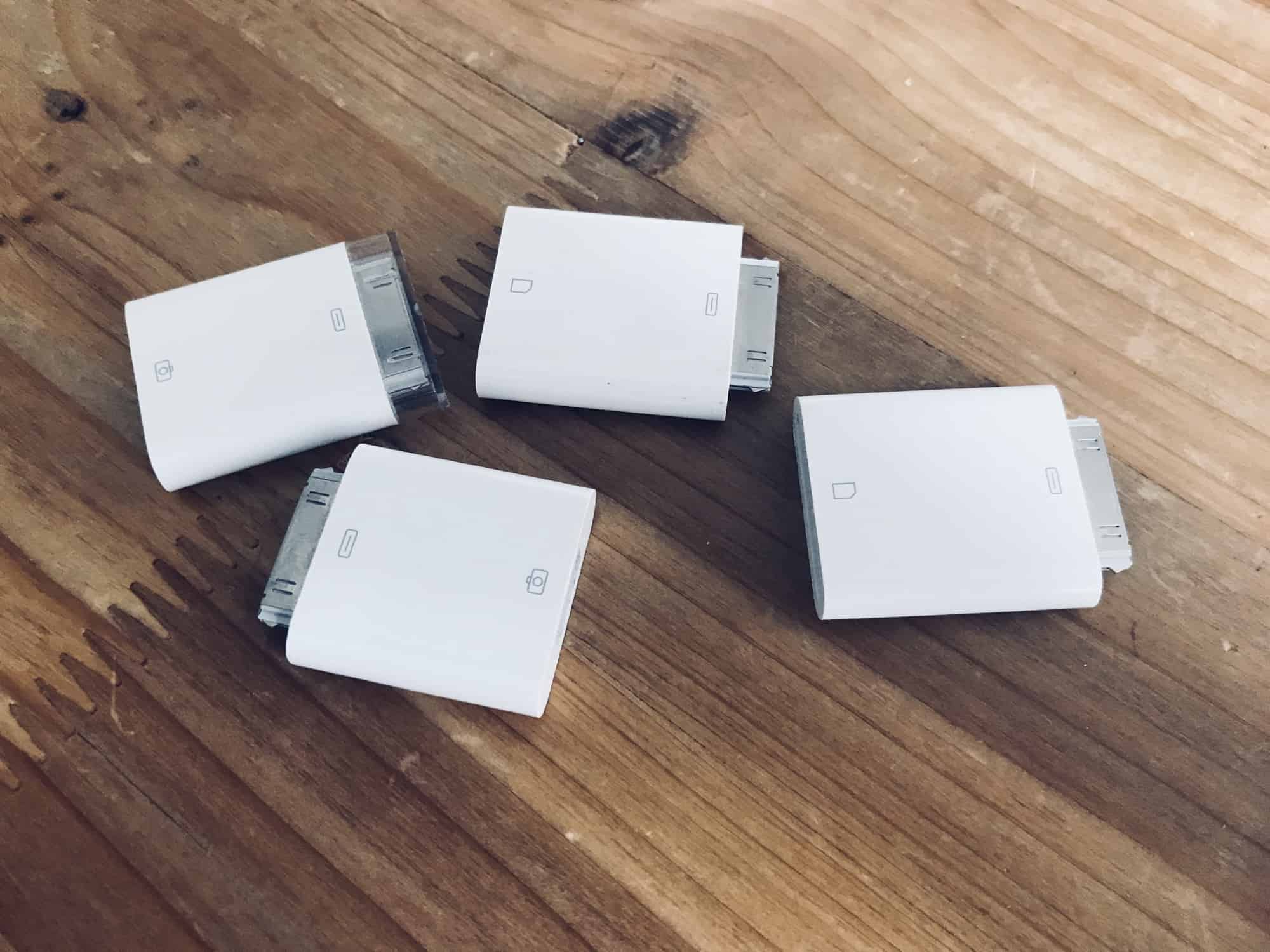
Somehow this happened… Photo: Charlie Sorrel/Cult of Mac
In iOS 11 and earlier, importing photos from a camera to your iPad photo library was always a bit clunky. You plugged the SD card in using the Lightning SD card reader, or hooked up the camera to a USB adapter, and then the Photos import took over your entire screen.
Also, all the images you imported wound up dumped right into your main photo library, leaving you to manually select them later if you wanted to add them to albums.
In iOS 12, Apple improved all of this. Let’s take a look at the great new photo import features in iOS 12.
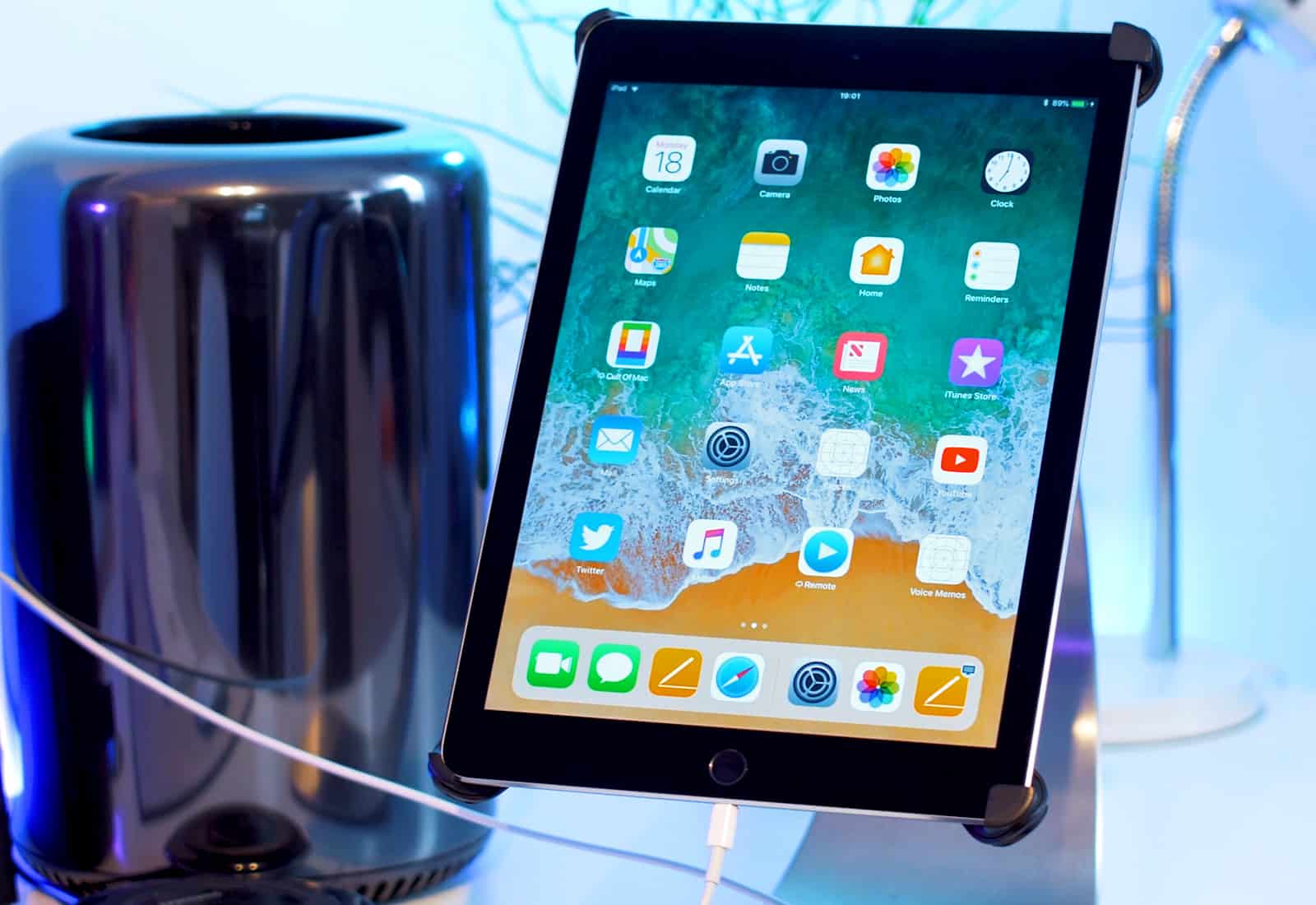
Downgrade from the iOS 12 Developer beta back to trusty 11.4. Photo: Ste Smith/Cult of Mac
There’s an awful lot of coverage of iOS 12 out there at the moment, including early reviews, lists of all the new features, and tutorials that show you how to install the update. But what if you’re already running iOS 12 and you deeply regret upgrading early? How do you downgrade to back to iOS 11.4?
New updates can sometimes be buggy. We think it’s pretty stable but if it’s messing with your iPhone or iPad in a big way there’s still a way to go back to iOS 11.4. That’s exactly what we’re going to show you how to do in our latest video. Check it out below.