Mobile menu toggle

Search results for: 6s

‘Peak smartphone’ is why Tim Cook is so hot for switchers

By

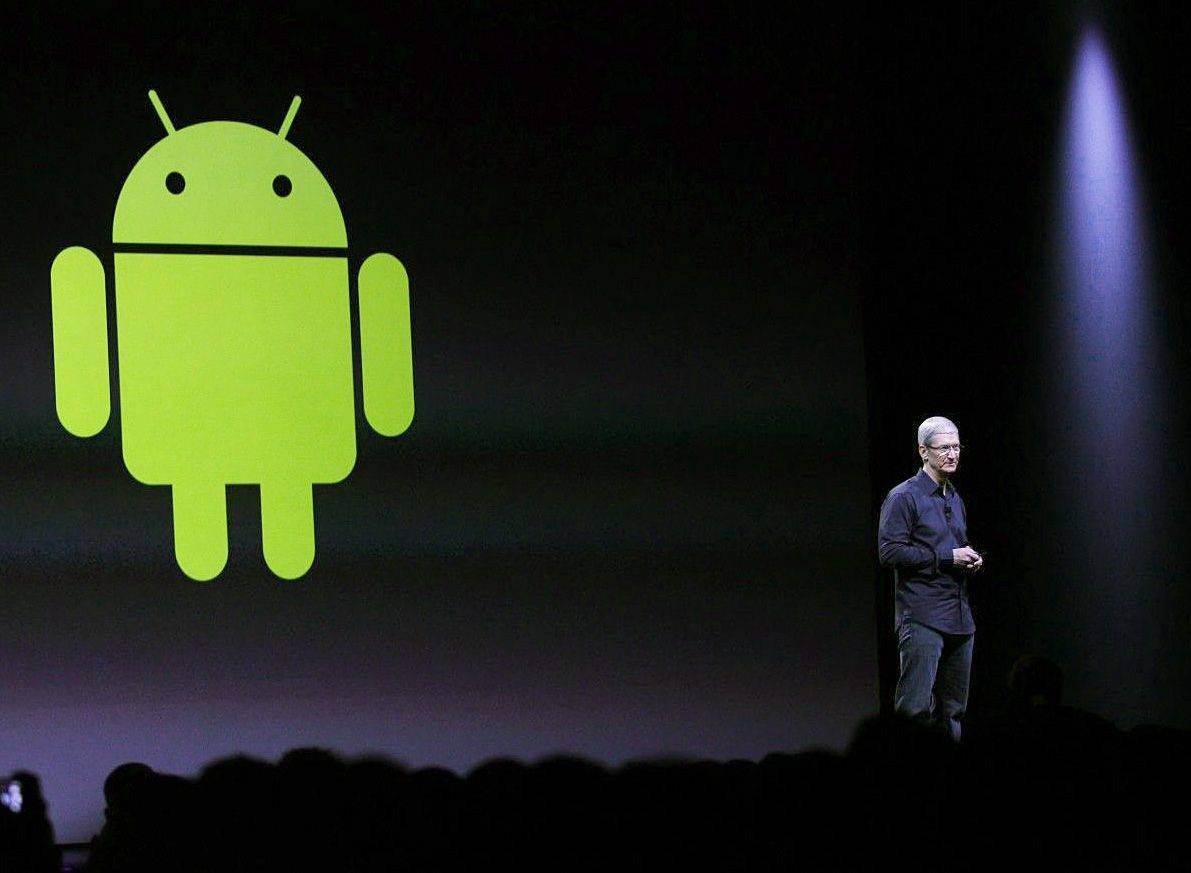
Apple CEO Tim Cook gladly welcomes Android users to make the switch.
Photo: Roberto Baldwin/The Next Web (2014)

Apple convinced us we couldn’t live without a smartphone. Now many of us have a smartphone in hand and Apple may be facing the curse side of the blessing — finding new customers for the iPhone.

Credit Suisse recently issued a report to investors that further fuels speculation that iPhone sales will dip for the first time since Apple introduced it in 2007. The upshot: Smartphone ownership is approaching 100 percent. We’re nearing “peak smartphone.”

Gene Munster admits he got Apple all wrong (again)

By

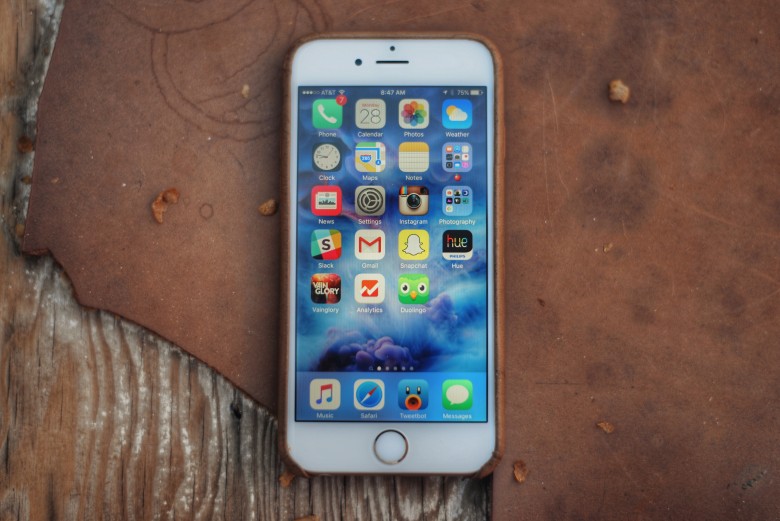
iPhone 6S
The iPhone Upgrade Program could be a monster hit for Apple.
Photo: Buster Hein/Cult of Mac

Hit-and-miss Apple analyst Gene Munster has admitted he couldn’t have been more wrong about the likely customer uptake of Apple’s iPhone Upgrade Program, the $32+ per month scheme designed to get new iPhones into the hands of people happy to pay a monthly fee to Apple.

Apple analyst thinks 2016 is the year iPhone sales finally crash

By

iPhone 6s 3d
Will next year be the year iPhone sales start to decline?
Photo: Jim Merithew/Cult of Mac

Apple’s iPhone business may have been stronger than ever in 2015, but — never fear — the Apple doom predictors are never far away.

In this case, the doom report comes from Morgan Stanley analyst Katy Huberty who predicts that iPhone sales will drop for the first time ever in 2016.

Pro Tip: How to get quick info in Apple Maps with 3D Touch

By

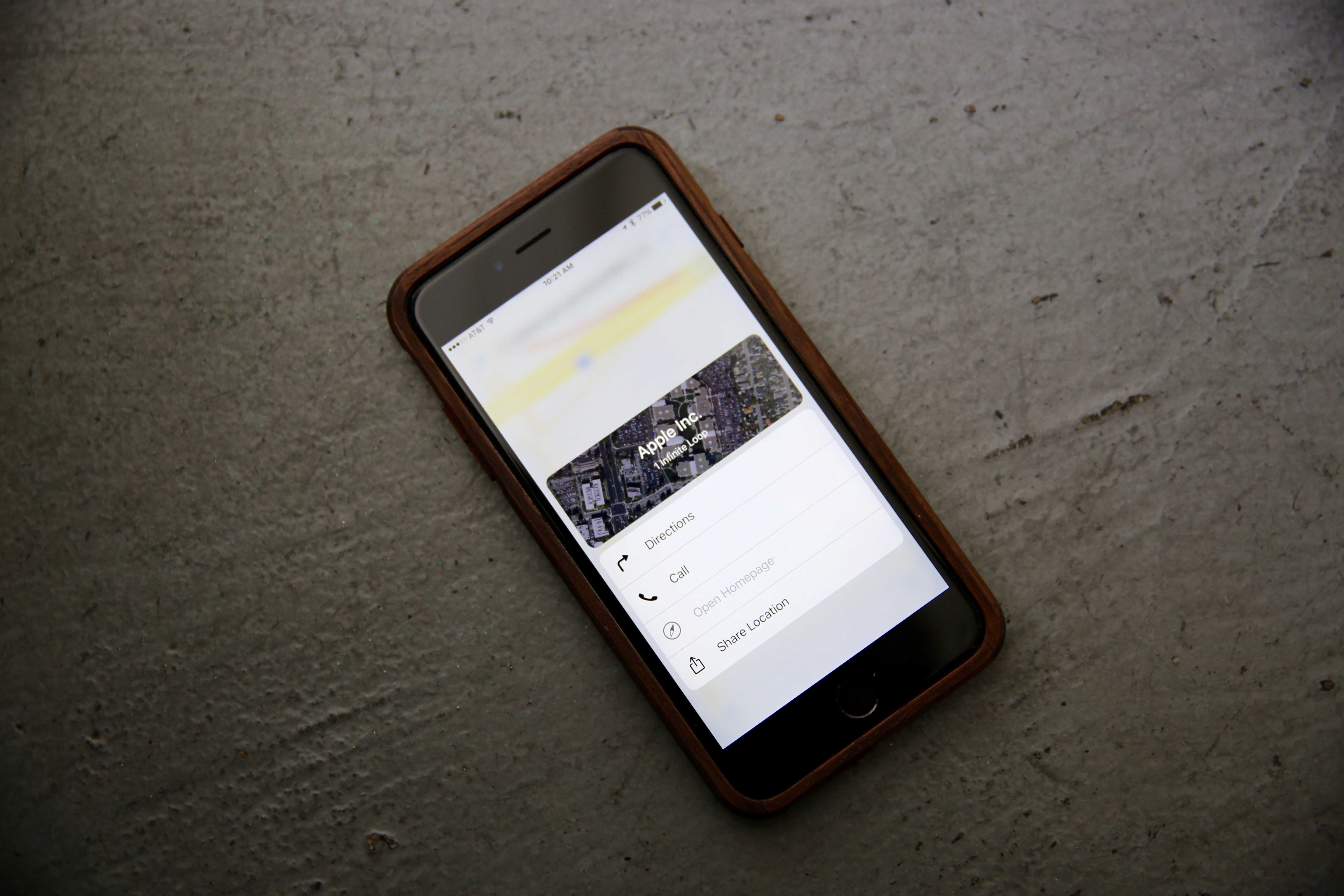
Now it's even easier to get quick info on any business in Maps.
Photo: Leander Kahney/Cult of Mac

Pro_Tip_Cult_of_Mac Maps is shaping up to be a pretty great navigational tool with its tight integration in iOS 9 and OS X El Capitan, as well as with much more error-free data.

I use Maps as a sort of mobile, digital yellow pages, finding businesses in town and looking up their phone number, hours of operation, website address, and more. It’s a couple of taps in, which can seem tedious after a while.

Now, though, with an iPhone 6s or 6s Plus, you can get this info in a summarized form, using the new 3D Touch. Here’s how.

Apple spams older iPhone owners with upgrade ads

By

iPhone 6s
Because who doesn't want unsolicited ads popping up on their iPhone?
Photo: Buster Hein/Cult of Mac

Apple is selling an enormous amount of iPhones right now, but in its efforts to get an extra holiday sales bump it’s pushing an unsolicited pop-up notification to owners of older iPhone handsets — informing them of how “ridiculously powerful” the iPhone 6s is.

You think Apple’s Smart Battery Case is ugly? Wait ’til you see its insides

By

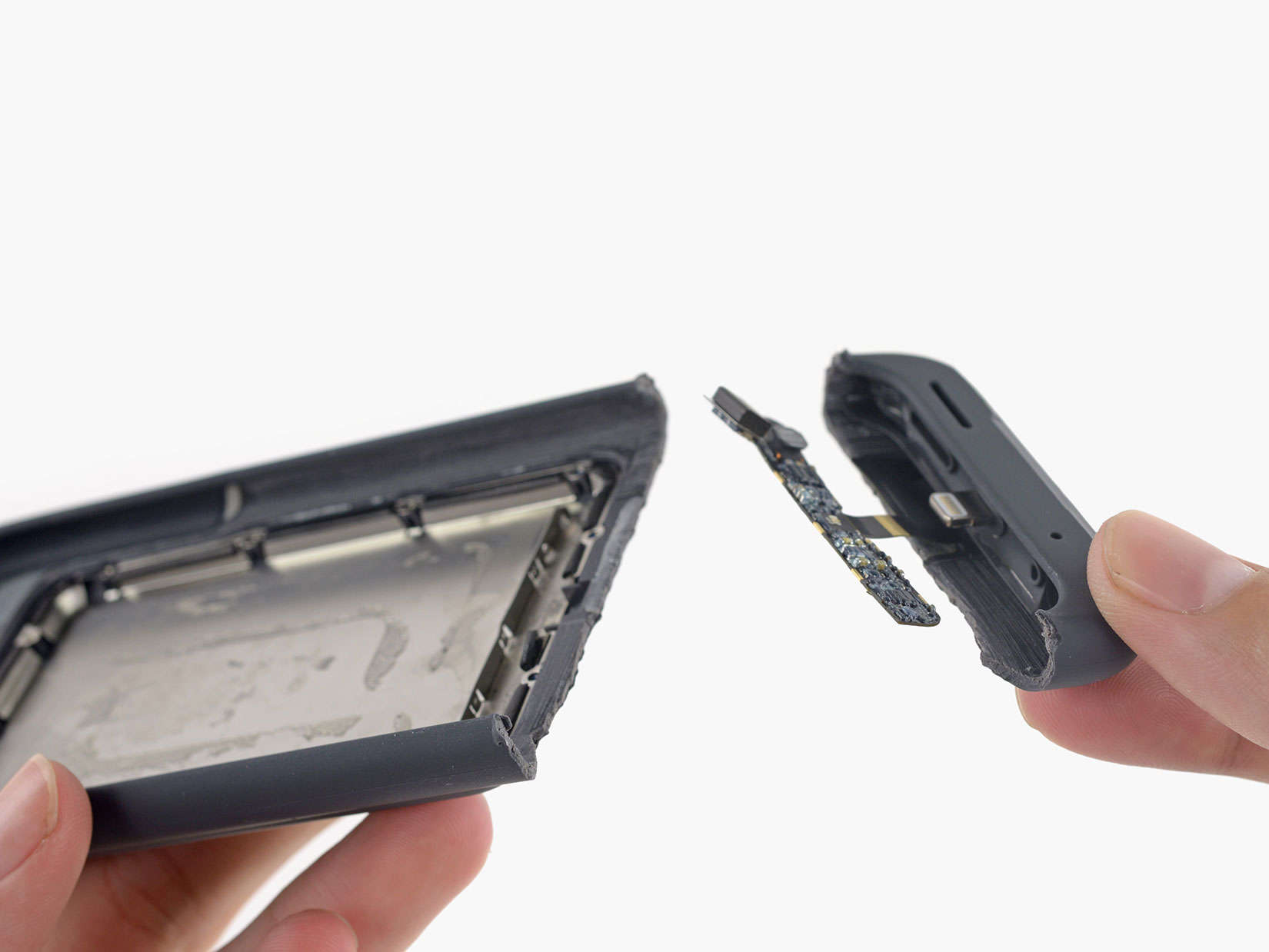
It's what's inside that counts.
Photo: iFixit

For the Apple fans disappointed in the Quasimodo look of the new Smart Battery Case, there is probably great satisfaction in seeing it all busted up. Yes, the staff at iFixit wasted no time prying one open to behold the guts of the beast.

iFixit did not defend the case from the “ugly” tag so many people gave it in its’ first 24 hours of public life. The technicians were impressed with the ducting on the case, which turned a downward-facing speaker into one that faces forward. The microphone also faces forward and iFixit wonders if this a preview on future designs.

Apple makes a splash with new waterproof iPhone patent

By

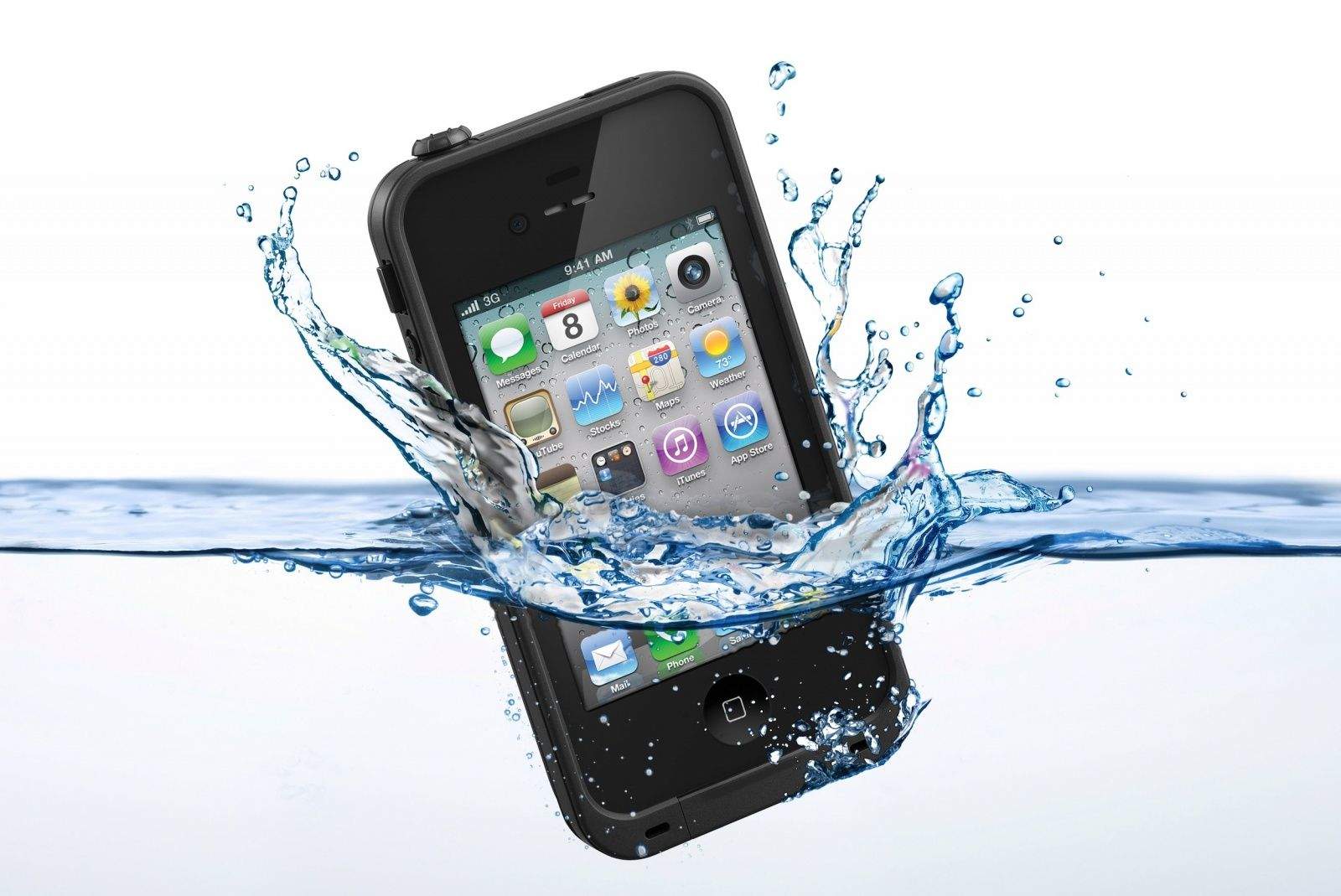
Water way to test your iPhone!
Water way to improve the iPhone.
Photo: LifeProof

Apple today published an intriguing patent application with a unique method for waterproofing future devices — by covering ports, like those for USB or headphones, with self-healing seals.

Described as an, “electronic device with hidden connector,” the invention describes how self-healing elastomeric material could seal each of the ports, which would then be opened by puncturing them with external connectors, such as power or audio feeds, in the event that they needed to be used.

4 features the Apple Watch 2 doesn’t need

By

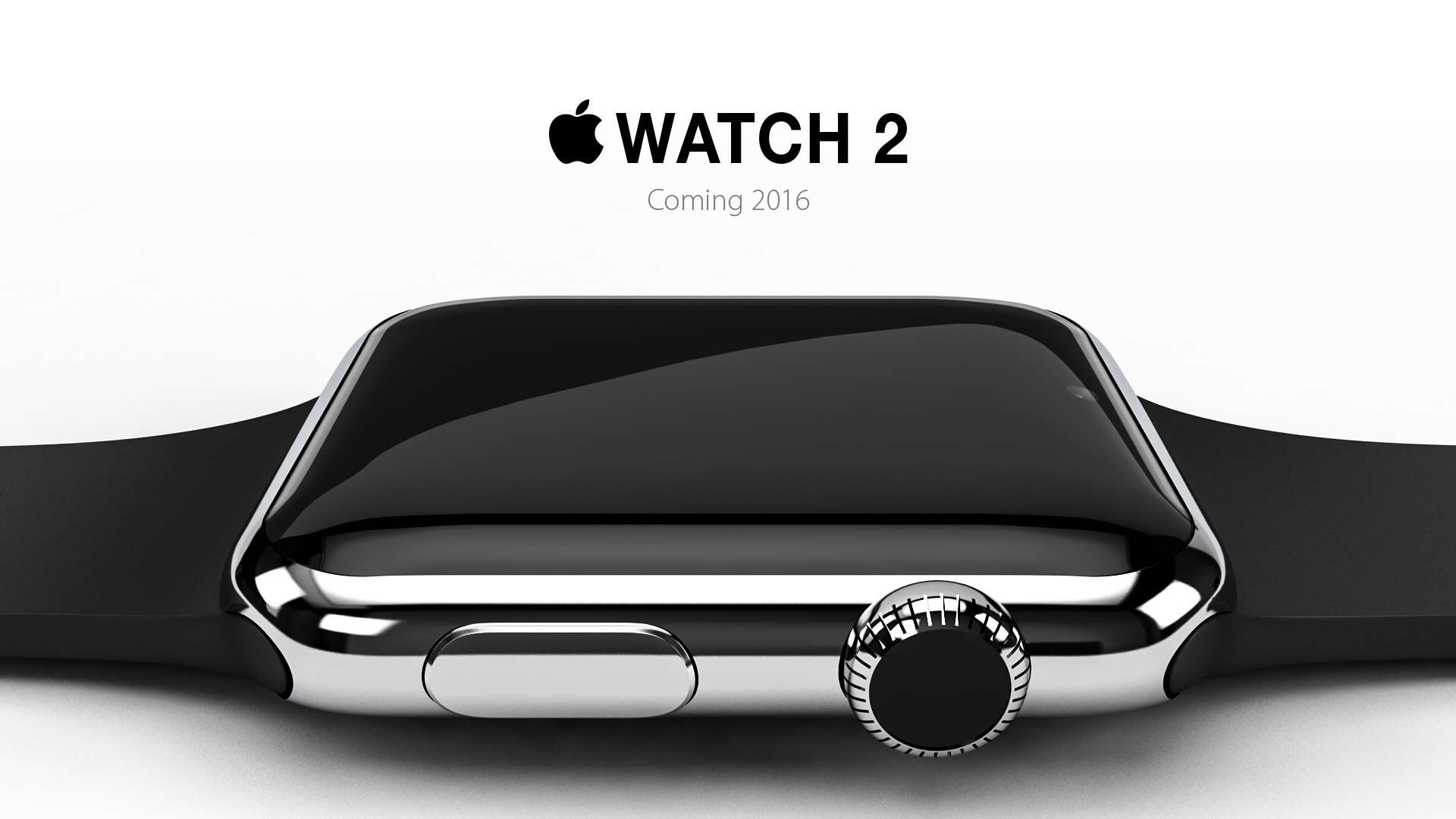
Apple Watch 2 concept by Eric Huismann
The Apple Watch 2 may not look like this, but we'd be fine if it did.
Photo: Eric Heisuman

After the rumblings and grumblings that we’ll get our first look at the Apple Watch 2 in as soon as three months, the Internet is ablaze with all of the great features the update “should” have. But let’s not go overboard, here, because not all of these suggestions would make the new wearable better.

We aren’t talking about Android compatibility, complete independence from its paired phone, or a better battery life; we’d welcome any of those updates in a second. But we couldn’t really see a need or want for a few of the rumored/desired new features, regardless of how crazy awesome they might seem at first.