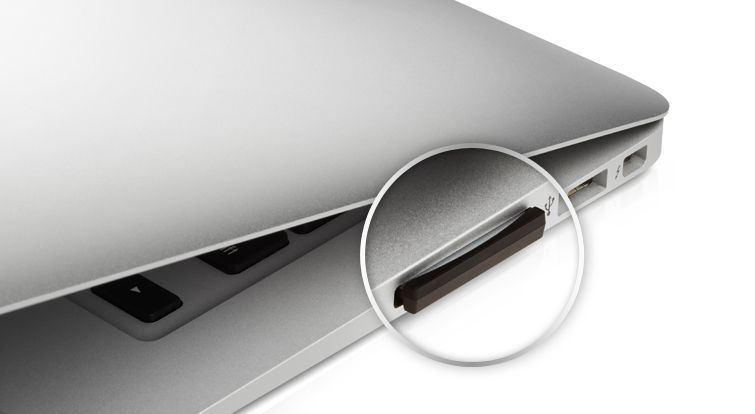
Remember those adapters that let you permanently flush-mount a microSD card in your MacBook Air’s SD card slot, adding welcome (if slow) extra storage to your SSD portable? I certainly do: I mixed up the two main brands when I wrote a review and never heard the last of it.
Now you can skip that extra step, because PNY now makes a sawed-off SD card that does the same job – without an adapter.
Twelve South, maker of several fine iOS device and Mac accessories, has released an updated version of the SurfacePad for the modern MacBook. The SurfacePad is one of Twelve South’s earliest products, and it has now been optimized for Apple’s 2013 laptops.
For the past two years it’s seemed that the Mac was invulnerable to the sudden drop in PC sales that have plagued other OEMs, but things aren’t looking too rosy for the Mac anymore either.
A new study from NPD Group found that Mac sales were flat year-over-year during July, and if things keep going at this rate, Apple’s domestic Mac sales will be down 5% year over year for the September quarter.
When I received the UE Boom in the mail and opened the mailing box, I thought maybe the PR rep had secretly slipped me a bottle of Scotch. Not that I would have minded, of course.
UE Boom by Ultimate Ears/Logitech Category: Bluetooth Speaker Works With: Any Bluetooth Audio Source Price: $199.99
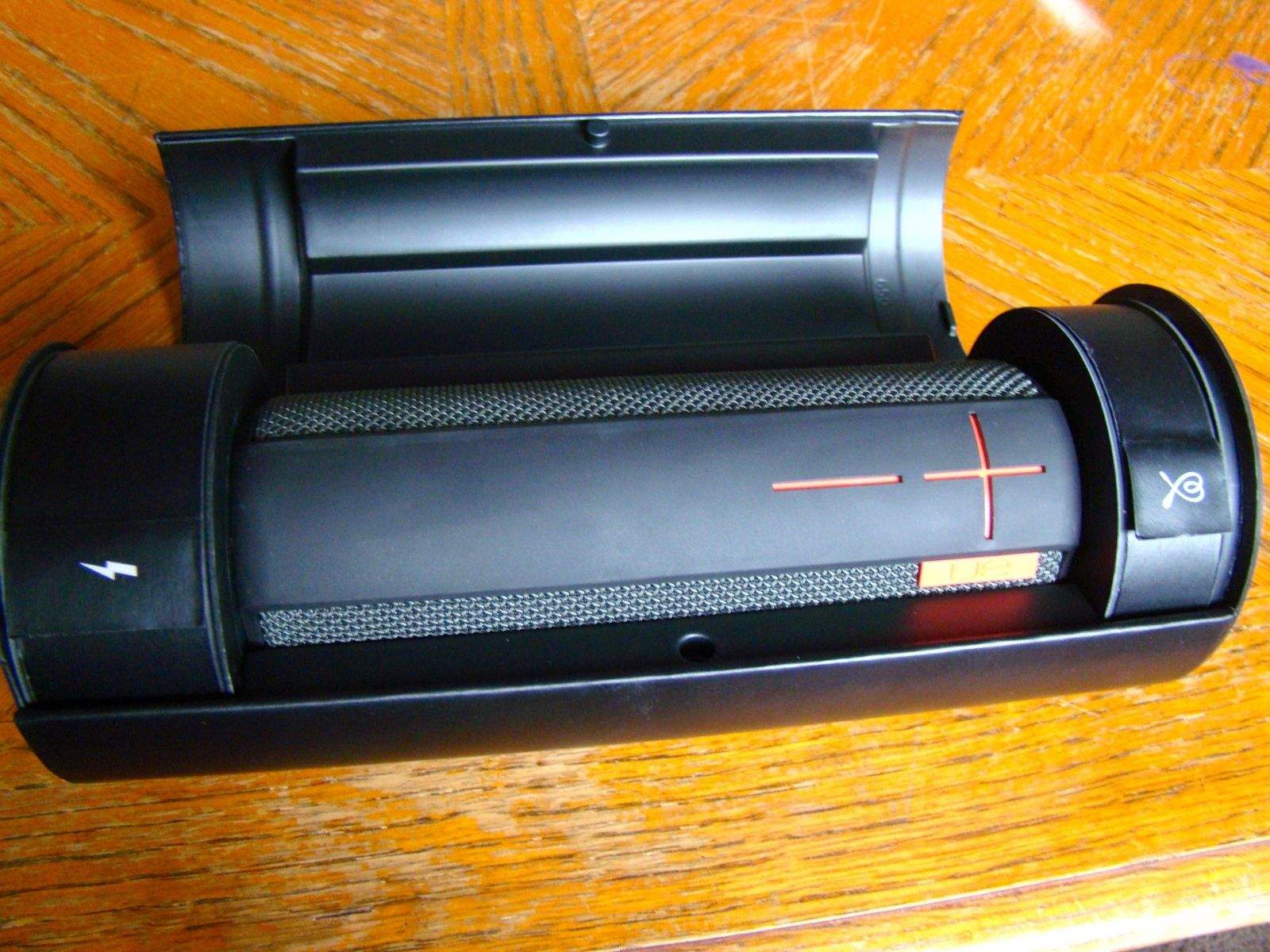
It turns out that this ruggedized little portable Bluetooth speaker by Logitech-owned Ultimate Ears (UE) comes in some slick packaging that I’m loathe to get rid of, it’s that cool. The cylindrical speaker fits snugly in the center portion of the box, and each side has a cute little compartment where the bright yellow power plug and flat premium micro USB cable fit in, each with its respective symbol printed on a little flag. It’s striking packaging, which should go over well with consumers.
Luckily, the actual speaker here, a smallish cylinder made to be set on end vertically as well as on its side horizontally, is a fantastic sounding Bluetooth speaker, with a full, clear tonal spectrum that’s surprising in something so small. The bass response could be a bit punchier, but I don’t find that to be an issue at all, and actually prefer the more balanced tonal approach.
If you’ve already got Parallels Desktop for Mac – version 6 or 7 – then The Parallels Upgrade Mini Bundle from Cult of Mac Deals is going to get you that much-needed upgrade – along with an app that will clean up your Mac in the process.
I saw this tip over at OS X Daily today, and it reminded me of all the times I did this as a Mac IT guy a couple of jobs back.
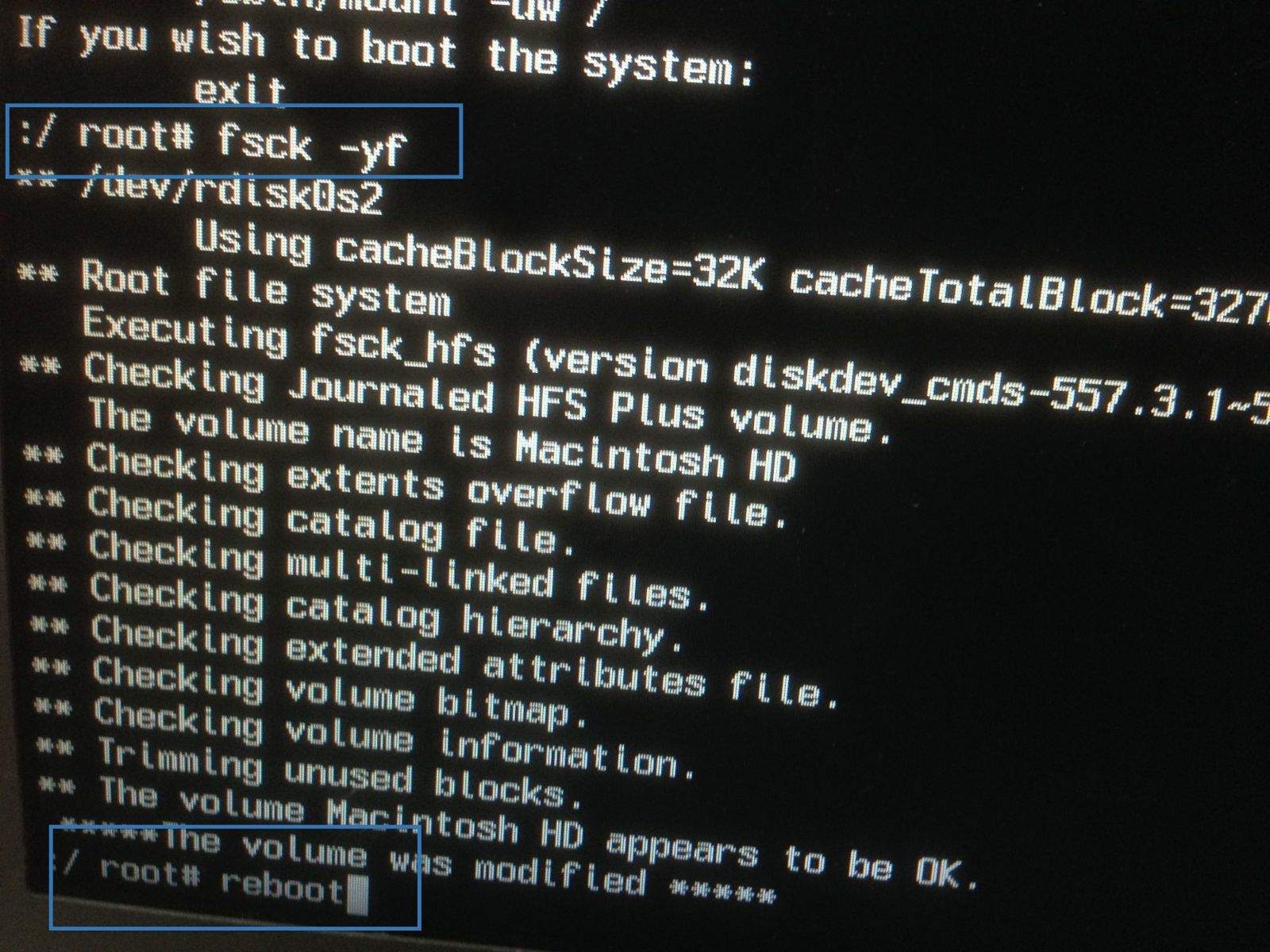
See, every so often, the Macs where I worked would start to act weird. Nothing truly game-stopping — just little things, stuff that was easily worked around but always a little bit annoying. The first stop when things are weird, for me, was always Repair Permissions in the Disk Utility app. I’d usually then Verify the disk in that very same app, and see if it returned any errors. If not, I’d usually drop into single-user mode and do a file system check.
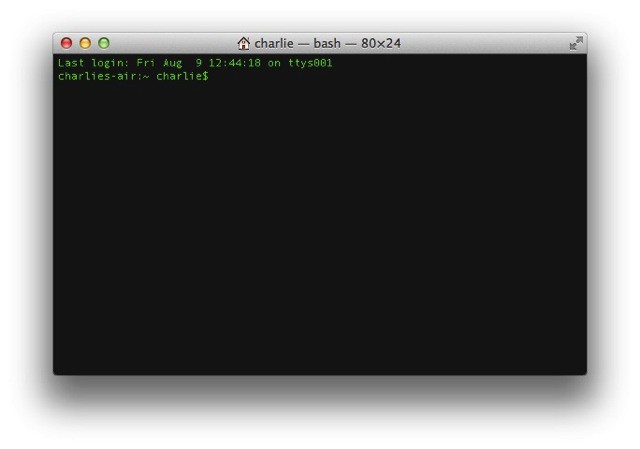
If you liked my how-to on rolling your own ImageMagick-based OS X Services using shell scripts, you’re going to love OptiPNG. It’s another command line utility that can be used to shrink PNGs without losing any quality.
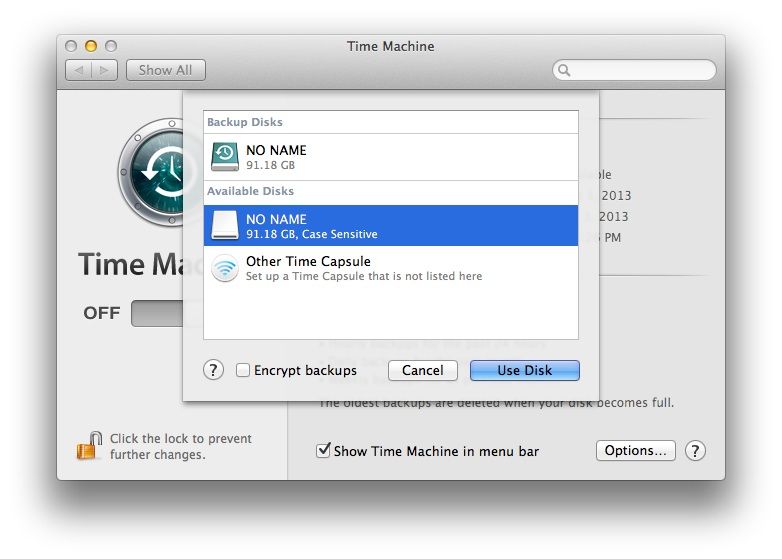
Backing up your Mac via Time Machine is highly recommended, and super easy to do, as well. It’s really the only backup system I’ve ever found myself using on a regular basis, because it’s so simple to use and easy to set up. All you need to do is connect any USB drive to your Mac, head to the Time Machine preferences, and select that USB drive as your Time Machine backup. Mac OS X does the rest.
I was thinking, though, that since I back up my Macbook Air onto a 128 GB flash drive, it’s even more possible than ever that someone might get a hold of the drive and then be able to have all my backed up stuff on it. That’s not a huge deal for me, as I don’t keep much on the Macbook Air in terms of private stuff, but if I did, I’d want to keep those files extra secure.
Encryption could be the answer, and Mac OS X Mountain Lion makes it easy.
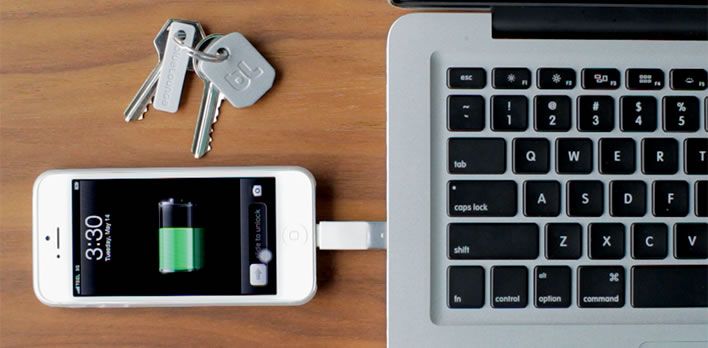
Kii by Bluelounge Category: iPhone Cables Works With: Any iPhone or iPad Price: $19.95-39.95
We’ve all been there: out of juice on the road and with no charging cable on hand. You can, of course, carry around a 30-pin or Lightning charging cable with you, but that takes up space. There’s something to be said for a small footprint and peace-of-mind.
Enter the Kii by Bluelounge. It’s sync-and-charge piece of mind on a keychain, in a very convenient form factor.
Pegatron may be gearing up to take on future iMac orders from Apple after “some related upstream supply chain players” revealed that they have sent iMac components to Pegatron for assembly. Quanta is currently tasked with assembling Apple’s popular all-in-one, and it’s unclear whether the two will now work side-by-side or whether Pegatron will take over.