Mobile menu toggle

Search results for: "MacBook Air"

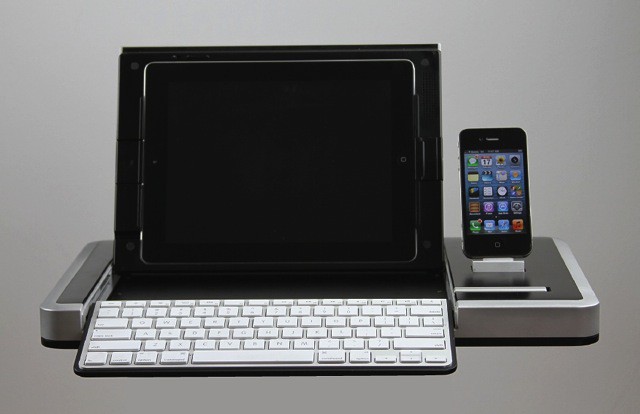
The Awesome Modus III Packs Every Known iPad Accessory Into One Giant Package

By

modusiii.jpg

You’re going to love this one. What if I told you there was an iPad accessory that combined a full-sized keyboard, a case, a desktop tray and an iPhone dock, plus a compartment for storing a whole mess of charging and connection accessories. And what if I told you this behemoth was styled into a package that would make a 1990s-era traveling businessman proud to use it?

Well, as you may have suspected, this absurdity does exist. It’s called the Modus III, and it’s all kinds of awesome.

Quickly Access Time Machine Options Right In The Menu Bar With Mavericks [OS X Tips]

By

Browse Other Backup DIsks

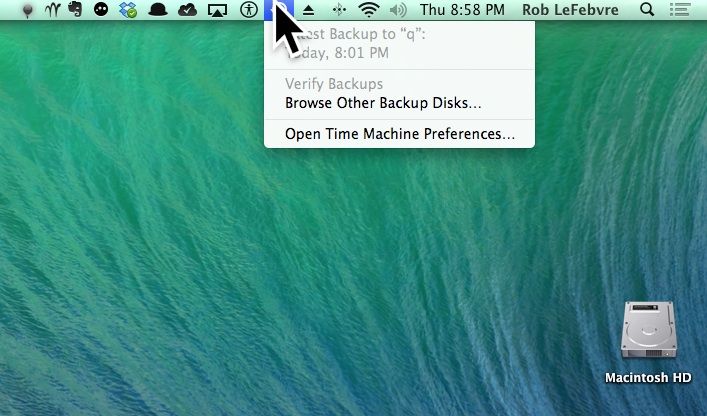
On my Macbook Air running OS X 10.8 Mountain Lion, when I click on the Time Machine backup menubar item, I see the option to browse other backup disks. That’s a pretty cool option, if I need to switch between different disks to backup my Mac; maybe to make a secondary backup for redundancy.

In Mavericks, the Time Machine menu bar icon doesn’t have this option any more, instead only showing Stop This Backup when backing up (or Back Up Now when it isn’t), Enter Time Machine, and Open Time Machine Preferences. If you’re wondering where the option to browse other backup disks has gone, you’re not alone.

Do It Your Way – Set A Custom Delay Period To Unhide The Dock [OS X Tips]

By

Dock Unhide Delay

I routinely hide the Dock on my Macbook Air, since it takes up a significant portion of my screen. While I use Alfred most of the time to launch apps and such, I still like to use the Dock; call it a hold over from the last ten years or so.

Sometimes, though, when I move the mouse cursor over to the side of the screen I keep the Dock on (the left, if you’re curious), it pops up even when I don’t want it to.

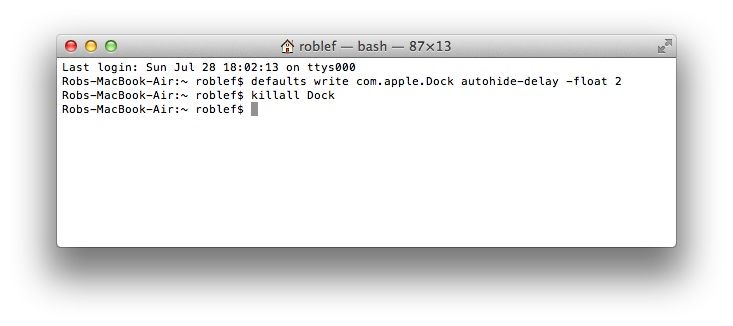
Then I found this Terminal command which lets me set the time delay between when my cursor hits the edge of my screen and when the Dock actually appears. Now I have the delay period set to a larger number, making it much slower to respond and unhide.

Retina MacBook Pros With Haswell Processors May Not Arrive Until October [Rumor]

By

Retina-MacBook-Pro

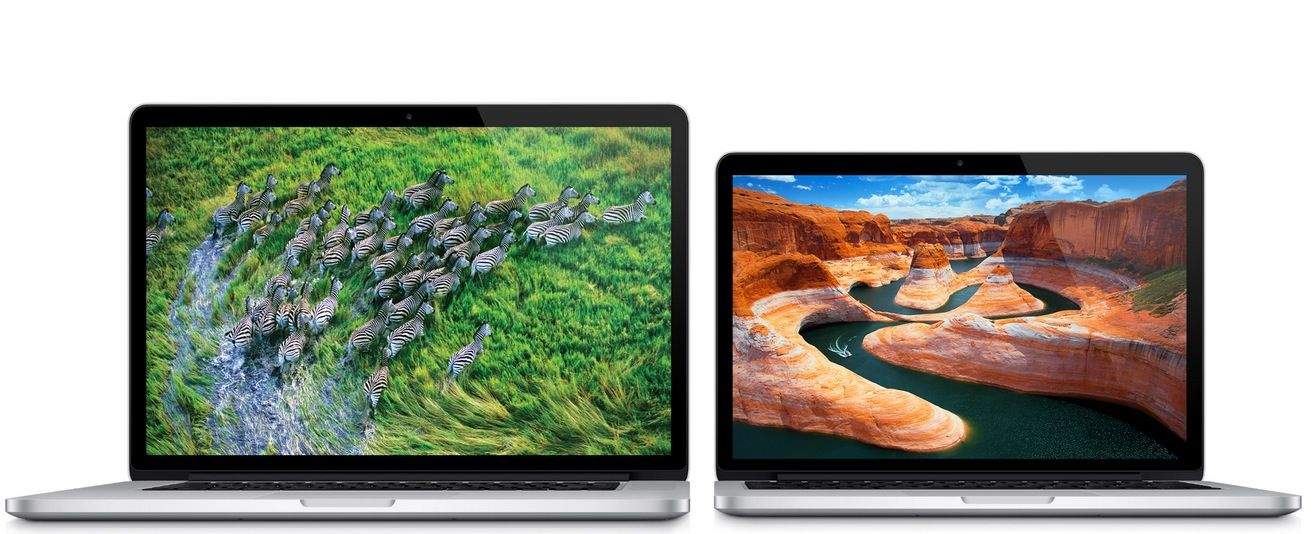
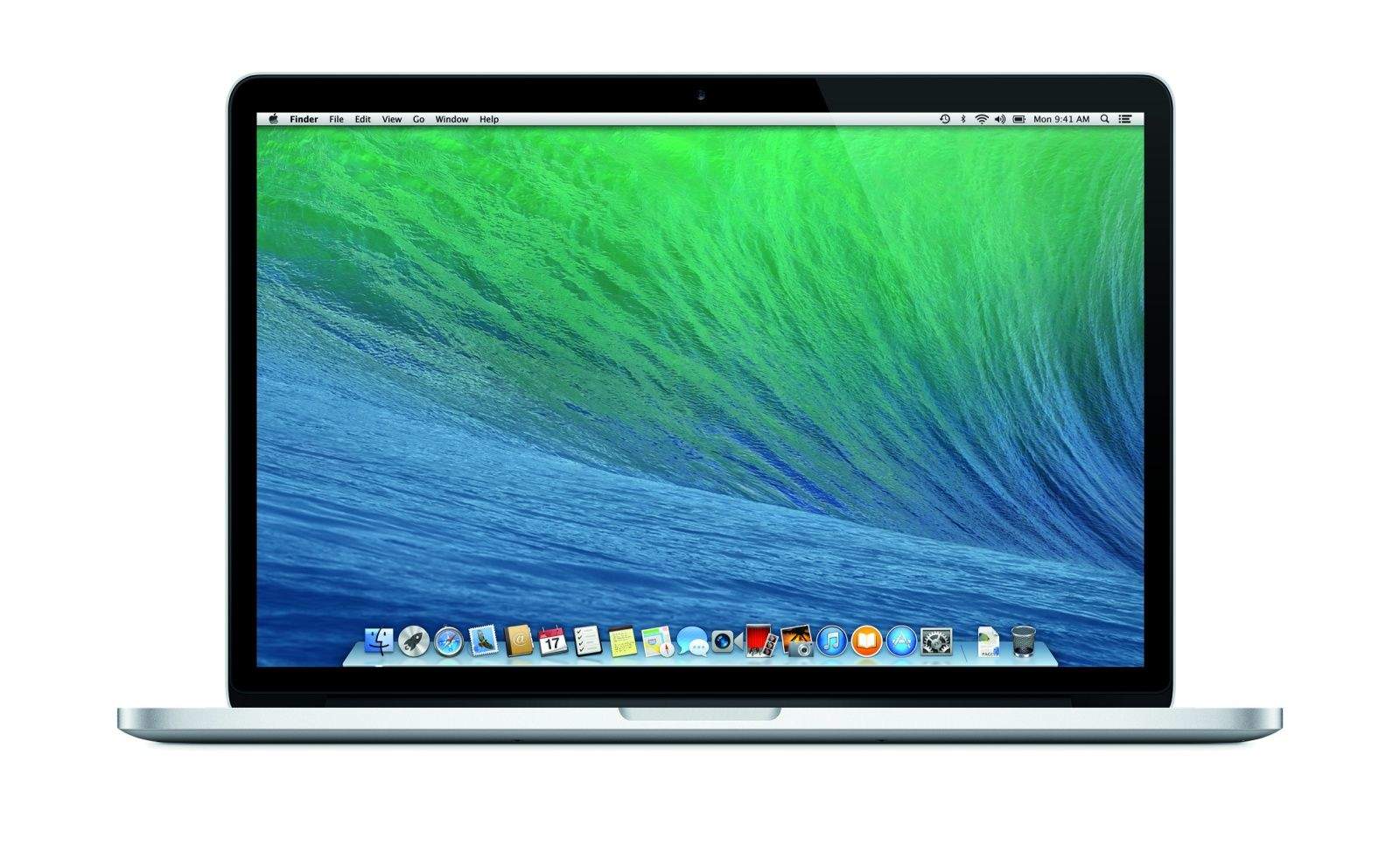
Apple’s next-generation Retina MacBook Pros, which will be equipped with Intel’s latest Haswell processor, may not arrive until October, according to a new report from China Times. The machines were expected to make their debut in September, but due to yield issues affecting its high-resolution Retina display, Apple has had to delay the launch.

Escape Screen Sharing Via Alfred Or Quicksilver Using Command-Tab [OS X Tips]

By

Alfred Screen Sharing

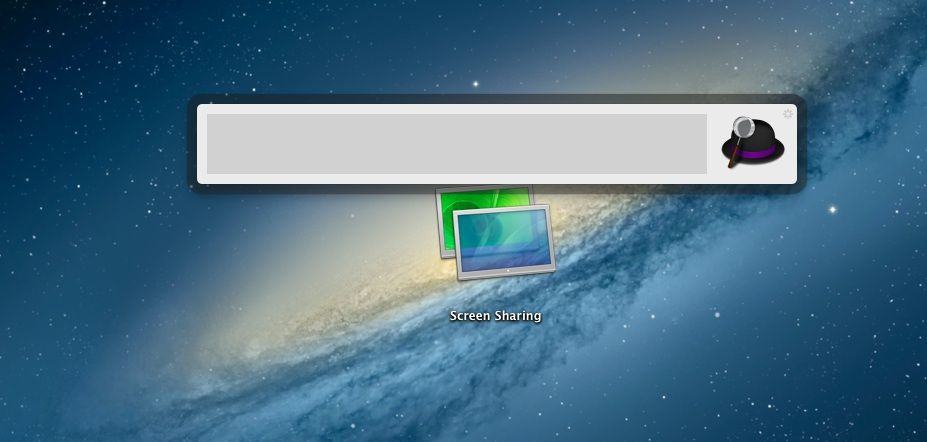
I use Apple’s built-in Screen Sharing app all the time to connect from my Macbook Air to my Mac Mini. It’s a great way to just quickly log in from the Air and restart a Minecraft server, for example, or get a screenshot of the latest OS X Mavericks beta feature.

I also use Command-Tab a lot on my Macbook Air to switch between running apps. However, I was never able to Command-Tab my way out of Screen Share, as the keyboard combination gets sent to the remote Mac Mini, keeping me fully in Screen Share Mode.

Until now.

OWC Envoy Pro EX Portable SSD Drive Is Gorgeous But Crazy Expensive

By

envoy-pro-ex-keyboard_2.jpg

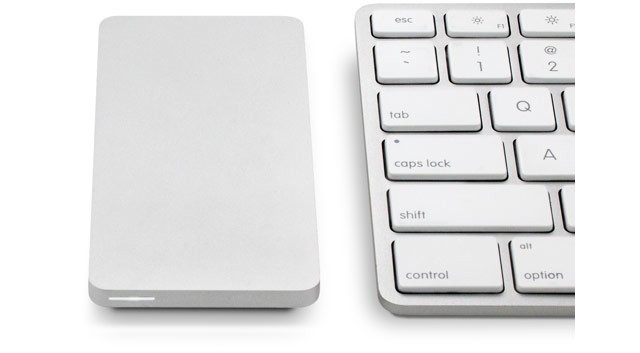
I love the look of OWC’s Envoy Pro EX. It’s a tiny external USB 3 drive which makes even a pocket HDD look bulky, and it packs a 240GB or a 480GB SSD, making it as fast as you’ll ever need.

But there’s one small problem: even the little one is $315, and the 480-gigger is almost $600. Ouch.

Leaked Benchmarks Show A New MacBook Pro Is Coming

By

MacBook-Pro-with-OS-X-Mavericks

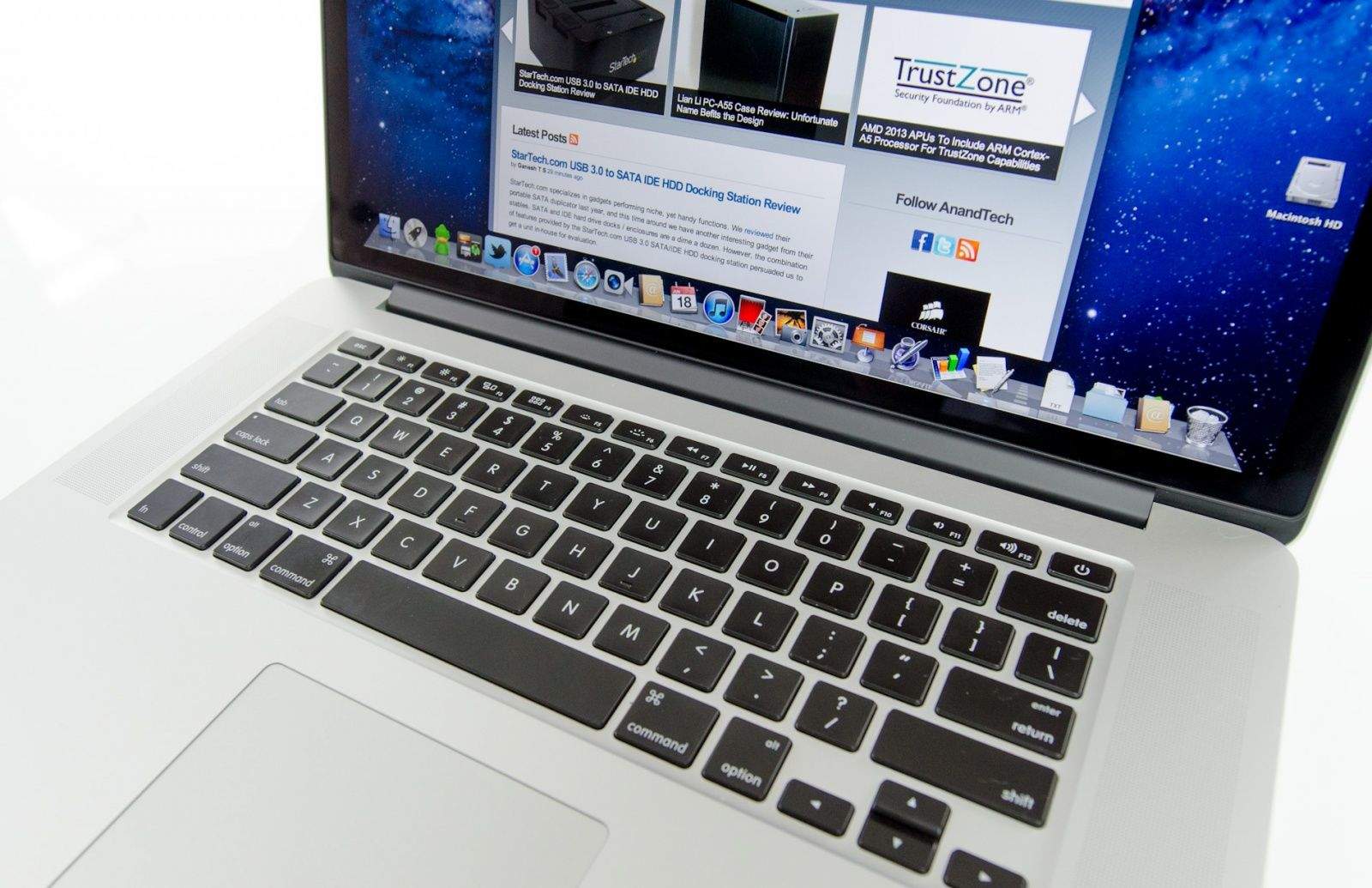
Although Apple beefed up the MacBook Air line at WWDC last month with new ultrabooks packing Intel’s Haswell processors, they have yet to upgrade the venerable MacBook Pro with the same technology. That’s a bummer, because Haswell can greatly improve battery life without sacrificing speed… surely the kind of tech you’d want in a Retina MacBook Pro.

We still don’t know when we’ll see the MBP line updated, but it’s looking like it might be happening soon, with new benchmark results for a next-gen 15-inch MacBook Pro popping up on a community benchmarking site.

Seamlessly Transfer Files With DiskAid [Deals]

By

CoM - DiskAid

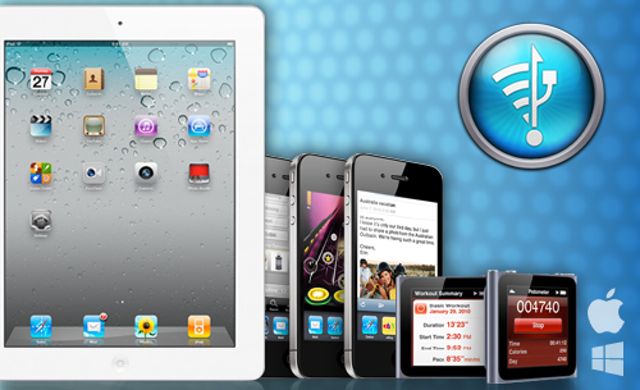
Have you been looking for unbridled file transfer between any computer and your iOS devices, without the authorization limits imposed by iTunes? Want to be able to do it anywhere and anytime? Now you can…with DiskAid.

DiskAid is iPhone file transfer software for PC and Mac, giving you access to the iOS file system via USB connection or wi-fi. And Cult of Mac Deals has it for just $10 – a savings of 66% – but only for a limited time.