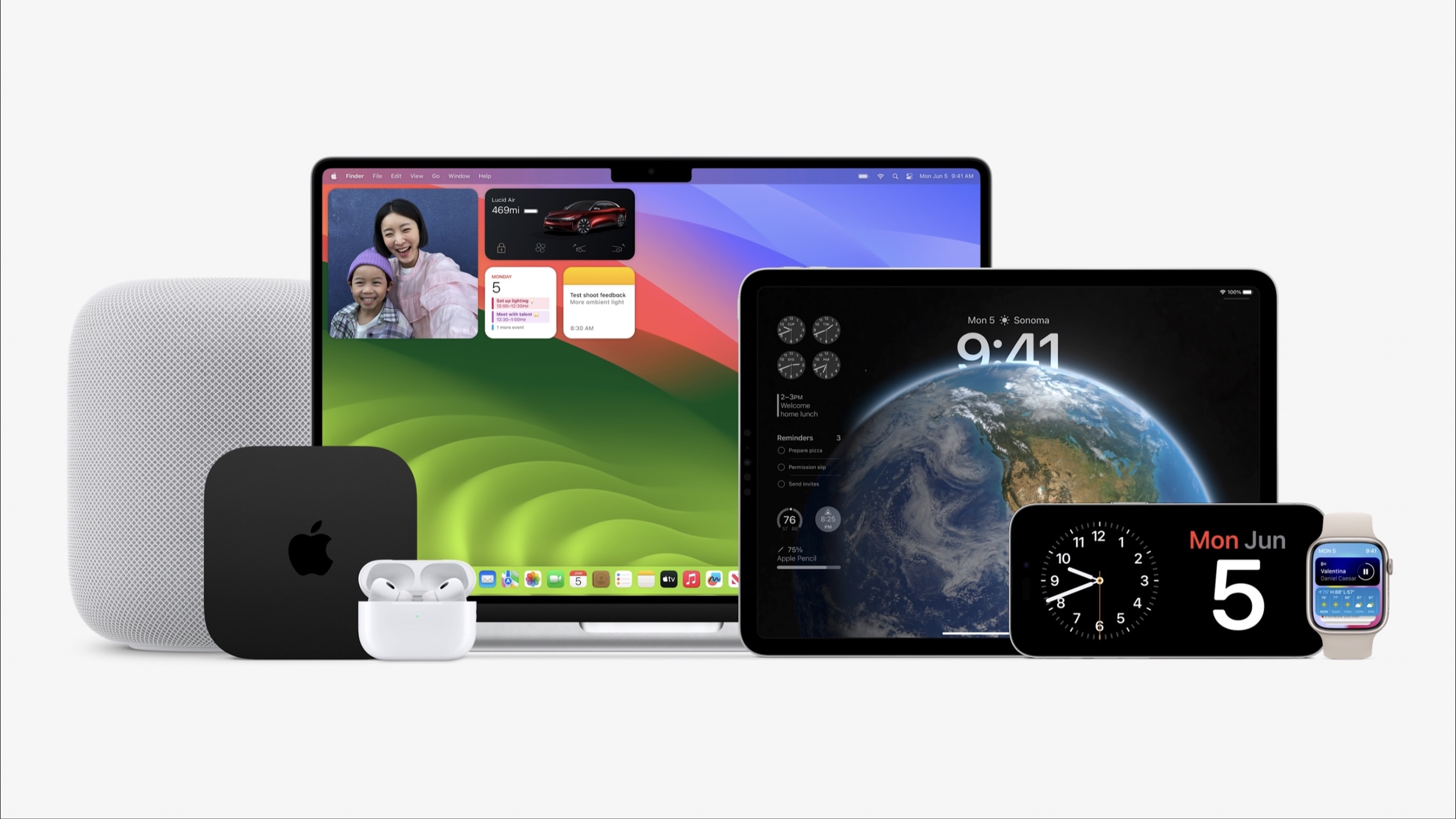
Apple is dropping support for several devices with iOS 17 and iPadOS 17. Photo: Apple
Apple announced iOS 17, iPadOS 17, watchOS 10, and macOS Sonoma at the opening keynote of WWDC23. While these OS’s won’t launch anytime soon, when they do land, your old Apple device might be incompatible.
Below is a list of all the iPhones, iPads, Apple Watch, and Macs compatible with iOS 17, iPadOS 17, watchOS 10, and macOS Sonoma.
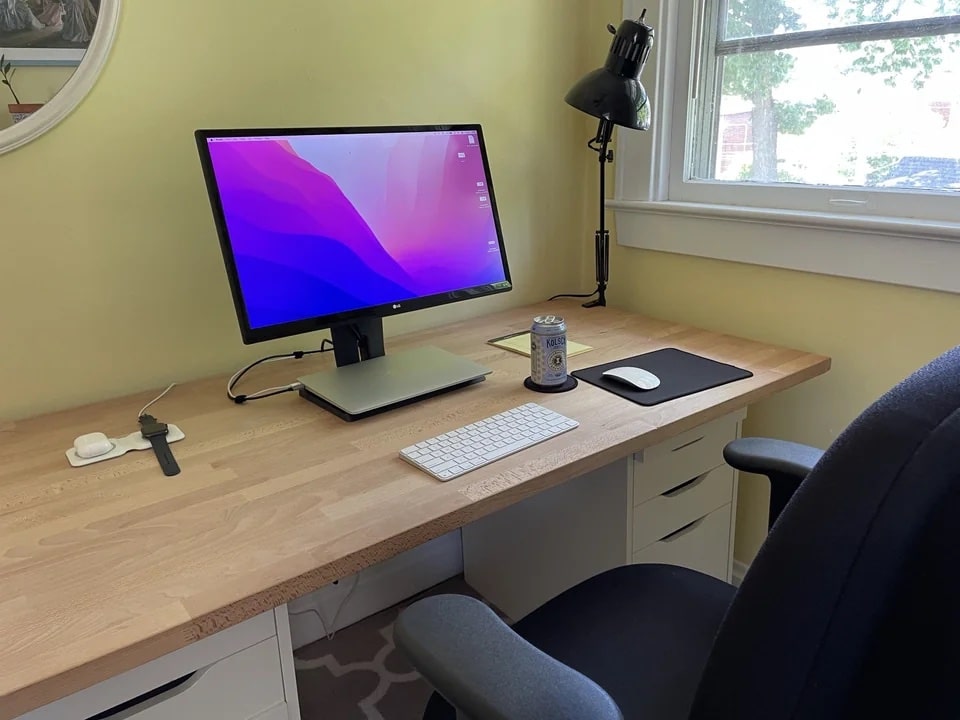
You may already have a mouse pad in your computer setup, but what about a desk mat? Similar concepts in some ways, those two. But many folks may not even think of a desk mat as a necessary item in a computer setup. Or they may consider it an afterthought rather than any sort of priority.
But the humble desk mat, reminiscent of grandpa’s desk blotter, has its benefits. And that came up with today’s featured, desk-mat-free M1 MacBook Air setup.
Apple has plenty of announcements lined up for WWDC23 Photo/Graphics: Apple/Rajesh
With Apple’s Worldwide Developers Conference just a week hours away, anticipation is building for what looks like one of the company’s most momentous events in years. In addition to the next versions of iOS, iPadOS, watchOS and macOS, Apple reportedly plans to use its WWDC23 keynote on June 5 to showcase some very interesting hardware.
Here’s a roundup of what to expect from the WWDC23 keynote, which streams live at 10 a.m. Pacific today.
You gotta wait until WWDC23's opening keynote is over to order stuff from Apple's online store. Screenshot: Apple/Rajesh
Apple’s online store down a few hours ahead of the WWDC23 opening keynote. The Cupertino company could announce several new hardware products at the event.
Alongside the 15-inch MacBook Air and new Mac Studio, Apple will also unveil iOS 17, iPadOS 17 and watchOS 10.
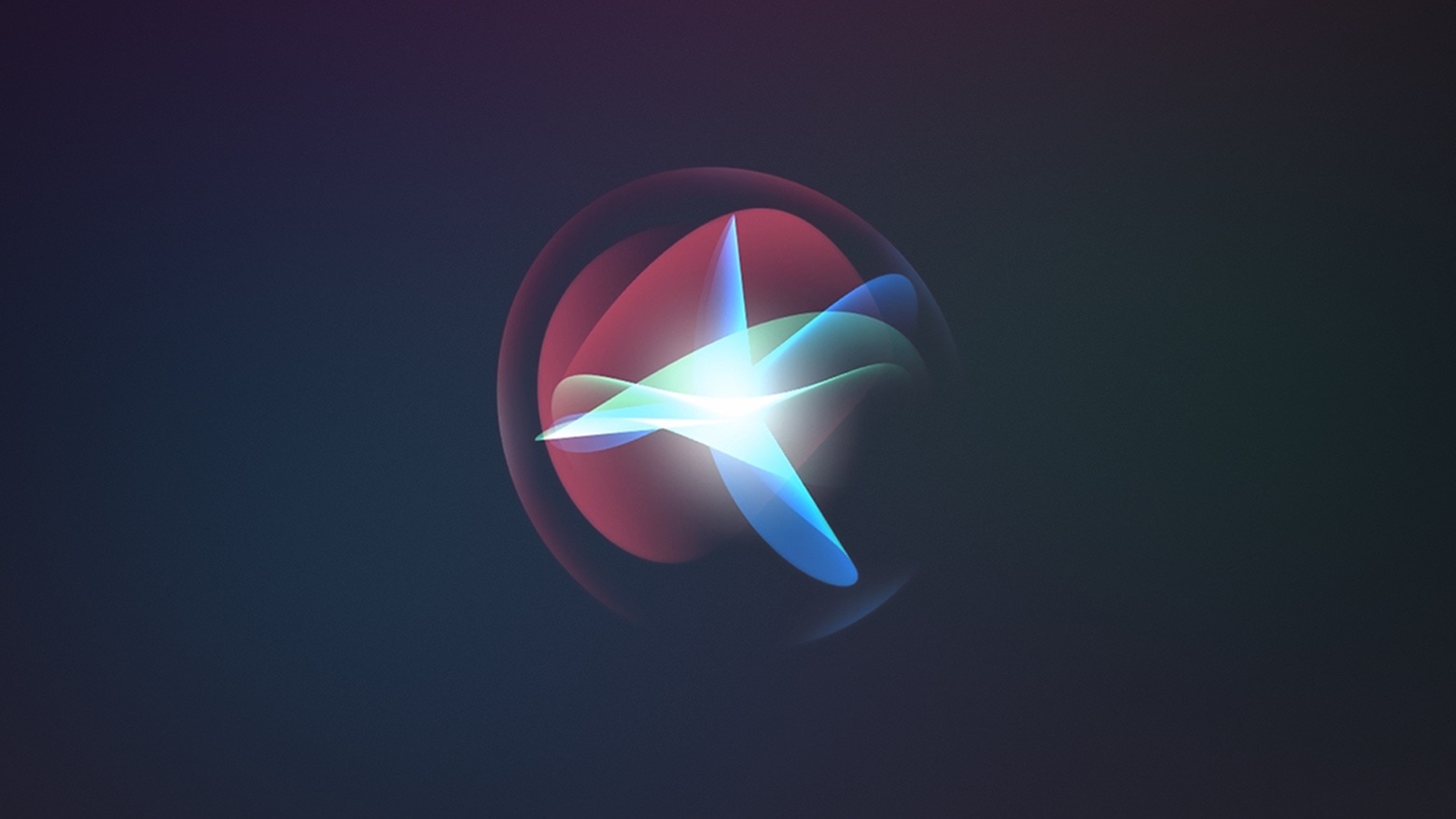
Activating Siri may soon get simpler. Image: Apple
The “Hey Siri” trigger phrase for Apple’s virtual assistant could go away soon, replaced with a shorter version. And the change might be announced at WWDC23 next week.
Being able to activate Siri by simply saying “Siri” near an iPhone, HomePod, etc., could make activating Apple’s virtual assistant easier.
Apple’s Worldwide Developer Conference once again takes place at Apple Park in Cupertino. Photo: Arne Müseler/Wikimedia Commons/Apple
Apple’s WWDC keynote is the biggest event of the year, kicking off the annual cycle of software updates and changes to every single platform — iPhone, iPad, Mac, Apple Watch and Apple TV. Only a few people buy a new Apple product every year, but everyone has something to look forward to after WWDC. How can you watch it all unfold this Monday?
You can watch the live stream on the web on Apple’s website or on YouTube, inside the free Apple Developer app, on your smart TV, and for a select lucky few, in person — my tips on how to make the most of that and more are all below.
The 2023 Mac Studio might debut as soon as next week. Photo: D. Griffin Jones/Cult of Mac
Apple could launch two new high-end desktop Macs at WWDC23 next week. Labeled internally as Mac 14,13 and Mac 14,14, the two machines could be Apple’s most powerful Macs yet.
Likely aimed at professionals, the new desktop Macs — likely updated versions of the Mac Studio — reportedly will feature M2 Max and M2 Ultra chips. The rumored specs point to big performance boosts.
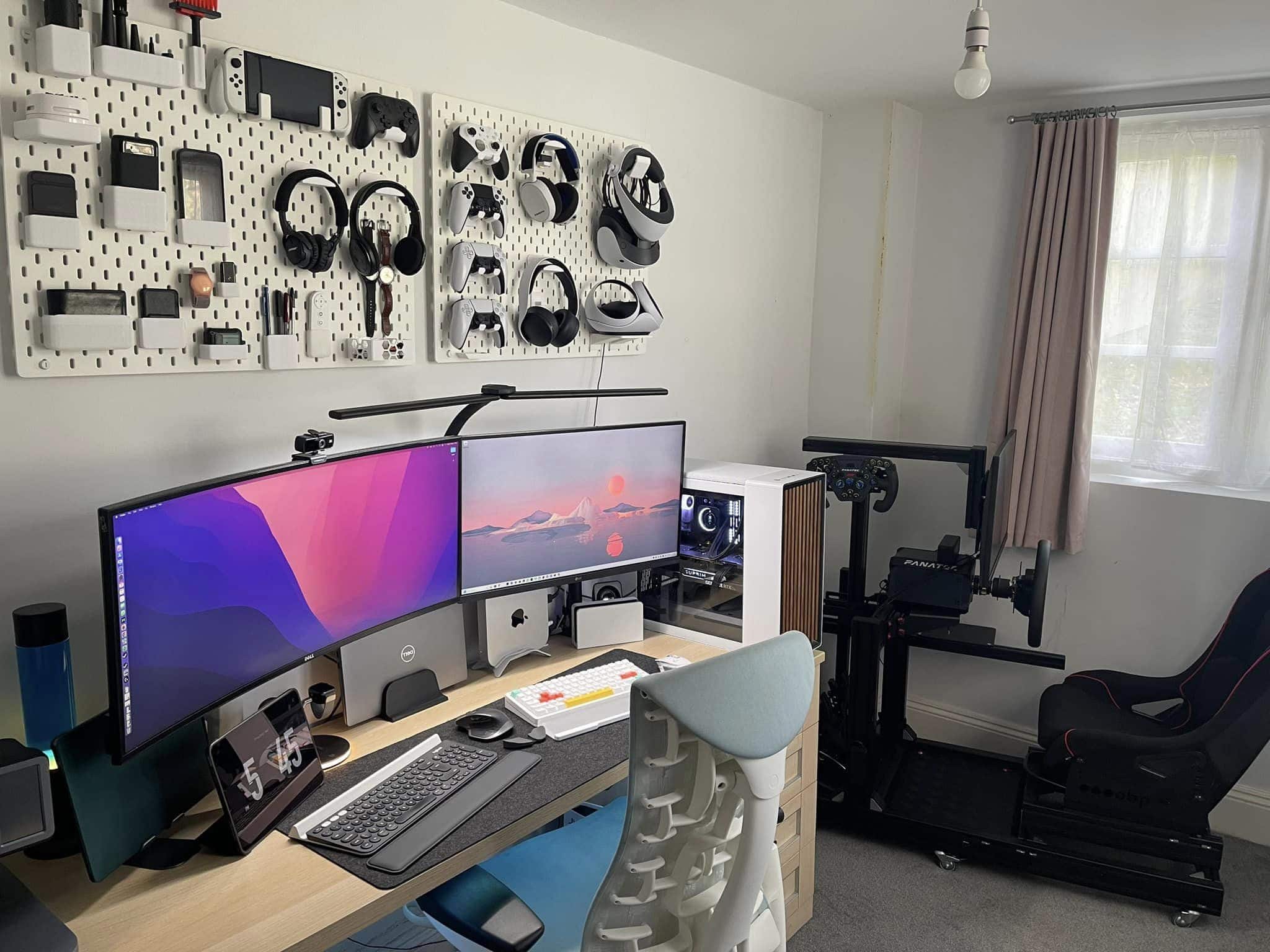
Just check out those pegboards holding many and varied gaming implements. Photo: Sajid Kahn
Some computer setups blow you away with the sheer number of components they include. Today’s featured M1 Mac mini rig not only has five computing devices — not counting a whole wall full of gaming systems — its gear list at the bottom of this post includes 33 items.
And that doesn’t even count the 3D printer, smartphones and a bunch of other items the user showcased.
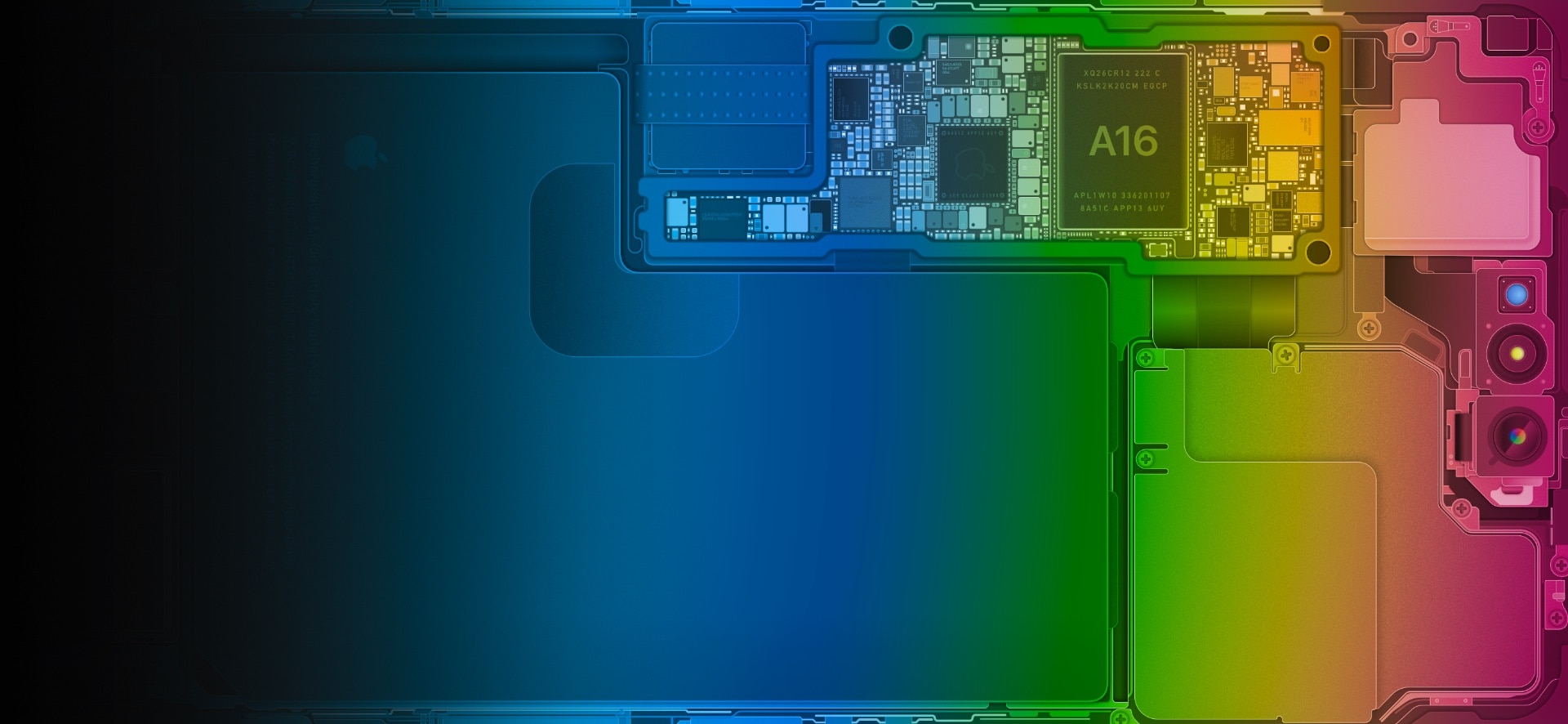
Here's the look for iPhone 14 Pro Max. Photo: Basic Apple Guy
On Thursday, noted Apple enthusiast Basic Apple Guy put out colorful new versions of his iPhone 14 schematics iOS wallpaper. They show the handsets’ innards in startling detail.
The new versions’ beautiful gradient colors match Apple marketing for WWDC23, coming up on Monday, he said.
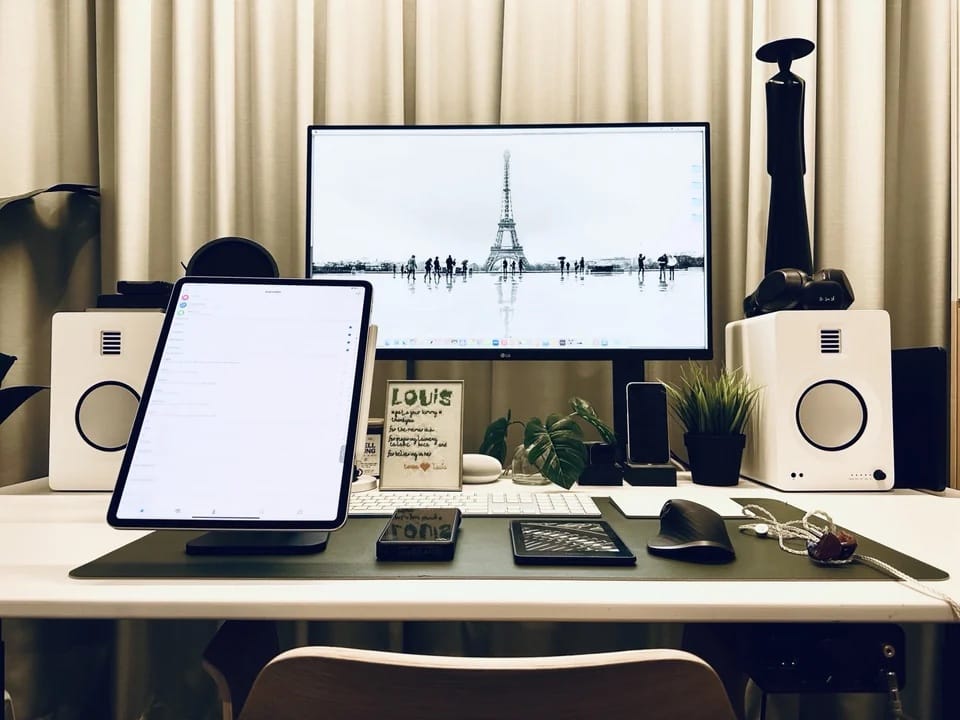
With a good iPad stand and a DAC/amp added for audio, this setup is finally done. For now. Photo: [email protected]
Part of the fun of covering computer setups for Cult of Mac is seeing how a setup is never “done.” Blood, sweat, tears and time may go into it, but it will always need something — whether that’s missing functionality, better decoration or the next generation of a key device.
Today’s featured M2 MacBook Air setup is a good example. Since we featured an earlier version of it just weeks ago, the user made important changes. He added two components to maximize crucial iPad functionality and pump up audio.