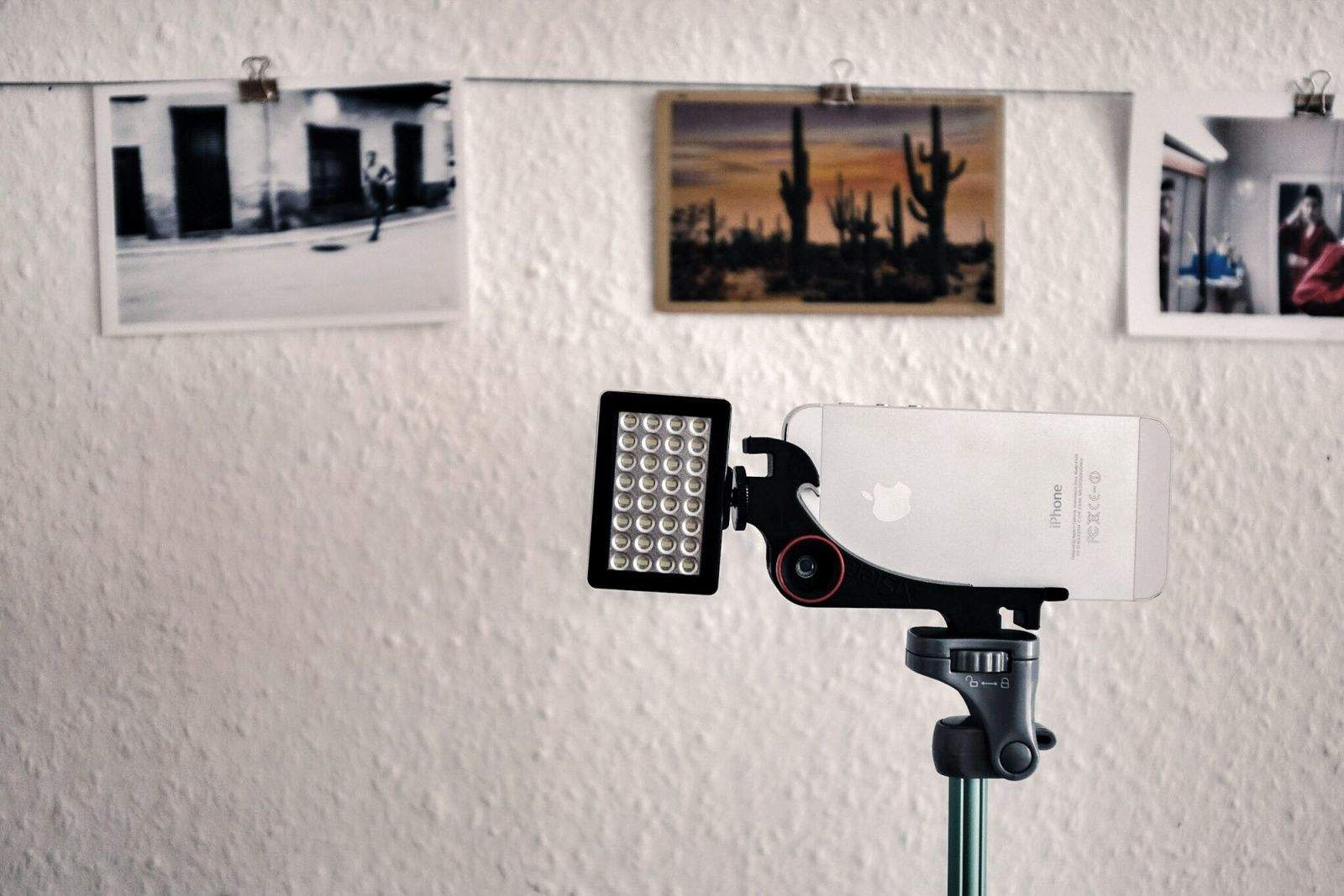
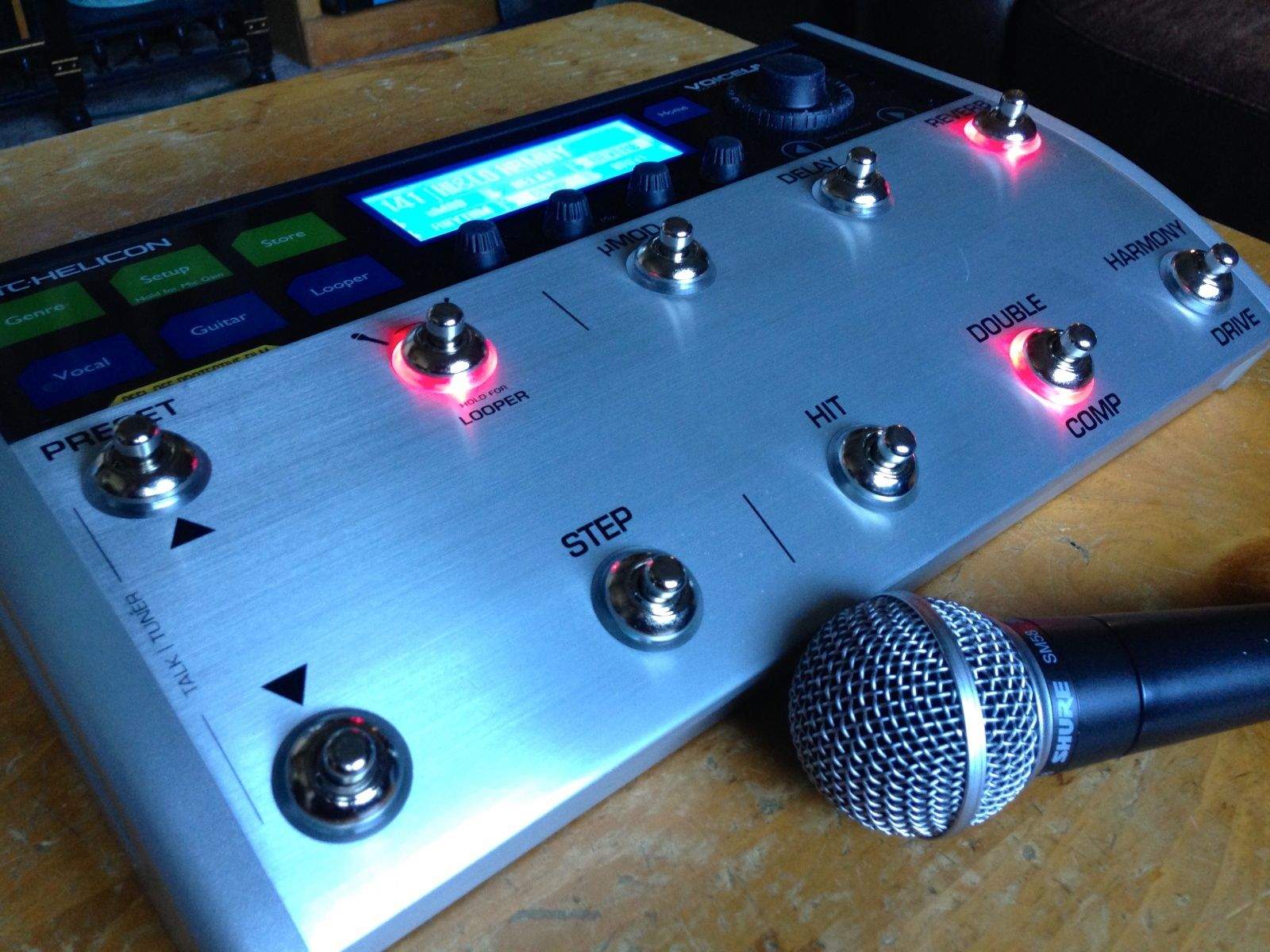
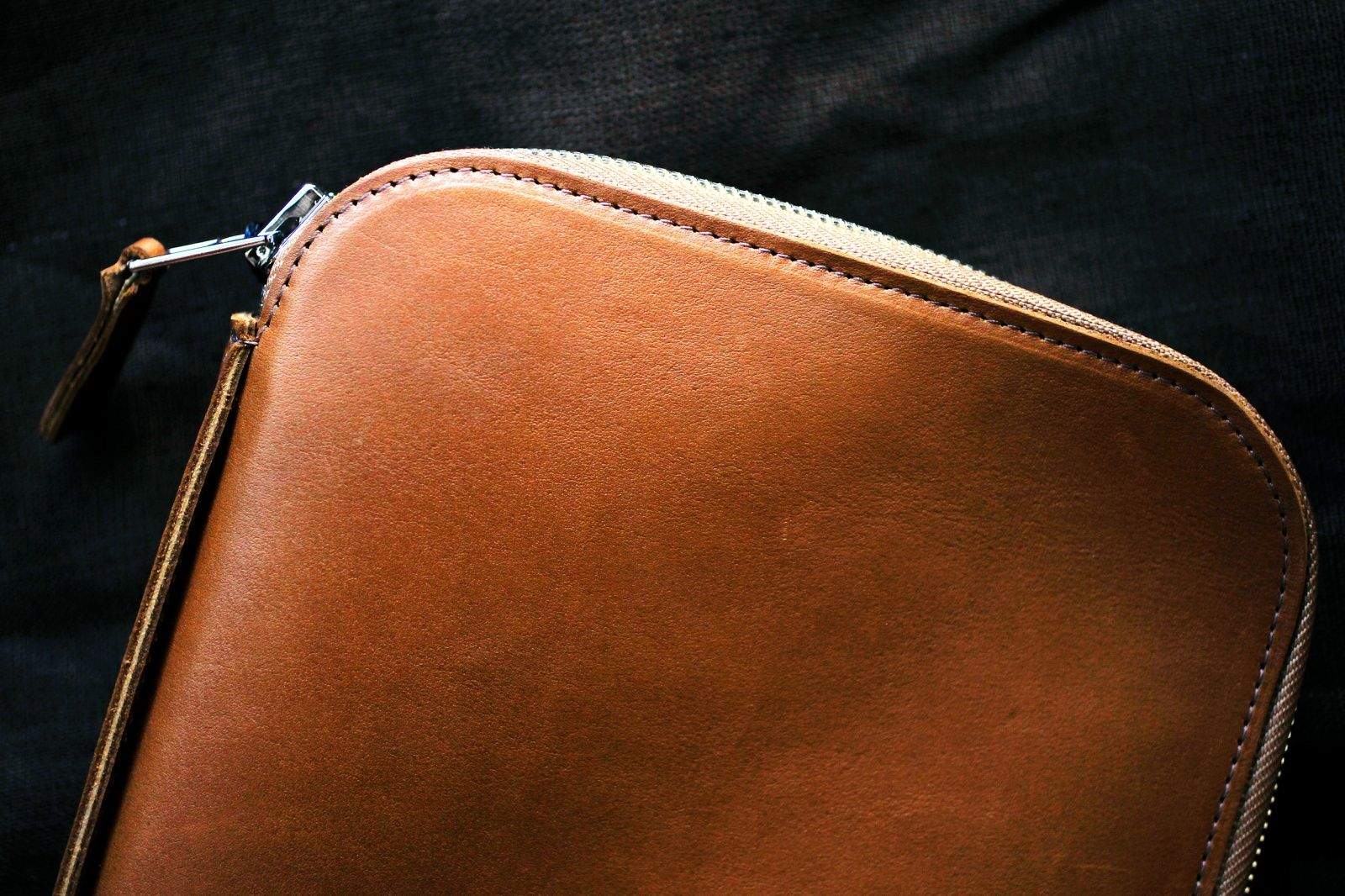
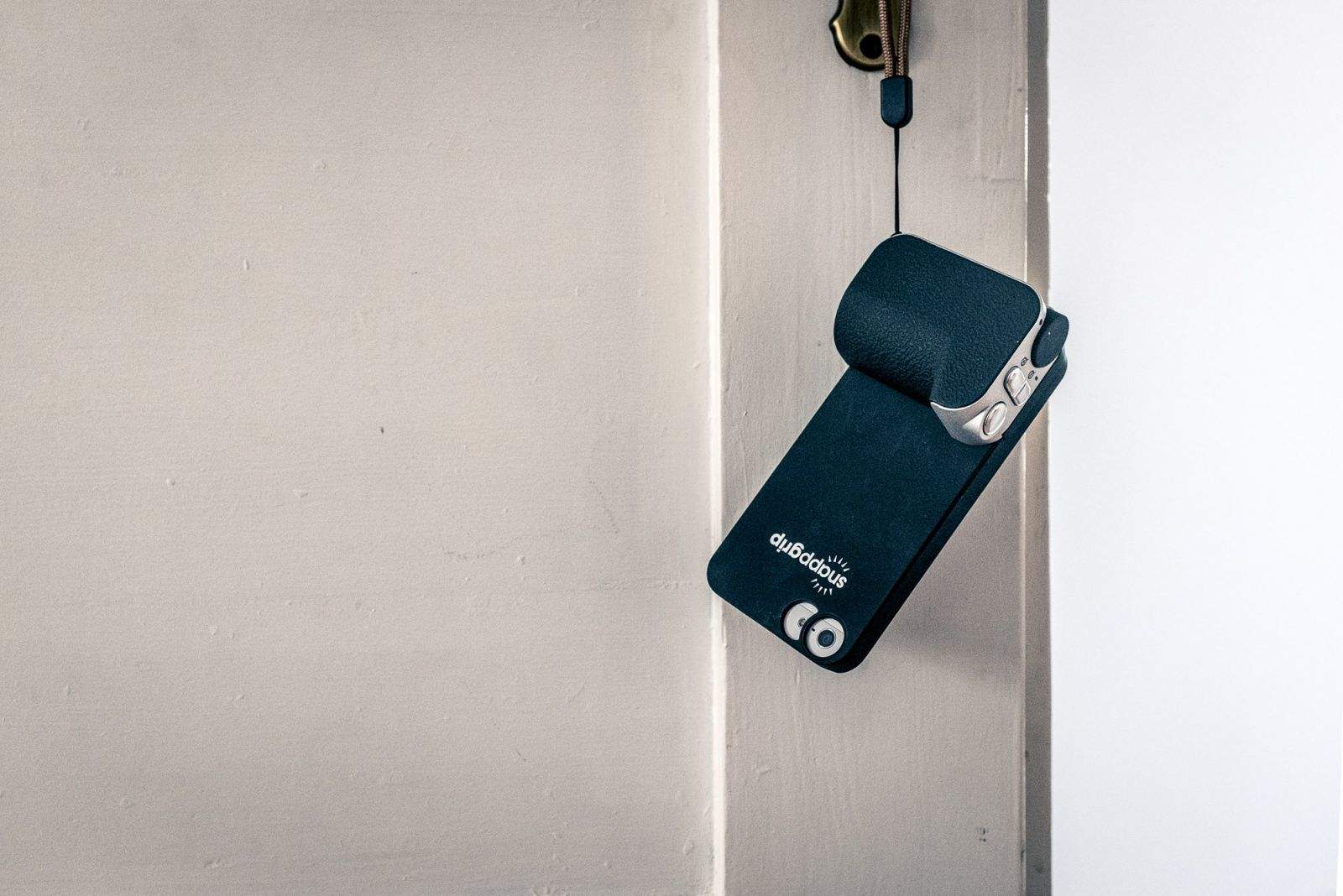
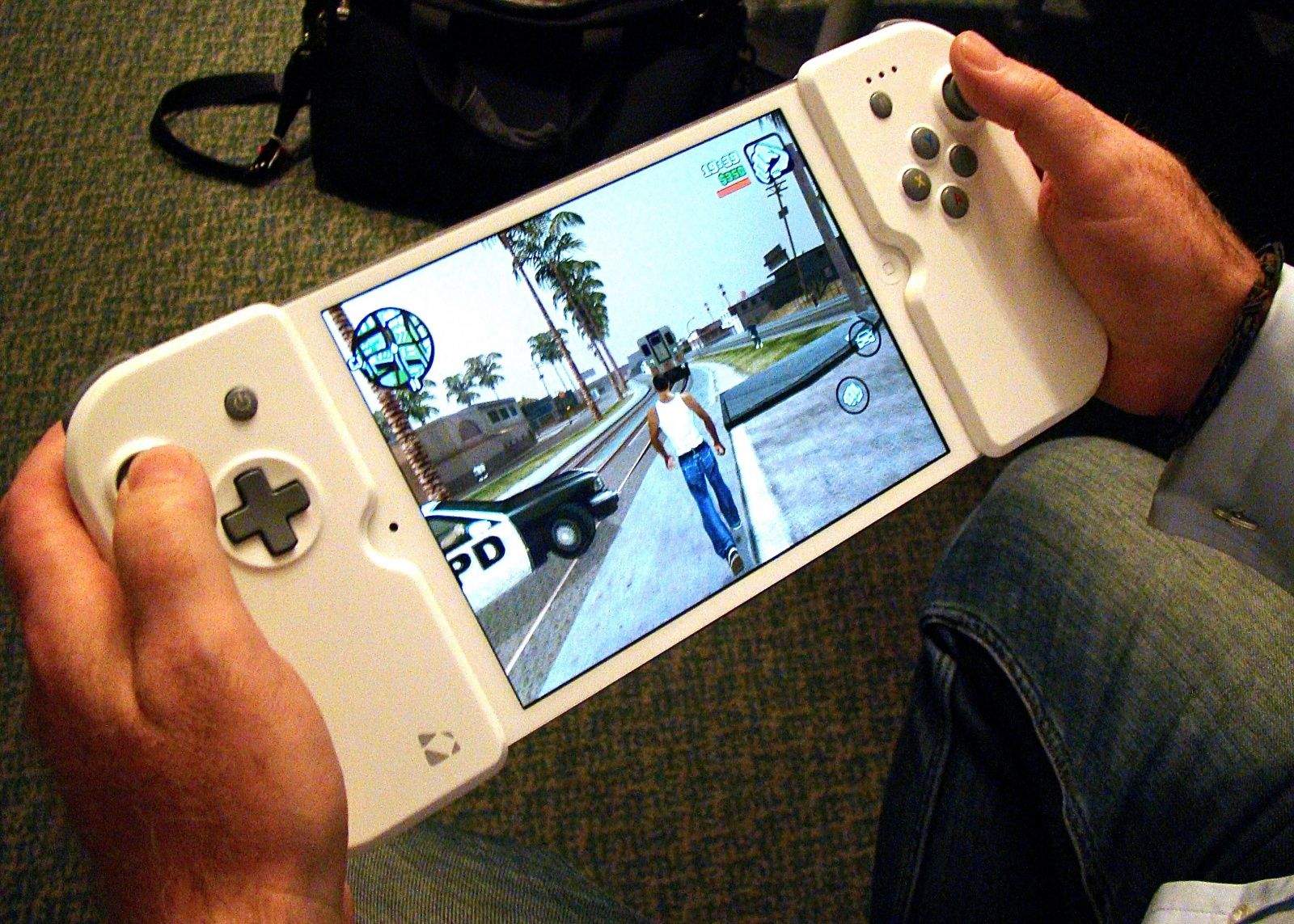
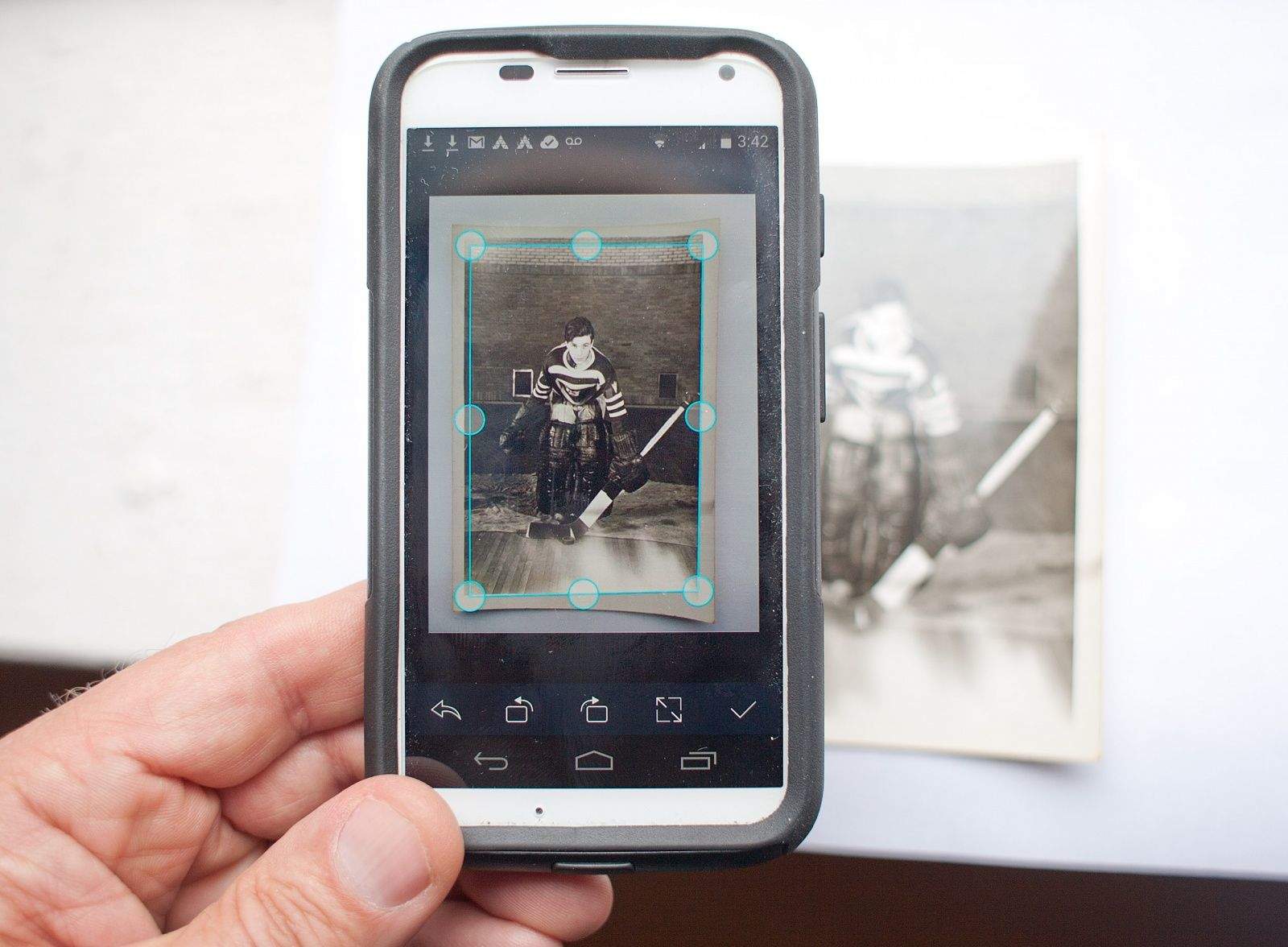
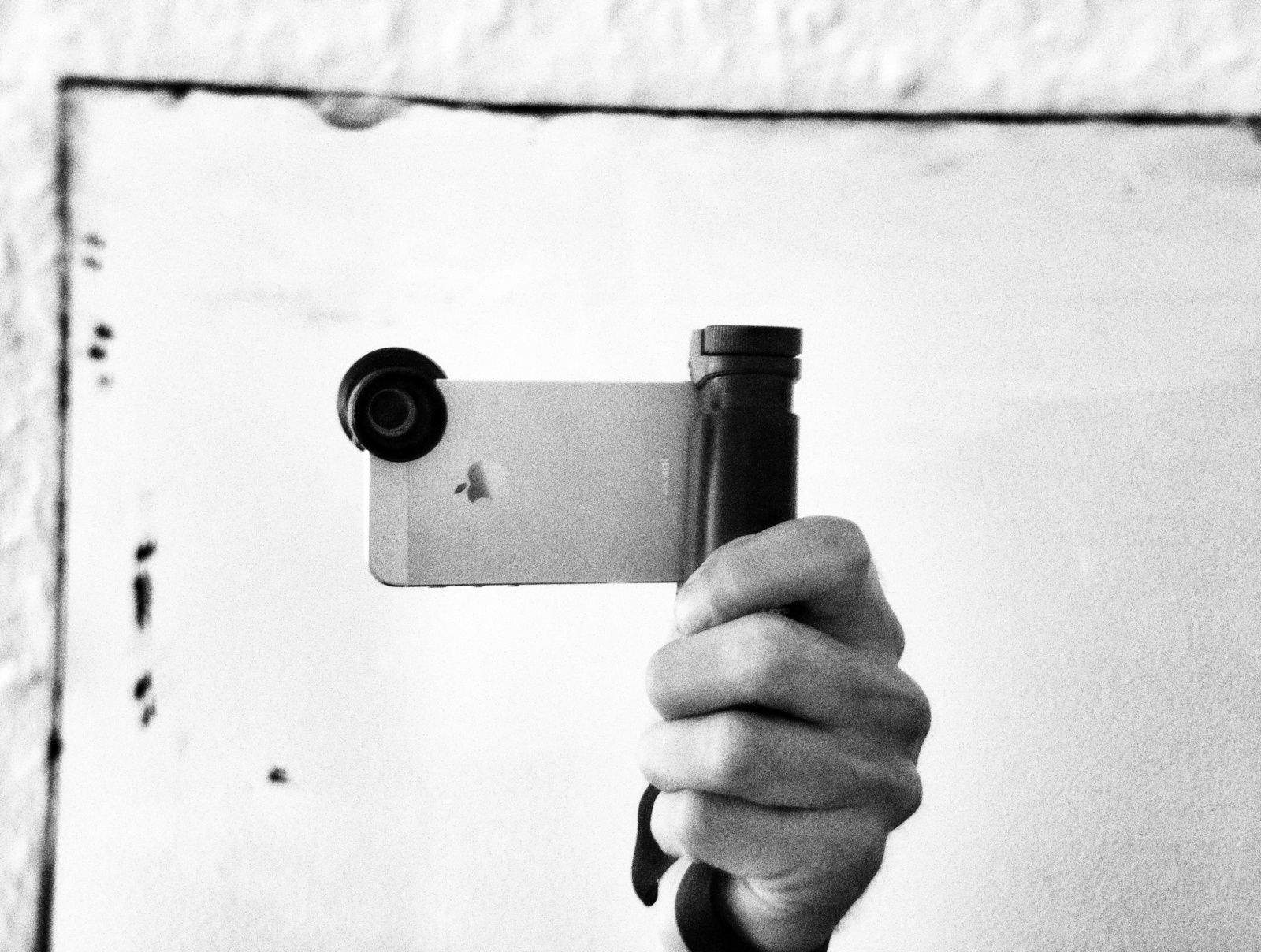
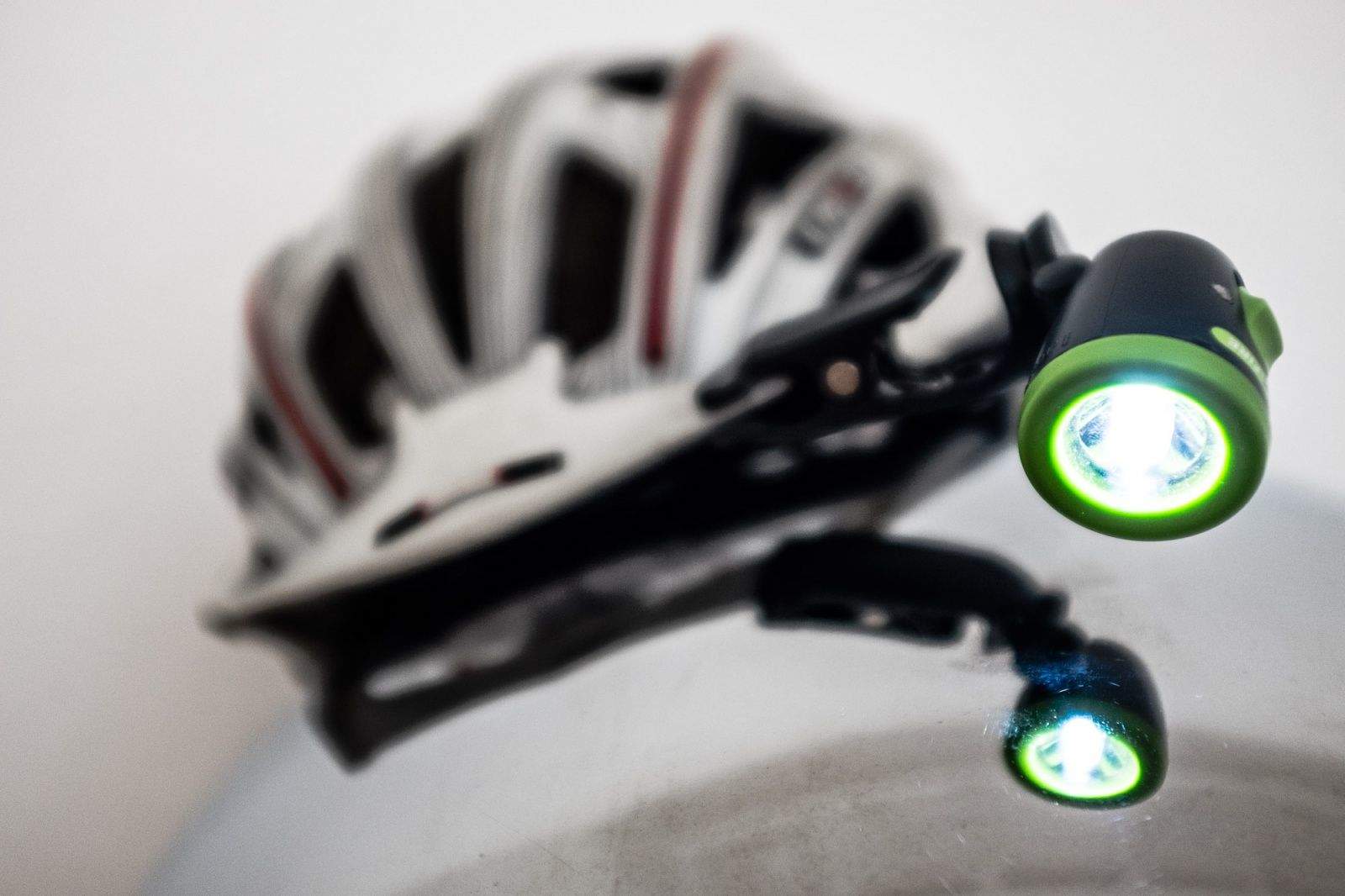
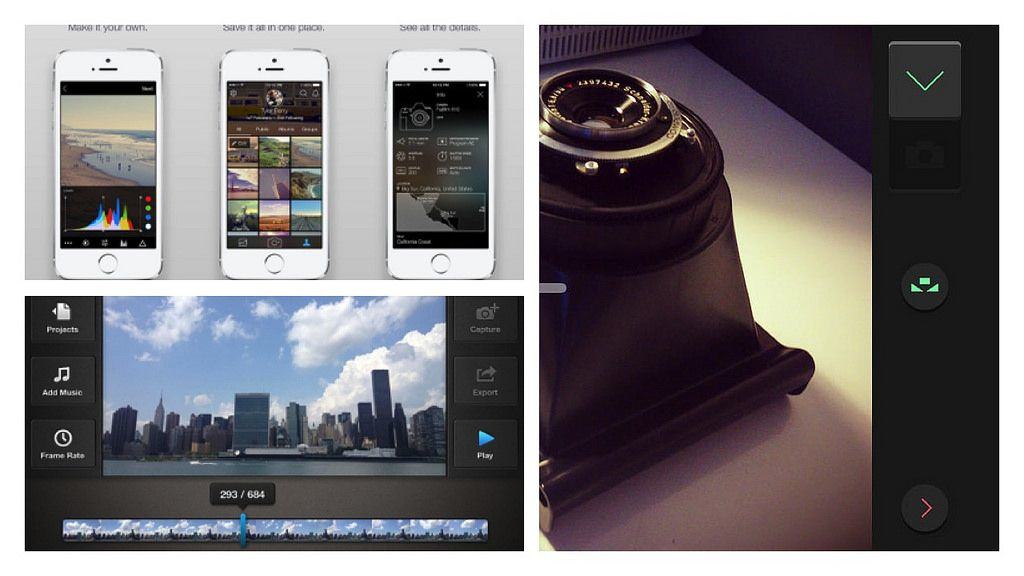
Homely multitool Xistera packs many iPhoneography essentials into one pointy package. Photos: Charlie Sorrel/Cult of Mac
Take the Xistera out of its box and you’ll be disappointed. It’s ugly as hell, like a cheap corkscrew, and it looks like it won’t really do much. But hidden in those graceless curves and eye-gouging corners is what a lazier journalist than me would call a “Swiss Army knife of iPhoneography.”
I’ve been playing music for coming up on 30 years now, and I’ve tried a ton of music gear. These days, I run a fairly bare-bones setup, with a smaller amp for those close venues, a couple of dual-effect pedals (Visual Sounds’ Route 66 and H2O), and a Boss VE-20 vocal harmony box to thicken up the background vocals in my disco band.
I’ve always had a thing for multi-effect boxes, though, running through my share of a few complicated ones that never quite gave me what I needed in terms of both effects sounds and onstage ease-of-use.
When I heard about TC-Helicon’s new VoiceLive 3 mega-stomp box, with a huge range of guitar effects and amplifier modeling, an amazing vocal-harmony processing system and a stage-quality looping feature, well, I had to try it out.
Imagine if you were actually a hunter of massive, dangerous creatures. You’d need to gear up, make sure you have all the weaponry and armor you’d need, enough ammo for your ranged weapons, and you’d have to be sure your giant swords are sharp enough to cut through touch monster hide.
You’d need to practice, for sure, and you’d probably get better over time, able to aim your sights at even more deadly monsters, because the bigger the baddie, the better the payoff.
Monster Hunter Freedom Unite is exactly this. While hunting monsters is a ton of stressful fun, full of dodging and attacking and slaying, the rest of the activities in-game — choosing weapons, farming, hiring chefs and companions, crafting and buying better weaponry and armor — are equally as satisfying.
And now? It’s on your iPhone (or iPad), with some really excellent touch controls and better visuals than ever.
The iPhone version of Picturelife is one of the best photo apps I've used. Screenshot: Picturelife
Remember Picturelife? It was one of our top picks for online photo storage when Everpix bit it, and now it has been upgraded to version 3.0. The highlights are a new $15 per month unlimited plan, which is really truly unlimited and can be shared with up to three other family members, plus an all-new, redesigned iOS app.
But Picturelife has some pretty cool tricks up its sleeve to make it a worthy competitor to the big guns. Here’s why it deserves a shot at becoming your new super-awesome online photo library.
I’m a digital pack rat. I’ve got an iPhone, an iPad mini, a Barnes & Noble nook eReader, a space pen, several USB flash drives, and various earbuds along with a few charging and adapter cables.
I usually just jam all these things into my backpack as I head out the door, hoping they don’t get lost or tangled in the process. They get lost in my bag of choice, and I spend a fair bit of time searching around for stuff I need in any given moment when out and about.
Honestly, though, it hasn’t been much of an issue. I’ve been ok with taking the extra effort to find my headphones, say, and unwrap them from the unholy tangle they’ve become in my bag, for the simple fact that I’m not super organized.
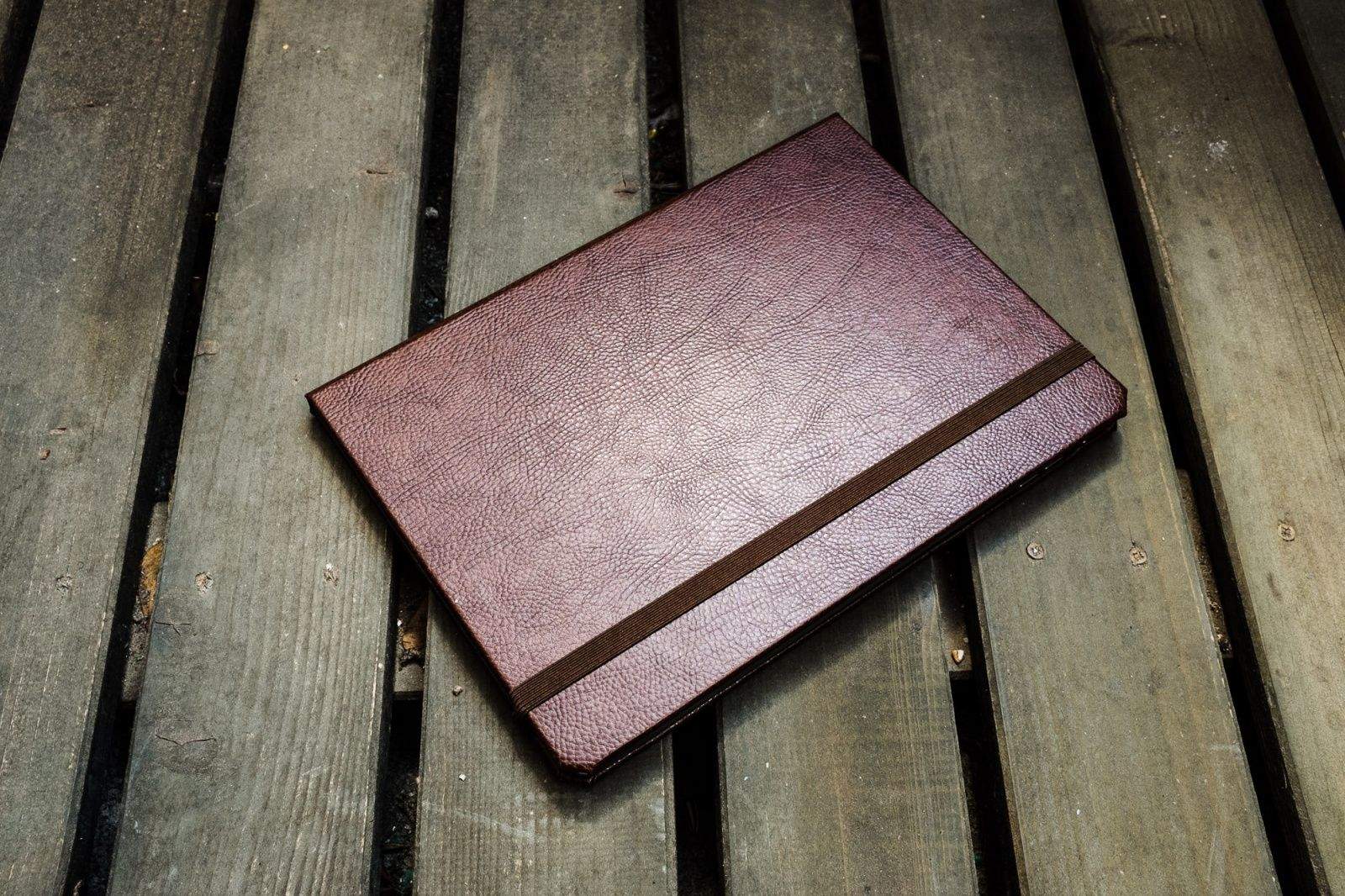
This new leather folio case, however, has me re-thinking all that. What if I could keep track of all the little digital ephemera I carry with me in a more compact, organized way?
You know what I hate about Apple computers? The precious keyboards. They look lovely, with their sleek designs and tiny little keys, but they absolutely kill my wrists and fingers. That’s why I plug a grimy old Goldtouch keyboard ($129 list when they made ‘em) into the MacBook Air that I use for work. I even take the weird-looking A-frame keyboard with me when I travel. It’s not an elegant-looking solution, but it’s a lifesaver.
I’ve dealt with typing-related RSI for decades. While I use voice recognition when I have to write something lengthy, it’s not the perfect tool to accomplish every task in every situation. Sometimes I need to hammer away on a keyboard, and when I do, the Goldtouch makes the experience far less painful. It’s split down the center, with a ball joint that lets me adjust the angle between the two halves as well as the height at the center. And the soft-touch keys just feel good to me. — Lewis Wallace
P.S. I haven’t tried the updated Goldtouch V2 ($115) or the company’s Go!2 Bluetooth mobile keyboard, but when ol’ faithful finally gives up the ghost, that’ll be my move.
This is how my non-gamer girlfriend shows me which games are worth playing: She stays up until 3 a.m., wearing down the iPad mini battery to 22 percent while she tries to solve the next level.
This time, she bathed our dark bedroom in colorful reflected light while she moved Niko, Groggnar, Eek and Claude around on the screen in Monsters Ate My Birthday Cake. If it’s so important to solve environmental puzzles on the bright screen in the middle of the night, I know the game’s addictive.
This morning, still playing on the couch after charging up the iPad while she (finally) got some sleep, she told me like it is.
“It took me 15 minutes, but I finally got that level,” she bragged. “With three stars, bitch.”
The wrist strap is the best part of the Snappgrip. Photos: Charlie Sorrel/Cult of Mac
The Snappgrip is a fantastic idea, with not-too-bad hardware to back it up. It’s an accessory grip for your iPhone that adds a Bluetooth shutter release, zoom buttons and control dial to the phone’s camera, as well as a wrist strap and a handy handgrip.
But in practice, you’ll be better off with the iPhone’s own volume switches if you want a hardware shutter release. Which is a shame, as I was super-excited to try the Snappgrip out.
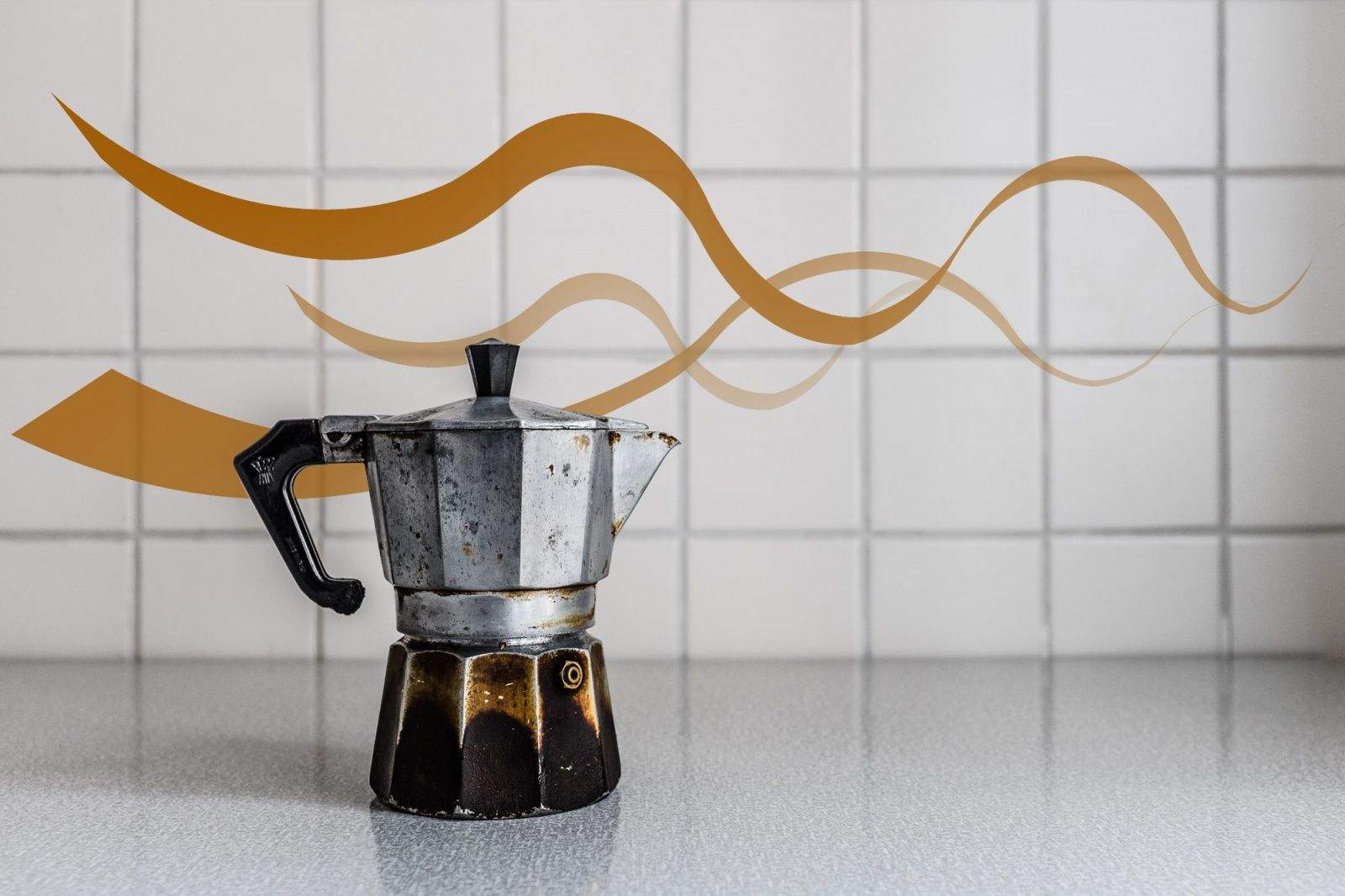
Designed more than 80 years ago, the moka pot still beats most modern methods. Photos: Charlie Sorrel/Cult of Mac
Before the AeroPress, there was the moka pot, or cafetera as it’s called in Spain. There is at least one cafetera in every Spanish kitchen, and if you want a quick fix of something strong and good, it’s your go-to coffee gadget. Not bad for something invented way back in 1933.
I’ve had a moka since I first saw one in action a couple decades ago. Up until I bought an AeroPress, I used a moka every day, never tiring of its old-school charm and serious wake-me-up taste. But what is a moka exactly, and why is it so good?
In the interest of saving you time (and money) when you travel on apps that won’t help you get from point A to point B, we’ve sounded out dozens of road warriors — including flight attendants, serial conference goers, travel writers, CEOs, expats and even a comedian — to find out what they really need when stuck in an airport or mired in the daily commute.
Here are their picks – which just may get you some extra airline points or mellow out on the way to work.
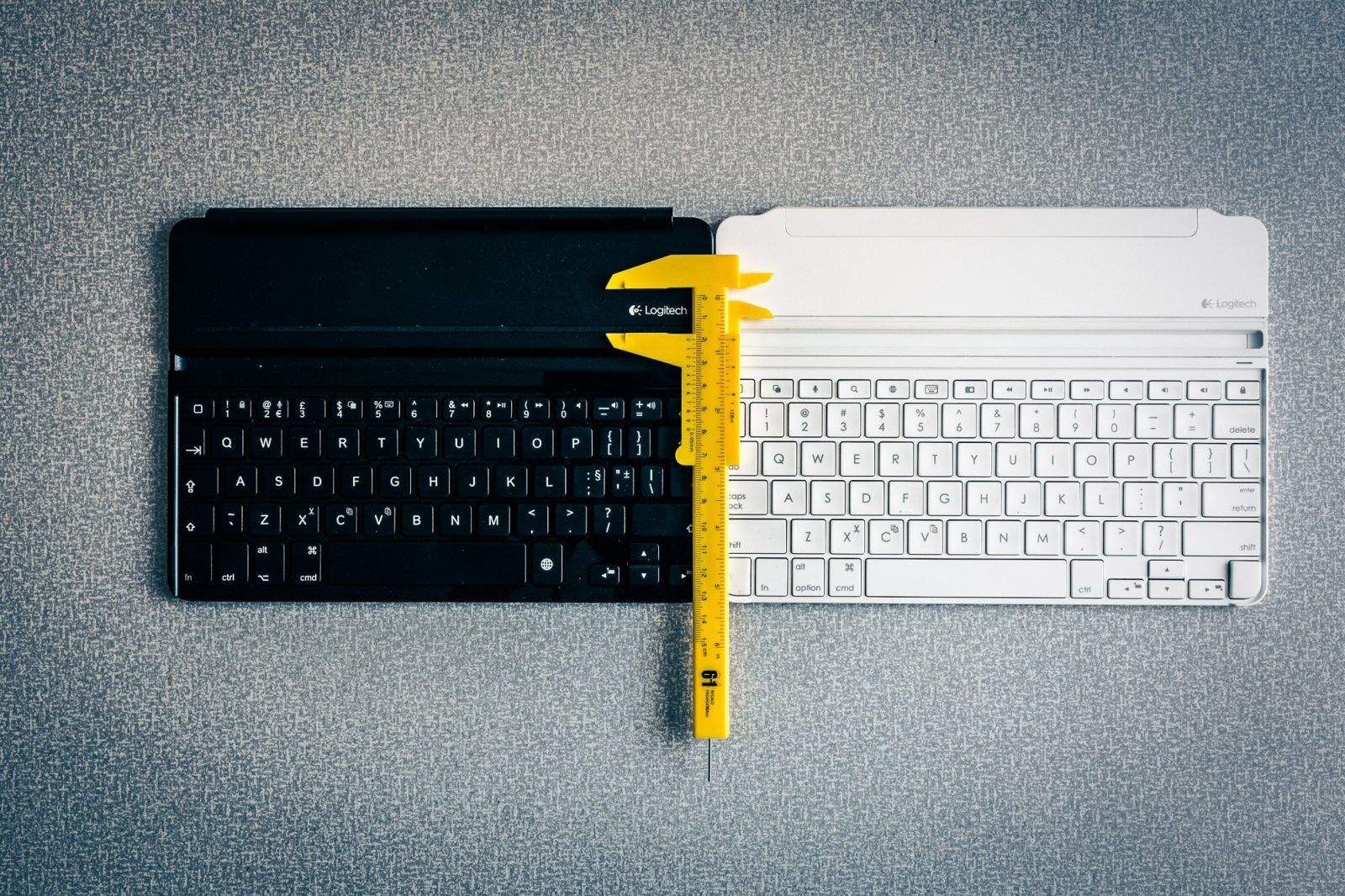
Old versus new: Logitech takes several steps backward with its next-gen Ultrathin Keyboard Cover. Photos: Charlie Sorrel/Cult of Mac
Logitech’s updated Ultrathin Keyboard Cover for iPad Air replaced its predecessor mere months after the original’s launch. The most obvious difference between the two is the flip-out hinge that joins the keyboard to the iPad like a cover to a book, but in reality the two devices are completely different.
Is the new one better? In one way yes. In others? Nope.
Castello Davarg's leather York case offers sharp looks. Photos: Charlie Sorrel/Cult of Mac
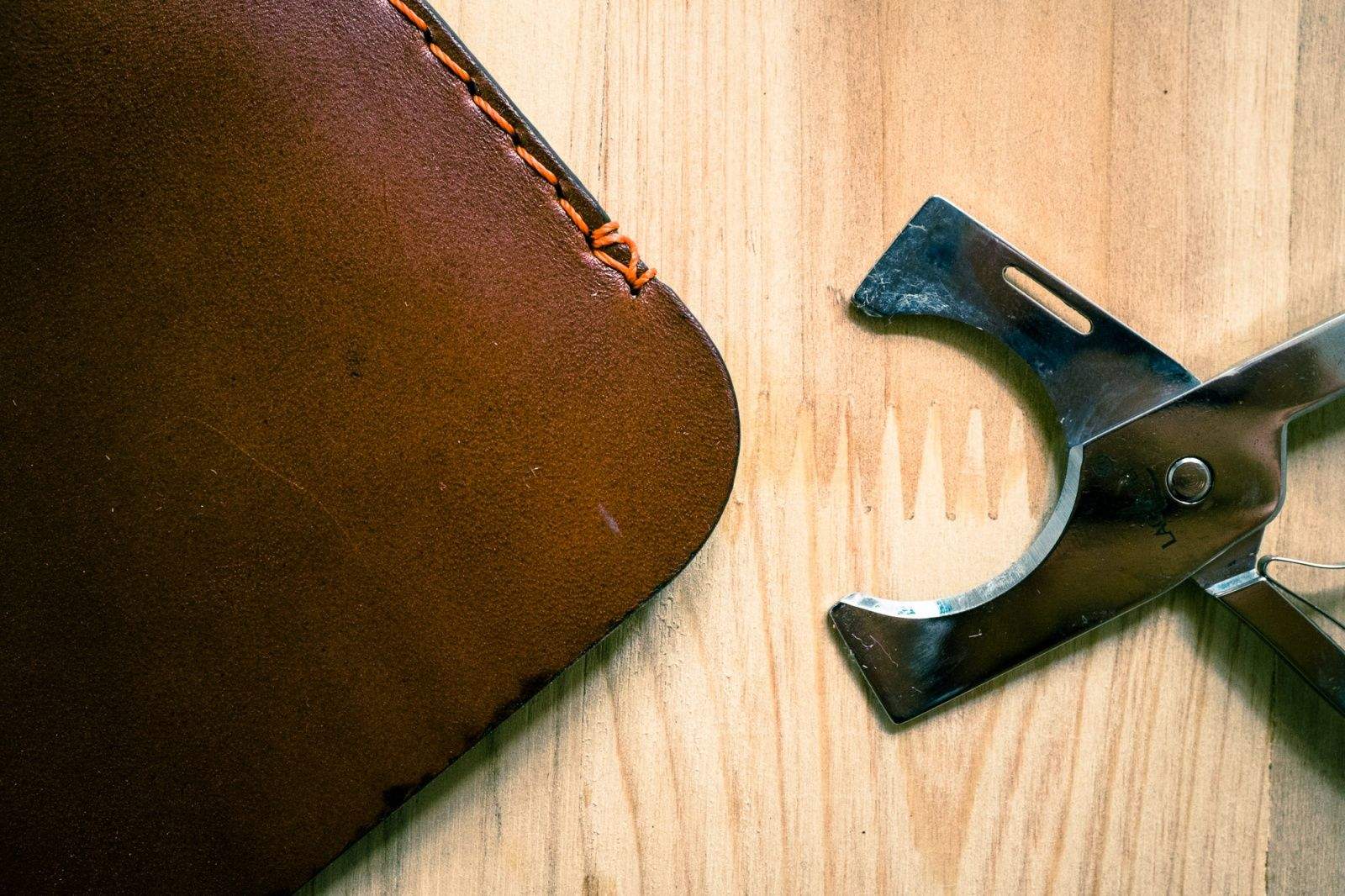
I’ve tried a lot of cases for my Mac notebooks over the years, from a dorky aluminum briefcase for my white “icebook” iBook through cheap, zip-up neoprene sleeves and on to bulky, custom-fitted, shock-absorbing monsters. But the elegant, simple and beautiful Castello Davarg York, cut from a single piece of leather, is the only one that makes any sense for my MacBook Air.
Like the MacBook Air inside, you can’t help but finger and fiddle with the York case. It’s cut from 5-ounce, full-grain leather that’s folded and then hand-stitched along two sides before finishing the edges and … well, that’s almost it. The case has no fastening or closure, and lacks a lining or padded interior, but it is shaped perfectly to fit the MacBook Air. (I tested the 13-inch size, but it also comes for the 11-incher.) It even has a little cutout on the top edge that mimics the one found on the lid of the MacBook itself.
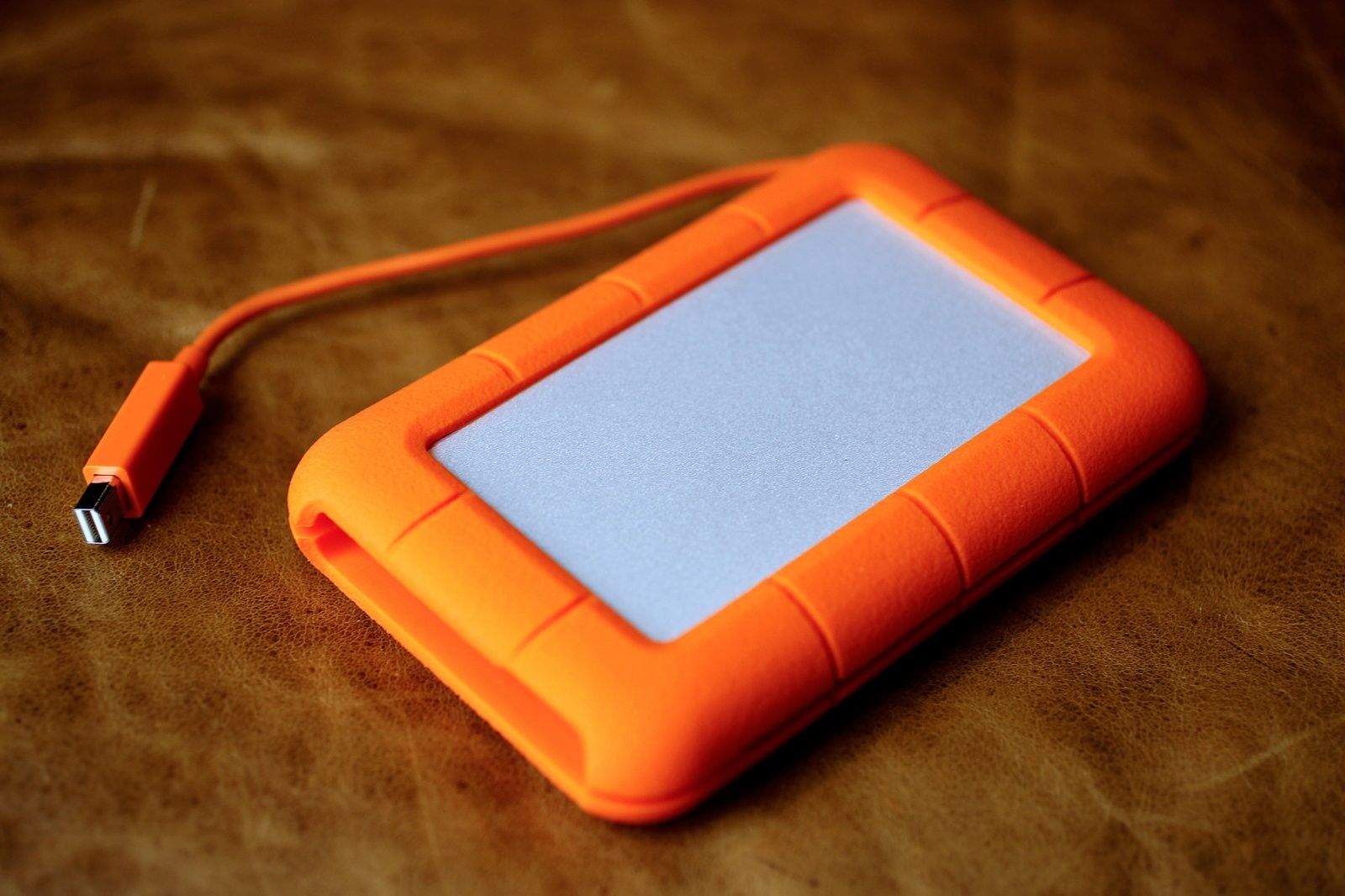
Lacie Rugged Drive. Photo: Jim Merithew/Cult of Mac
I’ve been using a USB 3 external hard drive to backup my Macbook Pro for a while now, and have been pleased with its reliability and fast data transfer speed. I also love that it powers itself via the USB port, letting me live a little more power cord free.
When I received the LaCie Rugged Thunderbolt SSD drive for review, I thought, “well, it’s pretty, but how much better can it be?” It’s just as small, powers itself via Thunderbolt (or USB) and has plenty of space on it, just like my current drive.
Then I ran a few tests and pulled up a drive speed test app on my Mac. I was blown away by the speed difference. This is one blazing fast hard drive. And, yeah, it still looks great.
The Wikipad GameVice straps to the sides of your iPad mini, adding buttons to your large screen. Photo: Rob LeFebvre/Cult of Mac
As a gamer, I want a controller with buttons. I lust after this new product category like I do any new gadget that I think will improve my gaming experience. I think that if you play games with any frequency, you’ll want them too.
Unfortunately, I also think the majority of mobile gamers are making do just fine with touch interfaces, thank you very much, and that these lust-worthy devices will soon find their way to the dustbin for most who buy them. Not because the controllers, including one that straps to the sides of your iPad mini like the loving embrace of an alien face-hugger, aren’t any good. On the contrary, these are solid, high-quality gaming peripherals that will make certain types of console-like games (platformers, open-world sandbox games, first-person shooters) much easier to play.
Your smartphone is an increasingly important battlefield in the ongoing war of the gaming consoles. Companion iOS apps for Sony’s PlayStation 4 and Microsoft’s Xbox One aim to enhance the way you interact with your gaming system. These apps let you access your gaming achievements on the go, communicate with friends and even use your iOS device as a remote for your console.
In today’s video, we’ll give you a look at how the PlayStation and Xbox One SmartGlass apps compare.
Scanning apps will let you turn a pile of photos into a useful digital archive. Photo: David Pierini/Cult of Mac
The 1940s hockey photos we found among my aunt’s possessions are a mystery she took to her grave. But with a little internet research and some sharing through social media, I figured I could put names to the players’ faces and stories that would bring the photos to life.
I needed a photo scanner. My smartphone and the right app puts one in my pocket.
For the hockey project, I tested three photo-scanning apps, each of which allowed me to digitize and share old photos without the need for computer equipment, Photoshop or the expense of a scanning service.
One handed-selfies are now even easier. Photos: Charlie Sorrel/Cult of Mac
Do you like to wander the streets, camera in hand, ready to catch an amazing shot? Have you ever missed that shot thanks to the time taken to fumble your iPhone from your pocket and fire up the camera? Even if the answer to these questions is “No,” you should probably take a look at Shoulderpod’s S1 anyway – it’s not only a great camera grip, but also the best value you’ll get spending $30 on an iPhone accessory.
The Clamplight MINI goes anywhere. Photos: Charlie Sorrel/Cult of Mac
You know those cheapo gadgets you pick up at the dime store or from the racks by supermarket checkouts? That’s the kind of throwaway gadget you think you’ve got when you pick up the Clamplight MINI from Blackfire. Which is a shame, because it’s actually pretty good.
iOS 8 packs in a bunch of great new photo features, in both the Camera app and the Photos app. You now get a lot more control over your photography at the front end, with manual exposure and even a time-lapse mode, and you can edit and find your photos with a little more precision than before.
iOS 8 is still a few months out, but you don’t have to wait: Use these currently available apps to add all these new functions to your iPhone (or iPad) today.
Pad & Quill's beautiful Walden case keeps things plain and simple. Photos: Charlie Sorrel/Cult of Mac
The Walden is the first of Pad & Quill’s top-notch cases that I would actually use. That’s because it ditches the wooden frame of the company’s usual bookbindery cases, instead offering a minimal slipcover that uses adhesive strips to hold an iPad Air in place.
The result is a case as beautiful and classic as other P & Q cases, but slim and light enough to match the slender Apple tablet it protects.
Apple has finally revealed the latest version of OS X, and it’s one of the biggest updates for the operating system in years. In today’s video, we take a quick look at OS X Yosemite in action and provide a quick overview what it has to offer.
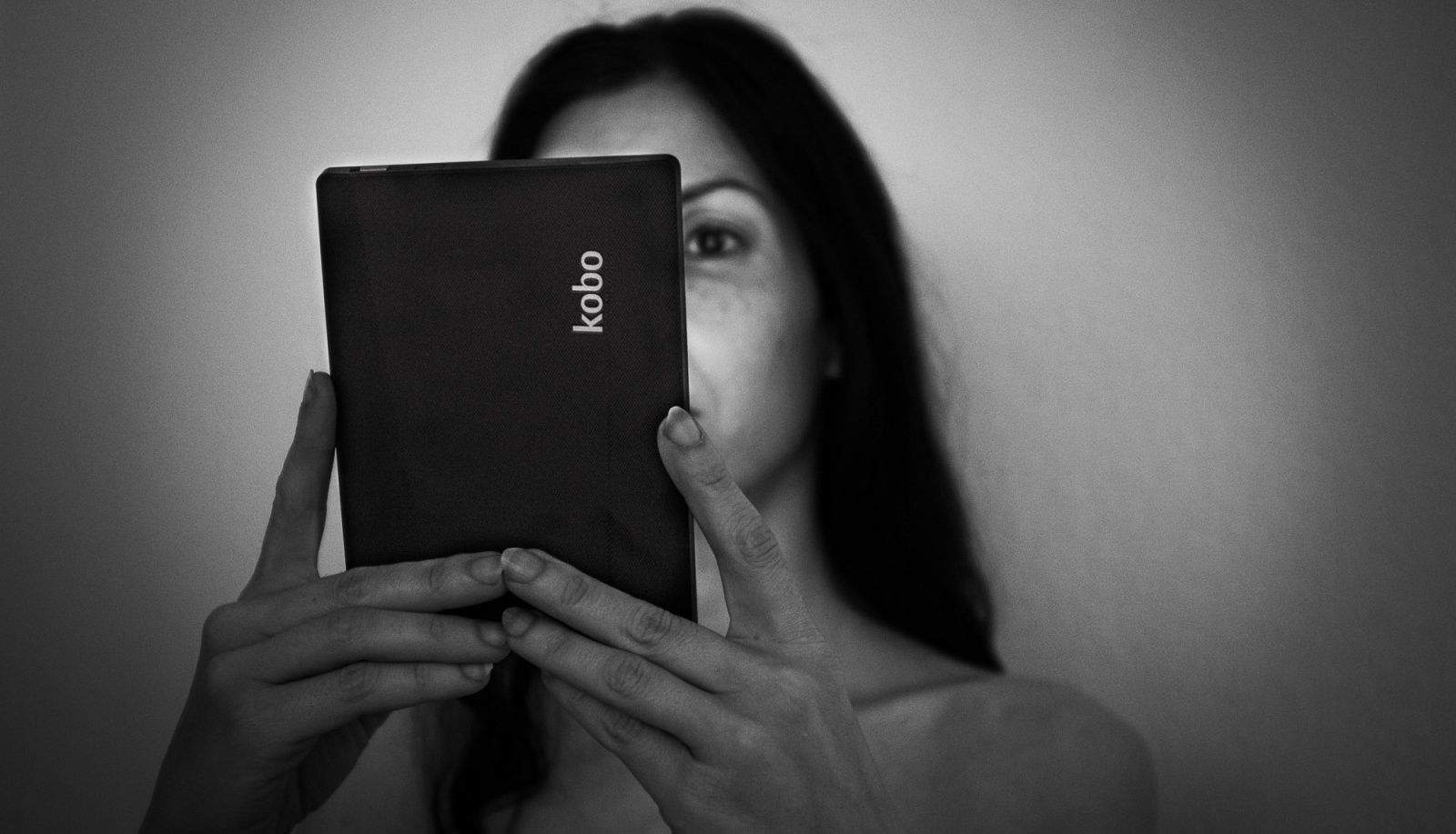
Kobo's ebook reader trumps even the best Kindle on several fronts. Photo: Charlie Sorrel/Cult of Mac
I just switched from Kindle to Kobo. Why? Amazon. It’s currently extorting publishing house Hachette by delaying orders and refusing to allow pre-orders for certain titles. The exact machinations are secret, but many people agree that Amazon is demanding discounts on ebooks.
I don’t want to see authors forced to get a second job to survive, so I switched. No more Kindle ebooks. I switched to Kobo, which has a great e-ink reader, a deep book catalog, and – most importantly – breakable DRM.
The results are mixed, with ups and downs for both the service and the hardware.
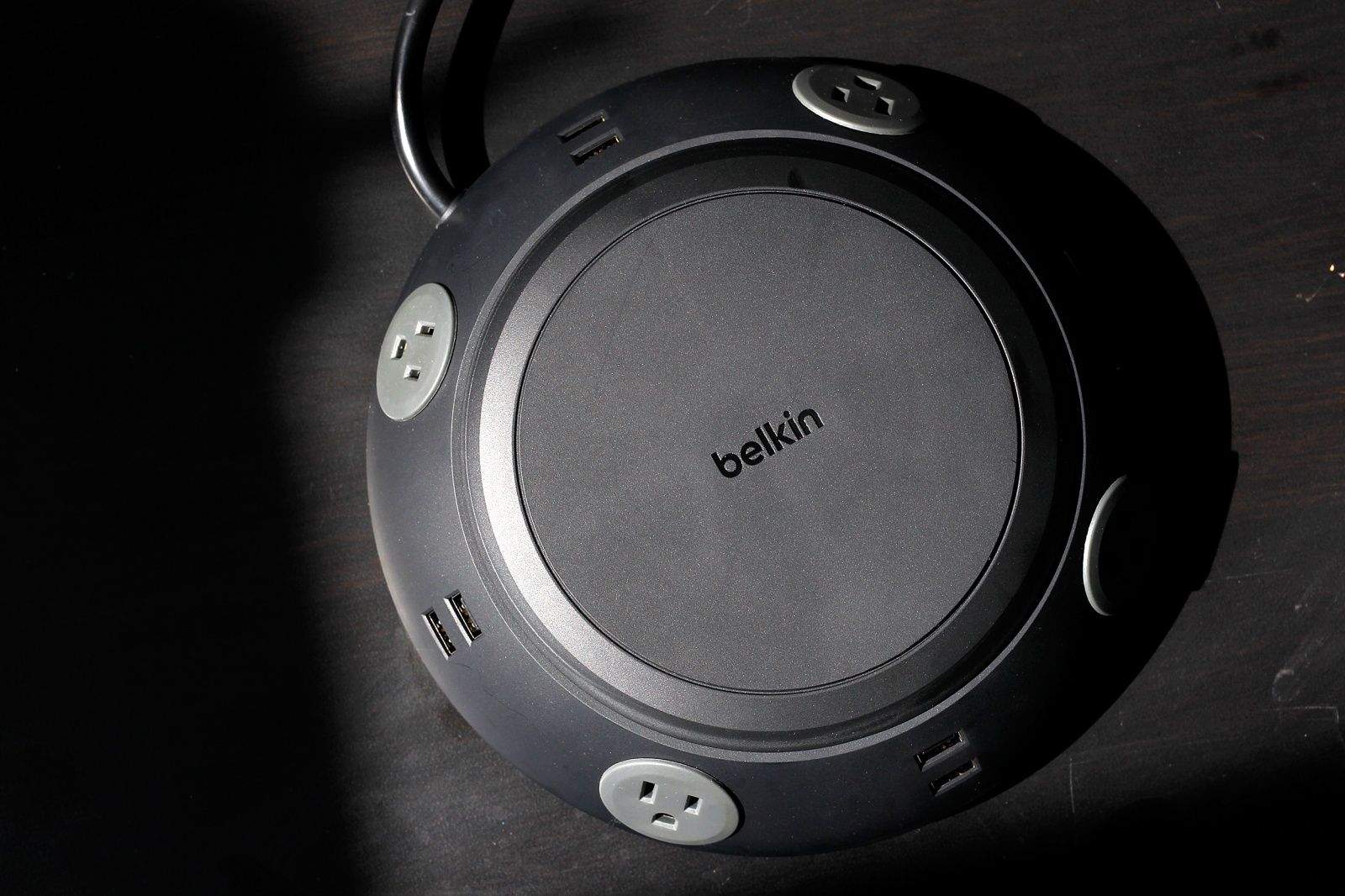
The Belkin meeting room power center has 4 AC power outlets and 8 USB ports. Photo: Jim Merithew/Cult of Mac
Modern day meetings around the conference table may be a rare occurrence in our often-mobile and telecommuting world, but when they happen, the incoming mass of iPhones, iPads, and MacBooks need a lot of electricity.
Instead of making all your employees figure out where the outlets are (under the table? behind them on the wall?), why not provide a big fat power center in the middle of the action? The Belkin Meeting Room Power Center aims to do just that, with a huge, round UFO-looking power hub that sports four actual plugs and a generous eight USB ports.
Maybe you’ve just seen the latest X-Men film. A lot of people have, so odds are pretty good. And if it left you wanting to know more about the original Days of Future Past storyline, but tracking down the trade paperback and then, like, reading it sounds like a lot of work, here’s a game you’ll want to check out.
Uncanny X-Men: Days of Future Past by GlitchSoft Category: iOS Games Works With: iPhone, iPad, iPod Touch Price: $2.99
Uncanny X-Men: Days of Future Past is out now for your favorite iOS device, and it aims to faithfully re-create the source material the way it originally appeared. This means that it’s the assassination of Senator Kelley that brings forth the robopocalypse (that character died in the first film, so he wasn’t available to die in the new one), and it’s Kitty Pryde, not Wolverine, who goes back in time to set things right.
Sure, you can play the whole game as Wolverine if you want, but if you’re a purist, you have a chance to do it “right.”
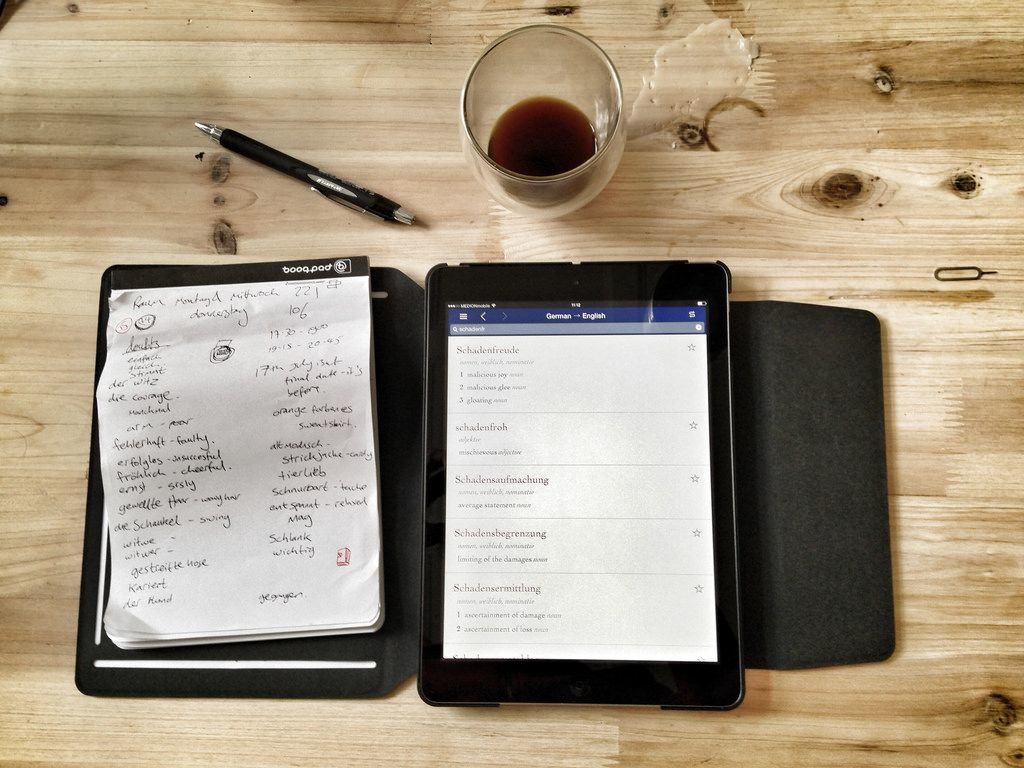
Getting work done. Photo: Charlie Sorrel/Cult of Mac
I started German language school a few weeks back, and I was looking forward to testing out the Booqpad. The combination iPad case and paper notepad seemed ideal for using in class. Unfortunately, it didn’t work out. Not only is the case oddly tacky – especially weird given the build quality of Booq’s other gear – but it is awkward to use.