Denis Leary is just not having it in The Ref. Photo: Touchstone Pictures
The holidays are upon us, and that means you’re probably about to spend a lot of time with your family. Your family is probably great, but some people aren’t so lucky. And for those rare cases of people who dread all of the “quality time” they’re about to be exposed to, we’ve collected an assortment of movies to make them appreciate what they have a little more.
Because things could almost always be worse. For example:
The Microsoft Band is an awesome gadget. Photo: Jim Merithew/Cult of Mac Photo:
I’m really digging the Microsoft Band. I’ve worn various fitness trackers for a couple of years now, starting with the original Jawbone UP and most recently the new Fitbit Charge.
I’ve had mixed results with them, and none have became indispensable. The Microsoft Band, on the other hand, is rapidly becoming a fixture on my wrist. It’s a great omen for the Apple Watch, which is due in early 2015. The Apple Watch will be like the Microsoft Band on steroids, and if it works as well, it’s going to be awesome.
This little iGuy case from Speck will keep your kid's expensive gift a lot safer. Photo: Jim Merithew/Cult of Mac Photo:
Kids everywhere are looking to Santa to bring them the hottest tech toys around, including iPhones, iPads, Nintendo 3DSes and Sony PlayStations, but these types of gifts can certainly strain a lowly elf’s meager paycheck.
If you’re looking for engaging and interesting gifts that won’t burst Santa’s money sack, take a look at the list we’ve put together for you below. It’s full of fun stuff that won’t leave you unable to afford a plate of cookies for that big red jolly fellow.
Nothing says holiday music like...wait, what? Photo: King Diamond
It’s easy to list off classic songs of the season, isn’t it? Even now, the hit holiday tunes we all know by heart rush up the music charts every year, gracing radio and streaming options for the happiest season of them all.
Of course Nat King Cole’s “The Christmas Song (Merry Christmas to You)” — written in 1944 by Mel Torme — is currently No. 5 on the Billboard charts, while “Rockin’ Around the Christmas Tree” by Brenda Lee (1958) tops even that chestnut at No. 3 of the top hot holiday songs as well.
But what about all those other holiday songs that never had a chance to be on a chart anywhere, except perhaps the chord charts these bands use to play live gigs? How will the odd songs, the weird ones — the tunes that just “think different” — ever get heard?
That’s why we’re here, with a bunch of weird tunes you just have to hear. Happy holidays!
One of the neatest things about Jawbone's UP Move is just how versatile it is. You can clip it anywhere. Photo: Jawbone
One of the great things about the world of fitness trackers post-Apple Watch (or, at least, post-Apple Watch announcement) is that we’re seeing how different companies are trying to insure themselves against Cupertino’s high-end luxury lifestyle tracker.
Jawbone recently answered this question by launching its UP Move: It’s an entry-level fitness wearable that may lack the bells and whistles of the Apple Watch, but is also, at $49.99, shy a couple of zeroes in the price tag department.
Download now, thank us later. Photo: Killian Bell/Cult of Mac Photo: Killian Bell/Cult of Mac
The word “app” has always described Apple’s executable programs, but it wasn’t until the App Store appeared in 2008 that the term really took hold as a way to describe the little programs that help make our smartphones not just smart, but also useful and totally fun.
At this point, “There’s an app for that” has become a phrase you’ll hear pretty much everywhere.
We’ve taken a look at our favorite new apps, some of which have been featured on Cult of Mac previously, and chosen the year’s best. Now get downloading!
Get the chef in your life something special for the holidays. Photo: Jim Merithew/Cult of Mac Photo:
Surely you know one of these people: They’re not intimidated by a complicated recipe, and they can turn a handful of random ingredients into something delectable.
They stare dreamily at the windows when they walk by Sur La Table or Williams-Sonoma, and they’d rather whip up a meal on their own than go out for a dinner and drinks.
They’re serious about food and drink, and they’re not afraid to try new things. Well, serious cooks need serious tools. If you’ve got one of these masters of the culinary arts on your list, these gifts will tickle their tastebuds.
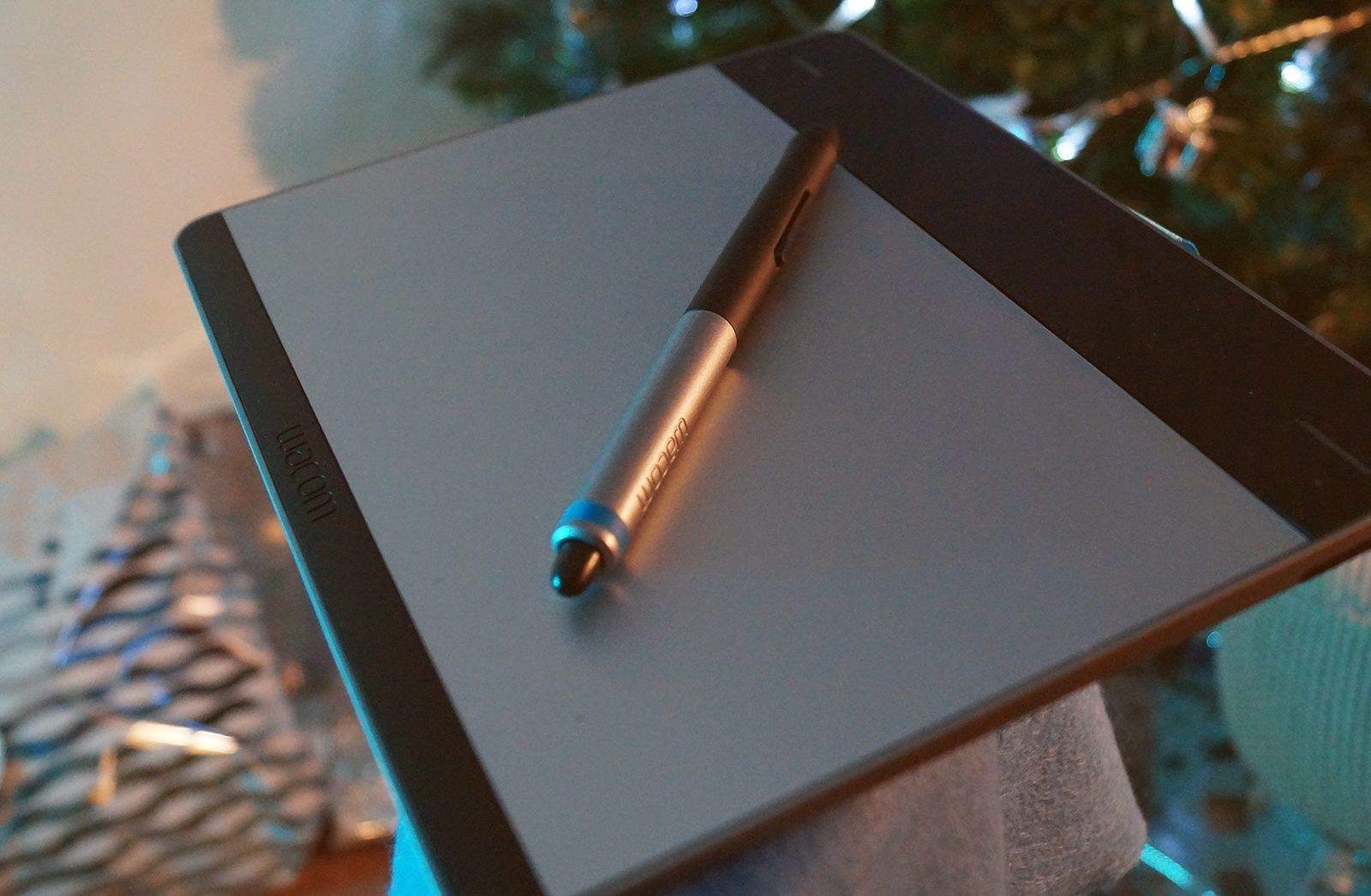
The Wacom Intuos is like a touchpad you can draw on. Photo: Ste Smith/Cult of Mac
A Mac is the ultimate tool for creatives — you’ll find Apple computers littered throughout graphic design houses, music and video studios, marketing agencies and newsrooms.
Chances are, if you know a creative, you know a Mac user.
So, what are you going to buy them for Christmas? If you’re stuck for ideas, let us help.
Our gift guide for creatives will help you pick the perfect present.
Whether you’re looking for an affordable stocking stuffer or a budget-breaking gesture they’ll never forget, we’ve got you covered.
If any of the 7,500 riders at Levi's Gran Fondo are on your gift list, we have some suggestions for you. Photo: Jim Merithew/Cult of Mac
We here at Cult of Mac love bicycles almost as much as we love our iPhone 6 Pluses and iMac Retina 5Ks.
Maybe it’s the feeling of almost flying. Or the passionate design coming out of the bicycle industry. Or maybe it is just the idea of being a part of something else that drives intense passions in people. Whatever it is, we love it.
So we scoured high and low to bring you a list of crazy gift ideas for yourself or for your two-wheeled companions.
Take a look, but remember to take a deep breath before firing up your Apple Pay.
SEO PowerSuite delivers an easy-to-use set of Mac SEO tools. Photo: SEO PowerSuite
This post is brought to you by SEO PowerSuite.
These days, Google is clearly heading toward delivering more helpful search results, which makes some people believe that search engine optimization has become a thing of the past. The reality is quite the opposite, though: It has never been more important to understand best SEO practices and get your hands on accurate data to maintain a stable online presence.
If you don’t want to hire professionals to fix up your site, SEO PowerSuite is your DIY alternative.
SEO PowerSuite is an all-in-one suite of Mac SEO tools that, according to the company, is reportedly used by every third SEO professional in the world. To find out how to use SEO PowerSuite to optimize your website, read on.
If you play darts, you know it's all about the doubles and triples. Landing your pointy projectile in those choice slivers of bristle board real estate make all the difference when you are playing to win.
The Bandit Plus ProTrainer ($65 from A-ZDarts.com) can help. On this fiendish and well-constructed training tool, the double and treble beds are just half the size of a regulation steel-tip dartboard. Practicing with this demanding mistress is the darting equivalent of running in ankle weights or sliding a doughnut on your bat while taking a few cuts in the on-deck circle. Spend some quality time with the ProTrainer at home, and those precious moneymaker slots will look gigantic when you step up to the oche during your next pub match. — Lewis Wallace
The Bowers & Wilkins P7 headphones sound as sexy as they look. Jim Merithew/Cult of Mac
It’s ludicrous but true: How headphones look can be nearly as important as how they sound. Luckily for anybody who slides a pair of Bowers & Wilkins P7s over their ears, these high-end headphones do double duty. They will bamboozle your ears as well as your eyes.
With a stylish design and sturdy construction of gleaming metal and luxurious sheepskin leather, these aren’t a pair of big, cartoon-like plastic puffballs for your head. The P7s whisper quiet refinement rather than screaming “look at me.” If Beats Electronics’ brightly colored models are like those candy-colored iMac G3s from the ’90s, the P7s are like this year’s stunning iMac with Retina 5K display.
But really, looks are only skin deep. When it comes to music at its most intimate — when the sounds are piped straight from the source and directly penetrate your ear canals — it’s the quality of the audio that matters most.
These gifts will get any skier ready for the powder. Photo: Jakob Schiller/Cult of Mac
Here in Northern California we’re still awaiting our first real snow dump of the year.
And while we have our fingers crossed and have been diligently doing our plyometric exercises, we’re still left with plenty of time to build up a big old lust for some new 2014 ski schwag.
Cult of Mac has put together a gift guide for that special fresh-powder chaser on your list. Or, you know, for yourself.
From music to MacBooks, these gifts will resonate with students. Photo: Jim Merithew/Cult of Mac
You might think college students are tricky to shop for, but in reality that couldn’t be further from the truth. Since they’re constantly swamped with homework and simultaneously managing a busy social life, all they want is stuff that makes their lives easier and more fun.
If you’re stressing about what to get the student in your life this holiday season, never fear. We’ve collected some great gift ideas, handpicked by college students for college students:
Hit the outdoors with these gift ideas. Photo: Christian Arballo/Flickr CC
Going gear-shopping for your favorite outdoors-loving friend or family member can be harder than trekking up Mount St. Helens as she’s about to blow. There are so many options, but so much crap.
To help you out with your holiday shopping, Cult of Mac waded through the endless lists of camping and hiking gear and gadgets to find the stuff your special someone will love.
Whether you’re looking for something for an adventuring buddy, or picking a present for someone you’d never want to be trapped in a tent with, we’ve found gifts for everyone. From hiking clothes to campsite gadgets, we’ve got you covered.
Paper Camera is just plain fun. Plenty of photo apps let you apply filters after the fact, but this one performs its manipulative magic inside your camera, transforming your images in real-time before your dazzled eyes.
The filters are robust, offering a nice variety of cartoon- and painting-style choices to help make even the most uninteresting photographic situations colorful, graphic or both. And Paper Camera supports the same wacky filter set for videos you shoot.
We love the fact that the app saves both the original file and the filtered version to our library so we can do what we want with the original.
Looking for some gift inspiration? We can help you. Photo: Jim Merithew/Cult of Mac
Whether you’re shopping for your sweetie or trying to find something for your mum, picking presents for the important women in your life can prove daunting. Cult of Mac is here to help with this list of the top 10 gifts we’ll be buying for the fairer sex this year.
From clothes to quirky tech, we’ve got you covered.
The Slim Wallet's a stunner. Photo: Killian Bell/Cult of Mac
I’m really picky when it comes to buying new wallets. I don’t carry many cards and, much like the Queen of England, I rarely carry cash, so I hate anything that unnecessarily puts a big bulge in my back pocket.
With the Slim Wallet from Danny P, I’ve found a beautiful leather billfold that carries up to eight cards and a fistful of notes without ever getting too bulky.
Universal has a lock on monster films, but will the new action-adventure ones be as "classic" as the originals? Photo: Universal Studios
Now that Universal Studios has decided to go the Marvel route and create its own cinematic universe built around its classic monsters like Frankenstein and The Wolf Man, we thought it might be a good time to reach back into the archives and re-watch the originals.
As the new Universal monster movies will likely be more action-adventure-oriented, it’s good to look back to see what made the original features so great, and which of the old oeuvre were just stinky cash-grabs meant to pad the studio’s bottom line.
With that, let’s get into the best and worst of the genre.
Gamers need gifts! Photo: Leander Kahney/Cult of Mac
Shopping for the gamer in your life can be more difficult than beating your way to the end of Battletoads or collecting all 121 stars in Super Mario Galaxy.
To make the holiday shopping season a little simpler, Cult of Mac searched far and wide for the best gaming gear, trying out all the major platforms and accessories.
What follows is our roundup of the finest gamer gifts, from consoles and handhelds to peripherals. And we’ve even tossed in a few must-play game recommendations.
Having not worn a watch regularly since my high school days, I recently took the plunge and bought my first “adult” watch, a self-winding automatic Swiss timepiece.
I had several criteria I wanted to meet. Firstly I wanted a self-winding automatic, because I liked the idea of owning a Swiss watch and I wanted one that, at least in theory, has a longer lifespan than a battery-powered quartz timepiece. Secondly, I wanted to keep my purchase sub-$2,000. Thirdly, as a watch novice, I was looking for something that would be as multipurpose as possible.
After some research, I settled on a watch from the Longines Master Collection — buying it in a dedicated brick-and-mortar store rather than online, so that I could try it out in person before buying.
They make you look like a mental Teletubby, but the Siberia Elite Prism gaming headphones are comfortable, sound great and stand out for great attention to detail.
Designed for marathon gaming sessions, these well-constructed cans are the latest from SteelSeries, a Danish gaming accessories company. They feature an external USB soundcard offering Dolby Pro Logic and simulated surround sound, plus a clever microphone that tucks into the left earpad when not in use. Add a pulsating LED light show in each earpiece, a flat, tangle-free cord, and an adapter for mobile phones, and you've got a killer pair of gaming headphones that do double duty for any occasion, including taking calls. $199. — Leander Kahney
These movies don't need to speak your language to freak you out. Photo: Lux Film
The world is a big, scary place, and you can learn a lot about a culture from what its people use to scare the crap out of each other for entertainment.
Cult of Mac’s weeklong festival of horror movie recommendations wraps up today with a selection of horrifying international films. (We hope you’ve found a new favorite among our classic, monster, anthology and trope-twisting suggestions.)
Now it’s time to see what gives people in other countries the heebie-jeebies. Halloween is just beginning, after all.
Stay completely still. Clarence Williams III's vision is based on movement, like a frog's. Photo: Savoy Pictures
Whether you call them anthologies, omnibuses or portmanteaus, the idea is the same: These are films composed of a series of shorter plots with a “frame” connecting them (usually somebody telling the stories to an incredulous audience). This is one of my all-time favorite subgenres for its variety and wealth of content.
This is the third installment in Cult of Mac’s week-long festival of horror movies for Halloween. If you’ve already seen all of those horror classics from Monday, and Tuesday’s monster movies don’t do much for you, check out some of these anthology flicks. They contain a combined total of 28 stories, including the frames, so odds are you’ll find something to get your teeth chattering with fear.
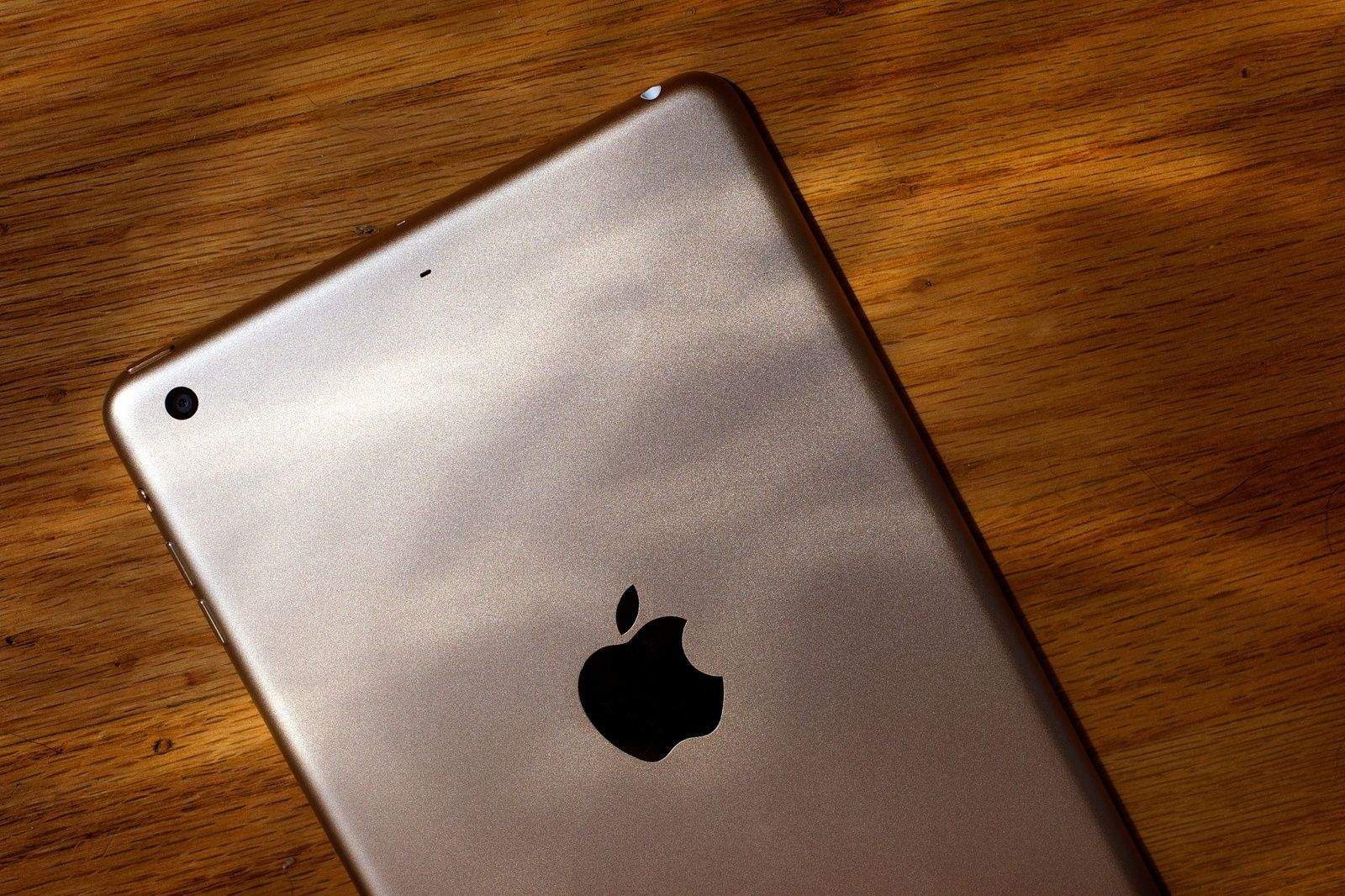
Gold finish notwithstanding, the iPad mini 3 looks awfully familiar. Photo: Jim Merithew/Cult of Mac
To paraphrase Pontius Pilate, I can find no fault with the iPad mini 3. Having said that, I can wash my hands of a proper review and allow Apple’s new half-pint tablet to be crucified in the budget-conscious court of public opinion.
Nice as it is, the iPad mini 3 truly is a gigantic ripoff when compared to its predecessor. It’s got the same specs, the same basic form factor, the same functionality and battery life.
If we were to write a review, it would read something like this: “Touch ID is a swell addition. Please read our review of the iPad mini 2 for more info. That is all.”