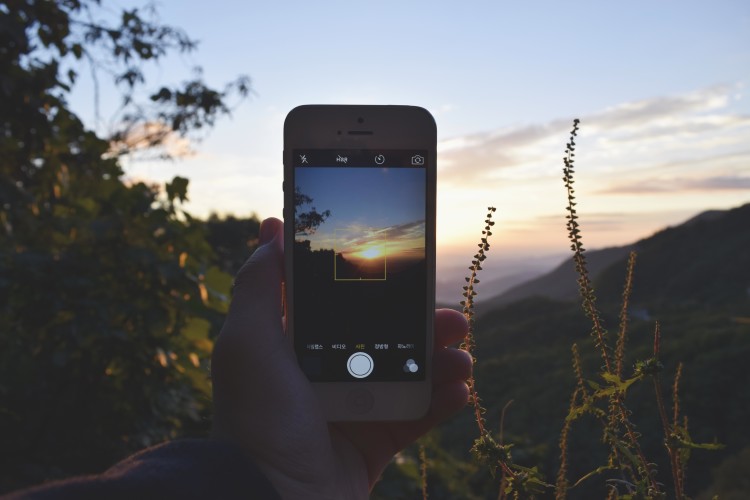
For when the stock Camera app just doesn't cut it. Photo: Unsplash.com
Manual camera apps for iPhone offer better control over settings like exposure, focus, ISO and shutter speed. If you’ve ever shot photos in an environment where the light wasn’t ideal or had a rough time balancing shadows and light, you would benefit from a manual camera app.
While these kinds of apps aren’t always necessary, a great one is a good tool to have in your app arsenal. These are currently the best manual camera apps for iPhone.
This fun new puzzle game will give you a healthy dose of anxiety. Photo: Roguebox Studios
You aren’t just any agent. You’re a rogue agent. And you’re trying to escape before the enemy agents find you. That’s the plot behind — you guessed it — Rogue Agent, a thrilling new puzzle game on iOS.
With 52 different worlds, several mini-games and a few power-ups, the spy game makes you constantly try to escape without getting caught. Don’t worry about whether there’s a concrete reason for that because, trust me, you’ll get hooked anyway.
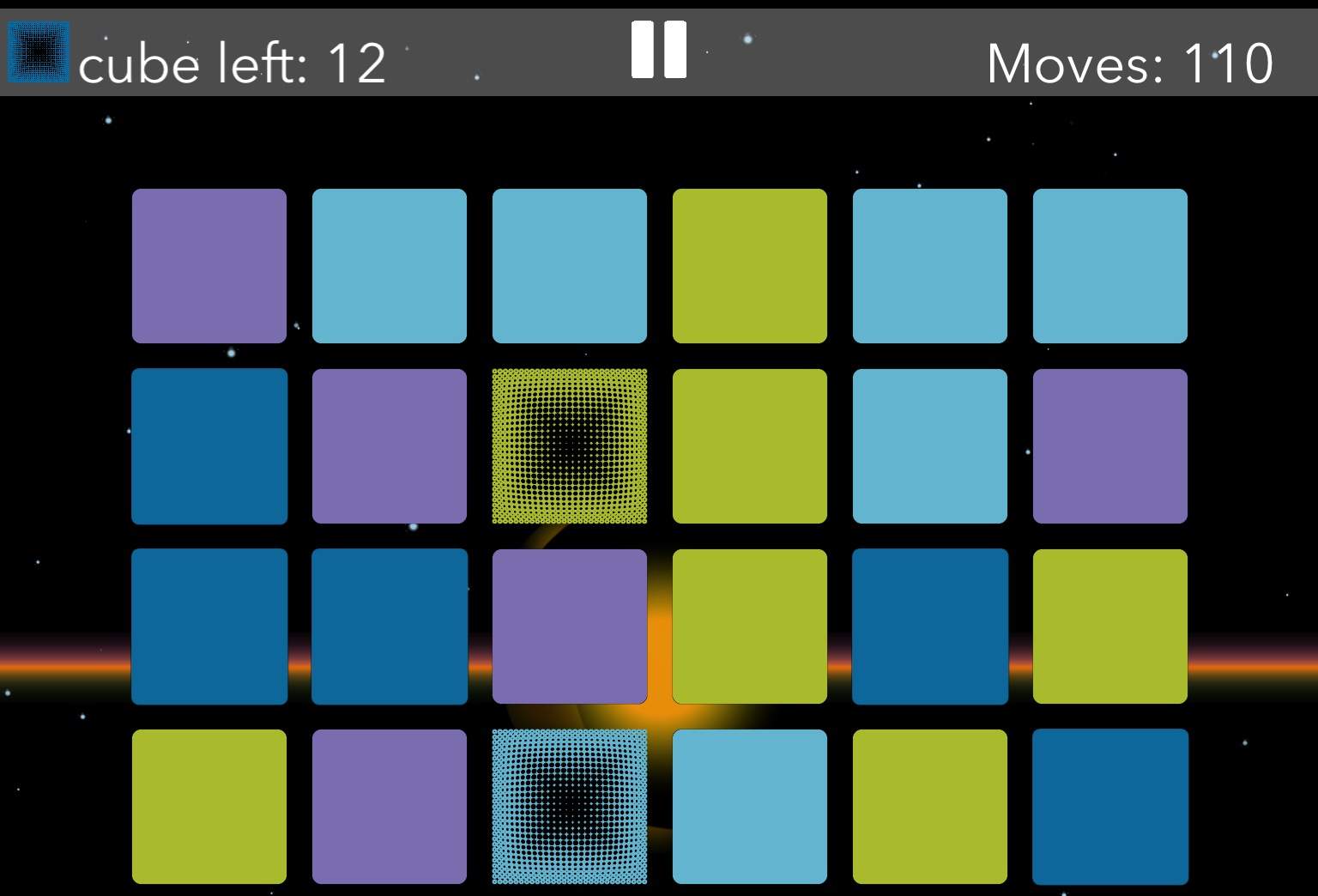
Abantus Saga 2's sliding mechanics are deceptively simple. Screenshot: Evan Killham/Cult of Mac
You’d be forgiven if you took one look at Abantus Saga 2 and confused it for yet another tedious match-three game. But if you can get over your prejudice, you’re in for hours of enjoyment. And some frustration. But mostly enjoyment.
The puzzle title, which is out now for free in the iOS App Store, has you sliding around colored and patterned “cubes” (they’re squares, but the on-screen text calls them cubes) to complete full rows and columns. And that’s it — that’s the only mechanic. But what the developer does with it will have you playing and replaying Abantus Saga 2 for hours on end.
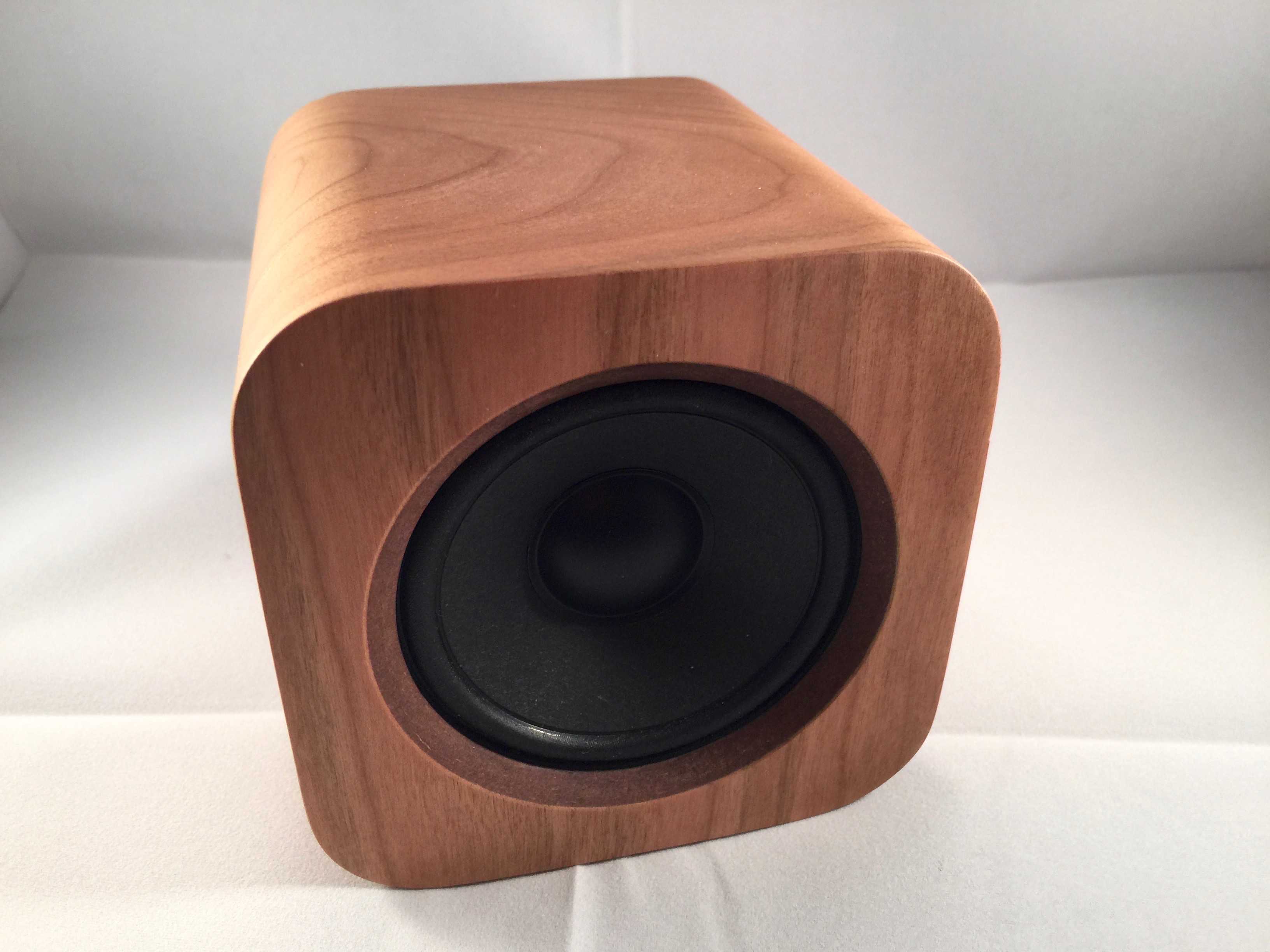
You just want to touch it, right? Photo: Rob LeFebvre/Cult of Mac
Best List: Sugr Cube wireless speaker by Sugr
Oh, my, is this a cute little speaker. It’s so adorable that I’ve waited through three software updates and spent more time charging the speaker to test than almost any other one I’ve ever reviewed.
Why? Because this thing is drop-dead adorable. The Sugr Cube looks like something straight out of Cupertino: I wouldn’t be surprised to find one sitting on an Apple retail store display table before long.
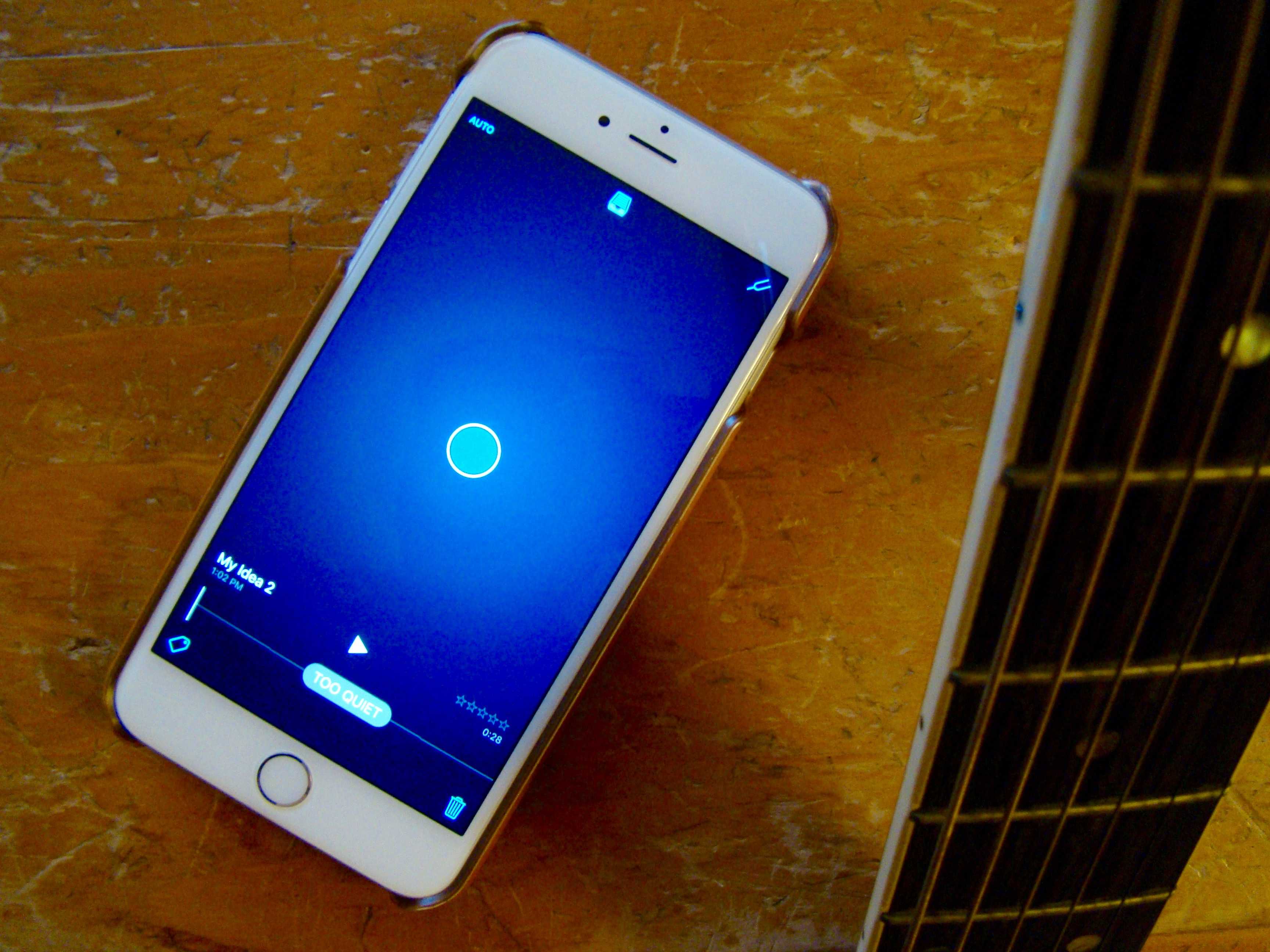
Easy-to-use music creation app Music Memos does away with complex demos. Photo: Rob LeFebvre/Cult of Mac
Apple’s new app, Music Memos, is hands-down the best free music-creation app I’ve ever used on my iPhone. The amount of tech packed into this tiny little iOS app is nothing short of amazing, and it shows Apple’s continuing commitment to the creative community.
Music Memos lets you sit down with your iPhone, tap the screen, and record music. Then it will totally figure out what you played, and supply fairly decent drum and bass tracks to complement your chords. Wow.
I’ve played in live bands that can’t even do that.
Take my word on this: If you can play even rudimentary guitar, piano or even ukulele, you owe it to yourself to give Music Memos a try.
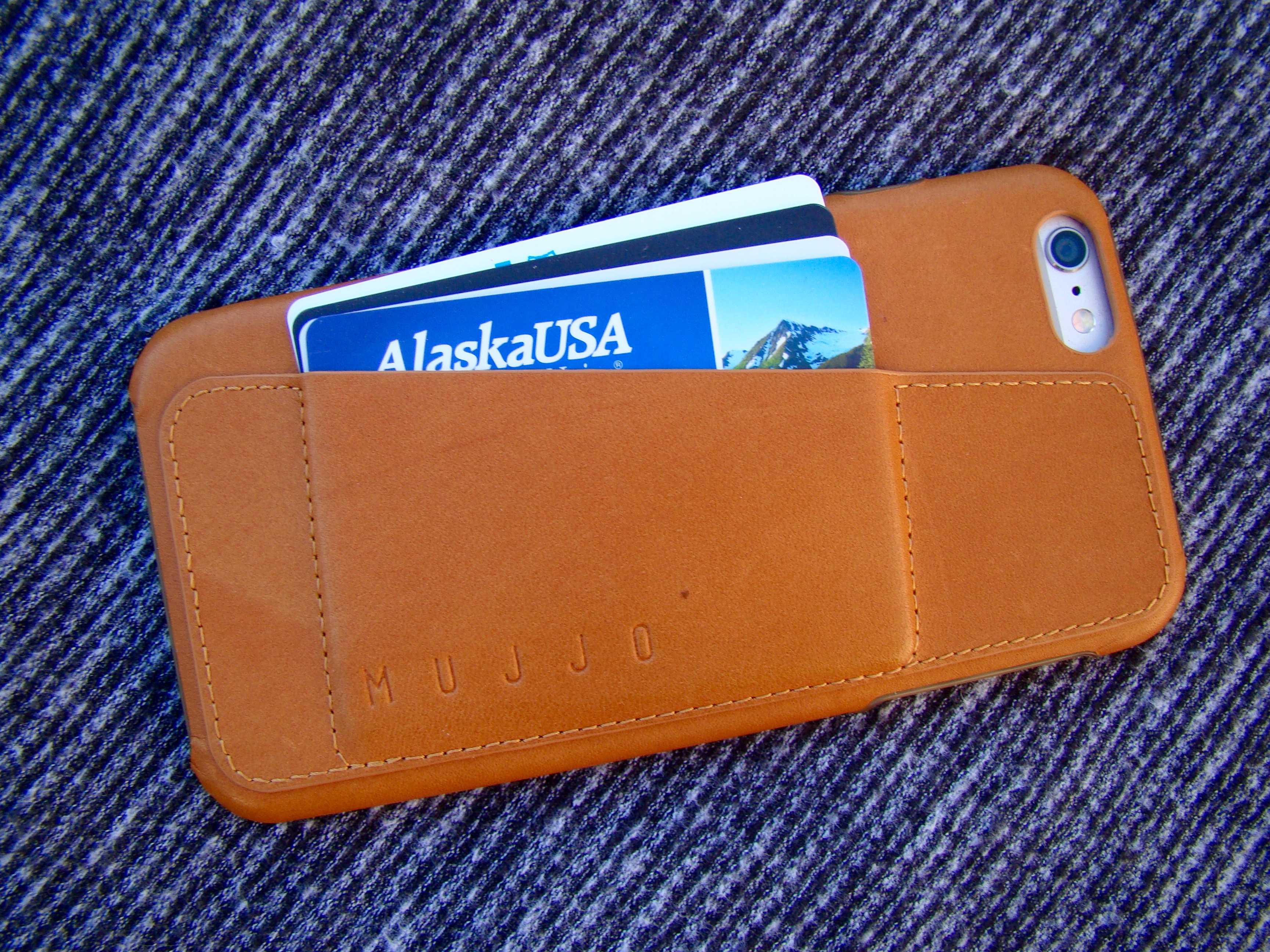
This one should last and last without dropping your cards out. Photo: Rob LeFebvre/Cult of Mac
Best List: Leather Wallet Case 80° for iPhone 6s Plus by Mujjo
If there’s one thing about leather iPhone cases, it’s that while they wear nicely and look great when distressed, they tend to get a little floppy. The last leather iPhone case I put on my iPhone 6 Plus went all soft and let my ATM card and driver’s license fall out, forcing me to take a trip to the DMV and the bank to get replacements.
That won’t be the, well, case with this upgraded leather wallet case from Mujjo. Its molded-plastic base snuggles my iPhone 6 Plus, while its stiff, stitched pocket keeps my cards safely ensconced without too much give.
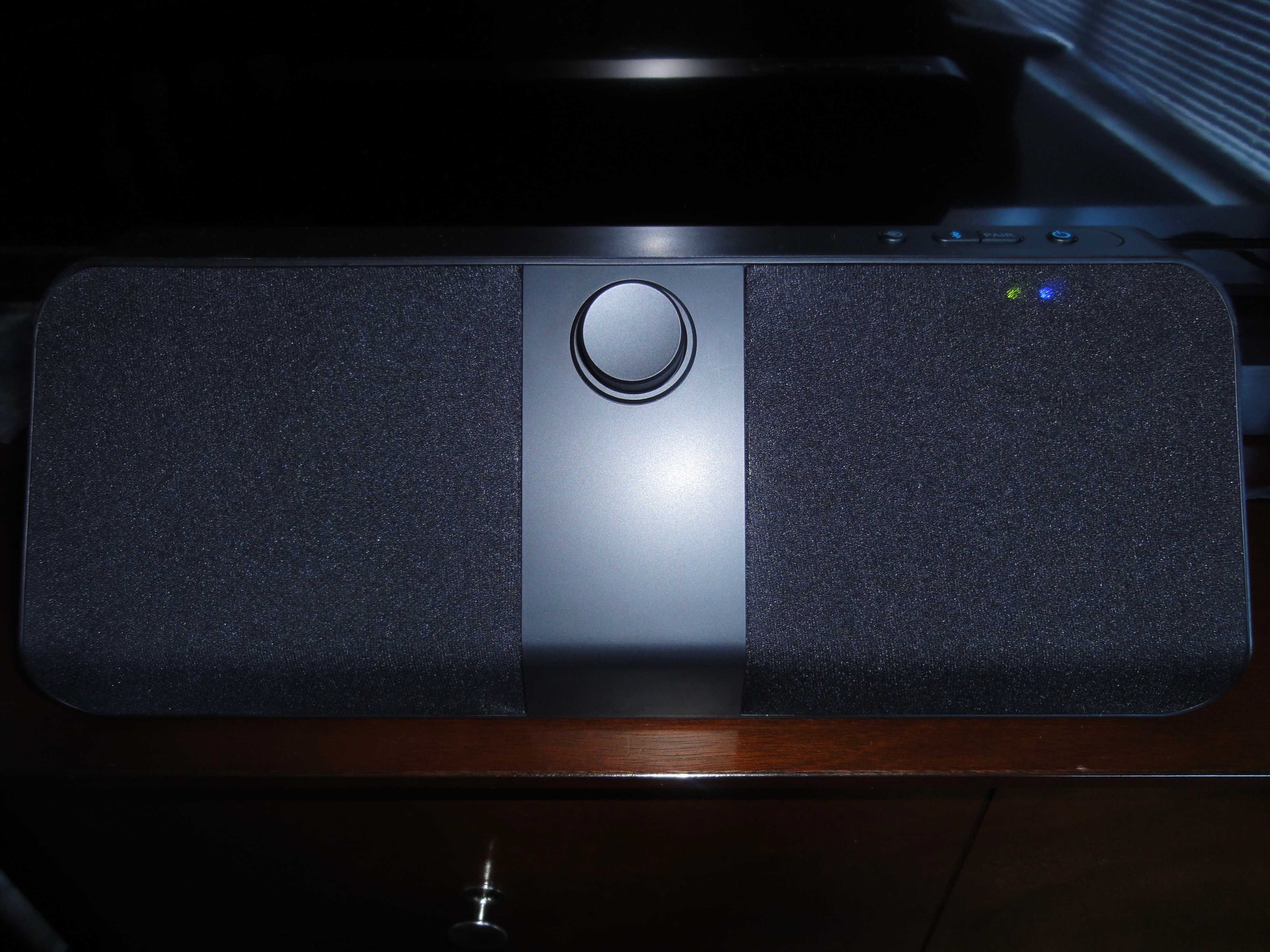
This TV speaker could Grace your living room or bedroom. Photo: George Tinari/Cult of Mac
Grace Digital’s Voice Enhanced TV Speaker promises to enhance the sound of your television and potentially give it a volume boost. The sound was engineered with voices in mind because, more than anything when watching TV, dialogue is what you need to hear. As a bonus, a Bluetooth connection lets the speaker work with any Bluetooth-enabled computer or smartphone.
I hooked up Grace Digital’s Voice Enhanced TV Speaker to my television and gave it a whirl.
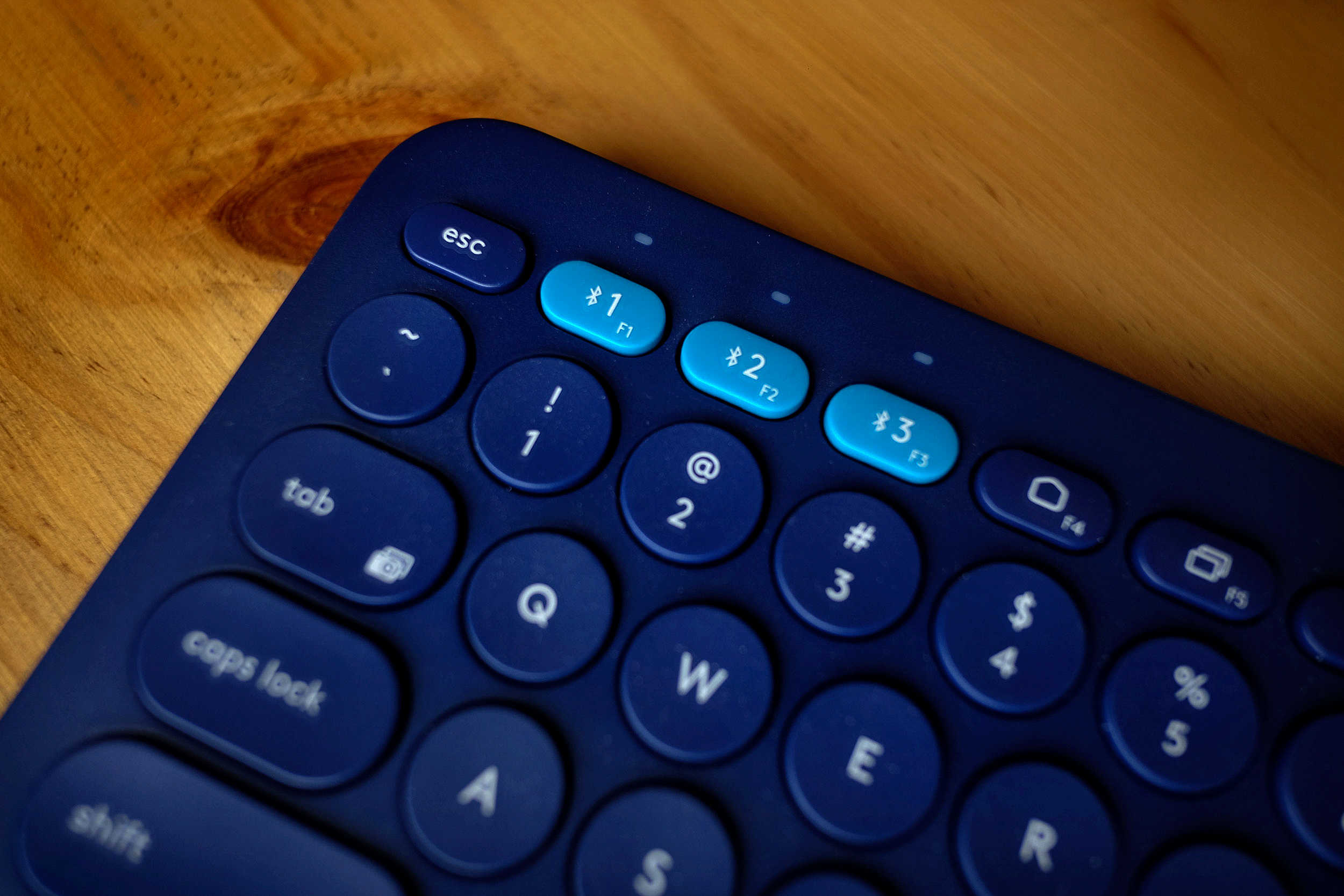
The magic buttons on this Logitech keyboard make connecting to three different devices as simple as 1, 2, 3. Photo: Jim Merithew/Cult of Mac
Best List: K380 Multi-Device Bluetooth Keyboard by Logitech
Not one, not two, but three devices, all commanded by a single keyboard.
Three Bluetooth presets on one thoughtfully designed, battery operated, portable input device.
I’ve been using the Logitech K380 for a little while and I still can’t get my head around why someone would need to hook up a keyboard to three different devices at the same time. However, if you do, this keyboard is a no-brainer.
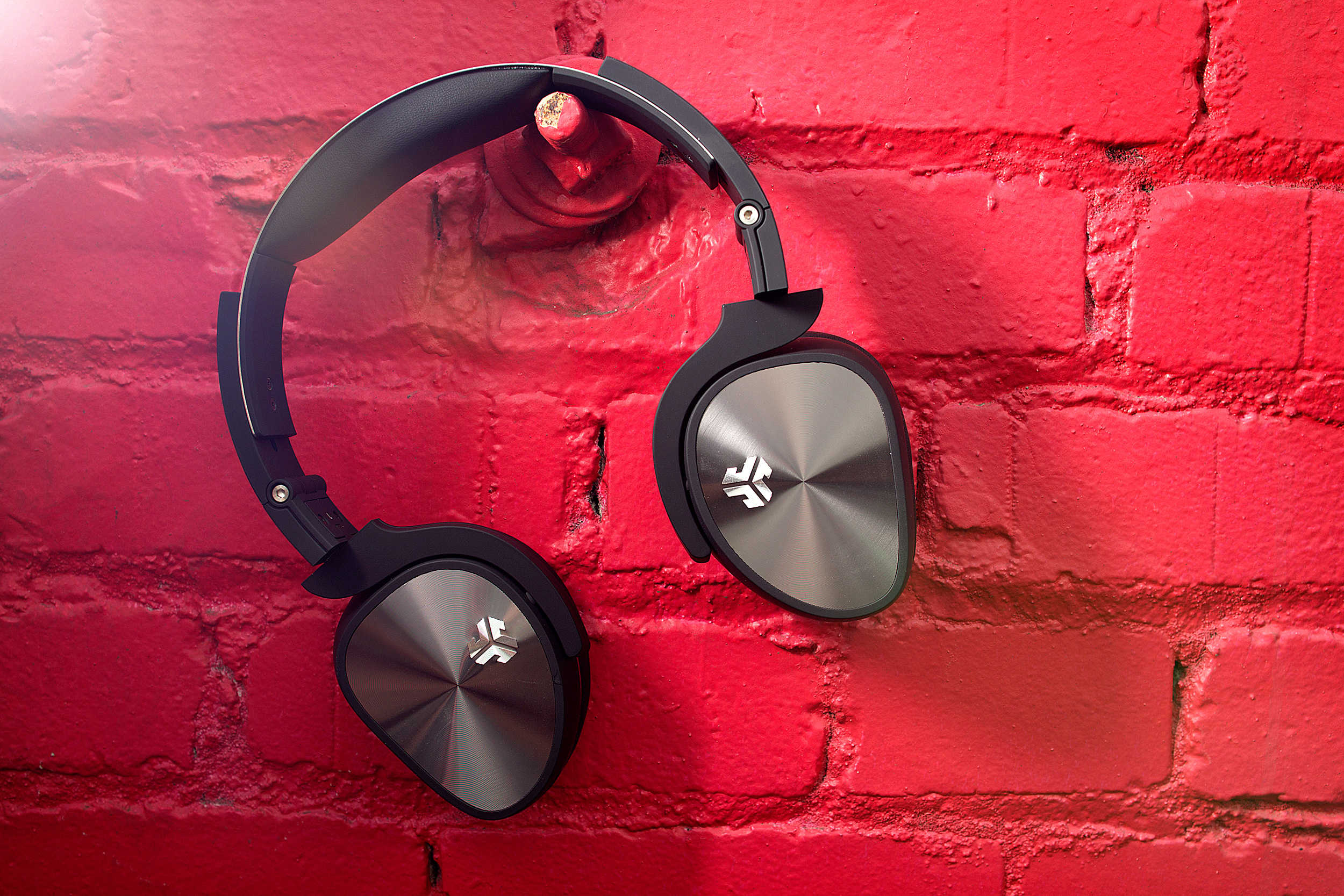
Sometimes what you really need is a well-built pair of inexpensive headphones. Jlab's Flex fills that bill perfectly. Photo: Jim Merithew/Cult of Mac
Best List: Flex headphones by JLab Audio
If you are on a budget and routinely trash your headphones, JLab Audio’s Flex is just what you have been looking for: a decent pair of cans built to withstand regular abuse.
The Flex headphones come folded down compactly into their included case, and for $70 deliver pretty impressive sound quality.
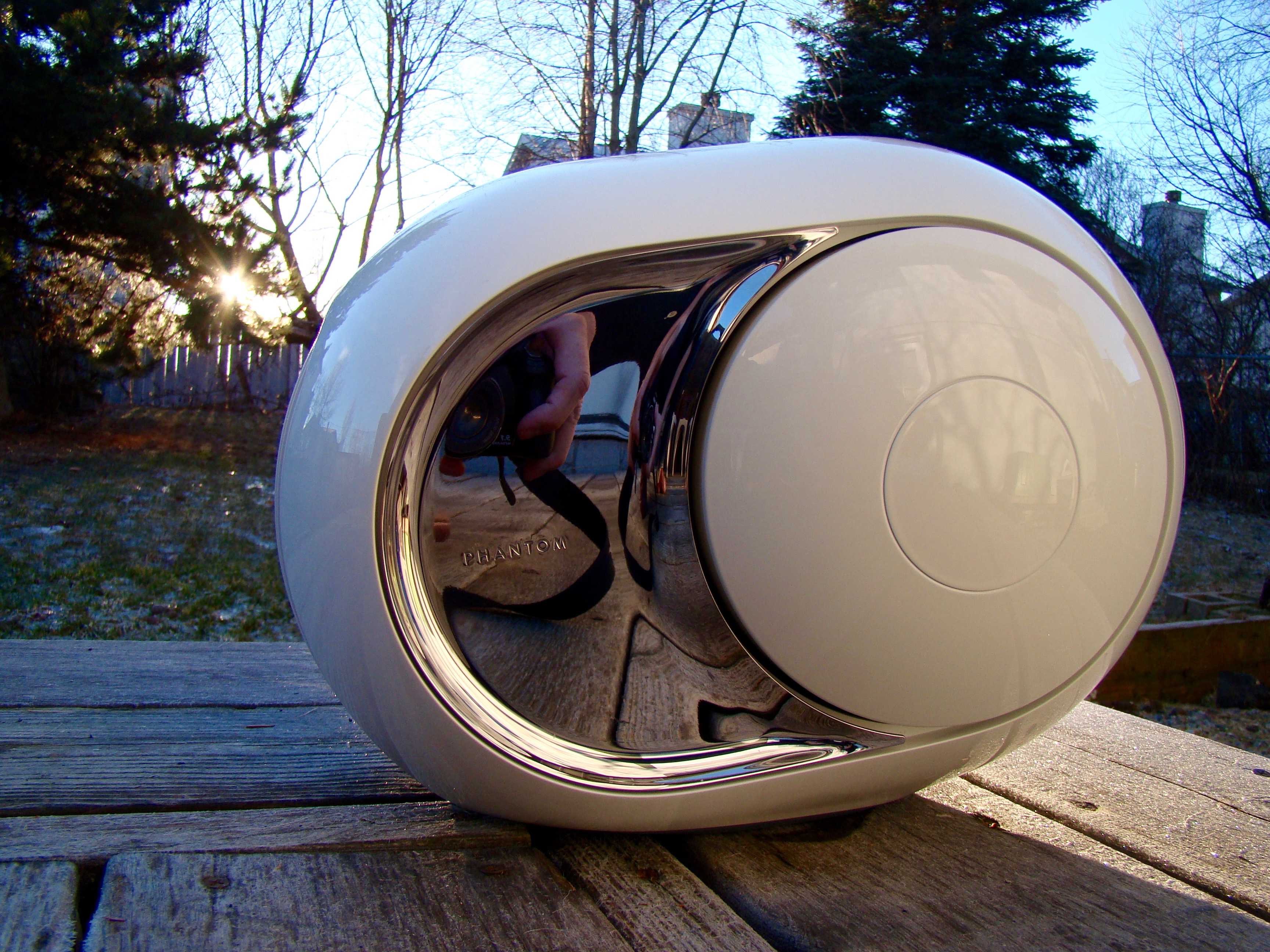
Looks, power, and ease of use - what more do you need? Photo: Rob LeFebvre/Cult of Mac
Best List: Phantom speaker by Devialet
A whispered conversation in a library is about 30 decibels. A normally loud chat comes in at around 65 decibels. A jackhammer at 50 feet is 95 decibels, and also the loudness at which our ears can get damaged with prolonged exposure.
The Phantom speaker I’ve been using as my main television and Bluetooth speaker for the last couple of weeks tops out at 99 decibels. This sucker gets loud, without any distortion, real quick. It’s easy to use, looks amazing in any room, and will change your experience of music and movies from the moment you turn it on.
While it looks like something out of the future depicted in a Kubrick film, has an ungainly outdoor-style power cable, and is heavier than you’d think, the Phantom is simply the best home speaker I’ve ever encountered.
We’re finishing up 2015, and now that you’re all good and tired of your families, we’ve checked out some great December iOS games to help you decompress in solitude.
This month’s offerings should cover all of your needs, whether you like to relax with a simple match-three title or need something more strategic. We have high-def graphics, pixel art, orchestrated music, chiptunes, straight-up fighting, and strategizing. December had something for everyone.
In no particular order, here were our favorite diversions from the December rush.
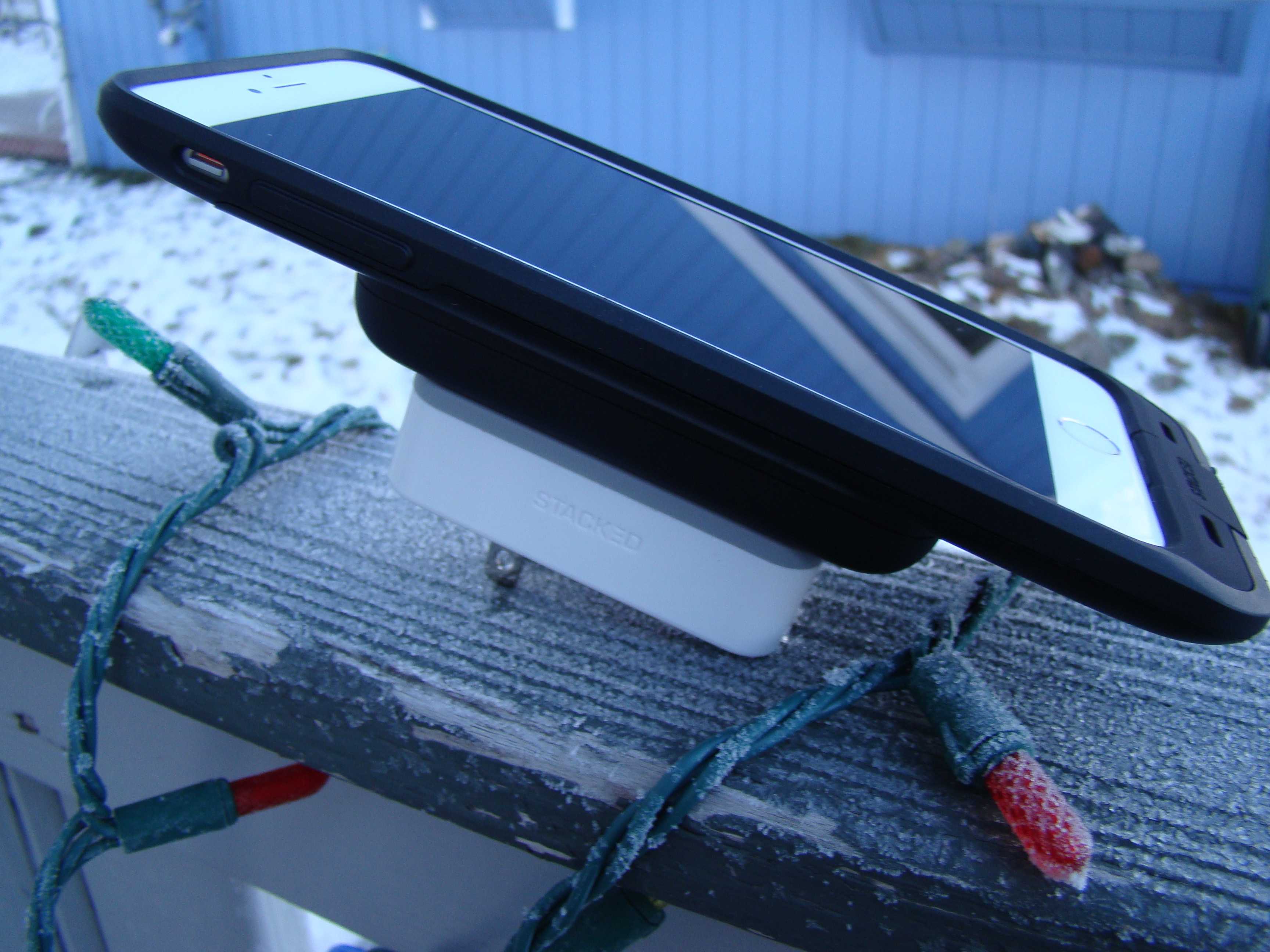
Wall charger, battery pack, iPhone case all stacked up and ready to go. Photo: Rob LeFebvre/Cult of Mac
Best List: Wireless iPhone Charging System by Stacked
If there’s one thing I can never have enough of, it’s power for my iPhone. Even on normal, about-town sort of days, I’m always looking for ways to keep the battery topped off, in case I need it for something power-intensive later on. I carry around external chargers like some people carry around ChapStick and tissue, and I’ve always got a spare cable to share. All of that stuff can add up to a ball of wires and plugs, making for a nasty mess in my backpack.
I’ve long wanted an easier, wire-free charging existence, and that’s where the Stacked iPhone charging case comes in. It’s a clever system that’s a truly wireless solution to keeping my iPhone at the top end of the charged-up spectrum.
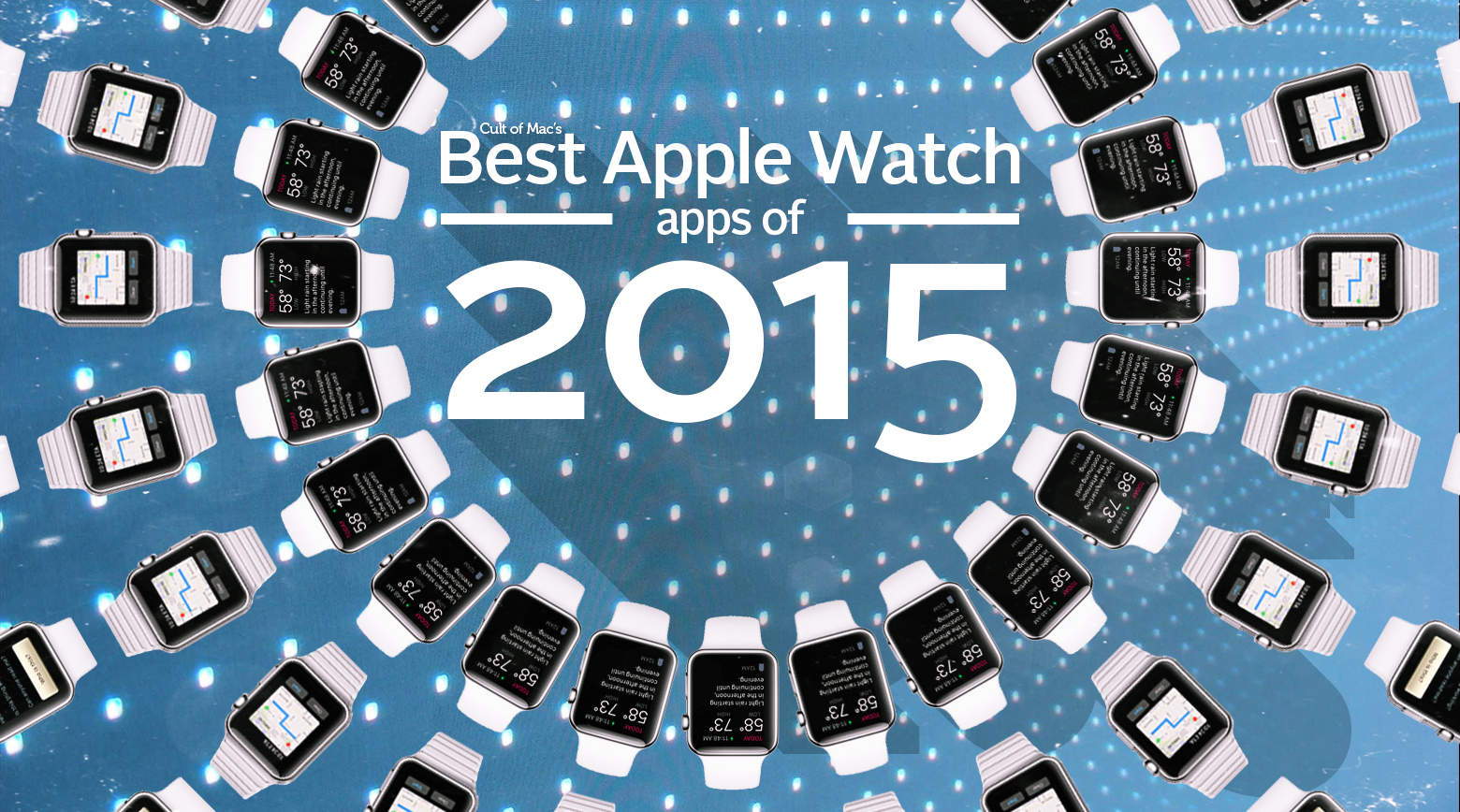
Ready to set your wrist on fire? Download these hot, hot, hot Apple Watch apps now. Image: Stephen Smith/Cult of Mac
While the Apple Watch is still waiting for its “killer app,” plenty of great apps already exist for the new wearable. They ease us through common tasks, add value to awesome iPhone apps, or delight us with subtle functions that we didn’t necessarily know we needed (but now practically can’t live without).
These apps might not be homicidal, but they make us want to strap on an Apple Watch each and every day. These are our favorite Apple Watch apps of 2015.
It was the best of designs, it was the worst of designs. Apple really went for it in 2015, with varying degrees of success. Image: Stephen Smith/Cult of Mac
2015 was a bold year for Apple. The company jumped into new product categories, polished its existing hardware and software lines, and wowed us repeatedly.
Apple also made most of us throw up in our mouths a little bit now and then, due to some questionable (and some undeniably bad) choices.
These are Apple’s biggest wins and most epic fails of the past year, as remembered — fondly and otherwise — by Cult of Mac staffers.
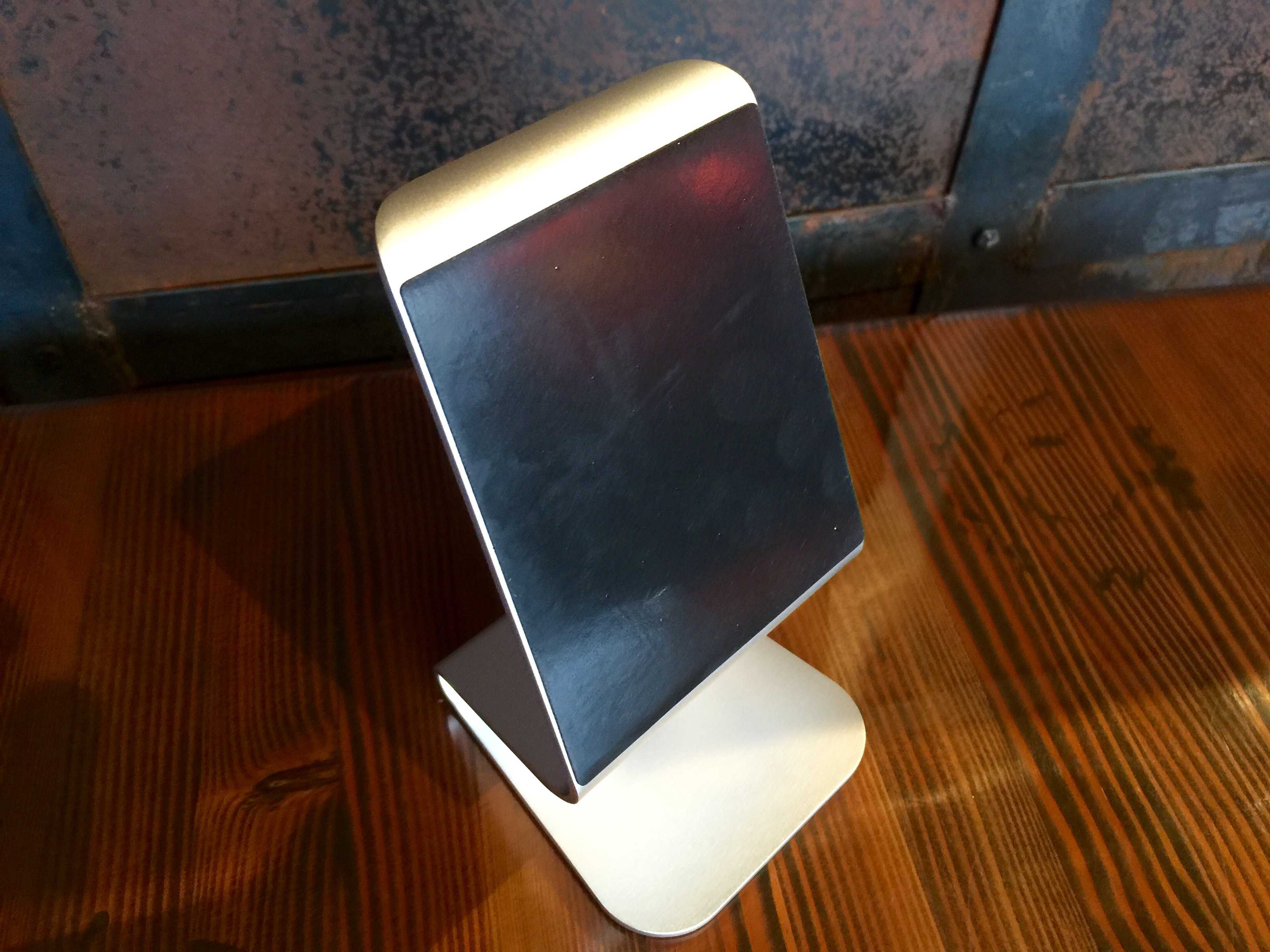
It's a beautiful life (thanks to aluminum). Photo: Rob LeFebvre / Cult of Mac
Best List: Zand Aluminum iPad Stand by iQunix
Living in an Apple ecosystem, my world revolves around brushed aluminum and white cables. My iPhone 6 Plus is silver on the back, my iPads are black and space gray, and my MacBook Pro is — you guessed it — a lovely brushed aluminum.
The new iQunix Zand Aluminum iPad stand looks like something Apple would design to set your iPad next to that MacBook Pro for a perfectly matched finish.
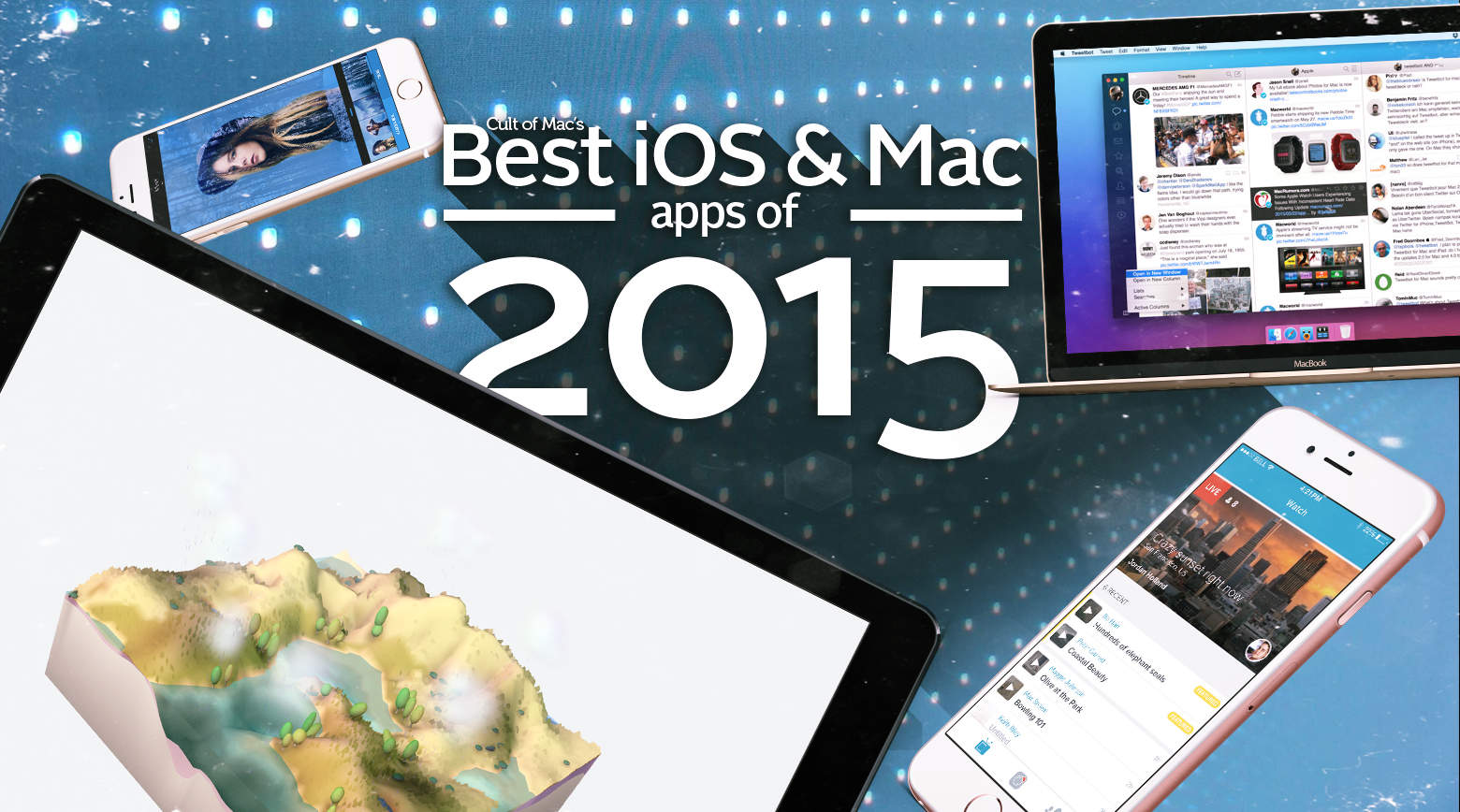
Witnessing the ingenuity of app developers both small and large is a real highlight of my job writing about the Apple ecosystem. In that regard, 2015 didn’t disappoint: Some tremendous new apps got unleashed this year on both iOS and OS X.
Here are Cult of Mac’s picks for the absolute best apps of the year for iPhone, iPad and Mac.
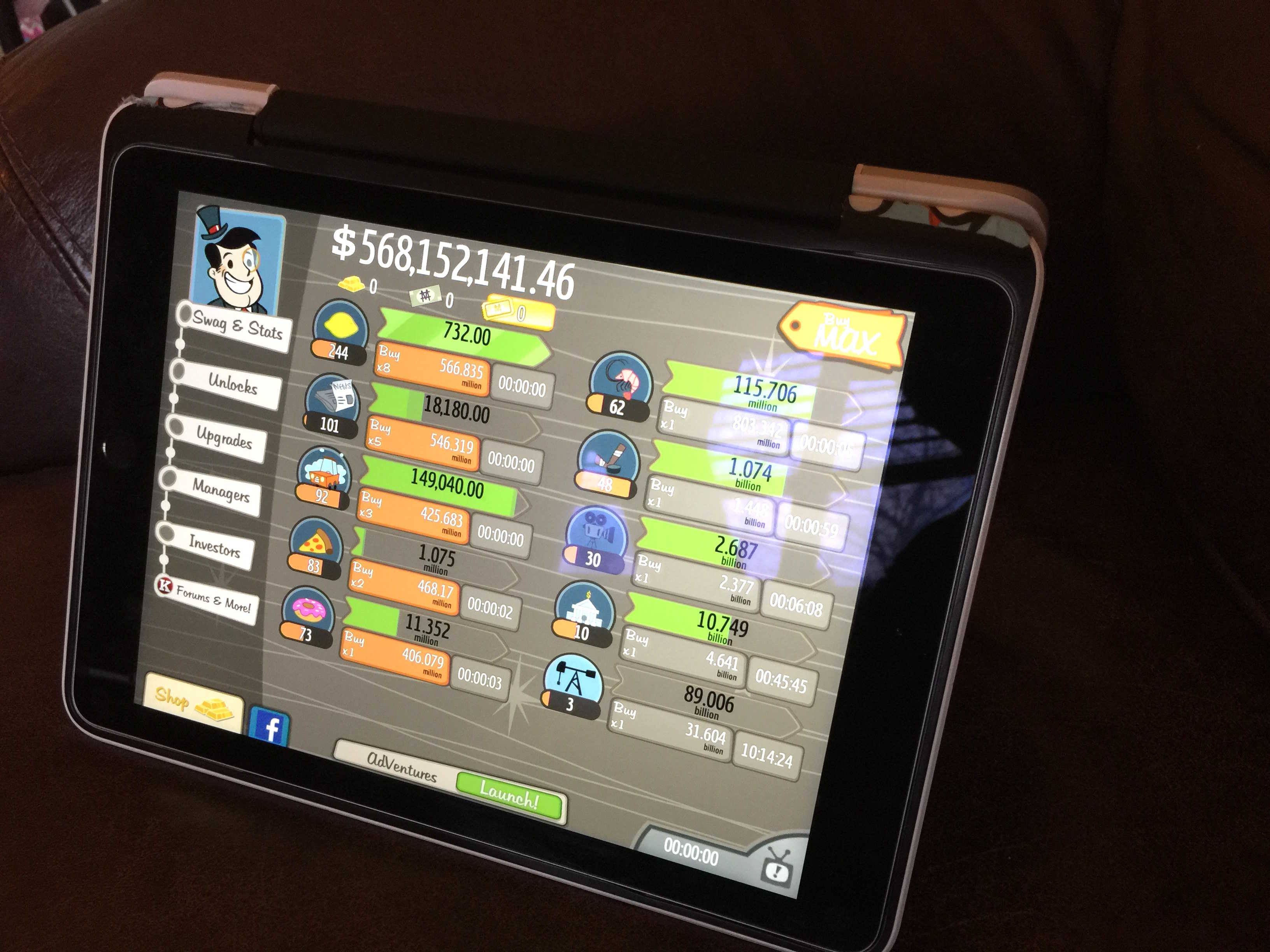
This can run all day. Photo: Rob LeFebvre/Cult of Mac
If you’re anything like me, you find something compelling about an “endless clicker” game. There’s not a lot of gameplay or strategy in one of these time-wasters, but they’re fulfilling in some odd way.
Take my latest obsession: AdVenture Capitalist! Starting with a lemonade stand, you can work your way up to an oil magnate on Earth and then bust out of the atmosphere to take your industrious money gathering to Mars and the Moon.
It’s kind of ridiculous to just tap buttons to buy various industries like newspapers, pizza parlors, donut shops, and banks, but oddly soothing all the same. Here’s a quick video to give you a sense of the gameplay.
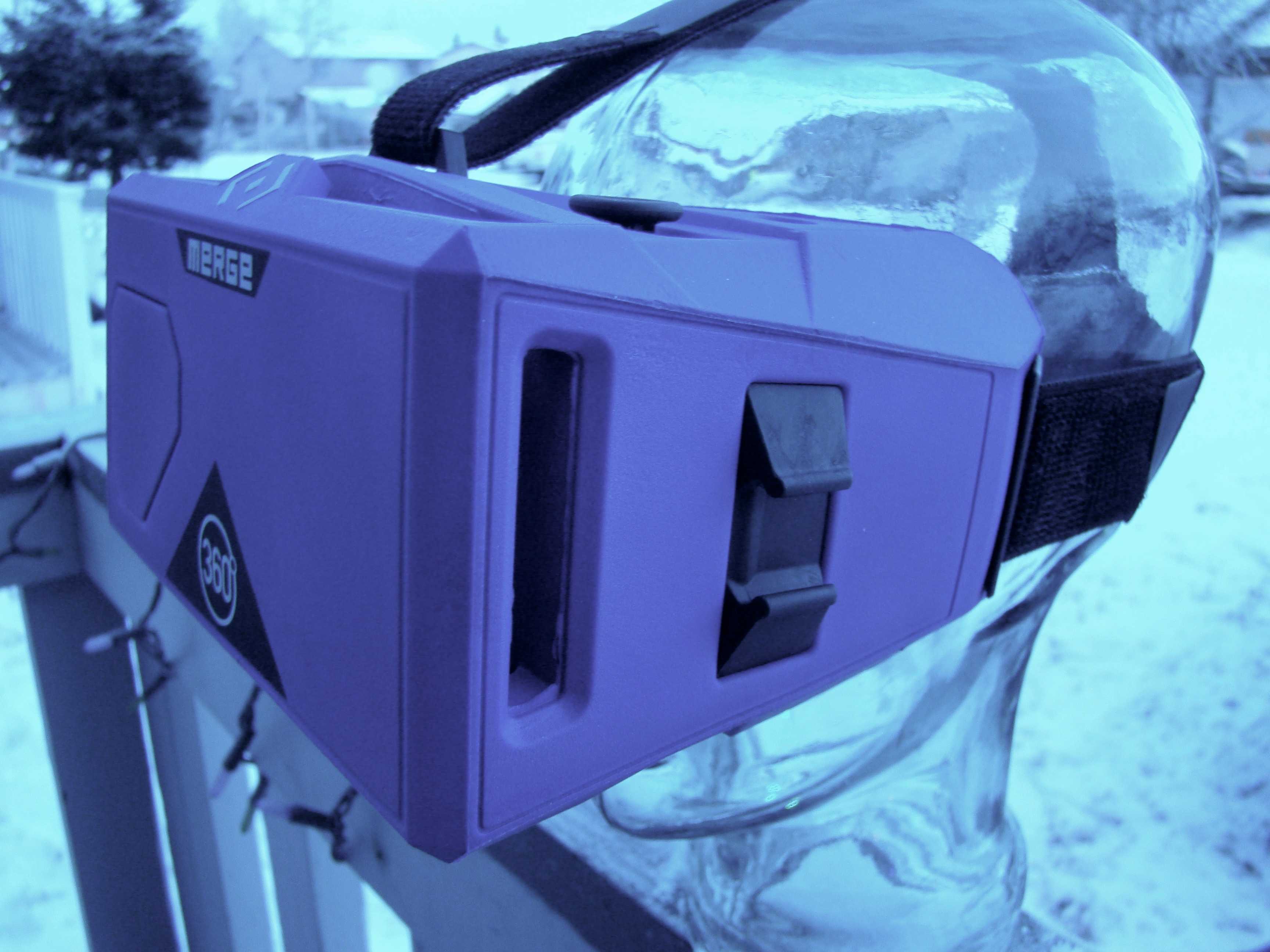
Soft and eminently comfy. Photo: Rob LeFebvre/Cult of Mac
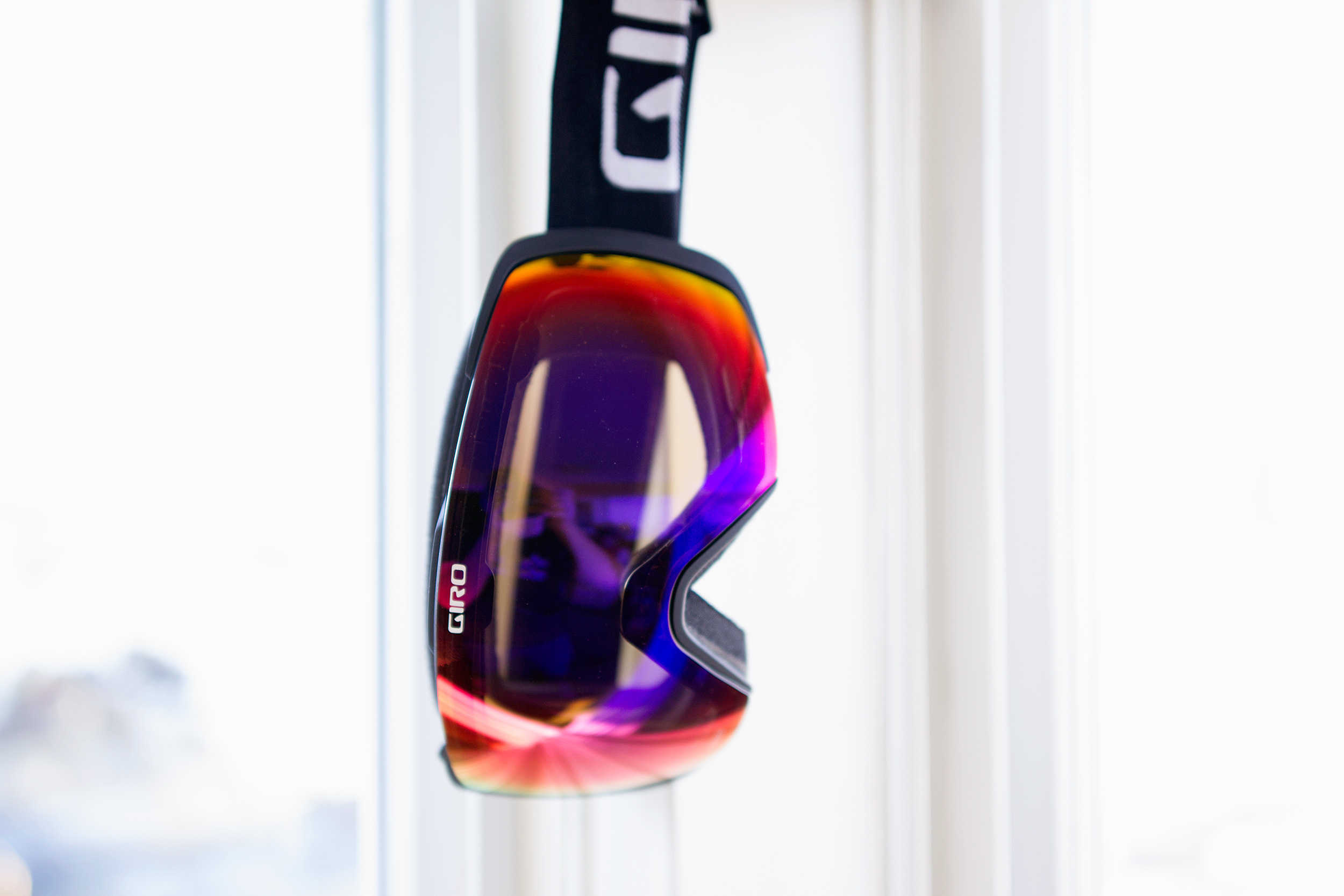
Best List: VR Goggles by Merge
If you’ve ever had a hankering to try out VR with your iPhone (or other smartphone), the Merge VR Goggles are a fantastic fit. They’re made of a soft, lightweight, purple sculpted foam that will fit any face and pretty much any smartphone.
You’ll be able to comfortably wear these as long as you can stand virtual reality apps on your iPhone, thanks to the way they mold to your particular facial features and don’t weigh your head down.
What have you been playing this year? Photo: Ste Smith/Cult of Mac
It’s been a terrific year for gaming. The next-generation consoles now offer a library of spectacular games that somehow keep getting better and better, while PC gaming just gets greater every year.
2015 brought exciting and long-awaited entries to wonderful franchises like Fallout and The Legend of Zelda, surprising indie smash hits like Rocket League, and must-play platform exclusives like Blooborne and Super Mario Maker.
Here are the best games that we couldn’t put down this year.
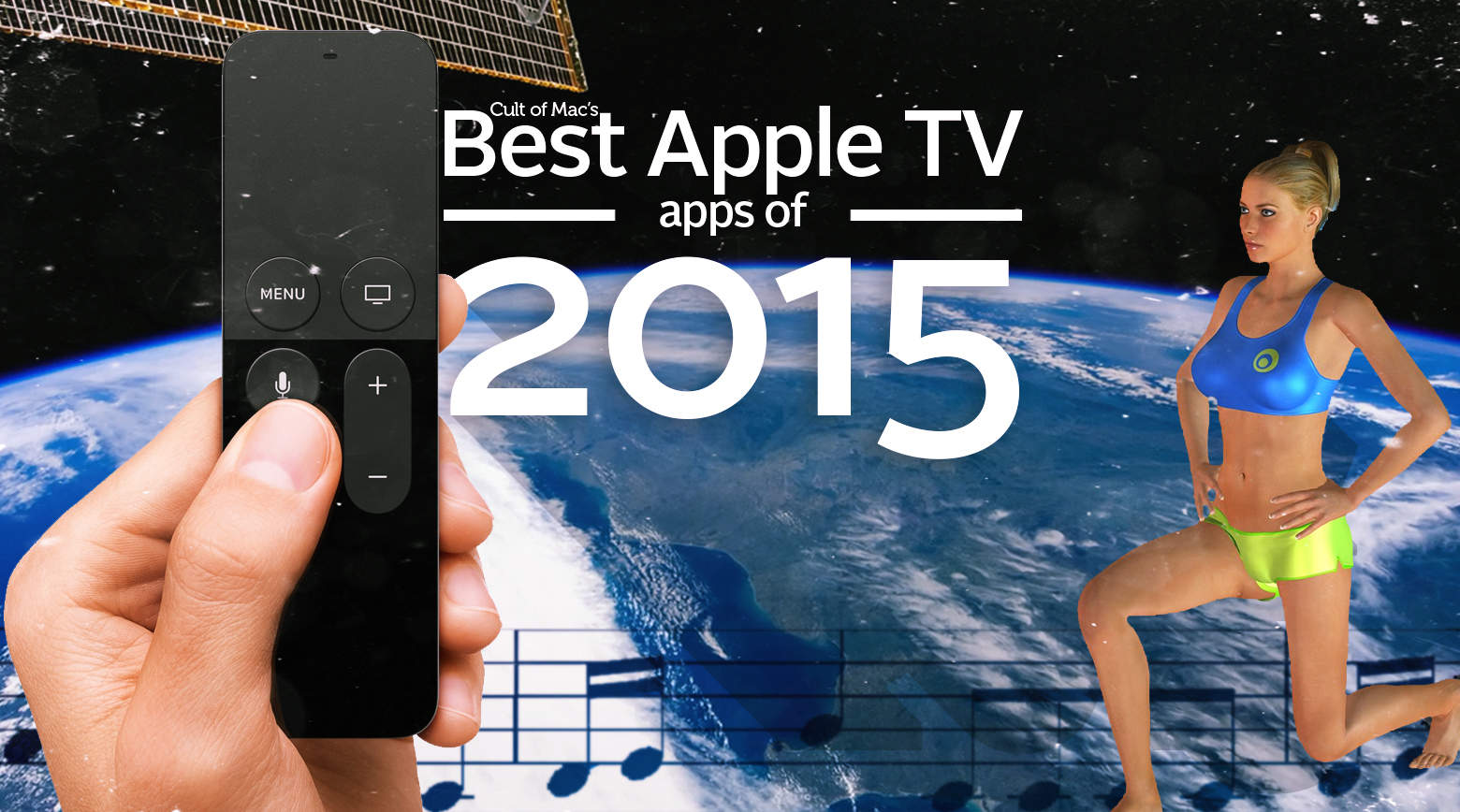
These apps truly shine on the new Apple TV. Photo: Stephen Smith/Cult of Mac
The Apple TV’s App Store is still so new, odds are you might be having trouble figuring out which apps are the best.
The holidays are just around the corner, so for the sake of the friends and relatives who will soon be swarming your living room, you might want to populate your new set-top box with some must-haves. Take a look at Cult of Mac’s top picks for best Apple TV apps.
Our favorite movies of the year were both big and small. Photo: Stephen Smith/Cult of Mac
It was a little tough to whittle our choices for the best movies of 2015 down to 11, but we did.
If you’d told us five years ago that we’d be getting new Jurassic Park, Star Wars and Mad Max movies, and that they’d all respect their predecessors while forging their own paths, we’d have ask the bartender for whatever you’d been drinking. But all of those things happened, and 2015 was better for it.
We also got some great original movies, including some charming comedies and one of the scariest monsters in recent memory. It was a pretty good time, regardless of your tastes, is what we’re getting at.
You need to have these games on your Apple TV. Photo: Stephen Smith/Cult of Mac
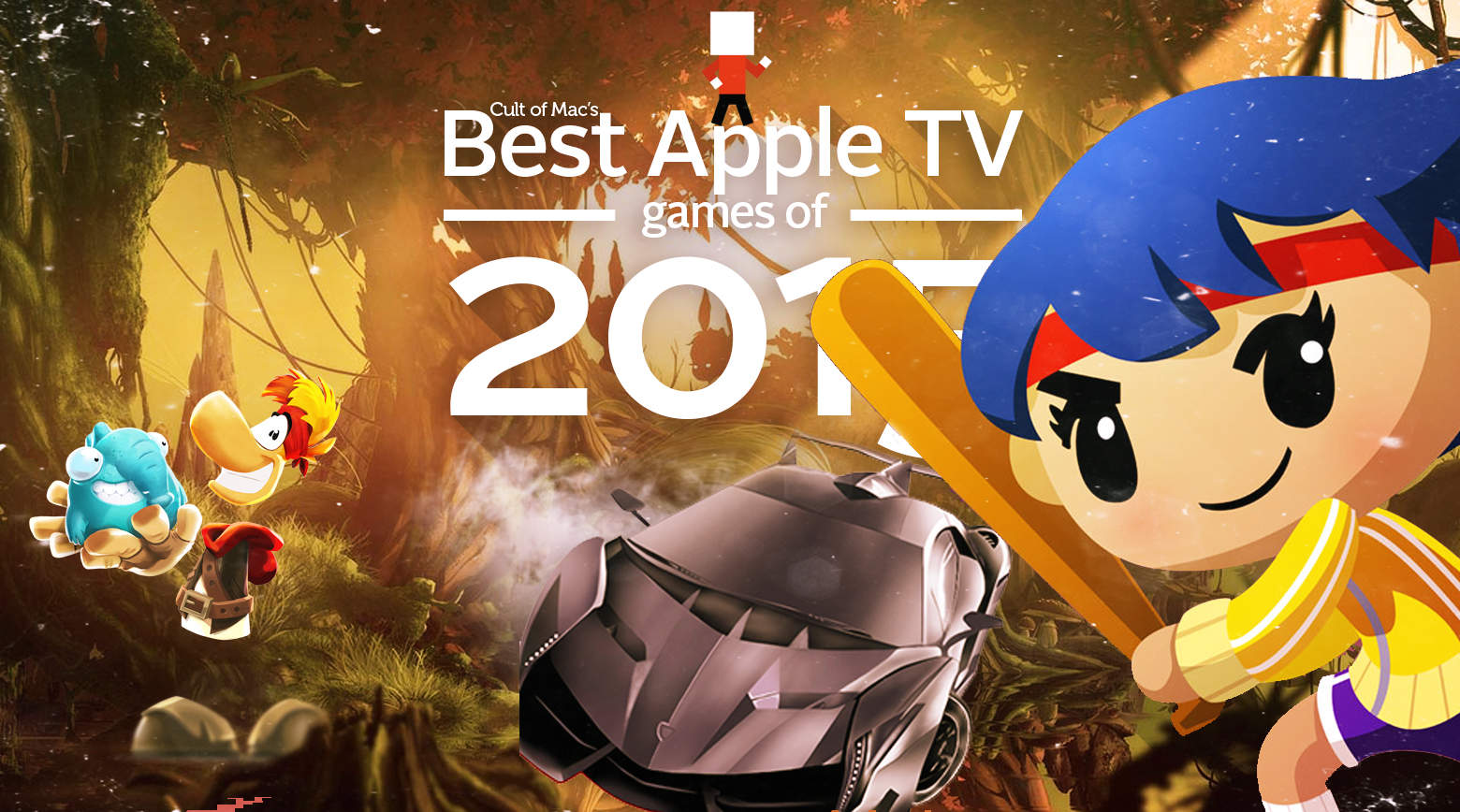
Games is already one of the most popular categories in the Apple TV’s new App Store. Just two months after the set-top box’s release, the Games category is easily where you’ll find the most variety of apps so far.
Many are free while others are relatively expensive. But price isn’t necessarily an indicator of quality: These Apple TV games truly stand out for their innovative gameplay and sheer entertainment value. Take a look at Cult of Mac’s top picks.
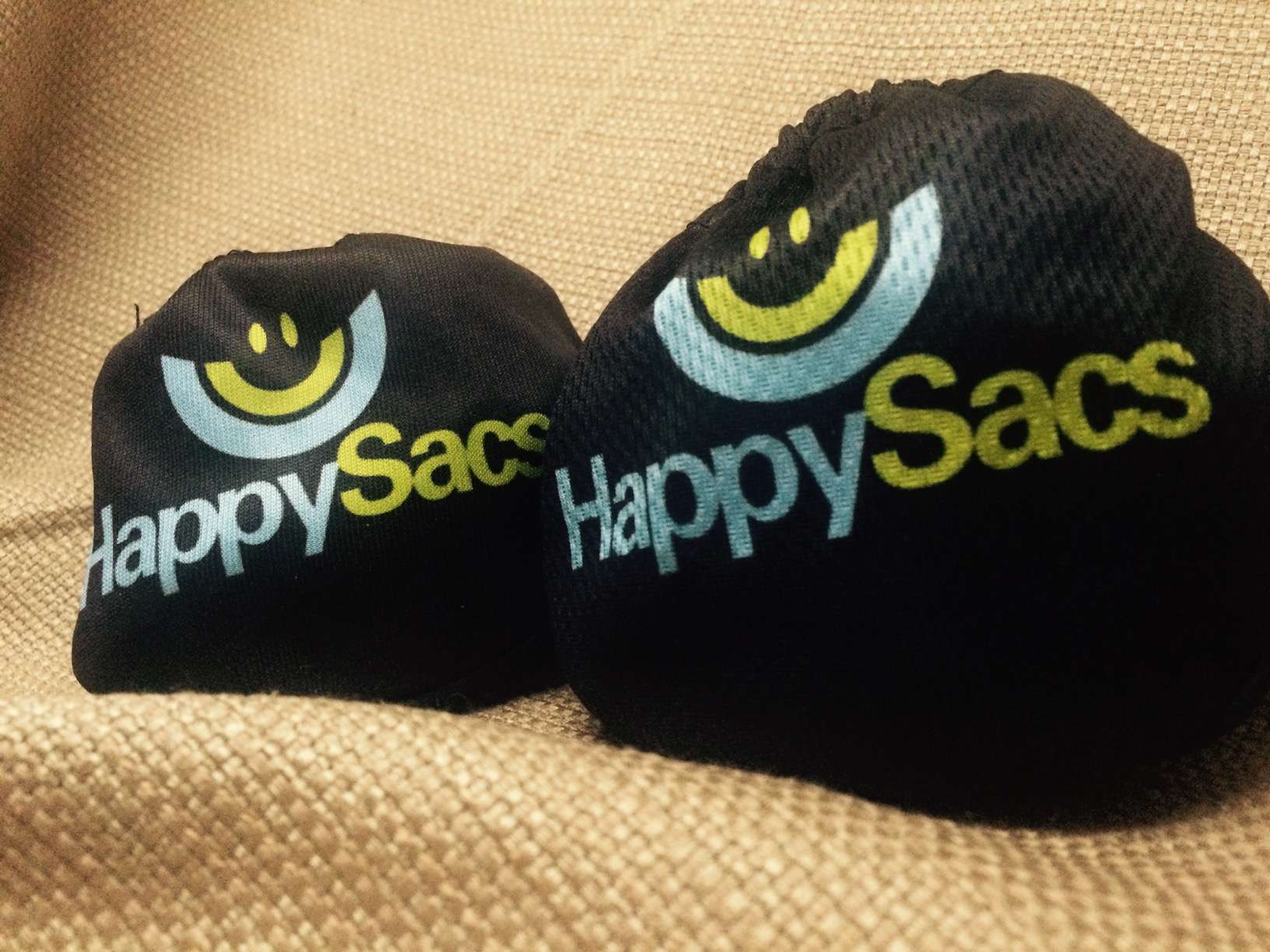
HappySacs: They go on your man-bag. Photo: Evan Killham/Cult of Mac
Best List: HappySacs
Let me just make this clear up front: HappySacs are little, elastic-banded bags that you put over your testicles. This is probably when you start wondering why a person would do such a thing, and nobody will blame you for thinking so.
But HappySacs have a noble mission in mind, and it extends even beyond comfort. These weird little pouches want to save your balls in both the short and long term. And they do so way less awkwardly than you might think.
 Manual camera apps for iPhone offer better control over settings like exposure, focus, ISO and shutter speed. If you’ve ever shot photos in an environment where the light wasn’t ideal or had a rough time balancing shadows and light, you would benefit from a manual camera app.