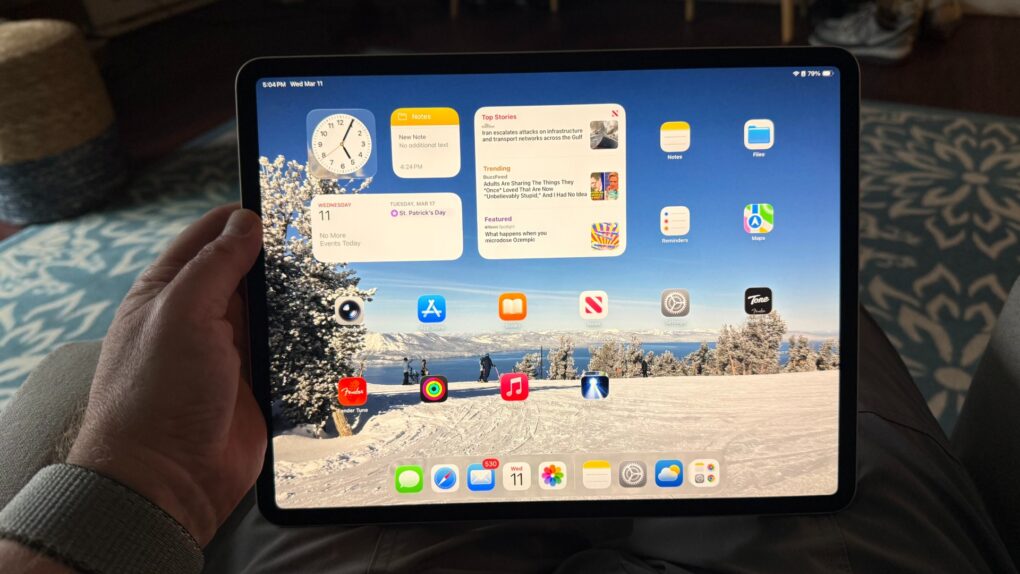
The 11-inch Apple M1 iPad Air (5th generation) I used for the past few years was a great device — fast, light, capable and well-integrated into the Apple ecosystem. Yet after just a couple days with the 13-inch iPad Air powered by Apple’s M4 chip, I can say this trade-in for an upgrade isn’t just incremental. It’s the kind of shift that quietly changes the way I use a device.
M4 iPad Air review (upgraded from M1 iPad Air)
This review focuses on what changes — and what doesn’t — when I moved from the 11-inch M1 iPad Air to the 13-inch M4 iPad Air, with 256GB of storage on both ends. I also grabbed an Apple Pencil USB-C to use in place of my no-longer-compatible Apple Pencil 2. That introduced its own set of trade-offs.
Apple's popular midrange tablet features a large Liquid Retina Display, 12MP front/back camera with Center Stage, Wi-Fi 7 with Apple N1 modem, Touch ID, all-day battery life and choices of four storage sizes and four colors.
- Big, beautiful display
- Relatively thin and lightweight
- Powerful M4 chip
- Wi-Fi 7 and Apple N1 networking chip
- Lacks OLED screen and ProMotion
- Gets pricey at higher specs

Table of contents: M4 iPad Air review
- Display: More real estate, same sharpness (but falls short of Pro’s OLED)
- M4 performance: Overkill in the best possible way
- Form factor: Larger size earns its keep
- Apple Pencil USB-C: Functional, but a downgrade in key ways
- Battery life and charging
- Software and ecosystem
- Key differences: M1 vs. M4 iPad Air
- M4 iPad Air review verdict: Should you upgrade?
Display size: More real estate, same sharpness (but falls short of Pro’s OLED)
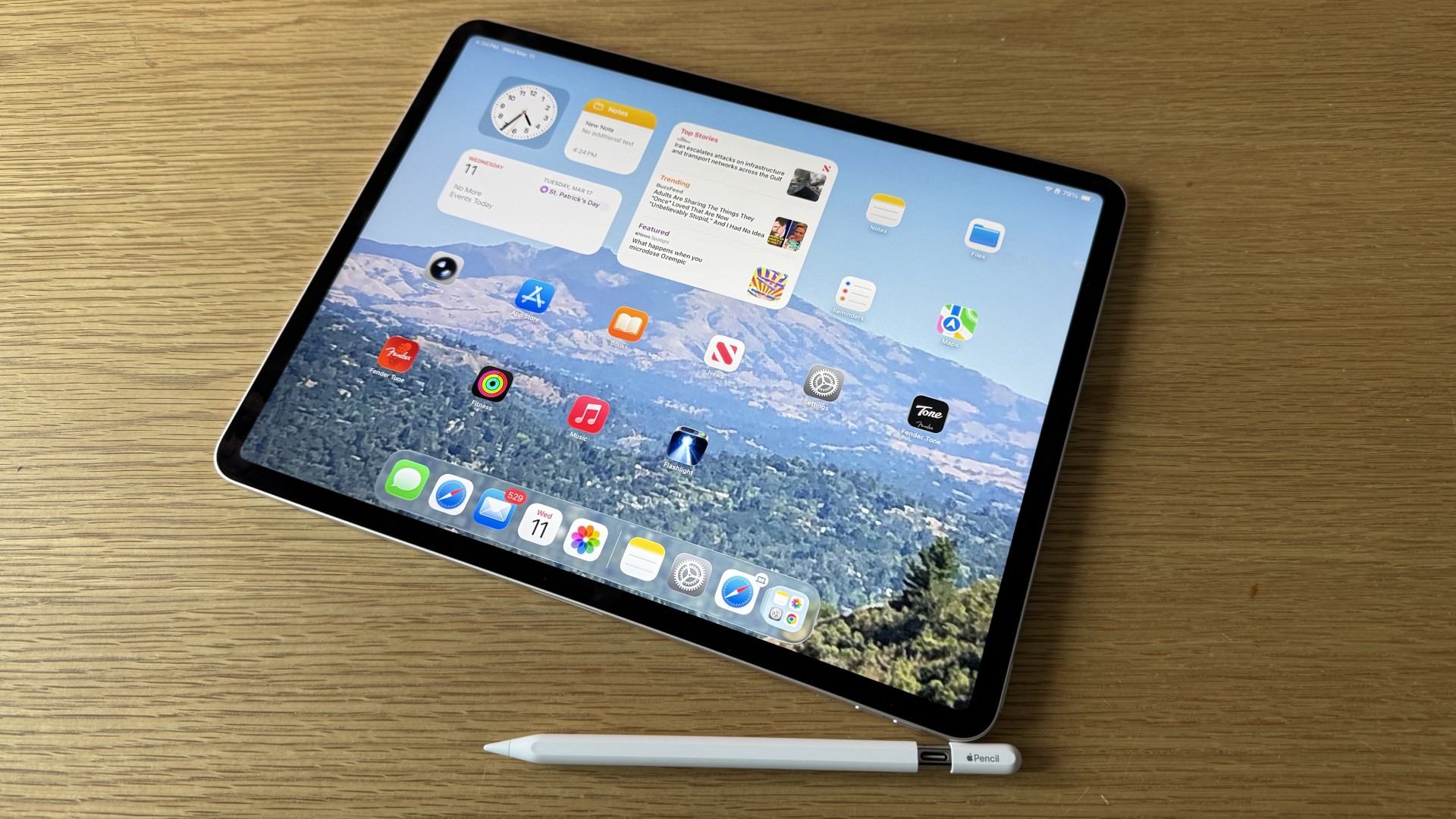
Photo: David Snow/Cult of Mac
The most immediately striking thing about my starlight-colored 13-inch M4 iPad Air is the screen. Moving from my blue iPad Air with an 11-inch display to a 13-inch one isn’t merely a 2-inch gain in diagonal measurement — it translates to a dramatically larger canvas. Apple uses a Liquid Retina display running at 2732 x 2048 pixels. The jump in working space is viscerally obvious the first time you open a document, a webpage or a creative app — of even when you first pick up the device. Side by side, the new machine seems much larger than the old one.
That said, sharpness is essentially identical to what I had with the M1 model. Both are excellent. Mostly what I gained with the 13-inch is not pixel density but real estate. For reading, annotating PDFs, using Split View or working with illustration apps like Procreate, the difference is substantial. Pages of text feel like actual pages rather than compressed summaries of themselves. Side-by-side apps become genuinely usable rather than cramped compromises.
Would the 2024-and-newer iPad Pro‘s gorgeous Ultra Retina XDR OLED screen be better? Absolutely. But iPad Air’s is still very nice.
The M4 iPad Air display supports True Tone and P3 wide color, both of which were present on the M1 model as well. Brightness is rated at 600 nits (100 more than the M1), and in everyday use it handles mixed indoor lighting confidently. Direct sunlight remains a challenge, as it does on any tablet that lacks very high brightness, ProMotion’s variable refresh rate and OLED contrast — features still reserved for the iPad Pro line.
M4 performance: Overkill in the best possible way
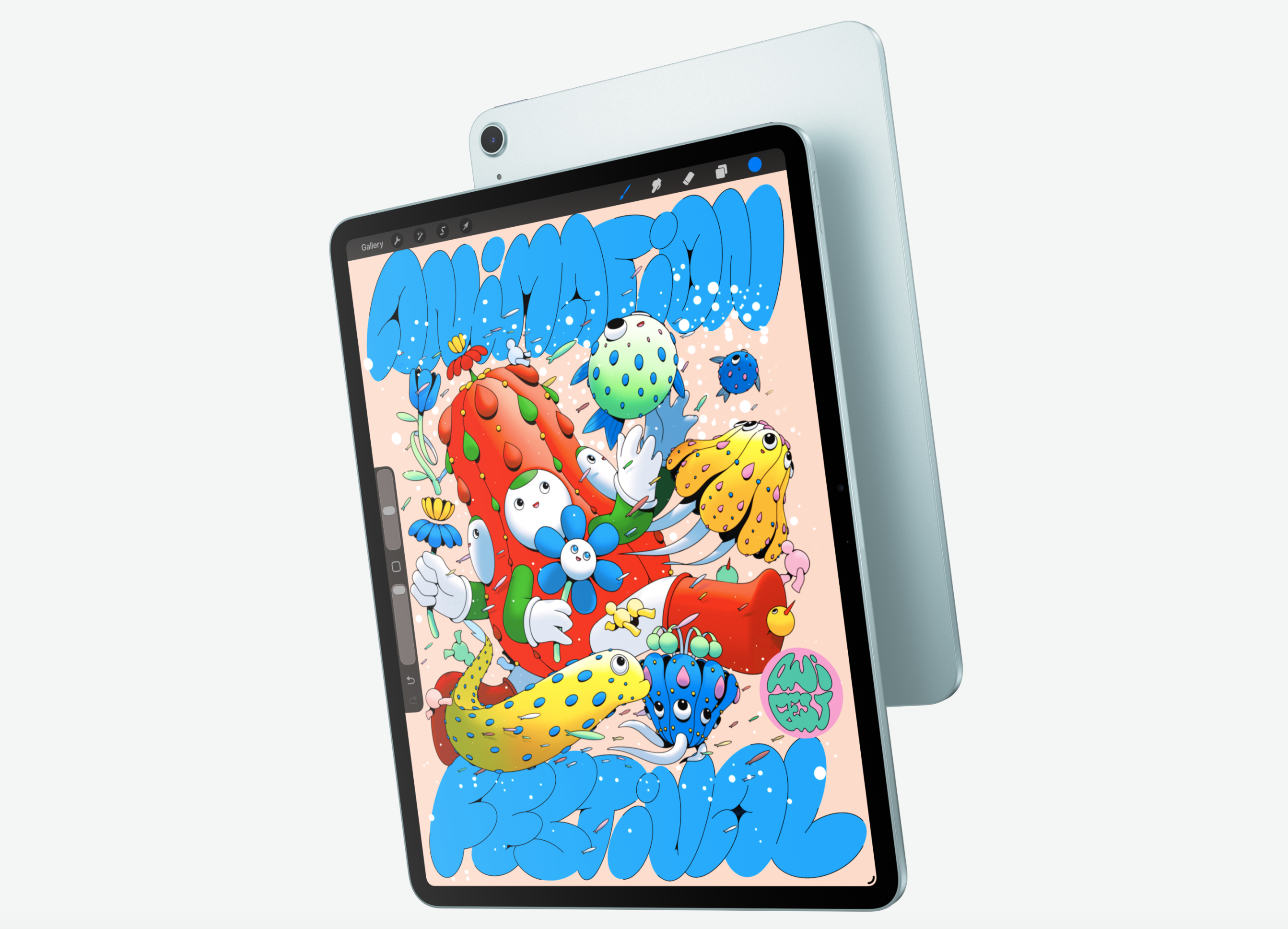
Photo: Apple
The M1 chip in the fifth-generation iPad Air was never a bottleneck for me in daily use. Browsing, video, document editing, light photo processing — all of it ran without a hiccup. So the question with the M4 isn’t whether it fixes a problem, because the M1 created no problems. The question is whether it creates headroom.
And the answer is yes, considerably so. The M4 features a 10-core CPU and a 10-core GPU (in the higher-tier configurations) and brings Apple’s latest neural engine, enabling noticeably snappier performance in AI-assisted tasks — autocorrect, Smart Script in the Apple Notes app, and third-party apps that lean on Core ML. Apps launch immediately. Heavier apps like Lightroom don’t stutter or pause.
So to me the iPad Air M4 feels less like a content-consumption device with productivity features tacked on, and more like a genuine workhorse that also happens to be light enough to hold with one hand.
That said, if your use case is primarily reading, note-taking and streaming video, you won’t much notice the M4 over the M1 in day-to-day tasks. The performance advantage reveals itself at the edges — in sustained workloads, export times and how the device handles 10 browser tabs and a video call simultaneously, to name some examples. For those workflows, the difference is real and welcome.
Form factor: Larger size earns its keep
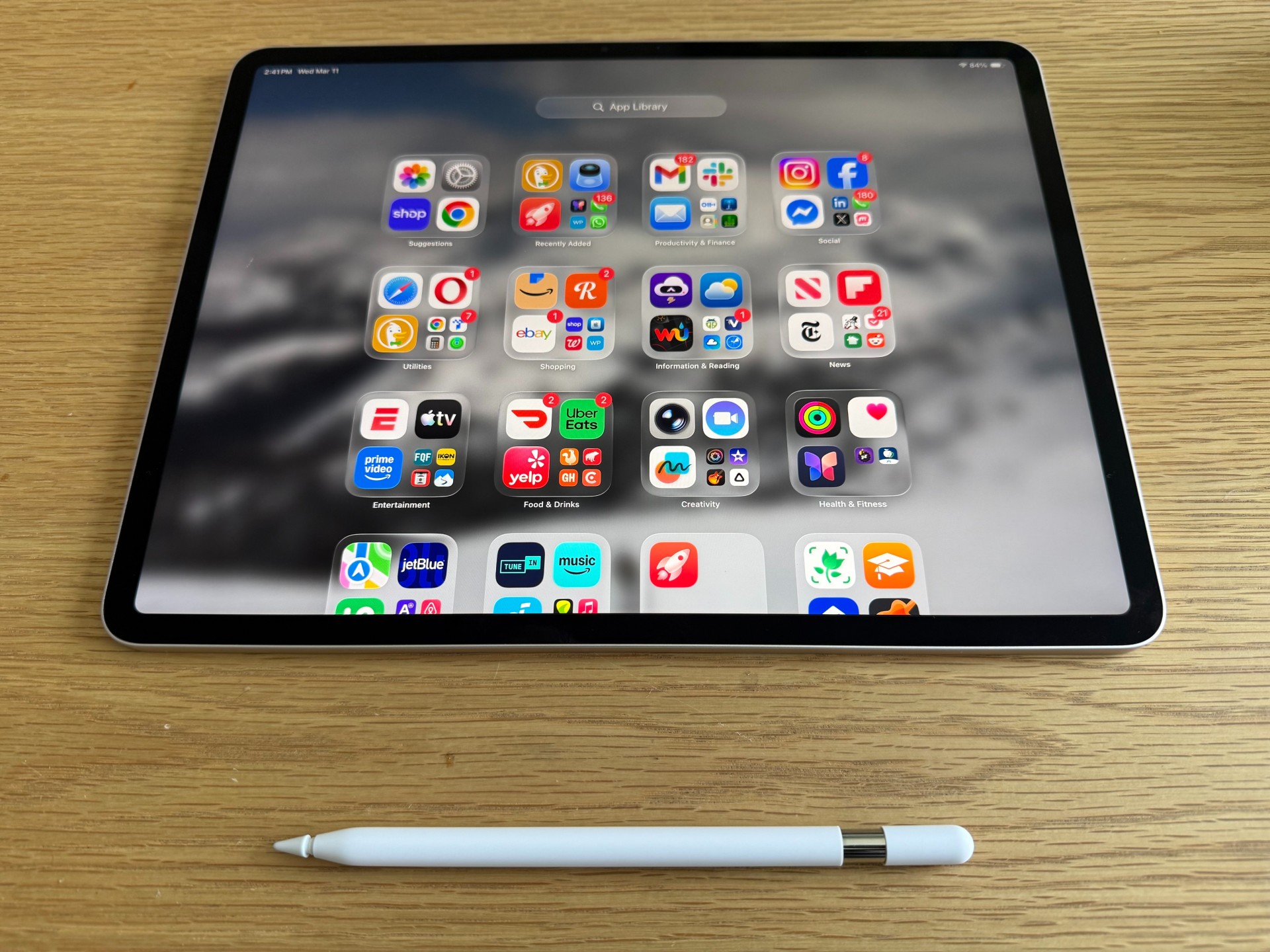
Photo: David Snow/Cult of Mac
One of the consistent criticisms of previous large-format iPad Airs has been portability. The 13-inch model weighs around 1.36 pounds (617 grams) — noticeably more than the 1.02 pounds (463 grams) of the 11-inch M1 model. In the hand, the difference is apparent (especially with a case on it; I grabbed a $32 Vikesi case in the Zugu Case style for mine). Extended one-handed reading sessions are less comfortable. Slipping it into a bag requires a little more intention and focus.
But after some use, the size stopped feeling like a compromise and started feeling like a good choice. The combination of the larger screen, the M4’s performance and the keyboard-as-a-productivity-platform concept locks in more naturally at 13 inches. I can easily see how using Magic Keyboard Folio or the Smart Folio Keyboard at this size gives the iPad a laptop-like presence without being a laptop. Stage Manager, Apple’s windowed multitasking mode, also benefits considerably from the additional screen area. Windows no longer feel like they’re competing for the same small patch of glass.
Portability hasn’t been eliminated, either. The 13-inch iPad Air is substantially thinner and lighter than any 13-inch laptop. And it fits comfortably in a backpack sleeve designed for a MacBook. At that size some people must give up single-handed reading convenience. But they gain a device that bridges the gap between tablet and computer more convincingly than its smaller sibling.
Apple Pencil USB-C: Functional, but a downgrade in key ways
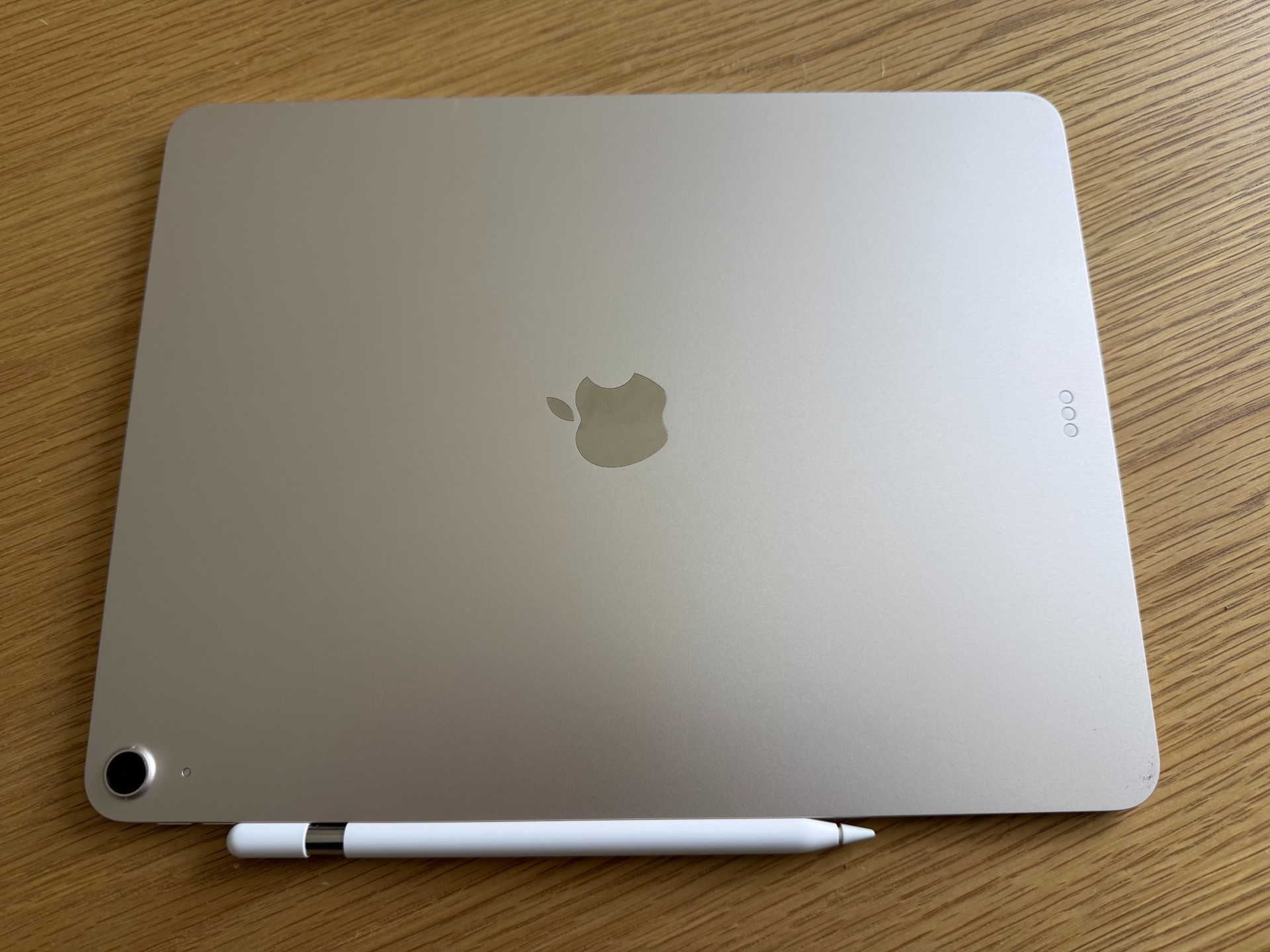
Photo: David Snow / Cult of Mac
Switching from the Apple Pencil 2 to the Apple Pencil USB-C ($79) was the part of this upgrade that required the most adjustment — and not entirely in a positive direction. Apple Pencil 2 is an excellent stylus. It charges magnetically by attaching to the side of the iPad, pairs automatically and feels balanced and premium in the hand. The Apple Pencil USB-C trades quite a bit of that elegance for a lower price point and broader compatibility.
The most notable omission is wireless charging. USB-C Pencil charges via a USB-C cable, which means shifting back the end-piece, plugging in and waiting. It works, but compared to the effortless side-attachment of the Pencil 2, it feels like a step back in experience. Pencil 2 also supports double-tap gesture switching between tools. The USB-C version does not, in its base form. Some of those gestures have been partially reintroduced for compatible apps, but it’s not as seamless.
In actual drawing and writing performance, Apple Pencil USB-C is excellent. Pressure sensitivity and palm rejection are both reliable, latency is low and for note-taking and sketching the experience is essentially indistinguishable from Pencil 2. If you primarily use a stylus for writing rather than detailed illustration, the USB-C model is genuinely sufficient. The issue is that Apple charges a premium price for an accessory that feels like it’s designed around cost reduction rather than user experience improvement. And your only other choice with this iPad is Apple Pencil Pro at $129.
Battery life and charging
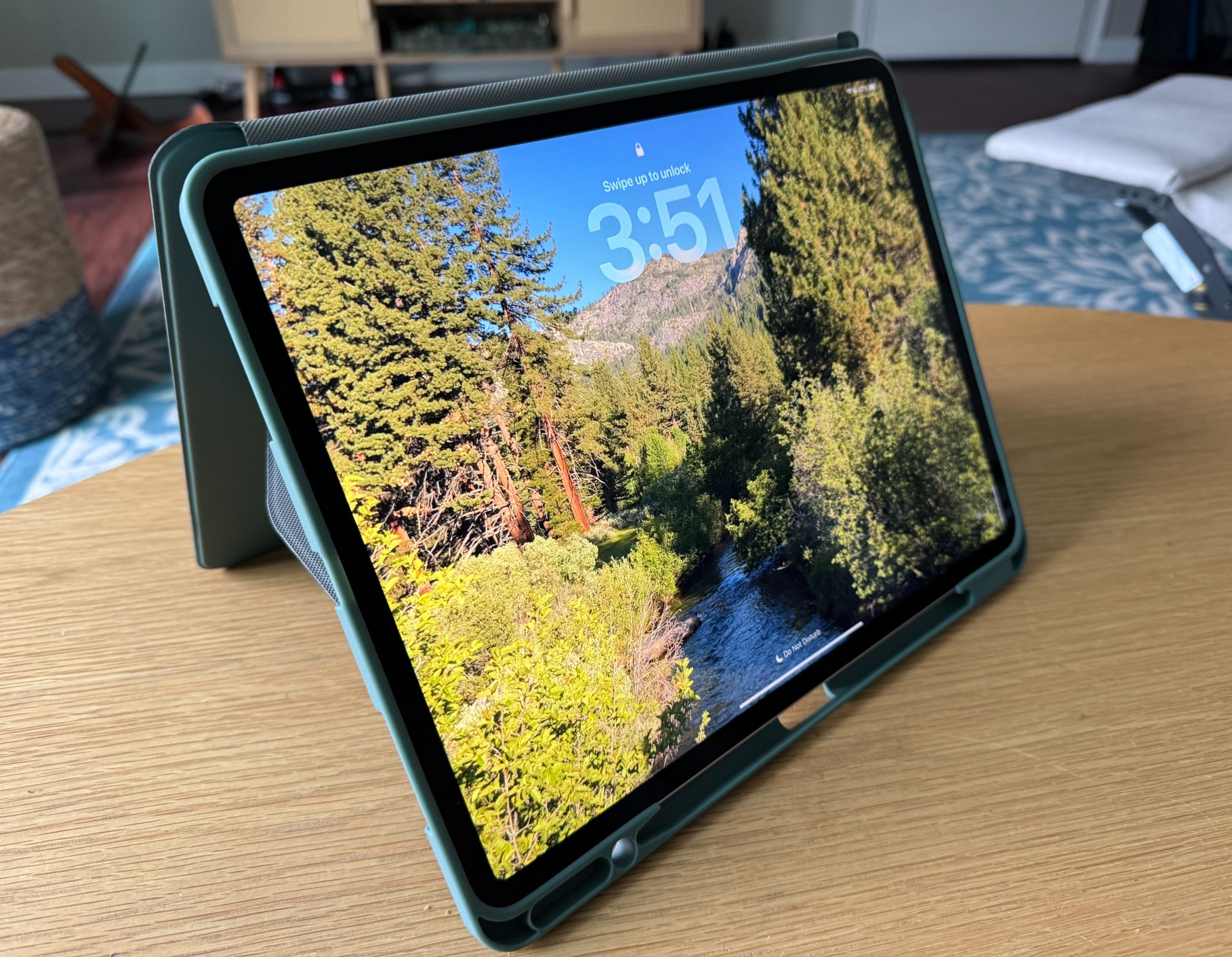
Photo: David Snow / Cult of Mac
Battery life on 13-inch M4 iPad Air is rated at up to 10 hours of web browsing or video playback — the same rating Apple has used for iPad Air models for several generations. In practice, heavy use with screen brightness at 70% and Active running in the background gets you through a full workday comfortably with a small buffer. And light use — like the reading, notes and browsing I do most of the time — can stretch well beyond that estimate.
The M1 model offered comparable stamina in day-to-day use, so battery life is not a meaningful differentiator here. What has improved slightly is how quickly the iPad feels ready to work after being idle. The M4’s efficiency cores handle background tasks with less overall draw, which means standby time is excellent. You can pick this device up after a day of not using it and find the battery largely where you left it.
Charging remains via USB-C, and the included 20W adapter is adequate but not fast. Top ups with my Ugreen 150W multiport charger noticeably speeds up charging sessions.
Software and ecosystem
Photo: David Snow/Cult of Mac
iPadOS 26 and later runs smoothly on the M4 hardware. The system feels snappier overall, though that’s partly the chip and partly the latest OS refinements.
For users already invested in the Apple ecosystem, the handoff to iPhone, AirDrop, Sidecar to a Mac and Universal Clipboard all continue to work as expected. Nothing new here, but nothing regressed, either.
Key Differences: M1 vs. M4 iPad Air
- Processor: M4 chip provides up to 2.3x faster performance and superior AI capabilities with a 16-core Neural Engine compared to M1.
- Memory and storage: M4 model features 12GB of unified memory (up from 8GB) and 120GB/s bandwidth, improving multitasking.
- Display and size: M4 models come in 11-inch (replaces 10.9″) and 13-inch options, both with 600 nits brightness (100 more than M1).
- Camera: M4 front camera is re-oriented to landscape (longer side) for better video calls (portrait on M1).
- Connectivity: M4 includes the N1 chip, supporting Wi-Fi 7, Bluetooth 6.0 and Thread networking for faster, more reliable connections.
- Accessories: M4 supports Apple Pencil Pro (and USB-C), while the M1 supports Pencil 2nd gen.
M4 iPad Air review verdict: Should you upgrade?
★★★★☆
If you’re coming from the 11-inch M1 iPad Air like I did, the decision largely comes down to one question: Do you want more screen? The M4 chip is genuinely better and future-proofs the device for several years of iPadOS updates, especially as Apple Intelligence gets bigger and better, demanding more resources. But the M1 will continue to handle current tasks without complaint for the foreseeable future. So the display upgrade — both in size and in terms of what it enables for productivity — is the real argument for moving up. If you’re going from 11-inch M1 to 11-inch M4 — with exactly the same screen — it’s best if your tasks really need that extra processing oomph.
A switch to Apple Pencil USB-C is worth reconsidering if you rely heavily on your stylus. Pencil Pro is available for this device and offers a substantially better experience, including the barrel roll feature and squeeze gestures. If budget allows, the Pencil Pro is the pairing this iPad deserves.
Ultimately, 13-inch iPad Air M4 is the most capable mid-range tablet Apple has ever made. And in the context of the broader market, it has no obvious peer. It doesn’t replace a Mac for complex professional work, and it doesn’t match iPad Pro’s display finesse. But for many use cases like education, creative work, productivity and. entertainment, it covers the ground impressively.
Apple's popular midrange tablet features a large Liquid Retina Display, 12MP front/back camera with Center Stage, Wi-Fi 7 with Apple N1 modem, Touch ID, all-day battery life and choices of four storage sizes and four colors.
- Big, beautiful display
- Relatively thin and lightweight
- Powerful M4 chip
- Wi-Fi 7 and Apple N1 networking chip
- Lacks OLED screen and ProMotion
- Gets pricey at higher specs

David Snow, an expert on Apple hardware and software, writes on a variety of technological and cultural topics for Cult of Mac. They include Apple news, technology buying guides, and features about computer setups and Apple TV shows and movies.
With 30 years of experience covering technology and other subjects, he has written and edited for numerous print and online publications, including CMP Media, TechTV.com, CNET, Wired News, Red Herring magazine, Law.com, The National Law Journal and Law Technology News magazine. Among other roles, he served as executive editor of the Law.com network of websites and editorial director, technology, for ALM Media.
Snow graduated with a B.A. from Syracuse University with majors in magazine journalism and psychology. While there, he worked as a reporter for The Daily Orange newspaper and associate editor of Equal Time magazine.
Founder of the blog At the Waterline, he can be reached on X (formerly Twitter) via @atthewaterline and on Mastodon via @dsnow.

