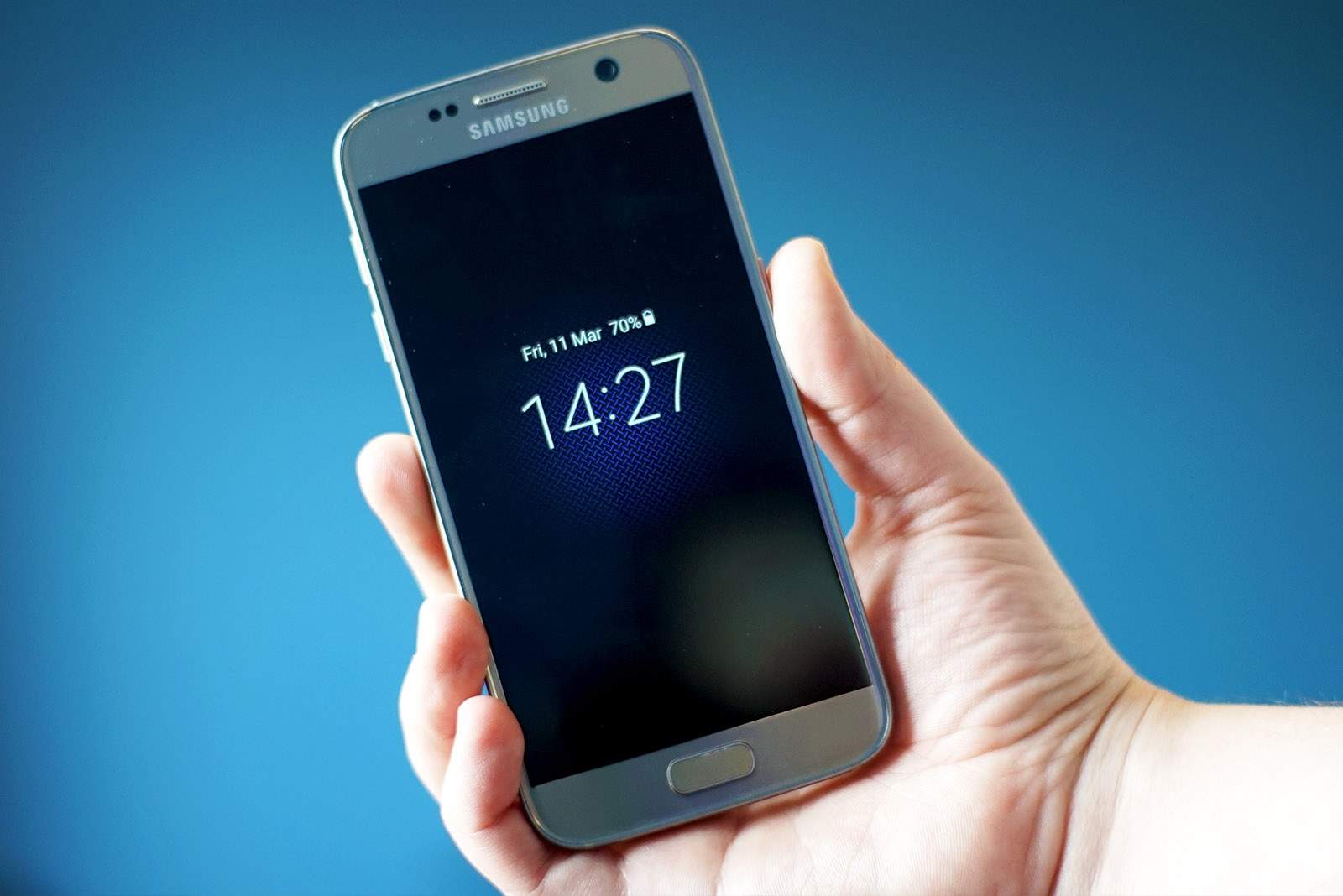
Grab the latest version of the Twitter app today. Photo: Killian Bell/Cult of Mac
You can now view your Twitter timeline in reverse chronological order on iOS.
Twitter has been testing the feature, which lets you see the newest tweets first, for the past couple of months. Now it is being rolled out to all — starting with those on iOS.
A look at Apple's forthcoming Austin, Texas campus. Photo: Apple
Update: Williamson County elected to award Apple tax breaks worth $16 million over 15 years. The Williamson County commissioners voted 5-0 to approve the deal. Another $25 million will come from the Texas Enterprise Fund.
Apple apparently netted itself a good deal for its newly announced $1 billion campus in Austin, Texas. According to a new report, Williamson County could pay back 65 percent of property taxes to Apple in exchange for a long-term commitment to creating jobs.
The money would be paid in yearly installments. It would start when Apple hires 700 people, then continue for the next 15 years. In return, Apple would invest $400 million and hire 4,000 people for the new site.
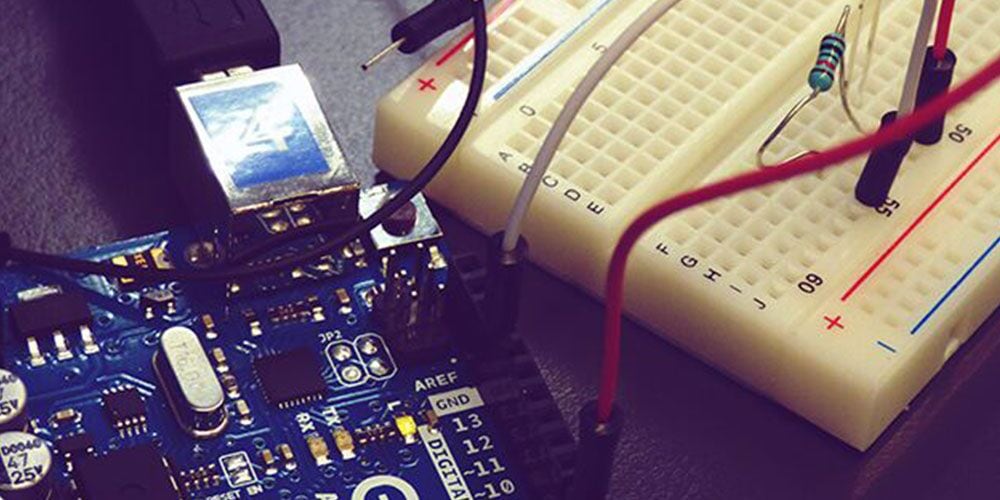
Get all the resources you need to start building all kinds of Arduino projects. Photo: Cult of Mac Deals
With Arduino, it’s possible to build almost anything you can imagine. Whether it’s wearables, apps, or robots, the freedom Arduino offers can be liberating or intimidating, depending on your skill level. So this bundle of parts and lessons is a great resource for anyone looking to break into Arduino.
Mark Rober wants thieves to think twice before swiping packages off a porch. Screenshot: Mark Rober/YouTube
Mark Rober already served the citizens of planet Earth by helping build the Curiosity rover currently roaming Mars. Now add holiday hero to his engineering credentials.
The ex-NASA engineer designed a series of revenge-bait packages that looked like HomePods — but showered unsuspecting thieves with glitter and deadly doses of fart spray.
Get in the mix with these great music apps. Image: Killian Bell/Cult of Mac
The iOS music scene is stronger than ever, and 2018 saw some pretty awesome apps, from the simple MIDI keyboard app KB-1, to an Nanostudio 2, an entire Digital Audio Workstation (DAW) app that took its English programming team 6years to build. And that’s just the beginning. Lets check out the best iOS music apps of 2018.
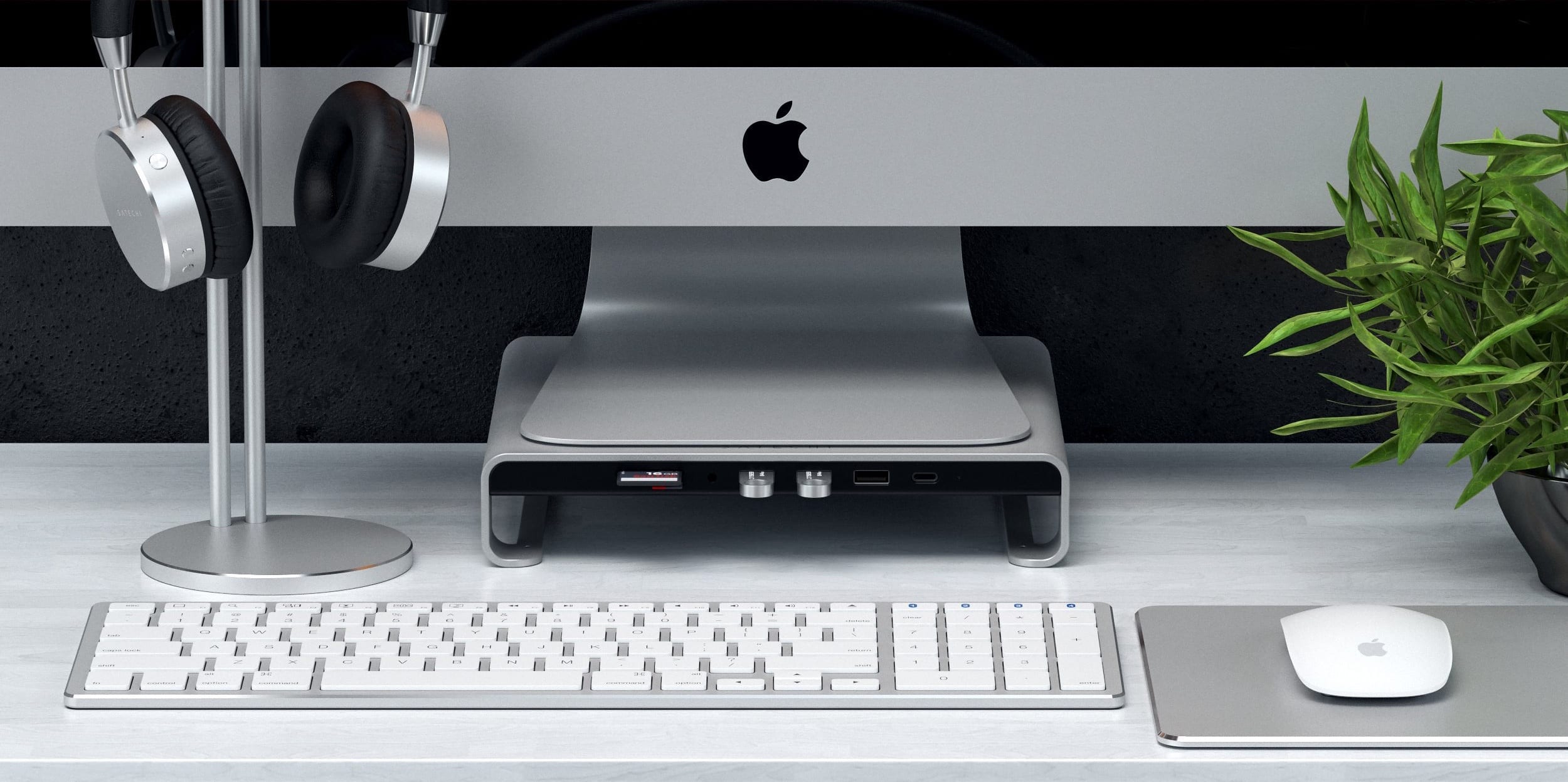
This aluminium stand saves you from having to reach around to the back of your iMac to get to the USB ports. Photo: Satechi
Satechi just launched an aluminumiMac stand with a built-in USB-C hub. Not only will it give your computer some additional height, it makes it much easier to connect a variety of external peripherals.
The iMac comes with multiple built-in USB ports, but the ones in this hub are easier to access.
This flight tracker is built into every iPhone and iPad. Photo: Charlie Sorrel/Cult of Mac
It’s Christmas season, and you know what that means: Extra-long queues at airport check-in and “security;” once-a-year travelers who won’t just get out of the plane’s aisle and just sit the hell down; and of course parents/kids/friends who insist that you never emailed them the details of your flight.
We can’t fix the queues, the morons who mill in the aisles, or your lying friends and family, but I can show you how to quickly track a flight right from the Messages app, or anywhere else you see a flight number written down on your iPhone. Let’s take a look.
Any Data Recovery for Mac takes a deep dive into damaged or corrupted drives to recover lost files and data. Photo: Tenorshare
This post is presented by Tenorshare.
There are plenty of ways to lose data you care about. Usually, it’s because a drive goes kaput, a file system is corrupt, or some other hardware or software failure. But it can also happen thanks to malware, an accidental click or a power surge due to bad weather. However your data gets lost, there are few options for getting it back.
Three lenses are better than one. Photo: ConceptCreator
iPhone fans are already chomping at the bit for a redesigned model less than three months after the iPhone XS and XS Max made their debut.
A new concept design for the iPhone XI made its way to YouTube today imagining some big changes that could come to Apple’s flagship device in 2019. Chief among the new features is a three lens camera array accompanied by some design tweaks inspired by the new iPad Pro.
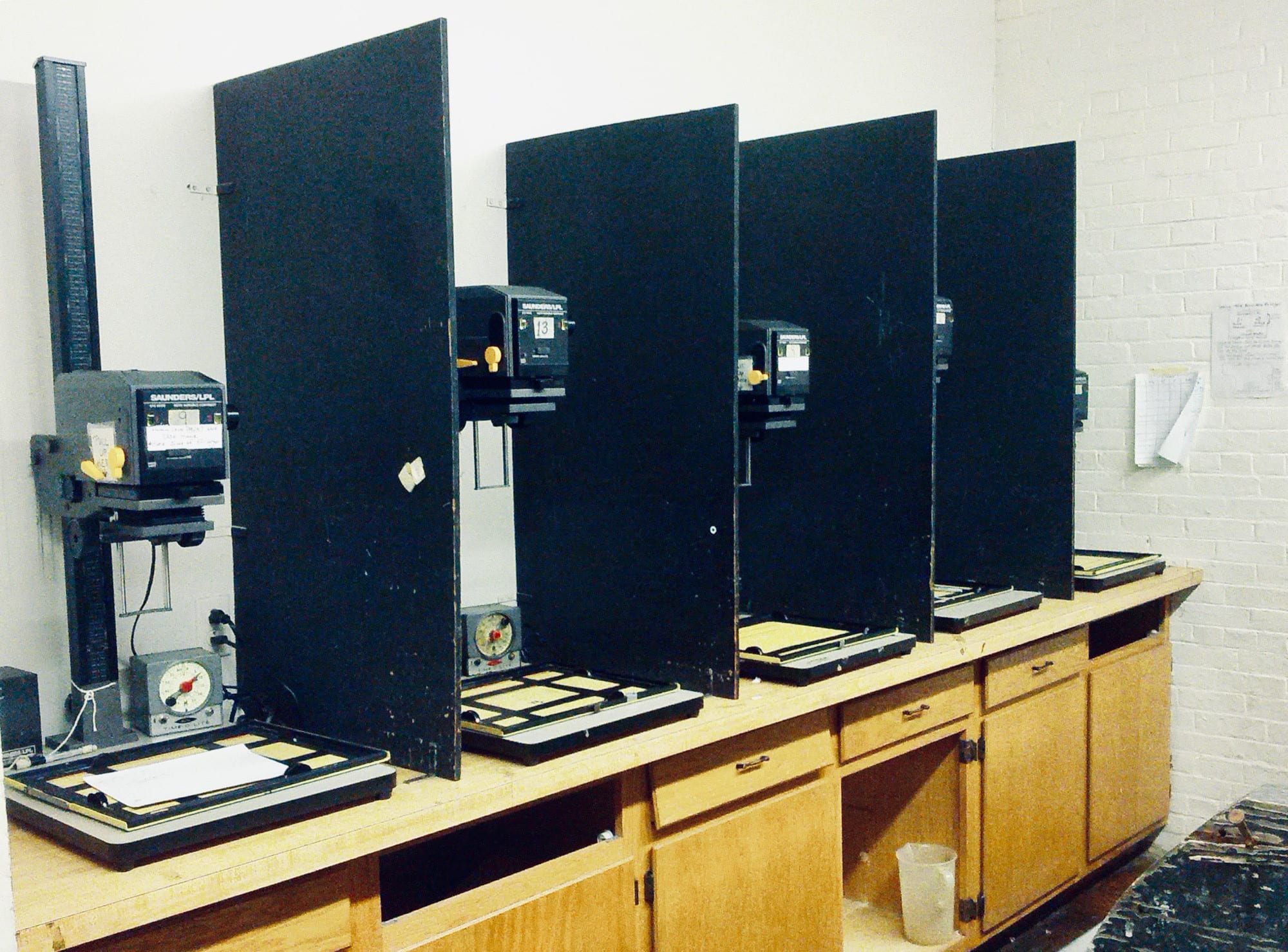
In the olden days, this was the only way to edit your photos. Photo: Agirldamednee/Flickr CC
Even if you don’t have much interest in editing RAW and JPG images on your iPad, you might still want to check out Darkroom. The brand-new iPad version of the popular photo app offers a view of your standard iCloud Photo Library that’s better-looking and easier to use than the native Photos app. And that’s just for starters.
Vehicles testing Appe’s self-driving technology have external sensors. A new hire could help create their final look. Photo: Idiggapple/Twitter
Andrew Kim used to be a senior designer at Tesla where he contributed to the development of numerous car models. Recently, however, he joined the list of people who’ve left that car company for Apple.
It’s not yet known what projects Kim is working on for his new employer, but he could be contributing to Apple’s autonomous vehicle project. That said, Kim’s design experience extends beyond cars.
Samsung has been getting a lot stick lately for posting tweets from an iPhone, but it turns out it’s not the only company that sometimes uses a competitor’s devices. Apple is guilty of it, too.
The official Apple Music account recently published a tweet using an Android device.
Siri proved useful in helping a boy in England call for help. Photo: Apple
A 4-year-old boy in England used Siri to call for help after his pregnant mom collapsed, according to reports.
Beau Austin, who reportedly loved talking to digital assistants on devices, called out to Siri on his mother’s iPhone to dial 999. He then told the operator “my mummy’s sick,” adding they were alone.
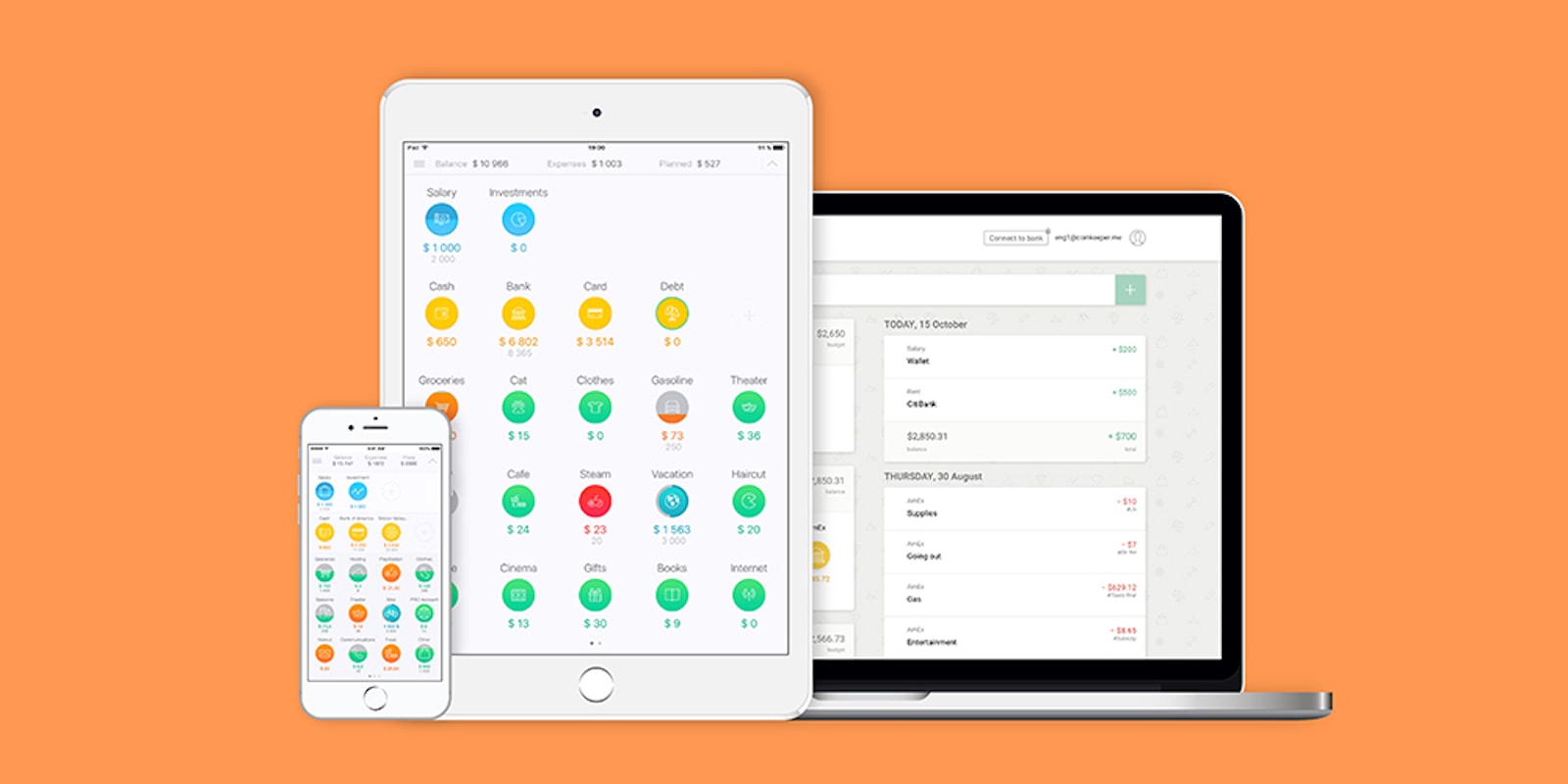
Stay in charge of your personal finances this holiday with highly rated app, CoinKeeper. Photo: Cult of Mac Deals
Many of us are learning how important personal finance is, mostly because we’re pretty bad at it. But getting a grip on your finances means coming to understand where you’re spending and where you should be saving. Luckily, technology can help.
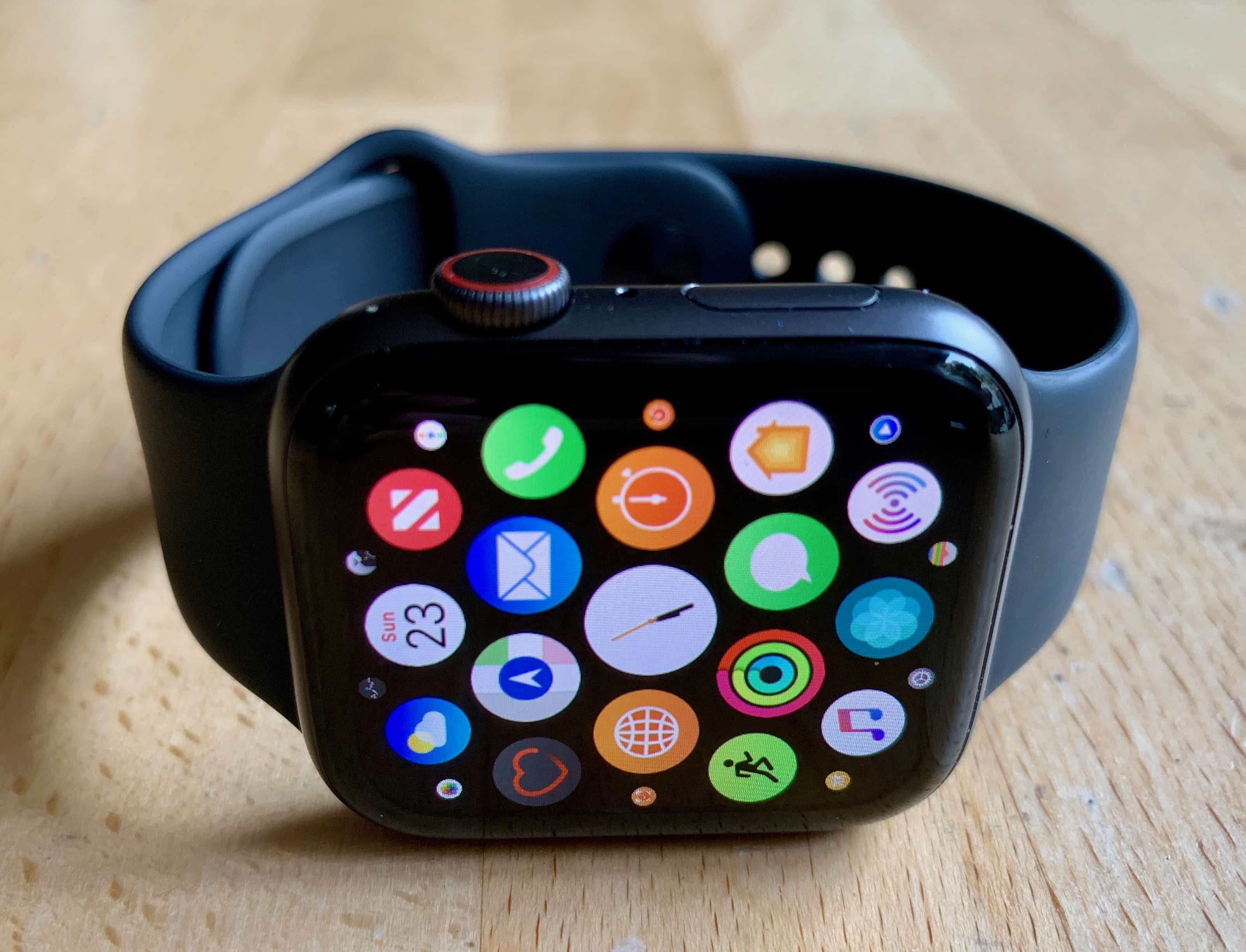
Don't expect Apple Watch to lose its dominance any time soon. Photo: Leander Kahney/Cult of Mac
Apple is likely to remain the biggest player in the smartwatch category, a new report from analysts at IDC suggests.
The firm suggests that the overall wearables category is set to reach 125.3 million units this year, of which smartwatches represent around half. By 2022, IDC thinks that 189.9 million wearables will be sold. That’s growth that surpasses either the smartphone or the PC.
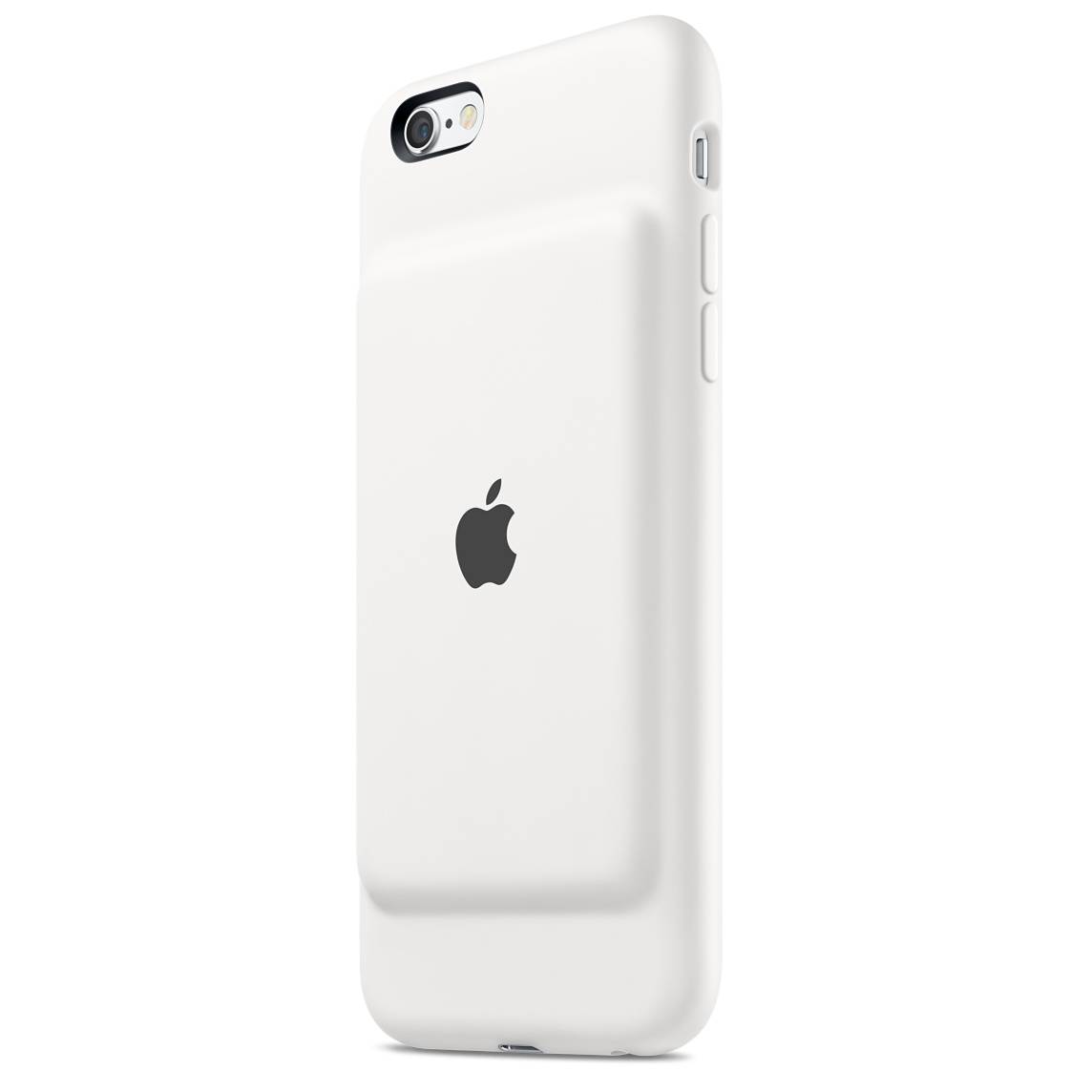
The design of Apple's original Smart Case was heavily criticized. Photo: Apple
The much-maligned Smart Battery case for the iPhone looks like it will be making a return — only this time for the iPhone XS and XS Max.
In leaked images found in a merchandise guide for Apple retailers, the distinctive “hump” found in the Smart Battery cases can be clearly seen. The document is titled “Fall 2018,” suggesting that the cases may be available in the next few weeks, although there’s a chance they will only appear in early 2019.
The Stormwing has seen some welcome changes, too! Photo: Epic Games
Fortnite’s weekly update is out with a new seasonal event that gives players the opportunity to enjoy different game modes every day and to unlock festive rewards.
The version 7.10 release also addresses complaints about the X-4 Stormwing plane and delivers a number of big improvements — including support for 60 frames-per-second on the second-generation iPad Pro lineup.
Apple is ready to guide you through the world of Apple Watch. Photo: Apple
Want to know how to locate your iPhone using your Apple Watch? What about customizing your workouts, or viewing your Activity Rings? If you’re an Apple Watch newbie, Apple wants to help you get to grips with your new wearable device.
With that mission in mind, Apple this week uploaded six new short “how to” videos to its YouTube channel. These 30-second videos offer a handy primer in getting the most out of your new Apple Watch. Check them out below.
Qualcomm thinks Apple is violating a court order by continuing to sell iPhones. Photo: Ed Hardy/Cult of Mac
Apple and Qualcomm have found yet another thing to disagree over in their long-running feud. A court in China recently issued an order banning Apple from selling several older iPhone models. Apple subsequently released an iOS update which it claims stopped it infringing on the software patents in the complaint.
However, Qualcomm is not satisfied, and insists that Apple is breaking the law by keeping all of its iPhone models on sale.
Learn to grow your follower count on Instagram with this crash course. Photo: Cult of Mac Deals
Sure, it’s nice to have a gaggle of Instagram followers to like your pics. But building an audience on the world’s fastest-growing social media platform is more than just a vanity project. When Kylie Jenner turns her 121 million followers on to a product, she makes a cool $1 million per post.
In most of the world, iOS 12.1.2 fixes some bugs. But in China, it might remove some features. Photo: Tim Cook/Weibo
Apple has rushed out iOS 12.1.2 after a single round of beta testing. This highly unusual move could be part of the company’s response to a recent ban on iPhone sales in China.
The release notes on this new version say nothing about that though, just indicating that iOS 12.1.2 fixes some small issues.
What do you think of an iPhone with in-screen Touch ID and Face ID? It could have happened. Photo: Ed Hardy/Cult of Mac
An Apple patent filing is basically a white paper on the advantages of using dual biometric security systems. This makes it clear the company nearly made a device that offered facial recognition and a fingerprint scanner.
In the end, though, Apple decided to replace Touch ID with Face ID.
The iPad has some amazing tools for recording podcasts. Photo: Charlie Sorrel/Cult of Mac
In part one of this series, we saw how to record remote podcasts using only iOS. It requires using your iPhone to place the FaceTime or Skype call, but you end up with a great result. That post covered the setup. Today, we’ll see how the recording and editing parts work, using AUM and Ferrite on the iPad.