UPDATE: See the statement received from Google at the bottom of this story.
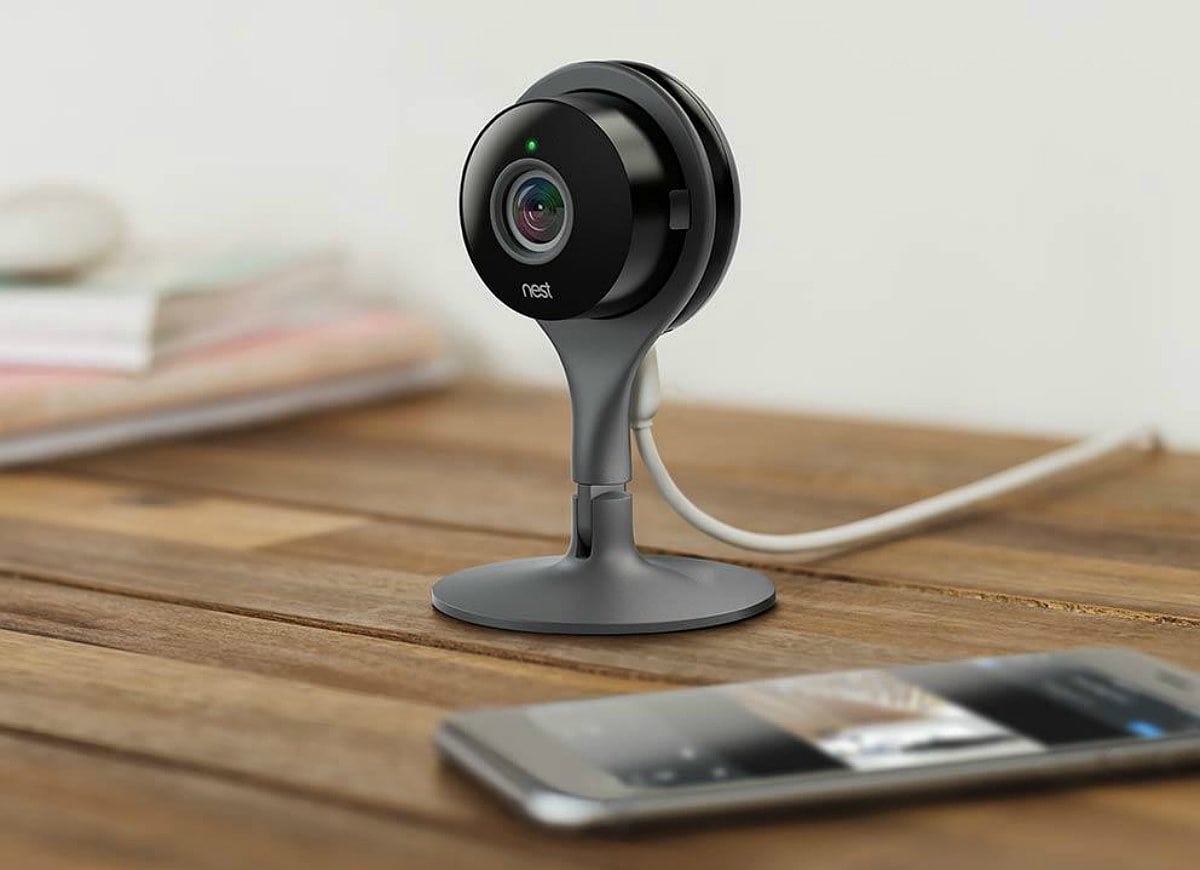
You might want to think twice about buying used Nest security cameras.
A new report reveals that secondhand models can allow previous owners to spy on new users — even if they correctly follow Nest’s instructions on resetting the device. There’s currently no fix for the security flaw.
With 24/7 access to four UI and UX courses, you can boost your resume at your own pace. Photo: Cult of Mac Deals
In the precarious gig economy, there’s no such thing as being overqualified. One of the many great ways to boost your resume is becoming fluent in UI and UX design. In our digital age, there’s almost no industry that these disciplines don’t touch, so it’s a valuable skill indeed.
Make sure you trust the companies you're buying from. Photo: Ed Hardy/Cult of Mac
$120,000 of knockoff parts for iPhones and other handsets have been seized by customs officials in Hong Kong. The parts were being used to repair handsets sent in from countries including the United States, U.K. and Australia.
The director and manager of the company were arrested during a raid on the company’s offices in the city of Tuen Mun. The offices were being used as a workshop and warehouse. One hundred phones sent in for repairs were found onsite.
This title originally appeared on the Nintendo DS. Image: Level-5
The classic Nintendo DS puzzle game franchise Professor Layton continues to roll out on iOS.
Professor Layton and the Diabolical Box, the second game in the series, was first released in Japan back in 2007. An English language version showed up in North America in 2009. A decade later, and you can finally play it on your iPhone or iPad.
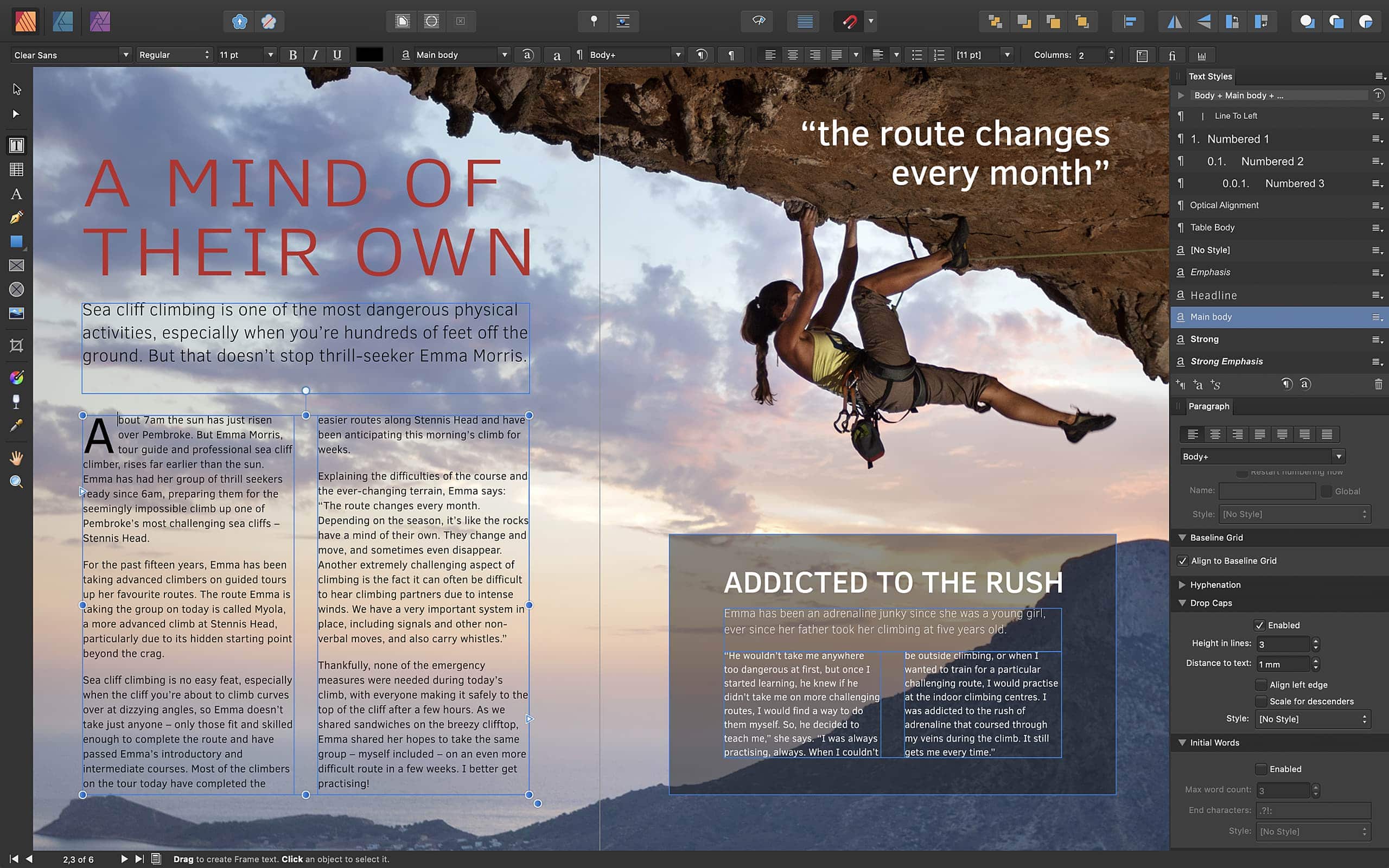
Affinity Publisher does it all — and plays nicely with other Affinity apps. Photo: Serif
Serif just delivered its latest Affinity app for Mac and PC — and it looks like an essential purchase for publishers.
Affinity Publisher is a professional desktop publishing client that has Affinity Designer and Affinity Photo baked-in for seamless vector design and image editing. It’s packed full of other useful features, too, and it won’t break the bank.
Are you an Apple fan who also has a love for all things pro wrestling? While that might seem like a Venn diagram consisting of, well, me, if any other readers are in the same camp they might want to check out an some upcoming Carpool Karaoke episodes on Apple TV.
Would you ask Siri about your medication? Photo: Charlie Sorrel/Cult of Mac
If you have a query about your prescription drugs, you’re better off asking Google Assistant than Siri or Amazon’s Alexa. That’s the conclusion of a new piece of research, published in the journal Nature Digital Medicine.
While you’re best off asking a human doctor, of course, the research was intended to see how accurate Google, Amazon and Apple’s AI assistants are at explaining the 50 most commonly prescribed medicines.
A look at one of the new animations on Messages. Screenshot: Steve Troughton-Smith
Apple is working to bring new versions of Messages and Shortcuts to Mac, according to code discovered in the latest beta of macOS 10.15 Catalina.
The code was uncovered by developer Steve Troughton-Smith. This would be the first time Shortcuts is available on macOS devices. While Messages is currently on Mac, it looks to be getting a big overhaul.
Apple Watch won’t have serious rivals in the foreseeable future. Photo: Leander Kahney/Cult of Mac
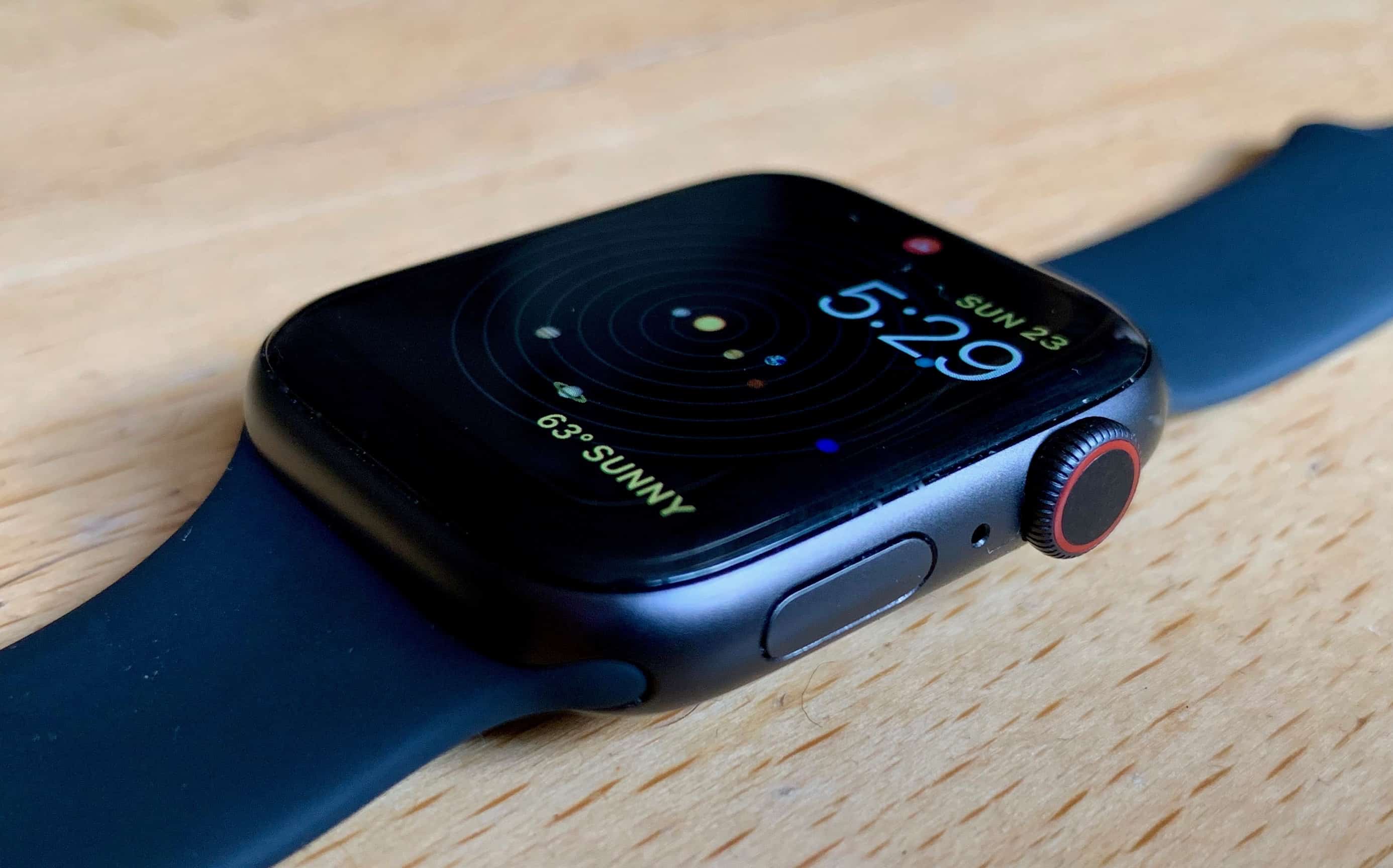
Apple Watch has the lion’s share of smart watch sales today, and that’ll hold true through at least 2023, according to a market-research firm. This ultra-mobile computer will stay in the lead as the entire market for wrist-worn wearables grows strongly.
Sales of AirPods and other hearables are also expected see healthy growth in the coming years.
Photos were much simpler in the old days. Photo: Charlie Sorrel/Cult of Mac
I hate my friends. I want to show them a photo, or that screenshot I took of those cute otters, and all they can do is take one look, and then swipe off into the rest of my photos. And trust me, you don’t want to know what I have lurking back there. And I also hate myself, because I do the exact same thing without thinking. It’s human nature.
Some apps let you load up a few photos to show to other people, so they can’t pull back the virtual shower curtain and peek at your private photos. But these require that you do extra work to prepare them.
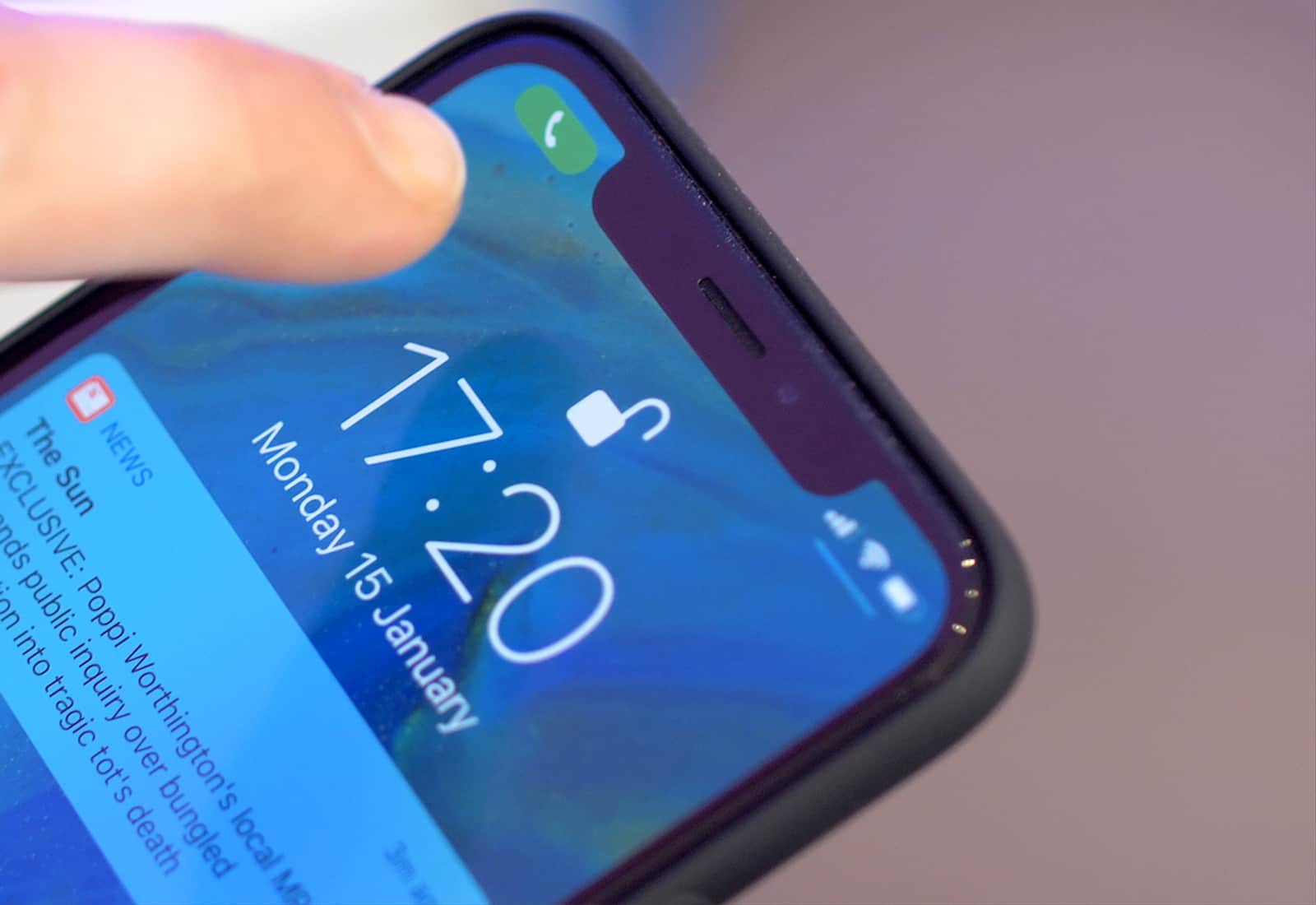
Happily, iOS offers a way to lock down a single image. That way, when you hand your iPhone or iPad over to a friend, or anyone else, they can’t swipe to other photos. In fact, they can’t do anything at all, because you’ve locked the whole touchscreen. Best of all, you can toggle this on and off in a second.
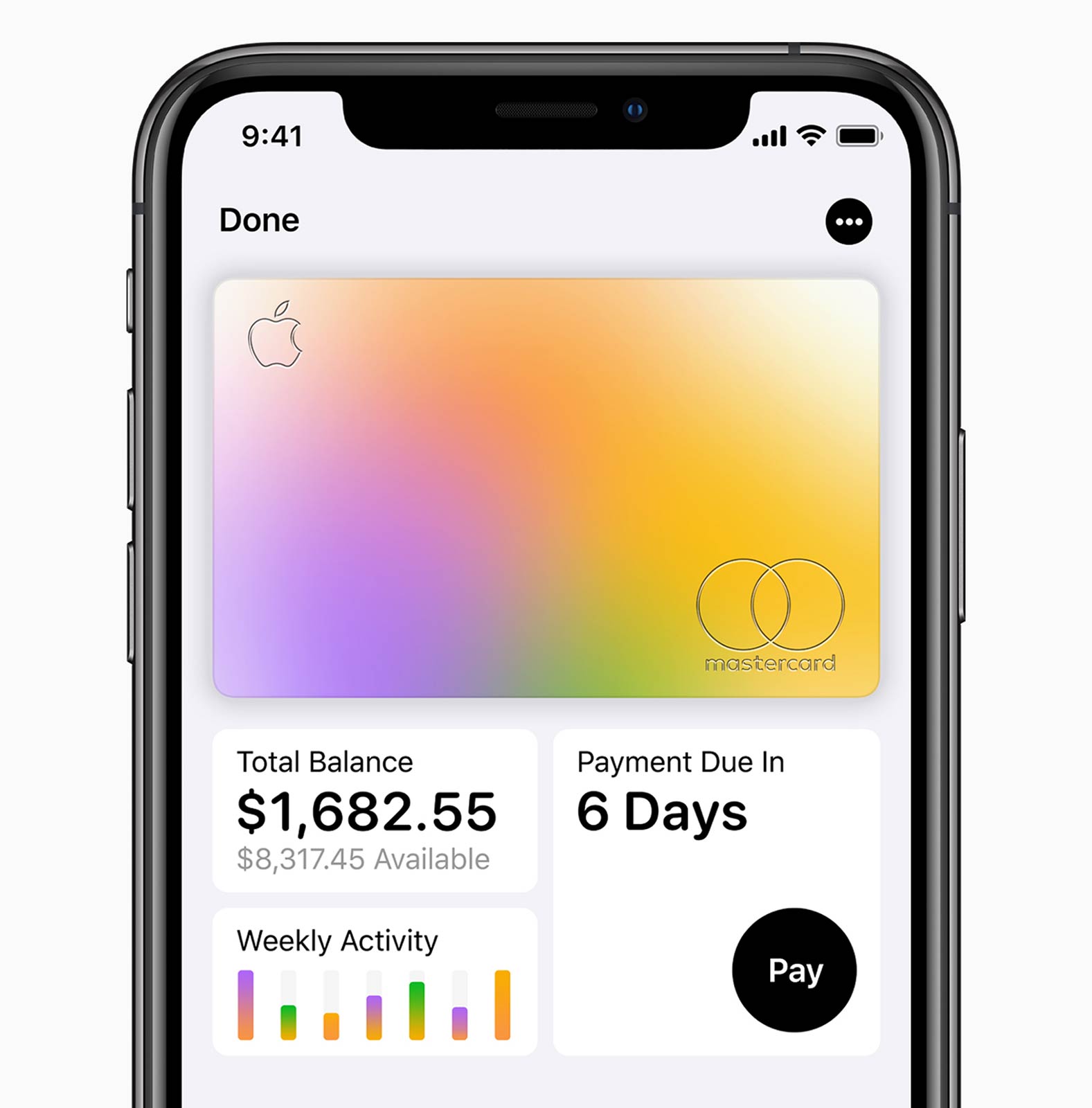
By design, Apple Card helps customers understand and track their spending. Photo: Apple
Apple is rapidly expanding the beta program of its credit card by letting thousands of its retail employees test it out.
With a public launch slated for later this summer, Apple is reportedly working out the final kinks with an internal group so it can launch on time this summer.
Apple uses Twitter to demo porting iPad software to Mac because its own offerings are... not so good. Photo: Apple
The first four applications Apple ported from iOS to macOS Mojave last year met with a certain amount of criticism for feeling like they were still iPad software. An Apple executive has promised these will become more “Mac-like.”
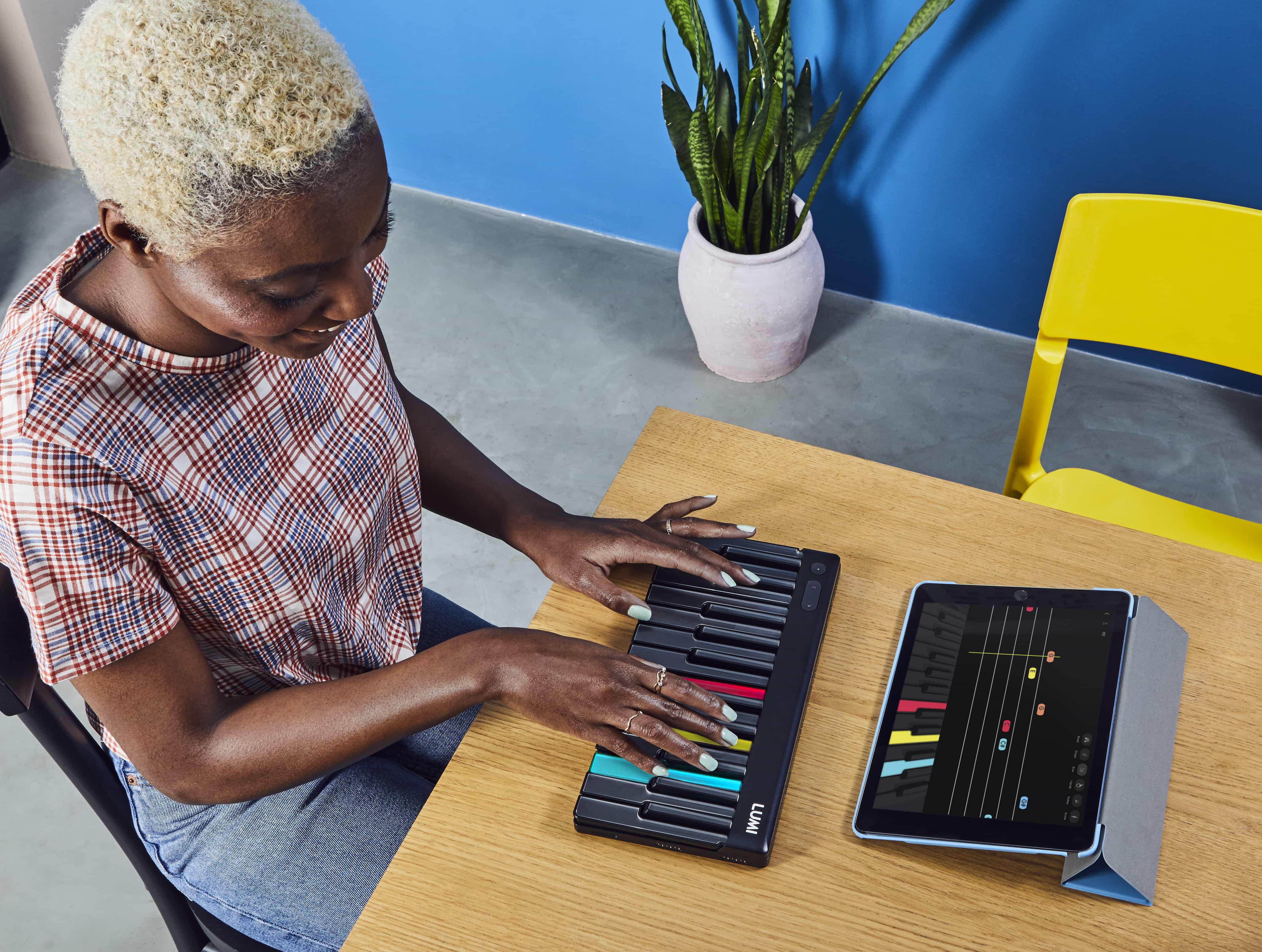
Look at how much fun it is to play. Just look. Photo: Roli
Roli is best known for its squishy, multitouch, pressure-sensitive music keyboards and controllers. Those are great. But the new Roli Lumi goes in a different direction. It’s a small portable keyboard with light-up keys. And not the kind of light-up keys you might see in a movie set during the 1970s disco scene: These light up keys help you learn to play the piano.
Get yours before the discount disappears. Photo: Apple
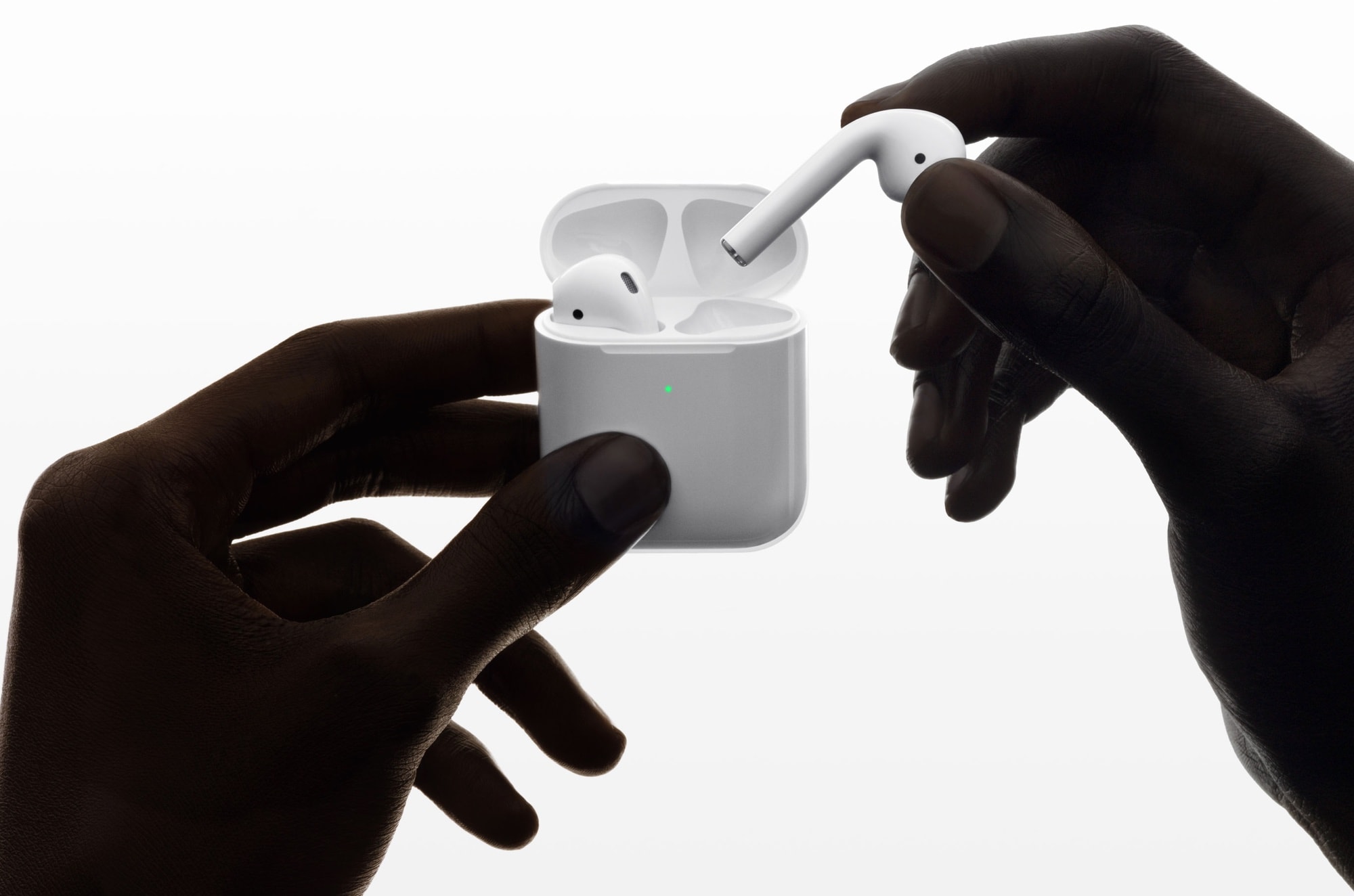
Can’t agree on the music to get you and your partner in the mood? That’s what AirPods are for.
A survey exploring the intersection of sex and music turned up this fun little finding. Out of 1,010 people surveyed, 17 percent said they wore AirPods during sex.
Everyone should welcome skill-based matchmaking. Photo: Killian Bell/Cult of Mac
Apple is now the world’s fourth-largest gaming company, according to a new report.
It is ranked higher than gaming giants like Nintendo, EA, and Activision — thanks mostly to the popularity of mobile gaming on iPhone. Apple is estimated to have earned $9.453 billion from games during 2018 alone.
2019 has seen a real turnaround for iPhone in China. Photo: Leander Kahney/Cult of Mac
The drop in iPhone sales among Chinese consumers that hurt Apple so much last year is now a thing of the past, according to market analysts. The company saw five straight months of growth in that important region.
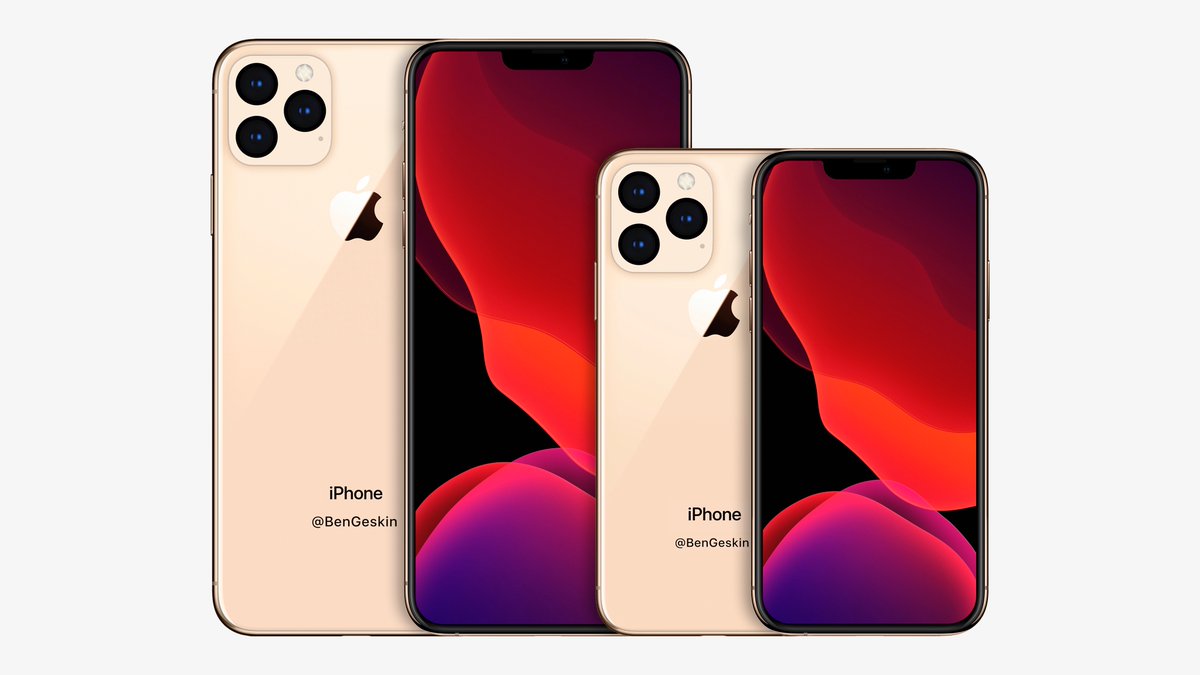
Concept of the 2020 iPhones based on early rumors. Photo: Ben Geskin
The 2019 iPhone lineup hasn’t even been revealed yet but we might already know what next year’s iPhones will look like too.
Recent rumors have claimed that Apple will come out with new screen sizes for the 2020 iPhone lineup. The biggest iPhone will get a bit bigger while the smallest will get a little bit smaller. To see how that would look, Ben Geskin created a mockup of the upcoming devices, and they look fantastic.
Check out the size comparison with the current iPhones:
Broken iPhones can be fixed the very same day. Photo: Apple
Apple has partnered with Best Buy to make it even easier for customers to obtain service and repairs.
Nearly 1,000 Best Buy stores across the U.S. can now fix your Apple devices. They are offering same-day fixes for iPhone with trained experts who use genuine Apple parts.
But it’s not dead yet! Screenshot: Killian Bell/Cult of Mac
The battle royale genre has become so insanely popular that almost every franchise has its own version at this point. That includes classic Super Mario Bros., thanks to one talented Nintendo fan.
And because this is a free game you play in your web browser, anyone can take control of the world’s favorite plumber as he battles it out against 74 lookalikes.
This bundle includes 8 courses that will teach you how to become your own boss. Photo: Cult of Mac Deals
The treadmill, the hamster wheel, the rat race, the daily grind. None of us like the idea of working on other people’s terms and for other people’s goals, so no wonder there’s so much appeal to becoming a self-sufficient entrepreneur. It’s easy to dream about, but to actually do it takes guidance.
People are holding onto iPhones for an average of three years. Photo: Kristal Chan/Cult of Mac
The global smartphone market is slowing down, but nowhere are things declining faster than the premium end of the market. According to new figures from Counterpoint Research, that end of the market fell 8% in the first quarter of 2019.
Apple suffered particularly badly, with shipments of the iPhone declining 20%. Counterpoint blames it on users holding onto their handsets for longer.