Mobile menu toggle

Apple doesn’t want everyone to use a mouse with iPhone and iPad

By

iPad-Pro-mouse
Not everyone should use a mouse. Especially not this kind.
Photo: Apple/Cult of Mac

You might think it would be pretty simple for Apple to add mouse support to its mobile operating systems. But that’s not so. The company reportedly spent years developing its newest accessibility feature.

Apple is also keen to stress that mouse support in iOS 13 and iPadOS is for certain users — those who cannot easily use touch. It was not added to replace touch for the average iPhone and iPad user.

You won’t need iTunes to install the iOS 13, iPadOS public betas

By

iPadOS-multitasking
Awesome news for public testers.
Photo: Apple

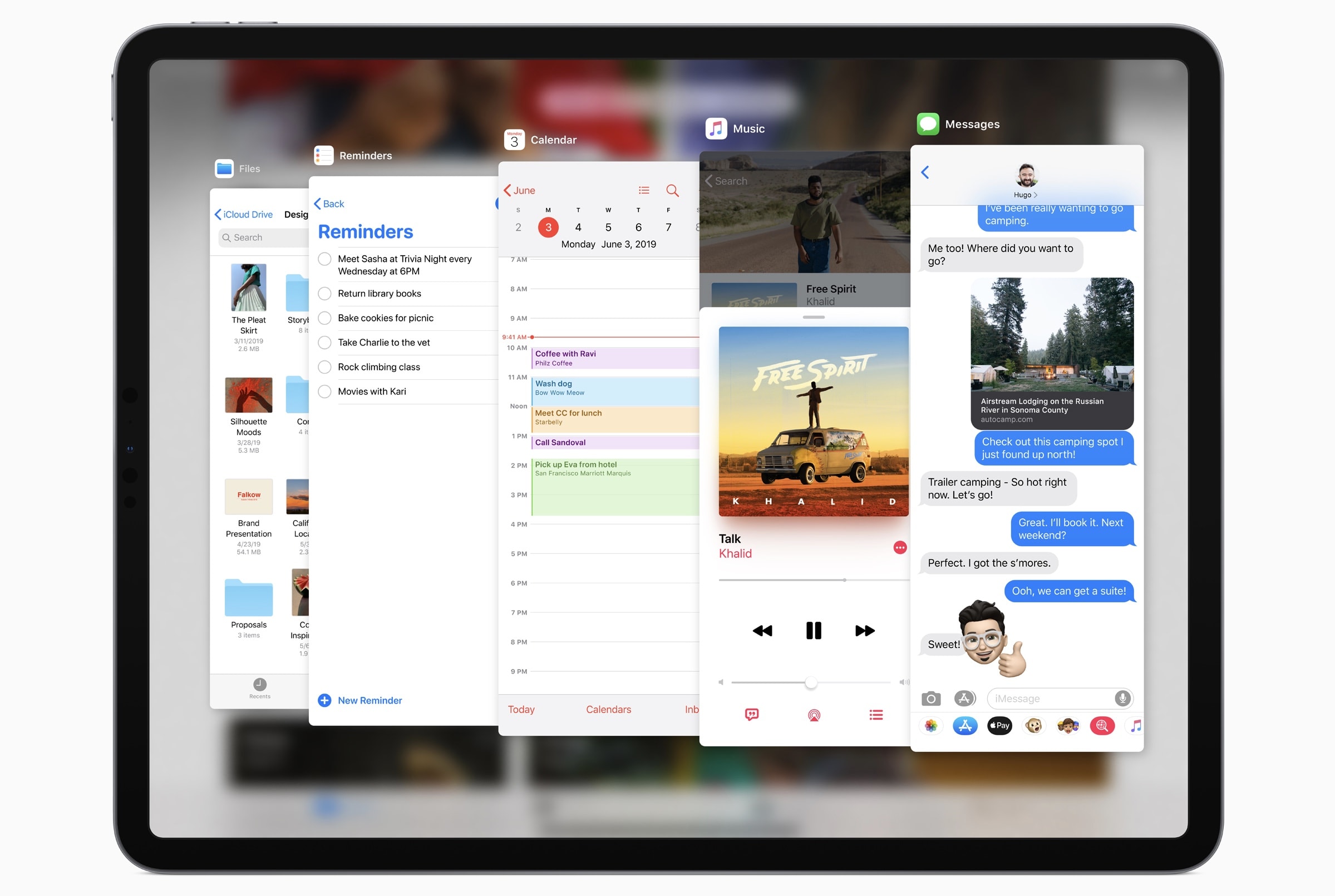
You won’t need iTunes to install the iOS 13 and iPadOS betas when they go public, Apple’s Craig Federighi has confirmed.

Registered developers who want to get their hands on the software now must download the update package and restore their device through iTunes. They must also have the new Xcode 11 beta installed.

That won’t be the case when Apple expands the reach of its betas next month.

Everything Apple showed off at WWDC 2019 in under 8 minutes [Video]

By

Exploding neon robot head with Apple OSes flying out
Every major OS from Apple is getting updated this year!
Graphic: Ian Fuchs/Cult of Mac

WWDC Apple’s WWDC 2019 keynote introduced tons of new features and changes coming this fall. From a new tvOS design and Apple Watch faces to Dark Mode on iOS and a reimagined iPad home screen, there’s so much to keep track of.

If you missed the keynote, or just want the highlights, have no fear. We wrapped up all the headlining features of the epic 2 hour, 20-minute presentation into less than 8 minutes.

How to use a mouse with your iPad

By

trackpad mode
Trackpads -- not just for the Mac any more.
Photo: Charlie Sorrel/Cult of Mac

The iPadOS beta is out, and it has one killer feature — mouse support. Not only can you use any Bluetooth mouse or trackpad to control the text-selection cursor on the iPad, you can use the mouse just like you would on a Mac — clicking buttons anywhere in the entire iPad user interface.

The feature is not on by default. It’s not even a regular checkbox. To enable mouse and trackpad support on your iPad, you have to dig into the Accessibility settings.

Give your old MacBook a serious boost the cheap and easy way

By

The Aura Pro X2 offers an easy and affordable way to upgrade your 2013 or older Mac to the latest SSD specs.
Photo: OWC

This post is presented by OWC.

New Macs are reliably cutting-edge when they first hit shelves. But as time goes by, Cupertino’s products, like any other, move toward obsolescence. Luckily, boosting your Mac’s performance — and extending its useful life — can be a cinch.

Wonderboom 2’s new Outdoor Boost mode pumps up the bass

By

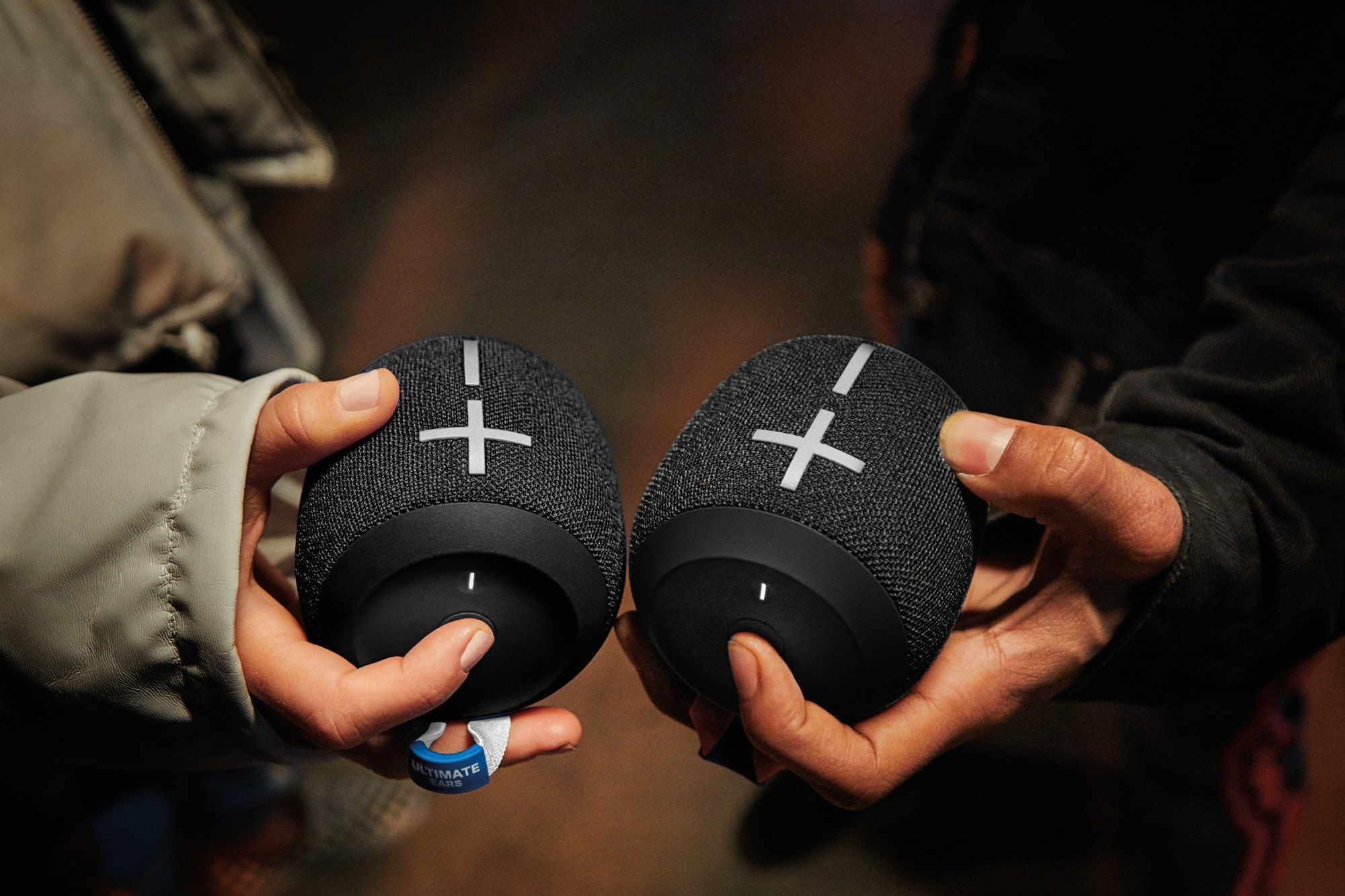
Outdoor Boost mode sounds like a perfect addition to UE Wonderboom 2 Bluetooth speaker.
Outdoor Boost mode sounds like a perfect addition.
Photo: Ultimate Ears

The tiniest member of my favorite Bluetooth speaker family just got a big upgrade. Ultimate Ears’ new Wonderboom 2 adds an Outdoor Boost mode that cranks up the bass and is “specially tuned” for listening in the great outdoors. And that seems like a completely awesome feature for the rugged little speaker.

Even better, you trigger Outdoor Boost by pressing one of the cutest buttons I’ve ever seen.

Apple names top 9 apps of 2019

By

flow
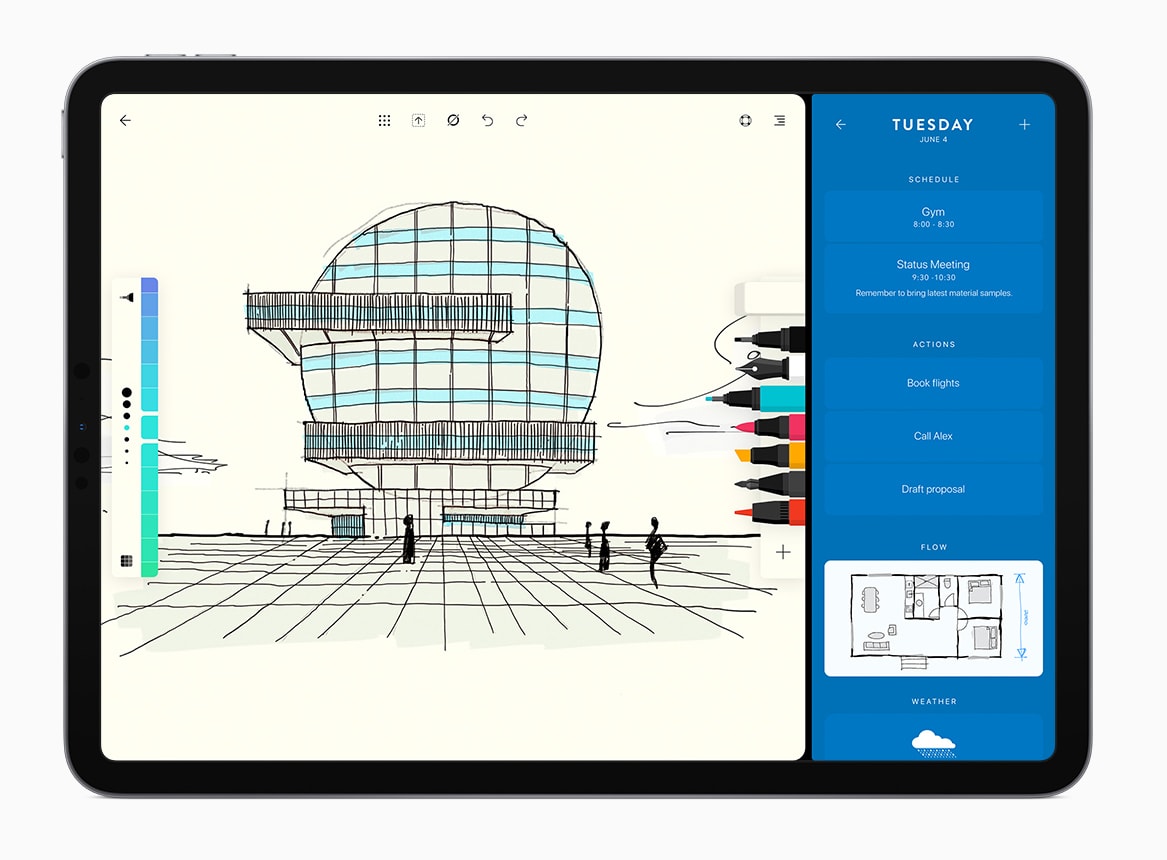
Flow by Moleskin is one of Apple's favorite apps.
Photo: Moleskin

Apple revealed the 2019 Design Awards at WWDC highlighting nine apps that offer a unique approach to design.

This year’s selections come from Italy, France, Lituania and the U.S. A lot of games are included in mix but there are also some breakthrough apps for sports, drawing, photo editing and medical imaging.

iPad is a whole new beast after leaving iPhone behind

By

Ipados
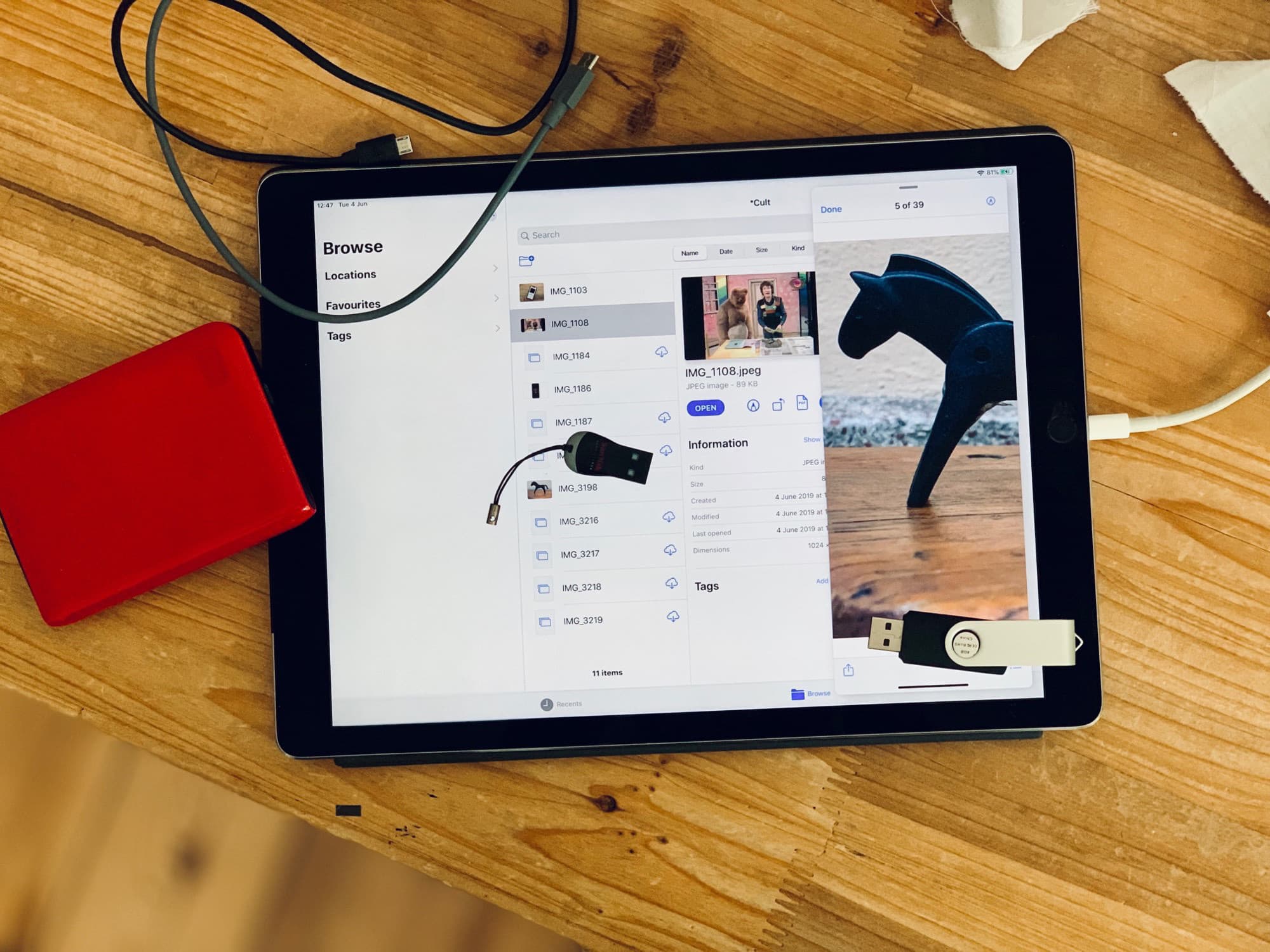
The iPad is now almost as capable as the Mac. Almost.
Photo: Charlie Sorrel/Cult of Mac

At first look, iPadOS — Apple’s new operating system designed specifically for the iPad — doesn’t seem to have added so much. If you discount the iOS 13 features that the iPad shares with the iPhone, the iPadOS extras look rather pedestrian. But these small changes show a big change of direction for the iPad. Apple is turning it into a new kind of mobile computer, instead of a big iPhone.

Imagine that you saw somebody roll a rock a few feet away from another rock. Maybe it crests a small bump in the grass. But then, when you take a step away, you see that the rock is now perched on the edge of a canyon. To mix metaphors, iPadOS is like Wile E. Coyote floating over the big drop. Only the drop goes up instead of down, or something.

Why photographers won big-time at WWDC

By

photographers and new Mac Pro
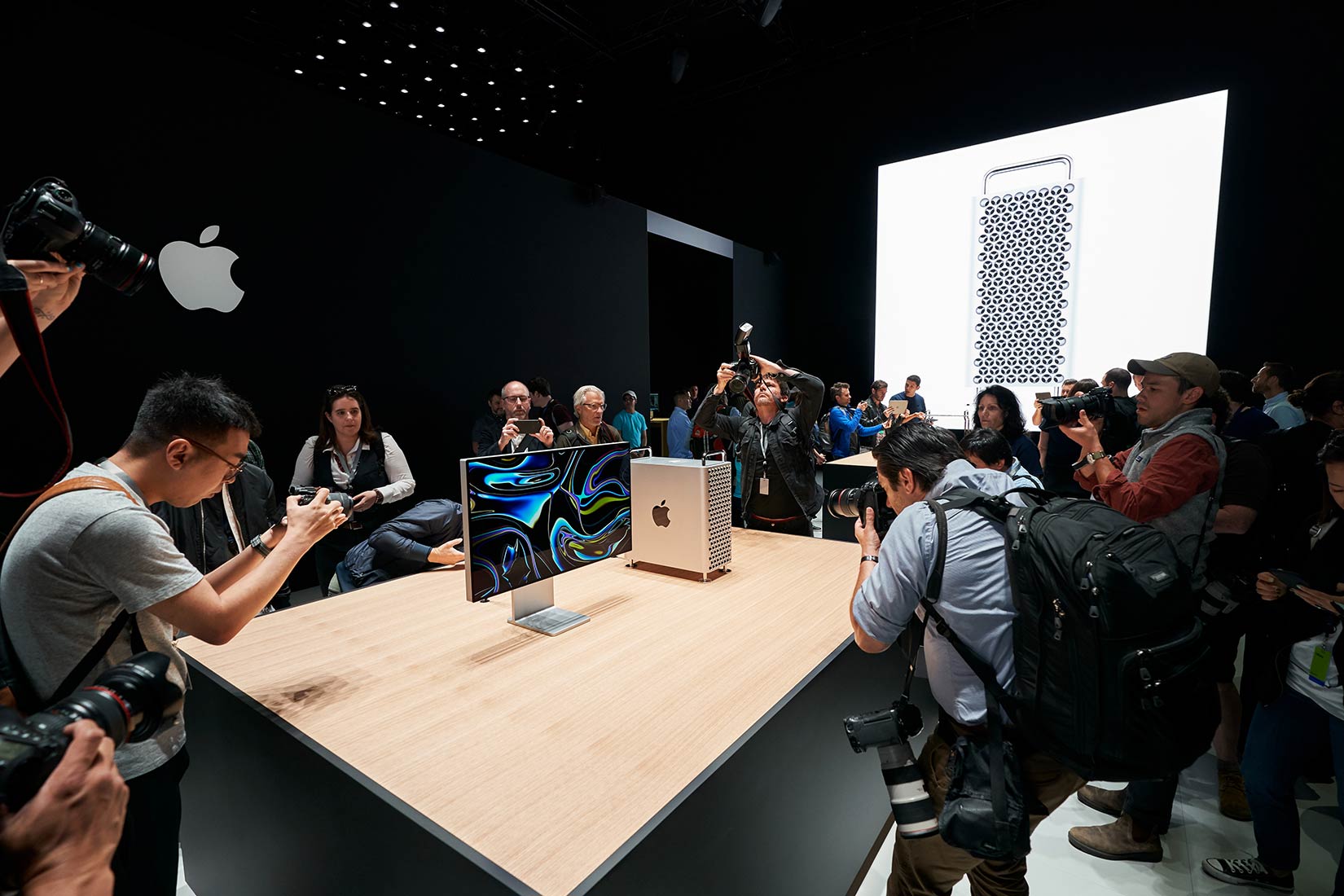
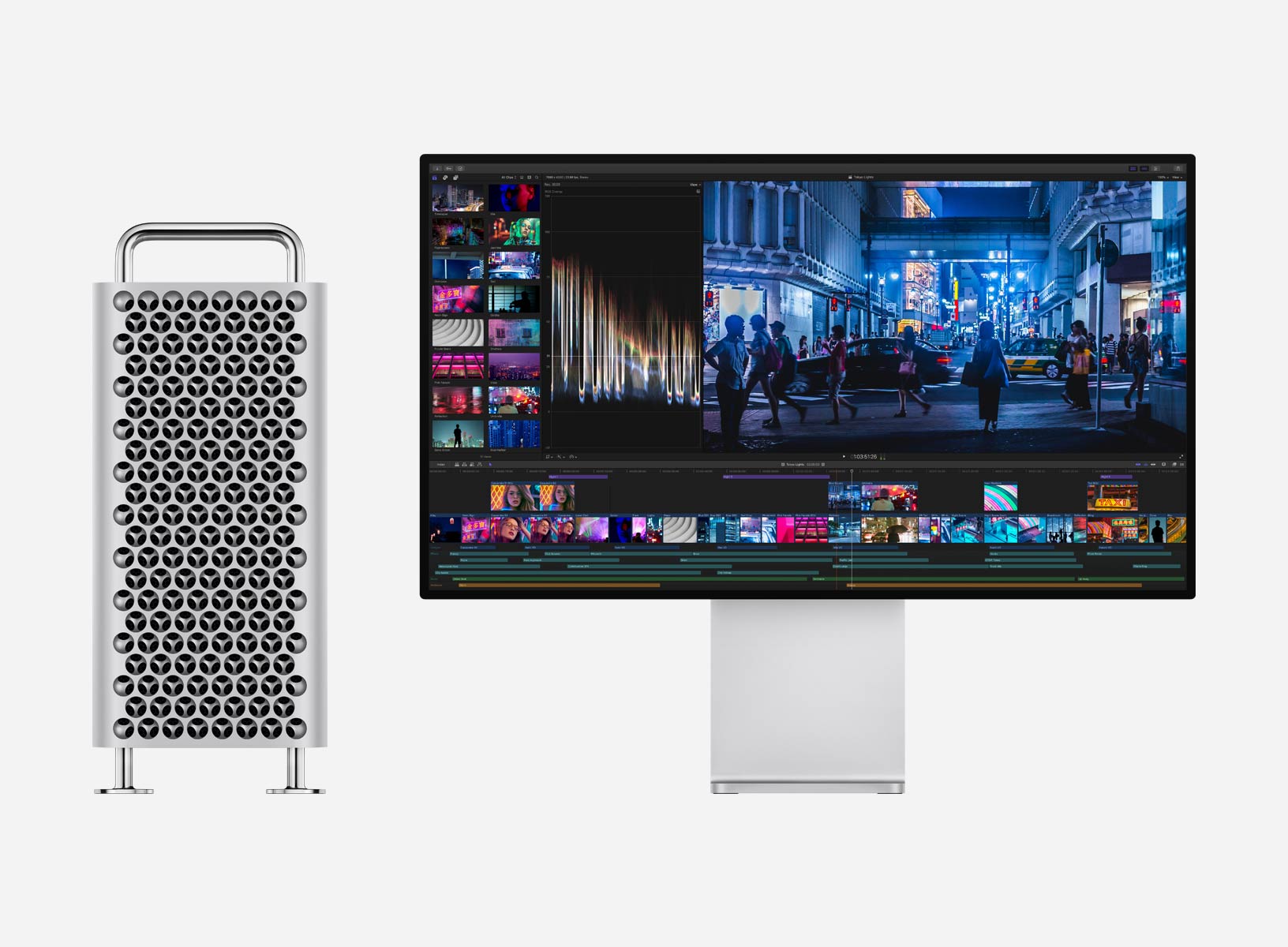
Apple has a pretty good idea on how to make photographers and filmmakers happy.
Photo: Apple

WWDC 2019 bug The WWDC keynote delivered exciting news for every Apple user, but for photographers of all stripes, Monday was their jackpot.

Professional photographers and filmmakers finally got a new Mac Pro that can handle ambitious workflows.

Operating system updates due out this fall for Mac, iPhone and iPad will bring a slew of new features for editing and organizing.

The iPad will be an even more capable tool in the field and changes to the iPhone camera should tamp down those worries that Apple was falling behind the likes of Huawei, Samsung and Google.

And we’re not even talking about the new hardware coming this fall.

iOS 13 brings brilliant charging option to save your battery

By

iOS 13
There's a lot to love in iOS 13.
Photo: Apple

iOS 13 could help keep your iPhone battery from aging too quickly due to overcharging, thanks to a new feature hidden away in the raft of new updates.

Apple came under fire for lowering CPU speeds on iPhones with older batteries during the end of 2017. $29 battery replacements were offered as an apology. Now it appears that Apple has come up with another novel solution to ease battery woes.

iOS devs sue Apple over ‘profit-killing‘ App Store fees

By

Anti-robocall bill is one step closer to being passed into law
Fees Apple charges iOS developers to appear in the App Store are the focus of a new lawsuit.
Photo: rawpixel.com/Pexels CC

A law firm is looking for iOS developers to join a class-action suit against Apple for the way it runs the App Store. The lawyers accuse the company of “anticompetitive practices.”

One of their goals is to open up distribution of iPhone and iPad apps, which currently can only be downloaded through Apple. The lawsuit also wants a decrease in the commissions devs must pay.

References to Apple ‘tag’ item trackers spotted in iOS 13

By

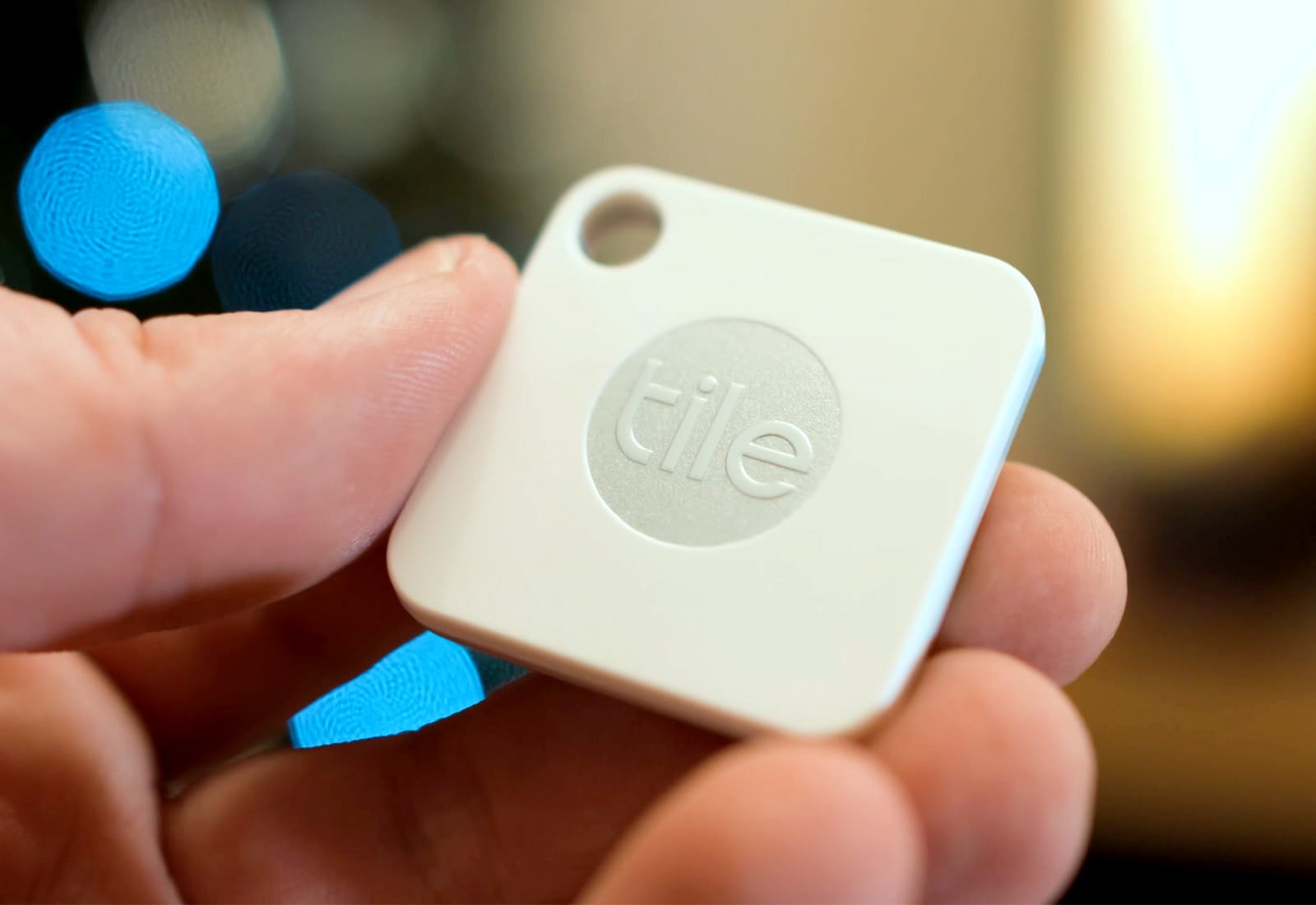
Tile bluetooth tracker
Apple wants to take on Tile.
Photo: Ste Smith/Cult of Mac

References in iOS 13 all but corroborate earlier reports that Apple is working on its own item-tracking accessories.

It is thought Apple plans to compete with Tile by offering “tags” that can be attached to bags, keys, and other valuables. You will then be able to track them using the new Find My app coming this fall.

iPhone’s Wi-Fi hotspot gets a big upgrade in iOS 13

By

iOS 12 Personal Hotspot
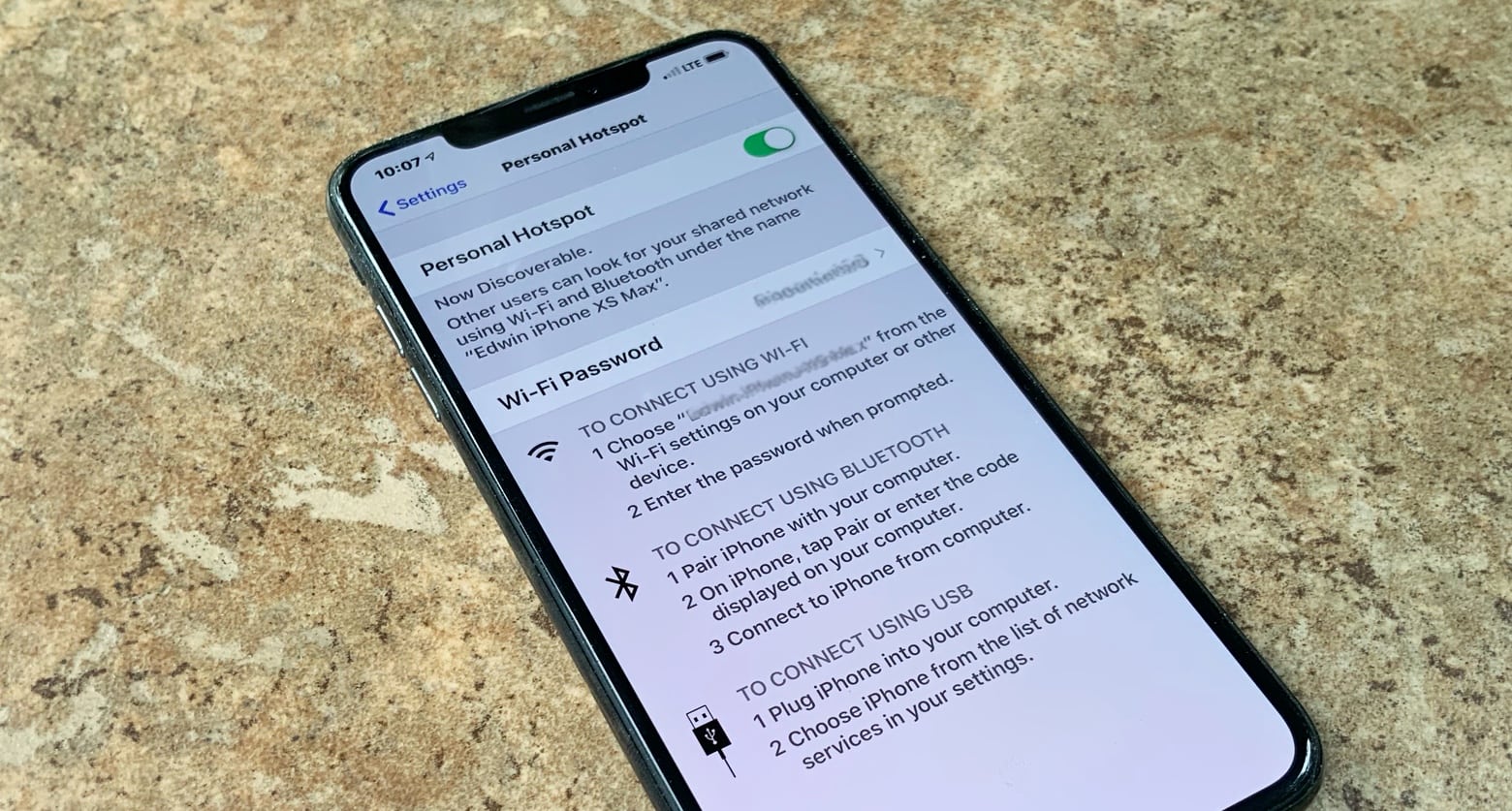
iOS 12’s Personal Hotspot is getting some great new features in the next version..

The mobile hotspot built into the iPhone gets some real improvements in iOS 13. iPads can connect automatically and stay connected even when asleep.

In addition, Apple upgraded some of iOS 13’s other Wi-Fi capabilities, including making the Control Center more useful.

Fortnite cheater qualifies for $30 million tournament

By

Fortnite-World-Cup
Fortnite fans really aren’t happy.
Photo: Epic Games

A Fortnite player recently banned for cheating has qualified for the game’s biggest tournament.

Damion “Xxif” Cook was slapped with a 14-day suspension in early May after Epic Games found him guilty of using friends to get easy eliminations in competitive matches.

The lenient punishment allowed Xxif and teammate Ronaldo to come back and secure World Cup qualification — and a minimum of $50,000 in prize money.

You can now watch the WWDC 2019 keynote all over again

By

Tim-Cook-WWDC-2019
Missing Tim already?
Photo: Apple

WWDC 2019 bug Apple has published its full WWDC 2019 keynote video for those who didn’t get a chance to watch the epic event live — and those who want to watch it all over again.

The video includes previews of everything Apple announced Monday, including iOS 13, macOS 10.15, iPadOS, watchOS 6 and more. It also lets you relive the new Mac Pro’s spectacular unveiling.

Tim Cook talks Facebook versus Sign in with Apple in new interview

By

Sign in with Apple
"Sign in with Apple" is a new privacy feature in iOS 13.
Photo: Alfred Ng

Sign in with Apple might be the most underrated feature to come out of the WWDC 2019 keynote. A lot of analysts, including Cult of Mac founder Leander Kahkney, think it’s a big shot at Facebook. The social media giant has become one of the iPhone-maker’s favorite companies to hate on recently, but Apple CEO Tim Cook says the new feature isn’t targeting Facebook.

Sketchnotes breeze through WWDC 2019’s biggest surprises

By

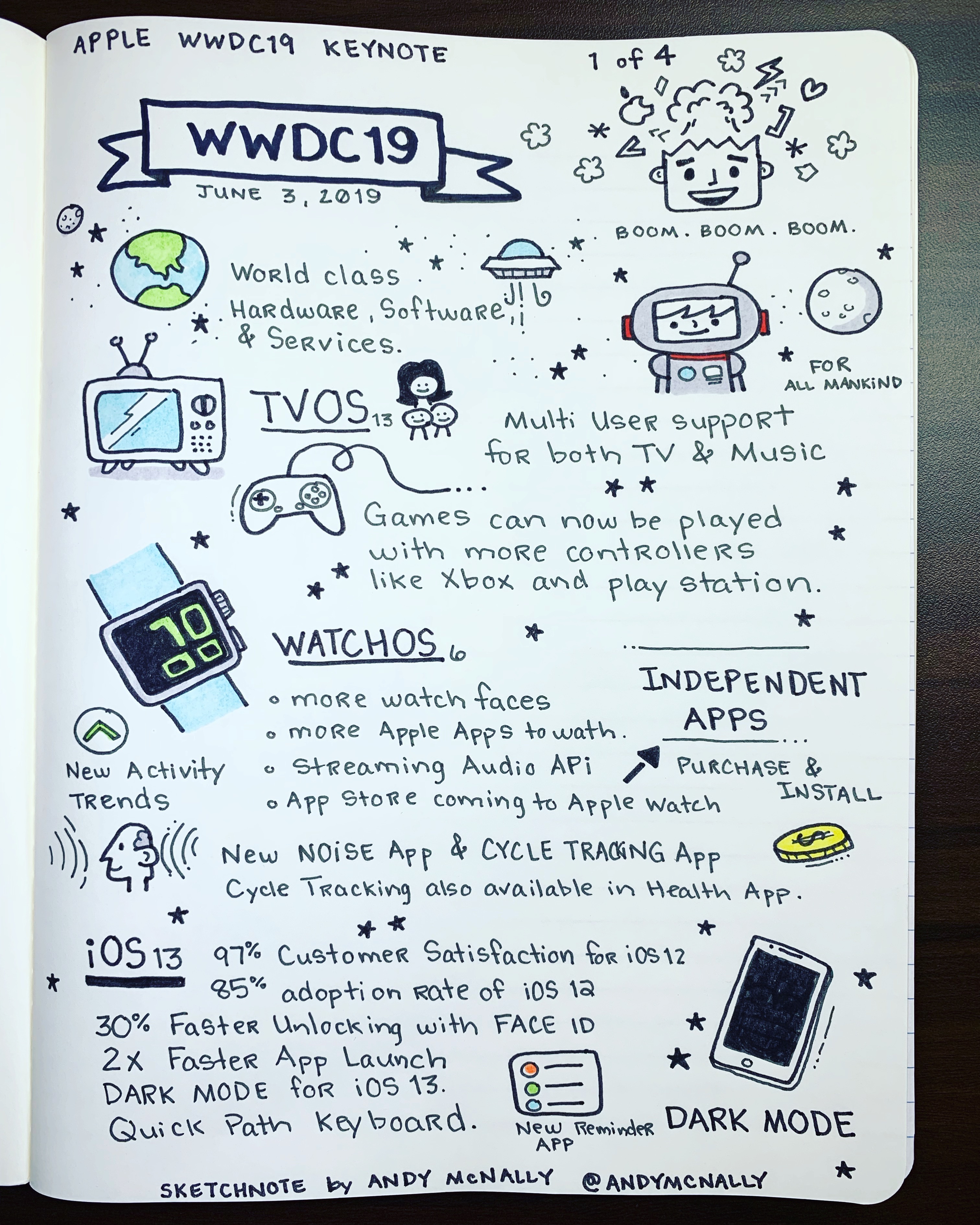
WWDC 2019 Keynote sketchnotes, part 1 of 4
A quick visual highlight of the WWDC 2019 keynote through sketchnotes.
Photo:

WWDC 2019 bug The WWDC 2019 keynote came packed with exciting announcements.  As in past years, I ended up with four pages of drawings in my notebook. I sketched out the biggest new features coming to tvOS 13, iOS 13, macOS Catalina and watchOS 6. And then there’s the new Mac Pro and Pro Display XDR.

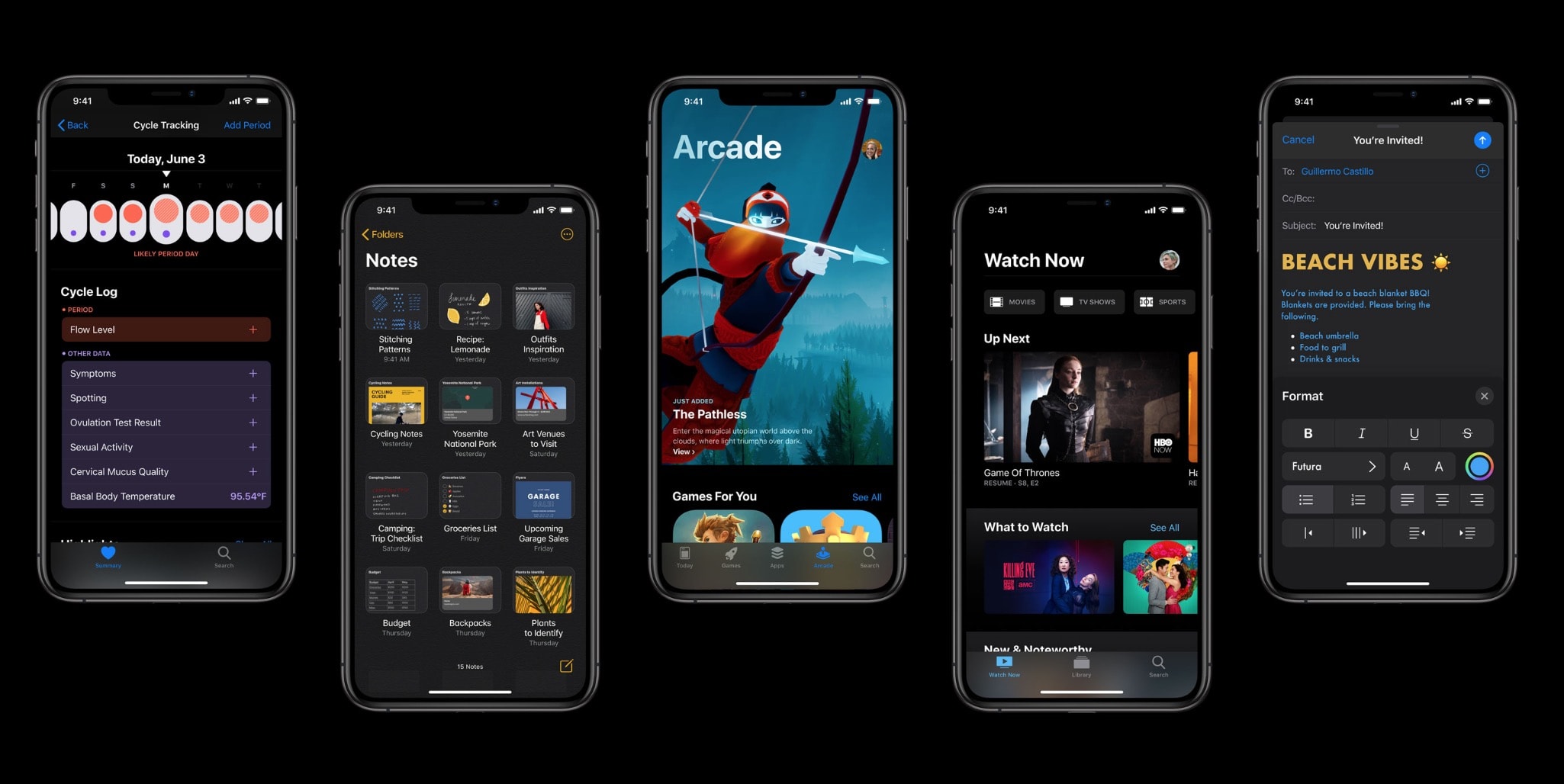
As seen in my first sketchnote, above, tvOS 13 adds multi-user support and support for Xbox One and PlayStation DualShock 4  game controllers for Apple Arcade. Meanwhile, watchOS 6 will bring an App Store directly to the Apple Watch, a new Noise app, and a new Cycle tracking app for women.

For a quick visual recap of the highlights  of the WWDC 2019 keynote, check out the rest of my sketchnotes below.

Apple guns for Facebook with new ‘Sign in with Apple’ privacy feature [Update]

By

Sign in with Apple
"Sign in with Apple" is a new privacy feature in iOS 13.
Photo: Alfred Ng

WWDC 2019 bug Update: Apple says “Sign in with Apple” will be mandatory for third-party apps that require sign-ins, according to these new App Store guidelines. That means apps that currently use Facebook or Google to sign in will also have to support “Sign in with Apple.”

“It will be required as an option for users in apps that support third-party sign-in when it is commercially available later this year,” the new guidelines say.

Apple is targeting Facebook with a new privacy feature in iOS 13 that privately logs users into third-party apps and services.

Called “Sign in with Apple,” it aims to replace popular cross-web login services like ones offered by Facebook and Google.

The new privacy feature prevents third-party apps and web services from tracking users via their logins. It creates private, disposable logins for every service or app.

Cheese grater-inspired Mac Pro gets creatives drooling

By

Mac Pro cheese grater
You might be better off with iMac Pro instead.
Photo: Apple

WWDC 2019 bug The Mac Pro cuts an impressive silhouette, and the lucky folks who saw it up close at WWDC today were left gobsmacked.

But it also made several people giggle. They could only stare at the machine’s ventilation holes and top handles and see an expensive cheese grater.

Apple’s epic WWDC 2019 keynote was the best in years

By

Nailed it! Craig Federighi onstage during the WWDC 2019 keynote.
That pretty much sums it up.
Photo: Apple

WWDC 2019 bug Like a blockbuster movie, Apple’s jaw-dropping WWDC 2019 kickoff served up a boatload of things that make us swoon: fun new features, LOL-worthy jokes, actual soulful moments and unexpected twists.

Perhaps most surprising — in an era of rampant leaks — Apple even delivered a legitimate surprise when it showed off its highly anticipated Mac Pro computer. That monster machine might look a little familiar, but the modular design and audacious specs got the world buzzing. (So did that cringe-inducing $5,999 price tag. That’s the starting price.)

And, like most modern movies, the WWDC 2019 keynote lasted about 15 minutes too long.

These iPhone and iPad models won‘t get iOS 13 or iPadOS

By

No iOS 13
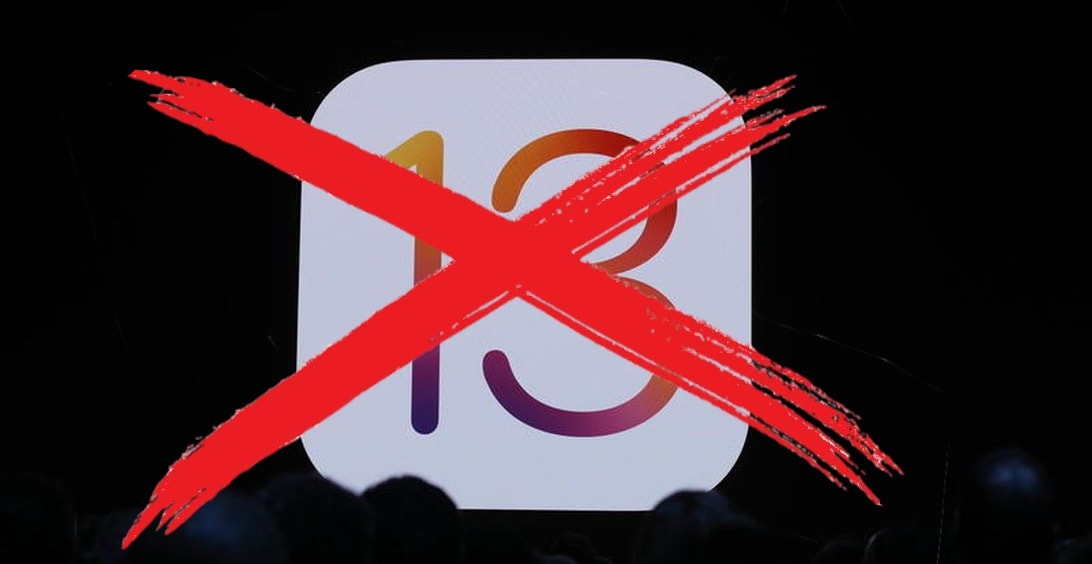
Apple devices from five years ago can’t upgrade to iOS 13.
Photo: Apple/Cult of Mac

WWDC 2019 bugThere’s bad news for those with an iPhone released in 2014 or earlier: it’s not possible to install iOS 13 on these handsets. The same goes for iPad models from 4 years ago; they can’t be upgraded to the new iPadOS.

Still, all Apple’s phones and tablets released in the last 4 years are getting upgrades.