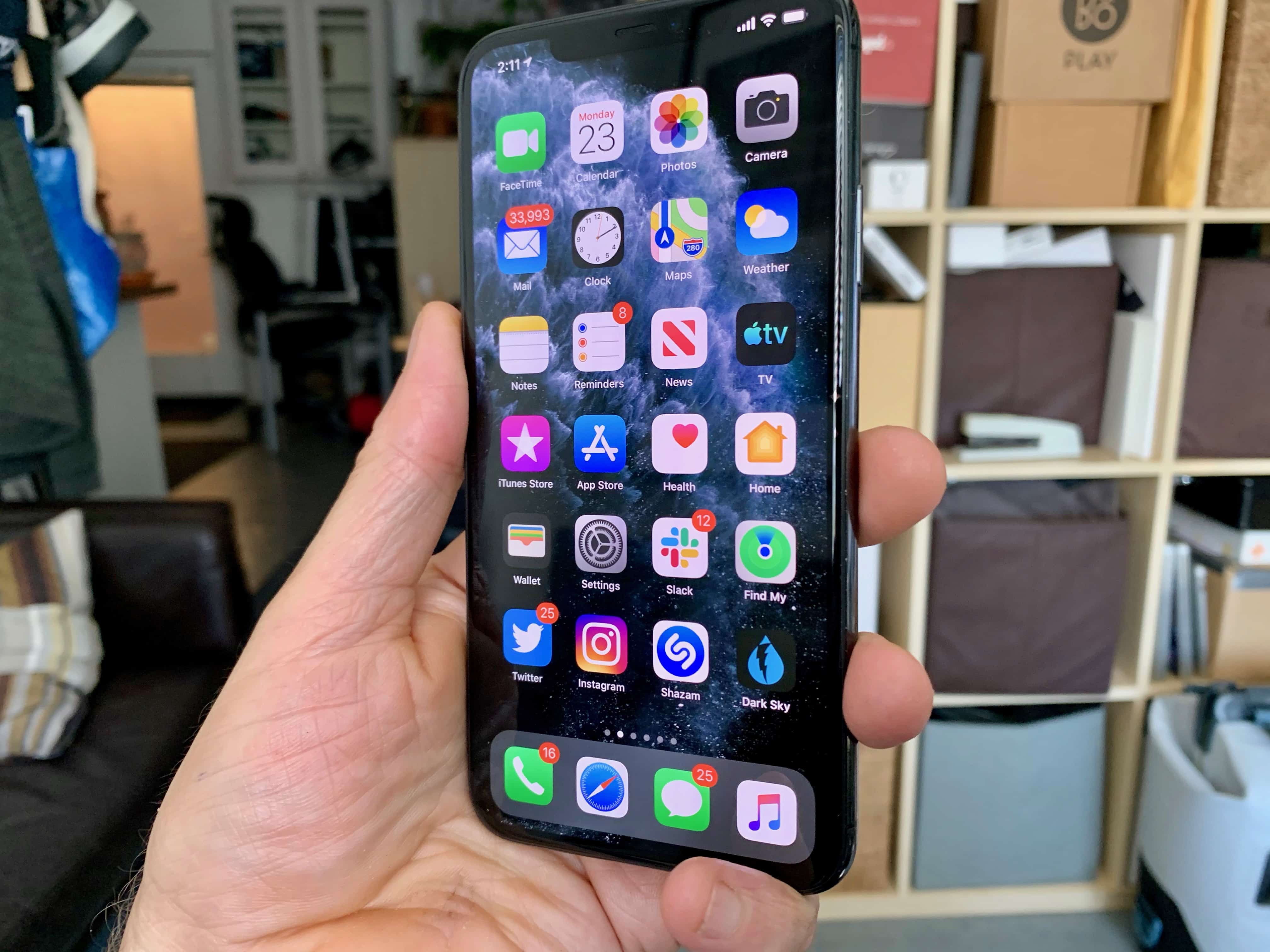
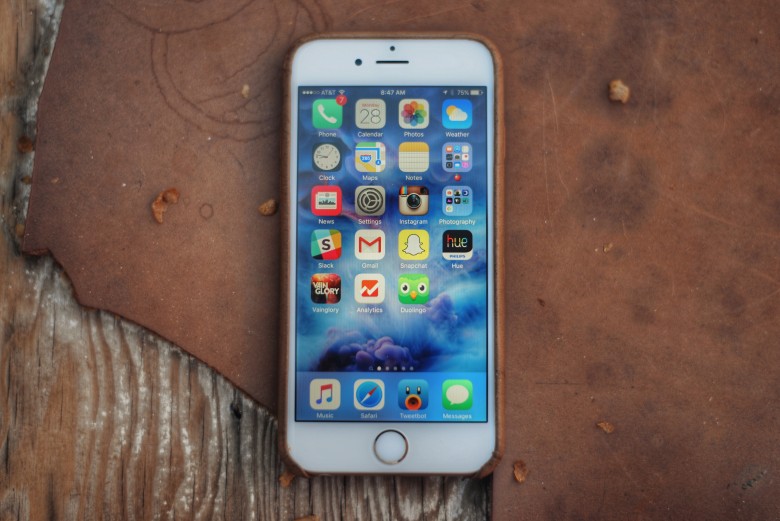
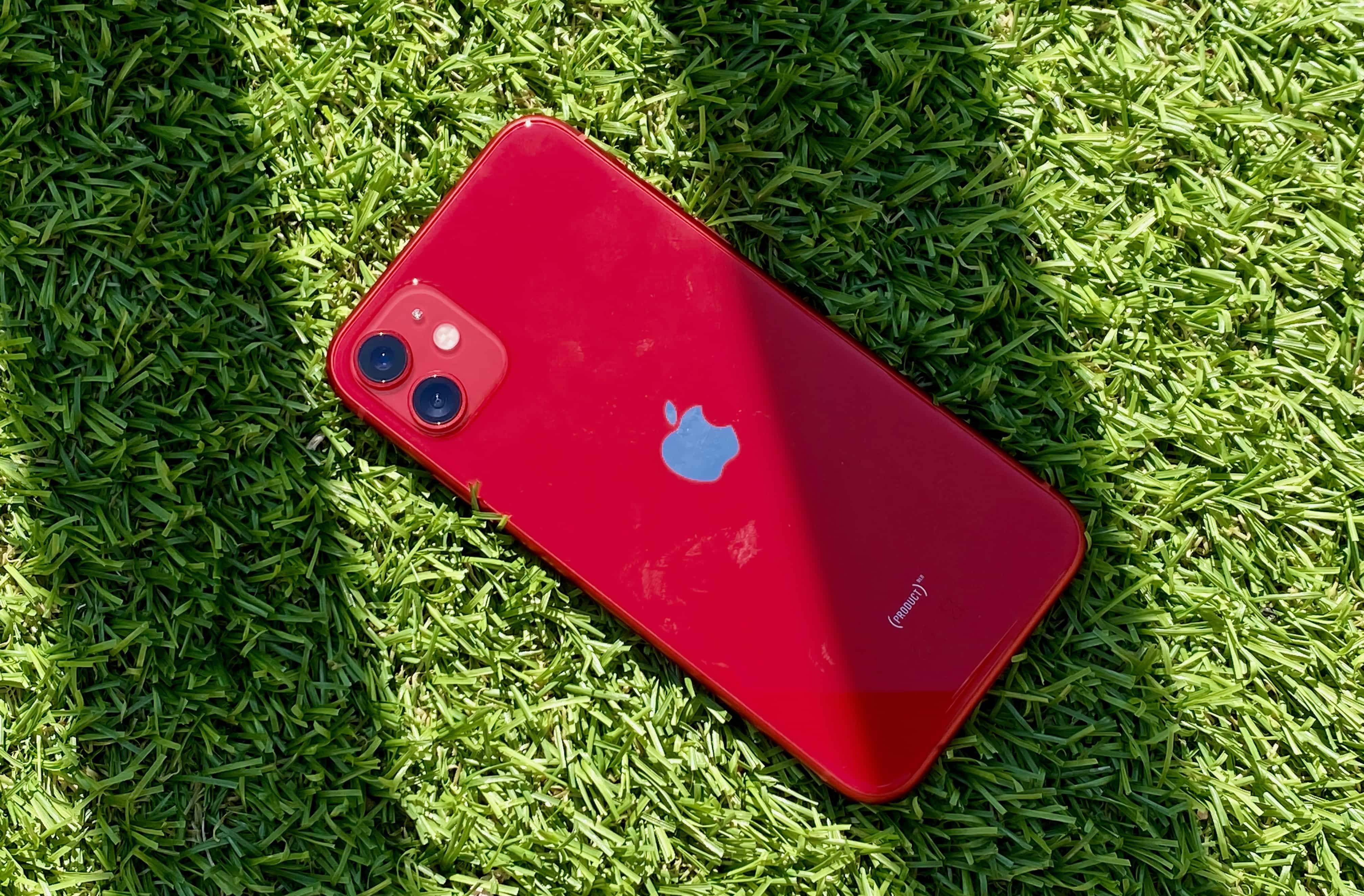
Is it any wonder people are keen to upgrade? Photo: Leander Kahney/Cult of Mac
Critics dismissed the iPhone 11 as boring ahead of its release. But, according to renowned Apple analyst TF Securities’ Ming-Chi Kuo, the much-praised handsets could give Apple a nice sales boost to start 2020.
Kuo is expecting big things from the much-anticipated iPhone SE 2 as well.
The OWC USB-C Travel Dock adds multiple ports to an iPad Pro or MacBook. Photo: Ed Hardy/Cult of Mac
The OWC USB-C Travel Dock has five ports to extend the capabilities of your MacBook or iPad Pro, including HDMI and dual USB-A. Wrapped around these is a casing of aluminum and plastic thick enough to stand up to the kind of punishment many of us subject our gear to. Yet it still looks professional.
We used this multiport hub on several business trips. Here’s how it came through.
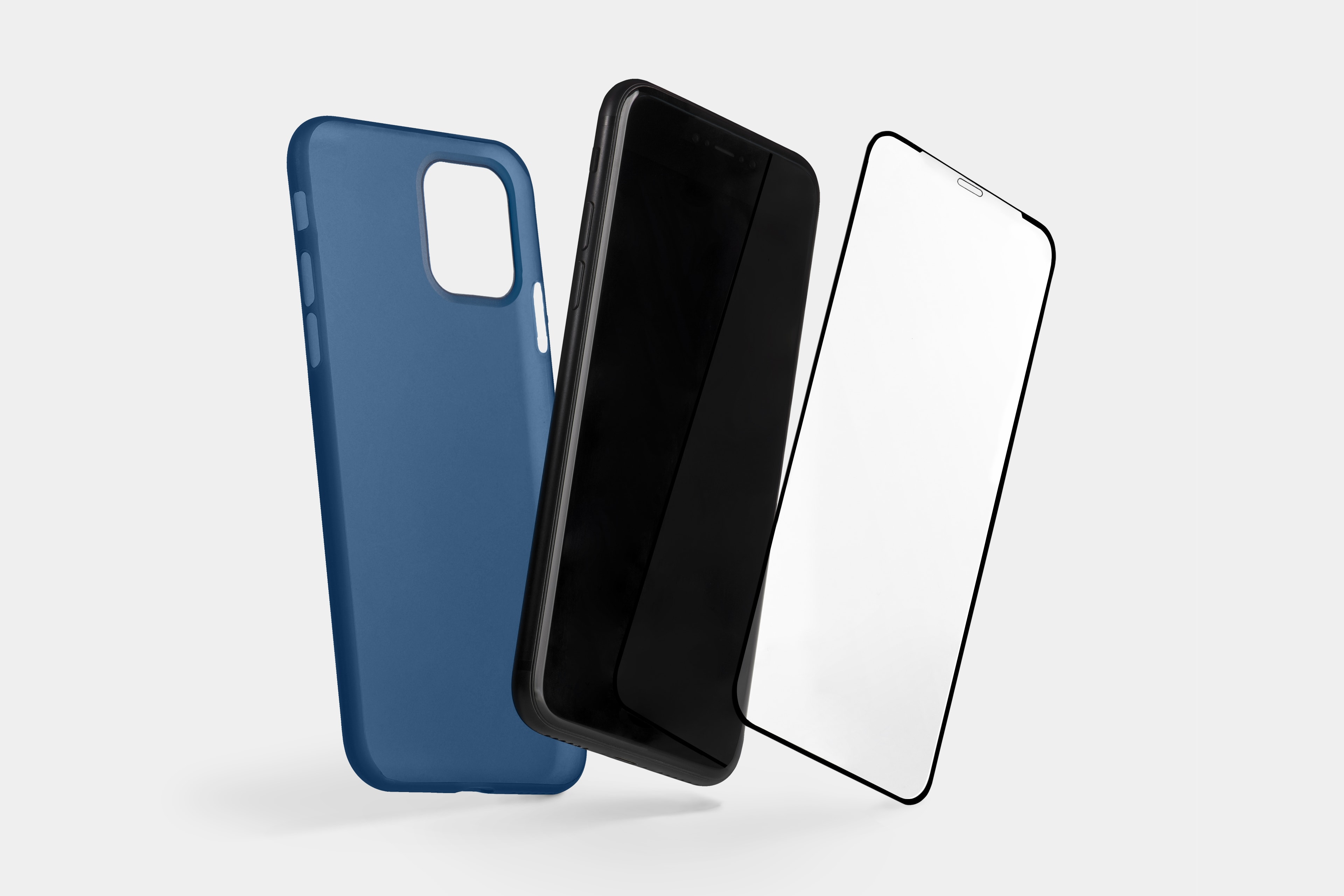
Pair an edge-to-edge screen protector with a thin case by Totallee. Photo: Totallee
This iPhone screen protector post is presented by Totallee.
After you’ve purchased your new iPhone 11, 11 Pro or 11 Max, it’s a no-brainer to buy a case for it. But that’s not all you need. Many smartphone cases don’t cover the device’s screen. So, to best protect against life’s drops, bumps and scratches, you should show some love for your iPhone’s screen, too. That’s why pairing a durable, edge-to-edge screen protector with a thin case from Totallee is such a good way to safeguard your investment.
Don't miss our biggest sale before the holidays. Photo: Just Mobile
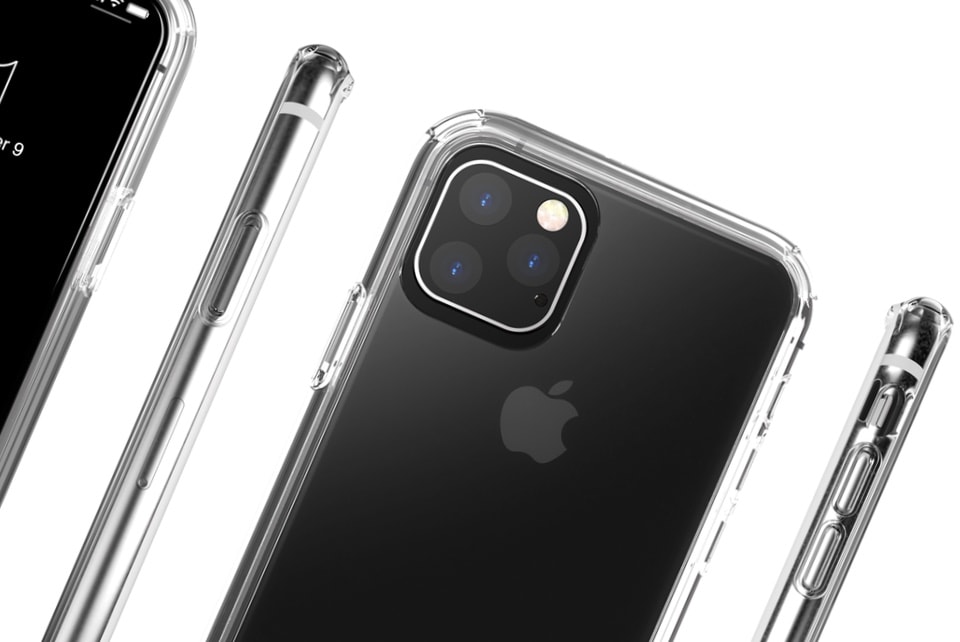
Just Mobile’s sweet Tenc Air cases offer ample protection for your pricey iPhone without covering up its dazzling design. And you can get yours for 20% less right now!
All Tenc Air cases and Xkin screen protectors are on sale now through the Cult of Mac Store.
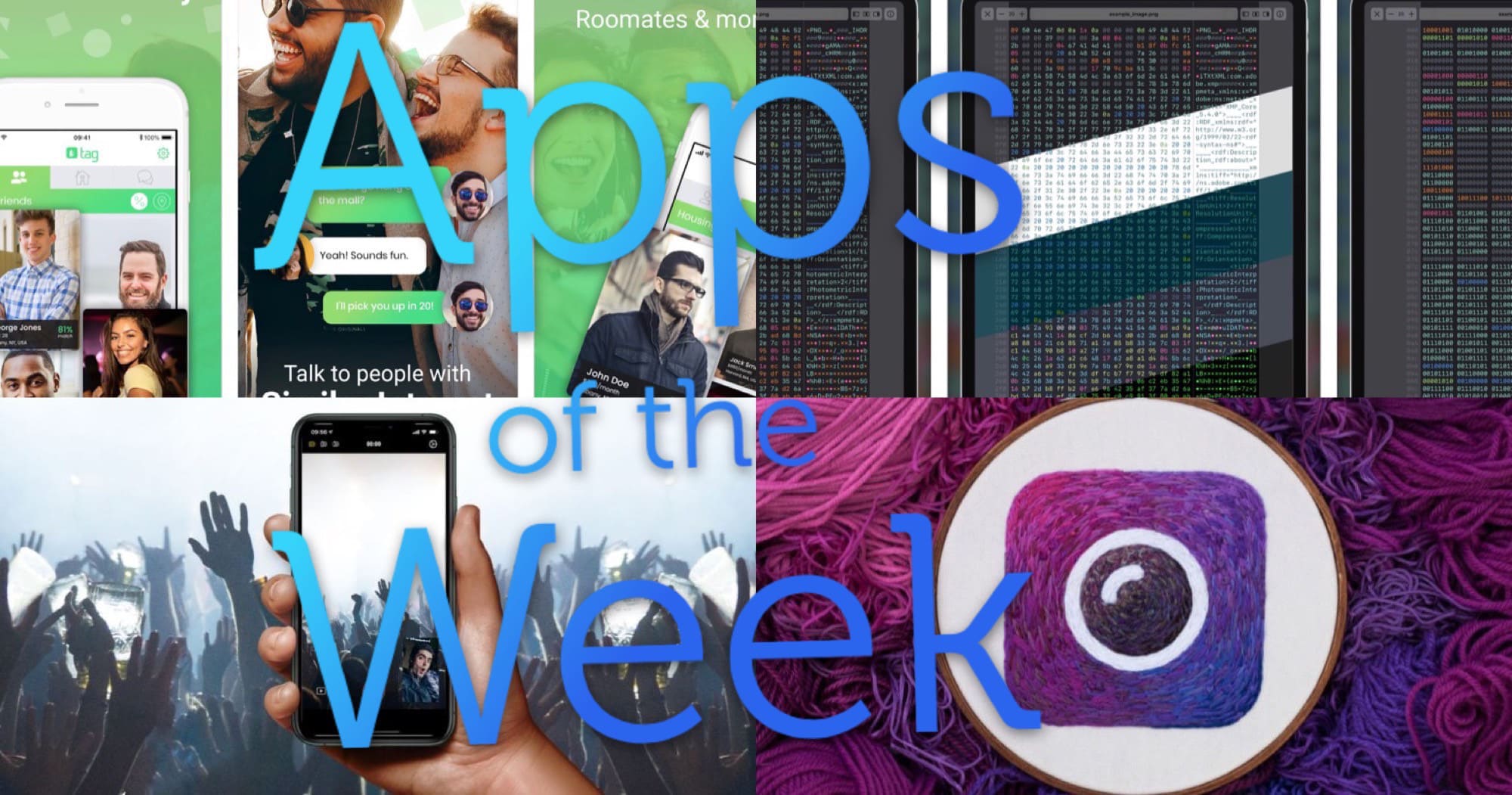
Check out this week's fresh batch of delicious apps. Photo: Cult of Mac
This week we find new friends to hang out with, shoot video with both iPhone cameras at once, fall for yet another Facebook data-gathering app and more.
Upgrade your home or office with customizable smart bulbs. Photo: Cult of Mac Deals
Lightbulbs are the symbol of invention and good ideas, but it’s not until the last few years that they’ve changed in a fundamental way. The LED bulbs are energy efficient, and full of possibility for customization. So if you’re looking to make your house or office smarter, these bulbs from iHaper are a great way to go.
The iPad is perfect for simple tasks. For more advanced things? Not so much. Cover: Leander Kahney/Cult of Mac
Even with all the new productivity features in iPadOS, the iPad still can’t touch the Mac when it comes to ease of use. The reason? It’s complicated.
Find out why Cult of Mac’s Graham Bower thinks the iPad user interface can never really compete with the Mac in this week’s issue of Cult of Mac Magazine. As usual, we crammed it full of Apple news and opinions. You also will find plenty of Apple how-tos and reviews. (Don’t miss our Apple Watch Series 5 review.)
Grab your free issue of Cult of Mac Magazine now from the iOS App Store. Or hit the links below to read in your browser.
Get comprehensive lessons in the range of apps in Adobe's Creative Cloud. Photo: Cult of Mac Deals
If you want to land your dream job, mastering all the apps in Adobe Creative Cloud is a smart move. Powerful Adobe apps like Photoshop and Illustrator are industry standards for creating quality visual and interactive media
However, the apps in Adobe CC suite are somewhat complicated. It can prove difficult to learn all the ins and outs of so much sophisticated software. But don’t give up hope. This hugely discounted bundle of Adobe Creative Cloud lessons lets you learn it all — at your own pace.
If your iPhone 6S series model purchased in the last year stops turning on, Apple has a fix. Photo: Buster Hein/Cult of Mac
Apple warned iPhone 6S and 6S Plus owners that their handset could suddenly refuse to power on. But the company did promise to fix the problem, free of charge.
Apple Arcade games can already be played on iPhone, iPad, Apple TV and — for a fortunate few — Mac. Photo: Apple
Mac users can start enjoying Apple Arcade, but only if they’ve installed the latest pre-release version of macOS Catalina. This move seems to be preliminary step in launching this big macOS upgrade.
If it isn’t obvious, this also means that Catalina didn’t debut today, as had been rumored.
Learn the basics and the details of recording and mixing audio with Logic Pro X. Photo: Cult of Mac Deals
When it comes to music production, Logic Pro X is the industry standard. So if making music or working with sounds is something you want to do, you’ll want to get fluent with Apple’s incredibly powerful platform. With this massive lesson bundle, you can do just that.
For a while today, this was all you got if you tried to download the Amazon Prime Video app. Photo: Ed Hardy/Cult of Mac
Update: The Amazon Prime Video app is back in the iOS App Store after mysteriously disappearing for much of the day. Why this high-profile app went missing for so much of the day remains unknown.
Whether its disappearance resulted from a simple glitch or some sort of quickly resolved dispute between Apple and Amazon isn’t yet clear.
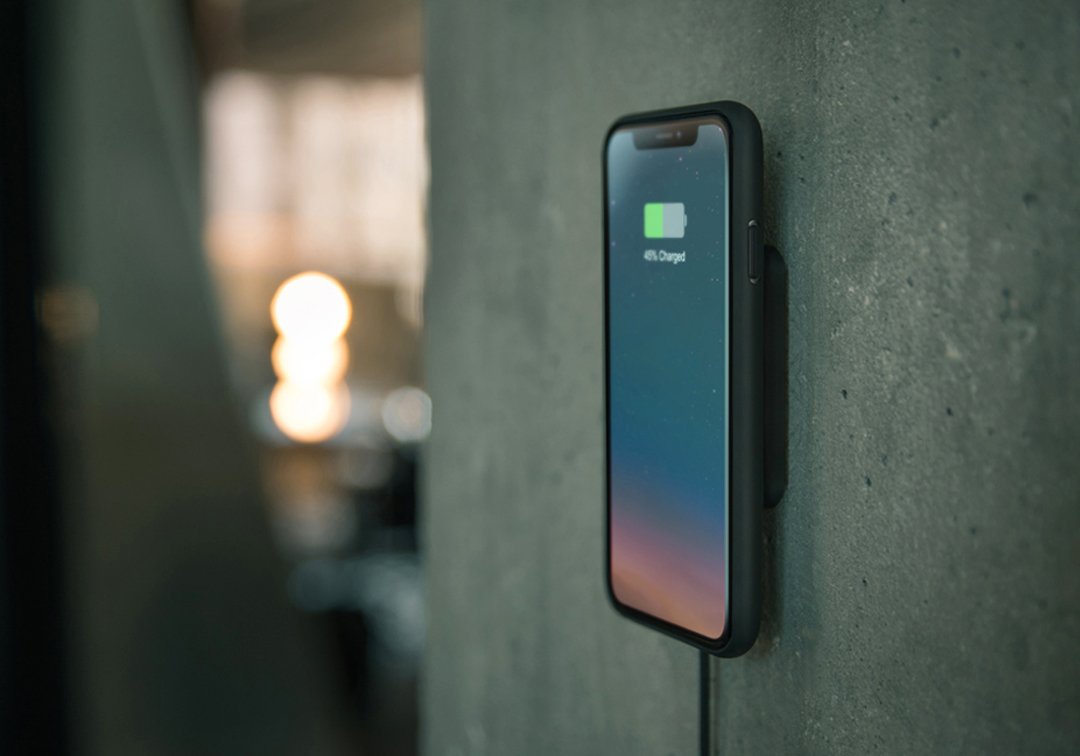
Built-in magnets inside the pad grab onto Xvida’s companion case for iPhone XR, XS, and XS Max to form a super-secure grip. And you can save big on both products today!
All the major tech companies are under investigation. Photo: Jens June/Pixabay
Spotify is reportedly helping the feds with their antitrust investigation into Apple’s App Store.
U.S. lawmakers asked Spotify to submit information related to an ongoing antitrust investigation into whether Apple engages in anticompetitive behavior. As one of Apple’s biggest critics, Spotify already helped with probes in Europe. However, this is the first news we’ve had of the company assisting investigators in the United States.
Safari’s content blockers effectively block trackers and other Bad Stuff on the web, but that only works in Apple’s browser. Any other app you install on your iPhone or iPad can send all kinds of personal information to anyone, without you ever knowing. Your location, the details of your menstrual cycle, how long you spend asleep — pretty much anything.
So how do you stop this? Well, iOS 13 itself can help limit some abuses. But what you really need is an iOS firewall app that can detect and shut down any unauthorized connections.
iKinema is expert in motion capture, and that expertise is headed for Apple. Photo: iKinema
Apple confirms it purchased a company that makes virtual reality and motion capture.software. The acquisition of iKinema could bolster the iPhone maker’s augmented relativity offerings, especially with a set of AR glasses supposedly coming next year.
Real Call of Duty this week landed on mobile for the first time — and fans of the franchise can’t get enough. The free-to-play game has, unsurprisingly, enjoyed a spectacular start so far.
Tim Cook likes his currency the old-fashioned way. Illustration: Ste Smith/Cult of Mac
Apple is rapidly growing the list of services it provides to its customer base. Just don’t expect a cryptocurrency to come from Cupertino on Tim Cook’s watch.
The Apple CEO made his feelings crystal clear in an interview with a French newspaper published today.
Speaking at a New York Comic Con panel, M. Night Shyamalan finally spilled some plot details about Servant, saying it all takes place in one room as a couple turn to a therapy doll to cope with the loss of their child.
Apple put out the first official teaser trailer for it too and it’s pretty short but also pretty creepy:
What does this mean for the 16-inch MacBook Pro? Concept: Killian Bell/Cult of Mac
Details have leaked out of an Apple USB-C wall charger more powerful than any the company currently offers. This has spawned speculation that it‘s for the rumored 16-inch MacBook Pro expected to launch soon.
A power adapter that offers more current leads to faster recharges.
Opening two files in the same app on an iPad requires rocket science. Photo: Graham Bower/Cult of Mac
Thanks to the recently launched iPadOS, I can finally do simple things on my iPad that I’ve always been able to do on my Mac. Like opening multiple documents in the same app, or installing fonts.
Trouble is, while these things are easy to do on a Mac, they’re fiendishly difficult with an iPad.
In the early days, everyone celebrated the iPad for being easier and more intuitive to use than a Mac. But as Apple crams in more features, that is no longer true. iPad is still easier to use for simple things, but it is much harder and more cumbersome for performing advanced tasks.
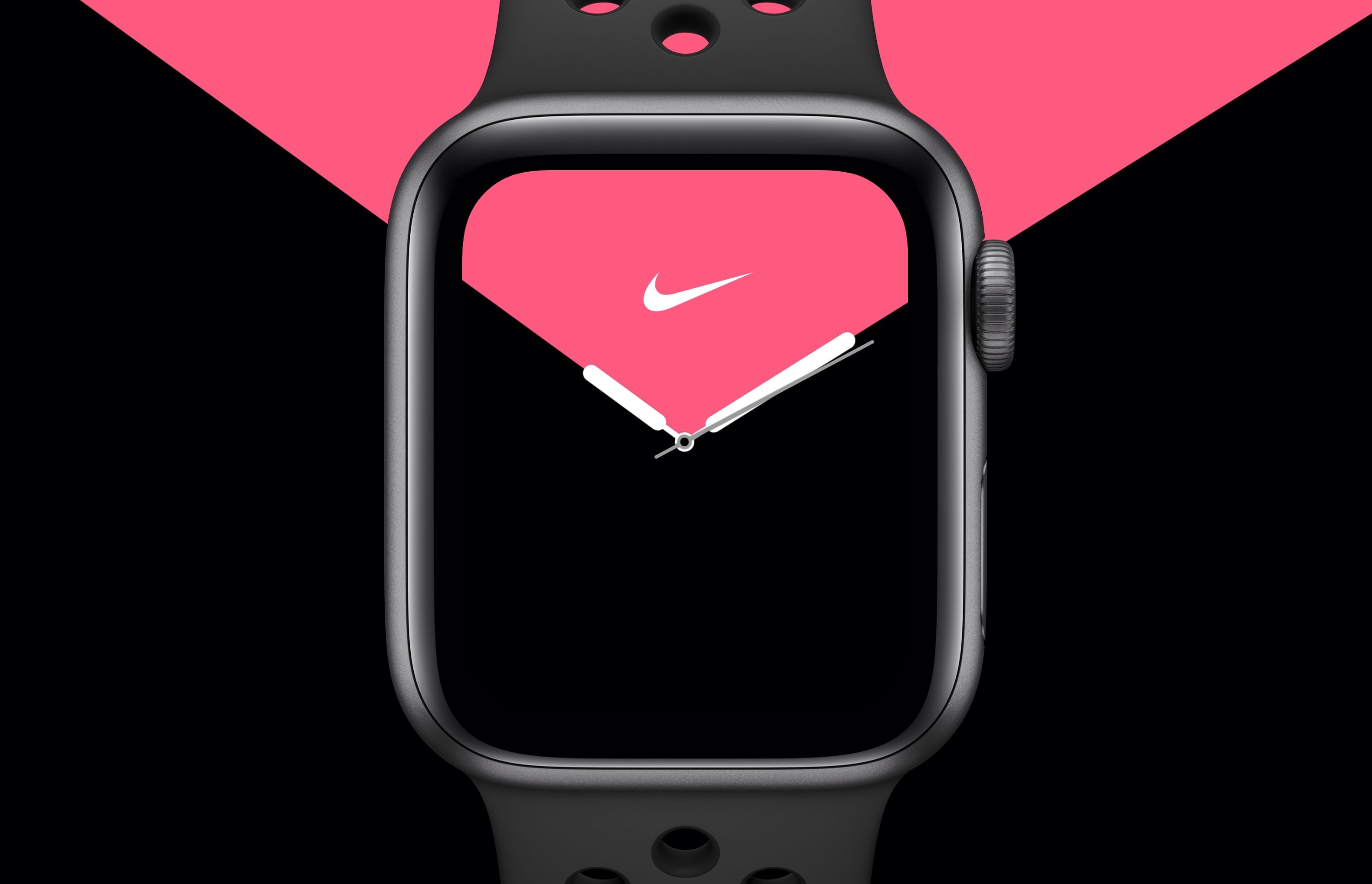
Apple Watch Nike Series 5 is today available to order from the Apple Online Store.
The sportier model is priced the same as its entry-level siblings, with prices starting at $399. But you will be waiting a long time for delivery, with many models not shipping for up to 10 weeks.
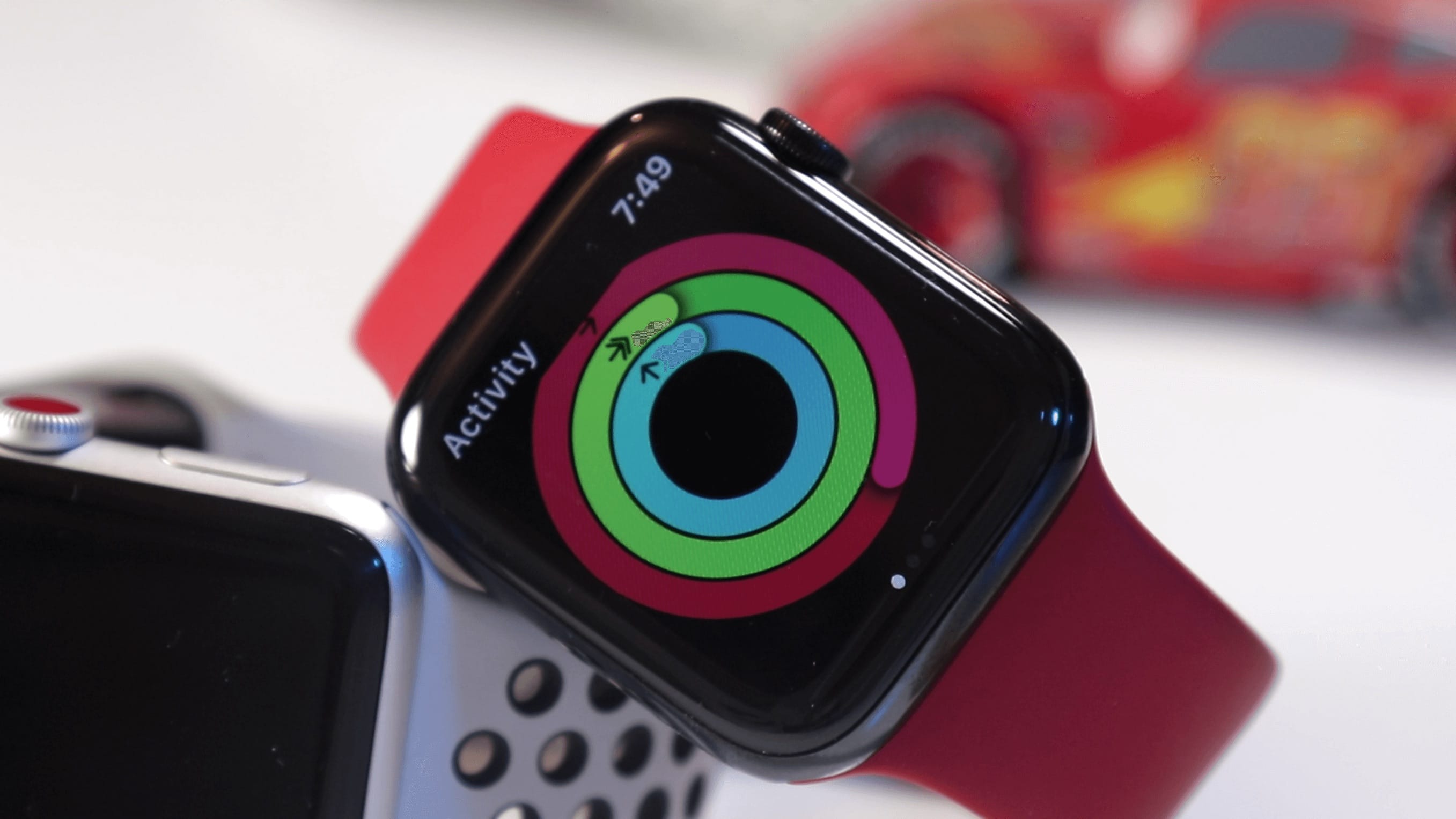
Activity Rings help wearers form healthy habits. Photo: Ian Fuchs/Cult of Mac
John Hancock will start selling Apple Watch Series 5 for just $25 this fall.
The new wearable, which usually starts at $399, will be available to life insurance customers who vow to be more active. But you’ll need to stick to your promise of living a healthier lifestyle.
Don't believe the scaremongers. Photo: Killian Bell/Cult of Mac
Apple is reportedly ramping up iPhone 11 and iPhone 11 Pro production to meet stronger-than-expected demand.
The 10% increase will result in around 8 million additional units entering the market this year. It will also push early iPhone 11 production numbers past those for iPhone XR and iPhone XS.