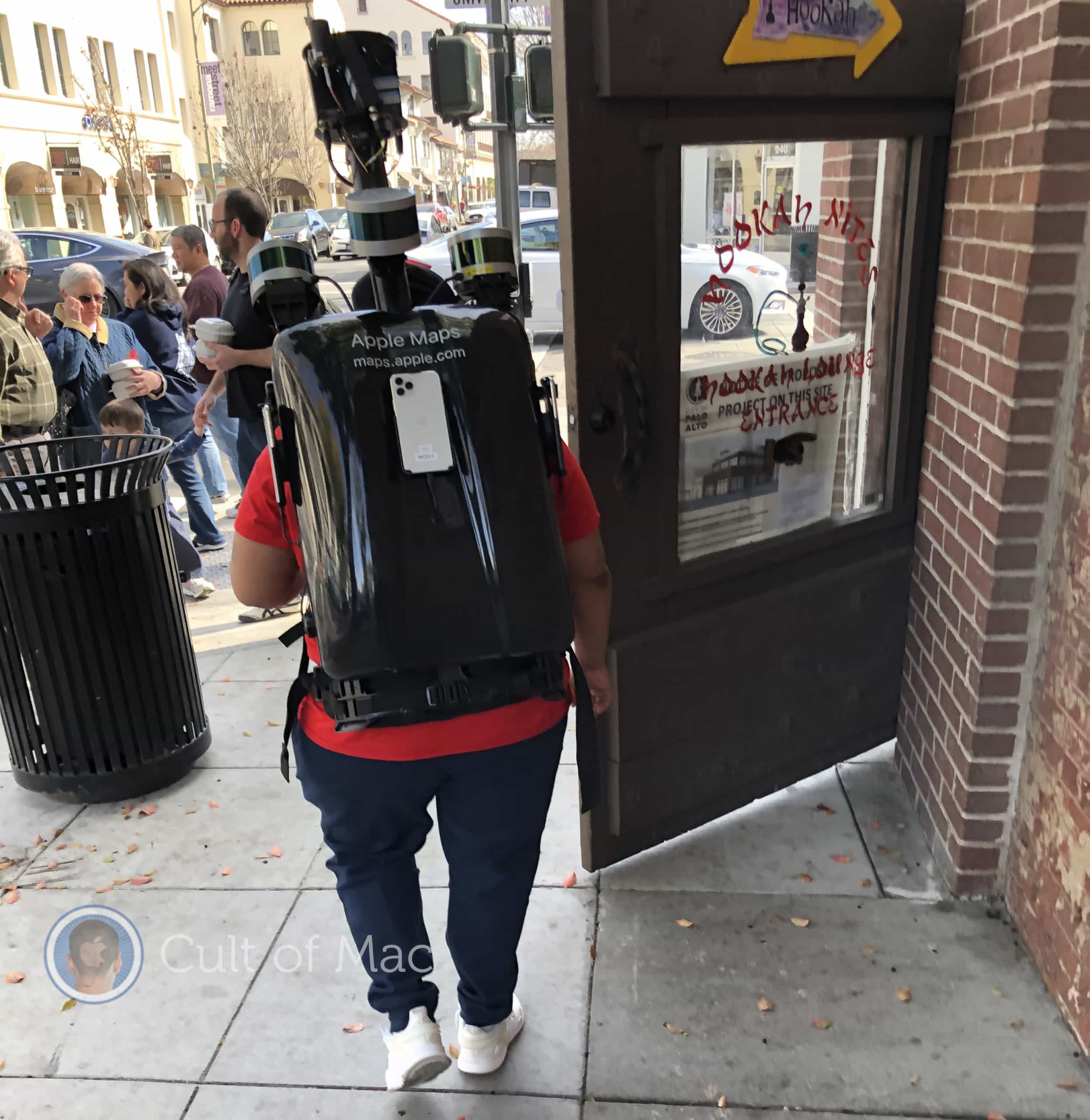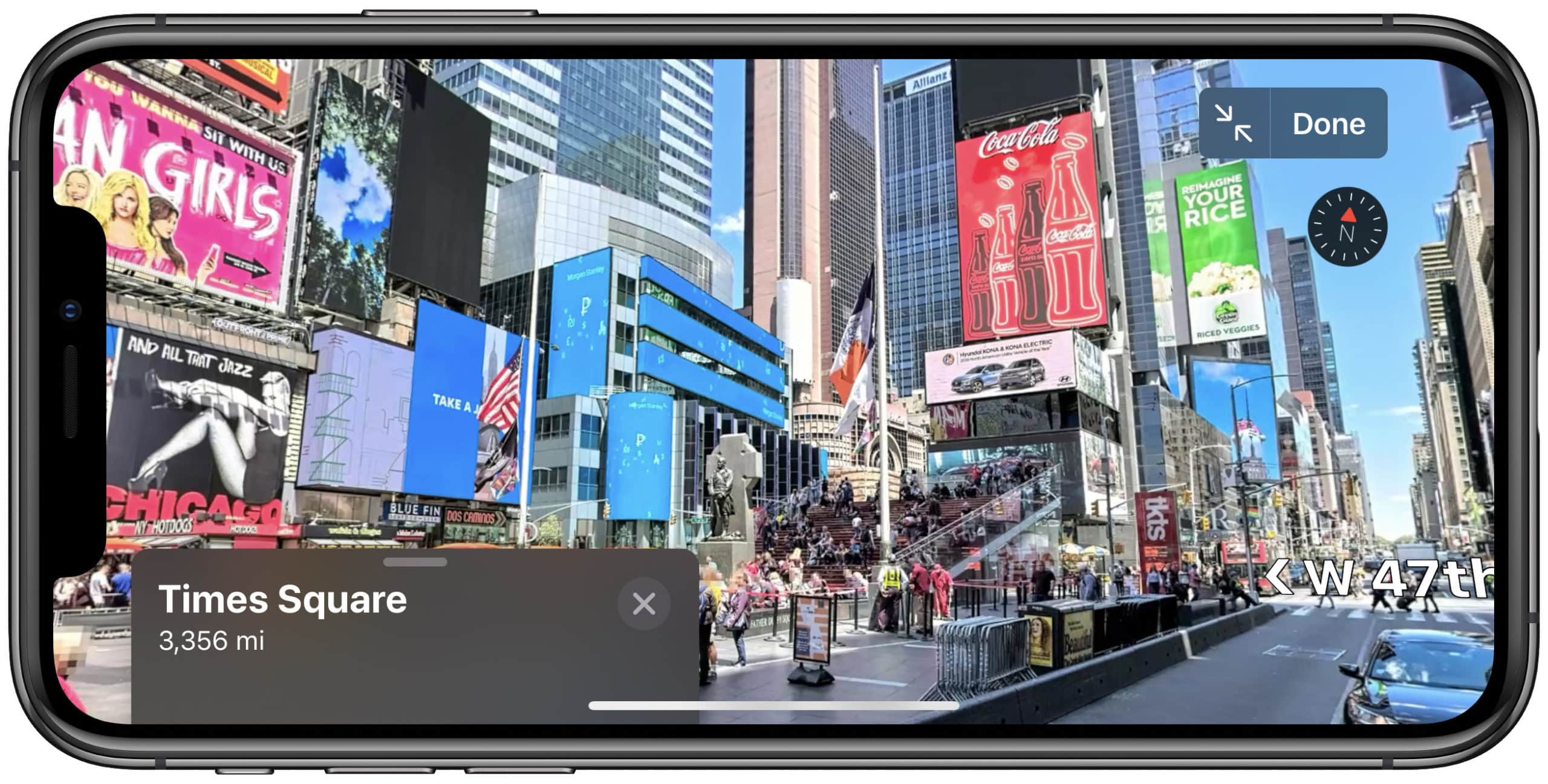
Apple Maps’ brilliant Look Around feature (its own version of Street View) is now live for Boston, Philadelphia, and Washington, D.C.
The expansion comes less than a month after Apple rolled out major Maps improvements to all users in the United States. It means Look Around now supports a total of nine locations, with more likely to come in 2020.