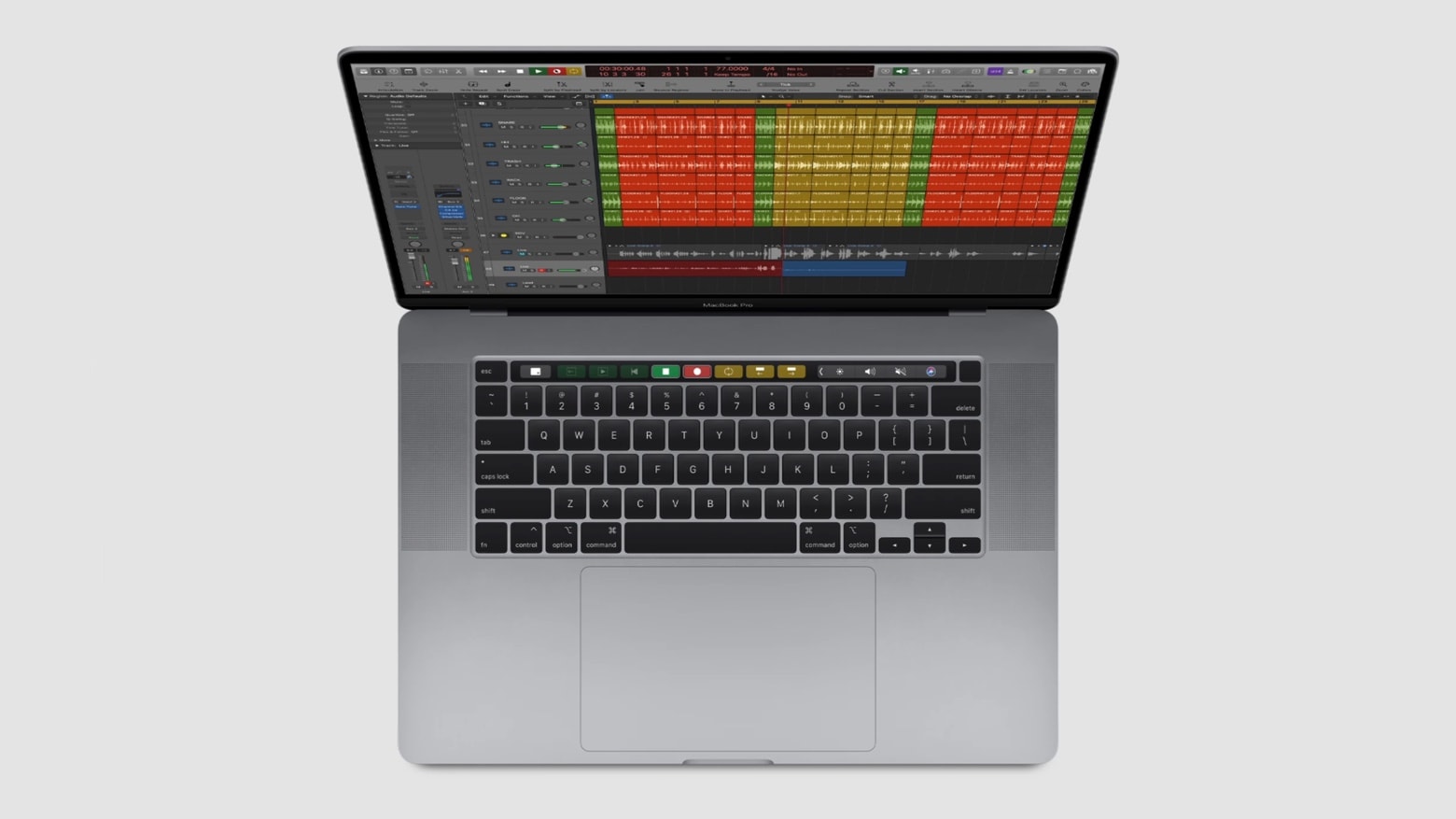
The internet has revolutionized music, and so have mobile devices. That’s as true of learning music as it is for listening to it, as these three deals demonstrate. With them, you can gain command of the ukelele, master Apple’s powerful Logic Pro X music-production program, and learn thousands of tunes straight from digital sheet music.
Get your musical mojo working with technology [Deals]
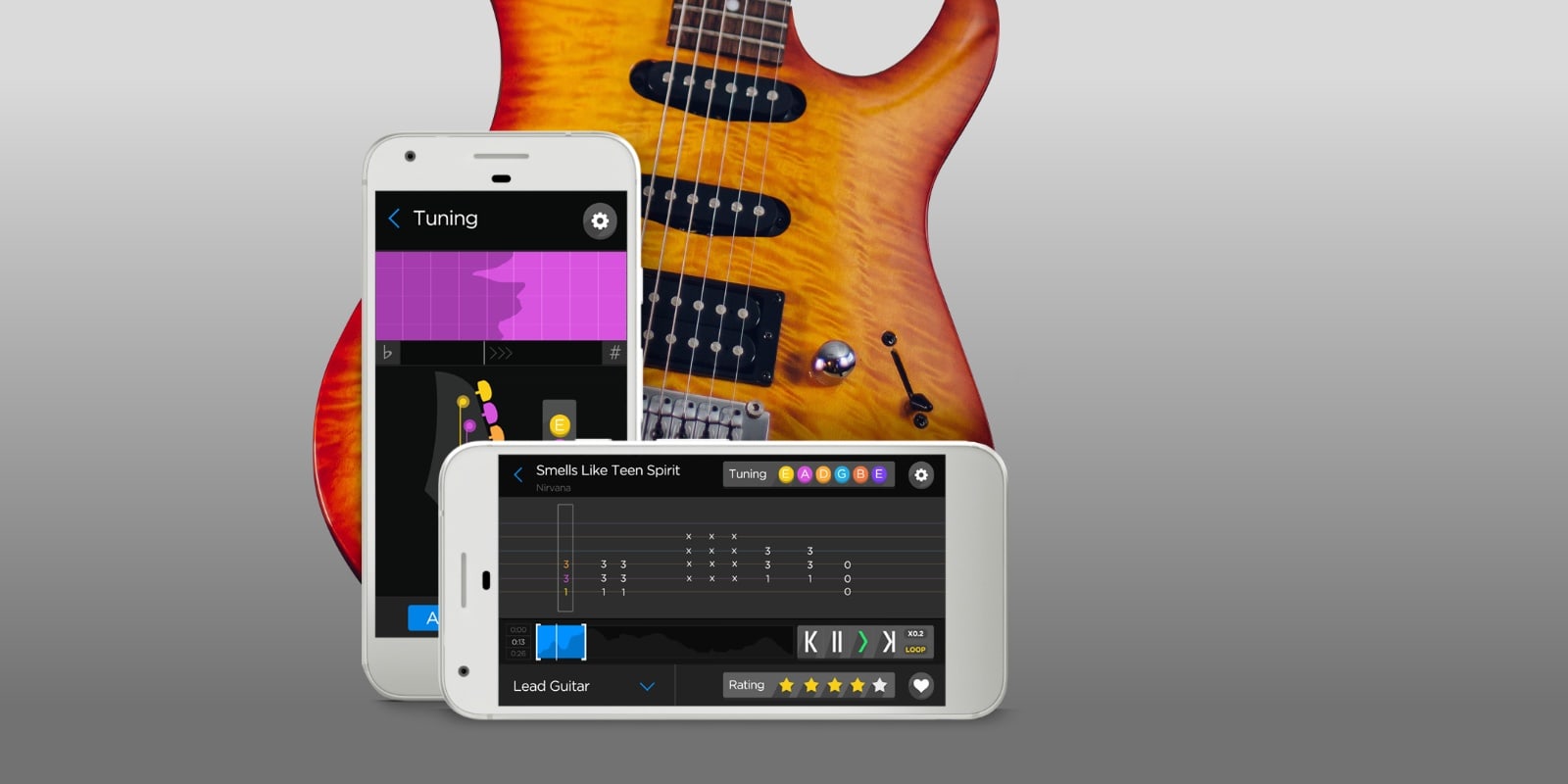
Photo: Cult of Mac Deals