Mobile menu toggle

Don’t expect next iPad mini for months

By

This is a 2021 iPad mini concept, not a leaked image.
The 2021 iPad mini might look something like this.
Concept: Cult of Mac

Apple’s next small tablet isn’t coming soon, no matter what previous rumors indicated. A trusted analyst and Apple prognosticator says the 2021 iPad mini won‘t be on the market until the second half of the year.

According to unconfirmed reports, this will be a significantly redesigned device, with a larger display.

This luxurious 4-in-1 charger handles iPad, iPhone, Apple Watch and more

By

charging station
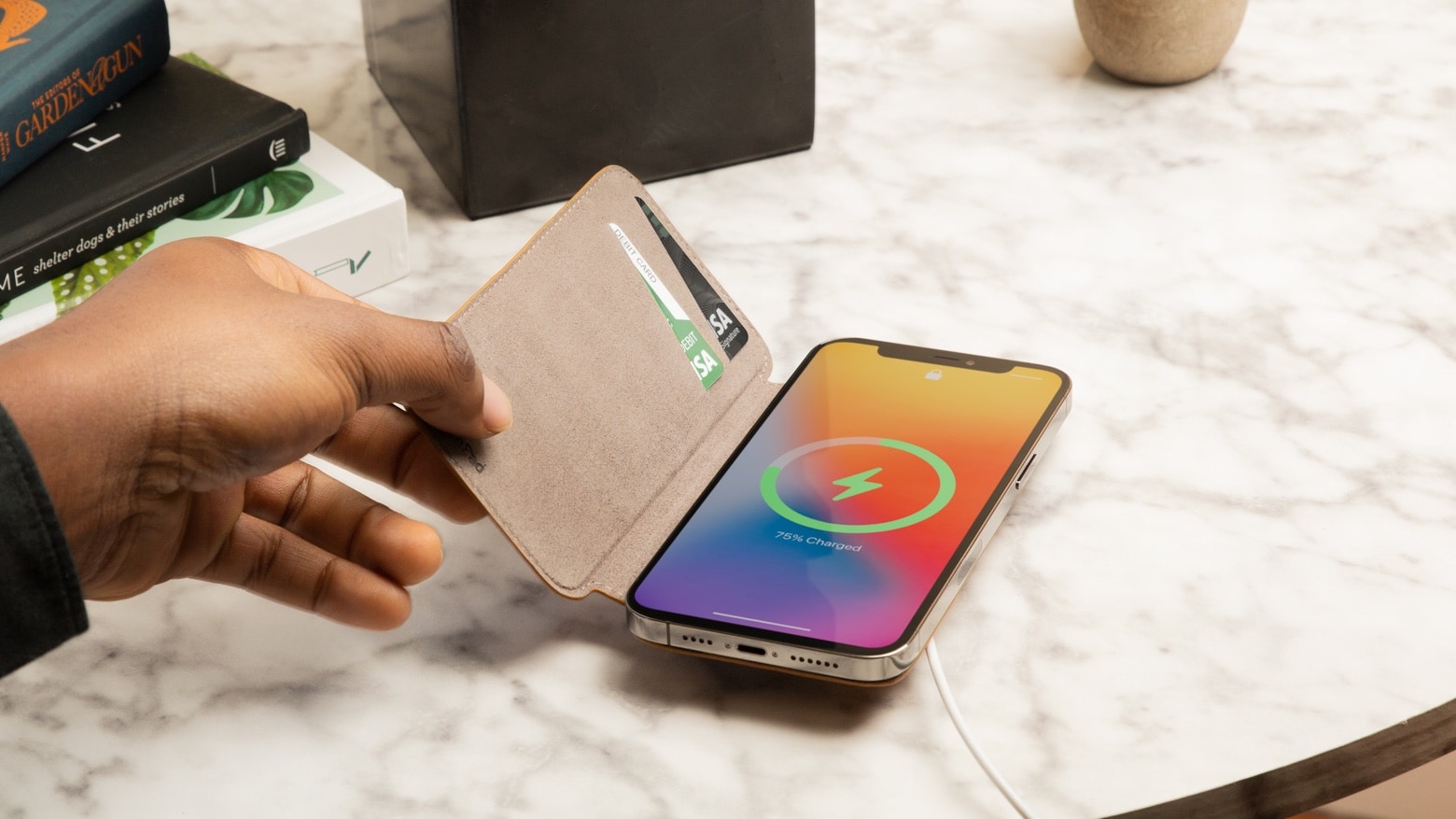
Made of high-end wood and leather, this glorious charging tray is perfect for all your Apple gear.
Photo: Nytstnd

Many wireless charging stations lack something iPad users need: a place to prop up and charge their beloved tablets.

It may seem like a charging station fit for an iPad wouldn’t be as sleek and convenient as smaller models, but the opposite is true for the Nytstnd Quad Tray. Channeling sophisticated elegance with wood and cloth accents, this powerful multi-device charger will create a comfortable home for your essential personal items with a fashionable flourish. Available now for $191.99, this beautiful charger is well worth the price for an upscale charging experience.

One mammoth display to rule them all [Setups]

By

Like your parents used to say, don't sit too close to the TV.
Photo: kenneth_powers1@Reddit

These days, lots of folks rock two or three or even four large monitors in their computer setups. But some people go for one huge, mesmerizing display, like kenneth_powers1, among other Redditors — and it’s a TV set, at that.

Powers credits fellow Redditor TerronG for the inspiration to use a Samsung 43-inch TU-8000 series 4K Smart TV with his aging computer. Powers uses it with a 2013 MacBook Pro and a PC he built himself. TerronG runs a similar TU7000 series TV with a 2012 Mac mini upgraded with a newer SSD and additional RAM.

New sensor could turn 2022 Apple Watch into a doctor on your wrist

By

The Blood Oxygen sensor employs LEDs, along with photodiodes on the back crystal of Apple Watch Series 6.
You might soon be wearing the equivalent of a medical laboratory.
Photo: Apple

A deal between Apple and Rockley Photonics could add new medical sensors to the Apple Watch in 2022. That might include non-invasive monitoring of blood sugar levels, body temperature and blood pressure. It might even add the ability to measure blood-alcohol levels.

The British startup promises to “bring laboratory diagnostics to the wrist.”

8-inch folding iPhone might launch in 2023

By

An iPhone concept shows a realistic folding iPhone design
If Apple makes a foldable iPhone, it might look like this concept design.
Screenshot: ConceptsiPhone

A folding iPhone is two years away, according to a trusted industry analyst. When open, the device will have an 8-inch screen, significantly bigger than the current largest iOS model, which has a 6.7-inch display.

Wait for 2021 iPad Pro stretches out months

By

Wait for 2021 iPad Pro stretches out months
Demand for the 2021 iPad Pro far outstrips supply.
Photo: Apple

Order the 12.9-inch version of the 2021 iPad Pro today and it won‘t arrive before late June. And maybe not until July. Apple started taking pre-orders for the first M1-powered tablet on Friday, and anyone who didn’t move quickly could wait almost 10 weeks for the device.

The delay is apparently caused by the new mini-LED screen.

Apple Music Hi-Fi may be on the way

By

Apple Music Hi-Fi will have to take on Spotify HiFi.
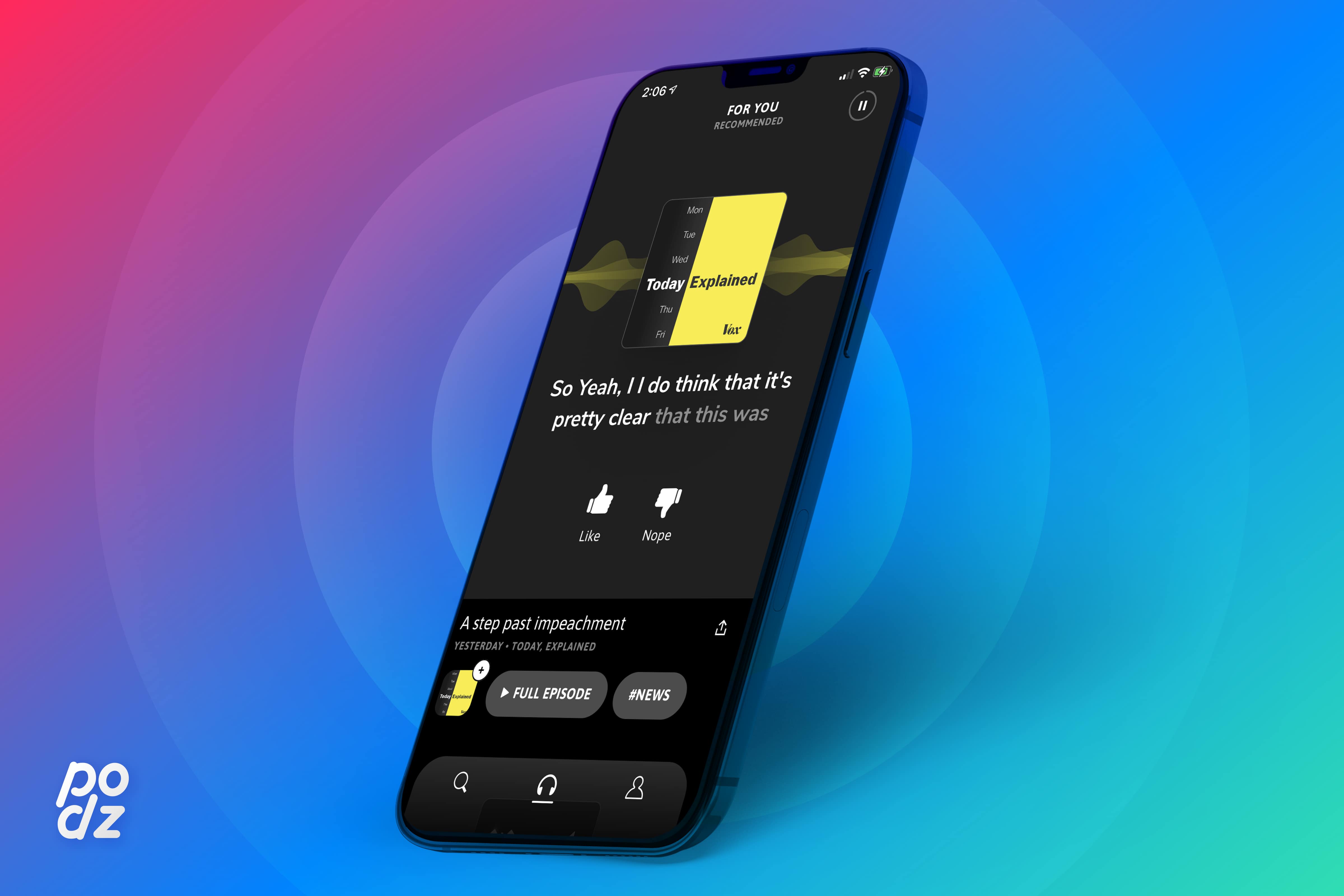
Apple Music Hi-Fi is only a rumor. But there’s at least one good reason to think it’s true.
Photo: Cult of Mac

Apple Music Hi-Fi, a version of the streaming music service offering higher-quality audio, could debut “in the coming weeks,” according to an unconfirmed report.

What the new streaming rate will be is unclear. But it will have to take an on improved version of archrival streaming service Spotify.

Get an easy view of hard-to-reach places with the Sinji Borescope

By

Borescope
This iPhone photo accessory lets you capture incredible macro imagery, even in hard-to-reach locations.
Photo: Sinji

Macro lenses capture close-up photos that offer a completely different worldview. Just think of how a close-up of a leaf reveals an intricate system of veins. But while these popular iPhone photo accessories are ideal for creating captivating art, there are situations where you may need a close-up view of a hard-to-reach place for a less uplifting reason.

To see inside a blocked drain pipe or get a better look at a tiny, malfunctioning machine part, you’ll need a macro-powered lens with incredible reach. That’s what the Sinji Borescope delivers. Available in 2-meter5-meter and 10-meter lengths, this handy borescope is the perfect tool for when you need an impossibly close perspective.

Take control of Control Center [Cult of Mac Magazine 399]

By

Take control of Control Center: Squeeze some extra utility out of your Apple gear with these Control Center tips.
Squeeze some extra utility out of your Apple gear with these Control Center tips.
Cover: Leander Kahney/Cult of Mac

If you looked at Cult of Mac this week, you saw loads of news about the release of iOS 14.5 (with its controversial App Tracking Transparency feature) and about Apple’s astonishing earnings.

But did you miss all the useful tips in our Control Center Week series?

For those not familiar, Control Center is one of the most powerful and underutilized features on Apple devices. The how-tos, written by our own Killian Bell, explain how to get the most of this useful toolbox on iPhone, iPad, Apple Watch and Mac. In case you didn’t see them all — and there are a lot of them! — we rounded them up in one place.

Hit that link, or read them in this week’s free issue of Cult of Mac Magazine. Time to seize control!

Run Windows on your Mac as if it were a PC with this CrossOver discount

By

CrossOver
CrossOver lets you run Windows apps on your Mac.
Photo: Cult of Mac Deals

Have you ever seen a language app translator get frazzled? It happens often: Every language is filled with nuance, so copying and pasting a paragraph of text often results in funny mistranslations. Translating a language with algorithms is difficult, and computer languages are no different.

Last chance! Enter to win a Wonderboom 2 speaker from Ultimate Ears [Cult of Mac giveaway]

By

Wonderboom 2 speaker lineup
These adventure-ready Bluetooth speakers come in fun colors.
Photo: Ultimate Ears

This week, Cult of Mac is giving away one Ultimate Ears’ fantastic Wonderboom 2 portable speakers. You have a chance to win this small-but-mighty outdoor speaker that costs $99 and is available in four colors.

If you win, you can take the Wonderboom 2 on all your outdoor adventures this summer. The road-worthy Bluetooth speaker is the size of a softball but pumps out sound the size of a giant beach ball. With 13 hours of battery life, you can rock on well into the evening. If you want the party to never end, be sure to enter this giveaway.

Apple AirTag is a disappointment [Review]

By

Apple AirTag review. So small, so meh. And where’s the $%&# hole, Tim?
Apple AirTag. So small, so meh.
Photo: Ed Hardy/Cult of Mac

Apple’s AirTag sales pitch is that you can attach the item tracker to your keys and you can find it with your iPhone, whether it’s in the couch or Canberra. That’s true, but the wireless range of these gizmos is so limited that finding a nearby AirTag in the next room isn’t easy as it should be. And the hardware is missing an obvious feature.

I’m a long-time user of rival Tile trackers. I was expecting Apple’s offering to be significantly better. In reality, both have their strengths. And Tile comes out ahead in some critical ways.

Maotoam Pro brilliantly combines laptop stand with 13-in-1 USB-C hub [Review]

By

Maotoam Pro review
Maotoam Pro is a robust tablet/laptop stand and a multifunction USB-C hub all in one well-designed package.
Photo: Ed Hardy/Cult of Mac

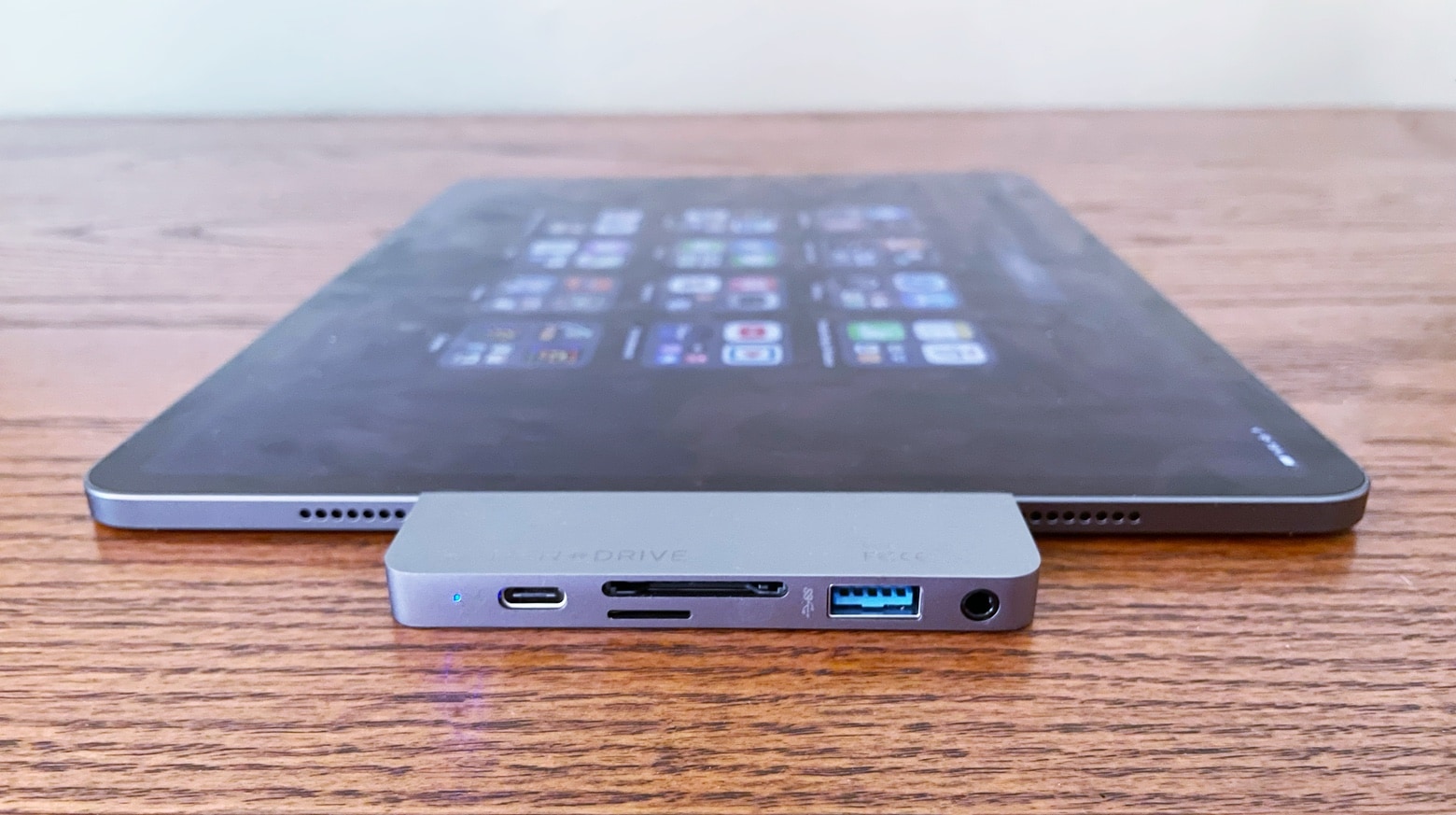
Maotoam Pro is two popular desktop accessories in one. It’s both a laptop/tablet stand and a USB-C hub with 13 ports. It can prop up a MacBook or iPad at your preferred angle, and connect it to up to a monitor, three USB devices, Ethernet and more.

I used the stand/hub in my everyday life for days. Here’s why I like it so very much.

Reorganize Control Center to make favorite tools easier to find [Pro tip]

By

How to reorganize Control Center
And to remove tools and shortcuts you never use.
Image: Killian Bell/Cult of Mac

Control Center Pro Tips WeekWe want to help you master Control Center, one of the most powerful and underutilized features on Apple devices. Cult of Mac’s Control Center Pro Tips series will show you how to make the most of this useful toolbox on iPhone, iPad, Apple Watch and Mac.

Make your favorite Control Center tools and shortcuts easier to find by reorganizing and cleaning up your Control Center window. It’s easy on iPhone, iPad, and Apple Watch — and we’ll show you how.

Massively entertaining setup probably includes some computer gear [Setups]

By

Some room just say
Some rooms just scream "fun," don't they?
Photo: andygigante_82@Reddit

Illustrator and graphic designer andygigante_82 knows how to place his computer setup in an entertaining context. The fantastical space is his “Little Hobby Hole” — which he writes with a trademark symbol — as depicted in his Reddit post.

Looking at his photos, you might not notice the computer gear. That’s understandable, given every shot’s explosion of dynamic graphics, colorful action figures, skateboards festooned with his own graphic designs and more.

Ping a lost iPhone using Control Center on Apple Watch [Pro tip]

By

Ping a lost iPhone using Control Center on Apple Watch
Make your iPhone easier to track down — even in the dark.
Image: Killian Bell/Cult of Mac

Control Center Pro Tips WeekWe want to help you master Control Center, one of the most powerful and underutilized features on Apple devices. Cult of Mac’s Control Center Pro Tips series will show you how to make the most of this useful toolbox on iPhone, iPad, Apple Watch and Mac.

Can’t remember where you left your iPhone? Use Control Center on your Apple Watch to “ping” it so that you can quickly track it down. You can even have your iPhone light up so that it’s easier to find in the dark.

We’ll show you how.

Switch between AirPods audio modes in Control Center [Pro tip]

By

Switch AirPods audio modes in Control Center
The quick and simply way to toggle noise cancellation and Transparency.
Image: Killian Bell/Cult of Mac

Control Center Pro Tips WeekWe want to help you master Control Center, one of the most powerful and underutilized features on Apple devices. Cult of Mac’s Control Center Pro Tips series will show you how to make the most of this useful toolbox on iPhone, iPad, Apple Watch and Mac.

Switching between different AirPods audio modes is simple with Control Center on iPhone, iPad, and Mac. You can activate or deactivate Transparency and active noise cancellation in just a couple of taps.

We’ll show you how.

What we learned from today’s Apple preorders

By

iMac preorders start: Early on, the purple iMac looks like the hardest to come by.
Early on, the purple iMac looks like the hardest to come by.
Photo: Apple

It’s preorder day for the new iMac, iPad Pro and Apple TV 4K — and we learned a few unexpected things.

For starters, the rumored May 21 shipping date for the devices looks confirmed.

Secondly, the Magic Keyboard for the 12.9-inch iPad Pro is on sale again in both black and white color options, via the Apple Online Store.

Block access to Control Center when iPhone and iPad are locked [Pro tip]

By

Disable lock screen access to Control Center on iPhone and iPad
Keep Control Center protected by your passcode.
Image: Killian Bell/Cult of Mac

Control Center Pro Tips WeekWe want to help you master Control Center, one of the most powerful and underutilized features on Apple devices. Cult of Mac’s Control Center Pro Tips series will show you how to make the most of this useful toolbox on iPhone, iPad, Apple Watch and Mac.

Control Center puts a ton of useful toggles and shortcuts at your fingertips, and you can access all of them while your iPhone or iPad are locked. If that’s not something you want, you can change it.

Here’s how to block Control Center access from the lock screen on iOS and iPadOS.

The Mosquito Coast gives familiar tale an exciting twist [Apple TV+ review]

By

Justin Theroux, Melissa George, Logan Polish and Gabriel Bateman in The Mosquito Coast
Photo: Apple TV+

The Mosquito Coast, the original cautionary fable about off-the-grid living, gets a shiny new update on Apple TV+ just as we’re all itching to get back out in the world after a year in quarantine.

Shepherded by director Rupert Wyatt and starring Justin Theroux, the show is an interesting addition to the ever-growing Apple TV+ lineup. It’s paranoid, fraught and full of personality.

Activate Live Listen for AirPods inside Control Center [Pro tip]

By

Activate Live Listen Control Center
Make it easier to hear other people in a crowded room.
Image: Killian Bell/Cult of Mac

Control Center Pro Tips WeekWe want to help you master Control Center, one of the most powerful and underutilized features on Apple devices. Cult of Mac’s Control Center Pro Tips series will show you how to make the most of this useful toolbox on iPhone, iPad, Apple Watch and Mac.

Activate Live Listen for AirPods and Powerbeats headphones inside Control Center to make it easier to hear other people in a noisy environment. The feature is built into iPhone and iPad and easy to use.

We’ll show you how.

Europe says Apple Music wields unfair advantage over the competition

By

Streaming services like Apple Music dominate the US music market
Does Apple's App Store control give it an unfair leg up?
Photo: Apple

The European Commission accused Apple on Friday of wielding an unfair advantage over Apple Music rivals because of Cupertino’s tight control of the App Store’s commission system.

“By setting strict rules on the App Store that disadvantage competing music streaming services, Apple deprives users of cheaper music streaming choices and distorts competition,” said Executive Vice-President Margrethe Vestager in a statement. “This is done by charging high commission fees on each transaction in the App Store for rivals and by forbidding them from informing their customers of alternative subscription options.”

Bag a bargain MacBook Air refurb for under $400 today only

By

MacBook Air 13.3_
Don't miss out!
Photo: Apple

Need an ultraportable Mac that’s not going to break the bank? Check out Woot’s latest sale on MacBook Air refurbs, where prices start at a mere $379.99 for an Intel Core i5 machine with 128GB of storage.

Various models are available but supplies are limited, and this sale runs for today only. Don’t miss out!

This post contains affiliate links. Cult of Mac may earn a commission when you use our links to buy items.

App Tracking Transparency makes Chinese tech giant Alibaba worry

By

Alibaba
Alibaba is a giant in the world of e-commerce.
Photo: Markus Winkler/Unsplash CC

It’s not just U.S. tech giants that fear iOS 14.5’s new App Tracking Transparency feature. Chinese e-commerce giant Alibaba Group, with a market cap of $646.84 billion, is supposedly very worried, just like Facebook.

A report from The Information says Alibaba invited half a dozen marketing execs to its Hangzhou headquarters to discuss how to react to the new feature, which stops apps from tracking users across websites and third-party apps.