★★★★☆
You're ready to play Xbox Cloud Gaming on your iPhone with the RiotPWR Controller for iOS (Xbox Edition). Photo: Ed Hardy/Cult of Mac
RiotPWR teamed up with Microsoft on an Xbox-licensed game controller for iPhone. It’s nearly identical to one of Microsoft’s own but the RiotPWR Controller for iOS (Xbox Edition) connects through a Lightning cable and includes a mount to hold your handset. And it comes with a month of Xbox Game Pass Ultimate to get you started playing console games online.
I’ve enjoyed a couple of weeks of gaming on RiotPWR’s iPhone controller. Here’s why.
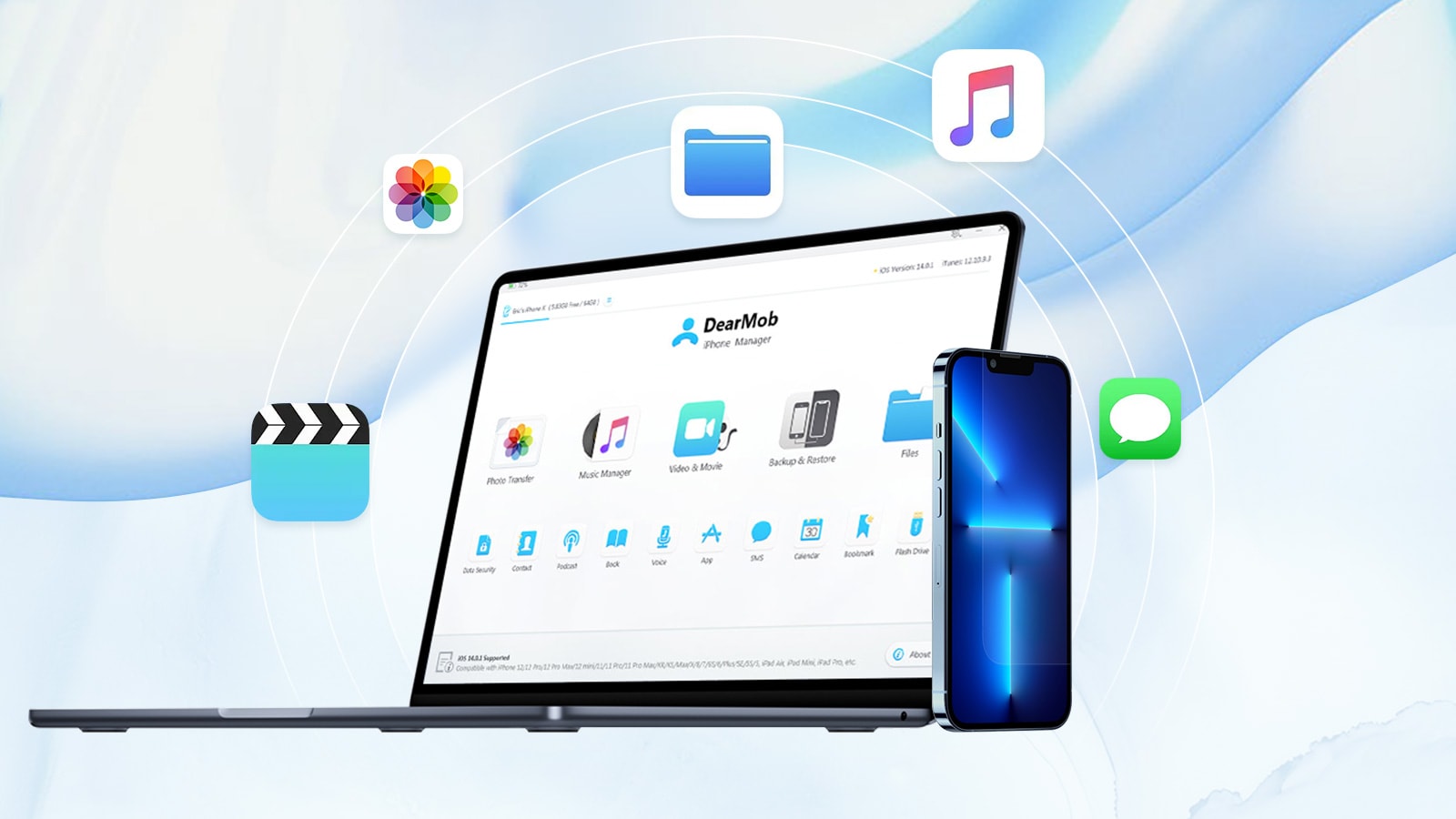
The DearMob iPhone management app is a good way to moves files between your Mac and iPhone, and vice versa. Photo: Digiarty Software
This post on transferring files between iPhone and Mac is brought to you by Digiarty Software.
Transferring things like documents and photos between your Mac and iPhone can be tricky, especially when file sizes get large. Here are the top five ways to transfer files from Mac to iPhone and back again.
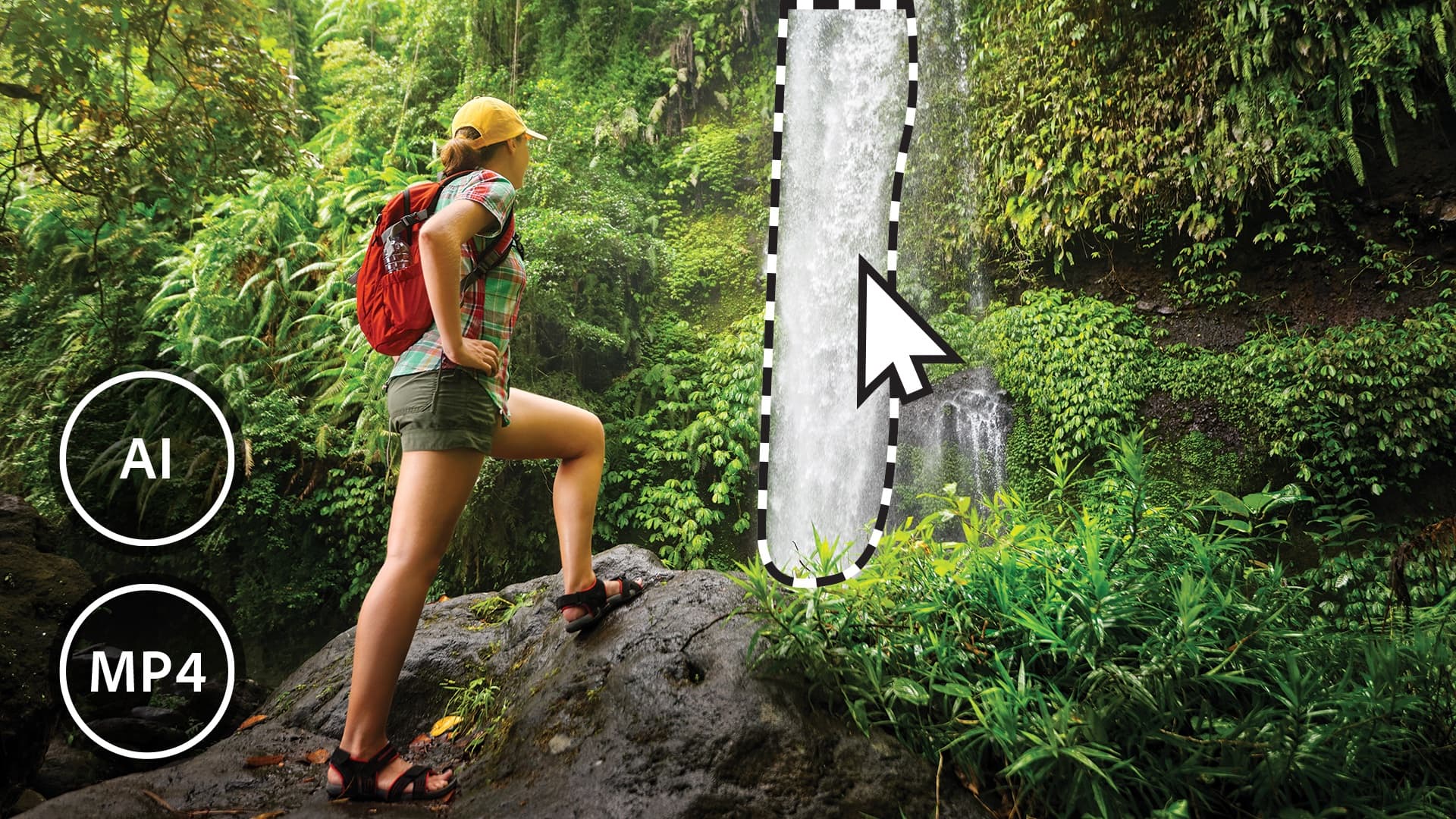
Add Moving Elements to photos in Adobe Photoshop Elements 2023. Photo: Adobe
Adobe Photoshop Elements 2023 and Premiere Elements 2023 launched Thursday. These are the latest versions of apps intended to simplify photo and video editing simple for users at any skill level.
They offer new AI-powered features, as well as new step-by-step Guided Edits. Plus, it helps users add animation to photos.
Learn what your plants need with this top-rated iPhone app.
Photo: Cult of Mac Deals
From shooting 4K HDR footage to scanning documents, there’s a lot that your iPhone can accomplish. You can even use it as your personal plant assistant.
With the NatureID app, you can identify plants, determine the best way to care for them, and even spot early signs of disease. Lifetime subscriptions to NatureID are currently available for $19.99 (regularly $59)
Live Captions are great! You’ can watch videos wherever you are, in places where you can’t be loud and you don’t have headphones, like late at night in bed or on the train. At least, you will once it works. Image: D. Griffin Jones/Cult of Mac
Live Captions, in iOS 16, generate subtitles of any audio playing in any app on your iPhone. Powered by the Neural Engine in Apple’s custom silicon, the capability to turn words from music and/or videos into real-time text is a boon to many users, in many different situations.
If you’re hard of hearing, for instance, the ability to see instant captions on the screen is a game changer. Or, if you don’t have headphones when you’re sitting in bed late at night and your partner is asleep – or you’re in any situation where you don’t want to make noise, like on the bus or in an office – you can turn on Live Captions to get subtitles.
The applications are endless and exciting. Here’s how to use Live Captions in iOS 16.
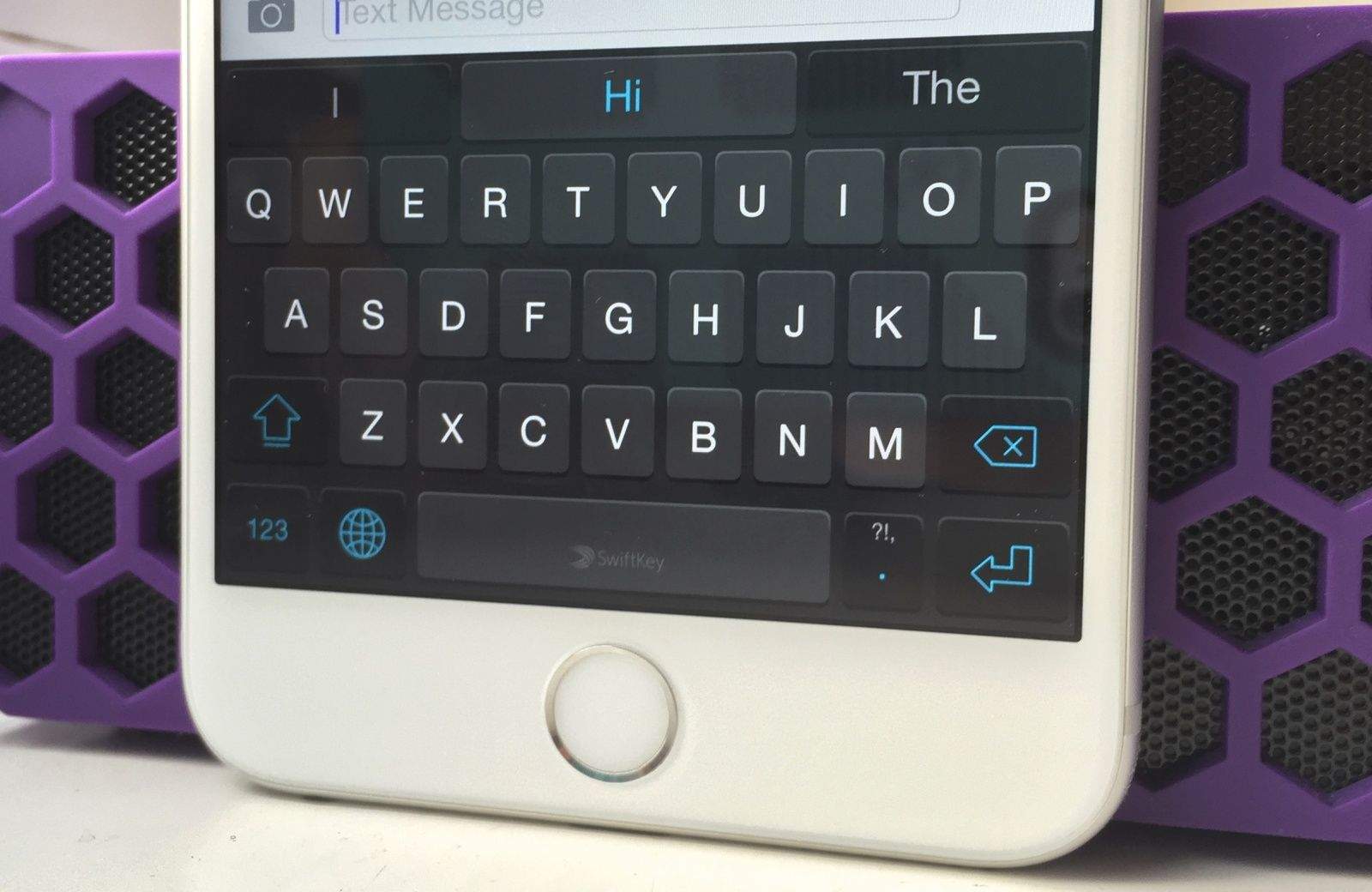
SwiftKey for iOS is riding off into the sunset. Photo: Killian Bell
Microsoft is killing SwiftKey for iOS, one of the most popular third-party keyboard apps for iPhone. The company will remove the app from the App Store and end its support on October 5.
SwiftKey first became available for iPhones in 2014. Microsoft acquired the keyboard app in 2016 and eventually discontinued its own Word Flow keyboard for iPhone.
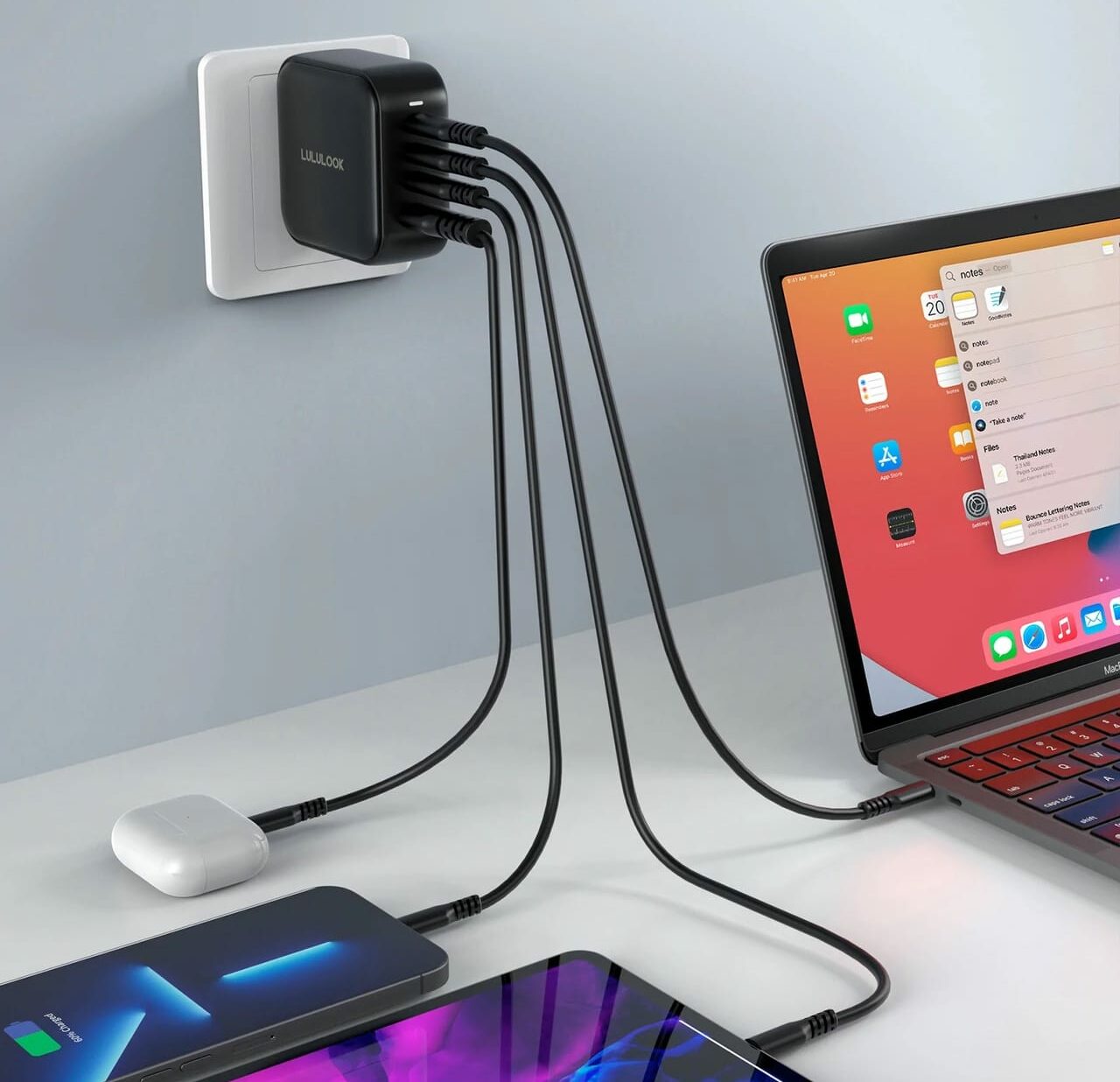
This petite but powerful charger packs four ports so you can fast-charge all your devices simultaneously. Photo: Lululook
The Cult of Mac giveaway prize this week is a great fit for anyone who has any electrical device they wish to charge quickly. We teamed up with Lululook for five lucky winners to get their hands on a four-port, 100W USB-C GaN charger.
This fierce device houses three USB-C ports along with one USB-A port, and pumps out enough power to charge up a MacBook Pro. And, at just over 2 inches, it’s the perfect charger to take anywhere to keep all your gear juiced up.
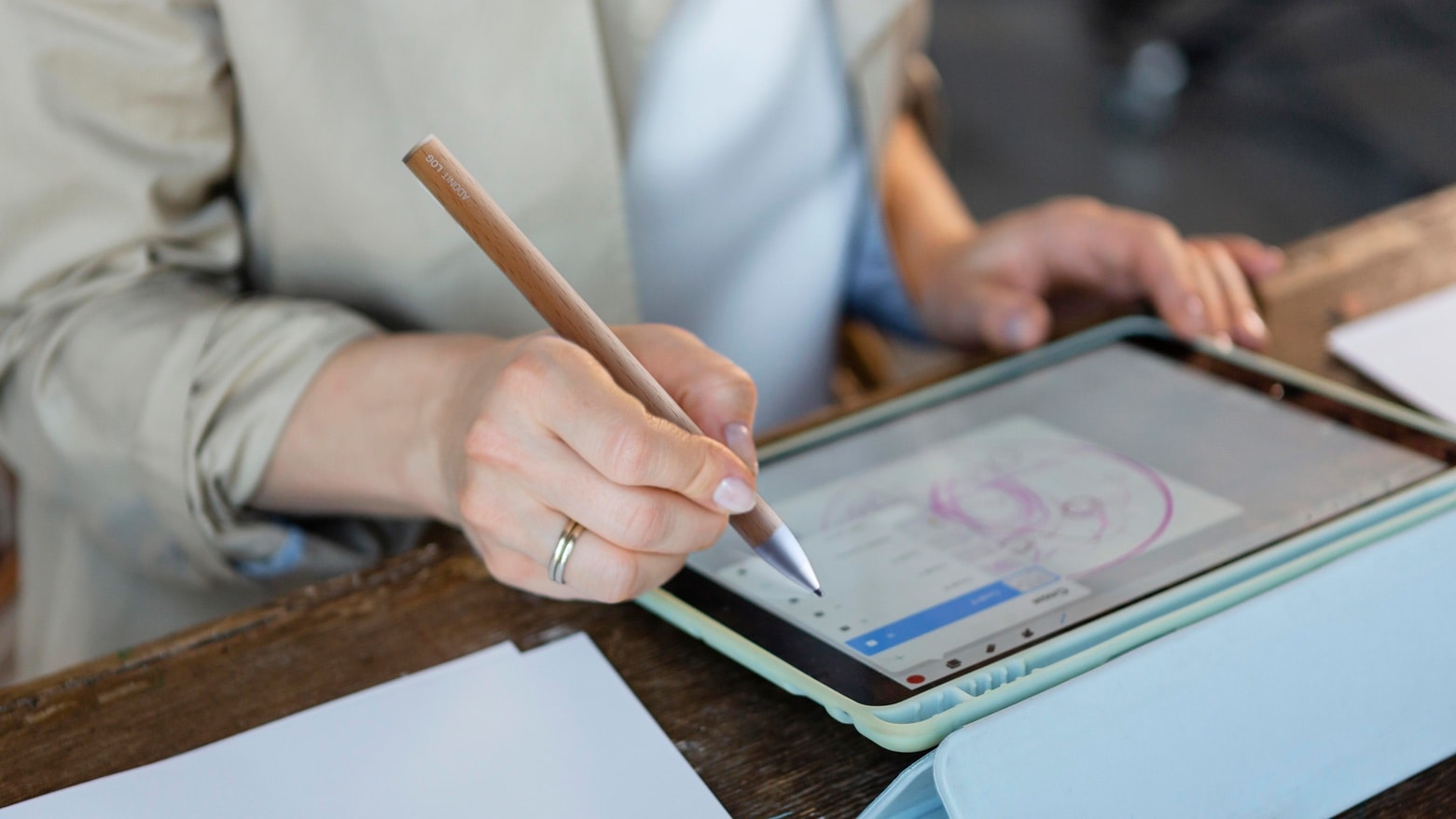
The Adonit LOG wooden iPad stylus combines sustainability and functionality. Photo: Adonit
The Adonit Log is a new iPad stylus that skips the usual plastic or metal body and instead uses sustainably-sourced wood. It’s like using a pencil with your tablet.
But the stylus still includes high-tech features, including a 1-millimeter tip for high accuracy, palm rejection and a long-lasting battery.
Make complicated music production simple with this $40 editing software Photo: Cult of Mac Deals
The music industry has exploded in recent decades, and with numerous courses teaching people how to create their own hits, virtually anyone with a laptop can make something majestic.
The challenging part is choosing the right software. EasySplitter Pro offers helpful tools that might become one of your mashup essentials. Lifetime subscriptions are on sale for $39.99 (regularly $599) for a limited time.
Apple users may be freed from CAPTCHA with the help of Cloudflare's Turnstile. Image: Ed Hardy/Cult of Mac
Apple’s Automatic Verification system for websites is getting a big boost from Cloudflare. The web security company just unveiled Turnstile, a free alternative to those irritating CAPTCHA image tests. This has Apple’s system built in.
Turnstile, now in open beta testing, is available to anyone, not just Cloudflare customers.
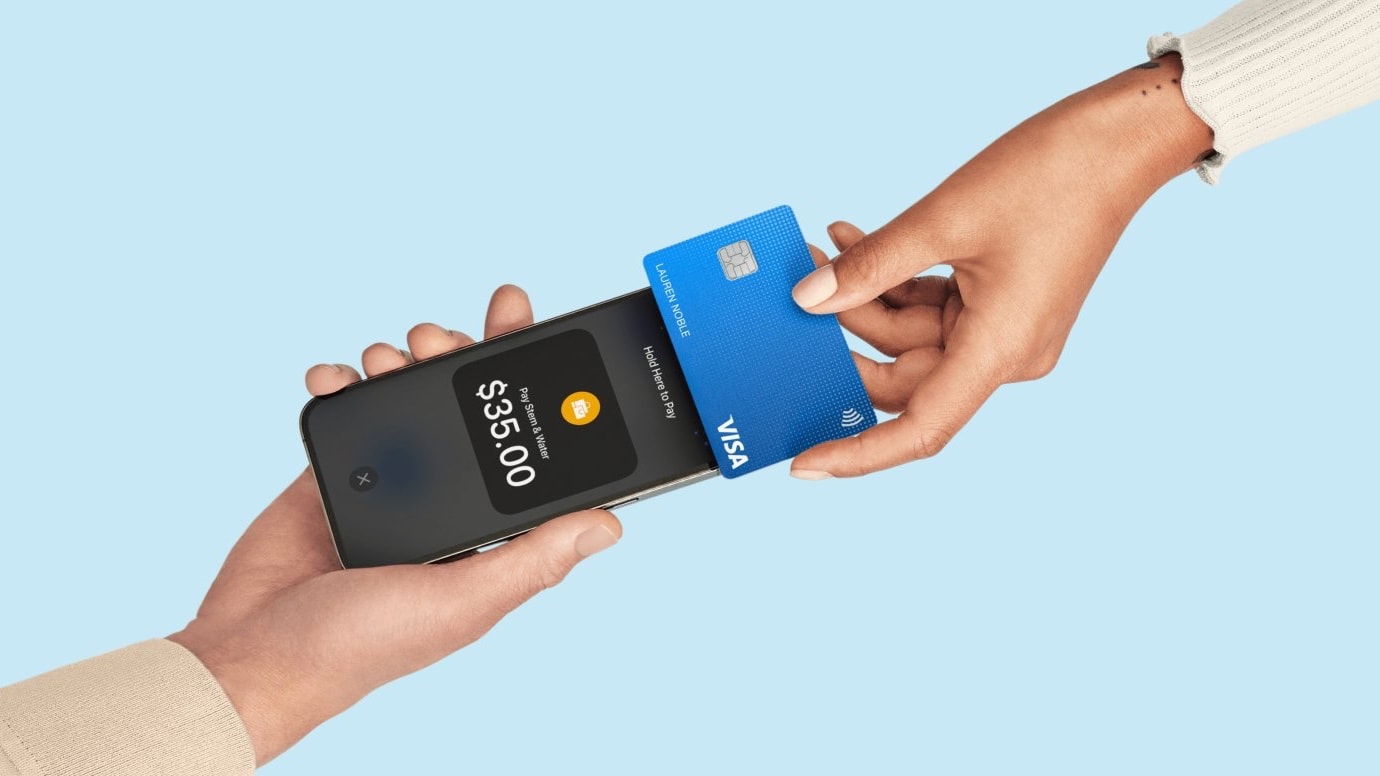
Retailers that use Square's POS software can now accept contactless payments directly on an iPhone. Photo: Square
Square now offers Apple’s Tap to Pay on iPhone system to sellers in the U.S. With it, businesses can accept contactless payments directly on their iPhone – no additional hardware required.
Apple launched its new payment method earlier in 2022, and already uses it in its own stores.
Just try to stay in the warm glow of that duck and you might get some work done. Photo: [email protected]
You can amass an array of the world’s most formidable tech gear and photograph it, but if you get a cute animal in the frame — living or inanimate — that’s where all eyes will go.
Today’s clean MacBook Pro setup boasts a 34-inch curved ultra-wide display, a custom mechanical keyboard and other cool stuff.
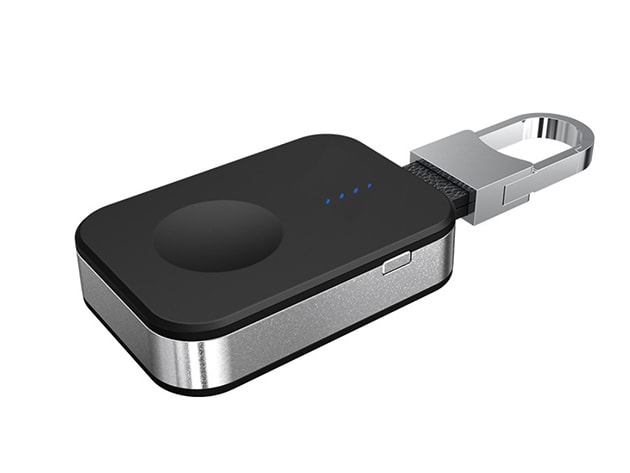
Always have a powered-up Apple Watch with this keychain charging tool.
Photo: Cult of Mac Deals
Apple Watches seem to get better every year; their only limit appears to be their batteries. If you’re not willing to shell out $799 to get the new Apple Watch Ultra, which boasts up to 60 hours of battery life, you can still get enough juice for multi-day excursions with this Apple Watch-compatible wireless keychain.
This very portable Apple Watch charger is on sale now for just $19.99 (regularly $49).
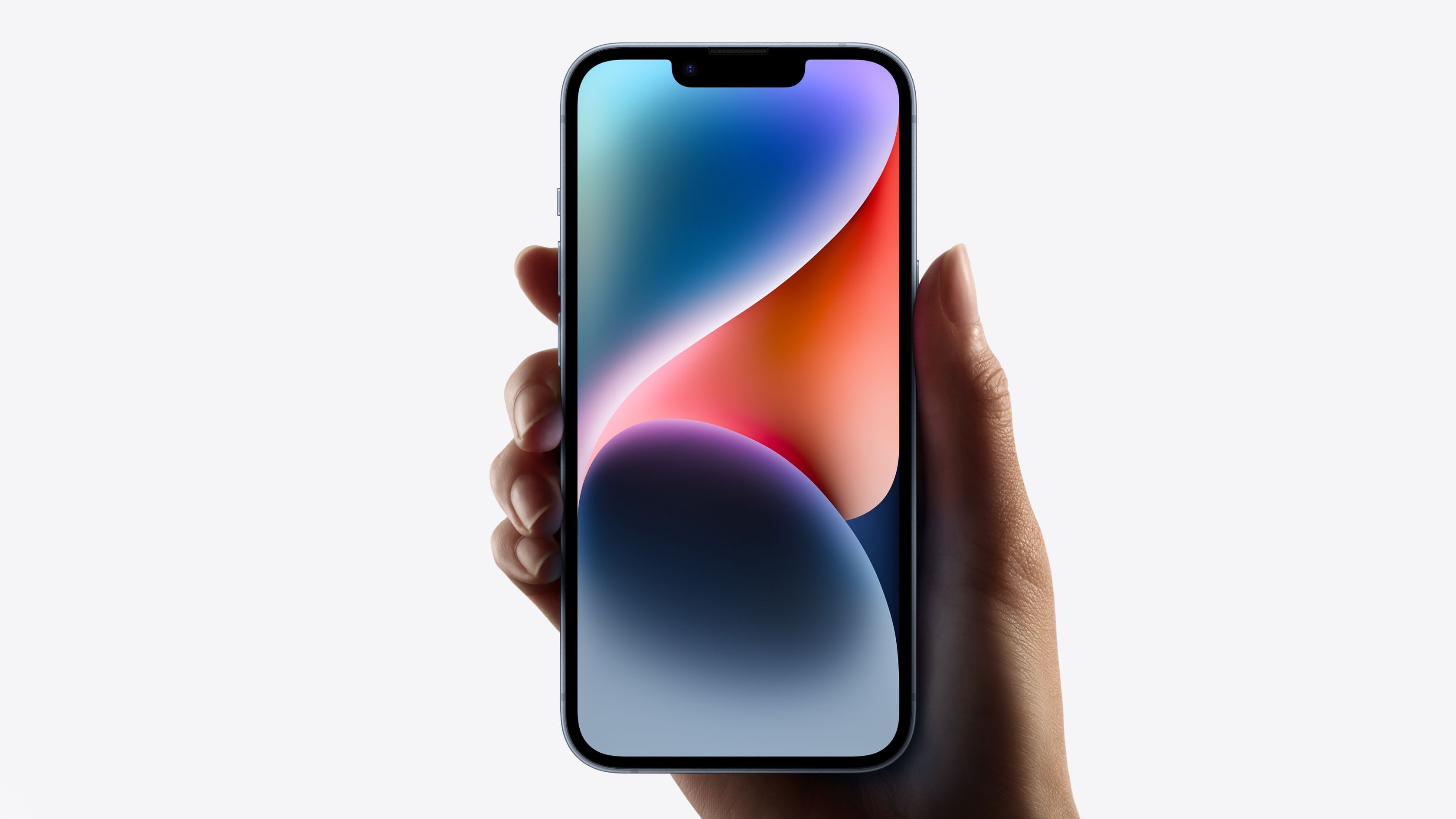
Weak demand means Apple won't produce as many iPhone 14 units as initially forecasted. Photo: Apple
Apple has reportedly gone back on its plans to boost iPhone 14 production for the year. The company seemingly nixed the original plan after demand for the “standard” iPhone 14 did not surge after its release.
The situation is very different for the iPhone 14 Pro.
The first iOS 16.1 betas packed several new features and changes, and now beta 3 includes even more. Photo: Ed Hardy/Cult of Mac
Apple continues its testing of iOS 16.1 and iPadOS 16 with a new beta release. The new builds come a week after the latest beta.
The third iOS 16.1 beta and fourth iPadOS 16.1 beta bring some major changes, including opening up Stage Manager to 2018 and 2020 iPad Pros. Below is a look at everything new and changed in iOS 16.1 beta 3 and iPadOS 16.1 beta 4.
Some non-M1 iPads will support Stage Manager too. Image: Apple
Apple listened to a chorus of user complaints by bringing support for Stage Manager to some older iPad models that don’t have the M1 processor. That gives more tablets access to the system that puts iPadOS applications in resizable, floating windows.
But the news isn’t all good. The company also decided to delay full support for external displays until later. The feature won’t be part of iPadOS 16.1 when it launches.
A commemoration of the haenyeo stands on Jeju Island. Photo: Pixabay
“Korea’s mermaids,” also affectionally known as “rowdy grandmas,” are elderly free divers who for generations have caught seafood off South Korea’s Jeju Island to feed their community.
They’re known in Korean as the haenyeo. Apple TV+ said Tuesday an upcoming documentary film will tell their story, including how younger generations are filling their ranks to keep the time-honored — and environmentally sustainable — tradition from dying out.
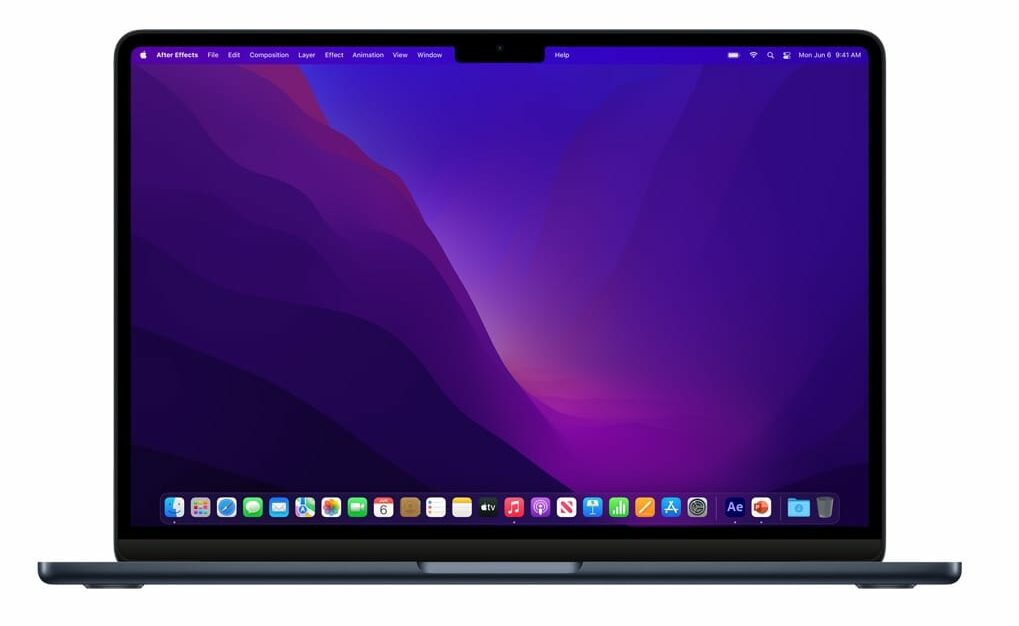
The M2 MacBook Air has never been this cheap before. Photo: Apple
You can save a staggering $149 on the M2 MacBook Air right now. Amazon just discounted certain variants of the very capable laptop to their lowest-ever prices.
The entry-level MacBook Air powered by Apple’s M2 chip typically starts at $1,199. Thanks to this deal, you can get it for $1,099.
Dr. Jordan Rogers uses iPad Pro to conduct a 3D scan of the pit his team is excavating in an ancient Roman kitchen in Pompeii. Photo: Apple
The iPad has joined the traditional tools of archeology. Along with shovels, brushes and buckets, the team excavating Pompeii uses Apple’s tablet to record what they find.
“iPad is the perfect archaeology machine,” says Allison Emmerson, who is leading the dig at the long-buried Roman city.
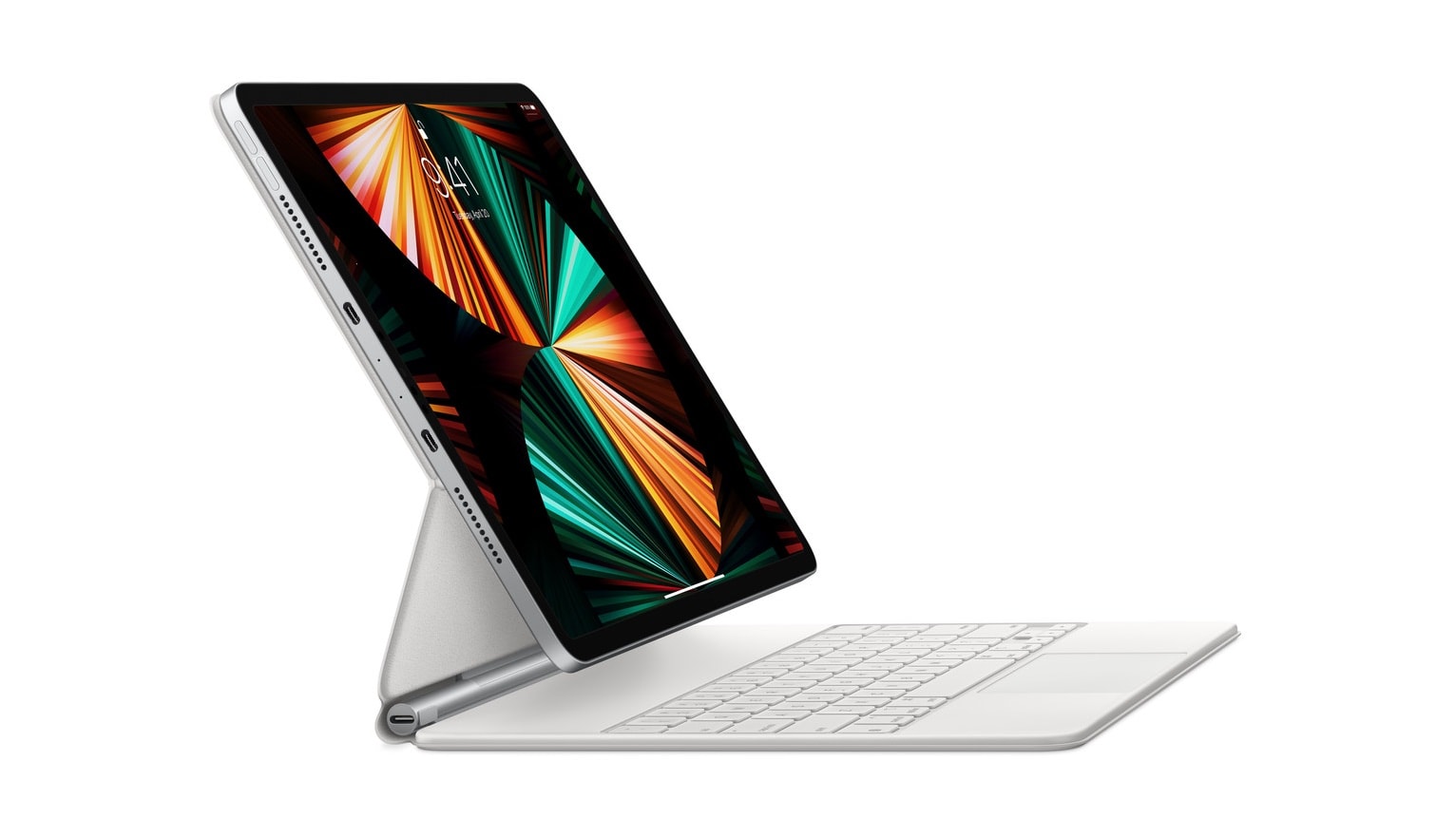
More USB-C ports would make the 2022 iPad Pro far more capable. Concept: Apple/Ed Hardy/Cult of Mac
The 2022 iPad Pro that almost certainly will launch in October raises hopes among tablet fans for significant hardware improvements. The basic iPad design is great, but there are nevertheless a few changes that need to be made.
Here’s a handful of suggestions that would make the iPad Pro easier to use without mucking up the best tablet on the market.
★★★★★
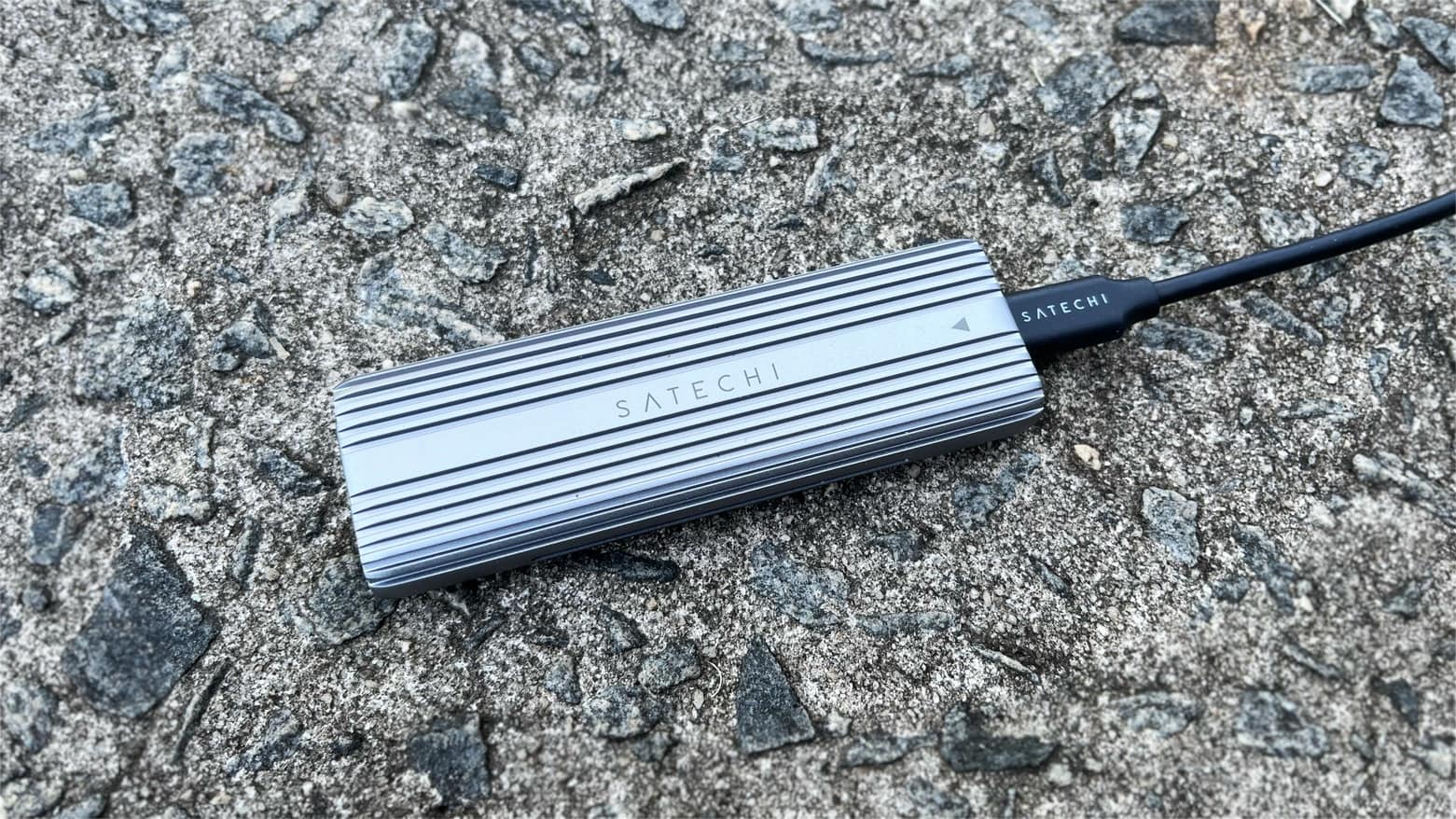
Easily turn an M.2 NVMe or SATA SSD into a drive for your Mac or iPad with this enclosure from Satechi. Photo: Ed Hardy/Cult of Mac
The Satechi USB-C Aluminum Tool-Free Enclosure allows M.2 PCIe NVMe and SATA solid state drives to be easily added to a Mac or iPad. The rugged enclosure includes a USB-C port for wide compatibility.
I installed an SSD into Satechi’s enclosure and tested it in my home office. It was as simple as one could hope.
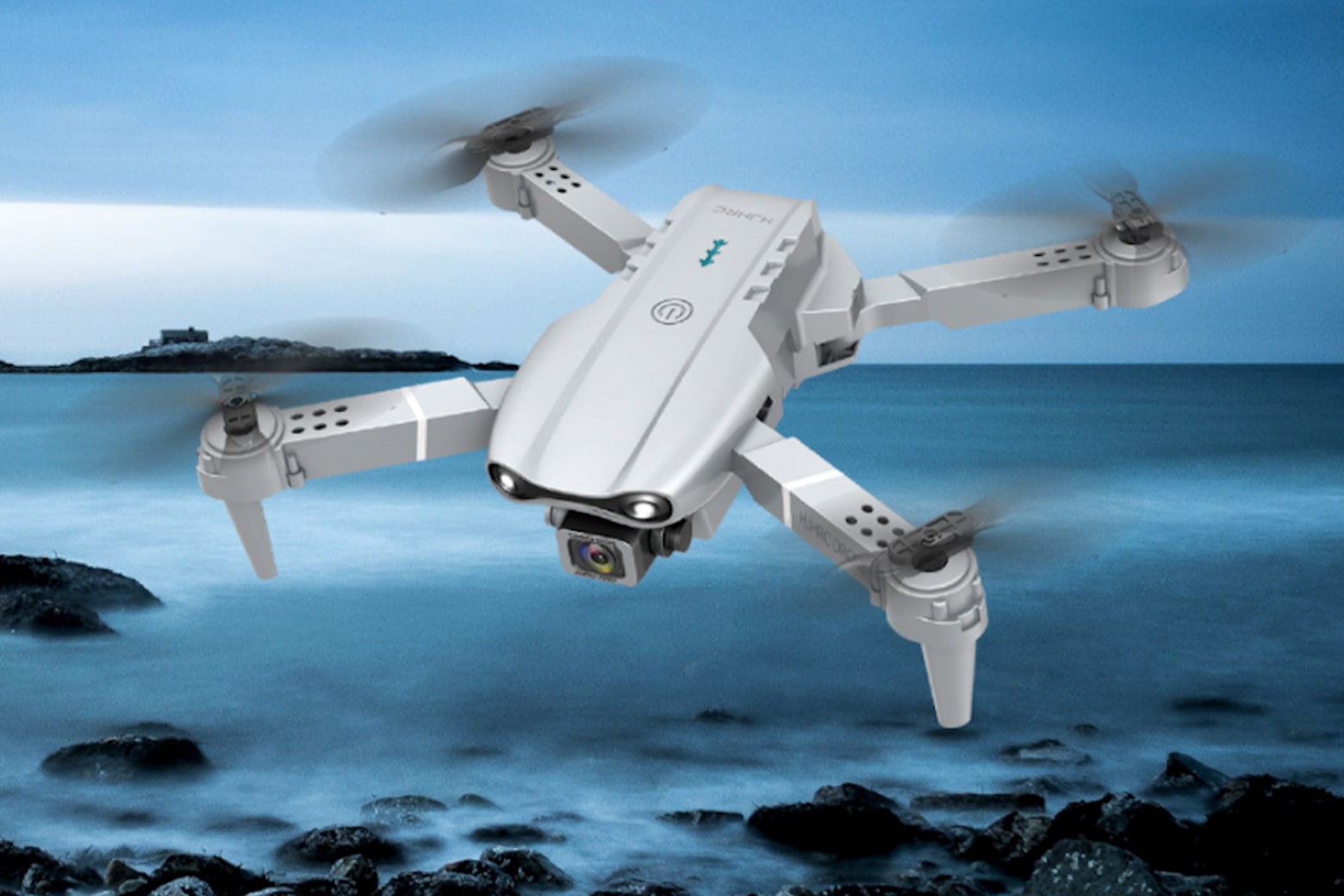
Give your photos and videos a real lift for $150 with these Ninja Dragon drones.
Photo: Cult of Mac Deals
Another year, another iPhone. And another camera upgrade. But no matter how much Apple upgrades its cameras, its phones will never shoot aerial footage.
That’s where camera drones come in handy. They can give you sweeping sky views that you can control from an iPhone app. And this dual-drone bundle by Ninja Dragon is on sale for $149.99 (regularly $398). Yup, that’s two dual-camera drones for $150.
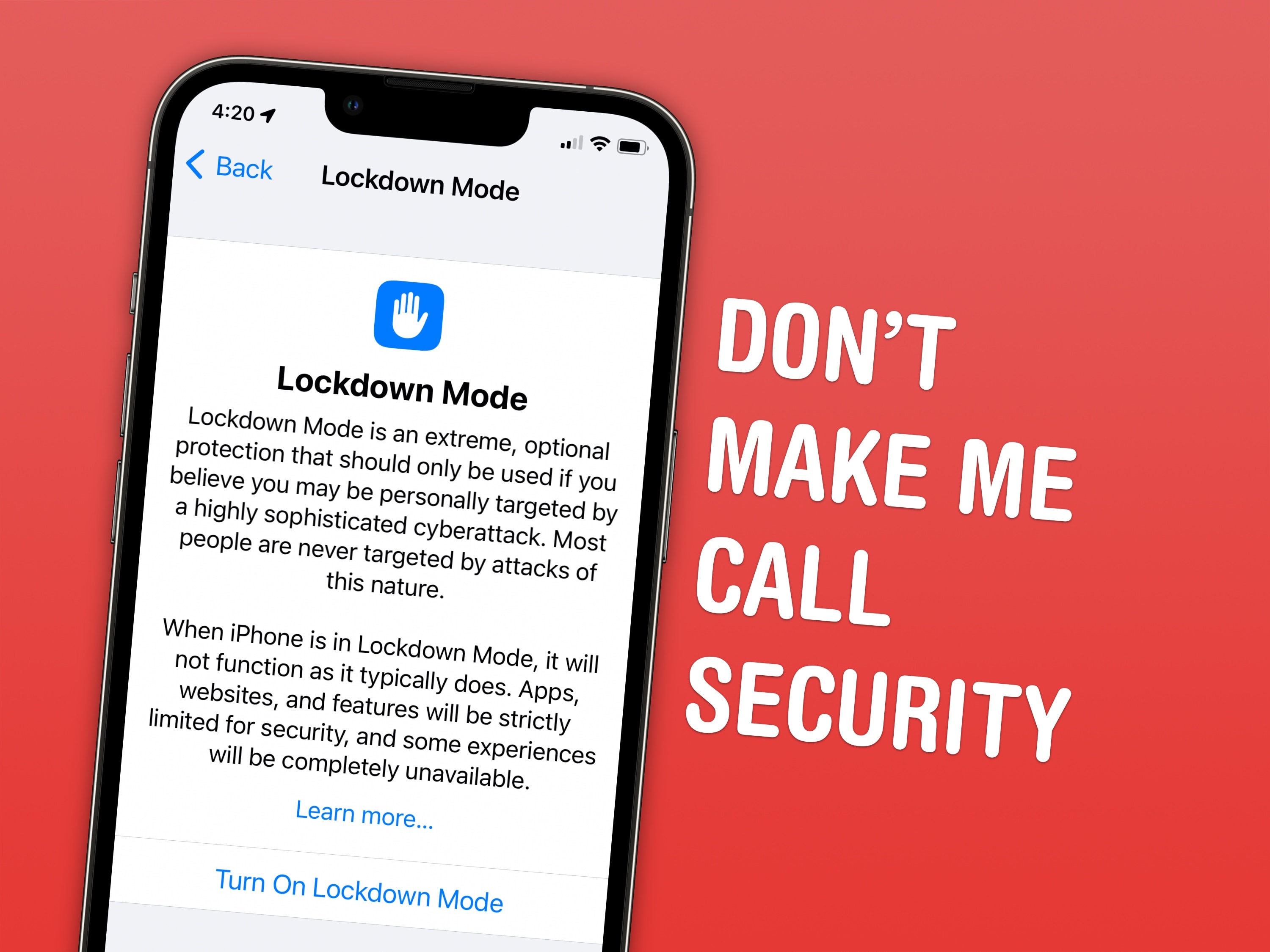
Lockdown Mode is extremely useful for the select few who actually need it and frivolous for ordinary people like me. Screenshot: D. Griffin Jones/Cult of Mac
Lockdown Mode is a new option in iOS 16 that limits system features for maximum security. Apple designed it to protect its products from sophisticated spyware, like NSO Group’s Pegasus spyware, which has been used to target journalists, politicians, dissidents and activists around the world.
Spyware like Pegasus may seem like an unlikely threat. But for some, Lockdown Mode could be life or death. U.S. citizens need not worry at the moment, but it doesn’t take a wild imagination to picture how such spyware might be embraced by slightly more fascist administrations.
Right now, Lockdown Mode is meant for high-profile activists and journalists. And I mean real journalists — the kind who expose state secrets — not bloggers like me. Read on to find out how to enable Lockdown Mode and how it affects your device’s functionality.
![This iPhone game controller is designed for Xbox Cloud Gaming [Review]](https://www.cultofmac.com/wp-content/uploads/2022/09/RiotPWR-Controller-for-iOS-Xbox-Edition-1.jpg "This iPhone game controller is designed for Xbox Cloud Gaming [Review] ★★★★☆")