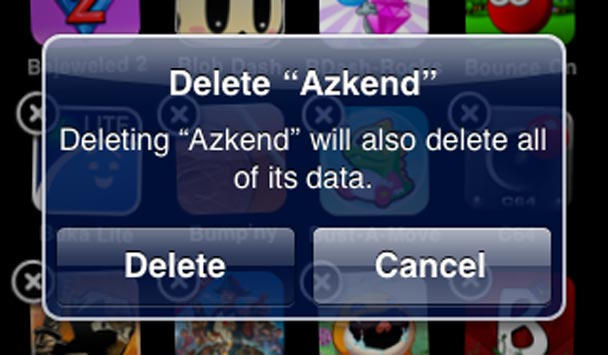
One of the dumbest decisions Apple made regarding iPhone and iPod touch is devices wiping all traces of an app when it’s deleted, but providing no means for saving preferences and progress. Unless you use an uninstaller to remove an app or game from your Mac, you can usually pick up where you left off after a reinstall; savvy Mac owners can also fiddle around with preferences, moving them between Macs to ensure consistency across machines in app environments or videogame progress.
iPhone and iPod touch don’t allow such things. Spend hours making headway in Peggle and then, for whatever reason, delete and reinstall Peggle (by accident, or through having a restore go wrong), and your progress is gone—you have to start again. It’s like 1980s arcade games after the plug has been pulled, or cheap, miserly Nintendo DS games that lack a battery back-up in the cartridge, erasing progress and high scores when the device is powered down. For a platform Apple’s pushing as the best solution for handheld gaming, it’s asinine that you cannot export and import videogame progress and save states.
There is a workaround, however, using the shareware app MobileSyncBrowser, but it’s not for the faint-hearted…