A fresh school year is suddenly upon us and there is plenty to stock up on, from classroom necessities to lunch supplies. You can avoid becoming overwhelmed financially with discounted shopping on a variety of essential items.
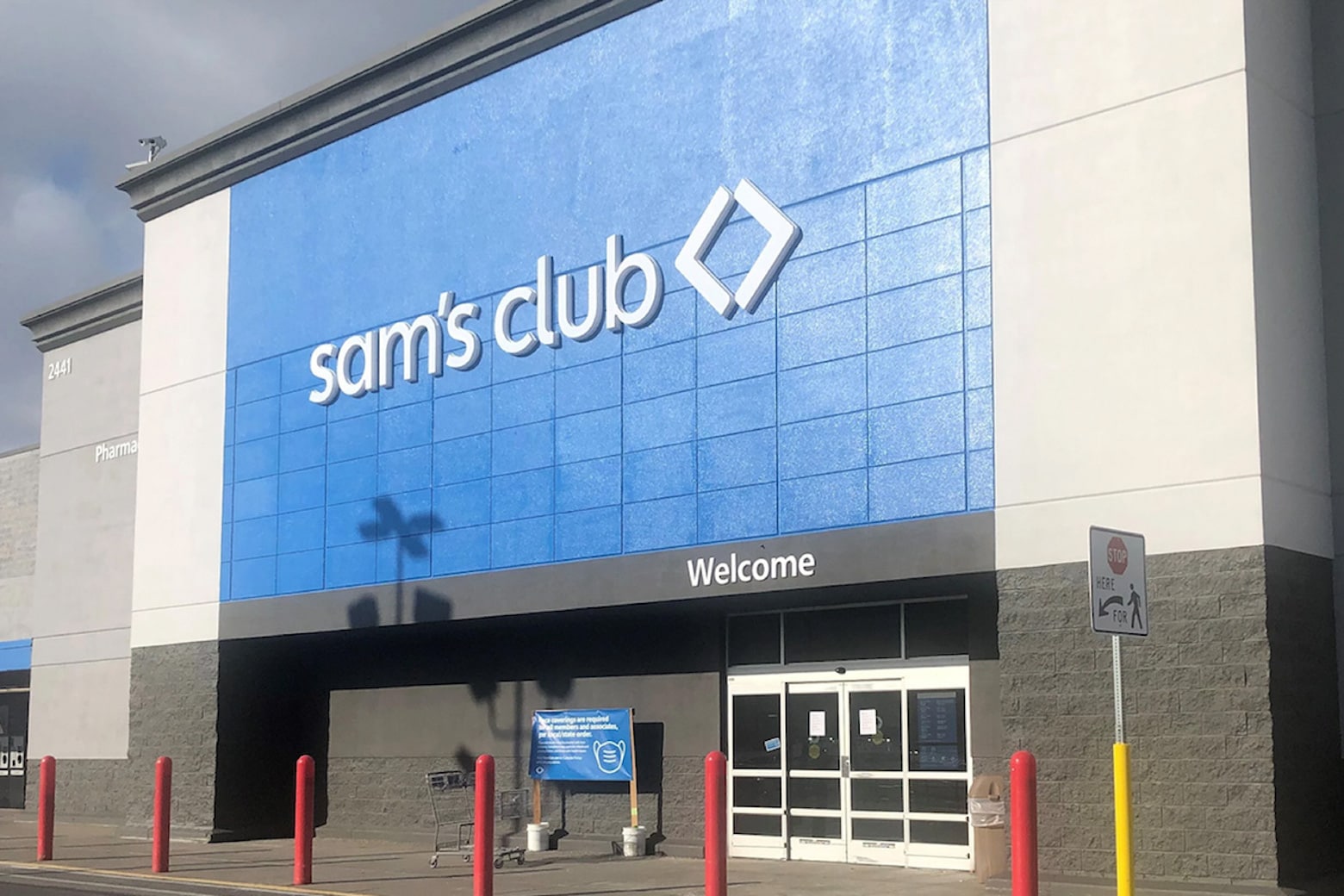
You can claim a one-year membership to Sam’s Club for only $24.99 (regularly $50) during our Back-to-School Sale, which runs through August 13. Featuring nearly 600 locations nationwide, this popular warehouse store implements a limited-item business model that prioritizes high-quality products rather than loading up on as many brands as possible. And that means unique opportunities for shoppers to find value.