Mobile menu toggle

Snow Leopard May Not Purr On a New MacBook Air

By

Snow-Leopard

Did you just get a beautiful, new MacBook Air? Apple’s new notebooks are super-slim, and they work great with OS X Lion.

However, installing Snow Leopard on a 2011 MacBook Air may not go over so well, as Apple’s older cat doesn’t apparently play nice with its newest notebook. Luckily, Apple has published a KnowledgeBase article to help you fix Snow Leopard on your brand new MacBook Air.

EA: The iPad is Our Fastest Growing Platform

By

ipad 2 white flat game

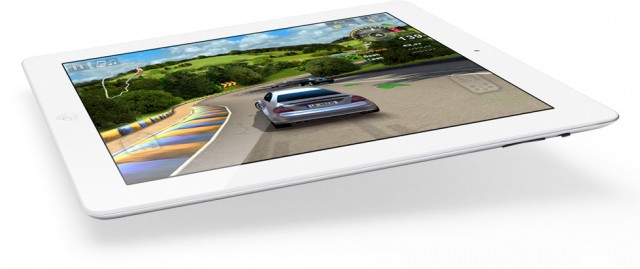
We all know that the iPad has been nothing short of a phenomenal consumer success. In terms of sales and mindshare, Apple dominates the tablet market with a product that’s barely 18 months old.  When the iPad was first introduced, the highly-portable device was automatically seen as the perfect gaming device— with big names in the App Store, like Angry Birds, creating iPad-optimized versions of their popular gaming titles.

Now, the CEO of Electronic Arts has chimed in and confirmed that EA’s fasting growing platform is not a traditional console- but instead the iPad.

Aviiq Portable Charging Station Means You’ll Never Forget Your Cables Behind Again

By

Aviiq_1

If you hit the road a lot, the problem is always chargers. Remembering chargers. Keeping them organized. Preventing them from tying themselves up in knots at the bottom of your gadget bag.

Aviiq’s got a gorgeous little solution to all of these little road warrior problems. Called the Portable Charging Station, it’s an accessory that is a lot more useful than it might first suggest: it’s a tidy, foldable bag with all the cables and charging equipment inside. Just zip it up and go.

Not Enough RAM In Your New Mac Mini? OWC Will Give You 16GB for $1,400

By

Mac-mini-RAM
Image courtesy of iFixit

Apple’s latest line of Mac mini compact desktops offer some pretty impressive specifications. What with those latest Intel Core i5 and i7 processors and the opportunity to grab a solid-state drive with a custom build, you can get a super speedy mini if you have the money.

One thing you can’t get for your new machine, no matter have much money you have, is 16GB of RAM… at least not from Apple.

Re-Enable Your Library Folder In OS X Lion [Video How-To]

By

Untitled

While OS X Lion offers many improvements and new features, it also takes some away. One that jumped out to me right away was the missing Library folder. By default, Apple now hides this folder to prevent users from messing up their system. While this might not seem substantial to the average user, more advanced users might not like this change. Fortunately, this change can be reversed, as I’ll show you in this video.

How the “Smart Sign” iPad Displays at Your Local Apple Store Actually Work

By

Photo by connorsmac • http://bit.ly/lHbkpf

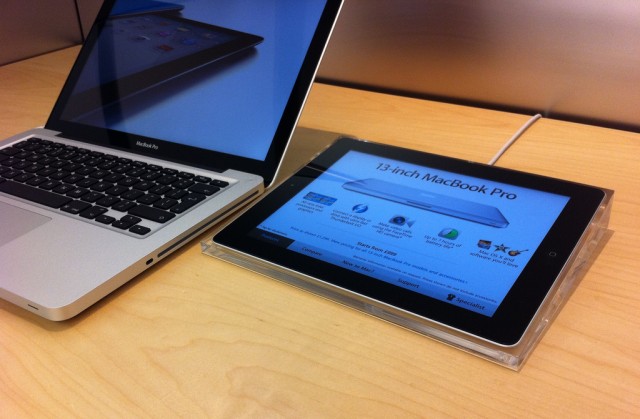
If you walk into an Apple store these days you will find tons of iPads on display. No, we aren’t talking about the iPads that are actually available for purchase, but instead the ones that sit next to each and every Apple product with descriptions, details and interactive elements.

These iPads run an internal Apple app called “Smart Sign,” and the app is meant to help connect you with Apple store employees and show you information about products. If you’ve ever wondered what these iPad “Smart Signs” are actually made of, someone has been able to see what’s going on under the hood of one of these iPad displays. Let’s just say, it isn’t your typical iPad.

How To Take The iOS Out Of Lion: Turn Off Autocorrect, Turn On Key Autorepeat

By

e93eb_Lion-Pic1

OS X Lion is the best version of OS X yet, but some of its design choices aren’t without controversy… especially the decision to make the whole operating system more like iOS.

Hate that stuff? Over the next few days, we’ll be posting some tips on taking the iOS inspirations back out of your Mac. Today, we’re going to focus on how to stop your Mac from handling your text input as if you were typing it out on your iPhone.

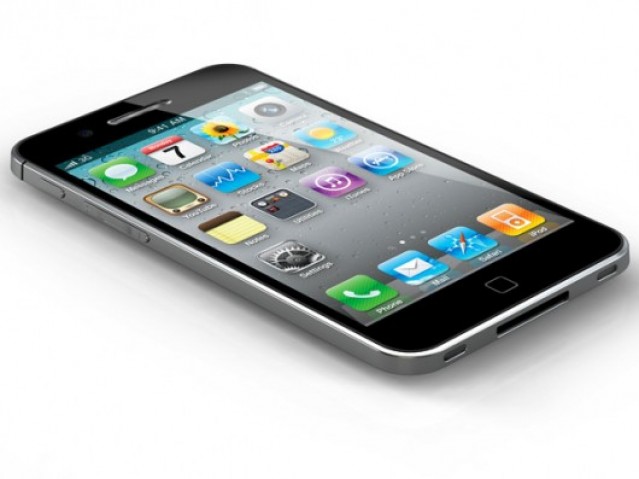
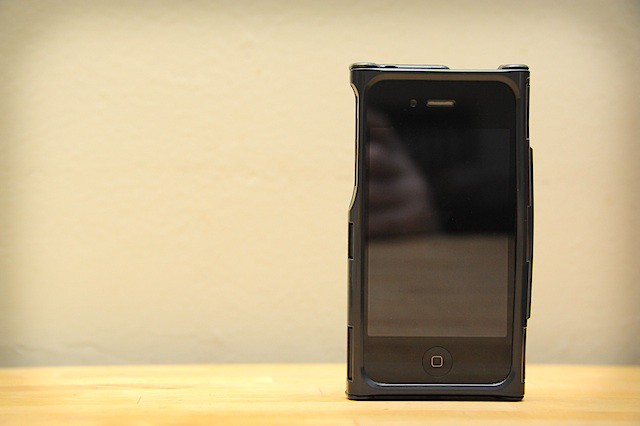
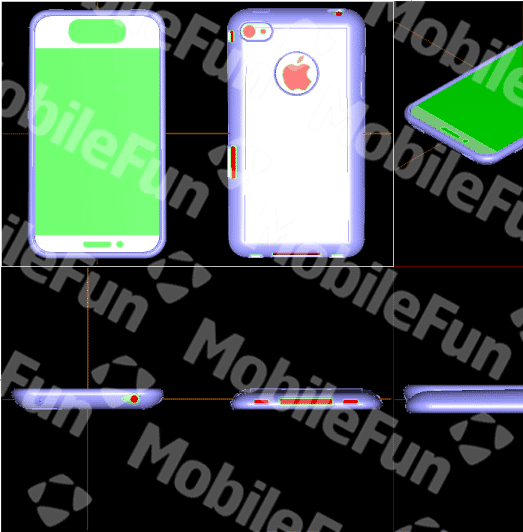
First iPhone 5 Cases Reveal Bigger Touchscreen, Curved Back… And Totally Buttonless Design

By

iPhone-5-case2

Prototype case designs coming out of Chinese accessory makers based upon leaked Foxconn intelligence are painting a dramatic picture of the next iPhone. If these leaks are right, the iPhone 5 won’t be a mere iPhone 4S, but rather a radical new device that not only boasts a curved, more ergonomic design and a larger display, but also revolutionizes one of the core aspects of the iOS experience… it totally gets rid of the Home button.