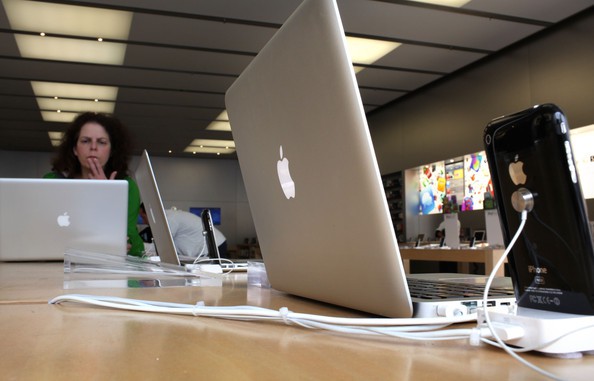
Apple’s attention to detail, its subtle understanding of the way we interact with our machines, just never ceases to amaze. Case in point: did you know that Apple precisely angles all of the screens on its Apple Store display units to encourage you to walk up and touch them? It’s true!
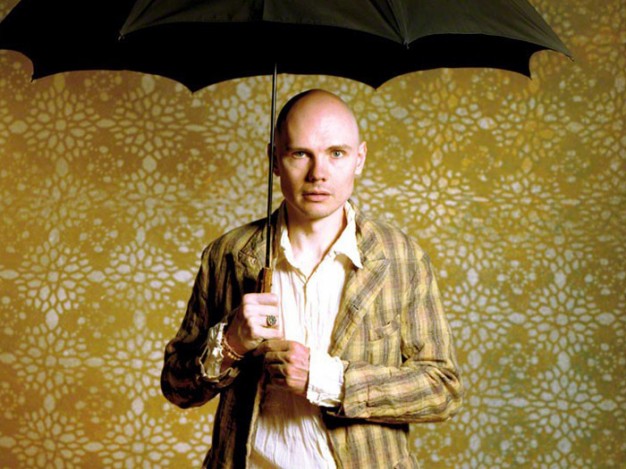
Every alternative punk in the 90s knows Billy Corgan, Smashing Pumpkins’ bald, amorphous, nasally-voiced lead singer. And he can sometimes be an idiot. Now he’s being an idiot about iTunes.
Does Instagram really make your photos better? If you’re shooting them with the crappy camera in the original iPhone – for which the app’s grungy filters were designed – then the answer is yes. But what about the iPhone 4S, or any other camera – even film?
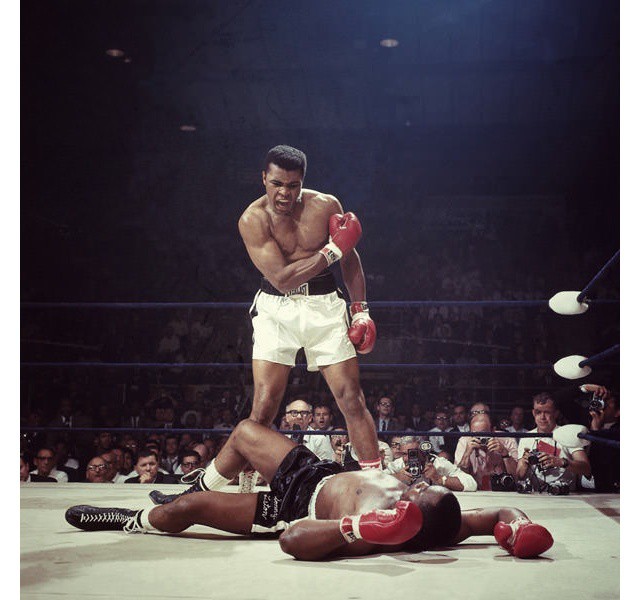
Allen Murabayashi decided to find out. He grabbed a handful of famous images from the web and ran them through everybody’s favorite photo grungifier. From Neil Leifer’s iconic 1965 shot of Ali vs Liston through Steve McCurry’s Kodachrome-tastic Afghan Girl to a shot from the royal wedding, all of them suffer from being Instagrammed.
If you’re an iPhone user who plays Angry Birds and watches YouTube videos all day long, you probably think your handset’s battery life is terrible. In reality, the iPhone often provides you with a lot more energy than many rival smartphones, and as for the iPad, well, no other tablet beats it when it comes to staying awake.
But there are some things you can do to make your battery life even better. In addition to obvious fixes — like turning down your brightness when you don’t need it to melt your retinas, or killing apps like Skype that constantly run in the background — identifying buggy apps that might be using battery unnecessarily could make a huge difference. And Carat for iOS helps you do that.
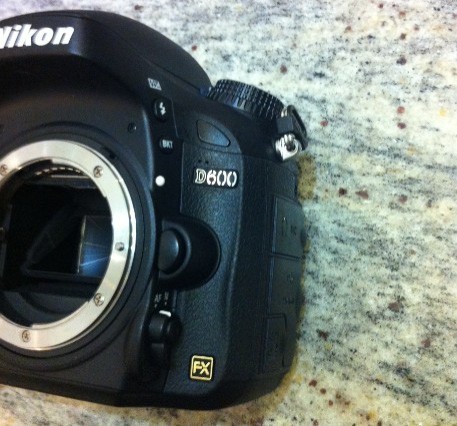
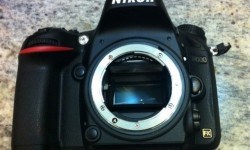
Normally we leave camera rumors alone until the actual real thing is launched. But the stories whirling around the internet regarding the Nikon D600 are too much to resist.
The D600 is said to be an entry-level full-frame DSLR, coming in at a price way below the new D800, and also the amazing D700. This is a big deal as full-frame (35mm film sized) DSLRs have always been reserved for the high (and expensive) end of manufacturers’ lineups. And now, we have (purported) photos to prove it.
Unfortunately, Time Capsule failures are an all too common occurrence.
Canadian lawyer Perminder Tung is suing Apple over a Time Capsule failure that cause him to lose laptop backups that included precious photographs of his child’s birth. Tung wants $25,000 in compensation for the broken device and the lost memories after Apple told him the data on his Time Capsule could not be saved.
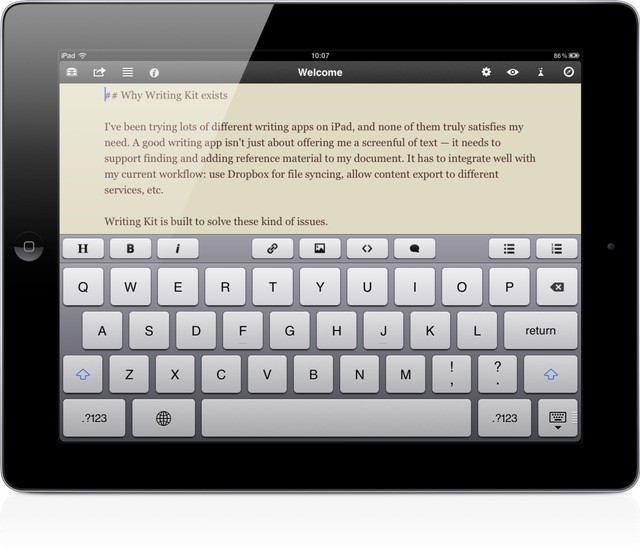
Writing Kit, every iPad-toting bloggers’ best friend, just got a small but significant update to v3.3. In addition to bug fixes (although not all of them) and some nice interface tweaks (sharing destinations now have service icons to help identify them quickly), the app now has support for URL schemes, letting other apps interact with it.
The iPhone Marimba ringtone is iconic. It’s just a few notes played on an African xylophone, but somehow, it captures everything that is light and breezy about Apple’s platform.
The problem is, everyone uses it as a ringtone. Like Nokia’s overexposed ringtone before it, Marimba’s musical resonance has been oversaturated for most of us.
That’s why I really like the Marimba Take Two mix by Will Neaverson, embedded above. It takes the original Marimba and builds layers upon it, until it almost sounds like a Coldplay track.
As one of Reddit’s commenters note, it sounds so good, you can imagine Apple even using it in a commercial. That’s an ad I’d like to see. (Update: One of our readers made one!)
The new Retina MacBook Pros are only Apple's first step towards the living display of the future.
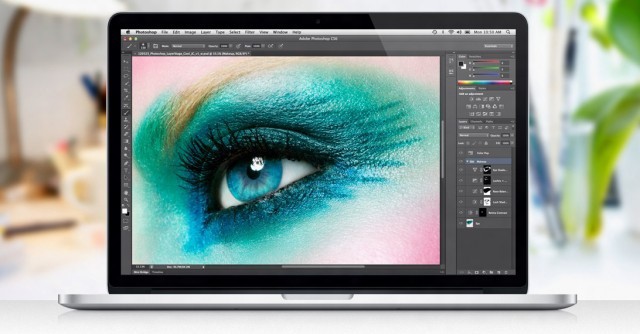
Apple’s new MacBook Pro follows the fine tradition of the iPhone 4 and third-gen iPad in that it has a super high-resolution Retina display: a 2880 x 1800 panel with an amazing 220 pixels packed in per inch.
It’s an incredible display. In fact, it’s such an incredible display that it actually has about one million, seven hundred thousand pixels more than it needs to satisfy Apple’s definition of Retina, leading some to claim that those pixels are all going to waste.
Nothing could be further from the truth.
Apple’s new MacBook Pros have absolutely great displays, but they need every single pixel they have, because the truth of the matter is that Apple’s got a long way to go before it catches its display tech up to the incredible power of human vision. And that’s a good thing, because it means we’ve got a lot to look forward to.
In iOS 6, the status bar changes color to match the app that's running.
As we detailed in another post earlier this week, Apple’s new iOS 6 beta features a nifty new status bar that changes color to match the app you’re currently running. We provided a number of screenshots that showed the status bar in three different shades of blue, and in silver — colors the status bar never displayed in iOS 5.
So how does the status bar determine which color to use? Well, it’s actually pretty simple.
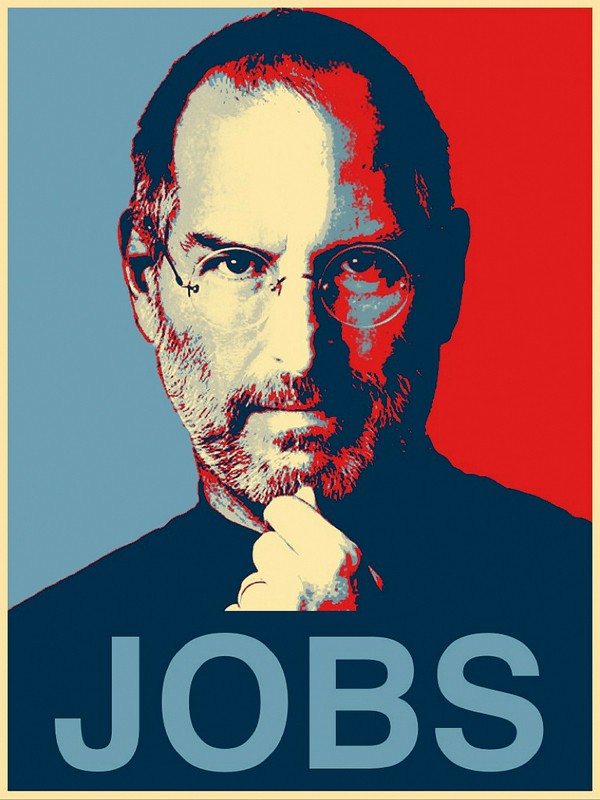
Like he did when he ran for President back in 2008, Obama is seriously leveraging the power of mobile in his campaign for re-election. The mastermind behind that mobile campaign? Steve Jobs. And the iPhone and iPad are Obama’s secret weapons.
Aviary is a weird old service. It’s a web-based photo-editing suite that runs in HTML (and therefore the iPhone and iPad), but there’s no actual Aviary site where you can upload images and fiddle with them.
Previously, the easiest way to get access was to go to Flickr, but since nobody uses Flickr anymore, that was kind of lame. Now, though, somebody has licensed the Aviary APIs and made an iOS app. Right now it’s iPhone-only, but it’s pretty damn good.
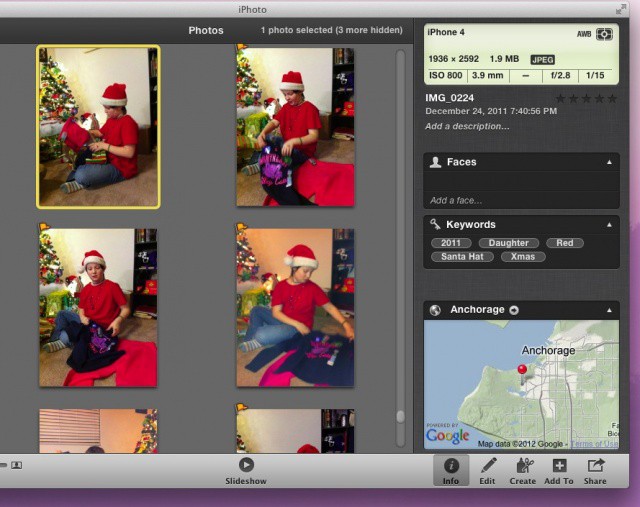
While organizing iPhotos by date using the iPhoto Events system seems like a great idea, what if you want to organize them some other way, like all your orange pictures in one place and all your blue pictures in another? What if you just want to see all your photos of dogs really quick but don’t want to have to create an entire album for them?
Spending a little time organizing your collection will pay of in the long run as you go back to find that perfect special picture for a project, and realize you have thousands upon thousands of photos. Yikes! Using a combination of Flags and Keywords, you might just organize yourself into having the perfect iPhoto system. Here’s how, using iPhoto ’11.
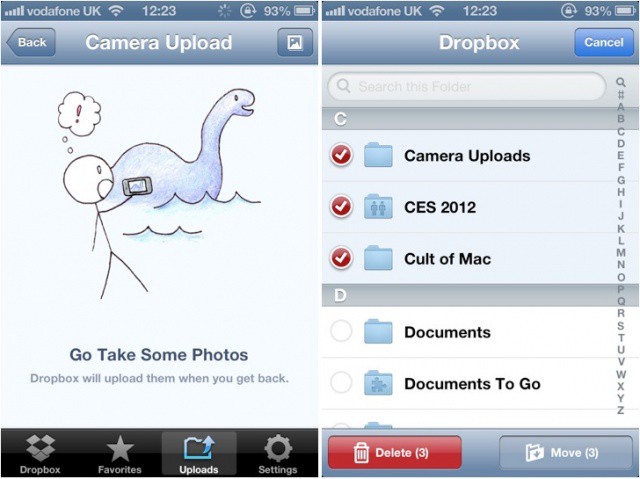
Dropbox has issued an update to its iOS app this morning, introducing the ability to automatically upload photos and videos from your iPhone, iPad, and iPod touch to the cloud. Version 1.5 also delivers a new gallery view for your images, the ability to move and delete multiple files simultaneously, and more.
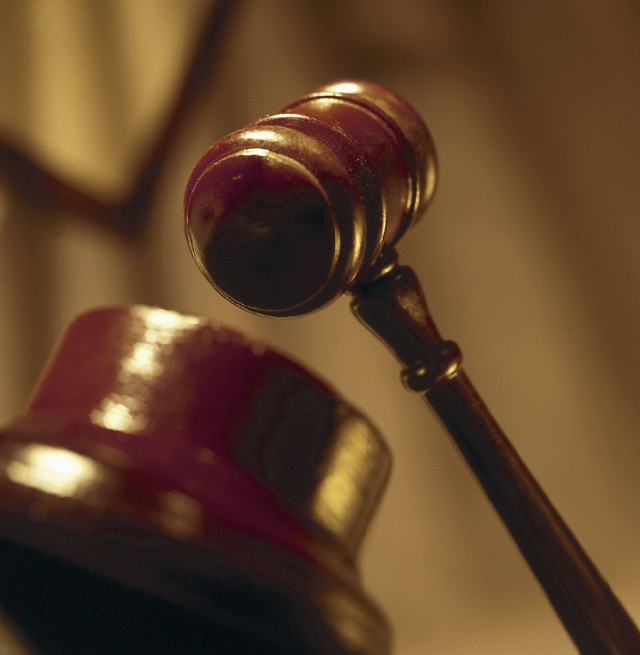
Apple attorneys are surely enjoying the latest ruling in the patent case involving Google’s Motorola Mobility unit, which grants Apple the chance of making its case via an injunction. The judge’s order yesterday is one last chance for both parties to plead the case to continue to trial, a trial that was canceled by Judge Richard Posner last week, with the judge ruling that neither party could prove damages.
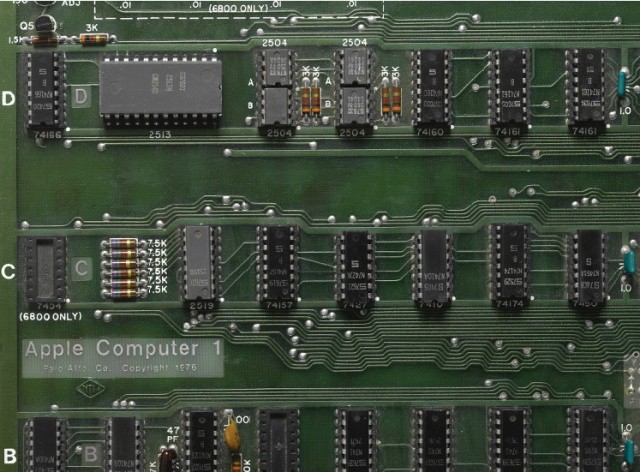
In the Steve Jobs biography by Walter Isaacson, the author tells the story of the first Apple computer, the Apple I, created ostensibly for the Homebrew Computer Club. According the the account in the book, Steve Wozniak wanted to give it away for free to members of the club; Steve Jobs, however, had a different vision. When convinced to sell the computer, Wozniak chose the price of $666.66, one that reflected his taste for repeating numbers, not the number of the beast. This friday, that price will get a hefty upgrade.
There’s no denying Temple Run has had quite the success across both Android and iOS. Apparently, Disney has taken notice of this success and reached out to Imangi Studios (the couple behind Temple Run) to create an official Temple Run version for Disney/Pixar’s upcoming computer-animated fantasy adventure film Brave.
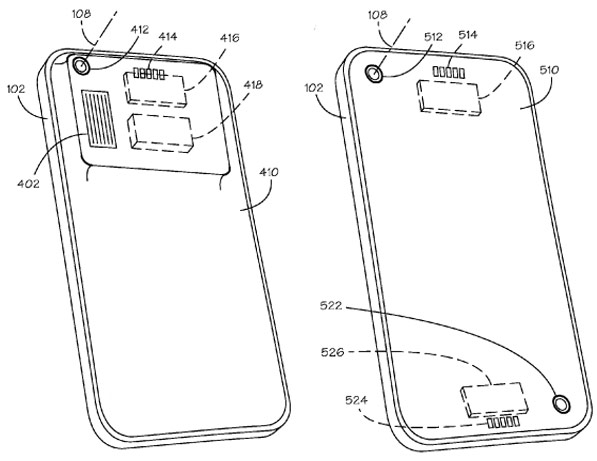
In yet another patent filing, it appears that Apple is, if nothing else, researching the idea of interchangeable camera lenses on the iPhone. While the chances of an idea like this actually making it to the iPhone are slim to none, it’s an interesting look into what goes on behind closed doors at Apple.
With Windows 8, Microsoft is making a strong push for the tablet market, in a last-minute attempt to catch up with the wild success of the iPad. While its clear that the Redmond based company has a long road ahead of it to even catch up with the first iPad, we may see some dramatic progress on Monday, seeing that Microsoft has announced an event to be held in L.A. about Windows tablets.
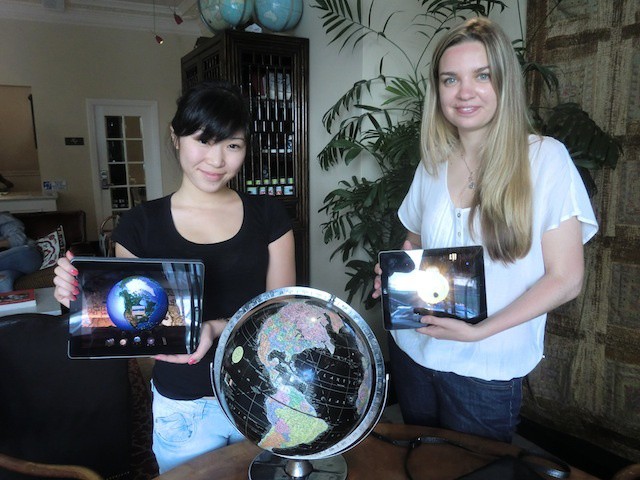
Star Walk is one of my favorite iPad apps which I use all the time. So I was really interested to meet the people behind this app when its developer, Vito Technology, hit town for WWDC this week. And as their demonstration shows, they’ve gone all out to enhance even further the beauty of their wares.
Rovio’s Angry Birds updates are becoming more and more creative. The next batch of summer fun transports our favorite angry aviators to the land of aquatics. Down in the depths of the ocean lives a mythical green beast whose appetite for destruction can only be satisfied by the souls of the avian unborn.
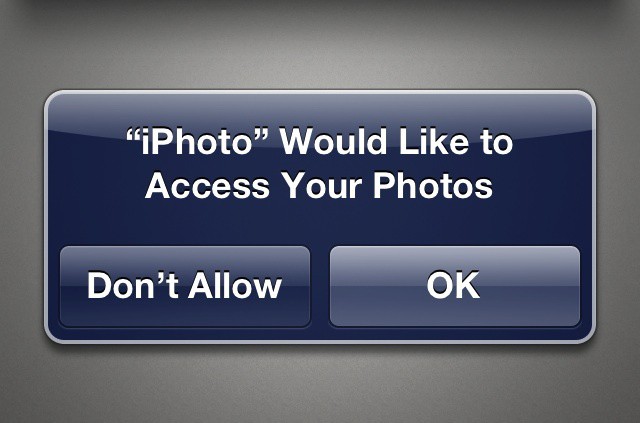
Beginning with iOS 6, Apple will now prompt you before allowing any app to access your personal data. This includes not only your contacts, but calendars, reminders, and photo library as well. In addition to these dialog boxes, iOS 6 also includes a new privacy section where you can manage fine-grain controls over which apps can use your data.
iPhoto has several Special Effects ready to play with, accessed with a tap on the little sparkly icon, the fifth from the left in the lower left corner of iPhoto on the iPad. Tap that, and a fan of special effects swatches will rise up from the bottom of the screen. There are six filters there, including Warm & cool, Duotone, Black & White, Aura, Vintage. and Artistic. Tap on a swatch you’d like to apply, and then tap or drag along the strip to select the effect that you prefer. Many of the filters can be further tweaked by pinching or dragging around in the photo itself. For example, the Vignette effect, found at the right within the Black & White strip, can be enlarged with a pinching out gesture, and moved around to a new center point with a simple drag. Play around and have fun here. Tap the question mark icon at the top for a tooltip for each of the effect swatches.
Apple touts their new 3D maps in iOS 6 as being brand new, but as it turns out, Nokia — of all companies! — beat them to it. That’s right, if you head over to maps.nokia.com right now, you can use what is essentially iOS 6 maps from your desktop browser.
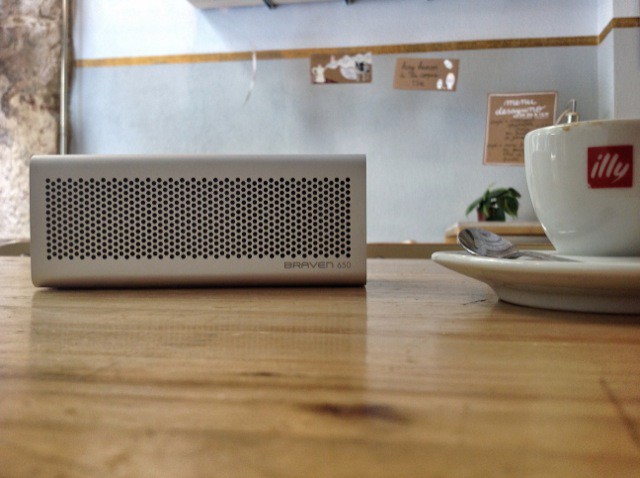
Handsome, tough and smart, the Braven is the Tony Stark of portable speakers
It’s inevitable that any review of the Braven 650 portable Bluetooth speaker compares it to JawBone’s JamBox, and so will this one. Short answer? The Braven sounds better. Long answer? That’s a bit more complicated.