So, until iOS 6, in order to email photos, you had to drop into the Photos app, open one photo at a time, and tap the Share via email button. You can still do this, or you can tap the Edit button in Photos and share multiple photos to email or other services like Facebook or Twitter.
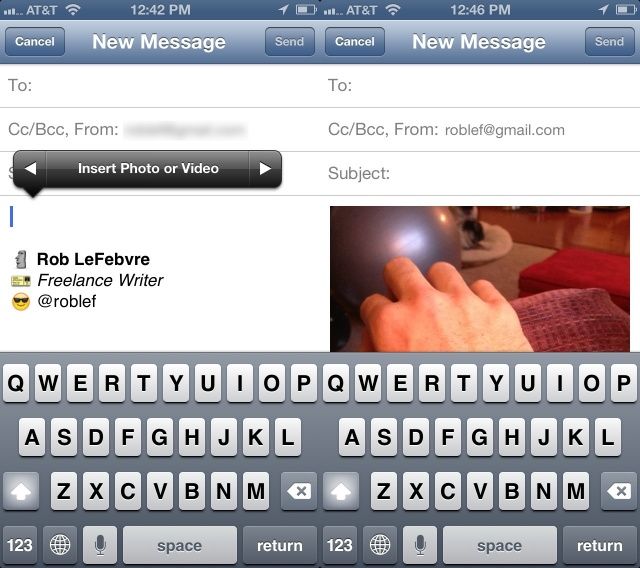
In addition, however, you can insert pictures into an email right inside of Mail app, without ever having to leave the app to get your images, which is much more Mac-like, to be honest. I mean, if you’re sending an email, you want to be able to add photos right there. Right? Right.
Here’s how to do just that.