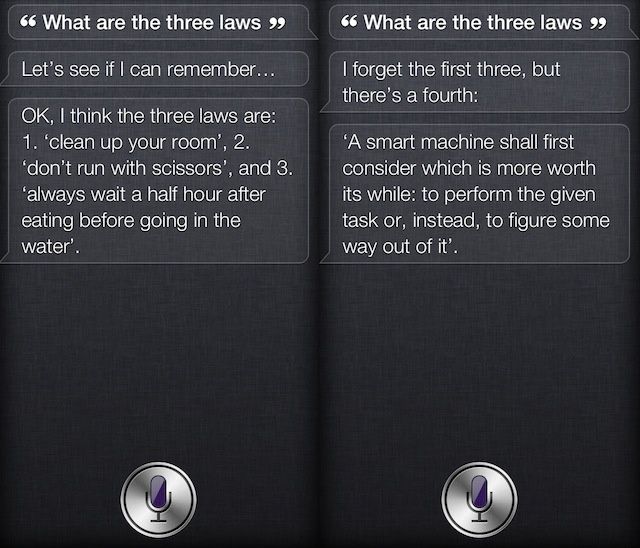
Nobody likes speaking to an automated phone system — they’re more unreliable than Siri — but a lot of companies use them, including Apple. You don’t necessarily have to speak to them for very long, however. Simply say the F-word next time you phone AppleCare and straight away you’ll be transferred to a human being — though your problem may not get solved any quicker.
Saying F**k You Could Get You To The Head Of The AppleCare Line