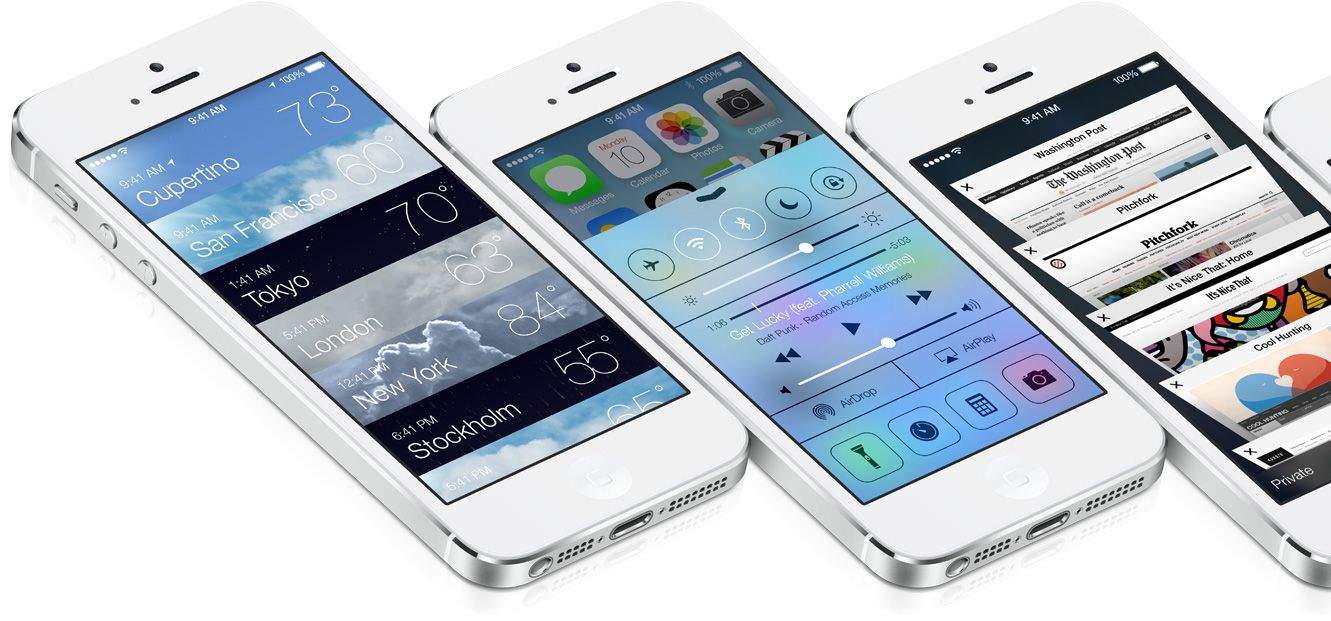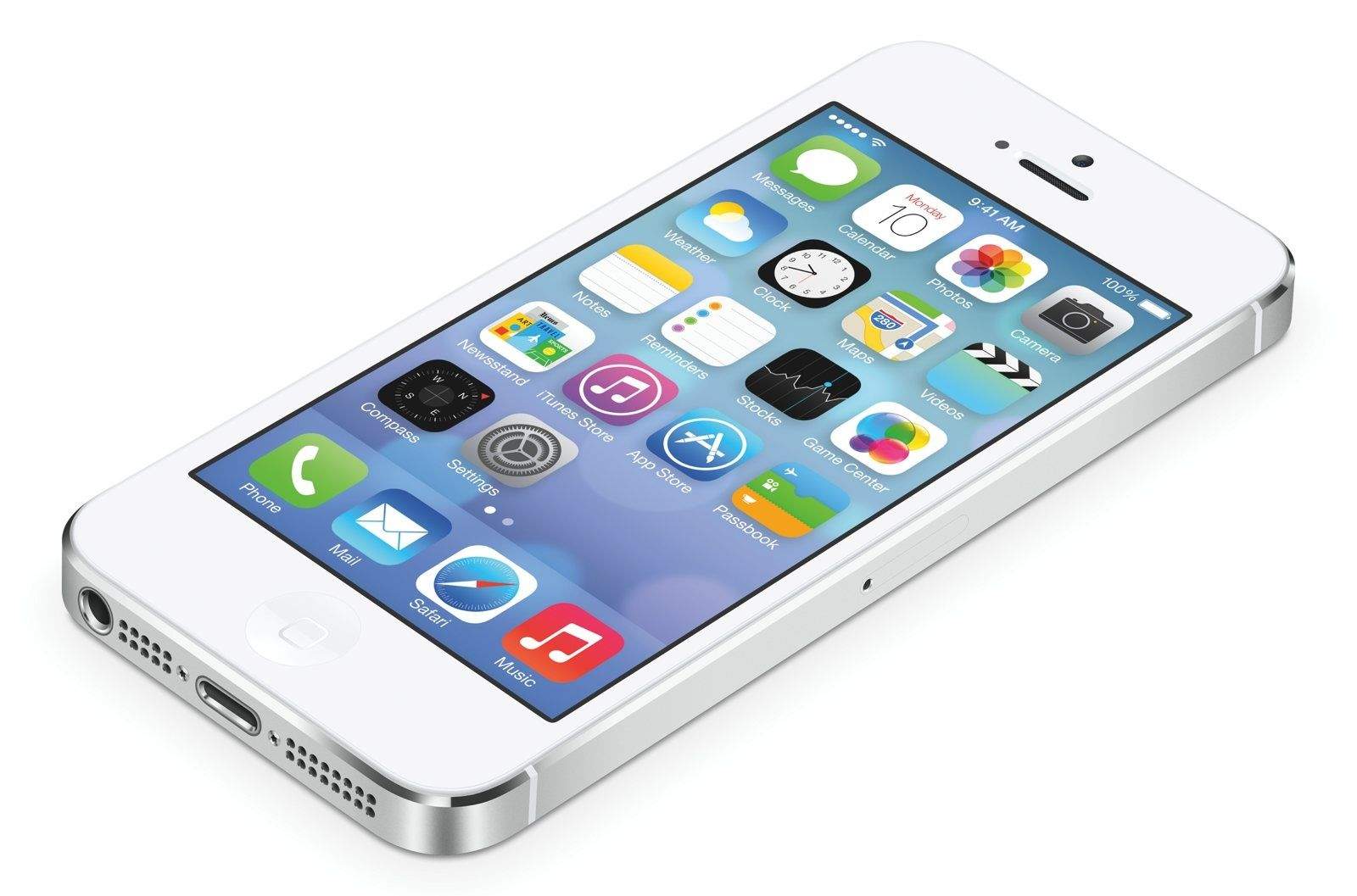
Over the last few weeks you’ve probably heard all about iOS 7. How different it looks. How beautiful the new UI is. How it’s the biggest change to the iPhone since Steve Jobs unveiled the original back in 2007.
All of that is true, but iOS 7 is much more than just a shiny new UI and some flat icons. Along with the new UI, there are tons of new software feature that will make using your iPhone easier and faster than ever before. Here are the 10 iOS 7 features that will make you never want to go back to iOS 6.