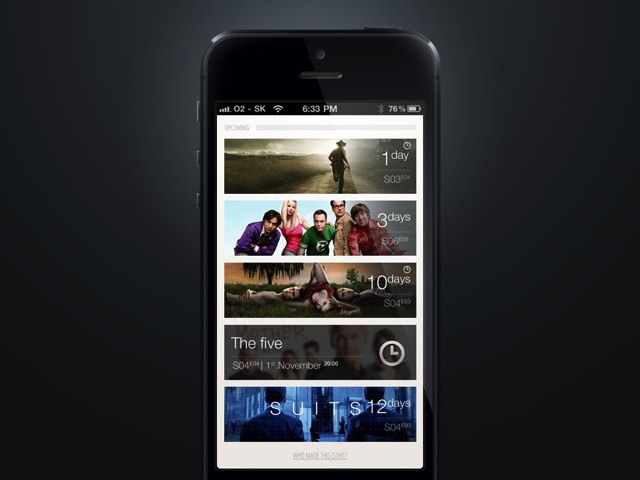
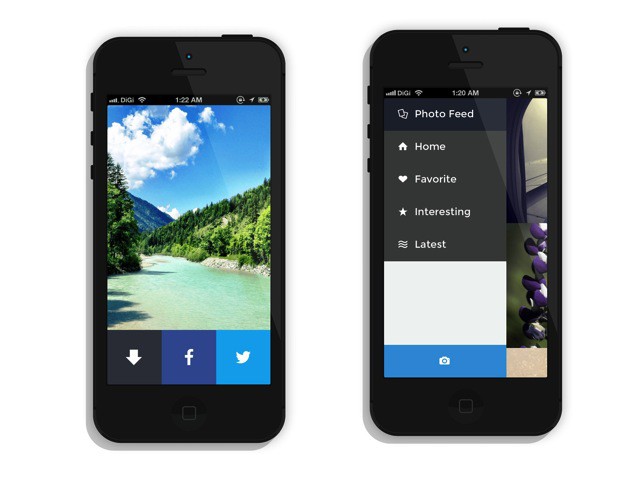
TeeVee 2 is a great iPhone app that tells you when your favorite TV shows are airing. I’ve tried a bunch of these apps in the past, and TeeVee wins out for a couple of reasons – it’s fast, it’s simple and it looks gorgeous.
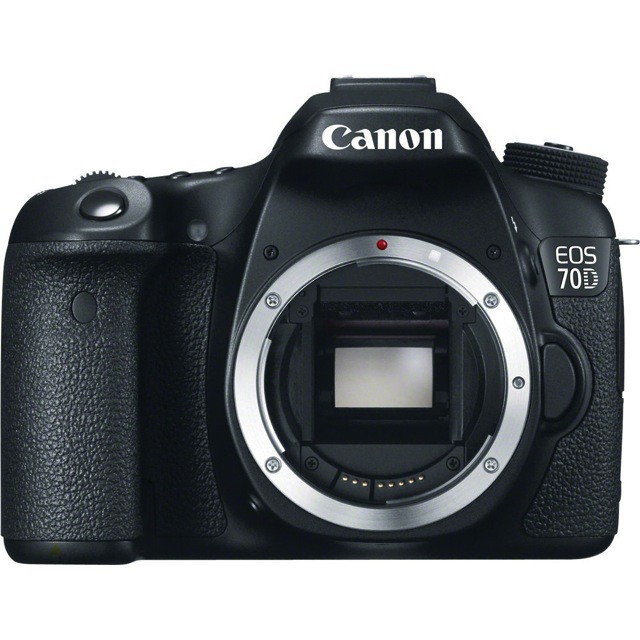
You can read about the full spec rundown of the new Canon 70D SLR elsewhere (DP Review is a good bet). Here we’ll just take a look at the big (and it is big) new feature – the fancy video-friendly autofocus.
Apple has today kicked off its annual Back to School promotion through the Apple online store. As it did in 2012, the Cupertino company is offering a $100 App Store gift card with every new Mac, or a $50 card with a new iPad.
This year’s promotion also includes the iPhone, which now comes with a $50 gift card, too.
In order to supply power to its new data center in Reno, Nevada, Apple plans to build a solar array in collaboration with NV Energy, a Nevada utility company. The energy farm should power the data center as well as the surrounding community, says Apple.
This new solar plant is right in line with Apple’s efforts to use as much renewable energy as possible in its facilities. The site in Cork, Ireland is powered by wind and sites in Elk Grove, California as well as Austin are completely powered by green energy as well, which is pretty darn cool.
According to its investor’s page, Apple, Inc. will conference call with investors on July 23, 2013, discussing its financial performance for the fiscal third quarter of 2013, which ended June 30.
The call will be live streamed on Apple’s web page for anyone to listen in, and should cover revenue and sales figures. We can expect to hear from Tim Cook, CEO, and probably Peter Oppenheimer, CFO of Apple, both explaining the current performance as well as making some sort of financial forecast for the coming quarter, Q4 2013.
TSMC is one of Apple's biggest partners. Photo: Apple/TSMC
Apple and Samsung are heated rivals when it comes to selling smartphones and tablets, but the two companies are still in bed behind the scenes. Samsung makes the majority of Apple’s processors for the iPhone and iPad, and there hasn’t been another manufacturer that’s capable of replacing Samsung’s assembly line prowess.
Moves are being made to distance Samsung from the iPhone’s guts, however. A deal with TSMC (Taiwan Semiconductor Manufacturing) has been struck for Apple’s mobile processors. TSMC will start making a chunk of the ‘A’ series chips for Apple in 2014, but Samsung is still supplying the bulk of the orders.
The Wall Street Journal confirmed the deal over this past weekend after Digitimes recently said that TSMC will start making upcoming chips for Apple’s next-gen devices. “TSMC plans to start mass-producing the chips early next year using advanced “20-nanometer” technology, which makes the chips potentially smaller and more energy-efficient,” according to the Journal.
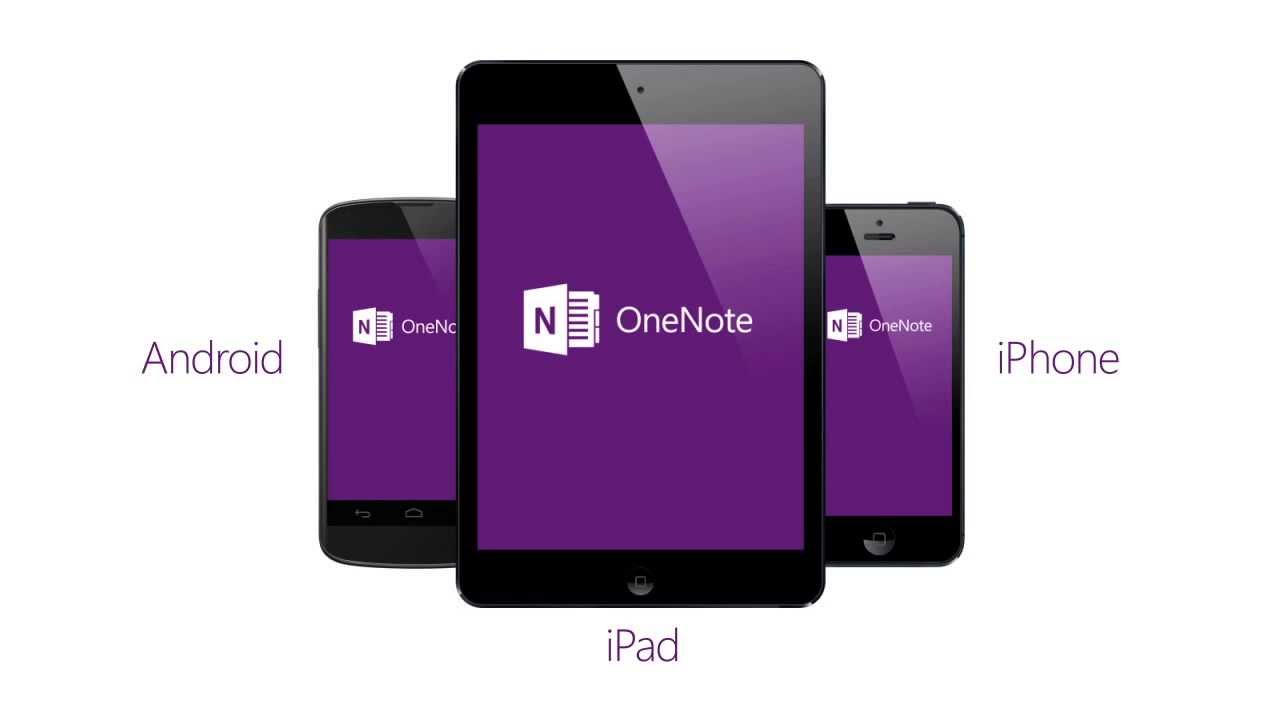
Did you know that Microsoft has its own note-taking app? Well it does, and it’s called OneNote. The iOS app has been in desperate need of some love for many months, and today Microsoft released version 2 for iPhone and iPad in the App Store. Besides some significant design and functionality tweaks, OneNote is now totally free. You used to only be able to save 500 notes before paying.
The best thing about AirPlay is that it just works. It takes about two taps to send audio from an iPhone to an Apple TV or other supported device. The downside to AirPlay is that Apple owns it exclusively, and accessory makers have to pay a licensing fee to use it in their products. That means customers pay more for an average AirPlay-capable speaker vs. a Bluetooth box.
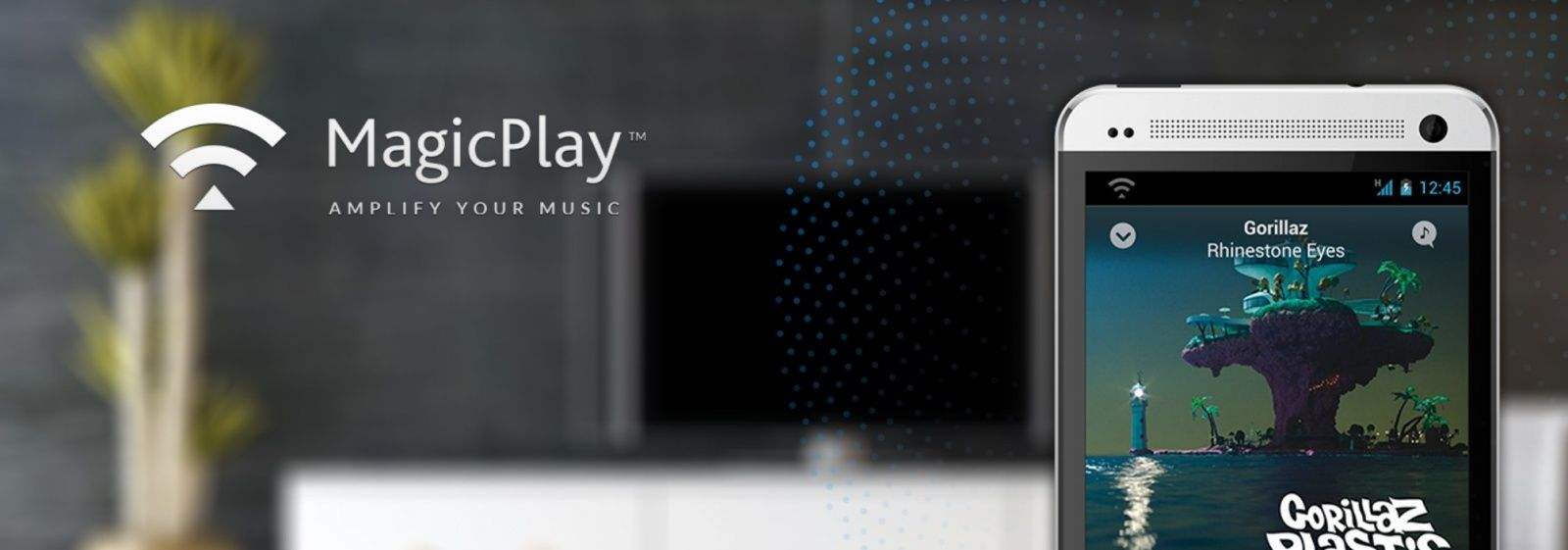
DoubleTwist, a small developer team behind some gorgeous Mac and Android apps, has an open source alternative to AirPlay called MagicPlay.
Earlier today, we showed you a screenshot of what appears to be iOS 7 in some sort of jailbroken state. While the screenshot doesn’t confirm that iOS 7 has been fully jailbroken by any means, it’s a good sign that jailbreaking will live on in the post-iOS 6 era.
OpenJailbreak, a new project led by renowned iOS hacker Joshua ‘p0sixninja‘ Hill, will be the first community-driven hub of code and tools solely dedicated to jailbreaking and everything it entails. Not only does this mean that hacking iOS could become more of a public effort, but it also means that exploits will likely be gathered more quickly for jailbreaking future iOS versions.
Apple has been under heavy scrutiny the past few months for its tax practices and off-shore cash pile, but the criticism that Apple isn’t paying enough taxes isn’t likely to stop thanks to a new report that claims Apple paid zero corporate tax in the United Kingdom last year.
According to a report from the Financial Times, Apple was able to avoid paying corporate taxes in the UK last year by using tax deductions from share awards to employees that basically offset the amount of taxes Apple owed through September 2012, all of which is completely legal.
Kayne West totally loves Steve Jobs. In fact, Yeezy proclaimed that he’s going to be like the “Steve of Internet,” because writing rhymes and wearing flashy clothing is the same thing as creating the iPod, iPhone, iPad, iMac, iTunes, and all that.
Needless to say, Mr. West is fascinated by the mystique and charisma of El Jobso, so for a Father’s day gift, his girlfriend Kim Kardashian gave him an Apple mouse signed by Steve Jobs himself. No M.C. can do without a hype man though, so Kim flew Woz out to the hospital and he signed the other mouse himself.
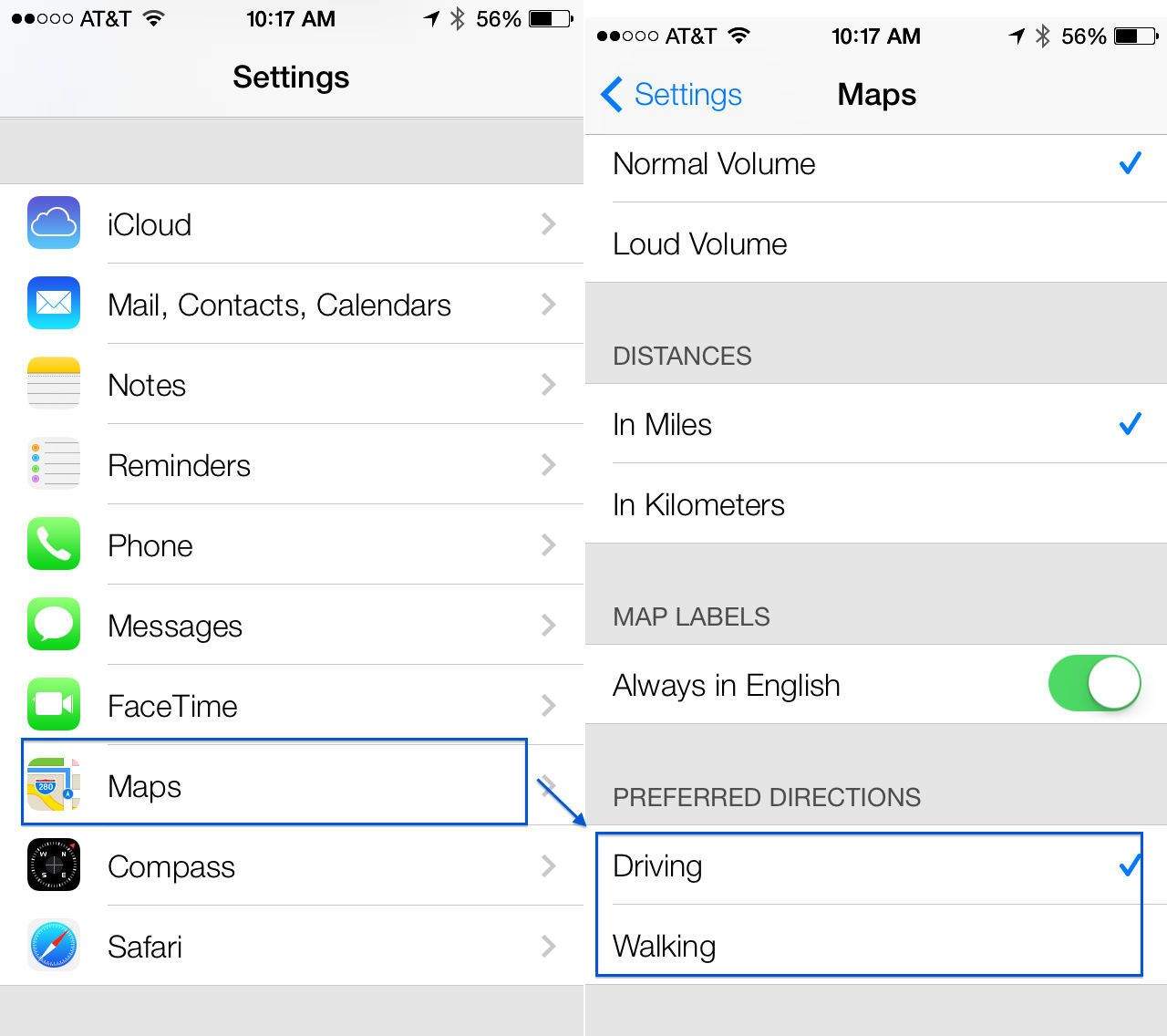
In Apple’s Maps app, which debuted in iOS 6, you’ve always been able to set the volume of the voiced directions, choose whether you want to use mile or kilometer units, and set your Map Labels to Always English or not.
In iOS 7 beta, however, you’re now able to set your preferred direction type. Here’s how.
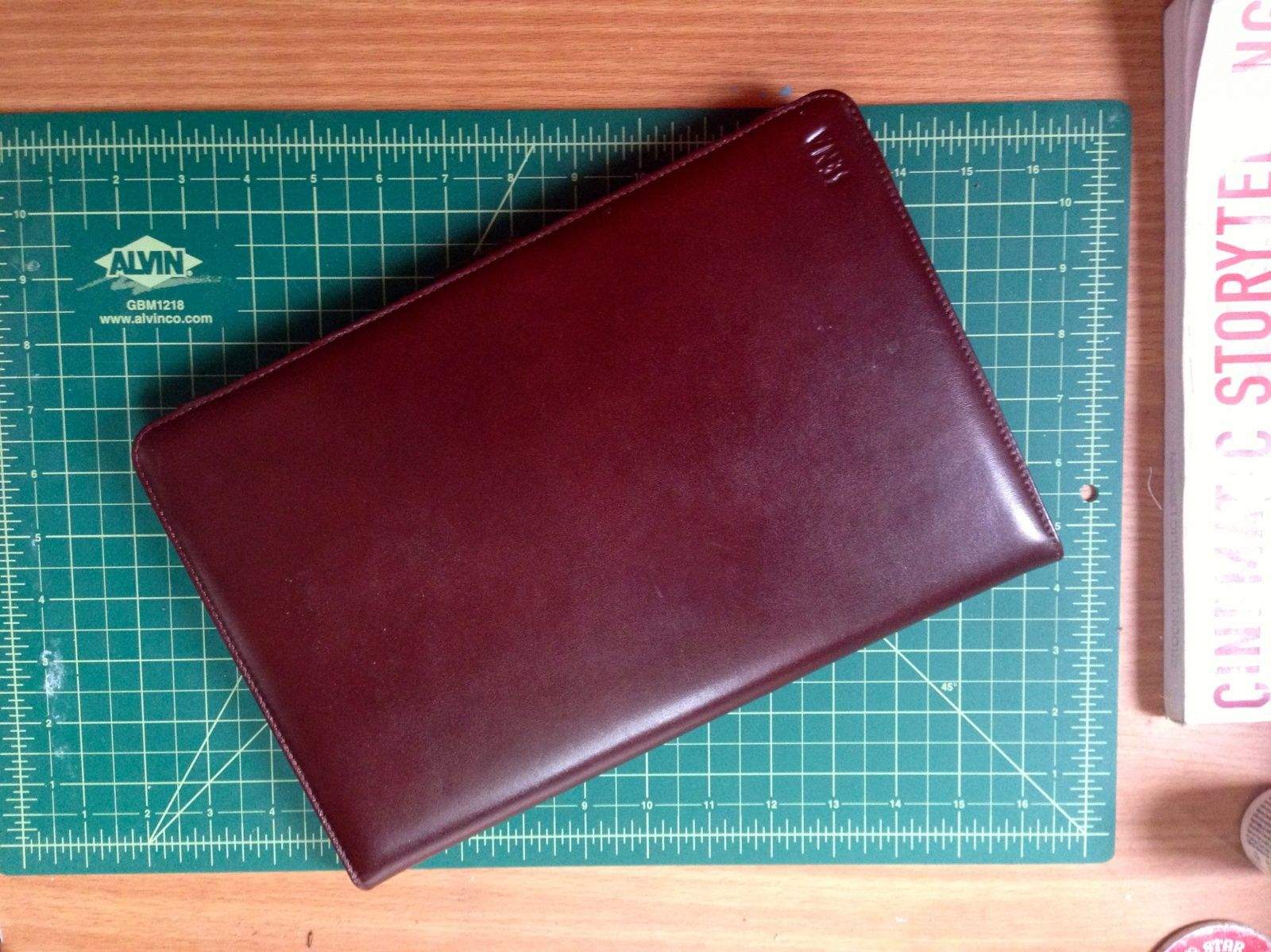
Folio Case by SENA Category: Cases Works With: MacBook Air Price: $139.95
For most of the twentieth century, it’s been a material that testifies to professionalism and distinction, and while Apple’s glass-and-aluminum products may be designed with timelessness in mind, this timelessness interfaces well with leather’s inherent timefulness: the way the oils in your hands and the way you touch it give it character over time.
SENA is a company specializing in premium leather cased for phones, tablets and other devices. We gave their Folio Case for the 11-inch MacBook Air a spin. Leather looks good against aluminum and glass, but how does it feel? That’s what we set to find out.
Anyone who’s ever worked from home knows that sometimes you just have to get out away from your home office and change things up. If you don’t like hanging out at coffee shops, or paying for a co-working space though, there’s a new iPhone app called Breather that offers short-term access to clean, classy office spaces with a desk, couch, and Wifi, for about $20 an hour. Basically, it’s like Zipcar only for office spaces.
The magic of the service is that, like Zipcar, there’s no hassle to get into your rented space. Once you’ve reserved a room you can just walk up to the door and it will unlock at the press of button. No secretary to give you a key. No ID needed or forms to sign. Everything happens on your iPhone.
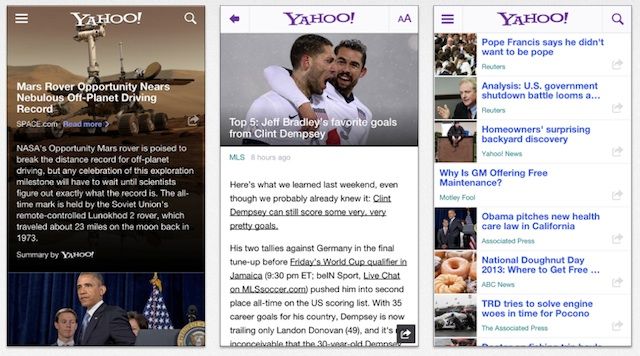
Since taking over as CEO of Yahoo last year, Marissa Mayer has pushed the company to make some huge improvements to its apps for iOS. So far we’ve been treated to stellar updates to Yahoo Weather, News and Flickr and the improvements keep coming as the company just published a nice update for its news app.
Yahoo News for iOS received an impressive redesign in April but today’s update cleans up some of the article navigation and adds better Yahoo! Mail integration, quicker sharing, and sponsored stories.
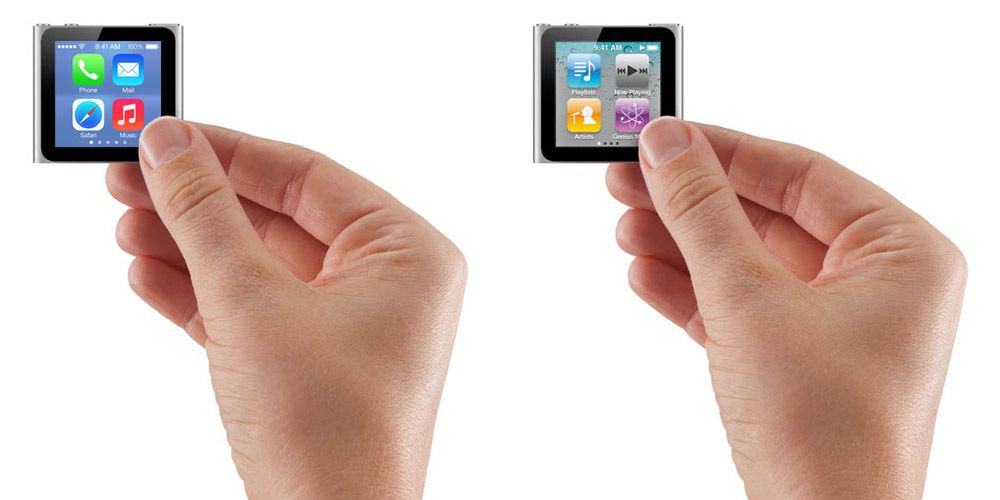
iOS 7 received some mixed looks at first glance when it debuted on the iPhone. Maybe you hate Jony’s new icon grid or love it, but Chris Harris decided to see how the new interface faired on the old iPod Nano screen.
Even though the sixth gen iPod Nano doesn’t run full iOS, upgrading the layout to to the new grid wouldn’t look too bad. Here’s what Chris had to say about his mockup:
“I am not a ‘designer’ and I always choose clarity above style when I have my App Director hat on. Notice how the overly enlarged Safari circle, which some have called wrong, actually works really well in this particular situation.”
I have done a lot writing in my day, and there are times when I want to just let the words fly freely faster than I can possibly type them. When I’ve worked on my talks for seminars or wanted to work out some thoughts on a major piece of writing, I have given the reins to Dragon Dictate.
This Cult of Mac Deals offer has a huge savings on Dragon Dictate 3 for Mac – which has been an indispensable tool for me as a writer. You can get it for only $100 – that’s 50% off the regular price!
Apple is in the middle of negotiations to launch an iPhone 5S with LTE-Advanced technology on SK Telecom, according to an unnamed executive for the Korean carrier. The news comes just days after Samsung announced a new Galaxy S4 variant with LTE-Advanced, which is an upgraded version of LTE that promises faster data speeds.
French antitrust watchdog Autorite de la Concurrence raided Apple offices, wholesalers, and retail stores in France last week as part of an investigation into claims that the Cupertino company carries out anti-competitive practices against third-party retailers by offering consumers better deals through its own stores.
One of the coolest things about Messages is the cross-device functionality, in that you can send messages to and from your Mac and your iOS devices. I use it while at work to chat with folks who text me from their iPhone; it’s a really handy way to avoid using a tiny screen while at work, not to mention letting you keep your iPHone in a bag, instead of beeping or vibrating on your desk.
Now, though, you can send an iMessage in the Notification Center in OS X Mavericks beta. Here’s how.
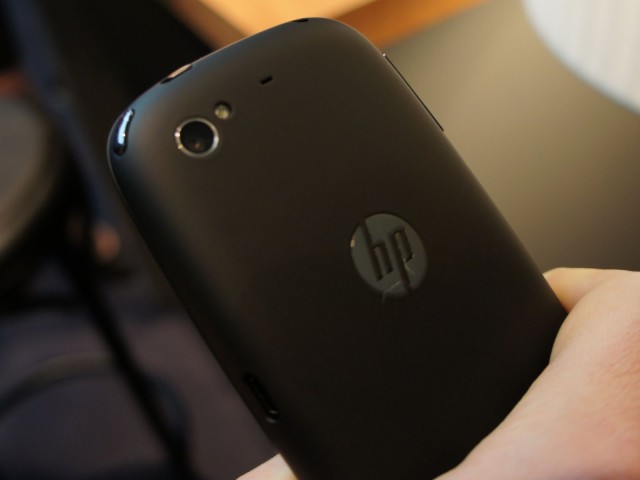
HP famously gave up on its smartphone and tablet business back in 2011 when it announced that it would no longer be developing hardware powered by its webOS platform. But two years later, the company is planning to have another crack at it.
Yam Su Yin, HP’s Senior Director of Consumer PCs and Tablets, has confirmed that the company is already working on a new smartphone — one that will deliver a unique experience that you won’t get from its rivals.
Pure is an iPhone Flickr app which looks ready for iOS 7 already. As the name suggests, there’s a focus on plain and simple design, and the lack of button-shaped buttons makes even the cleanly-designed official Flickr app look cluttered. However, you mightn’t be switching to Pure just yet, as it lacks a fair bit of basic functionality.
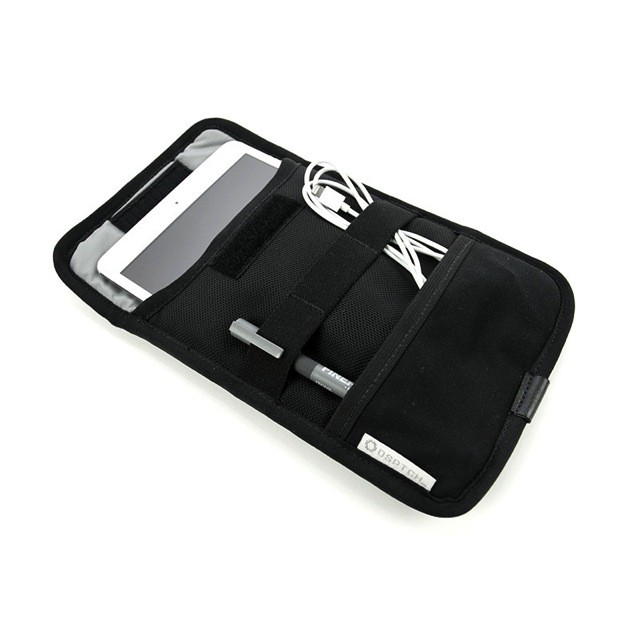
Meet the DSPTCH case, the perfect vowel-free traveling companion for your iPad mini. It’s a simple envelope-style sleeve, only it has a bunch of unobtrusive straps and pockets on the outside to wrangle your on-the-road essentials.
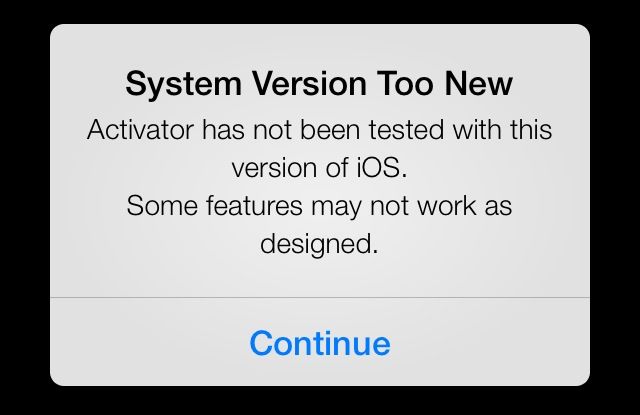
Can it be jailbroken? That’s the first question a large number of iPhone, iPad, and iPod touch users ask when Apple releases a new iOS update — particularly when it’s a release as big as iOS 7. Apple attempts to block all the vulnerabilities that make jailbreaking possible with iOS updates, so there’s always a concern that the next will kill jailbreaking once and for all.
Thankfully, it doesn’t look like that will be the case with iOS 7, which has already been jailbroken.
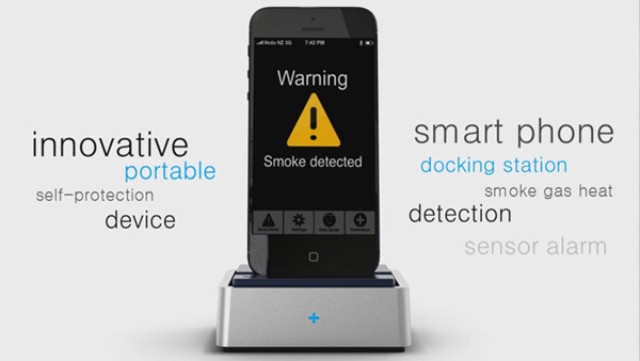
You should probably have a smoke detector in every room, and you should also test it regularly, thus making a mockery of Nina Simone’s song Don’t Smoke in Bed. However, some of us live in apartments in which the landlord can’t even provide a toilet that flushes properly, and so the hope of him fitting smoke detectors is a distant one.